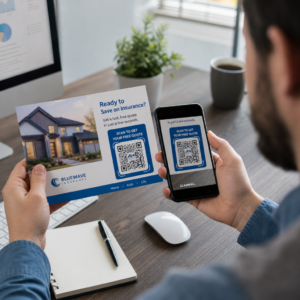
Seus códigos QR estão sendo ignorados? A maioria das empresas coloca códigos em materiais impressos sem uma estratégia clara, e o resultado são poucas digitalizações e nenhum retorno mensurável. Este guia o conduz pelos passos práticos – do planejamento ao rastreamento – que transformam um código QR básico em um ativo de marketing genuíno.
Comece com um Objetivo e Público Claros
Colocar um código QR sem um objetivo é o erro mais comum que os profissionais de marketing cometem. Antes de gerar qualquer coisa, defina o que você quer que o código realize. Você está direcionando tráfego para uma página de produto? Aumentando sua lista de e-mails? Coletando avaliações do Google? Impulsionando downloads de aplicativos?
Ao mesmo tempo, pense no seu público. Pergunte a si mesmo:
- Seus clientes já sabem como escanear códigos QR, ou eles precisam de instruções breves por perto?
- Onde eles encontrarão o código – uma mesa de restaurante, um estande de feira, uma embalagem de produto?
- O que os motivará a escanear naquele momento específico?
Incentivos fazem uma diferença significativa. Códigos QR vinculados a um desconto, um recurso gratuito, conteúdo exclusivo ou um concurso dão às pessoas uma razão concreta para agir. Sem esse valor, mesmo um código bem posicionado é ignorado. Para um ponto de partida estruturado, o Checklist de marketing com QR code para pequenas empresas aborda a definição de metas e a seleção de códigos em detalhes.
Escolha o Tipo Certo de Código QR para Sua Campanha
Nem todos os códigos QR funcionam da mesma maneira. Códigos QR estáticos codificam informações diretamente no padrão. Uma vez impressos, não podem ser alterados e não fornecem dados de rastreamento. Funcionam bem para conteúdo permanente como credenciais de Wi-Fi ou detalhes de contato fixos.
Códigos QR dinâmicos usam um URL de redirecionamento curto, o que significa que você pode atualizar o destino a qualquer momento sem reimprimir o código físico. Eles também capturam análises detalhadas – contagens de digitalizações, carimbos de data/hora, tipos de dispositivo e dados geográficos. Para qualquer campanha de marketing onde você precisa de flexibilidade ou medição, os códigos dinâmicos são a escolha certa.
Para entender as compensações em sua totalidade, o comparação de códigos QR estáticos vs dinâmicos explica quando cada tipo faz sentido e quais recursos cada um suporta.
Crie e Gerencie Códigos QR Dinâmicos em Um Só Lugar Atualize destinos sem reimprimir, acompanhe o desempenho de leitura e gerencie cada código a partir de um único painel com o Gerador de QR Code Dinâmico.
Design para Escaneabilidade
Um código QR que falha ao escanear danifica a confiança da mesma forma que um link quebrado – os visitantes saem e não retornam. As decisões de design afetam diretamente se o seu código funciona de forma confiável em diferentes dispositivos e condições de iluminação.
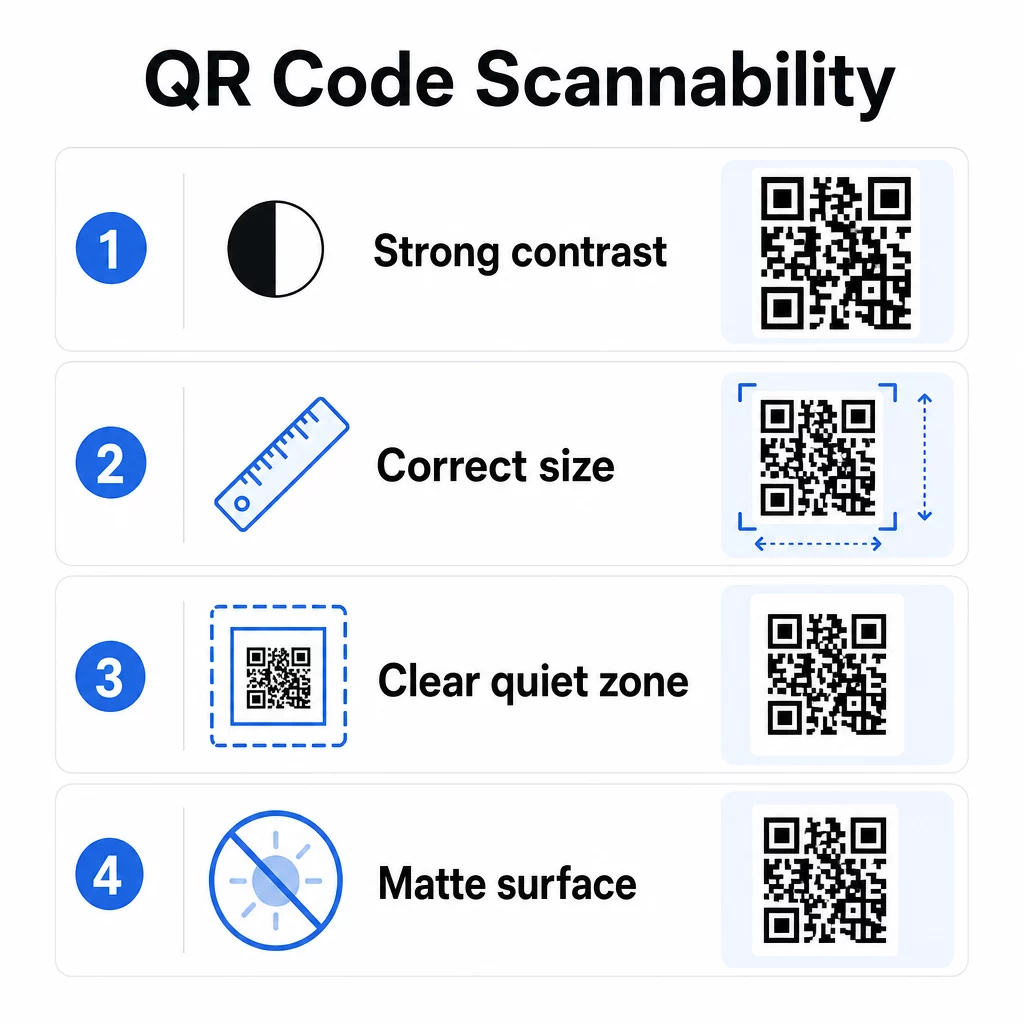
Contraste é o fator mais importante. Os scanners funcionam distinguindo módulos escuros de um fundo claro. Uma taxa de contraste mínima de 4:1 é necessária para legibilidade padrão, e um contraste maior é recomendado para locais externos ou ambientes com pouca luz. Evite cores invertidas, combinações de baixo contraste como cinza claro em branco e superfícies brilhantes que criam reflexo.
Tamanho determina se um código pode ser lido na distância de leitura onde as pessoas realmente o encontrarão. Uma diretriz prática é a proporção de 10:1: a largura do código em centímetros deve ser aproximadamente um décimo da distância de leitura esperada em centímetros. Para materiais de curto alcance, como cartões de visita, o mínimo absoluto é 2 × 2 cm (0.8 × 0.8 in). Para a maioria dos folhetos impressos, 3 × 3 cm (1.2 × 1.2 in) é uma base mais segura.
Outros fatores de design a ter em mente:
- Mantenha uma zona de silêncio clara – a borda branca que rodeia o código – para que os scanners possam isolar o padrão dos elementos de design circundantes
- Use superfícies foscas em vez de acabamentos brilhantes para reduzir o reflexo
- Gere códigos em alta resolução para evitar pixelização ao imprimir
- Evite colocar códigos em superfícies curvas como garrafas, onde a distorção interfere na leitura
Para uma análise mais aprofundada das diretrizes de cor e contraste, o guia para melhorar a legibilidade do código QR cobre os requisitos técnicos em detalhe.
Personalize Seus Códigos QR
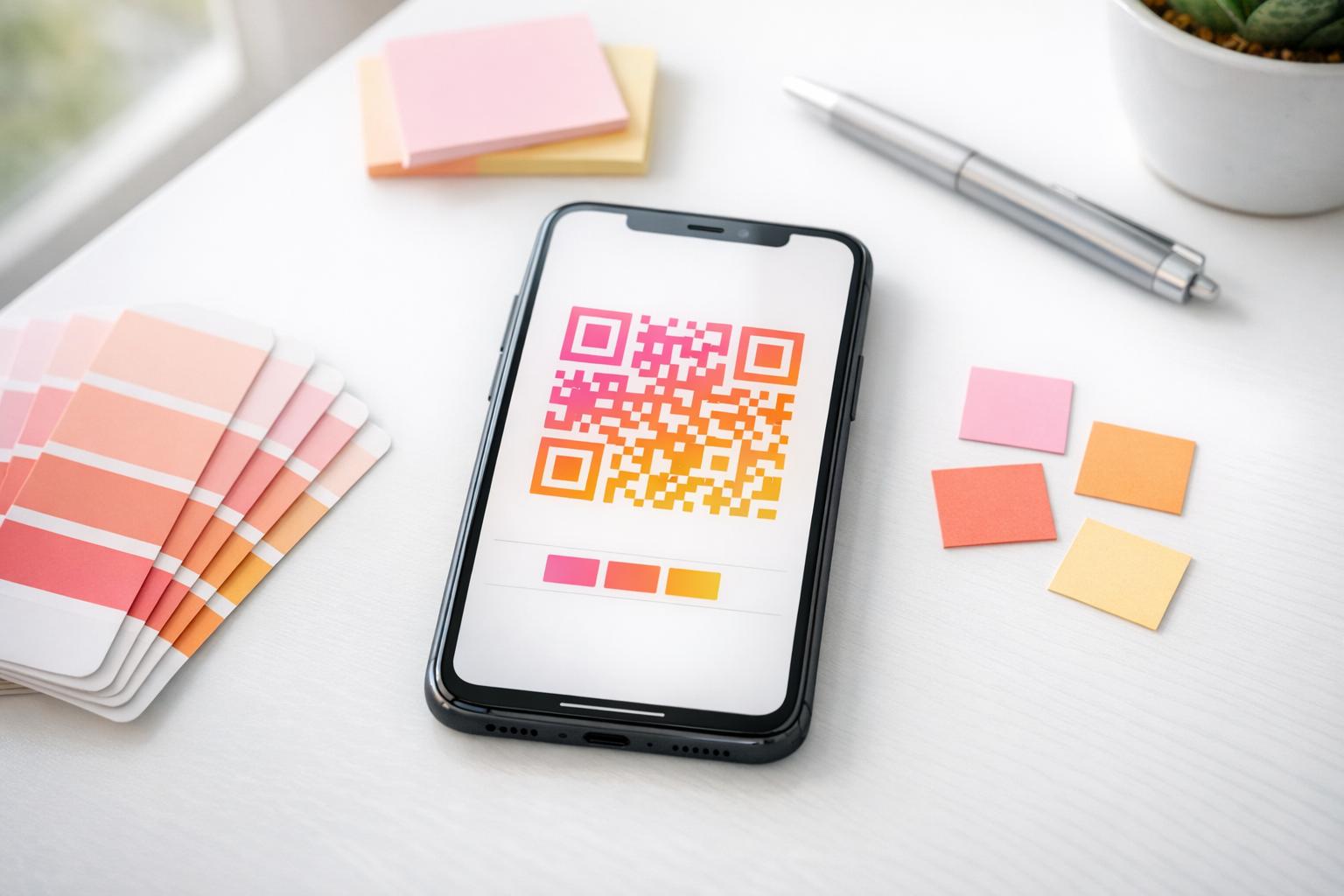
Um código QR simples em preto e branco é funcional, mas não reforça sua identidade nem se destaca em uma página lotada. Códigos personalizados – com cores da marca, um logotipo no centro e uma moldura estilizada – atraem mais atenção e comunicam profissionalismo.
Ao adicionar um logótipo, mantenha-o simples e dimensionado para que não obstrua a área de leitura do código. Se incluir um logótipo, aumente o nível de correção de erros para Q ou H para compensar os módulos cobertos. Teste sempre o código com a marca em vários dispositivos antes de o finalizar para impressão.
Adicionar uma moldura de chamada para ação – texto como “Digitalize para o menu” ou “Obtenha o seu desconto” – preenche a lacuna entre a curiosidade e a ação, dizendo às pessoas exatamente o que irão obter. As molduras melhoram consistentemente as taxas de leitura porque eliminam a ambiguidade.
Explore as opções para Códigos QR com logótipos e aprenda como Molduras de QR code podem ser usados para aumentar o envolvimento em diferentes contextos.
Coloque os Códigos Onde a Leitura é Prática
A visibilidade e o contexto são tão importantes quanto o design. Um código QR colocado onde as pessoas não têm tempo, conectividade ou uma razão clara para digitalizar terá um desempenho inferior, independentemente de quão bem projetado esteja.
A colocação eficaz segue alguns princípios consistentes:
- Posicione os códigos ao nível dos olhos – tipicamente entre 1,07 e 1,68 metros do chão para cartazes e sinalização
- Evite áreas desordenadas onde o código compete com os elementos visuais circundantes pela atenção
- Considere se o seu público terá uma ligação à internet nesse local (um metro com sinal fraco é um ambiente inadequado para um código que carrega uma página web)
- Coloque os códigos onde as pessoas têm um momento para fazer uma pausa – expositores de mesa, embalagens de produtos, áreas de espera e balcões de registo de eventos funcionam bem
- Teste diferentes posicionamentos para o mesmo conteúdo do código para descobrir o que gera mais leituras
Para posicionamentos específicos de impressão, o guia para a colocação de códigos QR em marketing abrange as melhores práticas por tipo de material, desde cartões de visita e folhetos até banners e telas digitais. O guia sobre o uso de códigos QR em mídia impressa aborda o dimensionamento e o posicionamento especificamente em contextos de publicidade física.
Envie os Leitores para um Destino Otimizado para Dispositivos Móveis
Os códigos QR são lidos quase exclusivamente em smartphones. Enviar alguém para uma página que não é otimizada para dispositivos móveis compromete imediatamente a experiência e aumenta as taxas de rejeição.
Uma boa página de destino móvel para uma campanha de QR:
- Carrega rapidamente, mesmo em uma conexão de celular com largura de banda limitada
- Exibe conteúdo que é legível sem precisar pinçar ou dar zoom
- Foca em uma única e clara ação, em vez de um layout desordenado
- Linka diretamente para o conteúdo relevante – um menu específico, produto, oferta ou formulário – não uma página inicial genérica
Se você estiver usando códigos QR dinâmicos, você pode atualizar o URL de destino sem reimprimir, o que significa que você pode corrigir uma página de destino com baixo desempenho ou trocar por uma promoção sazonal sem emitir novos códigos.
Vincule Seu Código QR a Qualquer URL Direcione os leitores para qualquer página da web, página de destino ou destino de campanha com o Gerador de Código QR de Link.
Acompanhe o Desempenho e Otimize
Um dos argumentos mais fortes para usar códigos QR em marketing são os dados que eles geram. Rastreamento de leituras de códigos QR dá-lhe uma visão sobre quando, onde e com que frequência os seus códigos estão a ser utilizados – informações que os canais de publicidade estáticos não conseguem fornecer.
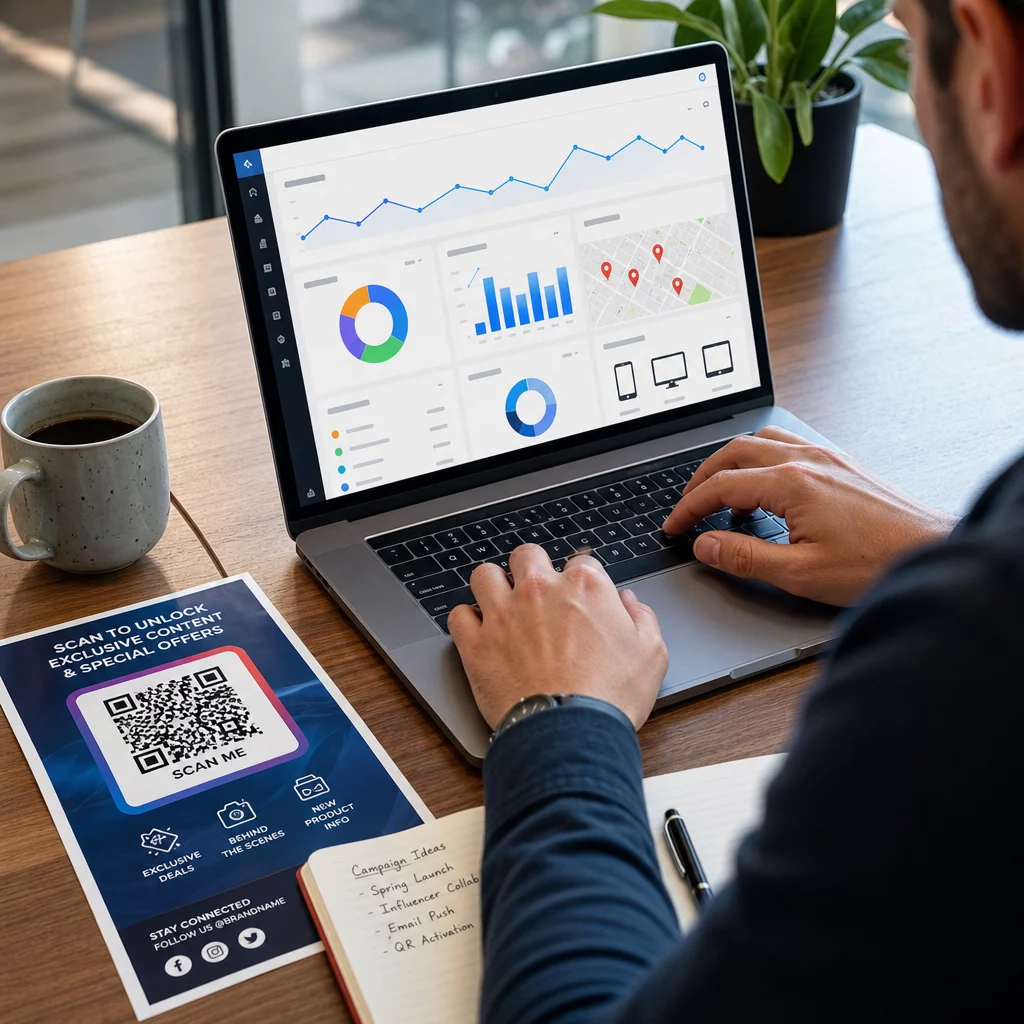
Códigos QR dinâmicos capturam métricas, incluindo:
- Total de digitalizações e digitalizações únicas
- Registos de data e hora de leitura (padrões de dia e hora)
- Localização geográfica por cidade ou região
- 6. Tipo de dispositivo e sistema operacional
Adicionar parâmetros UTM às suas URLs de destino conecta os dados de leitura do código QR à sua conta do Google Analytics, permitindo-lhe medir o comportamento pós-leitura, como páginas visitadas, tempo no site e conversões. Para um guia de configuração prático, o artigo sobre parâmetros UTM para códigos QR explica as convenções de nomenclatura e os relatórios do GA4.
Também pode realizar testes A/B estruturados criando variações com diferentes CTAs, designs ou posicionamentos e comparando as taxas de leitura e conversão. O guia sobre como o teste A/B melhora as conversões de códigos QR explica como configurar e analisar estes testes sistematicamente.
Veja Cada Leitura em Tempo Real Aceda a análises detalhadas, incluindo locais de leitura, tipos de dispositivo e padrões de hora do dia, com as ferramentas de rastreamento de códigos QR da Pageloot.
Teste Antes de Distribuir
Testar é inegociável. Um código que não consegue ser lido depois de 10.000 folhetos terem sido impressos é um erro dispendioso que poderia ter sido detetado em cinco minutos.
Antes de qualquer campanha ser lançada:
- Digitalize o código em vários dispositivos (tanto iOS quanto Android, incluindo modelos mais antigos)
- Teste nas condições de iluminação onde o código será realmente exibido
- Confirme se o destino carrega corretamente e é totalmente funcional no celular
- Se você estiver usando parâmetros UTM, verifique se eles aparecem corretamente em sua conta de análise
Os códigos QR dinâmicos facilitam a correção de problemas pós-lançamento porque você pode atualizar o destino sem reimprimir. No entanto, o teste da capacidade de leitura física do código ainda precisa ser feito antes da distribuição.
Aplique Códigos QR em Sua Indústria
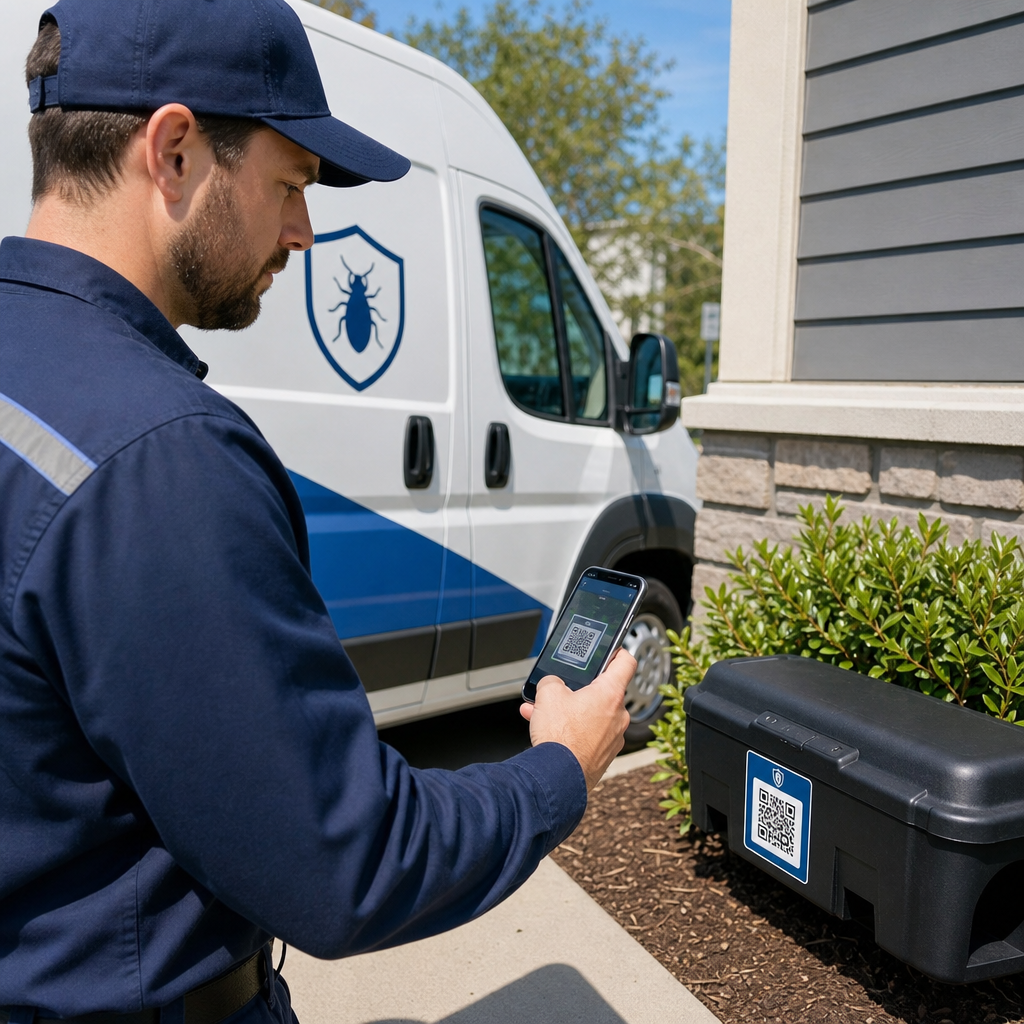
Os códigos QR estão em uso ativo na maioria das indústrias com contato direto com o cliente. Restaurantes os usam para menus e pedidos sem contato. Varejistas vinculam embalagens a informações de produtos, tutoriais em vídeo e avaliações de clientes. Profissionais imobiliários conectam sinalização a tours virtuais e listagens ao vivo. Organizadores de eventos os usam para registro, check-in e horários de sessões.
O Central de soluções da indústria Pageloot cobre casos de uso específicos para o seu setor, e a biblioteca de recursos descreve a gama de tipos de códigos QR disponíveis – desde entrega de PDF e compartilhamento de vCard até coleta de avaliações do Google e redirecionamentos para lojas de aplicativos.
Algumas ferramentas específicas que vale a pena conhecer:
- Gerador de QR Code de PDF – compartilhe menus, catálogos, manuais e documentos sem dores de cabeça com hospedagem
- Gerador de QR Code para cartão de visita – dê aos contatos acesso instantâneo aos seus detalhes em eventos de networking
- Gerador de QR Code de Avaliação do Google – reduza o atrito no processo de avaliação e colete mais feedback dos clientes
Perguntas frequentes
Um código QR estático codifica informações diretamente no padrão e não pode ser alterado após a criação. Ele não fornece dados de rastreamento. Um código QR dinâmico usa um URL de redirecionamento curto, o que significa que você pode atualizar o destino a qualquer momento sem reimprimir o código, e ele captura análises como contagens de digitalizações, localizações e tipos de dispositivo. Para a maioria das campanhas de marketing, os códigos dinâmicos são a melhor escolha porque permitem otimização e medição contínuas.
Use códigos QR dinâmicos emparelhados com parâmetros UTM para rastrear o desempenho da campanha. Códigos dinâmicos capturam dados de leitura – incluindo quantas vezes o código foi lido, onde, em que dispositivos e em que horários. Parâmetros UTM conectam esses dados ao Google Analytics para que você possa medir o que acontece após a leitura, incluindo conversões e tempo na página. Comparar essas métricas em diferentes posicionamentos e períodos de tempo ajuda a identificar o que está funcionando e onde ajustar.
Sempre envie os leitores para uma página otimizada para dispositivos móveis que seja diretamente relevante para o contexto onde o código aparece. Evite enviar as pessoas para uma página inicial genérica. Se o código estiver numa mesa de restaurante, direcione para o menu. Se estiver numa embalagem de produto, direcione para um guia de configuração ou página de avaliação. O destino deve carregar rapidamente, exibir-se corretamente num ecrã de telemóvel e focar-se numa ação clara. O deep-linking para a página mais relevante reduz o atrito e melhora as taxas de conversão.