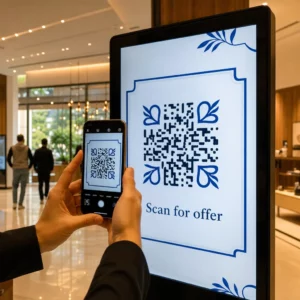
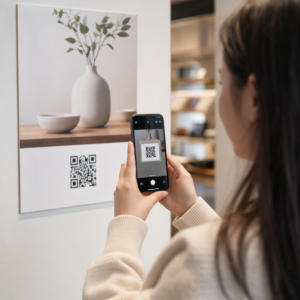
Apakah kode QR Anda diabaikan? Kebanyakan bisnis menempatkan kode pada materi cetak tanpa strategi yang jelas, dan hasilnya adalah pemindaian yang rendah serta tidak ada pengembalian yang terukur. Panduan ini akan memandu Anda melalui langkah-langkah praktis – dari perencanaan hingga pelacakan – yang mengubah kode QR dasar menjadi aset pemasaran yang nyata.
Mulai dengan Tujuan dan Audiens yang Jelas
Menempatkan kode QR tanpa tujuan adalah kesalahan paling umum yang dilakukan pemasar. Sebelum Anda membuat apa pun, tentukan apa yang ingin Anda capai dengan kode tersebut. Apakah Anda mengarahkan lalu lintas ke halaman produk? Mengembangkan daftar email Anda? Mengumpulkan ulasan Google? Mendorong unduhan aplikasi?
Pada saat yang sama, pikirkan tentang audiens Anda. Tanyakan pada diri Anda:
- Apakah pelanggan Anda sudah tahu cara memindai kode QR, atau apakah mereka membutuhkan instruksi singkat di dekatnya?
- Di mana mereka akan menemukan kode tersebut – meja restoran, stan pameran dagang, kemasan produk?
- Apa yang akan memotivasi mereka untuk memindai pada saat tertentu itu?
Insentif membuat perbedaan yang signifikan. Kode QR yang terhubung ke diskon, sumber daya gratis, konten eksklusif, atau kontes memberikan alasan konkret bagi orang untuk bertindak. Tanpa nilai tersebut, bahkan kode yang ditempatkan dengan baik pun akan diabaikan. Untuk titik awal yang terstruktur, Daftar periksa pemasaran kode QR untuk usaha kecil mencakup penetapan tujuan dan pemilihan kode secara rinci.
Pilih Jenis Kode QR yang Tepat untuk Kampanye Anda
Tidak semua kode QR bekerja dengan cara yang sama. Kode QR statis menyandikan informasi langsung ke dalam pola. Setelah dicetak, kode tersebut tidak dapat diubah, dan tidak menyediakan data pelacakan. Kode ini berfungsi baik untuk konten permanen seperti kredensial Wi-Fi atau detail kontak tetap.
Kode QR dinamis menggunakan URL pengalihan singkat, yang berarti Anda dapat memperbarui tujuan kapan saja tanpa mencetak ulang kode fisik. Kode ini juga menangkap analitik terperinci – jumlah pemindaian, stempel waktu, jenis perangkat, dan data geografis. Untuk setiap kampanye pemasaran di mana Anda membutuhkan fleksibilitas atau pengukuran, kode dinamis adalah pilihan yang tepat.
Untuk memahami semua pertukaran secara penuh, perbandingan kode QR statis vs dinamis menjelaskan kapan setiap jenis masuk akal dan fitur apa yang didukung oleh masing-masing.
Buat dan Kelola Kode QR Dinamis di Satu Tempat Perbarui tujuan tanpa mencetak ulang, lacak kinerja pemindaian, dan kelola setiap kode dari satu dasbor dengan Generator QR Code Dinamis.
Desain untuk Kemampuan Pindai
Kode QR yang gagal dipindai merusak kepercayaan sama seperti tautan rusak – pengunjung pergi dan tidak kembali. Keputusan desain secara langsung memengaruhi apakah kode Anda berfungsi dengan andal di berbagai perangkat dan kondisi pencahayaan.
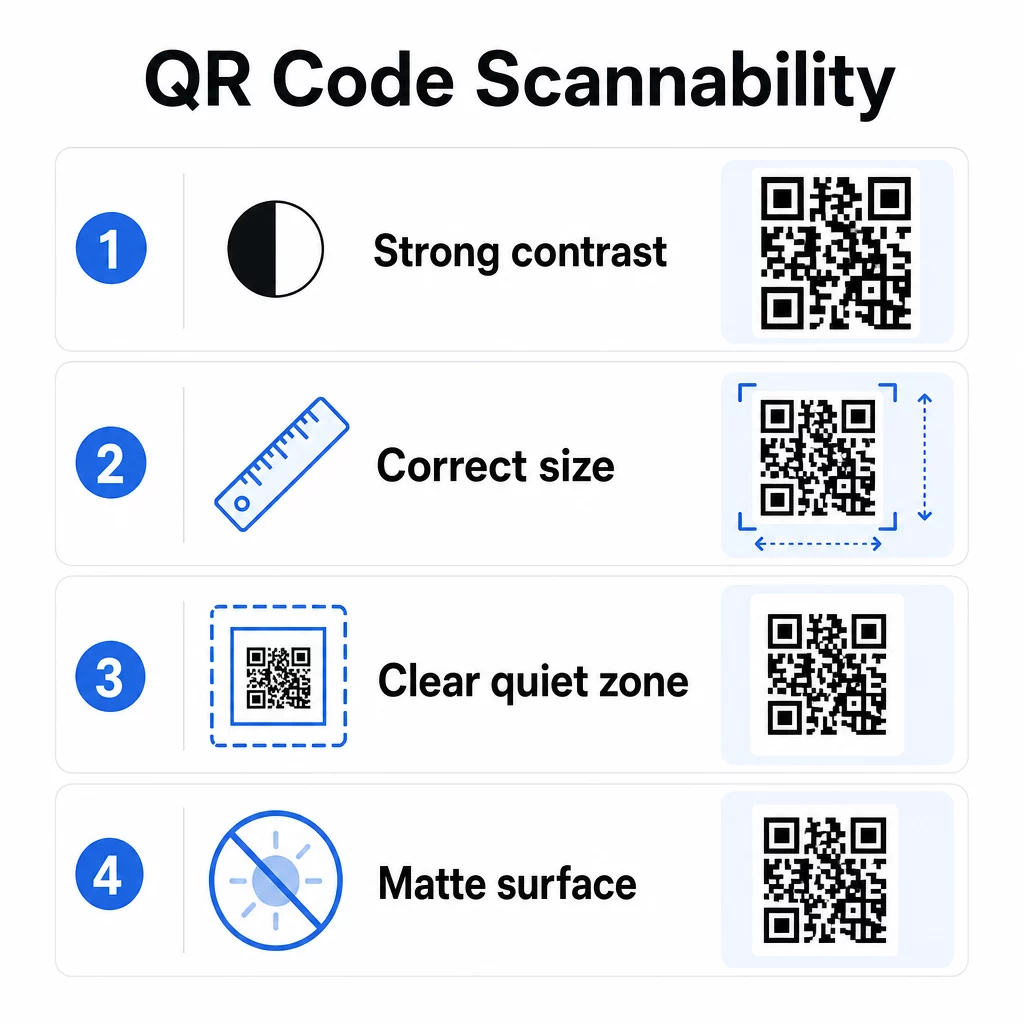
Kontras adalah faktor terpenting. Pemindai bekerja dengan membedakan modul gelap dari latar belakang terang. Rasio kontras minimum 4:1 diperlukan untuk keterbacaan standar, dan kontras yang lebih tinggi direkomendasikan untuk penempatan di luar ruangan atau lingkungan dengan cahaya rendah. Hindari warna terbalik, pasangan kontras rendah seperti abu-abu muda di atas putih, dan permukaan mengkilap yang menimbulkan silau.
Ukuran menentukan apakah kode dapat dibaca pada jarak pemindaian di mana orang akan benar-benar menemukannya. Pedoman praktis adalah rasio 10:1: lebar kode dalam sentimeter harus kira-kira sepersepuluh dari jarak pemindaian yang diharapkan dalam sentimeter. Untuk materi jarak dekat seperti kartu nama, minimum absolut adalah 2 × 2 cm (0,8 × 0,8 inci). Untuk sebagian besar brosur cetak, 3 × 3 cm (1,2 × 1,2 inci) adalah dasar yang lebih aman.
Faktor desain lain yang perlu diingat:
- Pertahankan zona tenang yang jelas – batas putih di sekitar kode – agar pemindai dapat mengisolasi pola dari elemen desain di sekitarnya
- Gunakan permukaan matte daripada hasil akhir mengkilap untuk mengurangi pantulan
- Hasilkan kode dengan resolusi tinggi untuk mencegah pikselasi saat dicetak
- Hindari menempatkan kode pada permukaan melengkung seperti botol di mana distorsi mengganggu pemindaian
Untuk melihat lebih dalam pedoman warna dan kontras, panduan untuk meningkatkan keterbacaan kode QR mencakup persyaratan teknis secara rinci.
Beri Merek Kode QR Anda
Kode QR hitam-putih biasa memang fungsional, tetapi tidak memperkuat identitas Anda atau menonjol di halaman yang ramai. Kode yang disesuaikan – dengan warna merek, logo di tengah, dan bingkai bergaya – menarik lebih banyak perhatian dan mengomunikasikan profesionalisme.
Saat menambahkan logo, jaga agar tetap sederhana dan berukuran agar tidak menghalangi area pemindaian kode. Jika Anda menyertakan logo, tingkatkan level koreksi kesalahan ke Q atau H untuk mengkompensasi modul yang tertutup. Selalu uji kode bermerek pada beberapa perangkat sebelum menyelesaikannya untuk dicetak.
Menambahkan bingkai ajakan bertindak – teks seperti “Pindai untuk menu” atau “Dapatkan diskon Anda” – menjembatani kesenjangan antara rasa ingin tahu dan tindakan dengan memberi tahu orang-orang persis apa yang akan mereka dapatkan. Bingkai secara konsisten meningkatkan tingkat pemindaian karena menghilangkan ambiguitas.
Jelajahi opsi untuk kode QR dengan logo dan pelajari bagaimana Bingkai QR Code dapat digunakan untuk meningkatkan keterlibatan di berbagai konteks.
Tempatkan Kode di Mana Pemindaian Praktis
Visibilitas dan konteks sama pentingnya dengan desain. Kode QR yang ditempatkan di mana orang tidak punya waktu, tidak ada konektivitas, atau tidak ada alasan jelas untuk memindai akan berkinerja buruk terlepas dari seberapa baik desainnya.
Penempatan yang efektif mengikuti beberapa prinsip yang konsisten:
- Posisikan kode setinggi mata – biasanya antara 3,5 dan 5,5 kaki dari tanah untuk poster dan papan nama
- Hindari area yang berantakan di mana kode bersaing dengan visual di sekitarnya untuk mendapatkan perhatian
- Pertimbangkan apakah audiens Anda akan memiliki koneksi internet di lokasi tersebut (kereta bawah tanah dengan sinyal buruk adalah lingkungan yang buruk untuk kode yang memuat halaman web)
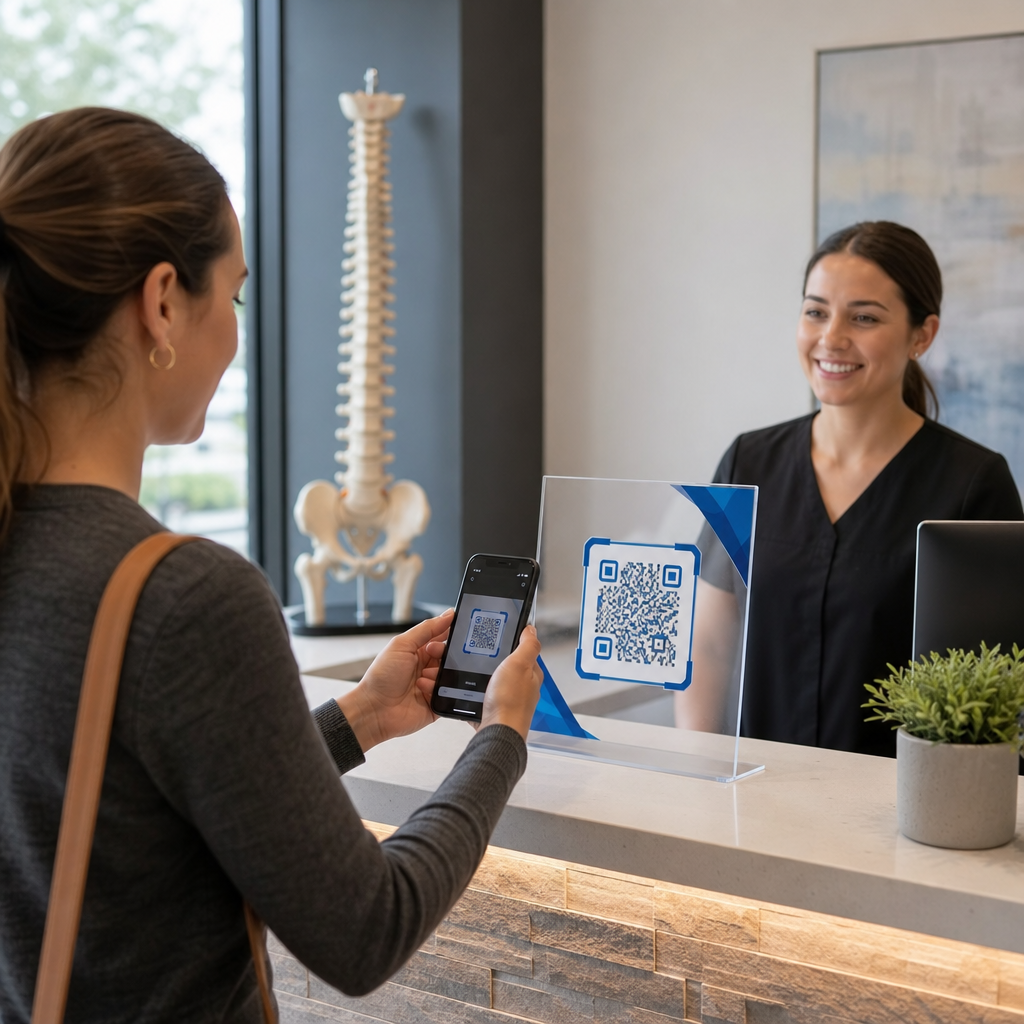
- Tempatkan kode di mana orang memiliki waktu untuk berhenti sejenak – tenda meja, kemasan produk, area tunggu, dan meja pendaftaran acara semuanya berfungsi dengan baik
- Uji penempatan yang berbeda untuk konten kode yang sama untuk menemukan apa yang menghasilkan pemindaian terbanyak
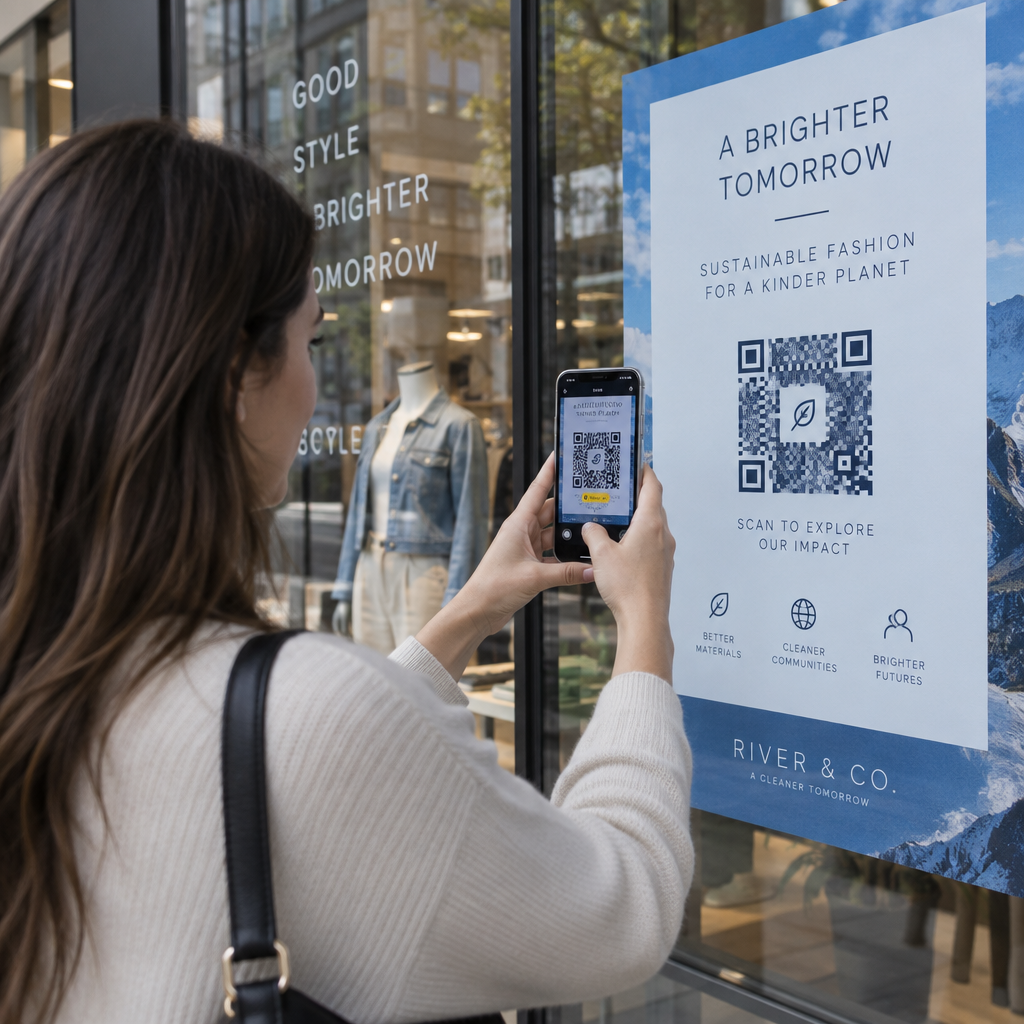
Untuk penempatan khusus cetak, panduan penempatan kode QR dalam pemasaran mencakup praktik terbaik berdasarkan jenis materi, mulai dari kartu nama dan pamflet hingga spanduk dan layar digital. Panduan tentang menggunakan kode QR di media cetak secara khusus membahas ukuran dan penempatan dalam konteks iklan fisik.
Kirim Pemindai ke Destinasi yang Dioptimalkan untuk Seluler
Kode QR hampir secara eksklusif dipindai di ponsel cerdas. Mengirim seseorang ke halaman yang tidak dioptimalkan untuk seluler segera merusak pengalaman dan meningkatkan rasio pentalan.
Halaman arahan seluler yang baik untuk kampanye QR:
- Memuat dengan cepat, bahkan pada koneksi seluler dengan bandwidth terbatas
- Menampilkan konten yang dapat dibaca tanpa mencubit atau memperbesar
- Berfokus pada satu tindakan yang jelas daripada tata letak yang berantakan
- Menautkan langsung ke konten yang relevan – menu, produk, penawaran, atau formulir tertentu – bukan halaman beranda umum
Jika Anda menggunakan kode QR dinamis, Anda dapat memperbarui URL tujuan tanpa mencetak ulang, yang berarti Anda dapat memperbaiki halaman arahan yang berkinerja buruk atau mengganti promosi musiman tanpa mengeluarkan kode baru.
Tautkan Kode QR Anda ke URL Apa Pun Arahkan pemindai ke halaman web, halaman arahan, atau tujuan kampanye apa pun dengan Generator Kode QR Tautan.
Lacak Kinerja dan Optimalkan
Salah satu argumen terkuat untuk menggunakan kode QR dalam pemasaran adalah data yang dihasilkannya. Melacak pemindaian kode QR memberi Anda wawasan tentang kapan, di mana, dan seberapa sering kode Anda digunakan – informasi yang tidak dapat disediakan oleh saluran iklan statis.
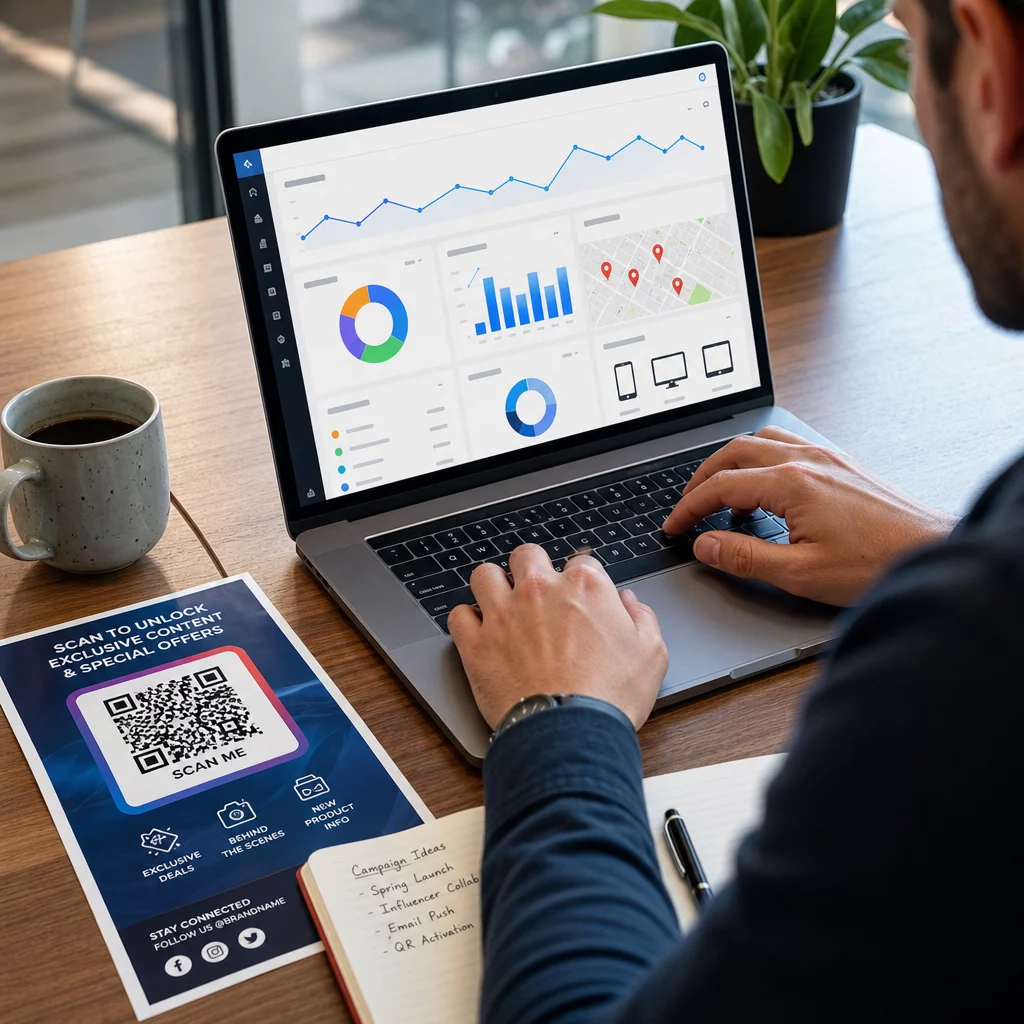
Kode QR dinamis menangkap metrik termasuk:
- Total pemindaian dan pemindaian unik
- Stempel waktu pemindaian (pola hari dan waktu)
- Lokasi geografis berdasarkan kota atau wilayah
- Jenis perangkat dan sistem operasi
Menambahkan parameter UTM ke URL tujuan Anda menghubungkan data pemindaian kode QR ke akun Google Analytics Anda, memungkinkan Anda mengukur perilaku pasca-pemindaian seperti halaman yang dikunjungi, waktu di situs, dan konversi. Untuk panduan pengaturan praktis, artikel tentang parameter UTM untuk kode QR menjelaskan konvensi penamaan dan pelaporan GA4.
Anda juga dapat menjalankan tes A/B terstruktur dengan membuat variasi dengan CTA, desain, atau penempatan yang berbeda dan membandingkan tingkat pemindaian dan konversi. Panduan tentang bagaimana pengujian A/B meningkatkan konversi kode QR menjelaskan cara mengatur dan menganalisis tes ini secara sistematis.
Lihat Setiap Pemindaian Secara Real Time Akses analitik terperinci termasuk lokasi pemindaian, jenis perangkat, dan pola waktu harian dengan alat pelacak Kode QR Pageloot.
Uji Sebelum Anda Distribusikan
Pengujian tidak bisa ditawar. Kode yang gagal dipindai setelah 10.000 selebaran dicetak adalah kesalahan mahal yang seharusnya bisa terdeteksi dalam lima menit.
Sebelum kampanye apa pun ditayangkan:
- Pindai kode di beberapa perangkat (baik iOS maupun Android, termasuk model lama)
- Uji dalam kondisi pencahayaan di mana kode akan benar-benar ditampilkan
- Konfirmasikan bahwa tujuan memuat dengan benar dan berfungsi penuh di perangkat seluler
- Jika Anda menggunakan parameter UTM, verifikasi bahwa parameter tersebut muncul dengan benar di akun analitik Anda
Kode QR dinamis mempermudah perbaikan masalah pasca-peluncuran karena Anda dapat memperbarui tujuan tanpa mencetak ulang. Namun, pengujian kemampuan pindai fisik kode masih perlu dilakukan sebelum distribusi.
Terapkan Kode QR di Seluruh Industri Anda
Kode QR aktif digunakan di sebagian besar industri yang berinteraksi langsung dengan pelanggan. Restoran menggunakannya untuk menu dan pemesanan tanpa kontak. Pengecer menghubungkan kemasan ke informasi produk, tutorial video, dan ulasan pelanggan. Profesional real estat menghubungkan papan nama ke tur virtual dan daftar properti langsung. Penyelenggara acara menggunakannya untuk pendaftaran, check-in, dan jadwal sesi.
Itu Pusat solusi industri Pageloot mencakup kasus penggunaan khusus untuk sektor Anda, dan perpustakaan fitur menguraikan berbagai jenis kode QR yang tersedia – mulai dari pengiriman PDF dan berbagi vCard hingga pengumpulan ulasan Google dan pengalihan ke toko aplikasi.
Beberapa alat spesifik yang patut diketahui:
- Ubah PDF ke QR Code – bagikan menu, katalog, manual, dan dokumen tanpa masalah hosting
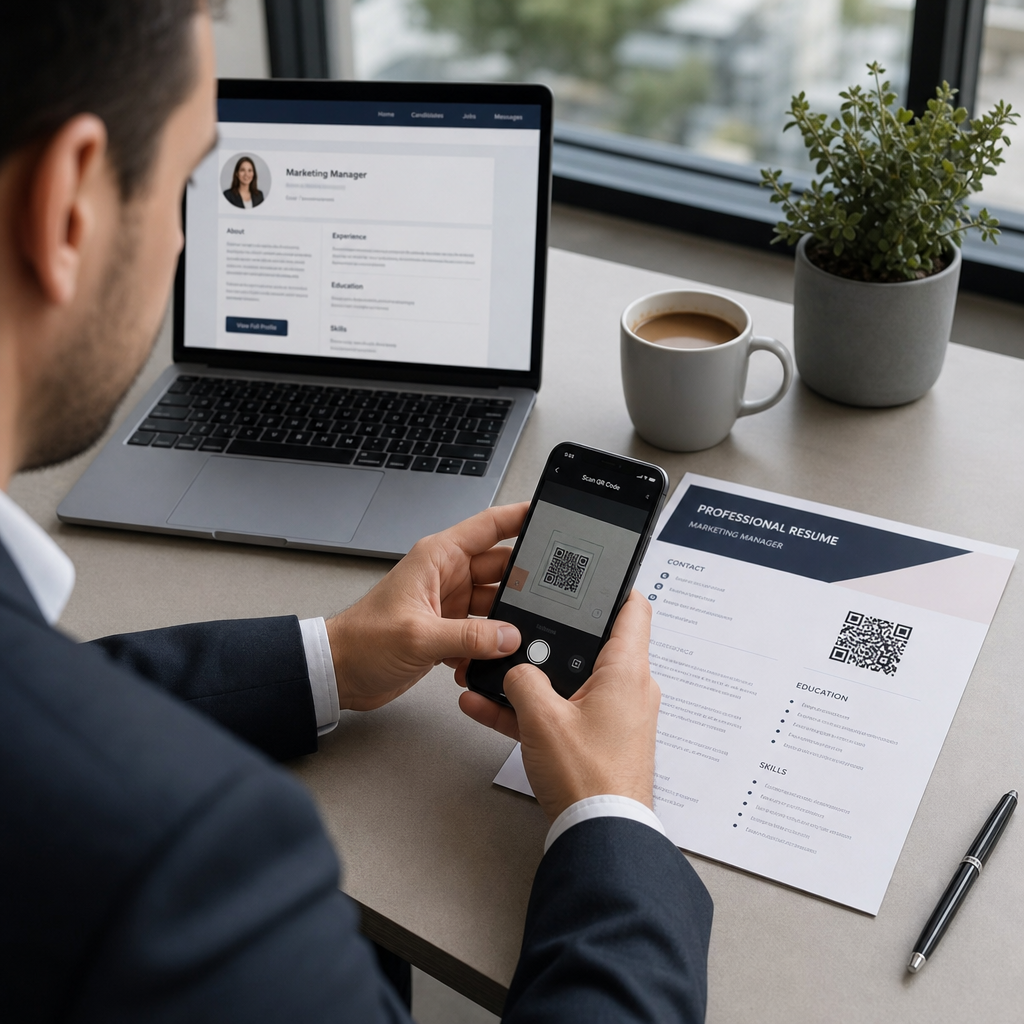
- Generator kode QR kartu nama – berikan kontak akses instan ke detail Anda di acara jejaring
- Cara Buat QR Code Google Review – kurangi gesekan dalam proses ulasan dan kumpulkan lebih banyak umpan balik pelanggan
Pertanyaan yang sering diajukan
Kode QR statis menyandikan informasi langsung ke dalam pola dan tidak dapat diubah setelah dibuat. Ini tidak menyediakan data pelacakan. Kode QR dinamis menggunakan URL pengalihan singkat, yang berarti Anda dapat memperbarui tujuan kapan saja tanpa mencetak ulang kode, dan kode tersebut menangkap analitik seperti jumlah pemindaian, lokasi, dan jenis perangkat. Untuk sebagian besar kampanye pemasaran, kode dinamis adalah pilihan yang lebih baik karena memungkinkan optimasi dan pengukuran berkelanjutan.
Gunakan kode QR dinamis yang dipasangkan dengan parameter UTM untuk melacak kinerja kampanye. Kode dinamis menangkap data pemindaian – termasuk berapa kali kode dipindai, di mana, di perangkat apa, dan pada jam berapa. Parameter UTM menghubungkan data tersebut ke Google Analytics sehingga Anda dapat mengukur apa yang terjadi setelah pemindaian, termasuk konversi dan waktu di halaman. Membandingkan metrik ini di berbagai penempatan dan periode waktu membantu Anda mengidentifikasi apa yang berhasil dan di mana perlu disesuaikan.
Selalu kirim pemindai ke halaman yang dioptimalkan untuk seluler yang secara langsung relevan dengan konteks di mana kode tersebut muncul. Hindari mengirim orang ke halaman beranda umum. Jika kode ada di meja restoran, tautkan ke menu. Jika ada di kemasan produk, tautkan ke panduan pengaturan atau halaman ulasan. Tujuan harus memuat dengan cepat, menampilkan dengan benar di layar ponsel, dan fokus pada satu tindakan yang jelas. Deep-linking ke halaman yang paling relevan mengurangi gesekan dan meningkatkan tingkat konversi.