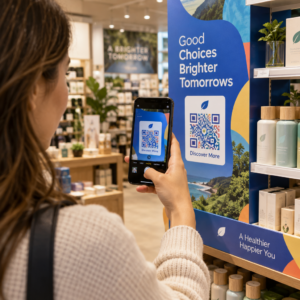
Worden uw QR-codes genegeerd? De meeste bedrijven plaatsen codes op gedrukt materiaal zonder een duidelijke strategie, en het resultaat is weinig scans en geen meetbaar rendement. Deze gids leidt u door de praktische stappen – van planning tot tracking – die een basis-QR-code omzetten in een echt marketingmiddel.
Begin met een Duidelijk Doel en Publiek
Het plaatsen van een QR-code zonder doel is de meest voorkomende fout die marketeers maken. Voordat u iets genereert, definieert u wat u met de code wilt bereiken. Leidt u verkeer naar een productpagina? Vergroot u uw e-maillijst? Verzamelt u Google-recensies? Stimuleert u app-downloads?
Denk tegelijkertijd aan uw publiek. Vraag uzelf af:
- Weten uw klanten al hoe ze QR-codes moeten scannen, of hebben ze korte instructies in de buurt nodig?
- Waar zullen ze de code tegenkomen – een restauranttafel, een beursstand, een productverpakking?
- Wat zal hen motiveren om op dat specifieke moment te scannen?
Incentives maken een aanzienlijk verschil. QR-codes die gekoppeld zijn aan een korting, een gratis hulpmiddel, exclusieve inhoud of een wedstrijd geven mensen een concrete reden om te handelen. Zonder die waarde wordt zelfs een goed geplaatste code genegeerd. Voor een gestructureerd startpunt, de QR-code marketing checklist voor kleine bedrijven behandelt doelstellingen en codeselectie in detail.
Kies het Juiste QR-codetype voor Uw Campagne
Niet alle QR-codes werken op dezelfde manier. Statische QR codes coderen informatie direct in het patroon. Eenmaal afgedrukt kunnen ze niet worden gewijzigd en bieden ze geen trackinggegevens. Ze werken goed voor permanente inhoud zoals Wi-Fi-gegevens of vaste contactgegevens.
Dynamische QR codes gebruiken een korte omleidings-URL, wat betekent dat u de bestemming op elk moment kunt bijwerken zonder de fysieke code opnieuw af te drukken. Ze leggen ook gedetailleerde analyses vast – aantal scans, tijdstempels, apparaattypen en geografische gegevens. Voor elke marketingcampagne waarbij u flexibiliteit of meting nodig heeft, zijn dynamische codes de juiste keuze.
Om de afwegingen volledig te begrijpen, de vergelijking van statische versus dynamische QR-codes legt uit wanneer elk type zinvol is en welke functies elk ondersteunt.
Creëer en Beheer Dynamische QR-codes op Eén Plek Bestemmingen bijwerken zonder opnieuw te printen, scanprestaties volgen en elke code beheren vanuit één dashboard met de Dynamische QR code generator.
Ontwerp voor Scanbaarheid
Een QR-code die niet scant, schaadt het vertrouwen op dezelfde manier als een kapotte link dat doet – bezoekers vertrekken en komen niet terug. Ontwerpbeslissingen beïnvloeden direct of uw code betrouwbaar werkt op verschillende apparaten en onder diverse lichtomstandigheden.
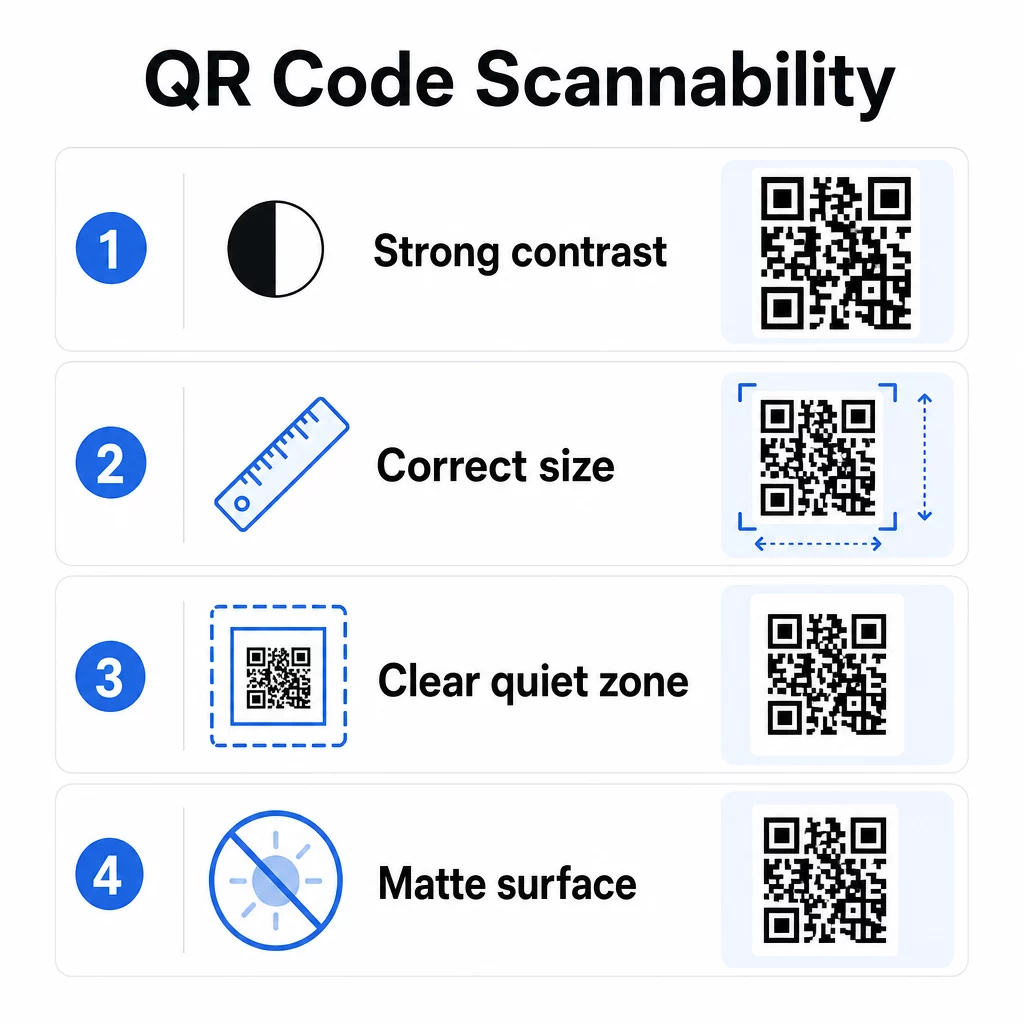
Contrast is de belangrijkste factor. Scanners werken door donkere modules te onderscheiden van een lichte achtergrond. Een minimale contrastverhouding van 4:1 is vereist voor standaard leesbaarheid, en een hoger contrast wordt aanbevolen voor plaatsing buiten of in omgevingen met weinig licht. Vermijd omgekeerde kleuren, combinaties met laag contrast zoals lichtgrijs op wit, en glanzende oppervlakken die schittering veroorzaken.
Grootte bepaalt of een code kan worden gelezen op de scanafstand waar mensen deze daadwerkelijk zullen tegenkomen. Een praktische richtlijn is de 10:1 verhouding: de breedte van de code in centimeters moet ongeveer een tiende zijn van de verwachte scanafstand in centimeters. Voor materialen op korte afstand, zoals visitekaartjes, is het absolute minimum 2 × 2 cm (0,8 × 0,8 inch). Voor de meeste gedrukte brochures is 3 × 3 cm (1,2 × 1,2 inch) een veiliger uitgangspunt.
Andere ontwerpf factoren om in gedachten te houden:
- Zorg voor een duidelijke stille zone – de witte rand rond de code – zodat scanners het patroon kunnen isoleren van omringende ontwerpelementen
- Gebruik matte oppervlakken in plaats van glanzende afwerkingen om reflectie te verminderen
- Genereer codes met een hoge resolutie om pixelatie bij het afdrukken te voorkomen
- Vermijd het plaatsen van codes op gebogen oppervlakken zoals flessen, waar vervorming het scannen belemmert
Voor een diepere blik op richtlijnen voor kleur en contrast, de gids voor het verbeteren van de leesbaarheid van QR-codes behandelt de technische vereisten in detail.
Geef uw QR-codes een merkidentiteit
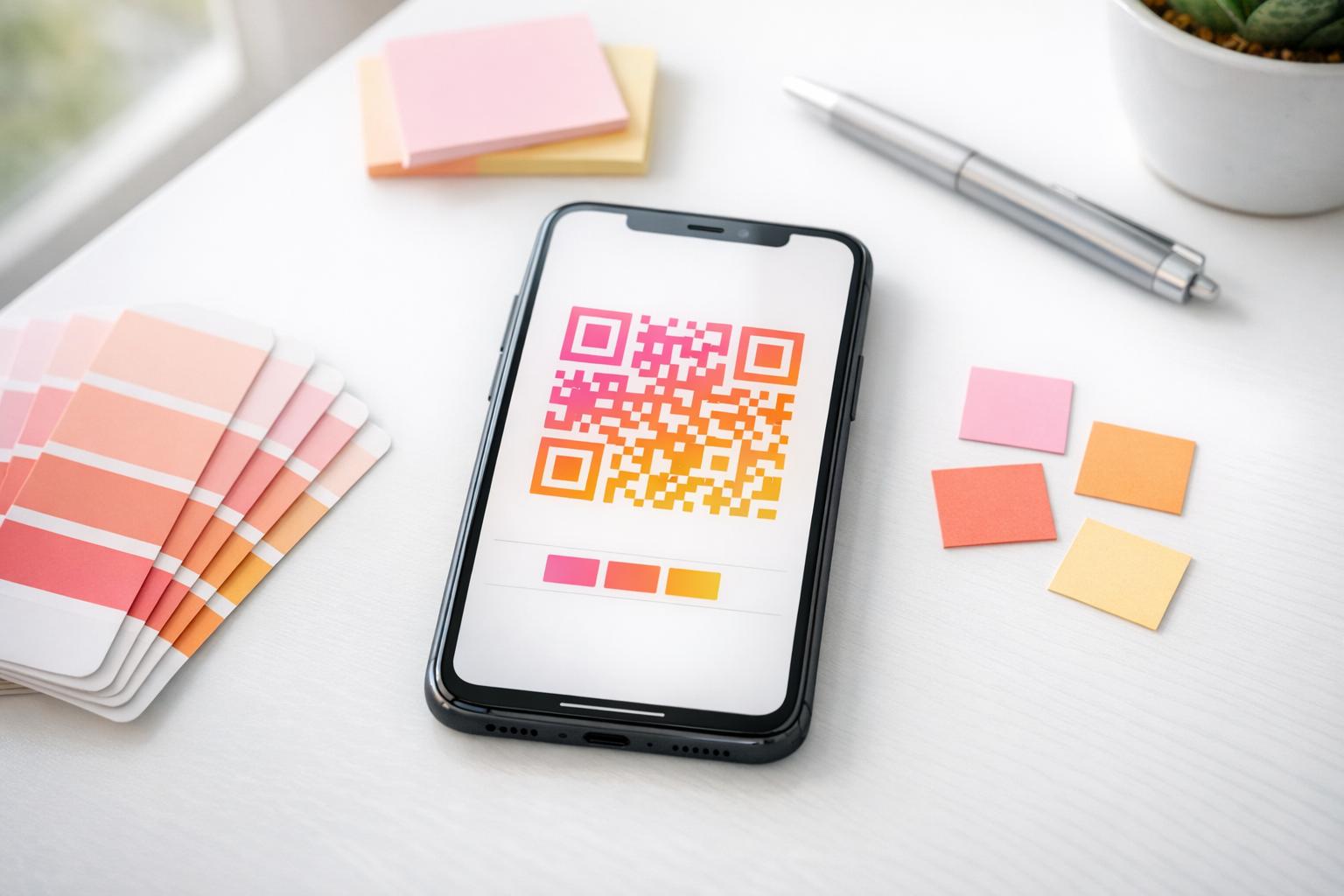
Een eenvoudige zwart-wit QR-code is functioneel, maar versterkt uw identiteit niet en valt niet op een drukke pagina. Aangepaste codes – met merkkleuren, een logo in het midden en een gestileerd kader – trekken meer aandacht en communiceren professionaliteit.
Wanneer u een logo toevoegt, houd het dan eenvoudig en van een formaat dat het scanbereik van de code niet belemmert. Als u een logo opneemt, verhoog dan het foutcorrectieniveau naar Q of H om de bedekte modules te compenseren. Test de gebrande code altijd op meerdere apparaten voordat u deze definitief maakt voor afdrukken.
Het toevoegen van een call-to-action kader – tekst zoals “Scan voor het menu” of “Ontvang uw korting” – overbrugt de kloof tussen nieuwsgierigheid en actie door mensen precies te vertellen wat ze zullen krijgen. Kaders verbeteren consequent de scanpercentages omdat ze dubbelzinnigheid elimineren.
Ontdek opties voor QR-codes met logo's en leer hoe QR code kaders kunnen worden gebruikt om de betrokkenheid in verschillende contexten te vergroten.
Plaats codes waar scannen praktisch is
Zichtbaarheid en context zijn net zo belangrijk als ontwerp. Een QR-code die wordt geplaatst waar mensen geen tijd, geen connectiviteit of geen duidelijke reden hebben om te scannen, zal ondermaats presteren, ongeacht hoe goed deze is ontworpen.
Effectieve plaatsing volgt een paar consistente principes:
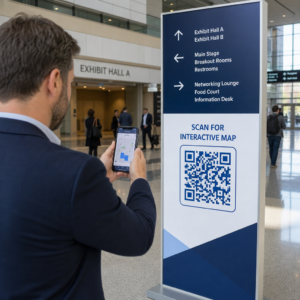
- Plaats codes op ooghoogte – typisch tussen 1,05 en 1,65 meter van de grond voor posters en bewegwijzering
- Vermijd rommelige gebieden waar de code concurreert met omringende beelden om aandacht
- Overweeg of uw publiek een internetverbinding zal hebben op die locatie (een metro met slecht signaal is een slechte omgeving voor een code die een webpagina laadt)
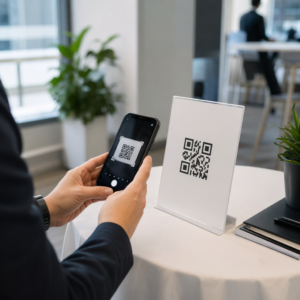
- Plaats codes waar mensen een moment kunnen pauzeren – tafelstandaards, productverpakkingen, wachtruimtes en inschrijfbalies voor evenementen werken allemaal goed
- Test verschillende plaatsingen voor dezelfde code-inhoud om te vinden wat de meeste scans genereert
Voor printspecifieke plaatsingen, de gids voor de plaatsing van QR-codes in marketing behandelt best practices per materiaalsoort, van visitekaartjes en flyers tot banners en digitale schermen. De gids over het gebruik van QR-codes in printmedia behandelt specifiek de grootte en plaatsing in fysieke advertentiecontexten.
Stuur Scanners naar een voor Mobiel Geoptimaliseerde Bestemming
QR-codes worden bijna uitsluitend gescand op smartphones. Iemand naar een pagina sturen die niet geoptimaliseerd is voor mobiel, ondermijnt onmiddellijk de ervaring en verhoogt de bouncepercentages.
Een goede mobiele landingspagina voor een QR-campagne:
- Laadt snel, zelfs op een mobiele verbinding met beperkte bandbreedte
- Toont inhoud die leesbaar is zonder te knijpen of te zoomen
- Richt zich op één, duidelijke actie in plaats van een rommelige lay-out
- Linkt direct naar de relevante inhoud – een specifiek menu, product, aanbieding of formulier – niet naar een generieke homepage
Als u dynamische QR-codes gebruikt, kunt u de bestemmings-URL bijwerken zonder opnieuw te printen, wat betekent dat u een slecht presterende landingspagina kunt repareren of een seizoenspromotie kunt invoegen zonder nieuwe codes uit te geven.
Koppel uw QR-code aan elke URL Leid scanners naar elke webpagina, landingspagina of campagnedestinatie met de Link QR-codegenerator.
Prestaties bijhouden en optimaliseren
Een van de sterkste argumenten voor het gebruik van QR-codes in marketing is de data die ze genereren. QR-codescans volgen geeft u inzicht in wanneer, waar en hoe vaak uw codes worden gebruikt – informatie die statische advertentiekanalen niet kunnen bieden.
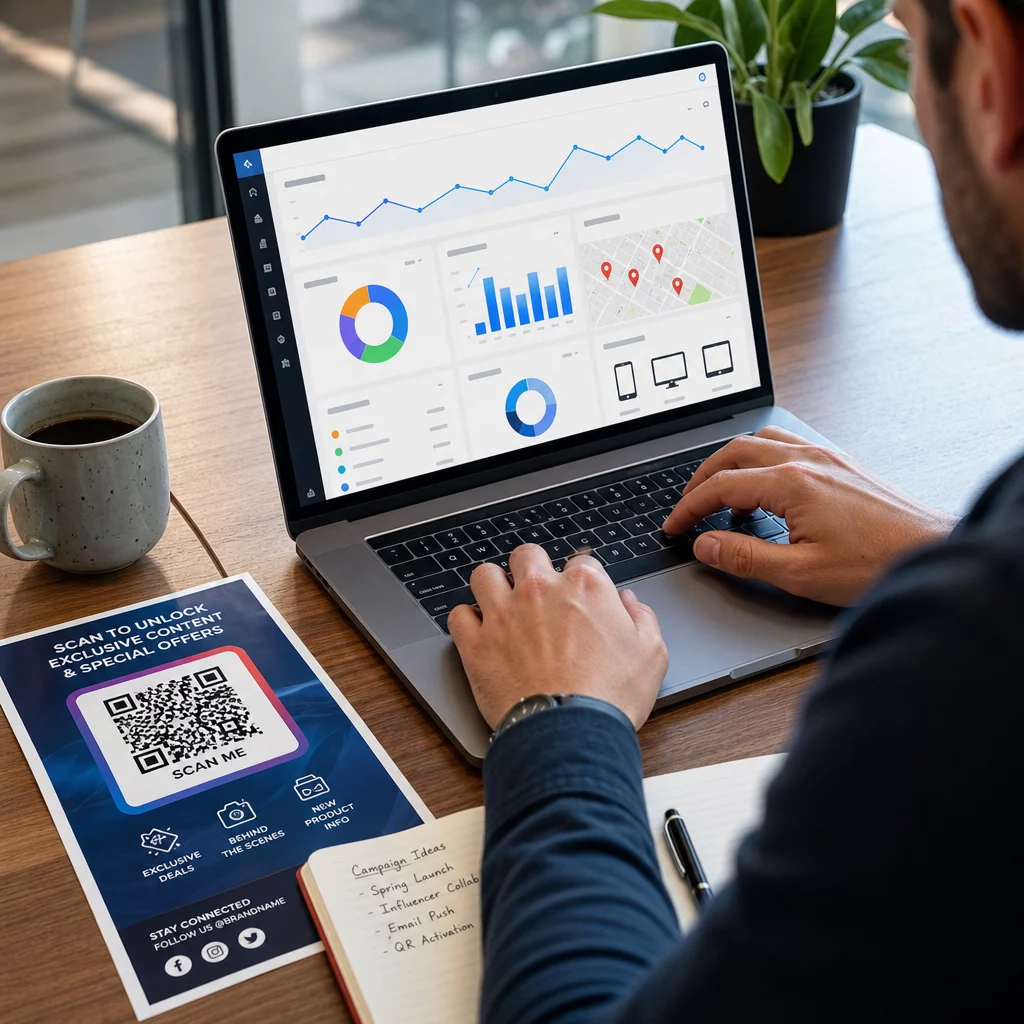
Dynamische QR-codes leggen statistieken vast, waaronder:
- Totaal aantal scans en unieke scans
- Scantijdstippen (dag- en tijdpatronen)
- Geografische locatie per stad of regio
- Apparaattype en besturingssysteem
Het toevoegen van UTM-parameters aan uw bestemmings-URL's verbindt QR-codescandata met uw Google Analytics-account, zodat u gedrag na de scan kunt meten, zoals bezochte pagina's, tijd op de site en conversies. Voor een praktische installatiegids, de artikel over UTM-parameters voor QR-codes loopt door naamgevingsconventies en GA4-rapportage.
U kunt ook gestructureerde A/B-tests uitvoeren door variaties te maken met verschillende CTA's, ontwerpen of plaatsingen en scan- en conversiepercentages te vergelijken. De gids over hoe A/B-testen QR-codeconversies verbeteren legt uit hoe u deze tests systematisch opzet en analyseert.
Bekijk elke scan in realtime Krijg toegang tot gedetailleerde analyses, inclusief scanlocaties, apparaattypen en dagpatronen met de QR-codetrackingtools van Pageloot.
Test voordat u distribueert
Testen is niet onderhandelbaar. Een code die niet scant nadat 10.000 flyers zijn gedrukt, is een kostbare fout die in vijf minuten had kunnen worden opgemerkt.
Voordat een campagne live gaat:
- Scan de code op meerdere apparaten (zowel iOS als Android, inclusief oudere modellen)
- Test in de lichtomstandigheden waarin de code daadwerkelijk zal worden weergegeven
- Bevestig dat de bestemming correct laadt en volledig functioneel is op mobiel
- Als u UTM-parameters gebruikt, controleer dan of deze correct verschijnen in uw analyseaccount
Dynamische QR-codes maken het gemakkelijker om problemen na de lancering op te lossen, omdat u de bestemming kunt bijwerken zonder opnieuw te printen. Het testen van de fysieke scanbaarheid van de code moet echter nog steeds gebeuren vóór distributie.
Pas QR-codes toe in uw branche
QR-codes worden actief gebruikt in de meeste klantgerichte sectoren. Restaurants gebruiken ze voor contactloze menu's en bestellingen. Retailers koppelen verpakkingen aan productinformatie, videotutorials en klantrecensies. Vastgoedprofessionals verbinden bewegwijzering met virtuele rondleidingen en live aanbiedingen. Evenementorganisatoren gebruiken ze voor registratie, check-in en sessieschema's.
De Pageloot brancheoplossingen hub behandelt specifieke gebruiksscenario's voor uw sector, en de functiesbibliotheek schetst het scala aan beschikbare QR-codetypen – van PDF-levering en vCard-deling tot het verzamelen van Google-recensies en app store-omleidingen.
Enkele specifieke tools die het waard zijn om te kennen:
- PDF naar QR code maken – deel menu's, catalogi, handleidingen en documenten zonder hostingproblemen
- QR-code voor visitekaartjes maken – geef contacten direct toegang tot uw gegevens op netwerkevenementen
- Google review QR code maken – wrijving verminderen in het beoordelingsproces en meer klantfeedback verzamelen
Veelgestelde vragen
Een statische QR-code codeert informatie direct in het patroon en kan na creatie niet meer worden gewijzigd. Het biedt geen trackinggegevens. Een dynamische QR-code gebruikt een korte omleidings-URL, wat betekent dat u de bestemming op elk moment kunt bijwerken zonder de code opnieuw af te drukken, en het verzamelt analyses zoals scanaantallen, locaties en apparaattypen. Voor de meeste marketingcampagnes zijn dynamische codes de betere keuze, omdat ze voortdurende optimalisatie en meting mogelijk maken.
Gebruik dynamische QR-codes in combinatie met UTM-parameters om campagneprestaties te volgen. Dynamische codes leggen scangegevens vast – inclusief hoe vaak de code werd gescand, waar, op welke apparaten en op welke tijden. UTM-parameters verbinden die gegevens met Google Analytics, zodat u kunt meten wat er na de scan gebeurt, inclusief conversies en tijd op de pagina. Het vergelijken van deze statistieken over verschillende plaatsingen en tijdsperioden helpt u te identificeren wat werkt en waar u moet bijsturen.
Stuur scanners altijd naar een voor mobiel geoptimaliseerde pagina die direct relevant is voor de context waarin de code verschijnt. Vermijd het sturen van mensen naar een algemene homepage. Als de code op een restauranttafel staat, link dan naar het menu. Als het op een productverpakking staat, link dan naar een installatiehandleiding of recensiepagina. De bestemming moet snel laden, correct worden weergegeven op een telefoonscherm en zich richten op één duidelijke actie. Deep-linking naar de meest relevante pagina vermindert frictie en verbetert de conversiepercentages.