¿Necesita una forma rápida y escaneable de conectar materiales físicos con contenido digital? Las pegatinas con código QR convierten cualquier superficie en un punto de contacto interactivo, y hacerlas bien significa comprender los materiales, las opciones de diseño y los tipos de código que determinan si los clientes realmente los escanean.
¿Qué son las pegatinas con códigos QR?
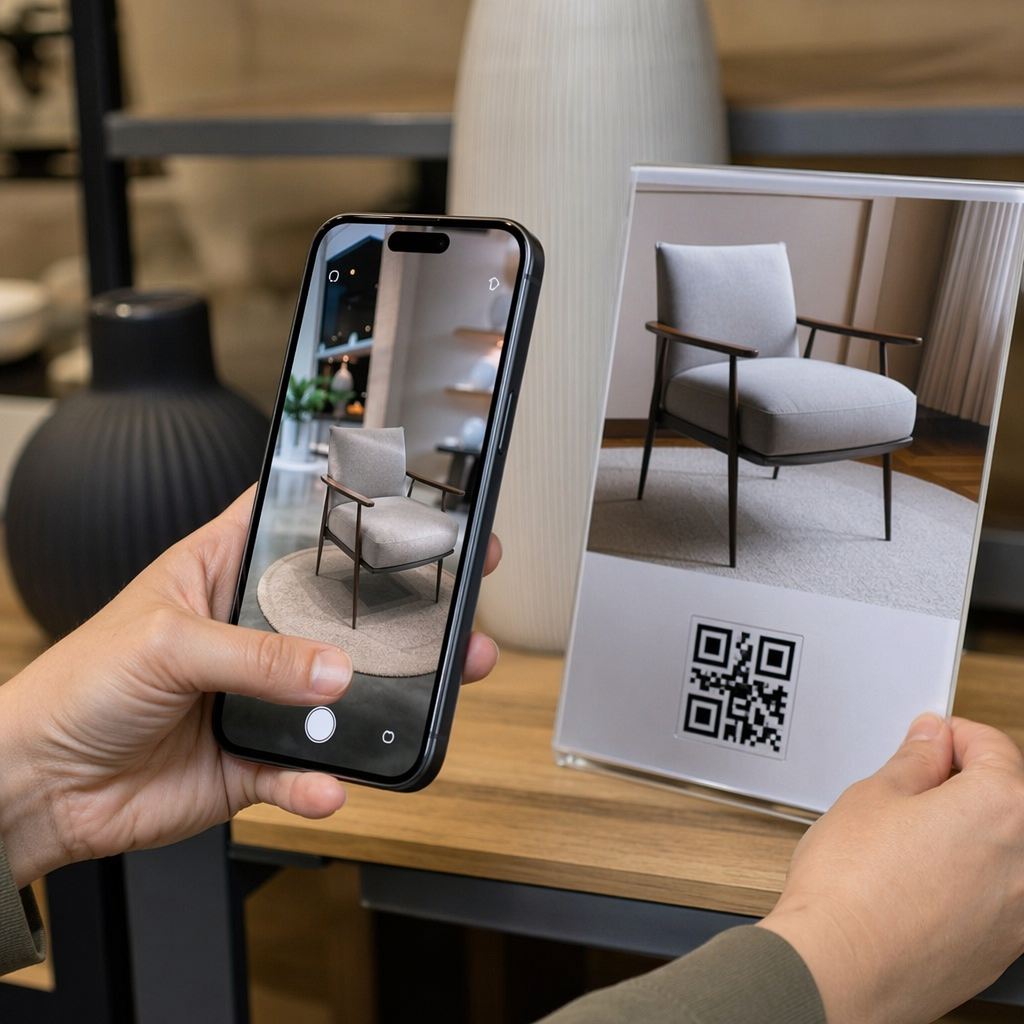
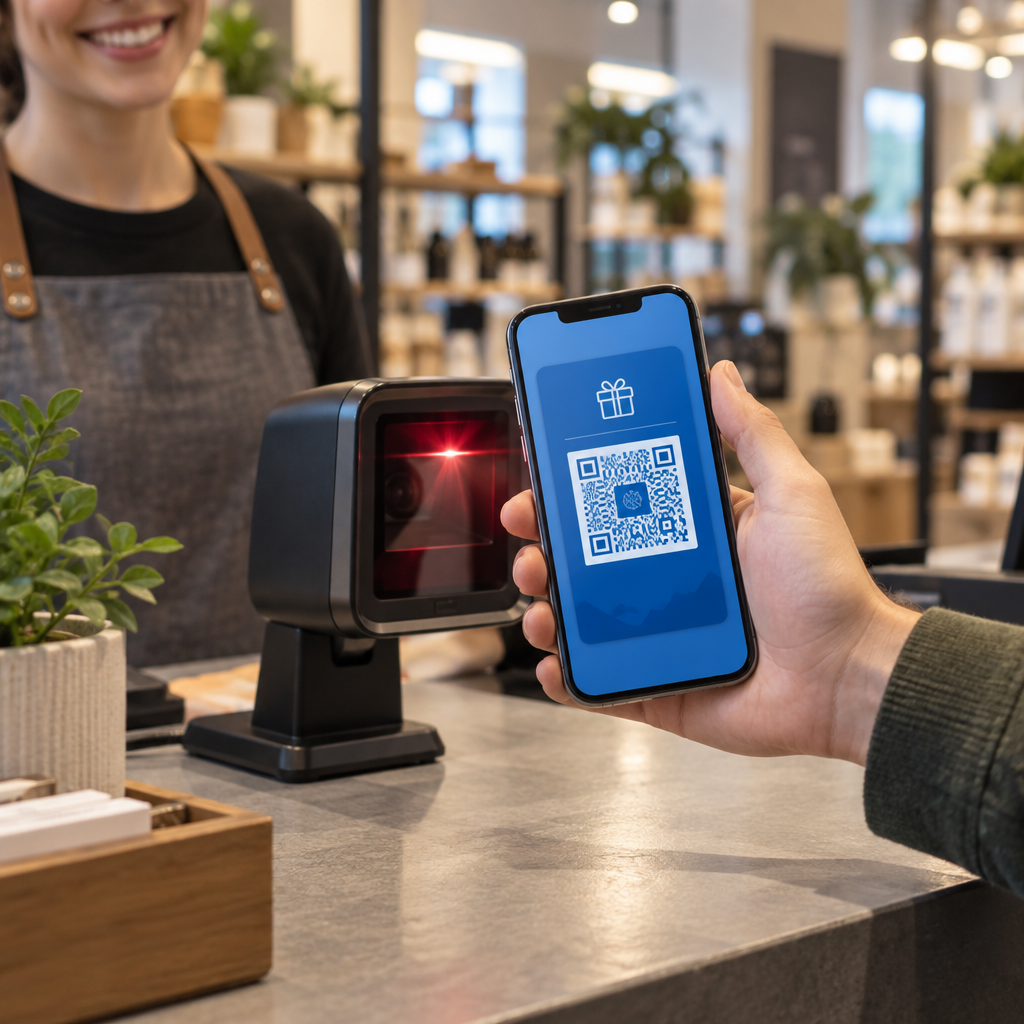
Las pegatinas con código QR son etiquetas adhesivas impresas con un código QR escaneable. Cuando un cliente apunta la cámara de un smartphone a una, el código los redirige instantáneamente a un sitio web, menú digital, página de contacto, oferta promocional o cualquier otro contenido que haya vinculado. Las empresas los utilizan en envases de productos, escaparates, vehículos, mesas de restaurantes, señalización de eventos y materiales de envío, en cualquier lugar donde una superficie física pueda iniciar una interacción digital.
La distinción clave que importa antes de imprimir una sola pegatina: si su código es ESTÁTICO O DINÁMICO.
- UNA código QR estático codifica su destino de forma permanente. Una vez impreso, no se puede cambiar y no rastrea los escaneos.
- UNA código QR dinámico apunta a una URL de redirección corta que puede actualizar en cualquier momento, sin necesidad de reimprimir. También registra datos de escaneo que incluyen tiempo, volumen y ubicación geográfica.
Para aplicaciones de pegatinas donde imprimirá en volumen o ejecutará campañas con límite de tiempo, el Generador de códigos QR dinámicos es la opción práctica. Cambiar una promoción o actualizar una URL no cuesta nada cuando las pegatinas ya están en estantes o vehículos.
Rastree cada escaneo de sus pegatinas ¿Quiere saber exactamente qué ubicaciones de pegatinas están generando interacción? Utilice el Generador de códigos QR dinámicos para crear códigos editables y rastreables con un panel de análisis completo, sin necesidad de reimprimir cuando su contenido cambie.
Cómo crear un código QR para sus pegatinas
Obtener un código QR listo para imprimir requiere tres pasos:
- Genere su código QR. Utilice un generador de códigos QR para crear un código que enlace a su contenido objetivo: una URL, PDF, menú digital, vCard u otro destino. Si espera actualizar ese destino o rastrear el rendimiento de los escaneos, cree un código dinámico.
- Personalice el diseño. Agregue su logotipo, los colores de su marca y un marco de llamada a la acción para que la pegatina sea reconocible y valga la pena escanearla. El Generador de código QR con logo le permite incrustar un logotipo directamente dentro del código, lo que aumenta el reconocimiento de la marca y las tasas de escaneo en comparación con los códigos simples en blanco y negro.
- Descargar en un formato listo para imprimir. Exporte su código como SVG, EPS o PDF para escalado vectorial, o como un PNG de alta resolución si lo está componiendo en un diseño de etiqueta. Entregue estos archivos a su impresora de pegatinas o úselos con hojas de pegatinas imprimibles en casa.
Elegir el Material de Pegatina Adecuado
La elección del material afecta directamente si su código QR se escanea de manera confiable en su entorno previsto. Las principales opciones que encontrará en los impresores de pegatinas son:
- Laminado BOPP o PET brillante – adecuado para uso en interiores y exteriores, colores brillantes, pero puede reflejar bajo la iluminación superior y dificultar el escaneo en ciertos ángulos.
- Laminado BOPP mate – reduce el deslumbramiento bajo la iluminación minorista y la luz solar, lo que lo convierte en una opción preferida para pegatinas que se escanearán en la tienda o en la caja. Muchas marcas y diseñadores también prefieren el aspecto refinado.
- Material de pegatina transparente – impreso con tinta blanca detrás de los colores para mantener los diseños visibles; funciona bien para etiquetas de botellas y empaques donde se desea una apariencia de “sin etiqueta”.
- Vinilo con laminado – duradero y resistente a la intemperie, recomendado para aplicaciones en exteriores, calcomanías para vehículos y cualquier superficie expuesta a la humedad o la luz UV. Las pegatinas de código QR de vinilo duran significativamente más que las etiquetas de papel estándar en esas condiciones.
- Material de etiqueta BOPP delgado – lo suficientemente flexible como para adaptarse a superficies curvas, lo que lo convierte en una opción práctica para botellas y envases de productos.
Los acabados mate generalmente escanean más rápido y de manera más confiable que los brillantes cuando los códigos se escanearán bajo luz brillante o directa. Si sus pegatinas estarán al aire libre o en vehículos, priorice el vinilo impermeable sobre los materiales a base de papel.
Especificaciones de Tamaño y Diseño que Afectan la Escaneabilidad
Una pegatina con código QR que no escanea de forma fiable es peor que ninguna pegatina. Antes de enviar los archivos a imprimir, confirme que se cumplen estos requisitos:
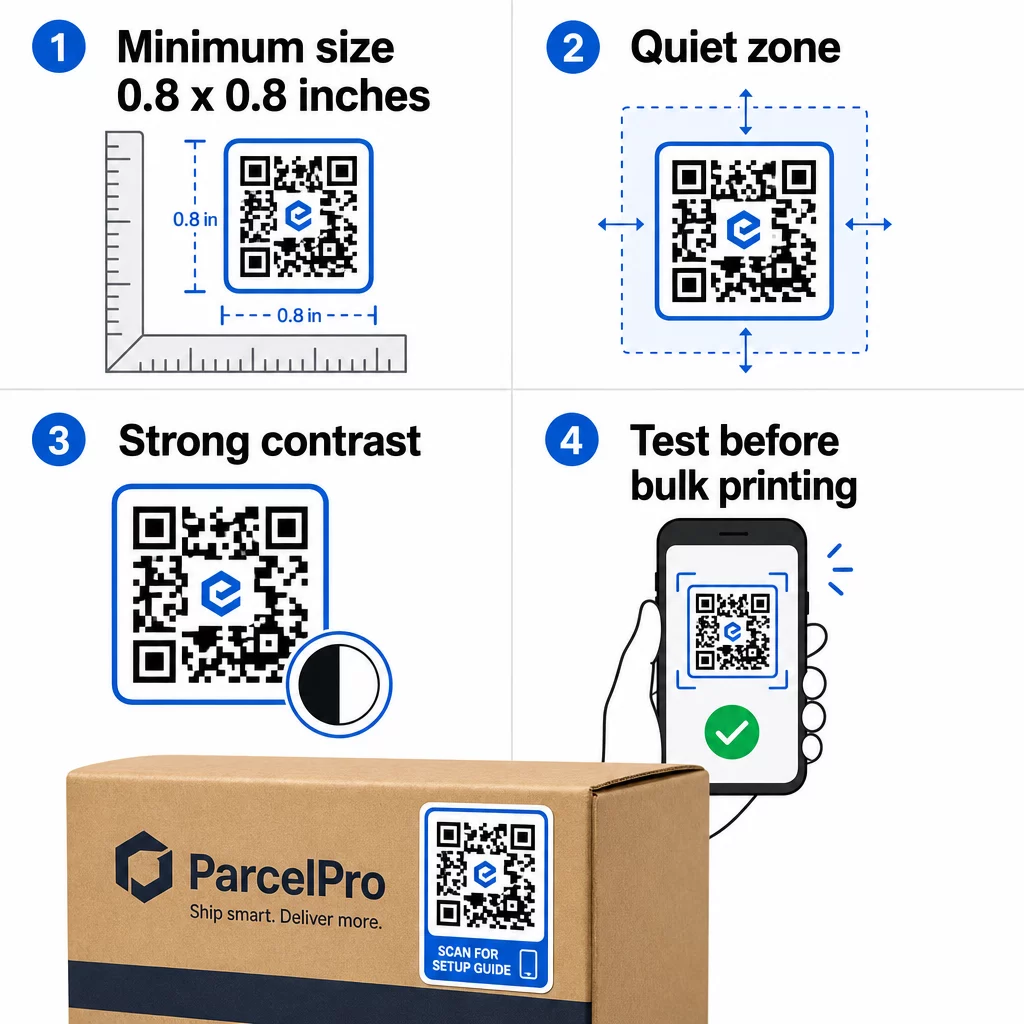
- Tamaño mínimo: 0.8 × 0.8 pulgadas (2 × 2 cm) para una URL simple. Los códigos más grandes con mayor densidad de datos deben escalarse proporcionalmente.
- Zona tranquila: Deje al menos cuatro módulos de espacio claro y sin imprimir alrededor de los cuatro lados del código. El texto, los logotipos o los bordes colocados dentro de este margen provocan fallos de escaneo.
- Relación de contraste: Mantenga una relación de contraste de al menos 4:1 entre los módulos oscuros y el fondo claro. El negro sobre blanco sigue siendo la combinación más fiable. Evite las inversiones de claro sobre oscuro; muchos escáneres fallan con esquemas de color invertidos.
- Sin degradados en los módulos del código: Los degradados crean tonos medios que los escáneres tienen dificultades para leer. Use solo colores sólidos.
- Pruebe antes de imprimir en volumen: Escanee su código con múltiples dispositivos – diferentes teléfonos, diferentes aplicaciones de cámara – y pruebe en las condiciones de iluminación donde se utilizará realmente la pegatina. Para pegatinas de exterior, pruebe a la luz del sol. Para pegatinas de estanterías de venta al por menor, pruebe bajo iluminación fluorescente.
Para un desglose completo del tamaño en diferentes materiales de impresión, consulte la guía sobre dimensionamiento de códigos QR para diferentes materiales de impresión. Para obtener orientación sobre contraste y color, mejores prácticas de contraste de color de códigos QR cubre las proporciones y combinaciones específicas a usar y evitar.
Dónde utilizar las pegatinas con códigos QR
Las pegatinas con código QR funcionan en una amplia gama de aplicaciones comerciales. Aquí están las ubicaciones más comunes y efectivas:
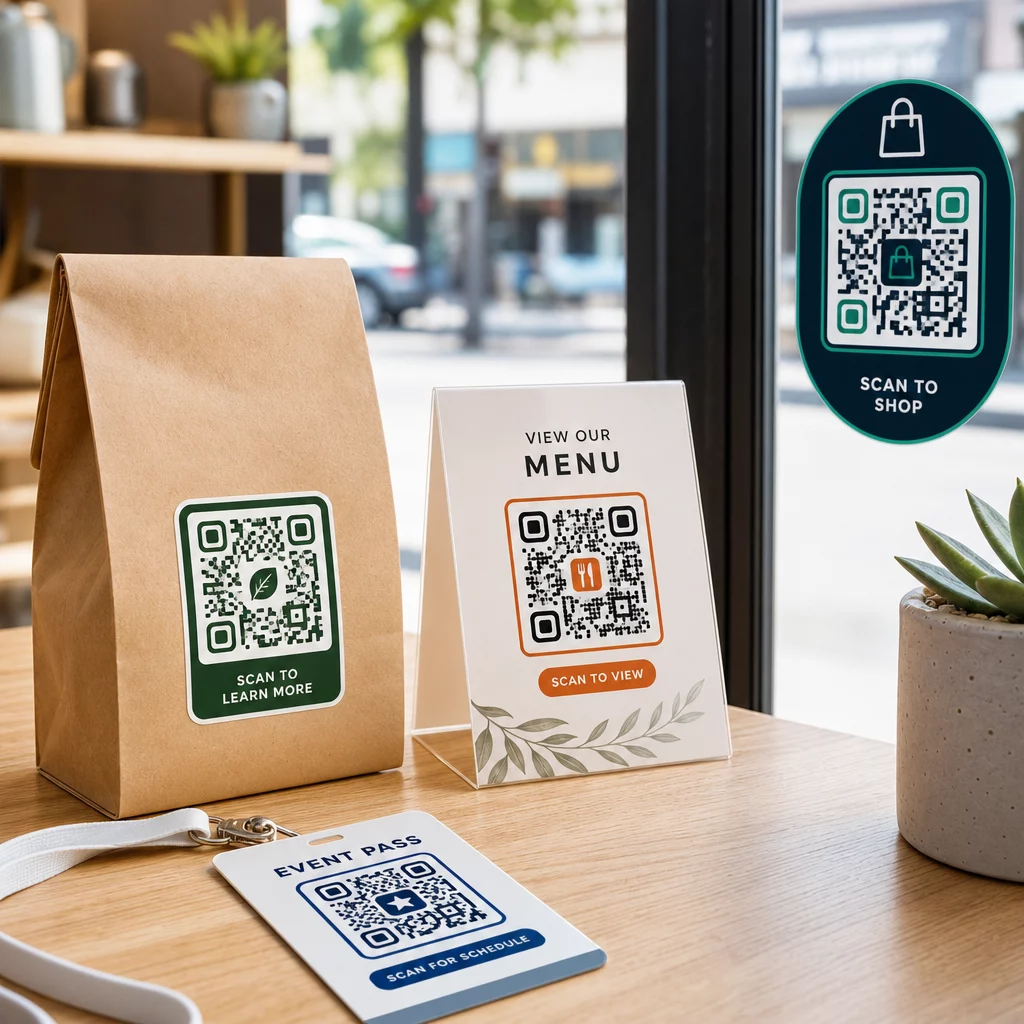
Envases y etiquetas de productos – Enlace a los clientes a instrucciones del producto, detalles de ingredientes, tutoriales en video, códigos de descuento o páginas de reseñas. Las pegatinas funcionan tanto en el embalaje primario (el producto en sí) como en el embalaje secundario (cajas, fundas). Para una mirada más profunda a las posibilidades, vea códigos QR en el embalaje del producto y la guía definitiva de códigos QR para etiquetas de productos.
Mesas de restaurantes y hostelería – Una pegatina con código QR en una mesa o puerta enlaza a los huéspedes a un menú digital, contraseña de Wi-Fi o plataforma de reseñas. Los códigos dinámicos le permiten actualizar el menú o la promoción sin reemplazar cada pegatina.
Escaparates y puertas de tiendas – Los vinilos para ventanas con un código QR son una forma eficiente de compartir el horario comercial, las promociones o los enlaces a redes sociales con el tráfico peatonal que pasa fuera del horario de atención.
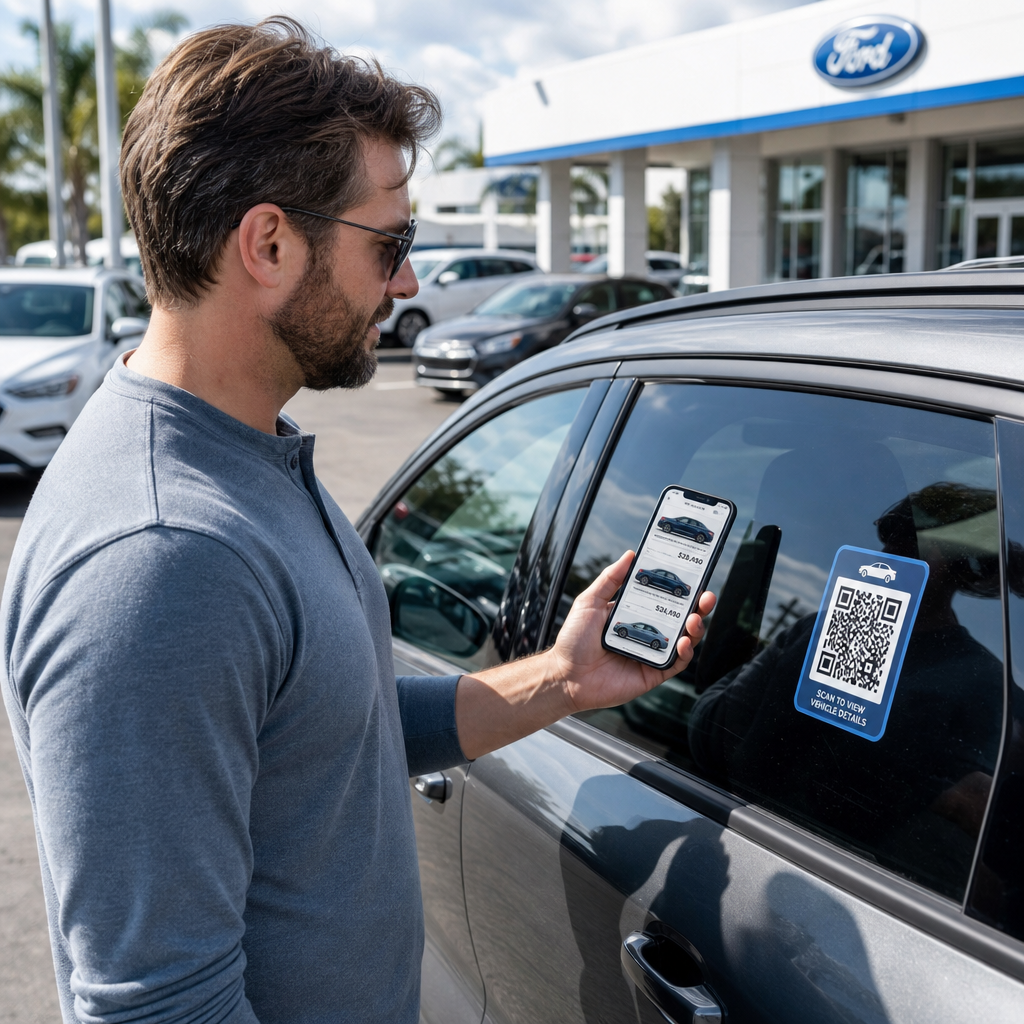
Vinilos para vehículos – Un vinilo con código QR en un vehículo de la empresa lo convierte en un anuncio móvil, enlazando a cualquiera que lo escanee a una página de reservas, lista de servicios o formulario de contacto.
Embalaje para minoristas y comercio electrónico – Las pegatinas en envíos salientes o cajas de productos pueden dirigir a los clientes a videos de unboxing, programas de fidelización o páginas de venta cruzada sin añadir volumen al paquete.
Señalización y entradas para eventos – Añada pegatinas QR a credenciales, señalización o entradas para enlazar a los asistentes a horarios, flujos de registro o recursos para oradores.
| Tipo de pegatina | Mejor Material | Uso Típico |
|---|---|---|
| Pegatina personalizada de marca | BOPP mate o brillante | Embalaje de productos, promociones |
| Pegatina impermeable para exteriores | Vinilo con laminado | Calcomanías para vehículos, señalización exterior |
| Adhesivo o calcomanía para ventana | Vinilo transparente o blanco | Escaparates, ventanas de tiendas |
| Pequeña pegatina de etiqueta | BOPP delgado | Botellas, etiquetas de productos, tarjetas de visita |
| Pegatina para mesa de restaurante | Laminado mate | Enlaces de menú, enlaces a páginas de reseñas |
Uso de códigos QR dinámicos para campañas de pegatinas
Para cualquier campaña donde el destino pueda cambiar – promociones estacionales, actualizaciones de menú, ofertas rotativas – los códigos QR dinámicos son esenciales. La pegatina en sí no cambia; solo lo hace la URL de destino detrás de ella. Esto es importante cuando has impreso miles de pegatinas y la URL de una página de destino cambia, o cuando una promoción termina y quieres redirigir a los escáneres a una nueva oferta.
Los códigos dinámicos también te proporcionan análisis de escaneo: escaneos totales, tiempo de escaneo y datos geográficos. Esto te permite evaluar qué ubicaciones están realmente generando interacción y ajustar en consecuencia. Una pegatina en el empaque de un producto se comporta de manera diferente a una en el escaparate de una tienda, y los análisis te ayudan a ver esa diferencia claramente.
Para Códigos QR en empaques que sirven para campañas minoristas, los códigos dinámicos también te permiten realizar pruebas A/B al dirigir diferentes lotes de códigos a diferentes páginas de destino y comparar los resultados.
Actualiza tu campaña de pegatinas sin reimprimir ¿Ejecutando una promoción por tiempo limitado? El Generador de códigos QR dinámicos te permite redirigir tus pegatinas a una nueva URL en el momento en que termina una campaña – sin nuevas pegatinas, sin tiradas de impresión desperdiciadas.
Preguntas frecuentes
El tamaño mínimo fiable para una URL simple es de 0.8 × 0.8 pulgadas (2 × 2 cm). Para pegatinas colocadas más lejos del escáner – en señalización o calcomanías de vehículos – escale proporcionalmente. Una regla general es hacer que el código sea al menos una décima parte de la distancia de escaneo. Deje siempre una zona tranquila clara de al menos cuatro módulos alrededor del código por todos los lados, y pruebe el tamaño final en dispositivos reales antes de imprimir en volumen.
No si es un código QR estático – esos codifican su destino permanentemente. Con un código QR dinámico, sin embargo, puedes cambiar la URL, el archivo o el contenido vinculado en cualquier momento a través del panel de control de tu cuenta sin tocar la pegatina. Esto convierte a los códigos dinámicos en la opción práctica para cualquier aplicación donde las URL o promociones puedan cambiar, incluyendo empaques de productos, campañas estacionales y menús de restaurantes.
Las pegatinas de vinilo con acabado laminado son la opción más duradera para uso en exteriores. Resisten el agua, la exposición a los rayos UV y el desgaste físico mucho mejor que las etiquetas de papel o BOPP estándar. El laminado mate reduce el deslumbramiento bajo la luz solar directa, lo que mejora la capacidad de escaneo. Para superficies como vehículos o señalización exterior, confirme que su impresora ofrece materiales resistentes a los rayos UV diseñados para aplicaciones exteriores a largo plazo.