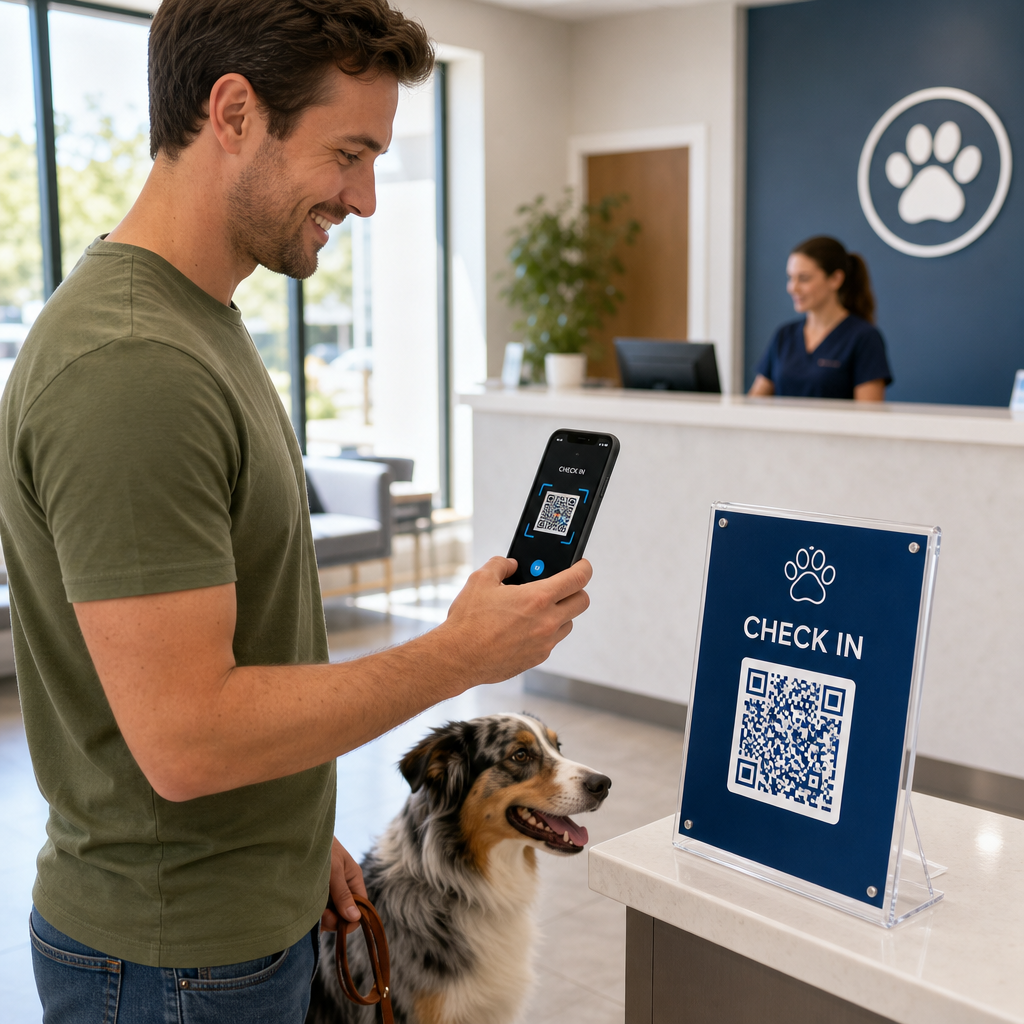

Vai jūsu veterinārārstu prakses personāls ir pārslogots ar pārpildītām gaidīšanas telpām un bezgalīgām papīra veidlapām? Manuāli administratīvie uzdevumi aizkavē aprūpi, palielina reģistratūras darbinieku stresu un frustrē mājdzīvnieku īpašniekus. Ieviešot skenējamas digitālās darbplūsmas, jūsu klīnika var racionalizēt reģistrāciju, automatizēt pēcaprūpes norādījumus un vienkāršot klientu mārketingu.
Ikdienas darbību un pacientu reģistrācijas racionalizēšana
Klientu plūsmas pārvaldīšana rīta maksimumstundās ir pastāvīgs izaicinājums prakses vadītājiem. Papīra reģistrācijas planšetu aizstāšana ar digitālajiem saskares punktiem samazina sastrēgumus vestibilā un novērš manuālas datu ievades kļūdas jūsu prakses pārvaldības programmatūrā.
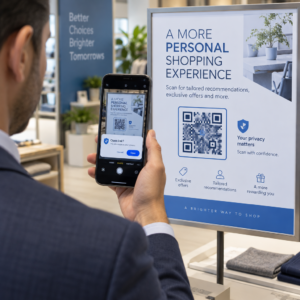
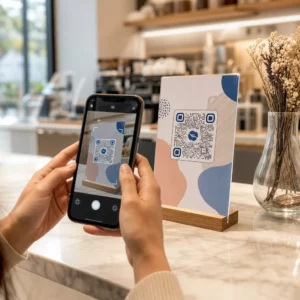
Bezkontakta reģistrācijas kodu izvietošana uz vestibila akrila statīviem vai ieejas durvju izkārtnēm ļauj mājdzīvnieku īpašniekiem veikt reģistrāciju tieši no saviem viedtālruņiem. Kad klienti skenē kodu, viņi atver drošu digitālo veidlapu, lai apstiprinātu kontaktinformāciju, aizpildītu veselības vēsturi vai parakstītu pirmsķirurģiskas piekrišanas līgumus.
Galvenie veterināro klīniku darbības saskares punkti ir:
- Digitālā pacientu uzņemšana: Novirziet klientus uz digitālajām uzņemšanas veidlapām pirms pierakstiem, lai iegūtu veselības vēstures atjauninājumus bez reģistratūras kavēšanās, izmantojot Google Form QR koda ģenerators.
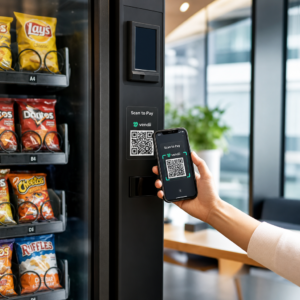
- Bezkontakta maksājumu vākšana: Izvietojiet ātrās maksāšanas izkārtnes pie izrakstīšanas letēm, lai mājdzīvnieku īpašnieki varētu apmaksāt rēķinus, izmantojot maksājumu QR kodu risinājumus ar digitālo maku vai PayPal.
- Ārkārtas kontaktu koplietošana: Nodrošiniet digitālos vCard kontaktu kodus uz ledusskapja magnētu izdales materiāliem, lai īpašnieki varētu saglabāt jūsu steidzamos klīnikas numurus tieši savu mobilo tālruņu adrešu grāmatās.
Vienkāršojiet pacientu uzņemšanu un veidlapu vākšanu Novērsiet papīra jucekli un paātriniet reģistrāciju vestibilā ar pielāgotām digitālajām veidlapām. Izmantojiet Google Form QR koda ģenerators lai šodien izveidotu skenējamas uzņemšanas veidlapas jūsu klīnikai.
Klientu izglītības un pēcaprūpes atbilstības uzlabošana
Mājdzīvnieku īpašnieki bieži jūtas satriekti izrakstīšanas laikā un aizmirst verbālos mājas aprūpes norādījumus. Nodrošinot tūlītēju digitālu piekļuvi pēcoperācijas vadlīnijām, uzlabojas ārstēšanas ievērošana un samazinās nevajadzīgi panikas telefona zvani.
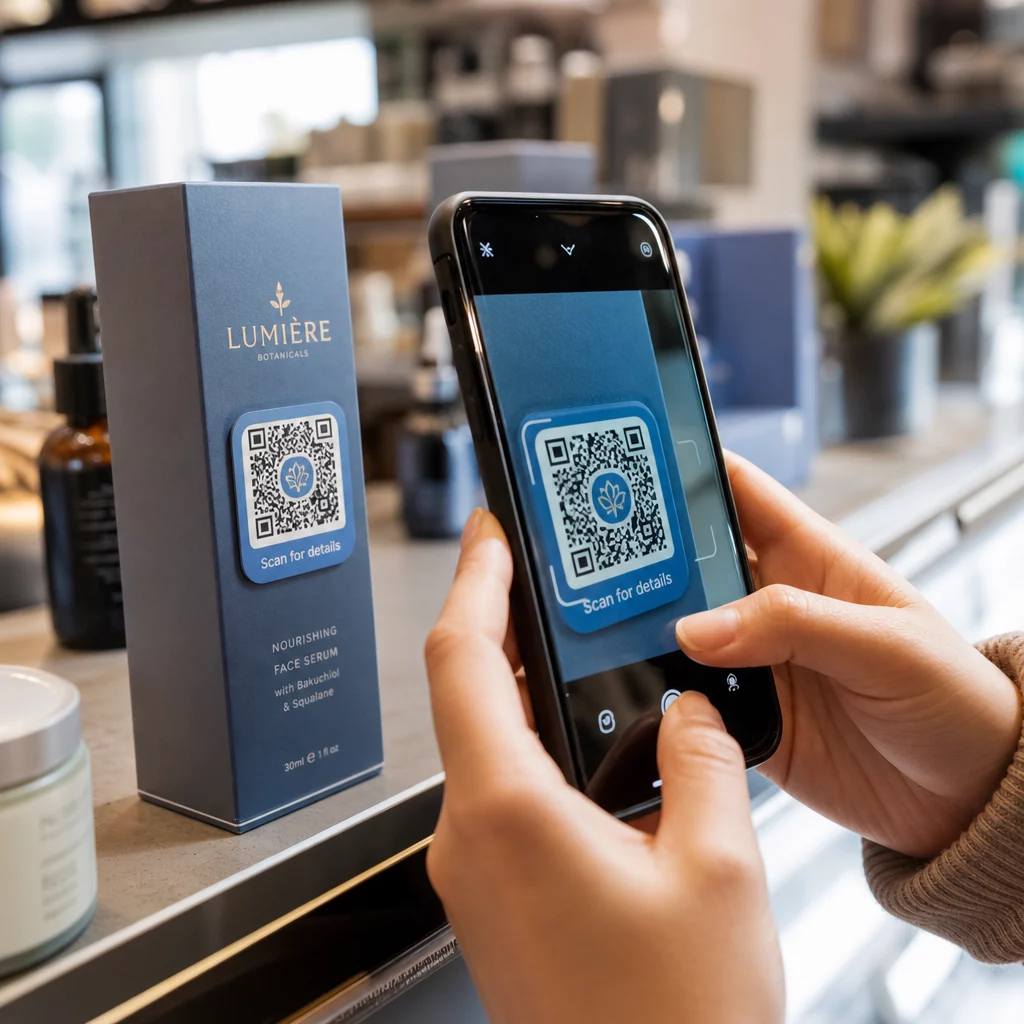
Skenējamu kodu drukāšana uz zāļu pudelēm, izrakstīšanas mapēm vai aprūpes lapām tieši savieno klientus ar pamācošiem video, brūču uzraudzības ceļvežiem un fiziskās rehabilitācijas demonstrācijām. Līdzīgi plašākiem veselības aprūpes QR kodu lietojumprogrammas, digitālie pēcaprūpes rīki nodrošina, ka svarīgākās medicīniskās vadlīnijas ir pieejamas 24/7.
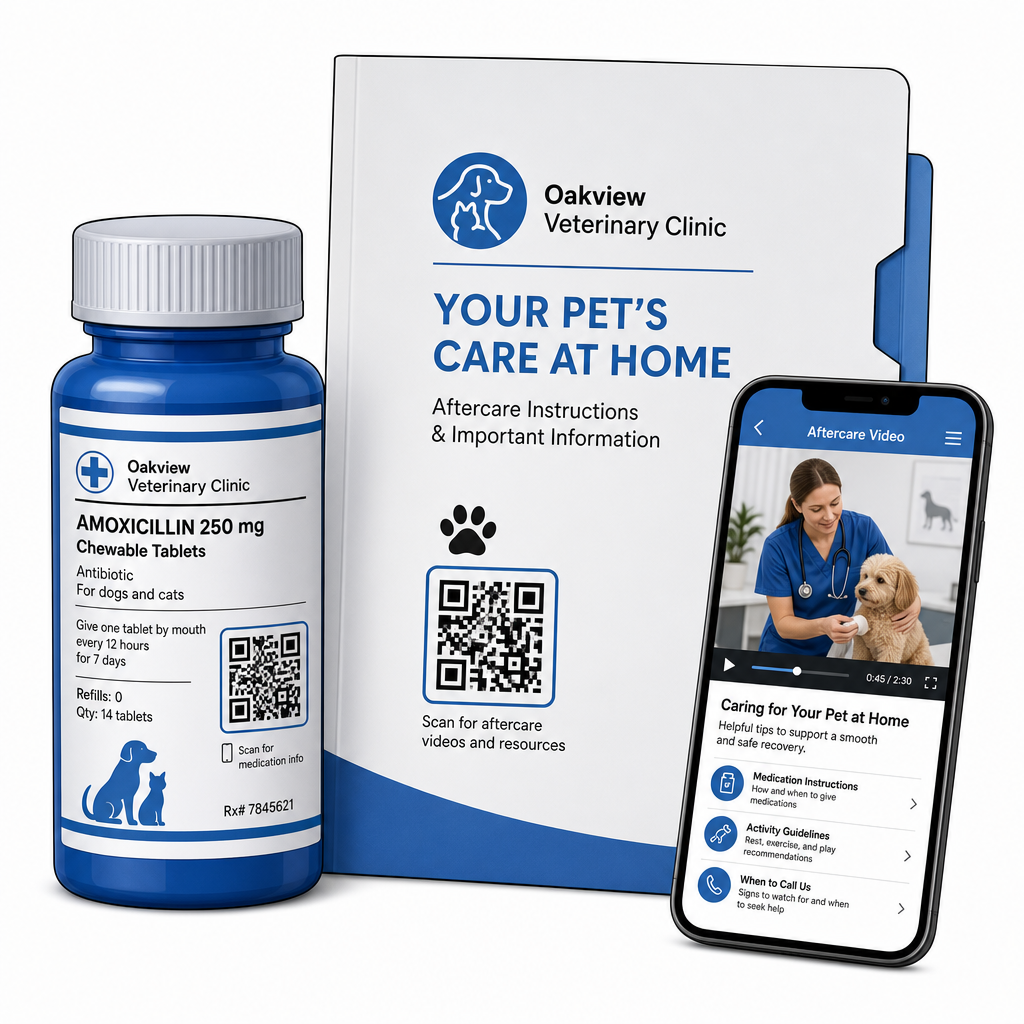
Materiālus pēc vizītes var efektīvi piegādāt, izmantojot:
- Digitālās izrakstīšanas paketes: Augšupielādējiet visaptverošas pēcoperācijas atveseļošanās rokasgrāmatas, izmantojot PDF QR kodu ģenerators lai mājdzīvnieku īpašnieki varētu saglabāt dokumentu failus tieši savos tālruņos.
- Zāļu lietošanas rokasgrāmatas: Recepšu pudelīšu etiķetes tieši saistiet ar īsiem video demonstrējumiem, kuros parādīta pareiza tablešu ievadīšana, acu pilienu lietošanas metodes vai insulīna injekcijas.
- Diētas un labsajūtas ceļveži: Eksāmenu telpās parādiet skenējamās saites uz šķirnei specifiskiem uztura ceļvežiem, parazītu profilakses grafikiem un zobārstniecības aprūpes ieteikumiem.
Prakses mārketings un reputācijas pārvaldība
Veterinārās prakses attīstībai nepieciešama pastāvīga vietējā iesaiste un pozitīvas atsauksmes tiešsaistē. Digitālo saskares punktu stratēģiska izvietošana fiziskajos mārketinga materiālos palīdz pārvērst ikdienas vizītes ilgtermiņa prakses izaugsmē.
Ievietojot atsauksmju aicinājumus pie izrakstīšanas galda vai drukājot tos uz rēķiniem, jūs mudināt apmierinātus klientus atstāt atsauksmes, kamēr viņu pieredze ir svaiga. Šo procesu var racionalizēt, ieviešot Google atsauksmju QR koda ģenerators lai novirzītu mājdzīvnieku īpašniekus tieši uz jūsu profilu.
Lai saglabātu uzticību un ievērotu normatīvos standartus, praksēm jāievēro galvenie atbilstības noteikumi:
| Mārketinga joma | Labākās prakses standarts | Regulatīvās un platformas prasības |
|---|---|---|
| Google atsauksmes | Novirziet visus klientus uz jūsu verificēto Google uzņēmuma profilu. | FTC vadlīnijas un Google politikas stingri aizliedz atsauksmju ierobežošanu, viltus atsauksmes vai atlaižu un dāvanu piedāvāšanu apmaiņā pret atsauksmēm. |
| Veselības plāni | Novirziet klientus uz vairāku saišu galvenajām lapām preventīvās aprūpes reģistrācijai. | Nodrošiniet pārredzamas cenu detaļas un skaidrus noteikumus ikgadējiem veselības pakotnēm. |
| Klientu ieteikumi | Iekļaujiet ieteikumu reģistrācijas kodus uz vizītkartēm un sveiciena mapēm. | Nodrošiniet, ka ieteikumu noteikumi vienlīdzīgi attiecas uz visiem esošajiem klientiem. |
Iesaistes uzraudzība drukātajās skrejlapās, sezonālajās akcijās un ieteikumu kartītēs ir vienkārša, ja izmanto izsekojamus dinamiskos QR kodus. Prakses vadītāji var aplūkot reāllaika skenēšanas metrikas, lai novērtētu, kura reklāmas izvietojums rada visaugstāko klientu iesaisti.
Labākā prakse skenējamībai, drošībai un pieejamībai
QR kods, ko neizdodas skenēt, rada vilšanos gan mājdzīvnieku īpašniekiem, gan klīnikas personālam. Tehnisko standartu un drošības protokolu ievērošana nodrošina uzticamu darbību visos veterinārajos kontaktpunktos.
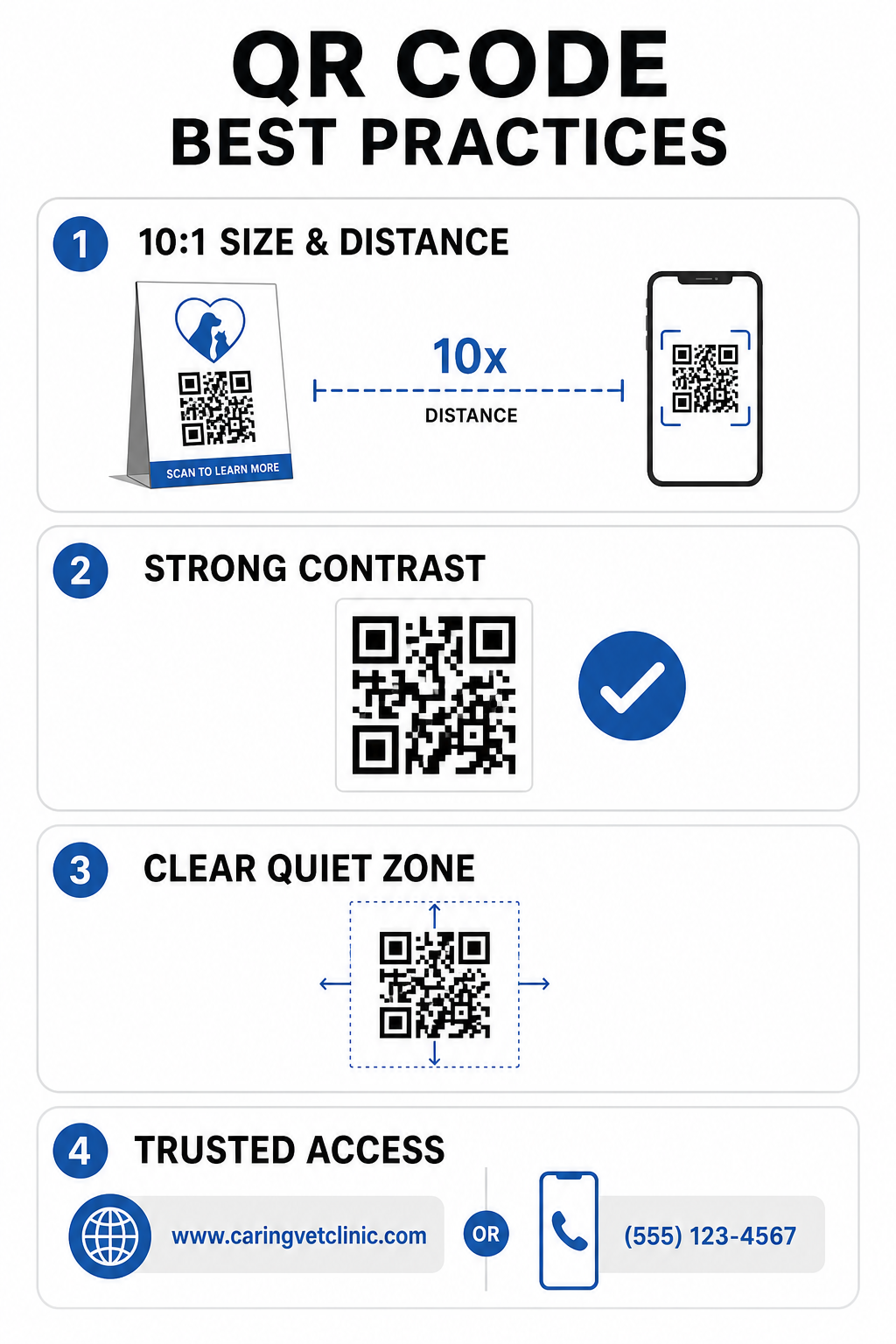
Tehniskās drukas vadlīnijas
- Uzturiet 10:1 izmēra un attāluma attiecību: Izveidojiet kodu vismaz 1 cm platumā uz katriem 10 cm paredzētā skenēšanas attāluma, saglabājot tuvuma kodus minimālajā izmērā 2 x 2 cm.
- Nodrošiniet augstu krāsu kontrastu: Uzturiet vismaz 4:1 kontrasta attiecību starp tumšiem koda rakstiem un gaišiem foniem, izvairoties no gaišiem rakstiem uz gaišiem foniem.
- Saglabājiet kluso zonu: Atstājiet skaidru baltu apmali ap koda ārējām malām, lai novērstu apkārtējo grafisko elementu traucējumus.
- Eksportējiet augstas izšķirtspējas failus: Saglabājiet drukas resursus vektoru formātos, piemēram, SVG vai EPS, ar 300 DPI vai augstāku izšķirtspēju, lai novērstu pikseļu veidošanos, ievērojot noteiktos labāko praksi QR kodu lasāmībā.
Drošības un pieejamības standarti
- Aizsargājiet fiziskās zīmes no pikšķerēšanas: Regulāri pārbaudiet klīnikas zīmes, lai pasargātu no ļaunprātīgām pārklājošām uzlīmēm (quishing), kas vērstas pret mājdzīvnieku īpašniekiem.
- Izmantojiet uzticamus pielāgotus domēnus: Saisiet kodus tieši ar pārbaudītiem klīnikas domēniem, nevis ar vispārīgiem URL saīsinātājiem, lai nodrošinātu galamērķa drošību.
- Nodrošiniet alternatīvas piekļuves metodes: Iekļaujiet īsas rakstiskas URL adreses, tālruņa numurus vai personāla palīdzību blakus kodiem, kopā ar skaidrām, vienkāršā valodā sniegtām skenēšanas instrukcijām.
Veterināro saskares punktu uzlabošana
Skenējamu darba plūsmu integrēšana jūsu veterinārajā praksē savieno plaisu starp fiziskajiem klientu saskares punktiem un digitālās pārvaldības rīkiem. Papīra veidlapu aizstāšana ar digitālajām uzņemšanas iespējām, tūlītēju pēcaprūpes video nodrošināšana un atgriezeniskās saites vākšanas vienkāršošana samazina personāla nogurumu, vienlaikus paaugstinot aprūpes standartus jūsu pacientiem.
Sāciet, identificējot bieži sastopamos berzes punktus savā klīnikā, piemēram, reģistrāciju vestibilā vai medikamentu izsniegšanu. Izvēlieties dinamiskas iespējas, lai jūs varētu jebkurā laikā atjaunināt saistītās tīmekļa adreses vai lejupielādējamus dokumentus bez fizisku zīmju atkārtotas drukāšanas. Veidojiet, pielāgojiet un sekojiet līdzi savas prakses digitālajiem saskares punktiem, izmantojot Pageloot QR kodu ģenerators šodien.
Biežāk uzdotie jautājumi
Dinamiskie QR kodi ļauj darbiniekiem jebkurā laikā atjaunināt mērķa tīmekļa lapu vai saistīto PDF dokumentu, neatkārtoti drukājot fiziskās skrejlapas, izkārtnes vai zāļu pudelītes. Tie nodrošina arī skenēšanas analīzi, lai prakses vadītāji varētu novērtēt klientu iesaisti.
Nē. FTC vadlīnijas un Google atsauksmju politikas stingri aizliedz piedāvāt stimulus, bezmaksas produktus vai atlaides apmaiņā pret tiešsaistes atsauksmēm. Praksē jāapkopo autentiskas, neizprovocētas atsauksmes.
Ievērojiet 10:1 attāluma-pret-izmēra vadlīniju. Ja mājdzīvnieka īpašnieks skenē plakātu no 100 cm (apmēram 3 pēdu) attāluma, kodam jābūt vismaz 10 x 10 cm lielam, ko ieskauj skaidra balta apmale.