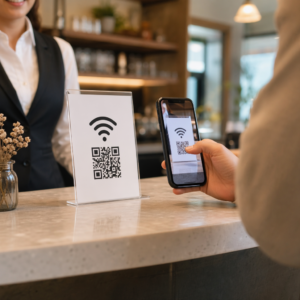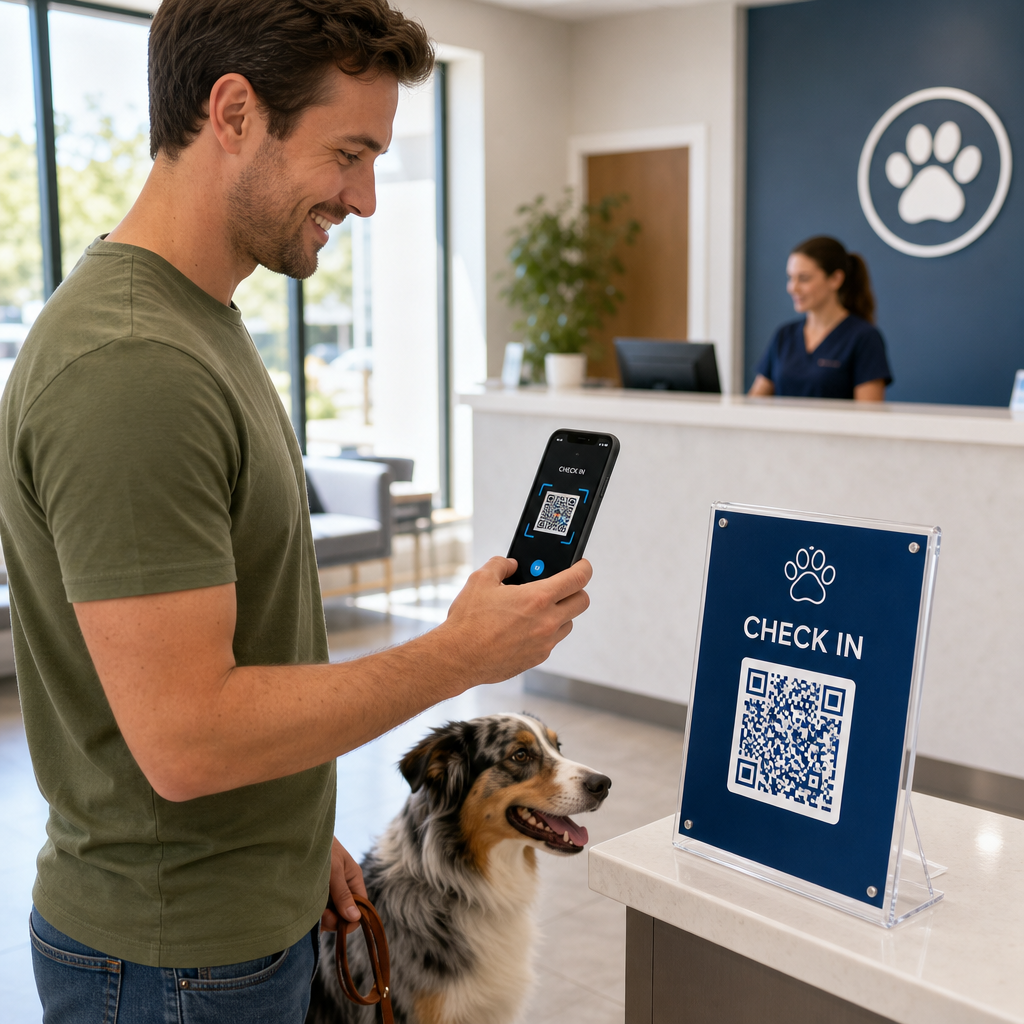

Is het personeel van uw dierenartspraktijk overbelast door drukke wachtkamers en eindeloze papieren formulieren? Handmatige administratieve taken vertragen de zorg, verhogen de stress aan de balie en frustreren eigenaren van huisdieren. Het implementeren van scanbare digitale workflows stelt uw kliniek in staat om check-ins te stroomlijnen, nazorginstructies te automatiseren en klantenmarketing te vereenvoudigen.
Dagelijkse werkzaamheden en patiëntcheck-ins stroomlijnen
Het beheren van de cliëntenstroom tijdens de drukke ochtenduren is een voortdurende uitdaging voor praktijkmanagers. Het vervangen van papieren registratieformulieren door digitale contactpunten vermindert de drukte in de wachtruimte en voorkomt handmatige gegevensinvoerfouten in uw praktijkbeheersoftware.
Door contactloze check-in codes op acrylstands in de wachtruimte of op de voordeur te plaatsen, kunnen huisdiereigenaren de check-in rechtstreeks vanaf hun smartphone starten. Wanneer cliënten de code scannen, openen ze een beveiligd digitaal formulier om contactgegevens te bevestigen, medische geschiedenissen in te vullen of pre-operatieve toestemmingsovereenkomsten te ondertekenen.
Belangrijke operationele contactpunten voor dierenartsklinieken zijn:
- Digitale patiëntenintake: Verwijs cliënten vóór afspraken naar digitale intakeformulieren om updates van de medische geschiedenis vast te leggen zonder vertragingen aan de balie met behulp van een Google Forms QR code maken.
- Contactloos betalen: Plaats snelle betaalinstructies bij de afhaalbalies, zodat eigenaren van huisdieren rekeningen kunnen voldoen via QR-code oplossingen voor betalingen via digitale portemonnees of PayPal.
- Het delen van noodcontacten: Geef digitale vCard-contactcodes op koelkastmagneet-handouts, zodat eigenaren uw urgente klinieknummers rechtstreeks kunnen opslaan in de adresboeken van hun mobiele telefoons.
Vereenvoudig patiëntenintake en formulierenverzameling Elimineer papierwerk en versnel check-ins in de wachtruimte met aangepaste digitale formulieren. Gebruik de Google Forms QR code maken om vandaag nog scanbare intakeformulieren voor uw kliniek te maken.
Verbetering van cliëntvoorlichting en naleving van nazorg
Huisdiereigenaren voelen zich vaak overweldigd bij ontslag en vergeten mondelinge thuiszorginstructies. Het bieden van directe digitale toegang tot postoperatieve richtlijnen verbetert de therapietrouw en vermindert onnodige paniektelefoontjes.
Het afdrukken van scanbare codes op medicijnflesjes, ontslagmappen of zorgbladen verbindt cliënten direct met instructievideo's, wondmonitoringgidsen en demonstraties van fysieke revalidatie. Vergelijkbaar met bredere QR-code toepassingen in de gezondheidszorg, zorgen digitale nazorgtools ervoor dat essentiële medische begeleiding 24/7 toegankelijk blijft.
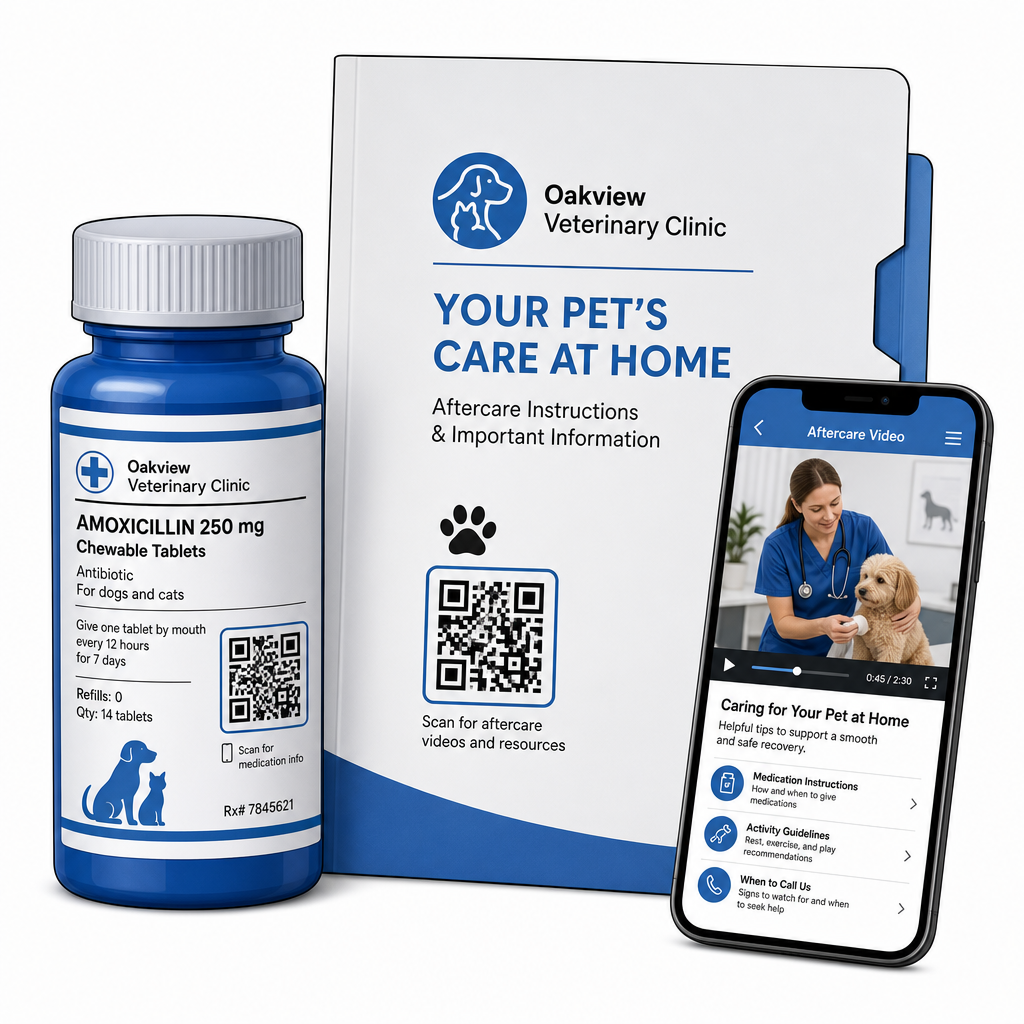
U kunt materialen na het bezoek effectief aanbieden via:
- Digitale ontslagpakketten: Upload uitgebreide postoperatieve herstelhandleidingen via een PDF naar QR code maken zodat huisdiereigenaren documenten direct op hun telefoon kunnen opslaan.
- Handleidingen voor medicijntoediening: Koppel etiketten van receptflesjes direct aan korte videodemonstraties die de juiste toediening van pillen, oogdruppeltechnieken of insuline-injecties tonen.
- Dieet- en welzijnsgidsen: Toon scanbare links naar raspecifieke voedingsgidsen, schema's voor parasietenpreventie en tandverzorgingsaanbevelingen in de spreekkamers.
Praktijkmarketing en reputatiemanagement stimuleren
Het laten groeien van een dierenartspraktijk vereist consistente lokale betrokkenheid en positieve online recensies. Strategische positionering van digitale contactpunten over fysieke marketingmiddelen helpt routinematige bezoeken om te zetten in langdurige praktijkgroei.
Door recensieaanvragen bij de ontslagbalie te plaatsen of op facturen af te drukken, moedigt u tevreden cliënten aan om feedback achter te laten terwijl hun ervaring nog vers is. U kunt dit proces stroomlijnen door een Google review QR code maken om huisdiereigenaren direct naar uw profiel te leiden.
Om vertrouwen te behouden en te voldoen aan regelgevende normen, moeten praktijken de belangrijkste complianceregels volgen:
| Marketinggebied | Bestepraktijkstandaard | Regelgevende & Platformvereiste |
|---|---|---|
| Google Recensies | Leid alle cliënten naar uw geverifieerde Google Bedrijfsprofiel. | FTC-richtlijnen en Google-beleid verbieden strikt het filteren van reviews, nepreviews, of het aanbieden van kortingen en cadeaus in ruil voor reviews. |
| Wellnessplannen | Verwijs klanten naar [multi-link] landingspagina's voor inschrijving voor preventieve zorg. | Geef transparante prijsdetails en duidelijke voorwaarden voor jaarlijkse wellnesspakketten. |
| Klantverwijzingen | Vermeld registratiecodes voor verwijzingen op visitekaartjes en welkomstmappen. | Zorg ervoor dat de verwijzingsvoorwaarden gelijkelijk van toepassing zijn op alle bestaande klanten. |
Het monitoren van de betrokkenheid via gedrukte folders, seizoenspromoties en verwijzingskaarten is eenvoudig bij gebruik van traceerbare dynamische QR-codes. Praktijkmanagers kunnen realtime scanstatistieken bekijken om te evalueren welke promotionele plaatsing de hoogste klantbetrokkenheid genereert.
Best practices voor scanbaarheid, veiligheid en toegankelijkheid
Een QR-code die niet scant, creëert frustratie voor zowel eigenaren van huisdieren als kliniekpersoneel. Het volgen van technische standaarden en beveiligingsprotocollen garandeert betrouwbare prestaties op alle veterinaire contactpunten.
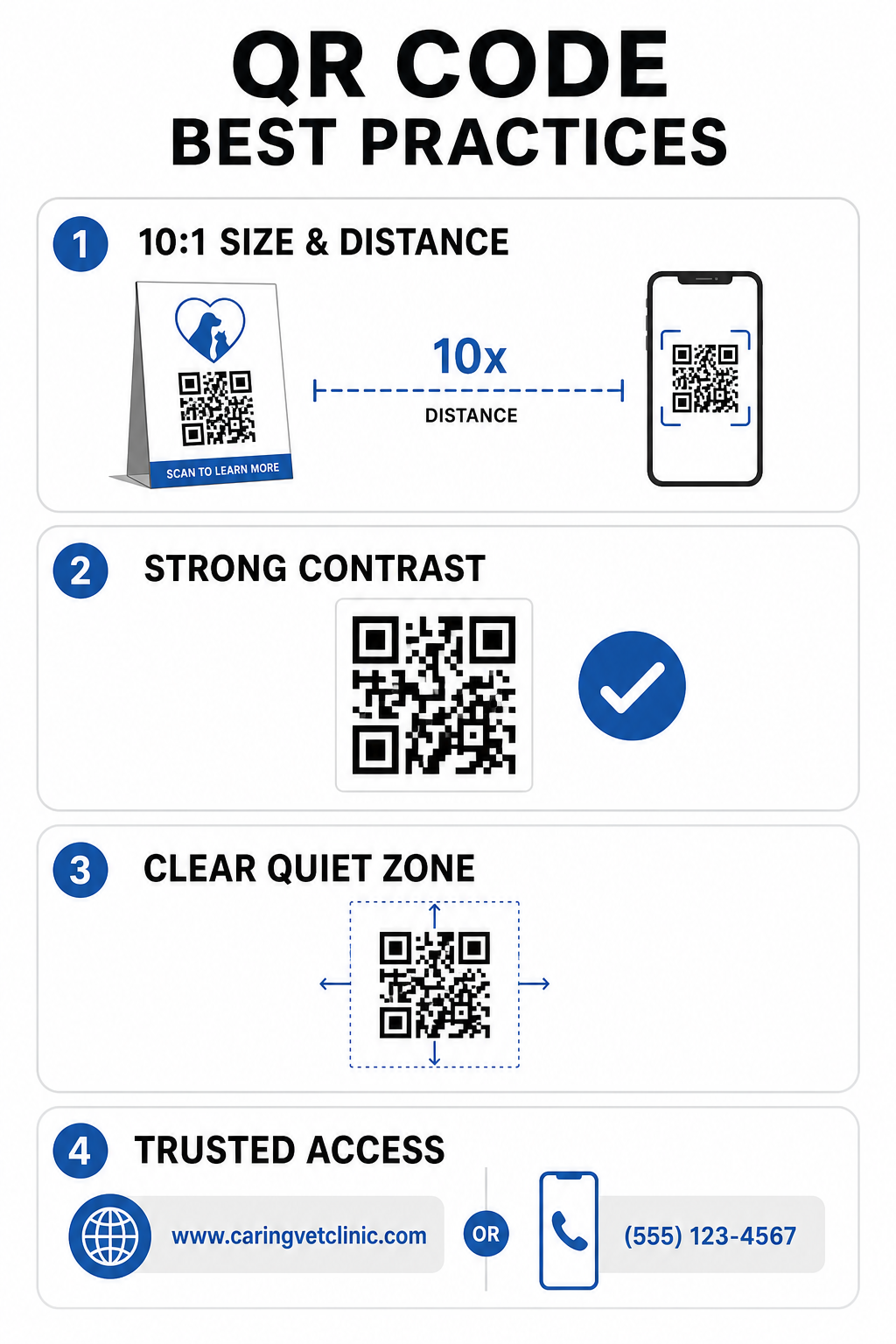
Technische printrichtlijnen
- Handhaaf een verhouding van 10:1 tussen grootte en afstand: Maak de code minstens 1 cm breed voor elke 10 cm verwachte scanafstand, waarbij codes voor korte afstand een minimale grootte van 2 x 2 cm moeten hebben.
- Zorg voor een hoog kleurcontrast: Handhaaf minimaal een contrastverhouding van 4:1 tussen donkere codepatronen en lichte achtergronden, vermijd lichtgekleurde patronen op lichte achtergronden.
- Behoud de stille zone: Laat een duidelijke witte rand rond de buitenste randen van de code om interferentie van omringende grafische elementen te voorkomen.
- Exporteer bestanden met hoge resolutie: Sla printbestanden op in vectorformaten zoals SVG of EPS met 300 DPI of hoger om pixelvorming te voorkomen, volgens gevestigde best practices voor de leesbaarheid van QR-codes.
Beveiligings- en toegankelijkheidsnormen
- Bescherm fysieke bewegwijzering tegen phishing: Inspecteer kliniekborden regelmatig om te waarschuwen tegen kwaadaardige overlay-stickers (quishing) die gericht zijn op eigenaren van huisdieren.
- Gebruik vertrouwde aangepaste domeinen: Koppel codes direct aan geverifieerde kliniekdomeinen in plaats van generieke URL-verkorters om de bestemmingsbeveiliging te waarborgen.
- Bied alternatieve toegangsmethoden: Voeg korte geschreven URL's, telefoonnummers of assistentie van personeel toe naast codes, vergezeld van duidelijke scaninstructies in eenvoudige taal.
Uw veterinaire contactmomenten verbeteren
Het integreren van scanbare workflows in uw dierenartspraktijk overbrugt de kloof tussen fysieke contactmomenten met cliënten en digitale managementtools. Het vervangen van papieren formulieren door digitale intake-opties, het aanbieden van directe nazorgvideo's en het vereenvoudigen van feedbackverzameling vermindert de werkdruk van het personeel, terwijl de zorgstandaard voor uw patiënten wordt verhoogd.
Begin met het identificeren van knelpunten met veel verkeer in uw kliniek, zoals inchecken in de wachtkamer of medicatieafgifte. Kies dynamische opties zodat u gekoppelde webadressen of downloadbare documenten op elk gewenst moment kunt bijwerken zonder fysieke borden opnieuw af te drukken. Bouw, pas aan en volg de digitale contactpunten van uw praktijk met behulp van de Pageloot QR-codegenerator vandaag.
Veelgestelde vragen
Dynamische QR-codes stellen personeel in staat om de doelwebpagina of het gekoppelde PDF-document op elk moment bij te werken zonder fysieke flyers, bewegwijzering of medicijnflesjes opnieuw af te drukken. Ze bieden ook scananalyses zodat praktijkmanagers de cliëntbetrokkenheid kunnen evalueren.
Nee. FTC-richtlijnen en het Google-beoordelingsbeleid verbieden strikt het aanbieden van prikkels, gratis producten of kortingen in ruil voor online beoordelingen. Praktijken moeten authentieke, onafhankelijke feedback verzamelen.
Volg de 10:1 richtlijn voor afstand-tot-grootte. Als een huisdiereigenaar een poster scant vanaf een afstand van 100 cm (ongeveer 3 voet), moet de code minstens 10 x 10 cm meten, omringd door een duidelijke witte rand.