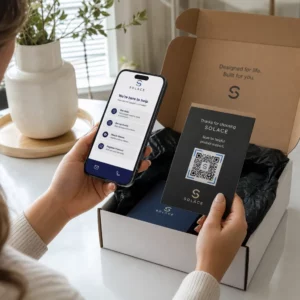

Ist das Personal Ihrer Tierarztpraxis überfüllt mit Wartezimmern und endlosen Papierformularen überfordert? Manuelle Verwaltungsaufgaben verzögern die Versorgung, erhöhen den Stress am Empfang und frustrieren Tierbesitzer. Die Implementierung von scannbaren digitalen Workflows ermöglicht Ihrer Klinik, Check-ins zu optimieren, Anweisungen zur Nachsorge zu automatisieren und das Kundenmarketing zu vereinfachen.
Optimierung des täglichen Betriebs und der Patientenanmeldung
Die Verwaltung des Kundenflusses während der Stoßzeiten am Morgen ist eine anhaltende Herausforderung für Praxismanager. Der Ersatz von Papier-Registrierungsmappen durch digitale Berührungspunkte reduziert die Überlastung in der Lobby und verhindert manuelle Dateneingabefehler in Ihrer Praxisverwaltungssoftware.
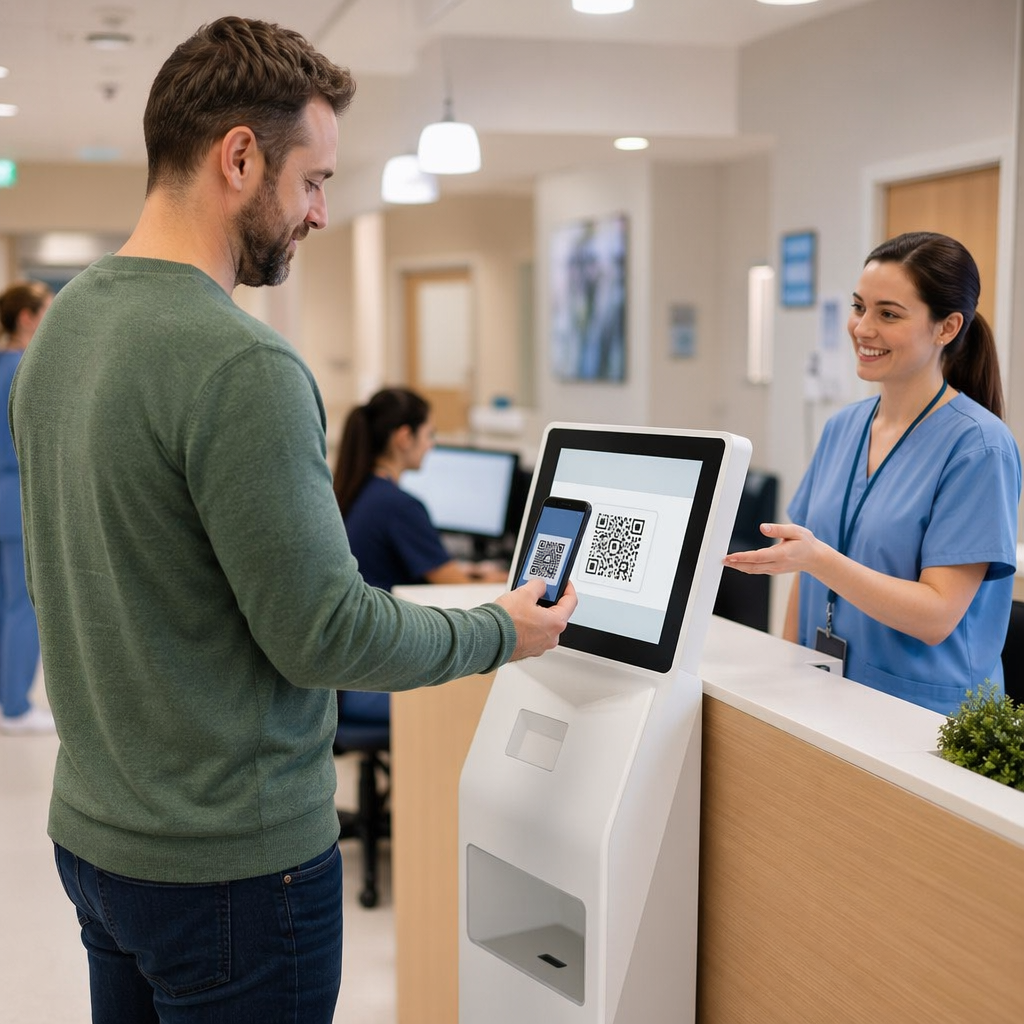
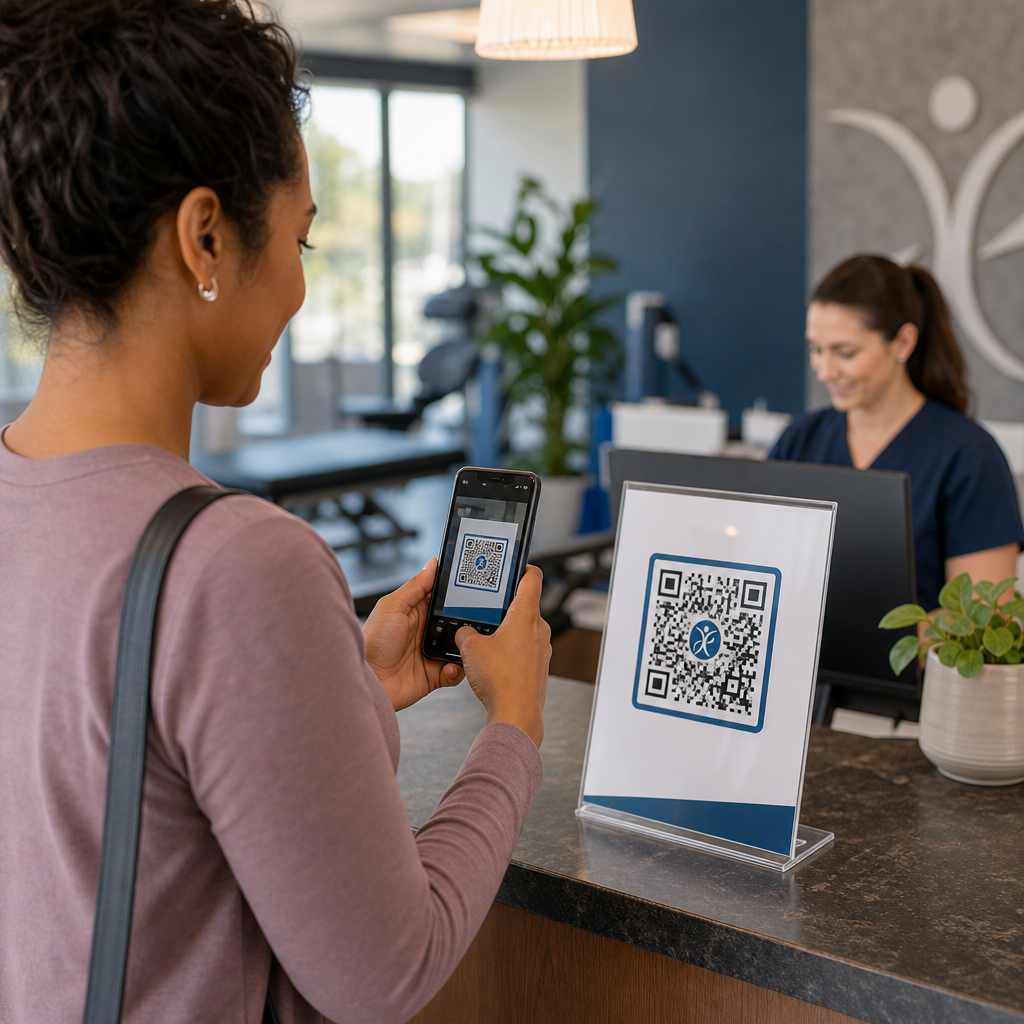
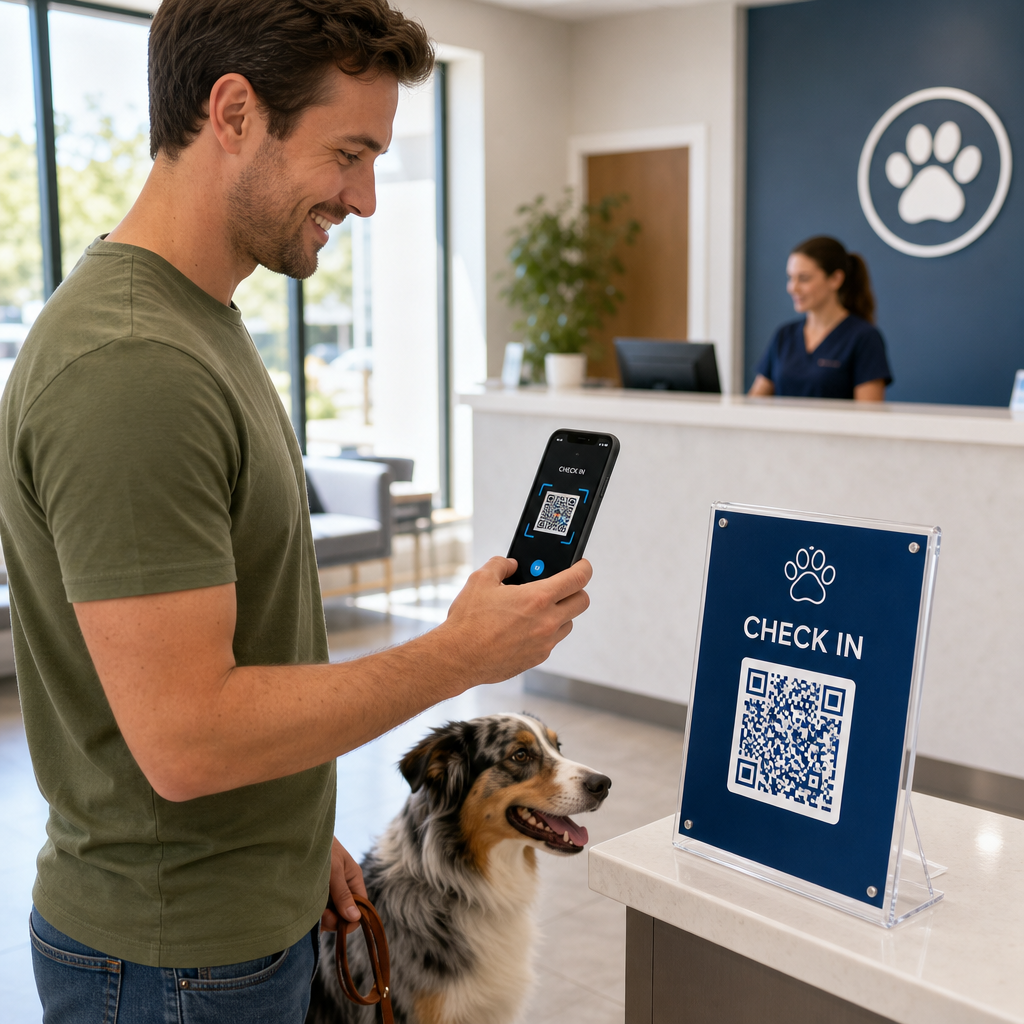
Das Anbringen kontaktloser Check-in-Codes auf Acrylständern in der Lobby oder an der Eingangstür ermöglicht es Tierbesitzern, den Check-in direkt von ihrem Smartphone aus zu starten. Wenn Kunden den Code scannen, öffnen sie ein sicheres digitales Formular, um Kontaktinformationen zu bestätigen, Krankengeschichten auszufüllen oder präoperative Einverständniserklärungen zu unterzeichnen.
Wichtige operative Berührungspunkte für Tierkliniken umfassen:
- Digitale Patientenaufnahme: Leiten Sie Kunden vor Terminen zu digitalen Aufnahmeformularen weiter, um Aktualisierungen der Krankengeschichte ohne Verzögerungen am Empfang zu erfassen, mithilfe eines Google Forms QR-Code erstellen.
- Kontaktlose Zahlungserfassung: Zeigen Sie an den Entlassungsschaltern Schnellzahlungs-Beschilderung an, damit Tierbesitzer Rechnungen über QR-Code-Zahlungslösungen über digitale Geldbörsen oder PayPal.
- Teilen von Notfallkontakten: Stellen Sie digitale vCard-Kontaktcodes auf Kühlschrankmagneten zur Verfügung, damit Besitzer Ihre dringenden Kliniknummern direkt in ihre Handy-Adressbücher speichern können.
Vereinfachen Sie die Patientenaufnahme und Formularsammlung Beseitigen Sie Papierchaos und beschleunigen Sie Lobby-Check-ins mit angepassten digitalen Formularen. Nutzen Sie den Google Forms QR-Code erstellen um noch heute scannbare Aufnahmeformulare für Ihre Klinik zu erstellen.
Verbesserung der Kundenaufklärung und Einhaltung der Nachsorge
Tierbesitzer fühlen sich oft bei der Entlassung überfordert und vergessen mündliche Pflegeanweisungen für zu Hause. Der sofortige digitale Zugang zu postoperativen Richtlinien verbessert die Therapietreue und reduziert unnötige panische Telefonanrufe.
Das Drucken von scannbaren Codes auf Medikamentenflaschen, Entlassungsmappen oder Pflegeblättern verbindet Kunden direkt mit Anleitungsvideos, Wundüberwachungsanleitungen und Demonstrationen zur physikalischen Rehabilitation. Ähnlich wie bei umfassenderen Anwendungen für QR-Codes im Gesundheitswesen, stellen digitale Nachsorge-Tools sicher, dass wichtige medizinische Anleitungen rund um die Uhr zugänglich bleiben.
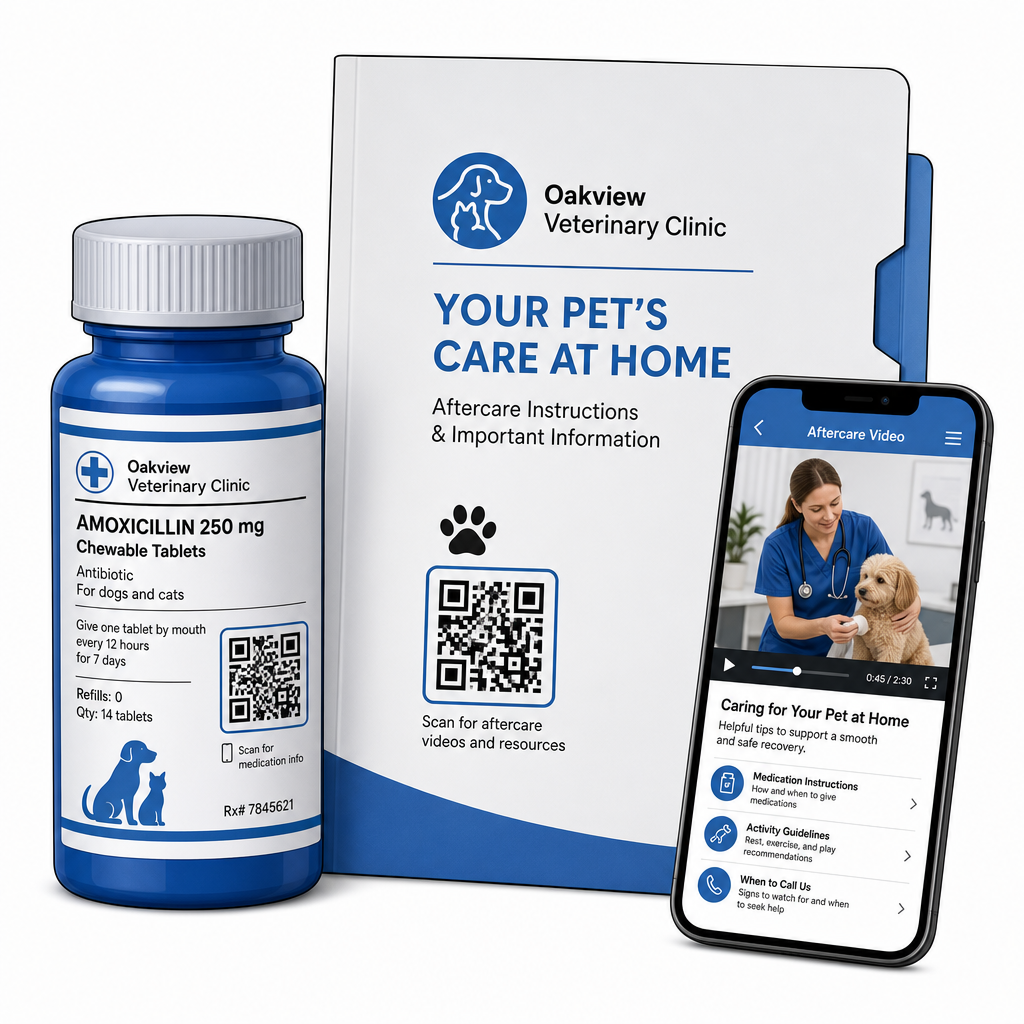
Sie können Materialien nach dem Besuch effektiv bereitstellen durch:
- Digitale Entlassungspakete: Laden Sie umfassende postoperative Genesungsanleitungen hoch, indem Sie einen/eine PDF QR-Code Generator damit Tierbesitzer Dokumentdateien direkt auf ihren Telefonen speichern können.
- Anleitungen zur Medikamentenverabreichung: Verlinken Sie Etiketten von Medikamentenflaschen direkt mit kurzen Videodemonstrationen, die die richtige Pillenverabreichung, Augentropfentechniken oder Insulininjektionen zeigen.
- Ernährungs- und Wellnessleitfäden: Zeigen Sie scannbare Links zu rassespezifischen Ernährungsratgebern, Zeitplänen zur Parasitenprävention und Empfehlungen zur Zahnpflege in den Untersuchungsräumen an.
Praxismarketing und Reputationsmanagement fördern
Der Ausbau einer Tierarztpraxis erfordert eine konsequente lokale Beteiligung und positive Online-Bewertungen. Die strategische Positionierung digitaler Berührungspunkte über physische Marketingmittel hinweg hilft, Routinebesuche in langfristiges Praxiswachstum umzuwandeln.
Indem Sie Bewertungsaufforderungen am Entlassungsschalter platzieren oder auf Rechnungen drucken, ermutigen Sie zufriedene Kunden, Feedback zu hinterlassen, solange ihre Erfahrung noch frisch ist. Sie können diesen Prozess optimieren, indem Sie einen/eine QR-Code für Google Bewertung erstellen um Tierbesitzer direkt zu Ihrem Profil zu leiten.
Um Vertrauen zu erhalten und regulatorische Standards einzuhalten, müssen Praxen wichtige Compliance-Regeln befolgen:
| Marketingbereich | Best-Practice-Standard | Regulatorische & Plattformanforderung |
|---|---|---|
| Google-Bewertungen | Leiten Sie alle Kunden zu Ihrem verifizierten Google My Business-Profil. | Die Richtlinien der FTC und die Google-Richtlinien verbieten strengstens das Sperren von Bewertungen, gefälschte Bewertungen oder das Anbieten von Rabatten und Geschenken im Austausch für Bewertungen. |
| Vorsorgepläne | Leiten Sie Kunden zum Multi-Link Landingpages für die Anmeldung zur Vorsorge. | Bieten Sie transparente Preisdetails und klare Bedingungen für jährliche Vorsorgepakete. |
| Kundenempfehlungen | Platzieren Sie Registrierungscodes für Empfehlungen auf Visitenkarten und Willkommensmappen. | Stellen Sie sicher, dass die Empfehlungsbedingungen für alle bestehenden Kunden gleichermaßen gelten. |
Die Überwachung des Engagements über gedruckte Flyer, saisonale Aktionen und Empfehlungskarten hinweg ist unkompliziert, wenn man nachverfolgbare dynamische QR-Codes. Praxismanager können Scan-Metriken in Echtzeit einsehen, um zu bewerten, welche Platzierung der Werbung die höchste Kundenbindung erzeugt.
Best Practices für Scanbarkeit, Sicherheit und Barrierefreiheit
Ein QR-Code, der nicht scannt, führt zu Frustration bei Tierhaltern und Klinikpersonal. Die Einhaltung technischer Standards und Sicherheitsprotokolle gewährleistet eine zuverlässige Leistung an allen tierärztlichen Kontaktpunkten.
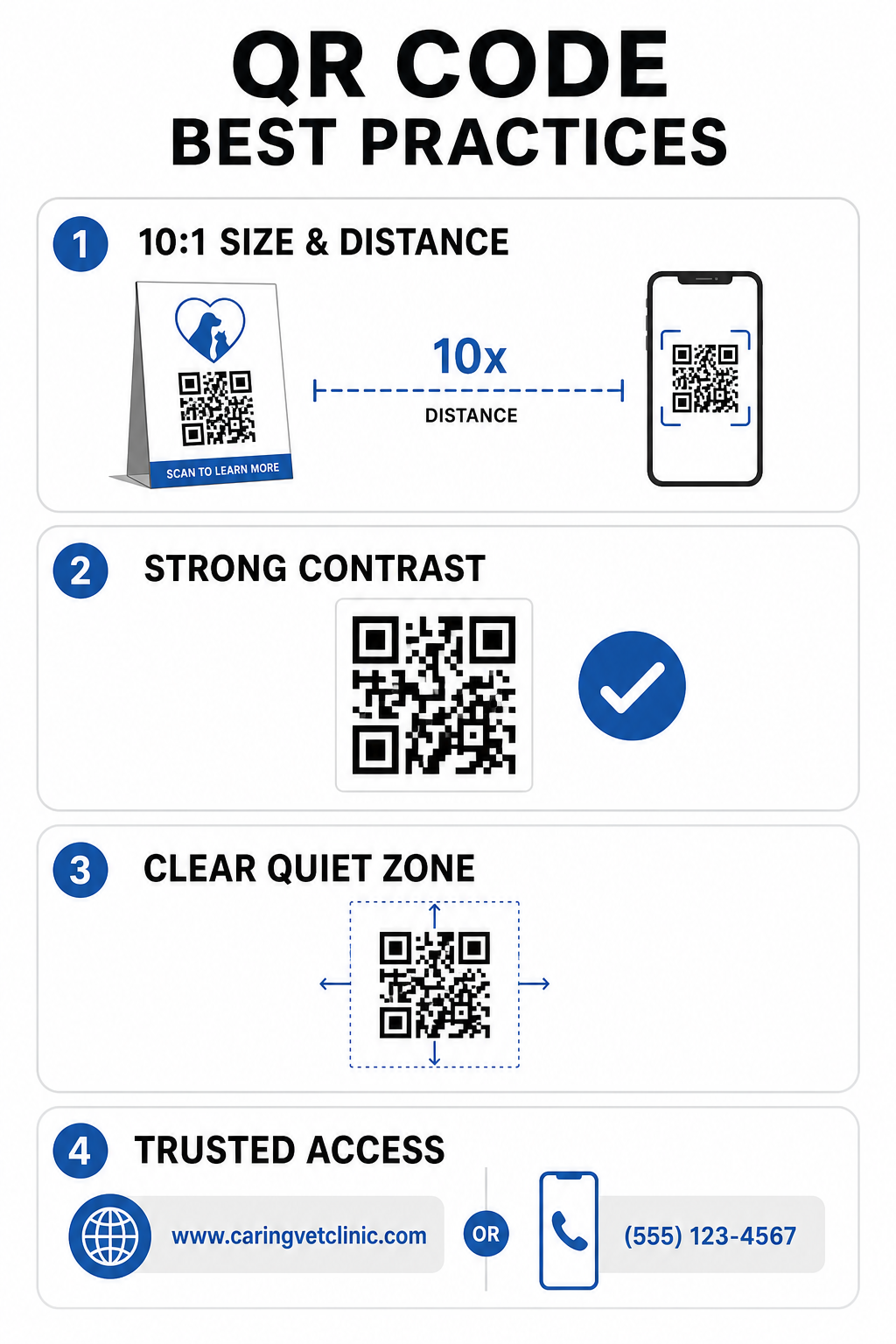
Technische Druckrichtlinien
- Halten Sie ein Größen-Abstands-Verhältnis von 10:1 ein: Machen Sie den Code mindestens 1 cm breit für jede 10 cm des erwarteten Scan-Abstands, wobei Codes für den Nahbereich eine Mindestgröße von 2 x 2 cm haben sollten.
- Sorgen Sie für hohen Farbkontrast: Halten Sie ein Kontrastverhältnis von mindestens 4:1 zwischen dunklen Codemustern und hellen Hintergründen ein und vermeiden Sie helle Muster auf hellen Hintergründen.
- Bewahren Sie die Ruhezone: Lassen Sie einen klaren weißen Rand um die äußeren Kanten des Codes, um Störungen durch umgebende grafische Elemente zu vermeiden.
- Exportieren Sie hochauflösende Dateien: Speichern Sie Druckdaten in Vektorformaten wie SVG oder EPS mit 300 DPI oder höher, um Pixelbildung zu vermeiden, gemäß den etablierten Best Practices für die Lesbarkeit von QR-Codes.
Sicherheits- und Zugänglichkeitsstandards
- Schützen Sie physische Beschilderung vor Phishing: Überprüfen Sie regelmäßig Klinikschilder, um sich vor bösartigen Overlay-Aufklebern (Quishing) zu schützen, die Tierhalter ins Visier nehmen.
- Verwenden Sie vertrauenswürdige benutzerdefinierte Domains: Verknüpfen Sie Codes direkt mit verifizierten Klinik-Domains anstatt mit generischen URL-Verkürzern, um die Zielsicherheit zu gewährleisten.
- Alternative Zugangsmethoden anbieten: Fügen Sie neben den Codes kurze schriftliche URLs, Telefonnummern oder Mitarbeiterhilfe hinzu, begleitet von klaren, leicht verständlichen Scan-Anweisungen.
Ihre tierärztlichen Berührungspunkte aufwerten
Die Integration scanbarer Arbeitsabläufe in Ihre Tierarztpraxis überbrückt die Lücke zwischen physischen Kundenkontaktpunkten und digitalen Verwaltungstools. Das Ersetzen von Papierformularen durch digitale Aufnahmeoptionen, die Bereitstellung sofortiger Nachsorgevideos und die Vereinfachung der Feedback-Erfassung reduziert die Ermüdung des Personals und erhöht gleichzeitig den Pflegestandard für Ihre Patienten.
Beginnen Sie damit, stark frequentierte Reibungspunkte in Ihrer Klinik zu identifizieren, wie den Check-in in der Lobby oder die Medikamentenausgabe. Wählen Sie dynamische Optionen, damit Sie verknüpfte Webadressen oder herunterladbare Dokumente jederzeit aktualisieren können, ohne physische Schilder neu drucken zu müssen. Erstellen, anpassen und verfolgen Sie die digitalen Berührungspunkte Ihrer Praxis mithilfe von Pageloot QR-Code-Generator heute verfügbar sind.
Häufig gestellte Fragen
Dynamische QR-Codes ermöglichen es Mitarbeitern, die Zielwebseite oder verknüpfte PDF-Dokumente jederzeit zu aktualisieren, ohne physische Flyer, Beschilderungen oder Pillenflaschen neu drucken zu müssen. Sie bieten auch Scan-Analysen, damit Praxismanager die Kundenbindung bewerten können.
Nein. Die FTC-Richtlinien und Google-Bewertungsrichtlinien untersagen strengstens das Anbieten von Anreizen, kostenlosen Produkten oder Rabatten im Austausch für Online-Bewertungen. Unternehmen müssen authentisches, nicht-incentiviertes Feedback sammeln.
Befolgen Sie die 10:1-Richtlinie für Abstand zu Größe. Wenn ein Tierhalter ein Plakat aus einer Entfernung von 100 cm (ca. 3 Fuß) scannt, sollte der Code mindestens 10 x 10 cm groß sein, umgeben von einem klaren weißen Rand.