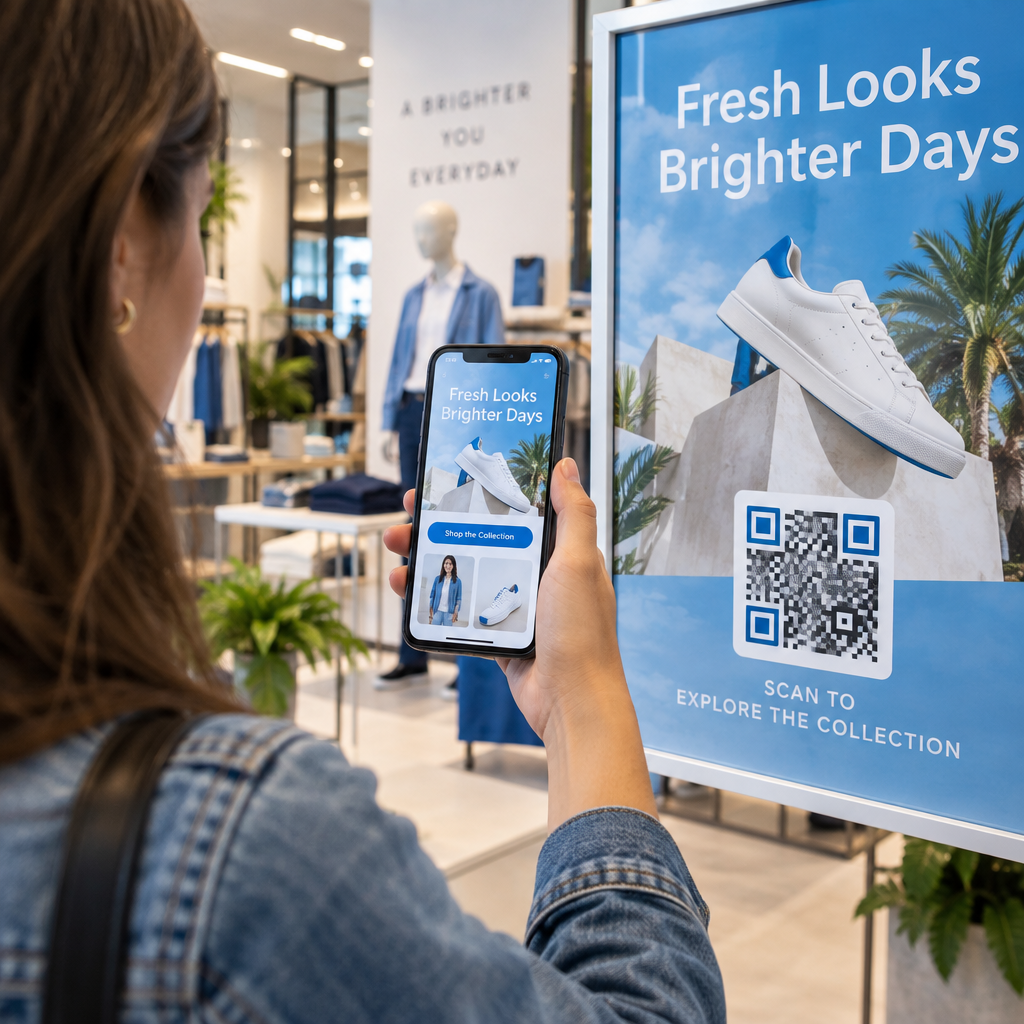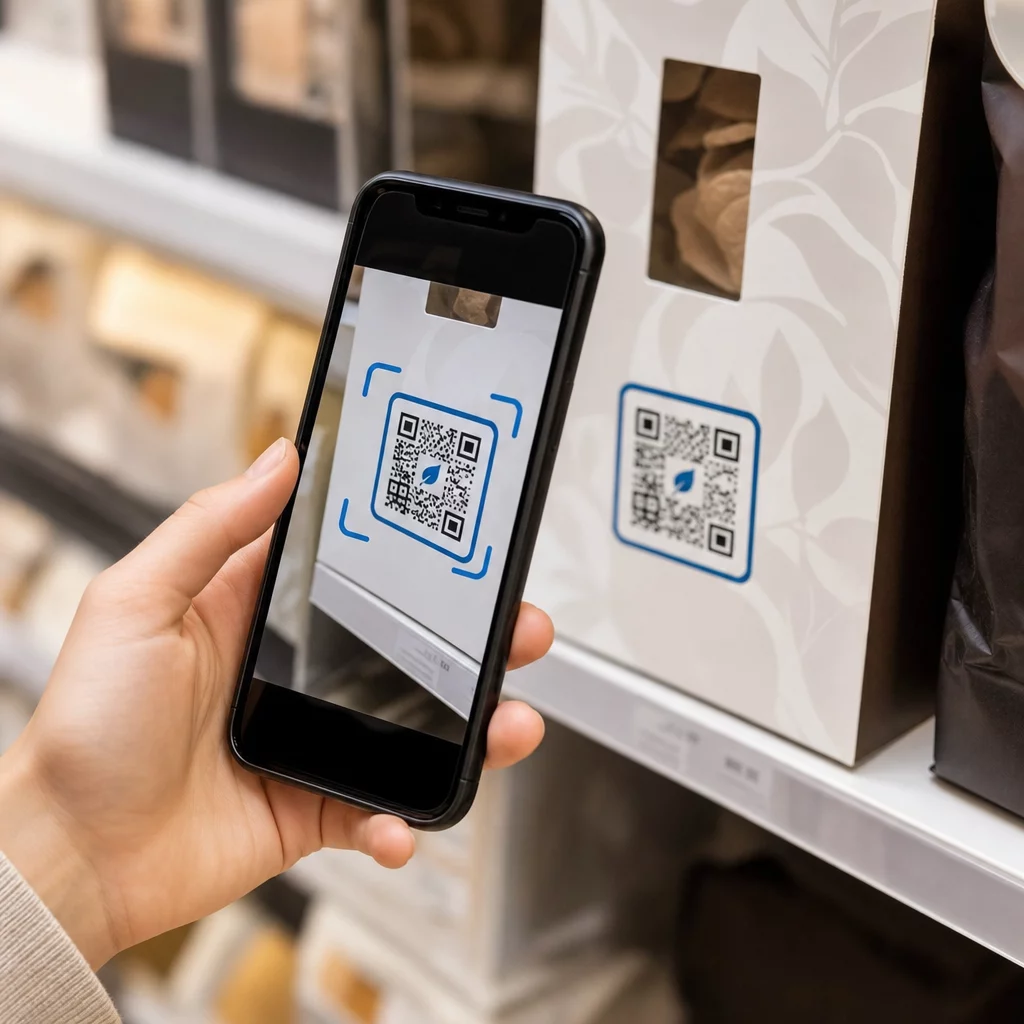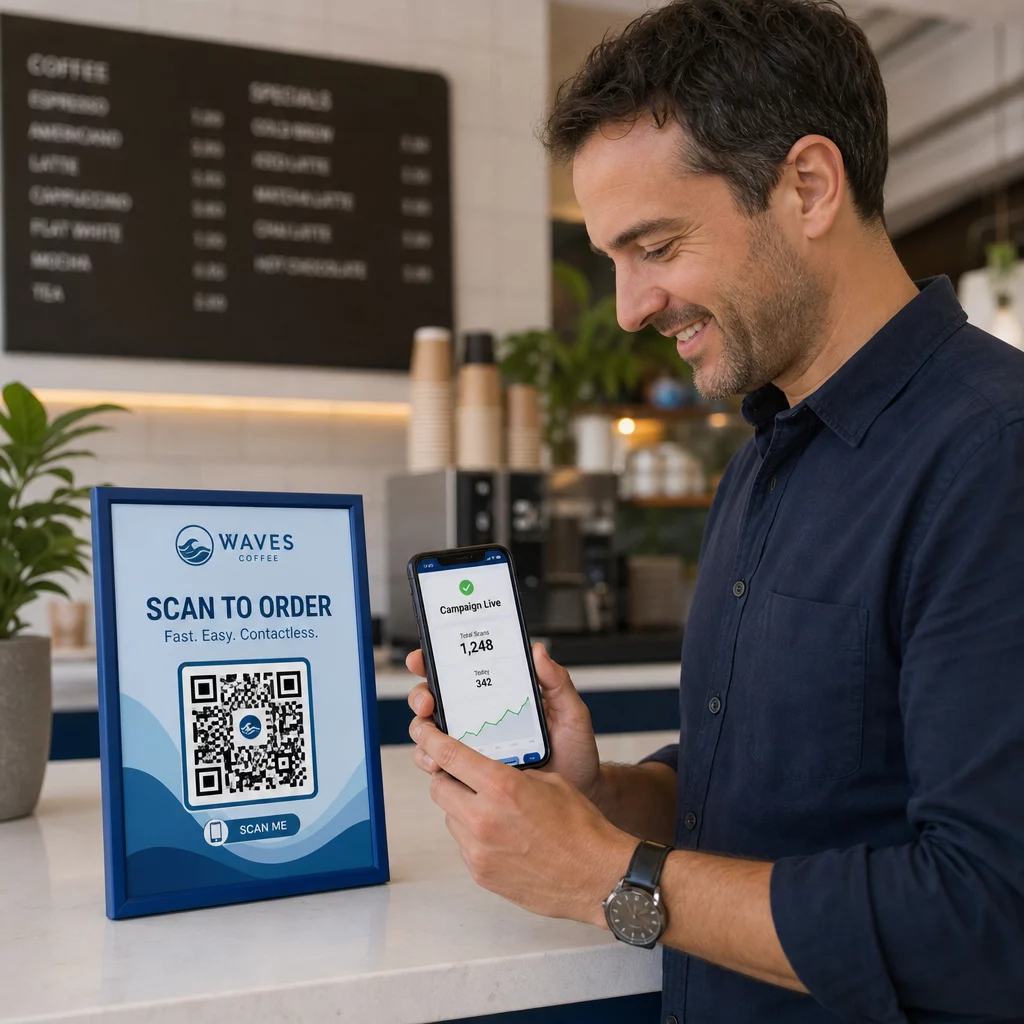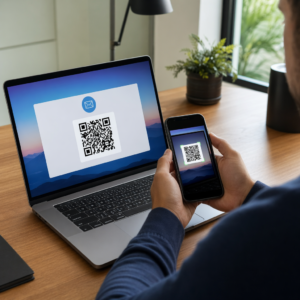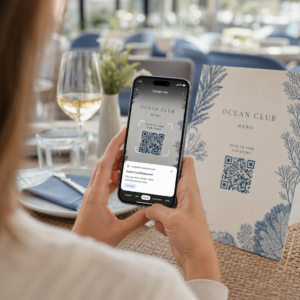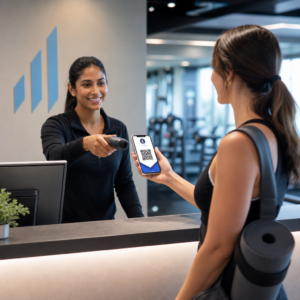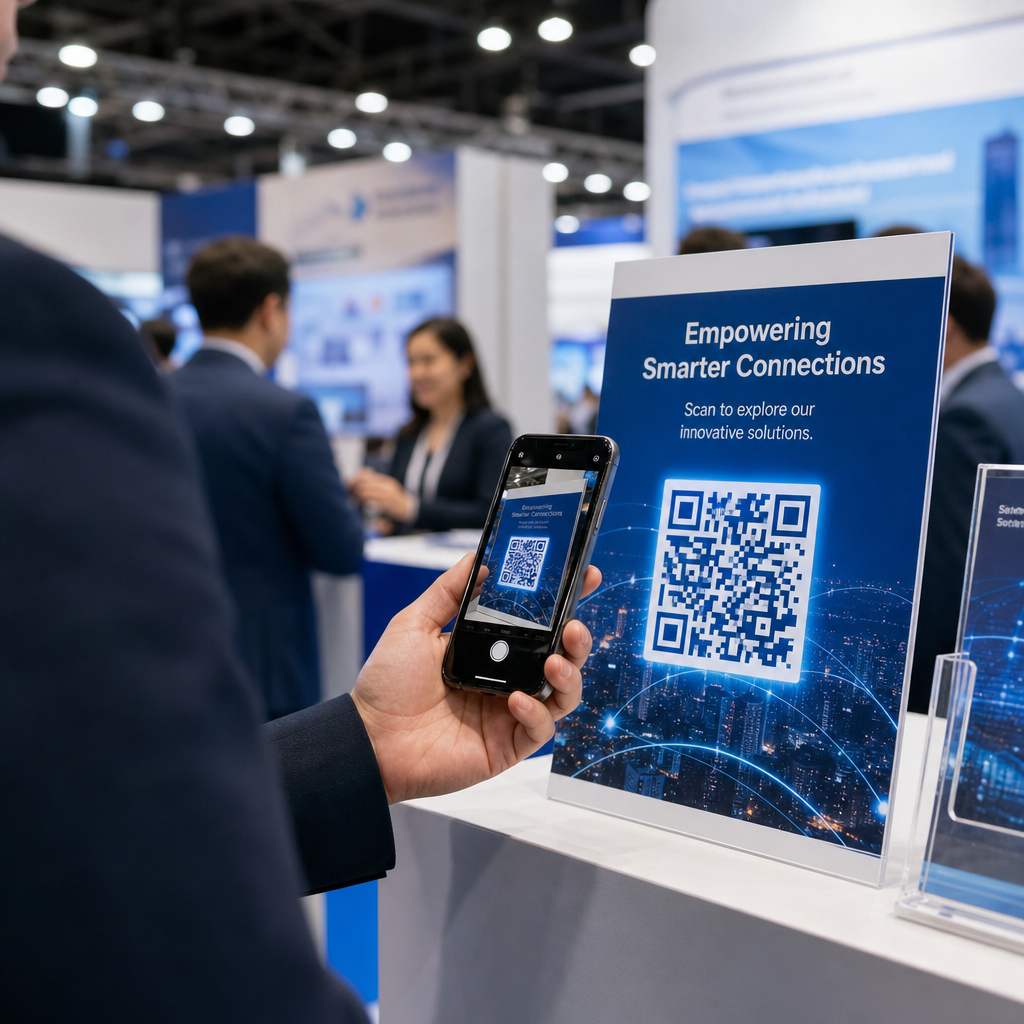
Ar paliekate parodos salę su krūva vizitinių kortelių ir neturite aiškaus būdo, kaip toliau bendrauti? Beveik 80% parodų kontaktų niekada nebūna toliau apdorojami, paverčiant brangias stendo investicijas praleistomis galimybėmis. Šis vadovas supažindins jus su praktiškais, patikrintais būdais, kaip naudoti QR kodus kitoje parodoje, siekiant gauti geresnių kontaktų, įtraukti lankytojus ir paversti stendo pokalbius realiais pardavimais.
Kodėl QR kodai turėtų būti kiekviename parodos stende
Parodos yra didelės trinties aplinkos. Lankytojai juda greitai, jūsų darbuotojai vienu metu bendrauja su keliais žmonėmis, o popierinės formos pasimeta arba yra paliekamos. QR kodai pašalina šią trintį, sujungdami fizinį momentą – kažkas stovi prie jūsų stendo – su skaitmeniniu veiksmu, kuris akimirksniu įvyksta jų telefone.
Skaičiai patvirtina šį pokytį. Apie 99,5 milijono JAV išmaniųjų telefonų naudotojų nuskenavo QR kodus 2025 m., t. y. 19% daugiau nei 2022 m. Lankytojai jau žino, kaip jais naudotis. Jūsų užduotis yra strategiškai juos panaudoti, kad kiekvienas nuskaitymas turėtų tikslą.
QR kodai parodose gali:
- Nukreipti lankytojus į kontaktų rinkimo formą nereikalaujant personalo įsikišimo
- Akimirksniu dalytis produkto specifikacijomis, katalogais ar demonstraciniais vaizdo įrašais
- Pakeisti popierines vizitines korteles nuskaitomu skaitmeniniu kontaktu
- Registruoti lankytojus į po parodos vyksiančias demonstracijas ar konsultacijas
- Stebėti, kurie stendo sąlyčio taškai sukuria didžiausią įsitraukimą
Pagrindinis skirtumas, kurį reikia suprasti prieš pradedant, yra dinaminių ir statinių QR kodų. Statinis QR kodas įterpia fiksuotą URL tiesiai į šabloną – atspausdinus jo negalima pakeisti. Dinaminis QR kodas naudoja trumpą nukreipimo URL, kurį galite atnaujinti bet kuriuo metu, neperspausdinant fizinės medžiagos. Parodai, kurioje stendo pranešimai gali keistis tarp parodos dienų arba kur visada įmanomas paskutinės minutės nukreipimo puslapio pakeitimas, dinaminiai kodai yra praktiškas pasirinkimas.
Pradėkite kurti savo parodos QR kodus Kurkite dinaminius QR kodus, kuriuos galite atnaujinti realiuoju laiku, stebėti ir pritaikyti pagal savo stendo prekės ženklą. Išbandykite QR kodo generatorius kad pradėtumėte nemokamai.
Kaip naudoti QR kodus potencialių klientų duomenų rinkimui jūsų stende
Didžiausią investicijų grąžą (IG) duodantis parodų QR kodų naudojimo atvejis yra potencialių klientų duomenų rinkimas. Kai su parodų potencialiais klientais susisiekiama per 7–10 dienų, apie 20–30% jų virsta pardavimo galimybėmis – tačiau tai veikia tik tuo atveju, jei iš tikrųjų surinkote potencialaus kliento duomenis su pakankamu kontekstu, kad galėtumėte efektyviai tęsti bendravimą.
Susiekite tiesiogiai su potencial
Place a QR code prominently at your booth that links to a short, mobile-optimized form. Keep the form to five to seven fields maximum, ordered in a natural conversational flow – name, company, email, primary interest, and a qualifying question or two. Multiple-choice answers work better than open text on a phone screen.
A "Google" formos QR kodas is a fast way to build this without custom development. Create your form, copy the share link, generate the QR code, and you’re live. For teams that want captured data flowing directly into a CRM, pairing a dynamic QR code with a webhook or automation tool can route each submission automatically. The guide on QR kodo nuskaitymo darbo eigos automatizavimas covers a step-by-step approach to setting this up.
Replace Paper Business Cards with Digital Contact Sharing
Handing out paper cards at a trade show is a gamble – many end up in a coat pocket and are never seen again. A „vCard“ QR kodas lets a prospect scan your code and save your contact details directly to their phone’s address book in seconds, with no manual entry and no transcription errors.
For a more complete networking tool, a QR kodo vizitinė kortelė can include your name, title, company, phone, email, and website. You can display it on a badge, a table sign, or a dedicated card that you hand out during conversations. The scan handles the data transfer, and you can track how many people actually saved your information. For a broader look at how QR codes support event networking, the guide on turning event handshakes into leads walks through the full funnel from first scan to CRM entry.
Turn Every Handshake into a Captured Lead Generate a vCard QR code that lets attendees save your contact instantly. Use the vCard QR kodo generatorius to create yours in minutes.
Dalinkitės produkto medžiagomis pagal poreikį
Spausdintos brošiūros yra brangios ir dažnai atsiduria šiukšlių dėžėje. A PDF QR kodas leidžia jums susieti produkto katalogą, specifikacijų lapą ar atvejo studiją tiesiogiai su nuskaitomu kodu. Dalyviai iš karto gauna turinį į savo telefoną, o jūs sutaupote spausdinimo išlaidų.
Kadangi pagrindinis PDF dokumentas yra talpinamas dinamiškai, galite atnaujinti dokumentą tarp parodos dienų – pakeisti jį peržiūrėtu kainoraščiu ar atnaujinta produkto brošiūra – nepakeisdami atspausdinto QR kodo ant savo stendo.
Skatinkite registraciją į renginį iš stendo
Jei rengiate po parodos vyksiantį internetinį seminarą, produkto demonstraciją ar tolesnę konsultaciją, jūsų stendas yra tinkama vieta registracijoms surinkti. An renginio QR kodas tiesiogiai susiejant su jūsų registracijos nukreipimo puslapiu, leidžia darbuotojams nukreipti suinteresuotus lankytojus nuskaityti kodą, užuot rankiniu būdu rinkus el. pašto adresus pokalbio metu.
Daugiau apie QR kodų integravimą į jūsų renginio registracijos eigą rasite vadove, esančiame dinaminių QR kodų kūrimą CRM registracijoms aprašo, kaip iš anksto užpildyti CRM laukus iš nuskaitymo, kad tolesnis bendravimas būtų personalizuotas nuo pirmo kontakto.
Potencialių klientų kvalifikavimas parodoje, ne tik jų surinkimas
Vardo ir el. pašto adreso surinkimas yra pradinis taškas, o ne baigtas potencialus klientas. Pardavimų komandoms reikia konteksto – kokiu produktu potencialus klientas domėjosi, koks skubus yra jo poreikis ir kurioje pirkimo ciklo vietoje jis yra – kad galėtų efektyviai tęsti bendravimą.
Keletas praktikų, kurios pagerina potencialių klientų kokybę surinkimo metu:
- Apibrėžkite savo kvalifikacinius klausimus iš anksto ir susiekite juos su savo idealiu kliento profiliu. Nuspręskite, kurie laukai yra būtini pardavimams, ir įtraukite juos į savo formą prieš atsidarant parodai.
- Naudokite paprastą vertinimo sistemą (A, B, C arba didelis, vidutinis, mažas susidomėjimas), kad stendo darbuotojai.
- Add a notes field į potencialių klientų formą, kurioje darbuotojai gali įrašyti konkrečią informaciją apie pokalbį – iššūkį, kurį paminėjo potencialus klientas, produktą, apie kurį jie klausė, arba terminą, kurį jie nurodė. Šis kontekstas leidžia tolesniam bendravimui atrodyti asmenišku, o ne bendriniu.
- Pasipraktikuokite prieš parodą. Atlikite potencialių klientų fiksavimo proceso vaidmenų žaidimą su stendo darbuotojais, kad darbo eiga būtų natūrali, o duomenų įvedimas netrukdytų pokal.
Defining this structure in advance, rather than trying to sort it out during the show, is what separates a list of names from a qualified pipeline.
Placing QR Codes Across Your Booth for Maximum Reach
A single QR code in one corner of your booth misses most of your traffic. Distribute codes across multiple touchpoints so attendees encounter them naturally at different moments in their visit.
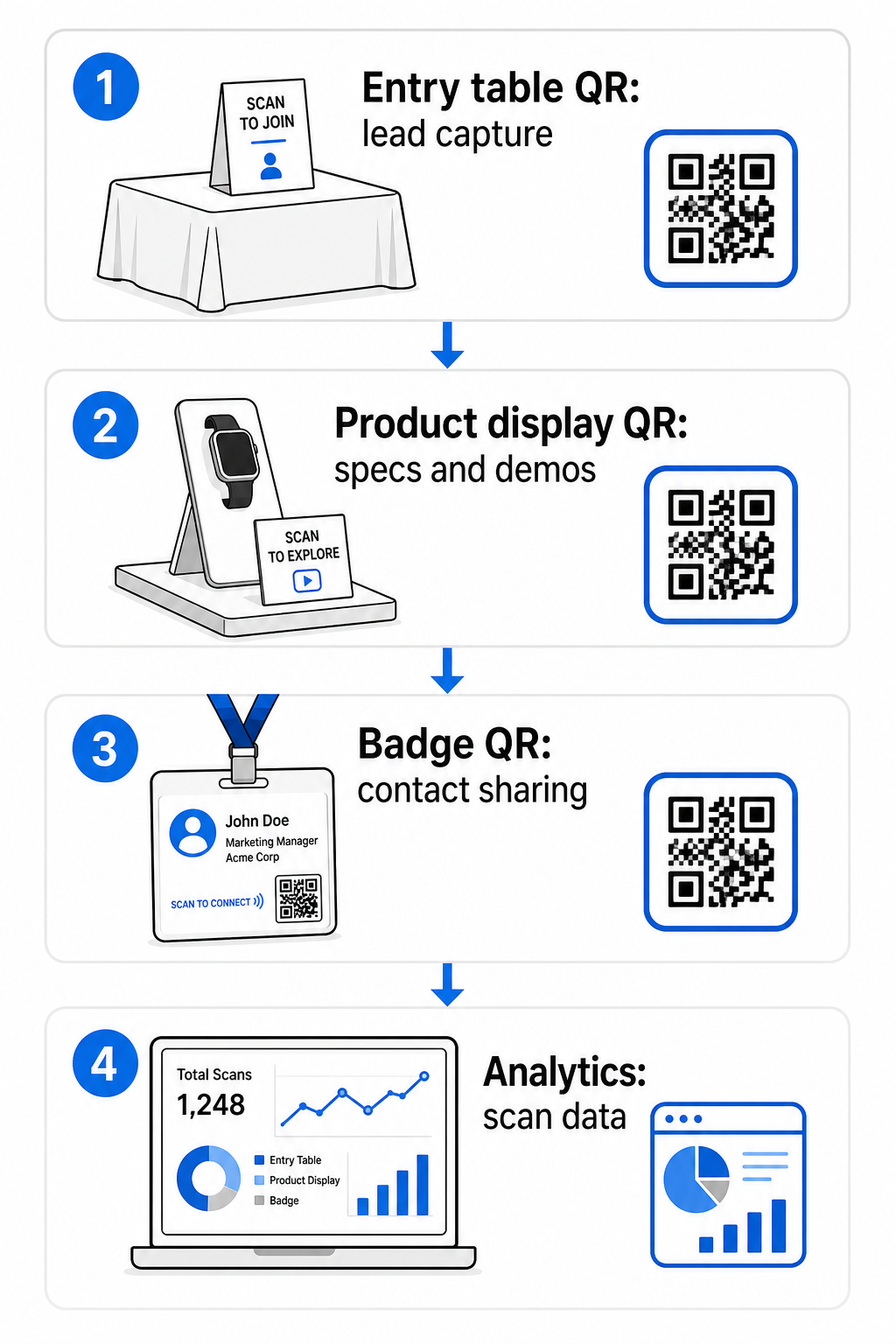
Effective placement locations include:
- Reception or entry table: a lead capture form or contact card code as the first interaction
- Product displays: links to spec sheets, demo videos, or case studies relevant to each product
- Table signage: a QR code linking to your portfolio, contact page, or a special show offer
- Handouts and giveaways: a code on any printed material that carries the attendee back to your digital presence after the show
- Badge or name tag: a personal vCard code for one-on-one networking conversations
For each placement, follow the 10:1 size-to-scanning-distance rule: the code’s width should be approximately one-tenth of the expected scanning distance. A code on a tabletop sign viewed from two feet away needs to be at least 2–3 inches wide. A banner viewed from six feet needs a proportionally larger code. Print at 300 DPI or higher using vector formats (SVG, EPS, or PDF) to keep the pattern sharp.
Additional placement guidelines that affect scan reliability in a busy trade show environment:
- Position codes at eye level or slightly below, in locations where attendees naturally pause
- Naudokite flat, matte, non-reflective surfaces to avoid glare from booth lighting
- Išlaikykite ramioji zona – aiški bent keturių modulių pločio paraštė – aplink kiekvieną kodą, kad skaitytuvai galėtų jį atskirti nuo aplinkinės grafikos
- Pridėti trumpas raginimas veikti šalia kiekvieno kodo (“Nuskaitykite, kad atsisiųstumėte mūsų produkto vadovą” arba “Nuskaitykite, kad dalyvautumėte mūsų loterijoje”), kad dalyviai tiksliai žinotų, ką gaus prieš nuskaitydami
Daugiau informacijos apie spausdinimo ir dizaino standartus rasite vadove apie geriausia praktika QR kodo skaitomumui išsamiai apima kontrasto santykius, raiškos reikalavimus ir paviršiaus ypatumus.
Stendo veikimo stebėjimas naudojant QR kodų analizę
Vienas iš labiausiai nepanaudotų dinaminių QR kodų privalumų parodose yra jų generuojami veikimo duomenys. Kiekvienas nuskaitymas sukuria duomenų tašką: kada tai įvyko, kokiame įrenginyje, iš kokios geografinės vietos. Per kelių dienų parodą šie duomenys parodo, kurie stendo sąlyčio taškai veikia, o kurie – ne.
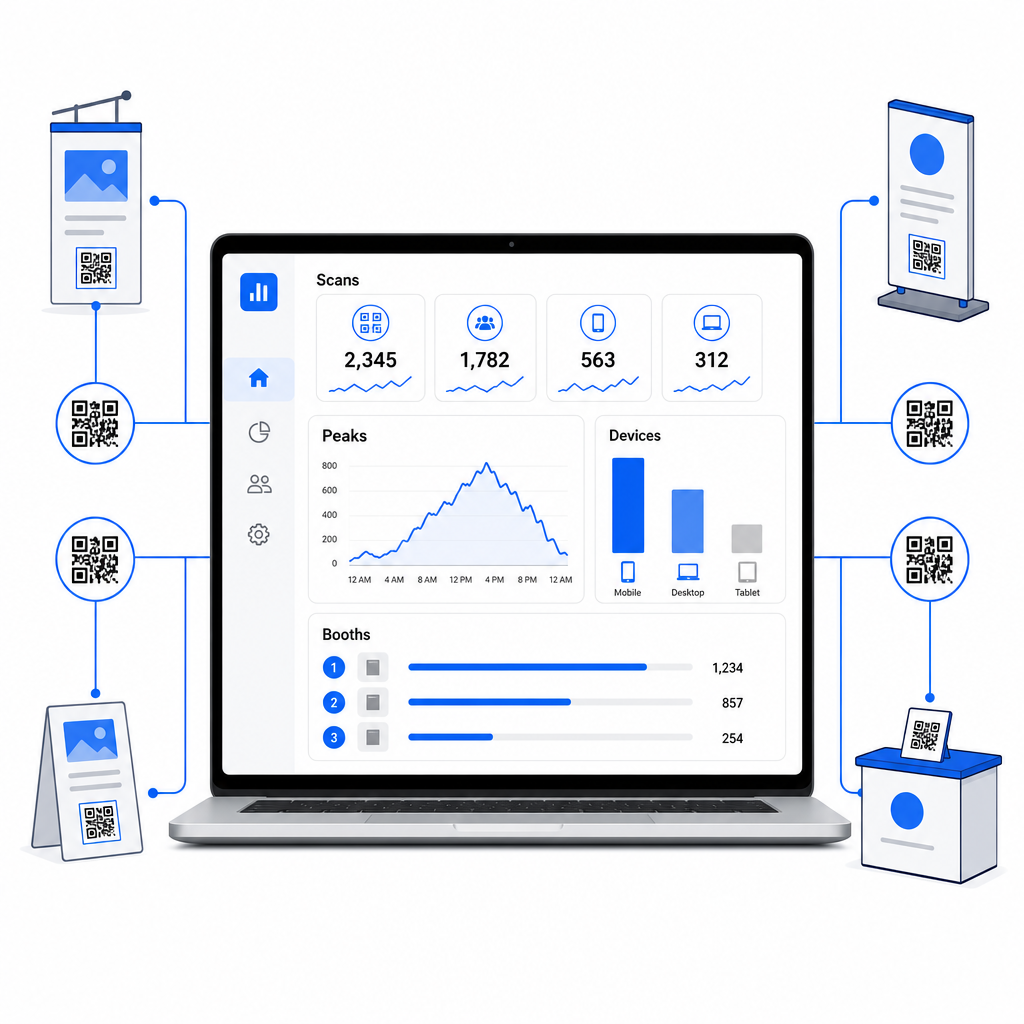
Naudodami Pageloot analizės prietaisų skydelį, galite stebėti:
- Nuskaitymų skaičius pagal kodą: kurios medžiagos ar ekspozicijos generuoja daugiausiai susidomėjimo
- Nuskaitymų laikas: kada parodos dieną dalyviai yra aktyviausi
- Įrenginių tipai: ar jūsų mobilieji nukreipimo puslapiai yra optimizuoti tinkamai auditorijai
- Geografiniai duomenys: naudinga kelių vietų ar kelių parodų kampanijoms
Tai yra skirtumas tarp žinojimo, kad turėjote 300 stendo lankytojų, ir žinojimo, kad 220 iš jų nuskenavo jūsų produkto demonstracinį kodą, 80 nuskenavo jūsų kontaktinę kortelę, o srautas pasiekė piką per pirmąsias dvi kiekvienos parodos dienos valandas. Toks įžvalgų lygis tiesiogiai pagerina, kaip paskirstote personalą ir prioritetizuojate tolesnius veiksmus. Norėdami giliau pažvelgti į tai, ką šios priemonės atskleidžia ir kaip elgtis su duomenimis, vadovas apie QR kodo įrankiai renginių sekimui apima pagrindinius rodiklius, kuriuos verta stebėti.
Pažiūrėkite, kurie stendo sąlyčio taškai iš tikrųjų veikia Stebėkite nuskaitymus pagal vietą, laiką ir įrenginį visuose jūsų parodos QR koduose. Naudokite Nuorodos QR kodo generatorius kad sukurtumėte sekamus kodus su integruota analitika.
Tolesni veiksmai, kol potencialūs klientai neatšalo
47 % parodos lankytojų labiau linkę pirkti iš eksponentų, su kuriais susitinka parodoje, o 51 % prašo tolesnio pardavimų atstovo vizito. Galimybė yra reali – bet ji yra jautri laikui.
Pradėkite tolesnius veiksmus per 24–48 valandas, kol renginys dar šviežias. Paprastas patvirtinimo el. laiškas arba padėkos žinutė išlaiko jūsų įmonę lankytojo mintyse, kol jis pereina prie kitos parodos savo kalendoriuje.
Nuo tada segmentuokite savo potencialius klientus pagal susidomėjimo lygį ir pagal konkretų produkto ar sprendimo susidomėjimą. Jūsų stendo personalo pokalbių metu užfiksuoti užrašai tampa žaliava personalizuotam bendravimui – nurodant konkretų iššūkį, kurį paminėjo potencialus klientas, produktą, apie kurį jie klausė, arba kitą žingsnį, kurį jie sakė svarstantys.
Efektyvus tolesnis veiksmas po parodos paprastai apima:
- A personalizuotas pradinis el. laiškas per 48 valandas, nurodant parodą ir pokalbį
- A konkretus raginimas veikti – demonstracijos suplanavimas, prisijungimas prie internetinio seminaro, atitinkamo šaltinio peržiūra – o ne bendras “palaikykime ryšį”
- Priskirta nuosavybė kiekvienam potencialiam klientui, kad perspektyvūs potencialūs klientai nepasimestų tarp komandų
- A tolesnių veiksmų seka šiltiems ir šaltiems potencialiems klientams, kuri tęsia įsitraukimą dvi–keturias savaites
Jei potencialius klientus užfiksavote per QR kodu susietą formą, integruotą su jūsų CRM, didžioji dalis šios sekos gali būti automatizuota nuo formos pateikimo momento. Vadovas apie QR kodo nuskaitymo darbo eigos automatizavimas paaiškina, kaip tai nustatyti nuo pradžios iki pabaigos.
QR kodai po parodos taip pat turi čia vaidmenį. QR kodas jūsų tolesniame el. laiške arba po renginio medžiagoje gali nukreipti į atsiliepimų formą, specialų pasiūlymą arba užsakymo puslapį – išplečiant skaitmeninį įsitraukimą už parodos ribų.
Jūsų parodos QR kodų prekės ženklo kūrimas
Paprastas juodai baltas QR kodas susilieja su užimto stendo fonu. Firminis kodas – naudojant jūsų įmonės spalvas, įtraukiant jūsų logotipą ir stilizuotas, kad atitiktų jūsų stendo estetiką – atkreipia dėmesį ir signalizuoja profesionalumą. Firminiai QR kodai su logotipais gali padidinti nuskaitymo rodiklius nuo 30 % iki 70 % palyginti su bendraisiais.
Norėdami išlaikyti nuskaitymo patikimumą pridedant vizualinius elementus:
- Laikykite bet kokį įterptą logotipą mažą ir atokiau nuo trijų kampinių ieškiklio raštų kodo kampuose
- Naudokite didelis klaidų taisymas (H lygis, iki 30 %) kad kodas liktų nuskaitomas net su logotipo perdanga
- Išlaikykite minimalus 4:1 kontrasto santykis tarp kodo priekinio plano ir fono spalvų – tamsūs moduliai šviesiame fone yra patikimiausias derinys
- Išbandykite baigtą kodą su keliais įrenginiais ir skaitytuvų programėlėmis, realiomis jūsų stendo erdvės apšvietimo sąlygomis, prieš atidarant parodą
Daugiau dizaino patarimų rasite firminių QR kodų pavyzdžiai straipsnyje parodyta, kaip integruoti QR kodus į savo vizualinį identitetą neprarandant nuskaitomumo. Taip pat galite naršyti QR kodų sprendimus pagal pramonės šakas kad pamatytumėte, kaip kiti sektoriai taiko stendų ir renginių programas.
Jūsų parodos QR kodo kontrolinis sąrašas
Prieš atidarant parodą, atlikite šiuos veiksmus, kad įsitikintumėte, jog jūsų QR kodo nustatymas yra tvirtas:
| Užduotis | Detalės |
|---|---|
| Apibrėžkite potencialių klientų fiksavimo tikslus | Nuspręskite, kokių duomenų jums reikia, ir atitinkamai sukurkite savo formos laukus |
| Kurkite dinaminius QR kodus | Naudokite dinaminius kodus, kad paskirties vietos galėtų būti atnaujintos be pakartotinio spausdinimo |
| Nustatykite nukreipimo puslapius | Užtikrinkite, kad kiekviena paskirties vieta būtų optimizuota mobiliesiems įrenginiams ir greitai įkeliama |
| Sukurkite savo kodų prekės ženklą | Pridėkite logotipą, spalvas ir raginimo veikti rėmelį prie kiekvieno kodo |
| Strategiškai išdėstykite kodus | Įėjimo stalas, produktų ekspozicijos, dalomoji medžiaga, iškabos ir ženkleliai |
| Teisingai nustatykite kodų dydį | Taikykite 10:1 santykį; mažiausiai 2–3 coliai stendo iškaboms |
| Išbandykite prieš parodą | Nuskaitykite keliais įrenginiais, realiomis stendo apšvietimo sąlygomis |
| Informuokite savo komandą | Supažindinkite personalą su potencialių klientų fiksavimo darbo eiga ir kvalifikacijos procesu |
| Stebėkite analizę parodos metu | Kasdien tikrinkite nuskaitymo duomenis ir prireikus koreguokite išdėstymą ar pranešimus |
| Pradėkite tolesnius veiksmus per 48 valandas | Siųskite personalizuotus pranešimus, kol pokalbiai dar švieži |
Dažniausiai užduodami klausimai
Dinaminiai QR kodai yra geresnis pasirinkimas parodoms. Jie leidžia jums atnaujinti paskirties URL be jokios medžiagos perspausdinimo, o tai naudinga, jei nukreipimo puslapis pasikeičia tarp parodos dienų arba jei norite pakeisti turinį po renginio. Dinaminiai kodai taip pat teikia nuskaitymo analizę – skaičių, laiką, vietas ir įrenginių tipus – ko negali statiniai kodai. Dinamiškus kodus galite sukurti naudodami QR kodo generatorių.
Trys veiksniai lemia nuskaitymo rodiklius parodose: išdėstymas, dizainas ir kontekstas. Padėkite kodus akių lygyje tose vietose, kur lankytojai natūraliai sustoja. Naudokite firminius, didelio kontrasto kodus, kurie vizualiai išsiskiria. Ir visada šalia kodo įtraukite trumpą raginimą veikti – “Nuskaitykite, kad atsisiųstumėte mūsų specifikacijų lapą” arba “Nuskaitykite, kad dalyvautumėte mūsų loterijoje” – kad lankytojai tiksliai žinotų, ką gaus prieš nuskaitydami. Aiškus vertės mainai yra patikimiausias būdas padidinti įsitraukimą.
Pradėkite rinkti potencialius klientus per QR kodu susietą formą, kuri tiesiogiai perduoda duomenis į jūsų CRM, įskaitant visus užrašus, kuriuos jūsų darbuotojai užfiksavo pokalbio metu. Tai suteikia jūsų pardavimų komandai kontekstą, kurio jiems reikia asmeniniam bendravimui. Po parodos įtraukite QR kodus į tolesnius el. laiškus, nukreipiančius į rezervavimo puslapį, demonstracinės versijos registraciją arba atitinkamą išteklių. Norėdami automatizuoti perdavimą nuo nuskaitymo iki įrašo į CRM, vadovas apie QR kodų nuskaitymo darbo eigos automatizavimą žingsnis po žingsnio paaiškina techninį nustatymą.
Atotrūkis tarp užimto stendo ir išmatuojamų pajamų priklauso nuo to, kaip sistemingai fiksuojate, kvalifikuojate ir tęsiate kiekvieną pokalbį. QR kodai suteikia jums lengvą, keičiamo dydžio būdą atlikti visus tris veiksmus – nepridedant sudėtingumo jūsų komandos darbo eigai parodos salėje. Nustatykite savo dinaminius kodus prieš kitą parodą, stebėkite, kas veikia, ir leiskite duomenims vadovauti jūsų tolesnių veiksmų strategijai.
Sukurkite savo visą parodos QR kodo sąranką Kurkite, prekės ženklu žymėkite ir valdykite visus savo parodos QR kodus iš vienos prietaisų skydelio – su įtraukta analitika. Pradėkite nuo QR kodo generatorius šiandien.