ホーム > QRコードマーケティング > How to Get Better Customer Engagement with QR Codes
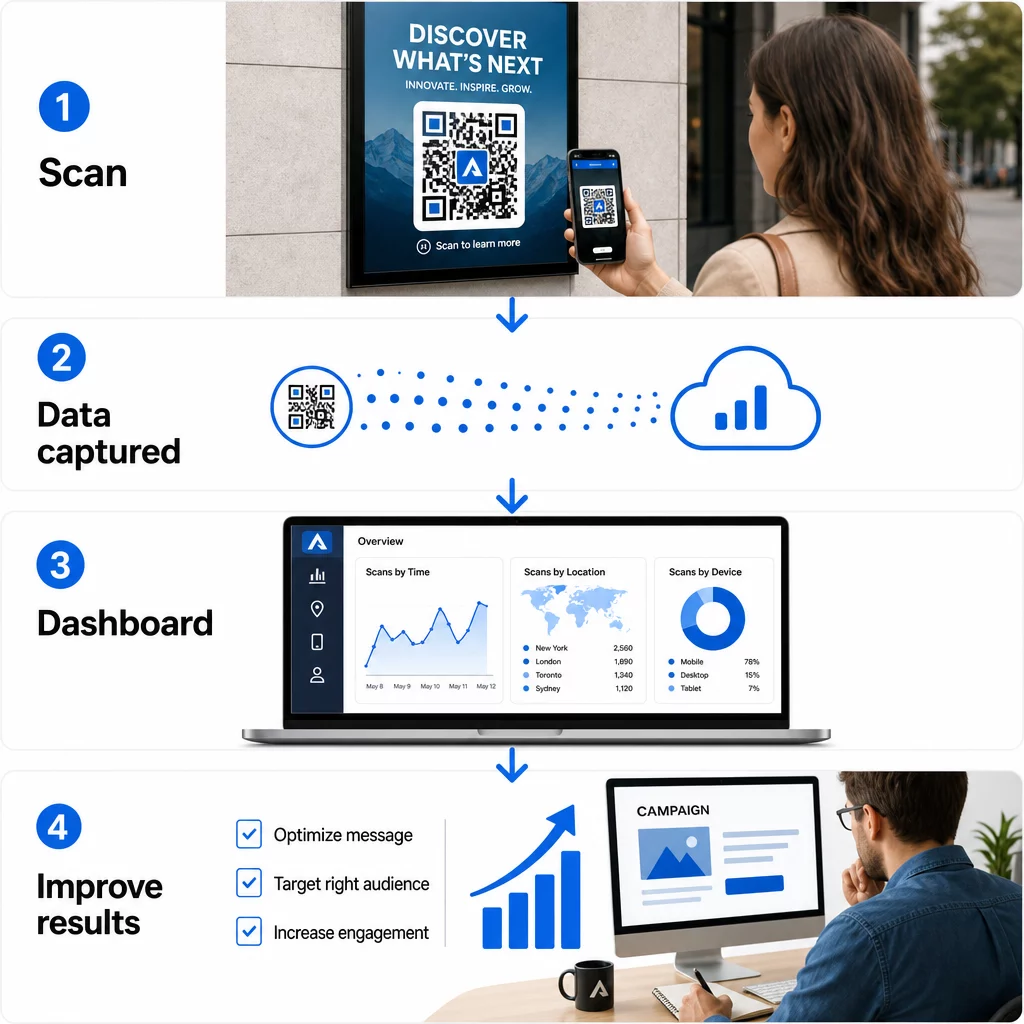
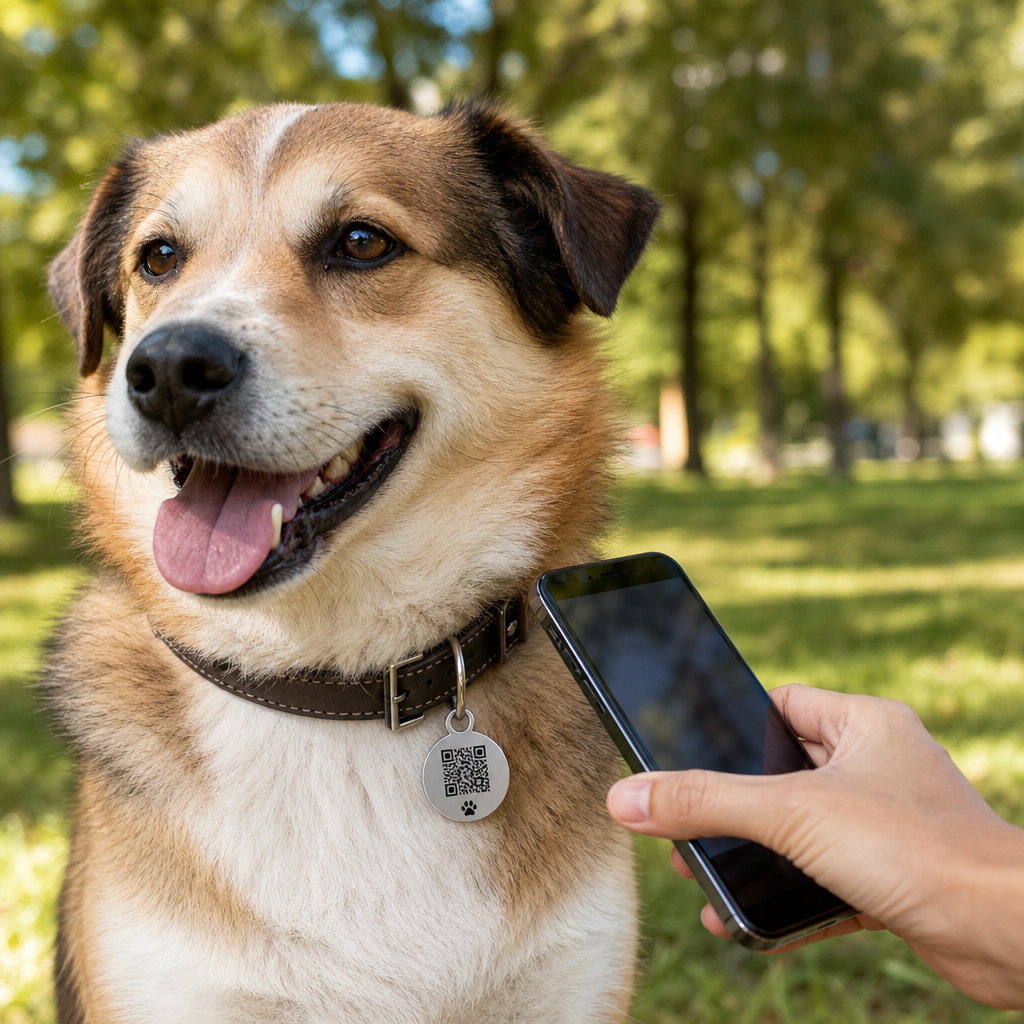
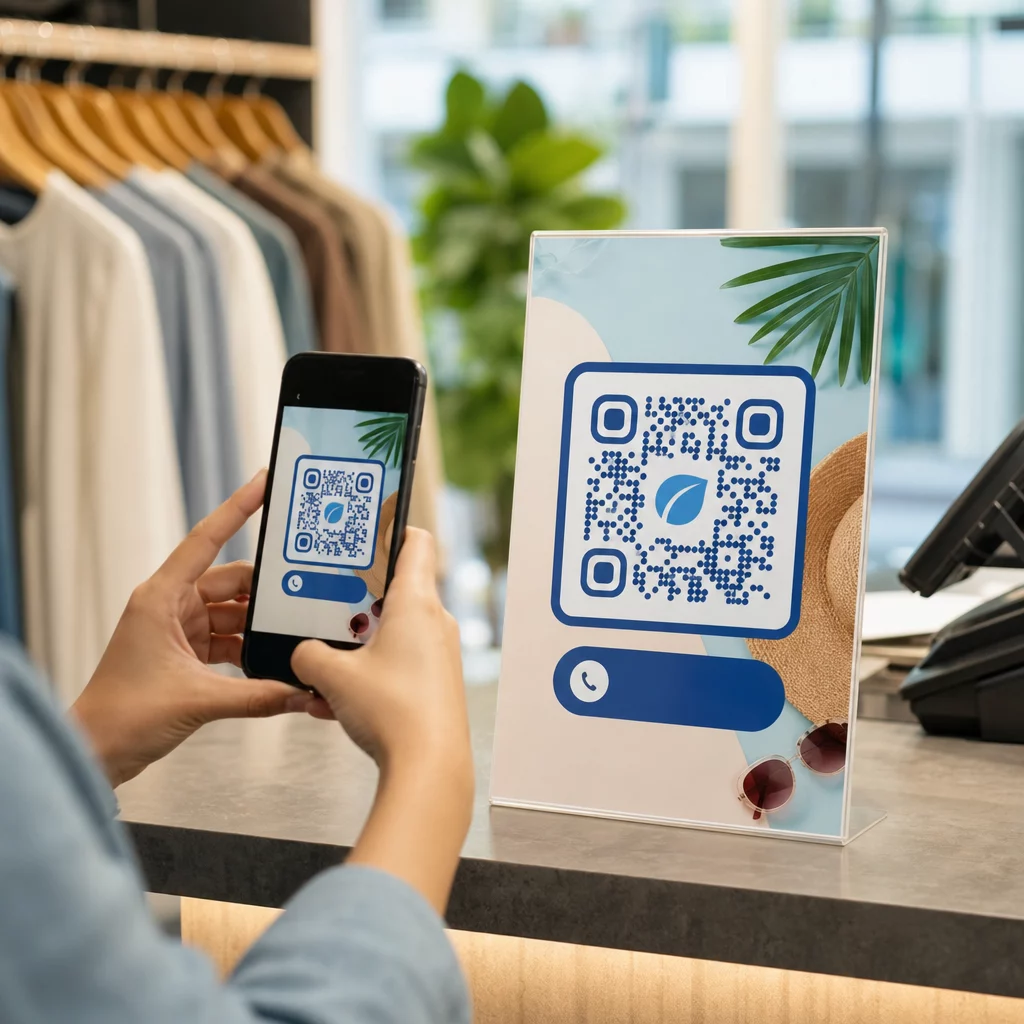
顧客がQRコードをスキャン

How to Get Better Customer Engagement with QR Codes

QR codes turn physical surfaces into interactive gateways. Learn how to bridge offline and online channels, track scan data, and improve customer engagement.
Updated on 6月 10, 2026
目次

Are your marketing materials sitting in front of customers without giving them a clear next step? Print and physical touchpoints still reach audiences effectively, but they struggle to connect that attention to measurable digital action. QR codes solve that problem by turning any physical surface into an interactive gateway – and they do it in a way that’s trackable, flexible, and easy to implement.

Why QR Codes Still Matter in Marketing

QR codes had a rocky reputation for a while. Early adopters placed them in awkward locations, linked them to non-mobile-friendly pages, and gave customers no reason to scan. The technology wasn’t the problem – the implementation was.

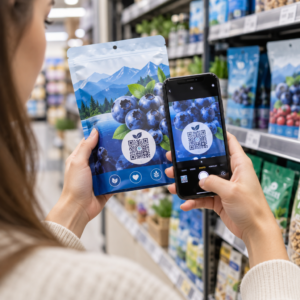
Today, that’s changed. Consumer familiarity with QR codes has grown significantly. Over two-thirds of U.S. consumers used a QR code at least once in the past year, and roughly half of Gen Z and Millennials scan them at least once a week. In retail settings, 64% of U.S. shoppers reported scanning a QR code on a product while shopping in-store.

The most common use cases include restaurant menus (48%), mobile apps (47%), product information (43%), Wi-Fi access (32%), and event tickets (31%). These aren’t niche behaviors – they’re mainstream habits that marketers can build campaigns around.

The core lesson from the early failures is still valid: QR codes work when they’re implemented thoughtfully. Get the placement, the destination, and the incentive right, and you have a powerful tool. Get them wrong, and you get ignored. Learn more about how to use QR codes effectively before launching your next campaign.

Versatility Across Every Marketing Channel

One of the most practical advantages of QR codes is that they can appear almost anywhere. Business cards, product packaging, posters, billboards, magazine ads, direct mail, restaurant tables, event signage, email signatures – all of these become interactive when you add a QR code.

That said, placement context matters. A QR code on a moving bus is difficult to scan. A code shown on a television screen needs to remain visible for at least 15 seconds to give viewers enough time to retrieve their phone and scan. A code on a brochure picked up at a trade show can be scanned at leisure.

Understanding the physical environment where your code will appear helps you design it appropriately – sizing it correctly, placing it at eye level (typically 3.5–5.5 feet), and giving it enough contrast and white space to scan reliably. The guidelines for placing QR codes on marketing materials walk through the specific requirements for different formats.

Because they work across so many surfaces, QR codes let you run consistent campaigns that carry the same message from a magazine ad to a product package to an in-store display – each code potentially pointing to a different destination while reinforcing a unified campaign.

Bridging Offline and Online Experiences

The clearest strategic value of a QR code is its ability to connect physical touchpoints with digital destinations. When someone scans a code on a flyer, they can be taken directly to a landing page, promotional video, product review, feedback form, or app download – without typing anything manually.

This is especially useful for campaigns that rely on print. A poster campaign can drive traffic to a time-sensitive offer. A business card can link to a full digital portfolio. Product packaging can connect buyers to setup instructions, warranty registration, or complementary product recommendations.

The connection works both ways: you can use offline campaigns to promote digital products, or use digital materials to reinforce what customers experience in person. The key requirement is that whatever the QR code links to must be mobile-optimized. Sending someone from a clean physical design to a slow, desktop-formatted page breaks the experience immediately.

Explore how QRコードが印刷物とデジタルマーケティングを結びつける方法です for a deeper look at practical examples and campaign structures across industries.

Trackable Results That Traditional Ads Can’t Match

This is where QR codes genuinely outperform many traditional advertising formats. A radio or TV ad might generate more traffic or calls, but it’s rarely possible to isolate exactly how many people responded because of that specific placement.

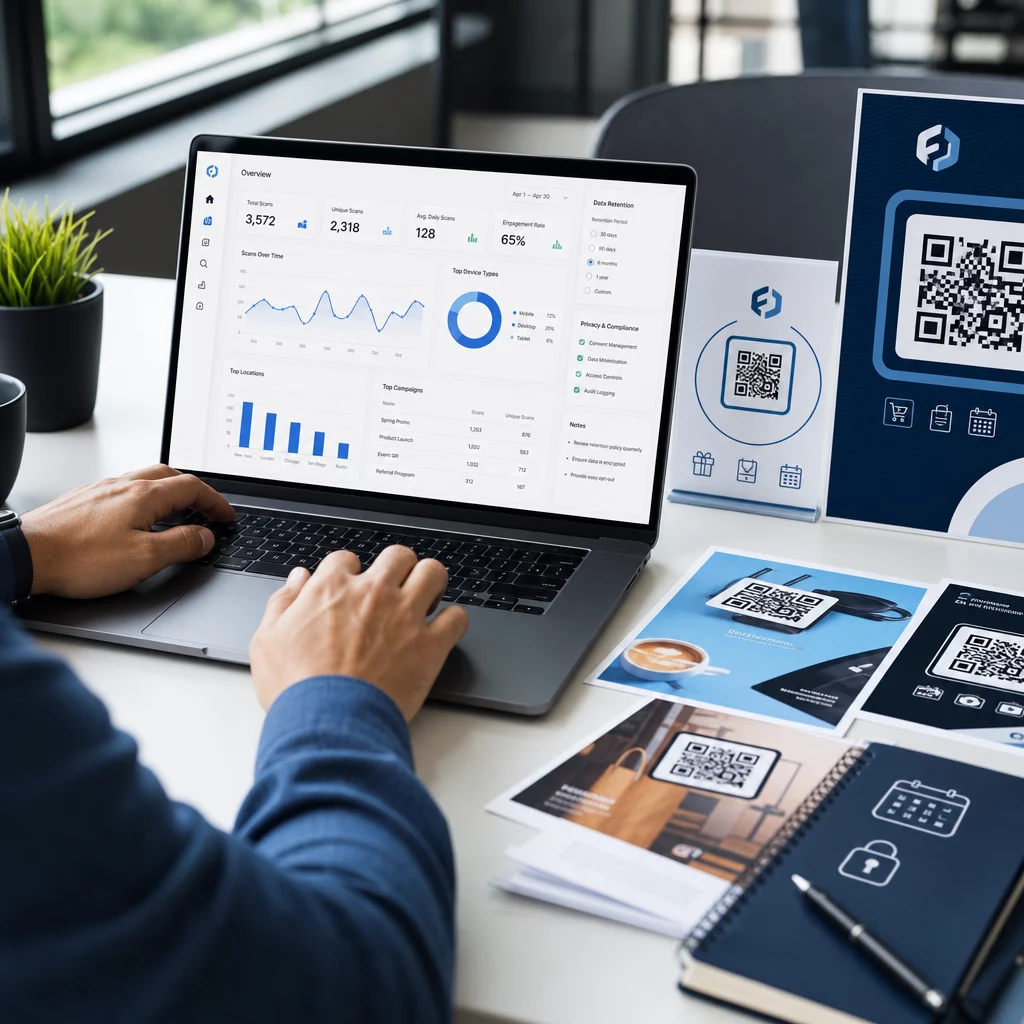
With QR codes, every scan becomes a measurable data point. When you use dynamic QR codes with built-in tracking, you can monitor:

QRコードトラッキング
  • Total scans and unique scans
  • Date and time of each scan
  • Geographic location of scans
  • Device type and operating system
  • Scan trends over the duration of a campaign

When you assign unique QR codes to different placements – one for a magazine ad, another for a direct mail piece, a third for an in-store display – you can compare scan volumes across those channels and identify which creative or location drives the most engagement. That kind of offline attribution is something most traditional advertising simply cannot provide.

For campaigns that require deeper integration with marketing analytics, you can use UTM parameters alongside your QR codes to track results directly in Google Analytics 4. This lets you compare QR-driven traffic against other channels and evaluate conversion performance. The UTM parameters guide for QR codes covers how to set this up correctly.

Track Every Scan Across Every Placement Want to know exactly which materials are driving results and where your customers are engaging most? Use the Pageloot QRコードジェネレータ to create dynamic, trackable codes with access to a full analytics dashboard.

ダイナミックQRコードの利点

Not all QR codes offer the same flexibility. 静的QRコード encode a fixed destination directly into the pattern – once printed, the destination cannot be changed, and they generate no tracking data.

ダイナミックQRコード, by contrast, encode a short redirect URL. When someone scans it, they’re routed through that redirect to the actual destination – which you can update at any time without changing or reprinting the physical code. This means:

  • A seasonal promotion can be updated when the promotion ends
  • A restaurant menu can be revised without replacing table signage
  • A campaign that underperforms can be redirected to a better-converting page

comparison of static vs. dynamic QR codes explains when each type is the right choice. For any campaign where you want flexibility, tracking, or the ability to optimize after launch, dynamic codes are the practical choice.

five key benefits of dynamic QR codes for marketing expand on this further, including how real-time tracking, branded design, and content editability combine to make dynamic codes a significantly more powerful marketing tool than their static counterparts.

Branding and Creative Customization

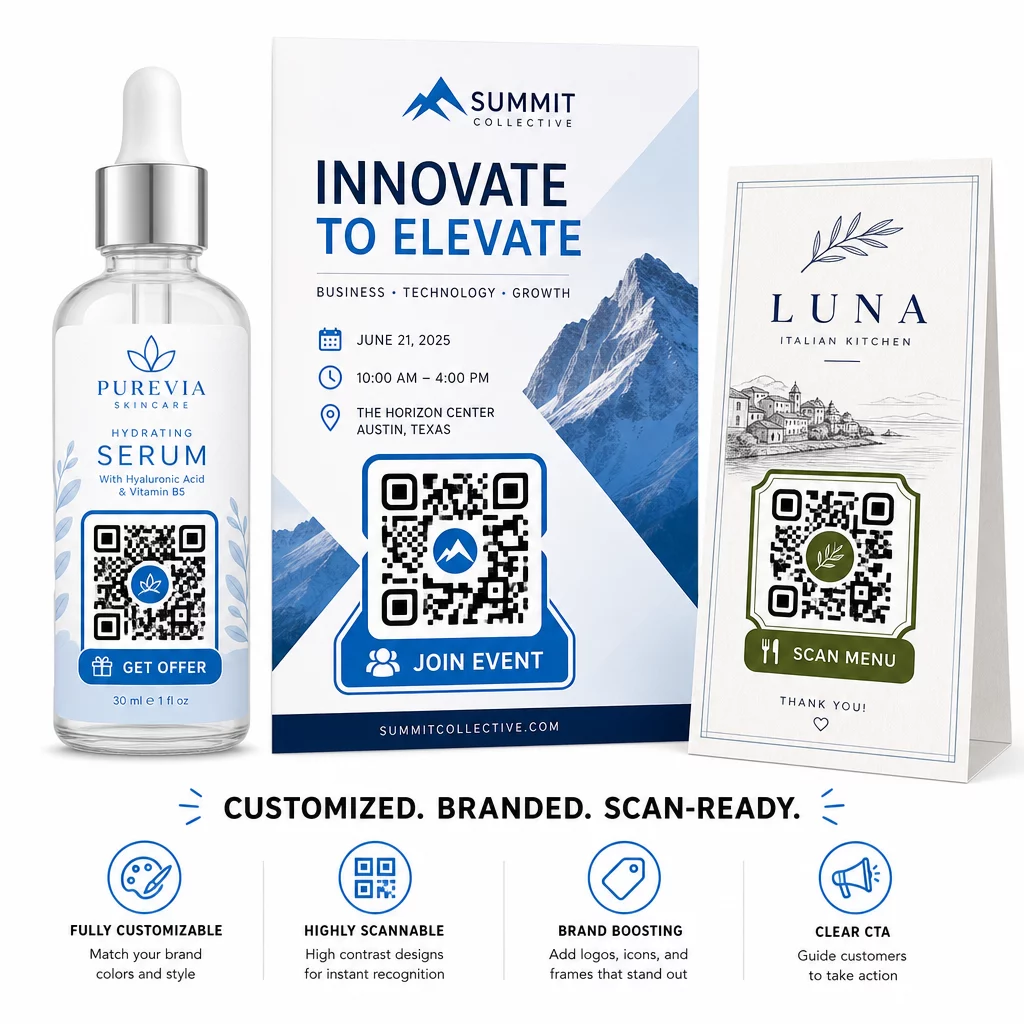
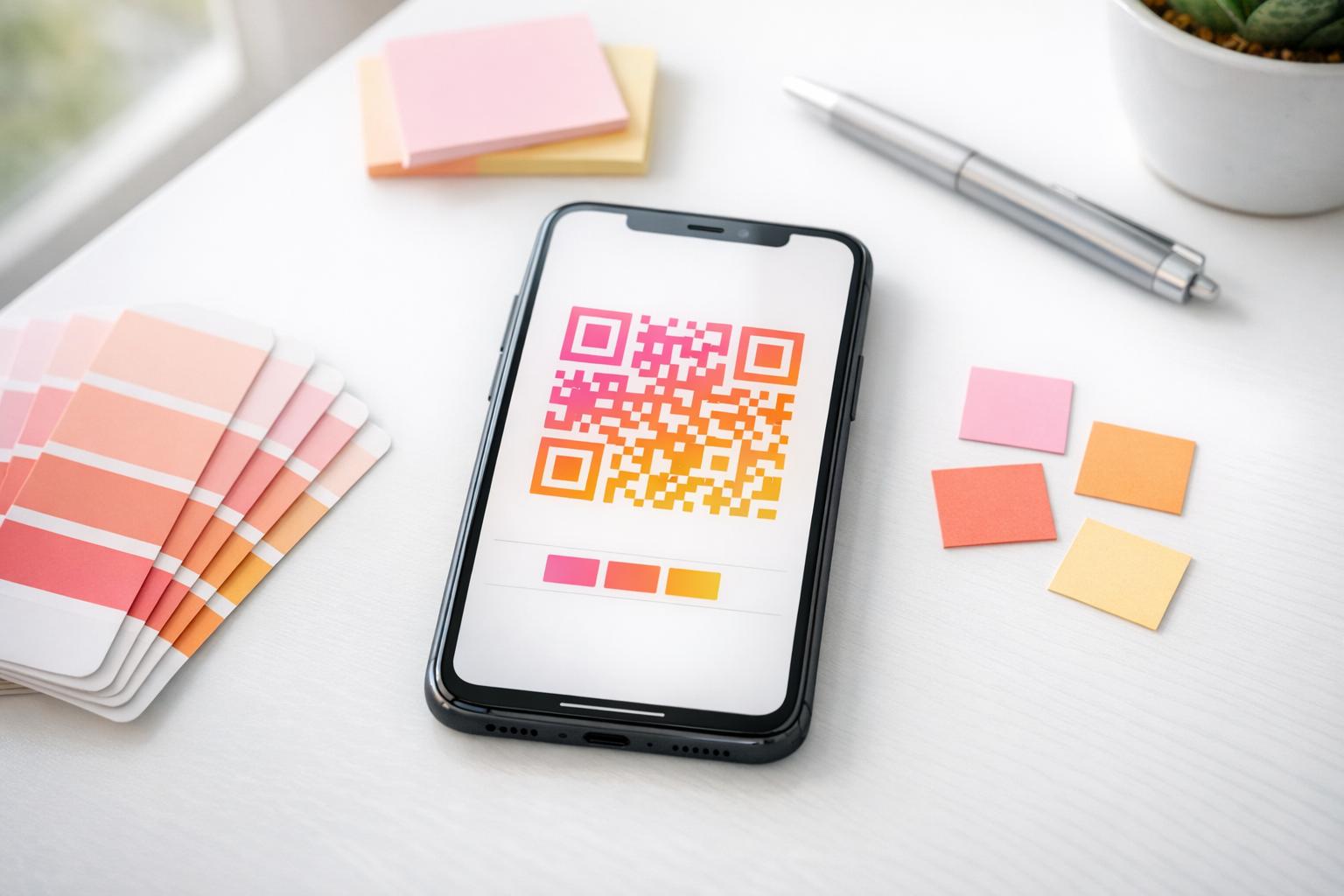
Early QR codes were black-and-white squares with no visual identity. That’s no longer the default. Today, you can incorporate your brand colors, logo, and custom design elements directly into the QR code – making it a branded asset rather than a generic pattern.

Branded QR codes

A well-designed QR code can attract attention and signal trust before anyone scans it. Branded codes with a logo in the center and a call-to-action frame – such as “Scan for your discount” or “View our menu” – give customers a clear incentive and reinforce brand recognition.

The key technical constraint is scannability. The logo should not cover more than roughly 30% of the code area, the contrast between the code pattern and the background must remain high enough for camera recognition, and the code should be tested across multiple devices before distribution. The ロゴ付きQRコードジェネレーター from Pageloot handles the design process while keeping those constraints in check.

Customization also contributes to campaign performance. QR codes that look like a recognizable part of your brand are more likely to earn a scan than a generic black-and-white pattern that gives no visual cues about where it leads.

Practical Applications Worth Knowing

QR codes perform well across a range of specific marketing use cases:

  • 名刺: A 名刺QRコード can link to a full digital contact profile, LinkedIn page, or portfolio, making networking follow-ups easier and more informative than a standard card alone.
  • Feedback and forms: A グーグルフォームQRコード placed on receipts, packaging, or in-store signage gives customers an immediate, friction-free way to submit feedback without needing to type a URL.
  • Direct mail and print ads: Unique codes on each mail piece allow you to measure which zip codes or creative versions drive the most engagement.
  • イベント・マーケティング: QR codes on signage, badges, or printed materials give attendees instant access to schedules, session materials, or registration confirmations.
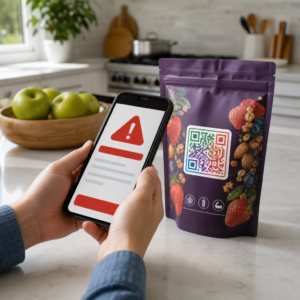
  • 製品パッケージ: Codes on packaging can direct buyers to instructional content, loyalty programs, or product registration – extending the customer relationship beyond the point of sale.

For small businesses, the QR code marketing checklist is a practical starting point for setting goals, choosing the right QR code types, and deploying them across print and digital materials in a coordinated way.

Cost-Effectiveness and Getting Started

Creating a basic QR code doesn’t require significant investment. Free tools exist, and the primary cost is the time to design and deploy them thoughtfully. For campaigns that require tracking, dynamic links, branded customization, and analytics dashboards, a paid subscription to a QR code management platform adds measurable value – particularly because it eliminates the reprinting costs that would otherwise come with any destination change.

The more important investment is strategic: defining what each QR code should accomplish, where it will appear, what it links to, and how you will measure success. Without those decisions in place first, even a well-designed code won’t deliver results.

If you’re ready to see which of your placements actually drives engagement, start with a リンクQRコード for your next campaign, add UTM parameters to your destination URL, and review the scan data after two to three weeks. That data will tell you more about where your customers are paying attention than most other marketing signals available to you.

よくある質問

What is the difference between a static and a dynamic QR code for marketing?

A static QR code encodes a fixed destination and cannot be changed after creation. It also provides no tracking data. A dynamic QR code uses a short redirect URL, which means you can update the destination at any time without reprinting the code, and it records scan data including location, device type, and timing. For most marketing campaigns, dynamic QR codes are the better choice because they offer both flexibility and measurability.

How do QR codes help track the performance of offline marketing?

When someone scans a QR code, the scan generates a timestamped data event that includes information such as approximate location, device type, and the time of day. By assigning unique QR codes to different placements – a magazine ad, a flyer, a billboard – you can compare scan volumes across those channels and identify which materials are driving engagement. Adding UTM parameters to your destination URL lets you pull that data into Google Analytics 4 and evaluate conversions alongside your other digital traffic.

Where should I place QR codes to get the most scans?

Placement depends on the format and context. In general, codes should be at eye level, in good lighting, on a flat surface with adequate contrast and white space around them. For print materials, the lower-right corner of a flyer or the back of a business card are proven positions. For in-store use, displays near decision points – such as checkout areas or product shelving – tend to perform well. Always include a call-to-action near the code so customers understand what they’ll get by scanning.

著者について

Siim KostabiはPagelootのコンテンツリードです。Pagelootの革新的なQRコード生成サービスについて執筆しています。5年以上にわたるQRコードに関する深い専門知識を持つSiimは、この分野の専門家です。QRテクノロジーを活用してデジタルインタラクションを簡素化・拡張する上で、大きな進歩を遂げています。.

カテゴリー
について詳しくはこちら
ブランドQRコードデザイン
でQRコードを作る カスタムデザイン
iPhoneでのQRコードスキャン
QRコードをスキャンして アイフォン
TikTokのQRコードをスキャン
のQRコードを作る チクトックトック
✅ QRコードの#1ソリューション

オンラインでQRコードを作成する必要がある場合は QRコードを作る ここで無料で
ページルートは #1のGo-Toソリューション でQRコードを作成してスキャンすることができます。

QM-08

ブログジェネ

売上、レビュー、フォロワーを増やすために 20,000 を超えるブランドから信頼されています。

クライアントのロゴ
トップブランドから信頼される
5 のうち 4.8 と評価しました

4.86 / 5つ星評価

ユーゴ・ローラン
ユーゴ・ローラン
レストランオーナー
最も簡単で信頼性の高いQRコードジェネレータです。PDFファイルを即座にアップロードできます。レストランのメニューがデジタル化されました。
ルーカス・ジャンセン
ルーカス・ジャンセン
不動産開発業者
これは優れたツールで、QRコードでちょうど欲しいところに連れて行ってくれます。私たちは位置情報のQRコードしか使っていませんが、とても便利な機能がたくさんあります。
エマ・モレッティ
エマ・モレッティ
小売製品
使いやすいし、早い。素晴らしい機能で、完璧な画像を作成してくれるので、社員は私のvCardをダウンロードすることができます。
ユーゴ・ローラン
ユーゴ・ローラン
レストランオーナー
最も簡単で信頼性の高いQRコードジェネレータです。PDFファイルを即座にアップロードできます。レストランのメニューがデジタル化されました。
ルーカス・ジャンセン
ルーカス・ジャンセン
不動産開発業者
これは優れたツールで、QRコードでちょうど欲しいところに連れて行ってくれます。私たちは位置情報のQRコードしか使っていませんが、とても便利な機能がたくさんあります。
エマ・モレッティ
エマ・モレッティ
小売製品
使いやすいし、早い。素晴らしい機能で、完璧な画像を作成してくれるので、社員は私のvCardをダウンロードすることができます。
QRコードをもっと見る
QRコードのスキャン
URL を次のように変換します QRコード
メール署名のQRをスキャンする
のQRコードを作る 電子メール署名
あらゆるものをデジタル体験に変えよう 3分以内に。

14日間の無料トライアル。

クレジットカードは必要ありません。

初回購入で30%オフ

次のコードを使用してください:

MP3ファイルを共有

PDF QRコードを作成するにはサインアップしてください

必要なものをすべてアップロードして表示する。

  • オーディオファイル
  • ポッドキャスト
  • 音楽

サインアップで14日間無料トライアル。.
トライアル終了後、QRコードは期限切れになります。.

オーディオmp3 QRコードを作成するにはサインアップしてください

フレームでより多くのスキャンを獲得

QRコードにフレームを追加するにはサインアップしてください

コールトゥアクションフレームは、お客様が簡単にQRコードと対話できるようにします。ぜひお試しください。

サインアップで14日間無料トライアル。.
トライアル終了後、QRコードは期限切れになります。.

QRコードにフレームを追加するにはサインアップしてください

シェイプでスタイルを追加

より多くの図形を作成するにはサインアップしてください

QRコードは四角いものである必要はありません。あなたのブランドのイメージに合わせて変えてみてください。

サインアップで14日間無料トライアル。.
トライアル終了後、QRコードは期限切れになります。.

より多くの図形を作成するにはサインアップしてください

QRコードにロゴを追加

QRコードにロゴを追加するにはサインアップしてください

QRコードにロゴやブランドを入れることで、目立たせることができます。

サインアップで14日間無料トライアル。.
トライアル終了後、QRコードは期限切れになります。.

QRコードにロゴを追加するにはサインアップしてください

スマートなApp Storeリダイレクト

アプリストアのQRコードを作成するにはサインアップしてください

スマートなApp StoreのQRコードに、あなたのアプリのリンクを追加します。ユーザーは、デバイスに応じてリダイレクトされます。

サインアップで14日間無料トライアル。.
トライアル終了後、QRコードは期限切れになります。.

アプリストアのQRコードを作成するにはサインアップしてください

QRコードに画像をアップロード

画像QRコードを作成するにはサインアップしてください

画像を簡単に共有できます。どんな画像も、数秒でダイナミックに変化します。

サインアップで14日間無料トライアル。.
トライアル終了後、QRコードは期限切れになります。.

画像QRコードを作成するにはサインアップしてください

PDFファイルを共有

PDF QRコードを作成するにはサインアップしてください

必要なものをすべてアップロードして表示する。

  • メニュー&プライスリスト
  • 指示
  • 任意の書類

サインアップで14日間無料トライアル。.
トライアル終了後、QRコードは期限切れになります。.

PDF QRコードを作成するにはサインアップしてください

印刷せずに後で編集

再度印刷せずにQRコードを編集するにはサインアップしてください

ダイナミックQRコードは、新たにQRコードを印刷することなく、QRコードの内容を変更することができます。

サインアップで14日間無料トライアル。.
トライアル終了後、QRコードは期限切れになります。.

再度印刷せずにQRコードを編集するにはサインアップしてください

いつ?どこで?QRコードのスキャンを追跡

QRコードを追跡するにはサインアップしてください

どのQRコードが最も多くスキャンされ、何が最も顧客を喜ばせているのかを知ることができます。

サインアップで14日間無料トライアル。.
トライアル終了後、QRコードは期限切れになります。.

QRコードを追跡するにはサインアップしてください

印刷可能なファイルが利用可能

PDFやSVGのようなベクターQRコードを作成するにはサインアップしてください

.eps、.pdf、.svg

QRコードをHD解像度でダウンロードしたいですか?すぐに印刷できるベクターまたはピクセル形式を入手しましょう。

サインアップで14日間無料トライアル。.
トライアル終了後、QRコードは期限切れになります。.

PDFやSVGのようなベクターQRコードを作成するにはサインアップしてください

しばらくお待ちください。あなたのQRコードは ロード... ロード...

あなただけのものに

サインアップしてQRコードを後で保存してください

異なる色、ロゴ、コールトゥアクションフレームで素晴らしいQRコードを作成することで、より多くのスキャンを得ることができます。

サインアップで14日間無料トライアル。.
トライアル終了後、QRコードは期限切れになります。.

サインアップしてQRコードを後で保存してください