> QR 뉴스 > Are QR Codes Dead? Here’s What the Data Says
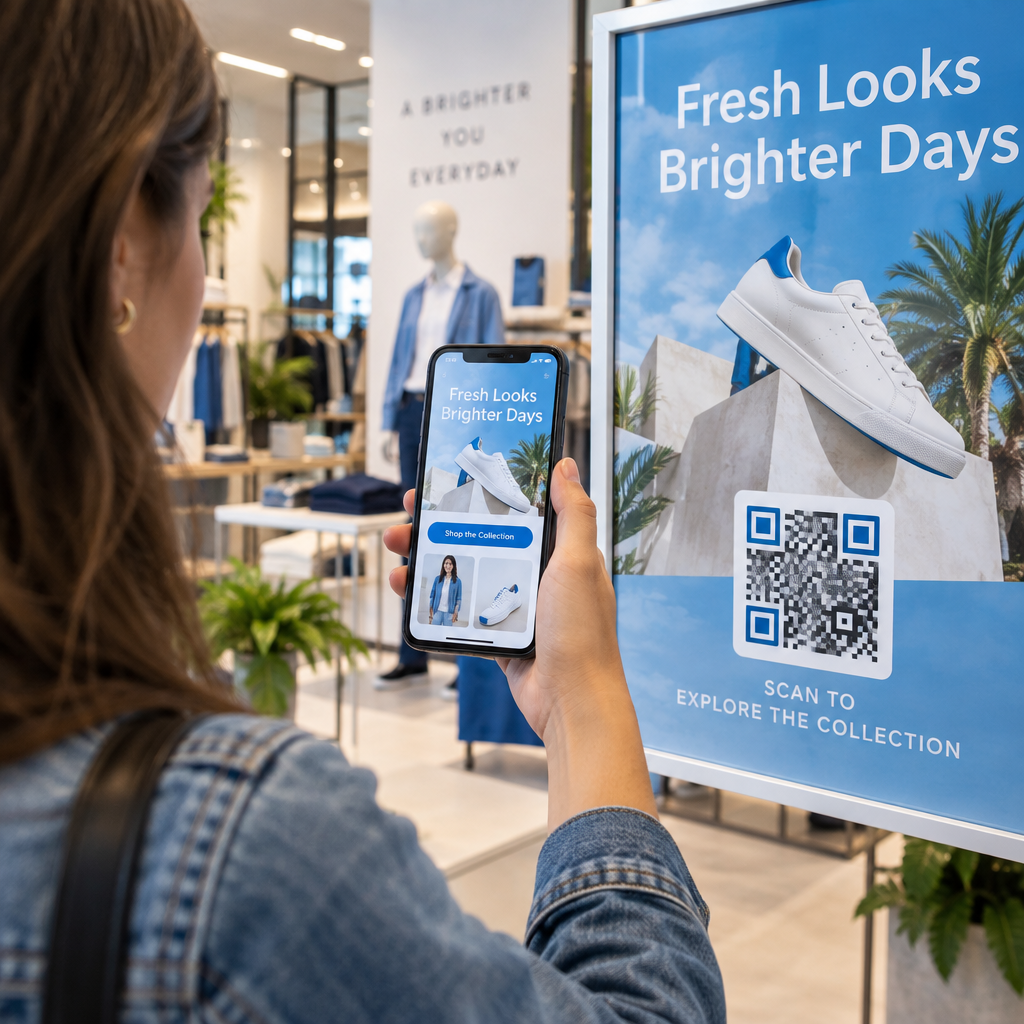
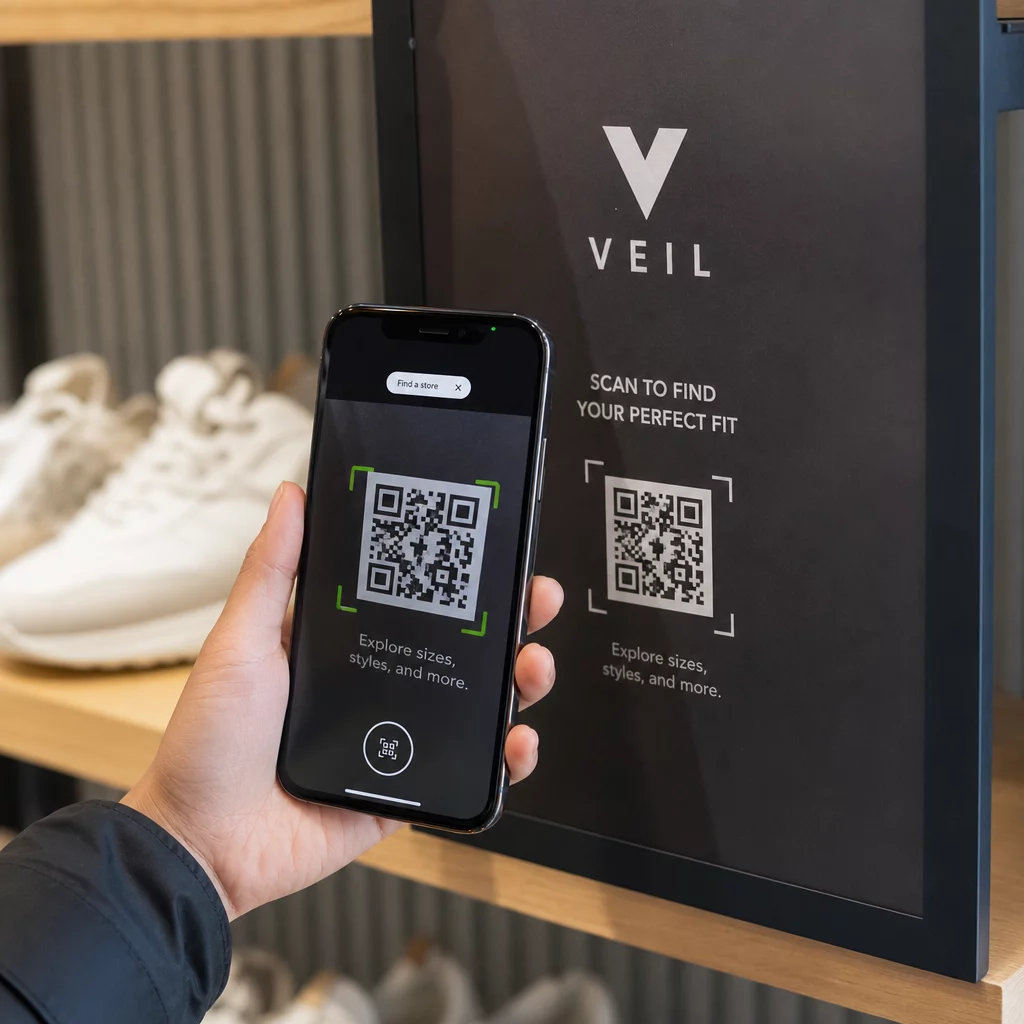
QR 코드를 스캔하는 고객

Are QR Codes Dead? Here’s What the Data Says

QR codes are more active than ever with 89 million US users in 2025. Explore the latest data, global adoption trends, and how to use them for your business.
Updated on 6월 10, 2026
목차

Are you wondering whether QR codes are still worth using in your marketing or business materials? That question is more common than you’d think – and the answer matters if you’re planning a campaign, updating packaging, or rethinking how customers interact with your brand. This article breaks down the current state of QR code adoption, who’s using them, and how to make them work effectively.

QR Codes Are Not Dead – They’re Growing

The short answer: QR codes are more active than ever. Scan volumes have increased steadily year over year, and the technology has moved well beyond its early, clunky reputation.

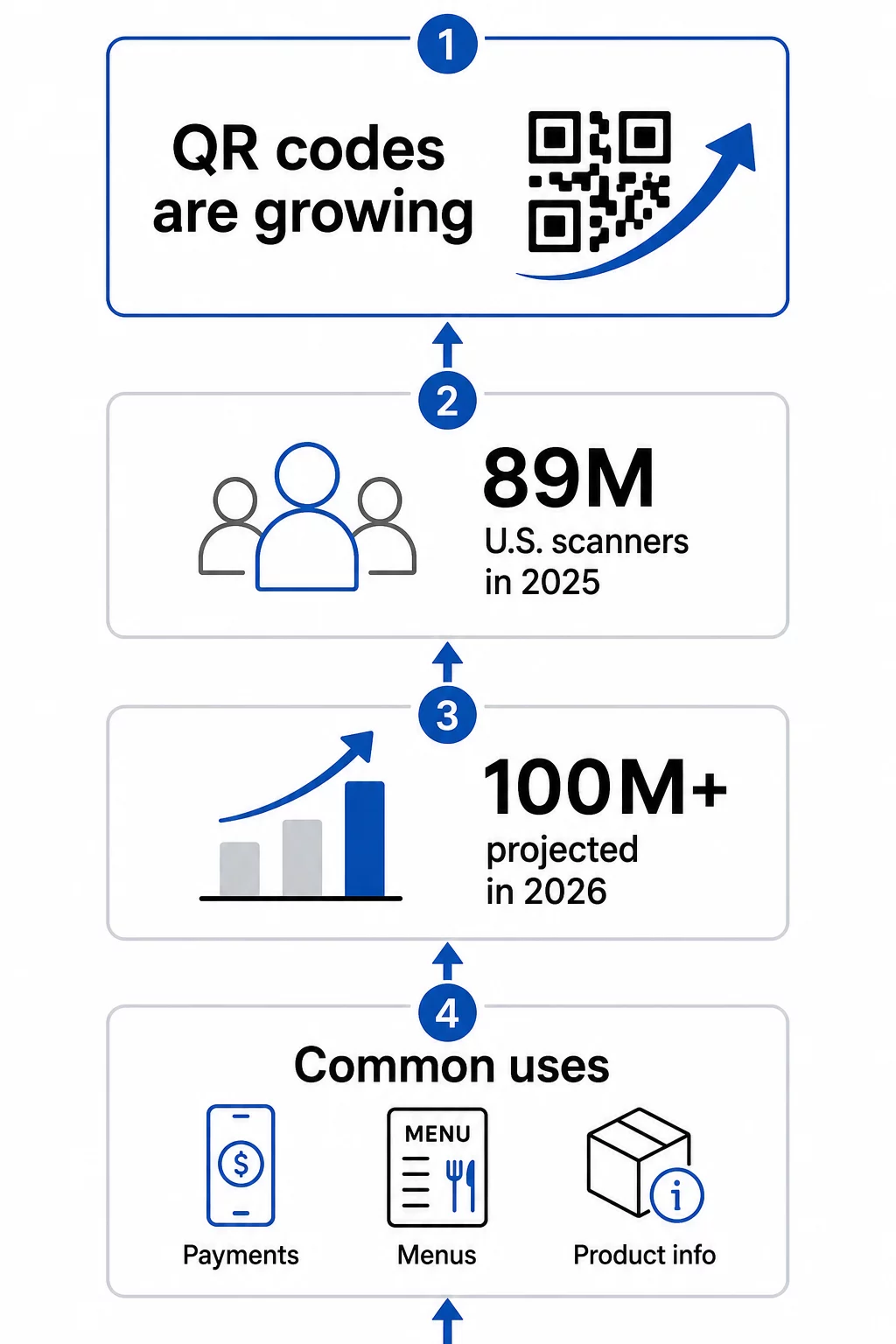
In the United States alone, 89 million people scanned a QR code in 2025. That number is projected to exceed 100 million U.S. users in 2026 – roughly one in three Americans. Among people who already use them, most scan several times a month, and about one in five report using them weekly.

QR code growth data

Globally, adoption is even more pronounced. Asian markets lead by a wide margin:

  • Hong Kong indexes at 100% relative interest in QR code usage
  • 93%의 마카오
  • 80%의 싱가포르
  • 말레이시아 74%
  • 대만 70%
  • 필리핀 58%
  • 태국 39%
  • 독일 38%
  • 아랍 에미리트 (37%)
  • 스위스 37%
  • 벨기에 36%
  • 36%의 오스트리아

The United States, despite its large consumer base, ranks around #24 in relative interest – meaning there’s still significant room for growth in the North American market.

Why QR Codes Disappeared – Then Came Back Stronger

QR codes did peak around 2011, and many people assumed they faded after that. What actually happened is more nuanced: adoption stalled because smartphones of that era required dedicated scanning apps, and the user experience was too fragmented to feel natural.

That changed when Apple and Android integrated native QR scanning directly into their camera apps. No extra download required – just point and scan. That single shift removed the biggest barrier to consumer adoption.

The COVID-19 pandemic accelerated things further. Restaurants replaced printed menus with QR-linked digital versions almost overnight. Businesses discovered that a scannable code could replace physical touchpoints entirely, and consumers adapted quickly. The behavior became normalized across demographics that had never used QR codes before.

Today, QR code use has become a sustained trend, not a fad. The technology has been on an upward trajectory since 2016, and the infrastructure – both on the consumer device side and the business tools side – is now mature enough to support serious marketing and operational use.

Who Is Actually Using QR Codes in 2024 and Beyond

The question isn’t really whether people are scanning QR codes – they clearly are. The more useful question is: what are they scanning, and why does that matter to your business?

According to survey data from U.S. consumers, the top reported use cases are:

  • Making payments – contactless checkout via QR has become standard in many retail and food service environments
  • Checking information on food and beverage products – ingredient transparency, sourcing details, and promotional content
  • 레스토랑 메뉴 – 57% of U.S. consumers reported scanning a QR code at a restaurant in the past month in 2025

Beyond consumer behavior, the business side is equally compelling. In a 2025 survey, 98% of companies using QR codes said they had a positive impact on marketing, and 95% said QR codes help them gather first-party customer data – a meaningful advantage as third-party tracking becomes less reliable.

Real-world results back this up. A Capri Sun sweepstakes campaign that used QR codes on product packaging generated more than 579,000 landing page views and over 28,000 subscription entries. A large hotel brand reported saving $150,000 in printing costs by replacing physical menus and flyers with QR-code-based digital versions.

The Most Useful QR Code Types for Businesses

There are over a dozen QR code types available, but a handful account for the majority of business use cases. Understanding which type fits your goal saves time and produces better results.

URL/Link QR codes are the most common. They direct scanners to any web address – a product page, a landing page, a social profile, or an uploaded file. If you’re running a campaign and want flexibility, a dynamic link QR code lets you change the destination after printing without creating a new code.

PDF QR 코드 allow you to attach a document directly to the code – brochures, instruction manuals, menus, or catalogs. Unlike linking to a cloud storage file, hosting the PDF through a QR platform keeps the content stable and accessible without depending on third-party services.

vCard QR 코드 function as digital business cards. When scanned, they push contact details directly into the user’s phone, eliminating manual data entry. In professional settings, this is measurably faster and more accurate than exchanging paper cards.

Email QR codes pre-populate an email addressed to you when scanned, lowering the friction between someone intending to contact you and actually doing it.

Wi-Fi QR codes share network credentials automatically on scan. Instead of sharing a password verbally or on a printed card, guests connect instantly – a small improvement in experience that adds up in hospitality, office, and retail environments.

See What’s Possible with Dynamic QR Codes Want to create codes that can be updated after printing and tracked in real time? Explore the 동적 QR 코드 생성기 to build flexible, measurable QR codes for any use case.

Static vs. Dynamic: Why the Distinction Matters

Not all QR codes behave the same way. 정적 QR 코드 encode information directly into the pattern – once created, the destination is fixed. They’re appropriate for permanent information like a Wi-Fi password that never changes or a simple URL you’ll never need to update.

동적 QR 코드 work differently. They encode a short redirect URL, and the actual destination can be updated at any time without generating or reprinting a new code. That flexibility alone is valuable in marketing contexts, but the bigger advantage is tracking.

With a dynamic code, you can monitor:

  • Total scans and unique scan counts
  • Geographic location of scans
  • Device type and operating system
  • Time and date of each scan
  • Scan frequency over a campaign period

This data lets you measure which placements are working, which aren’t, and where to focus future efforts. You can learn more about how tracking works on Pageloot’s QR code tracking and analytics guide.

For any campaign where you’re printing materials in volume – packaging, signage, direct mail – dynamic QR codes are the practical choice. If the destination changes or the campaign evolves, you update the link rather than reprint everything. You can compare both approaches in detail on the static vs. dynamic QR codes page.

How to Make QR Codes Work Effectively

Generating a QR code is straightforward. Making it actually perform requires a few deliberate choices.

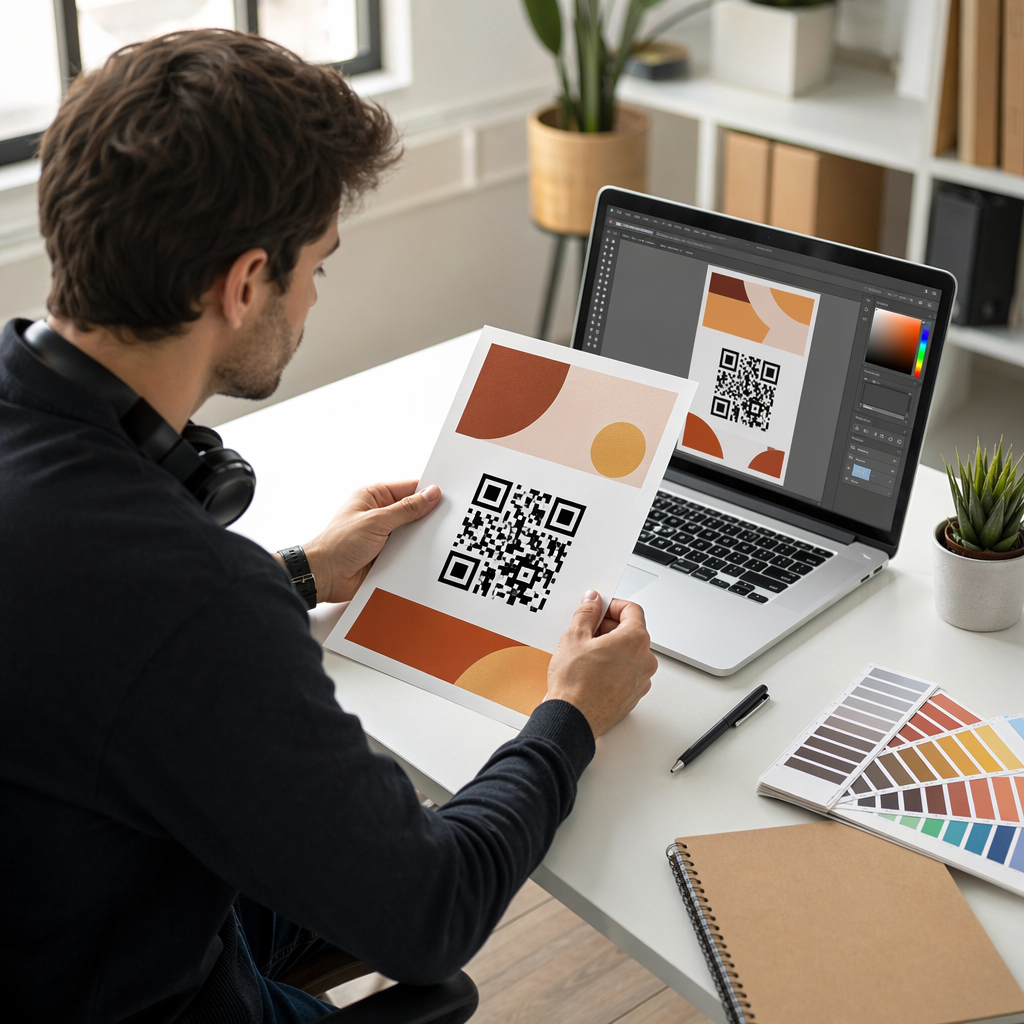
Design for scannability. Use a dark foreground on a light background – never invert this. Avoid busy backgrounds or decorative elements that reduce contrast. If you’re adding a logo, use a higher error correction level (Q or H) to compensate for the covered modules.

Size it for the scanning distance. A practical minimum is about 0.8 × 0.8 inches (2 × 2 cm) for materials scanned up close. For posters or signage, increase the size proportionally – roughly 1 cm of code per 10 cm of expected scanning distance. A poster viewed from 20 inches should be at least 2 × 2 inches. You can find detailed technical guidance in the QR code usability best practices article.

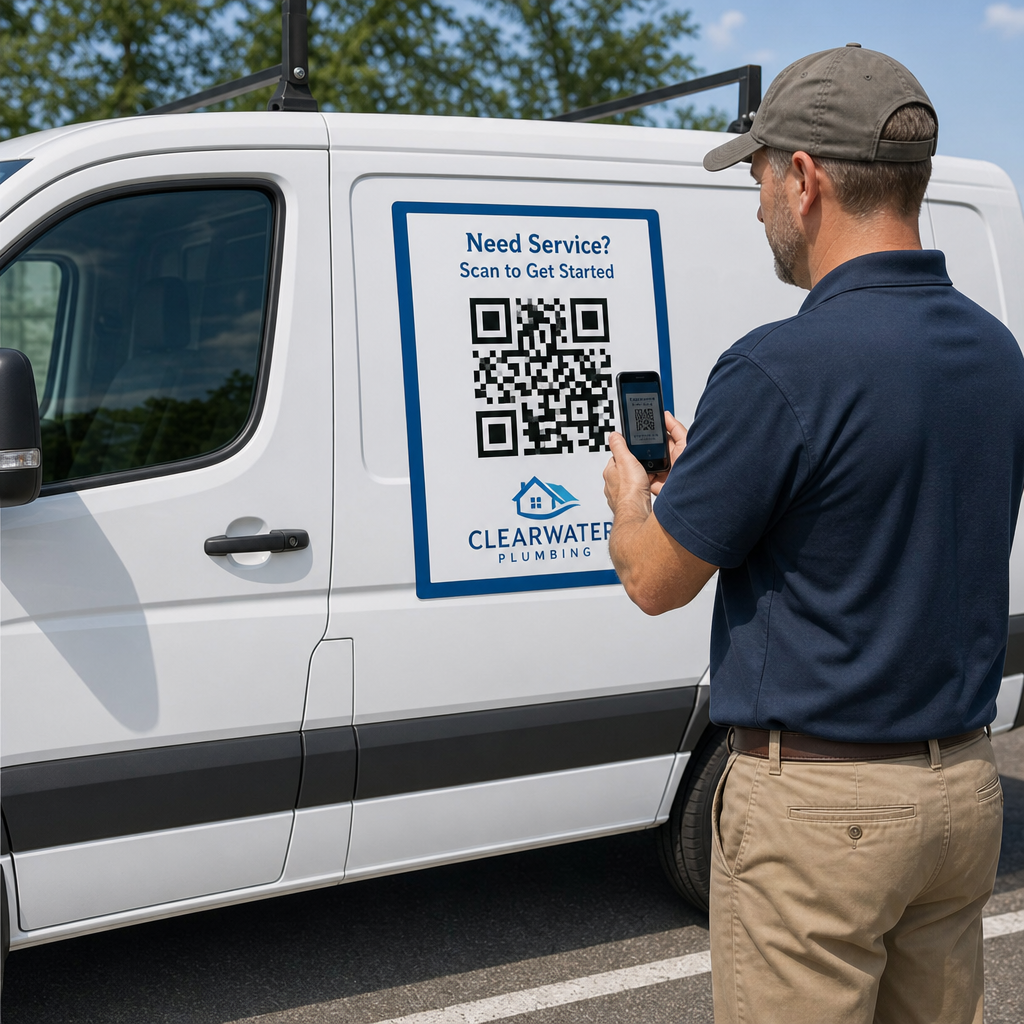
Place it where people can scan it naturally. Front and center on printed materials, at eye level on posters, away from folds and edges, and never in a location without reliable mobile signal. Placement that requires awkward physical contortion will reduce scans noticeably.

Write a clear call to action. “Scan to see the menu,” “Scan for your discount,” or “Scan to learn more” all perform better than a QR code with no explanation. Place the CTA directly above or below the code, and make sure the instruction matches what the user actually receives when they scan.

Optimize the destination for mobile. The linked content should load quickly, display cleanly on a small screen, and deliver exactly what the CTA promised. Sending someone to your homepage when the code says “scan for the menu” is a quick way to lose the engagement you just earned.

Test before you publish. Scan the code on multiple devices, in different lighting conditions, at the intended viewing distance, and on actual printed materials. Check that the link works. Recheck it periodically during the campaign to confirm the destination remains active.

For a deeper look at effective campaign design, the best QR code campaigns guide 그리고 how to use QR codes page offer practical examples across industries.

Where QR Codes Fit in Your Marketing Strategy

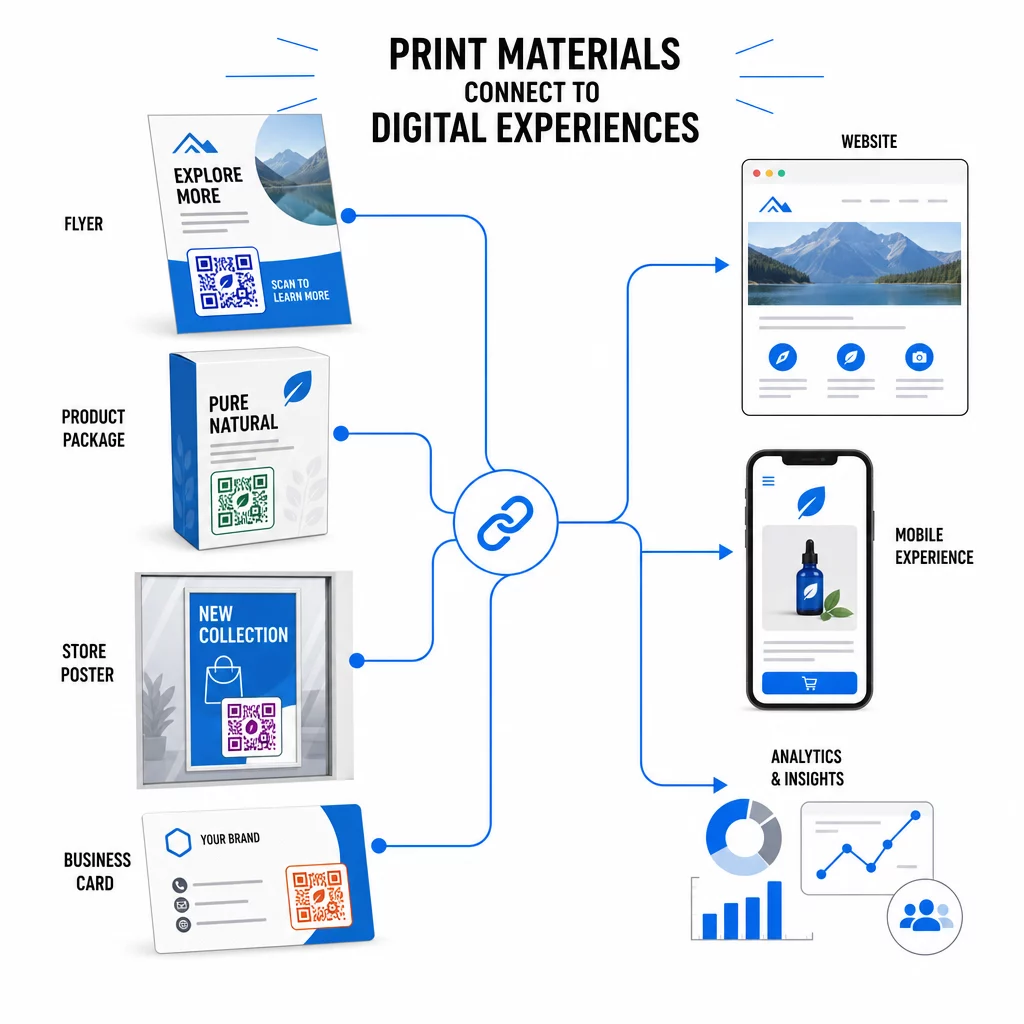
QR codes solve a specific and persistent problem: the gap between physical materials and digital experiences. A flyer, a package, a business card, or a storefront window can only hold so much information – but a QR code turns any of those surfaces into a gateway to unlimited digital content.

Print connects digital

Retailers use codes on shelves, receipts, and windows to connect physical displays to campaign landing pages, loyalty programs, and post-purchase engagement. The scan data reveals which placements drive the most interest, allowing ongoing optimization. You can explore industry-specific applications on the QR code solutions by industry page or review specific feature options on the features page.

For marketers specifically, QR codes serve as a first-party data collection tool. Every scan generates a data point. Aggregate those across a campaign and you have behavioral data – when, where, and how often people are engaging with your physical materials – without relying on cookies or third-party platforms.

그만큼 QR code marketing overview covers the strategic case in more detail, and the guide to connecting print and digital marketing shows how specific campaigns have used QR codes to bridge both channels measurably.

Start Tracking Your QR Code Performance See exactly when, where, and how often your codes are being scanned. The 동적 QR 코드 생성기 includes a full analytics dashboard so you can measure what’s working and update your content without reprinting. QR codes are a practical, measurable tool with proven adoption and real business applications. The question isn’t whether they work – it’s whether you’re using them in a way that captures the data and engagement they’re capable of generating. Start with a clear use case, choose the right code type, and make sure the experience on the other side of the scan is worth the tap.

자주 묻는 질문

Are QR codes still relevant in 2025?

Yes. In the U.S. alone, 89 million people scanned a QR code in 2025, and that number is projected to exceed 100 million in 2026. Adoption is growing globally, and QR codes are used widely in retail, hospitality, food and beverage, events, and marketing campaigns.

정적 QR 코드와 동적 QR 코드의 차이점은 무엇인가요?

A static QR code has a fixed destination that cannot be changed after creation. A dynamic QR code uses a redirect URL that can be updated anytime without reprinting the code. Dynamic codes also support scan tracking, giving you data on when, where, and how often your code is scanned.

How do I make sure my QR code actually gets scanned?

Use high contrast (dark on light), size the code appropriately for the scanning distance, place it where users can comfortably reach it, and always include a clear call to action explaining what they’ll get when they scan. Test the code on multiple devices before distributing printed materials.

작성자 정보

시임 코스타비는 페이지루트의 콘텐츠 책임자입니다. 그는 페이지루트의 혁신적인 QR 코드 생성 서비스에 대한 글을 쓰고 있습니다. 5년 이상 QR 코드 분야에서 쌓아온 깊이 있는 전문 지식을 바탕으로, 시임은 이 분야의 전문가로 인정받고 있습니다. 그는 QR 기술을 활용하여 디지털 상호작용을 간소화하고 향상시키는 데 크게 기여하고 있습니다.

범주
에 대해 자세히 알아보기
인스타그램 QR 코드 스캔
QR 코드 만들기인스 타 그램
제품 바코드 라벨 스캔
만드는 방법바코드

온라인으로 QR 코드를 생성해야하는 경우 QR 코드 만들기 무료로 여기!
Pageloot는 #1 Go-To 솔루션 QR 코드를 만들고 스캔합니다.

QRN-017

블로그 세대

20,000개 이상의 브랜드로부터 신뢰를 받아 더 많은 매출, 리뷰, 팔로워를 확보했습니다.

클라이언트 로고
최고 브랜드의 신뢰
5 중 4.8 평가

4.86 / 5 별점

휴고 로랑
휴고 로랑
레스토랑 주인
가장 쉽고 안정적인 QR 코드 생성기. PDF 파일을 즉시 업로드할 수 있습니다. 이제 레스토랑 메뉴가 디지털화되었습니다.
루카스 얀센
루카스 얀센
부동산 개발사
이것은 훌륭한 도구이며 QR 코드를 사용하면 원하는 곳으로 이동할 수 있습니다. 우리는 위치 QR 코드만 사용하지만 유용한 기능이 너무 많습니다.
엠마 모레티
엠마 모레티
소매 제품
사용하기 쉽고 빠릅니다. 그것은 훌륭하게 작동하고 완벽한 이미지를 생성하므로 직원들이 내 vCard를 다운로드할 수 있습니다.
휴고 로랑
휴고 로랑
레스토랑 주인
가장 쉽고 안정적인 QR 코드 생성기. PDF 파일을 즉시 업로드할 수 있습니다. 이제 레스토랑 메뉴가 디지털화되었습니다.
루카스 얀센
루카스 얀센
부동산 개발사
이것은 훌륭한 도구이며 QR 코드를 사용하면 원하는 곳으로 이동할 수 있습니다. 우리는 위치 QR 코드만 사용하지만 유용한 기능이 너무 많습니다.
엠마 모레티
엠마 모레티
소매 제품
사용하기 쉽고 빠릅니다. 그것은 훌륭하게 작동하고 완벽한 이미지를 생성하므로 직원들이 내 vCard를 다운로드할 수 있습니다.
더 많은 QR 코드보기
QR 코드 스캔
URL을 다음으로 변환QR 코드
Customer scanning signup QR
어떻게이메일 수집
앱 QR 코드 스캔
어떻게앱 다운로드
무엇이든 디지털 경험으로 전환하세요 3분 이내에.

14일 무료 체험.

신용카드는 필요 없습니다.

첫 구매 시 30% 할인

코드를 사용하세요:

MP3 파일 공유

PDF QR 코드를 생성하려면 가입하세요

필요한 모든 것을 업로드하고 표시합니다.

  • 오디오 파일
  • 팟캐스트
  • 음악

가입 시 14일 무료 체험.
체험 기간 후 QR 코드 만료.

오디오 mp3 QR 코드를 생성하려면 가입하세요

프레임으로 더 많은 스캔 확보

QR 코드에 더 많은 프레임을 추가하려면 가입하세요

클릭 유도 문안 프레임은 고객이 QR 코드와 쉽게 상호 작용할 수 있도록 도와줍니다. 사용해 보세요!

가입 시 14일 무료 체험.
체험 기간 후 QR 코드 만료.

QR 코드에 더 많은 프레임을 추가하려면 가입하세요

도형으로 더 많은 스타일 추가

더 많은 도형을 만들려면 가입하세요

QR 코드는 정사각형일 필요가 없습니다. 브랜드 이미지에 맞게 전환해 보세요.

가입 시 14일 무료 체험.
체험 기간 후 QR 코드 만료.

더 많은 도형을 만들려면 가입하세요

QR 코드에 로고 추가

QR 코드에 로고를 추가하려면 가입하세요

로고와 브랜드를 추가하여 QR 코드를 돋보이게 만드세요.

가입 시 14일 무료 체험.
체험 기간 후 QR 코드 만료.

QR 코드에 로고를 추가하려면 가입하세요

스마트 앱 스토어 리디렉션

앱 스토어 QR 코드를 생성하려면 가입하세요

스마트 앱 스토어 QR 코드에 앱 링크를 추가하세요. 사용자는 장치에 따라 리디렉션됩니다.

가입 시 14일 무료 체험.
체험 기간 후 QR 코드 만료.

앱 스토어 QR 코드를 생성하려면 가입하세요

QR 코드에 이미지 업로드

이미지 QR 코드를 생성하려면 가입하세요

이미지를 쉽게 공유하세요. 몇 초 안에 동적으로 이미지를 변경하십시오.

가입 시 14일 무료 체험.
체험 기간 후 QR 코드 만료.

이미지 QR 코드를 생성하려면 가입하세요

PDF 파일 공유

PDF QR 코드를 생성하려면 가입하세요

필요한 모든 것을 업로드하고 표시합니다.

  • 메뉴 및 가격표
  • 명령
  • 모든 문서

가입 시 14일 무료 체험.
체험 기간 후 QR 코드 만료.

PDF QR 코드를 생성하려면 가입하세요

인쇄 없이 나중에 편집

다시 인쇄하지 않고 QR 코드를 편집하려면 가입하세요

동적 QR 코드를 사용하면 새 QR 코드를 인쇄하지 않고도 QR 코드의 내용을 변경할 수 있습니다.

가입 시 14일 무료 체험.
체험 기간 후 QR 코드 만료.

다시 인쇄하지 않고 QR 코드를 편집하려면 가입하세요

언제? 어디서? QR 코드 스캔 추적

QR 코드를 추적하려면 가입하세요

어떤 QR 코드가 가장 많이 스캔되고 무엇이 고객을 가장 흥분시키는지 알아보십시오.

가입 시 14일 무료 체험.
체험 기간 후 QR 코드 만료.

QR 코드를 추적하려면 가입하세요

인쇄 준비 파일 제공

PDF 및 SVG와 같은 벡터 QR 코드를 생성하려면 가입하세요.

.EPS, .PDF, .SVG

HD 해상도로 QR 코드를 다운로드하고 싶으신가요? 인쇄할 준비가 된 벡터 또는 픽셀 형식을 가져옵니다.

가입 시 14일 무료 체험.
체험 기간 후 QR 코드 만료.

PDF 및 SVG와 같은 벡터 QR 코드를 생성하려면 가입하세요.

기다리세요. 귀하의 QR 코드는 로드 중... 로드 중...

나만의 것으로 만들기

나중을 위해 QR 코드를 저장하려면 가입하세요.

다양한 색상, 로고 및 클릭 유도문안 프레임으로 멋진 QR 코드를 만들어 더 많은 스캔을 받으세요.

가입 시 14일 무료 체험.
체험 기간 후 QR 코드 만료.

나중을 위해 QR 코드를 저장하려면 가입하세요.