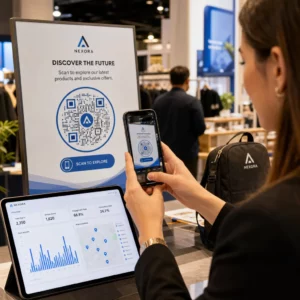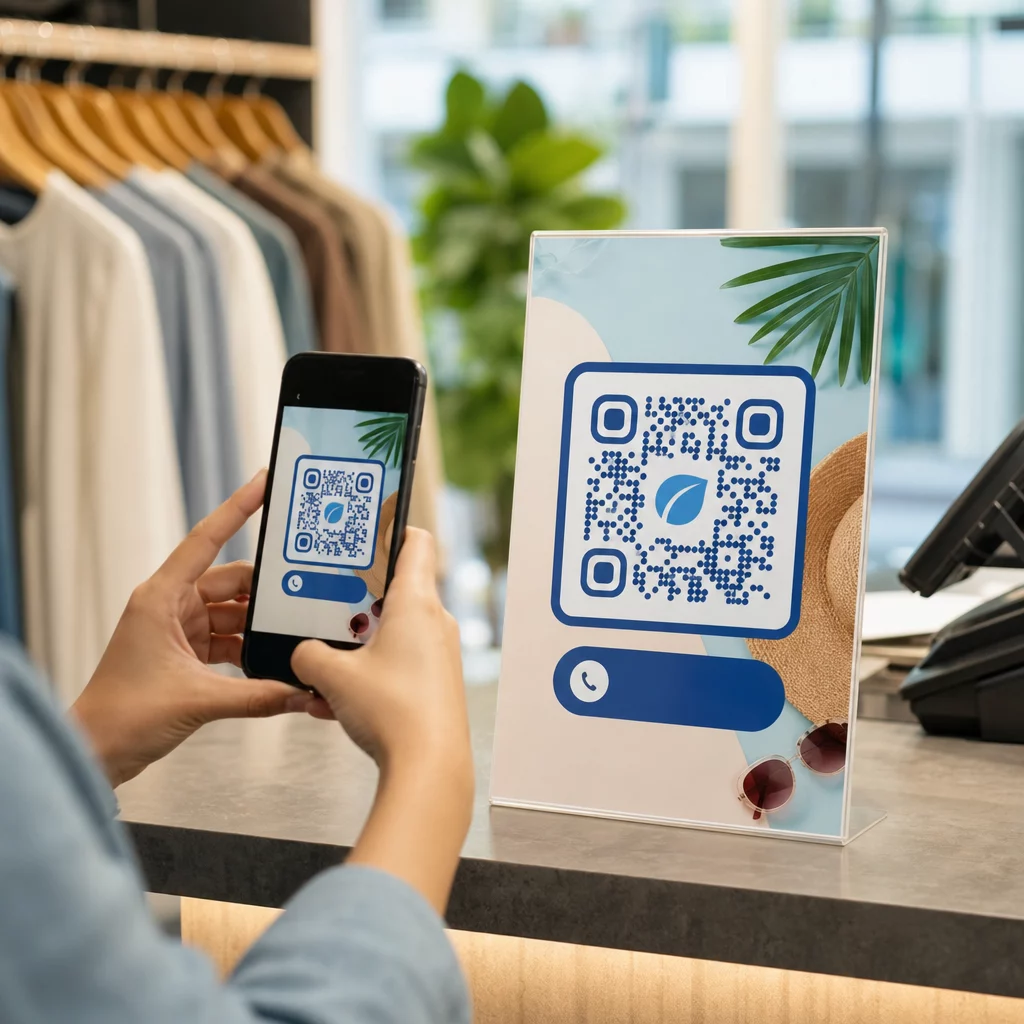
Ligger dine marketingmaterialer foran kunderne uden at give dem et klart næste skridt? Trykte og fysiske kontaktpunkter når stadig effektivt ud til publikum, men de kæmper med at forbinde den opmærksomhed med målbar digital handling. QR-koder løser det problem ved at omdanne enhver fysisk overflade til en interaktiv gateway – og de gør det på en måde, der er sporbar, fleksibel og nem at implementere.
Hvorfor QR-koder stadig er vigtige i marketing
QR-koder havde et blakket ry i et stykke tid. Tidlige brugere placerede dem på akavede steder, linkede dem til ikke-mobilvenlige sider og gav kunderne ingen grund til at scanne. Teknologien var ikke problemet – implementeringen var.
I dag er det ændret. Forbrugernes kendskab til QR-koder er vokset markant. Over to tredjedele af amerikanske forbrugere brugte en QR-kode mindst én gang det seneste år, og omkring halvdelen af Gen Z og Millennials scanner dem mindst én gang om ugen. I detailhandlen rapporterede 64% af amerikanske shoppere at have scannet en QR-kode på et produkt under indkøb i butikken.
De mest almindelige anvendelsestilfælde omfatter restaurantmenuer (48%), mobilapps (47%), produktinformation (43%), Wi-Fi-adgang (32%) og eventbilletter (31%). Dette er ikke niche-adfærd – det er mainstream-vaner, som marketingfolk kan bygge kampagner omkring.
Kernen i læren fra de tidlige fejl er stadig gyldig: QR-koder virker, når de implementeres gennemtænkt. Få placeringen, destinationen og incitamentet rigtigt, og du har et stærkt værktøj. Gør du det forkert, bliver du ignoreret. Lær mere om hvordan man bruger QR-koder effektivt før du lancerer din næste kampagne.
Alsidighed på tværs af alle marketingkanaler
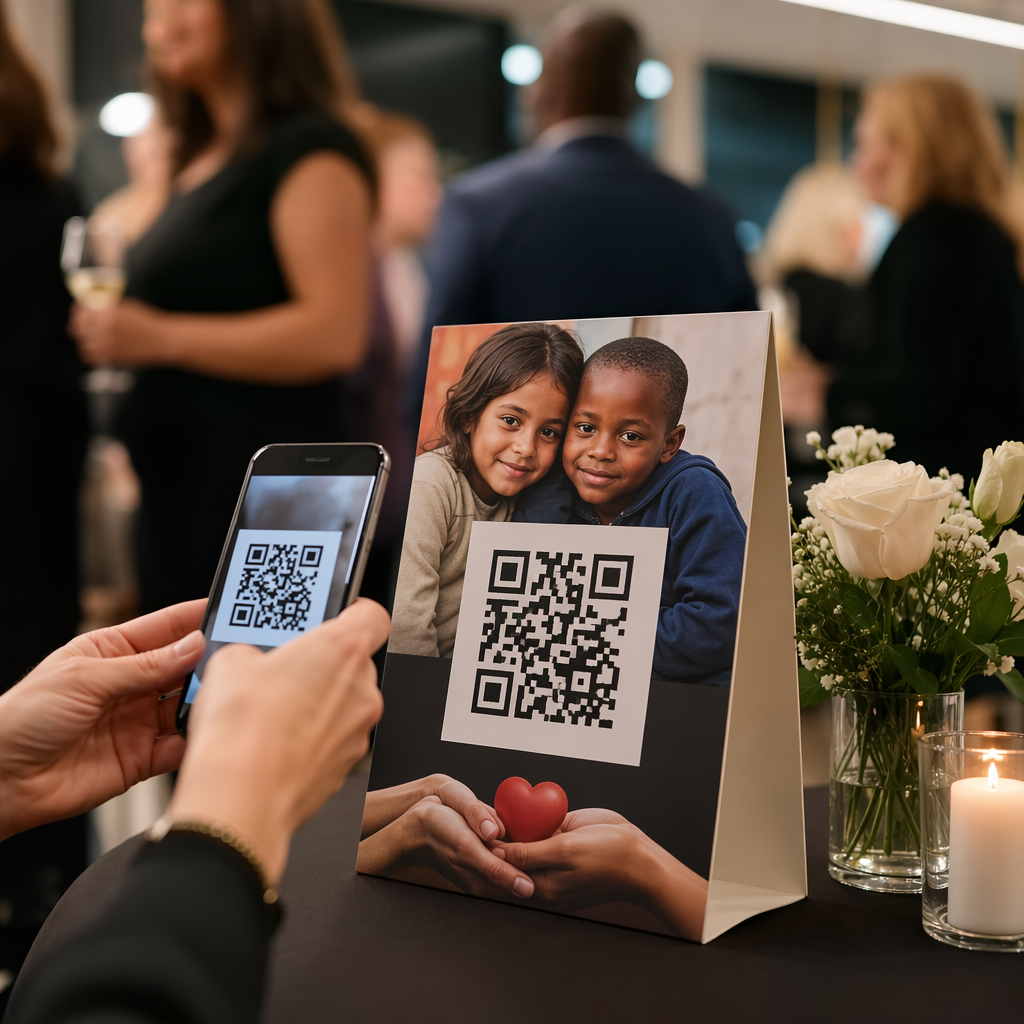
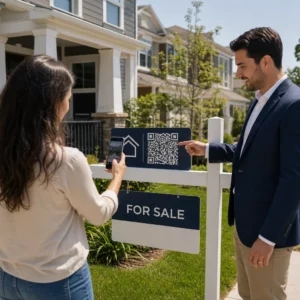
En af de mest praktiske fordele ved QR-koder er, at de kan vises næsten overalt. Visitkort, produktemballage, plakater, billboards, magasinannoncer, direct mail, restaurantborde, event-skilte, e-mail-signaturer – alle disse bliver interaktive, når du tilføjer en QR-kode.
Når det er sagt, er placeringskonteksten vigtig. En QR-kode på en kørende bus er svær at scanne. En kode vist på en tv-skærm skal forblive synlig i mindst 15 sekunder for at give seerne nok tid til at finde deres telefon frem og scanne. En kode på en brochure, der er samlet op på en messe, kan scannes i ro og mag.
At forstå det fysiske miljø, hvor din kode vil vises, hjælper dig med at designe den passende – at størrelse den korrekt, placere den i øjenhøjde (typisk 1,07–1,68 meter) og give den tilstrækkelig kontrast og hvidplads til at scanne pålideligt. Den retningslinjer for placering af QR-koder på markedsføringsmateriale gennemgår de specifikke krav til forskellige formater.
Fordi de virker på så mange overflader, giver QR-koder dig mulighed for at køre konsekvente kampagner, der bærer det samme budskab fra en magasinannonce til en produktpakke til en butiksudstilling – hver kode peger potentielt på en forskellig destination, mens den forstærker en samlet kampagne.
Brobygning mellem offline og online oplevelser
Den klareste strategiske værdi af en QR-kode er dens evne til at forbinde fysiske kontaktpunkter med digitale destinationer. Når nogen scanner en kode på en flyer, kan de føres direkte til en landingsside, en salgsfremmende video, en produktanmeldelse, en feedbackformular eller en app-download – uden at skulle taste noget manuelt.
Dette er især nyttigt for kampagner, der er afhængige af print. En plakatkampagne kan drive trafik til et tidsbegrænset tilbud. Et visitkort kan linke til en fuld digital portefølje. Produktemballage kan forbinde købere med opsætningsinstruktioner, garantiregistrering eller anbefalinger af supplerende produkter.
Forbindelsen virker begge veje: du kan bruge offlinekampagner til at promovere digitale produkter, eller bruge digitale materialer til at forstærke det, kunderne oplever personligt. Nøglekravet er, at uanset hvad QR-koden linker til, skal det være mobiloptimeret. At sende nogen fra et rent fysisk design til en langsom, desktop-formateret side ødelægger oplevelsen øjeblikkeligt.
Udforsk hvordan QR-koder forbinder print og digital markedsføring for et dybere kig på praktiske eksempler og kampagnestrukturer på tværs af brancher.
Sporbare resultater, som traditionelle annoncer ikke kan matche
Det er her, QR-koder virkelig overgår mange traditionelle annonceformater. En radio- eller tv-annonce kan generere mere trafik eller opkald, men det er sjældent muligt at isolere præcis, hvor mange mennesker der reagerede på grund af den specifikke placering.
Med QR-koder bliver hver scanning et målbart datapunkt. Når du bruger dynamiske QR-koder med indbygget sporing, kan du overvåge:
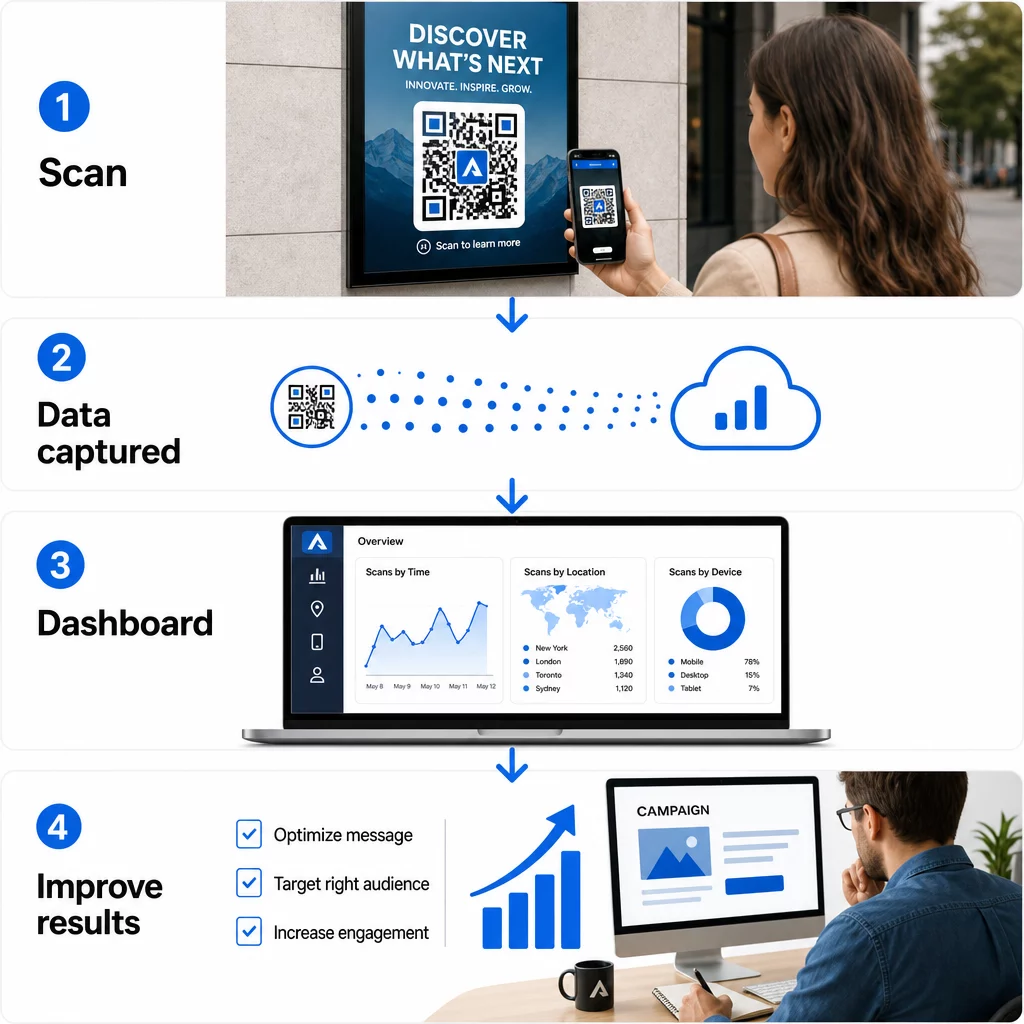
- Samlede scanninger og unikke scanninger
- Dato og tidspunkt for hver scanning
- Geografisk placering af scanninger
- 6. Enhedstype og operativsystem
- Scanningstendenser over kampagnens varighed
Når du tildeler unikke QR-koder til forskellige placeringer – én til en magasinannonce, en anden til et direct mail-stykke, en tredje til en udstilling i butikken – kan du sammenligne scanningsvolumener på tværs af disse kanaler og identificere, hvilket kreativt element eller hvilken placering der driver mest engagement. Den slags offline-attribution er noget, de fleste traditionelle annoncer simpelthen ikke kan levere.
For kampagner, der kræver dybere integration med marketinganalyse, kan du bruge UTM-parametre sammen med dine QR-koder til at spore resultater direkte i Google Analytics 4. Dette giver dig mulighed for at sammenligne QR-drevet trafik med andre kanaler og evaluere konverteringsydelse. Den UTM-parametre guide til QR-koder dækker, hvordan du opsætter dette korrekt.
Spor hver scanning på tværs af hver placering Vil du vide præcis, hvilke materialer der skaber resultater, og hvor dine kunder engagerer sig mest? Brug Pageloot QR-kodegenerator til at oprette dynamiske, sporbare koder med adgang til et komplet analyse-dashboard.
Fordelen ved dynamiske QR-koder
Ikke alle QR-koder tilbyder den samme fleksibilitet. Statiske QR-koder koder en fast destination direkte ind i mønsteret – når den er printet, kan destinationen ikke ændres, og de genererer ingen sporingsdata.
Dynamiske QR-koder, derimod, koder en kort omdirigerings-URL. Når nogen scanner den, bliver de dirigeret gennem den omdirigering til den faktiske destination – som du kan opdatere når som helst uden at ændre eller genprinte den fysiske kode. Dette betyder:
- En sæsonbestemt kampagne kan opdateres, når kampagnen slutter
- En restaurantmenu kan revideres uden at udskifte bordopslag
- En kampagne, der underpræsterer, kan omdirigeres til en side med bedre konvertering
Det sammenligning af statiske vs. dynamiske QR-koder forklarer, hvornår hver type er det rigtige valg. For enhver kampagne, hvor du ønsker fleksibilitet, sporing eller muligheden for at optimere efter lancering, er dynamiske koder det praktiske valg.
Det fem vigtige fordele ved dynamiske QR-koder til markedsføring uddyber dette yderligere, herunder hvordan realtidssporing, brandet design og indholdsredigerbarhed kombineres for at gøre dynamiske koder til et markant mere kraftfuldt marketingværktøj end deres statiske modstykker.
Branding og Kreativ Tilpasning
Tidlige QR-koder var sort-hvide firkanter uden visuel identitet. Det er ikke længere standarden. I dag kan du inkorporere dine brandfarver, logo og brugerdefinerede designelementer direkte i QR-koden – hvilket gør den til et brandet aktiv snarere end et generisk mønster.
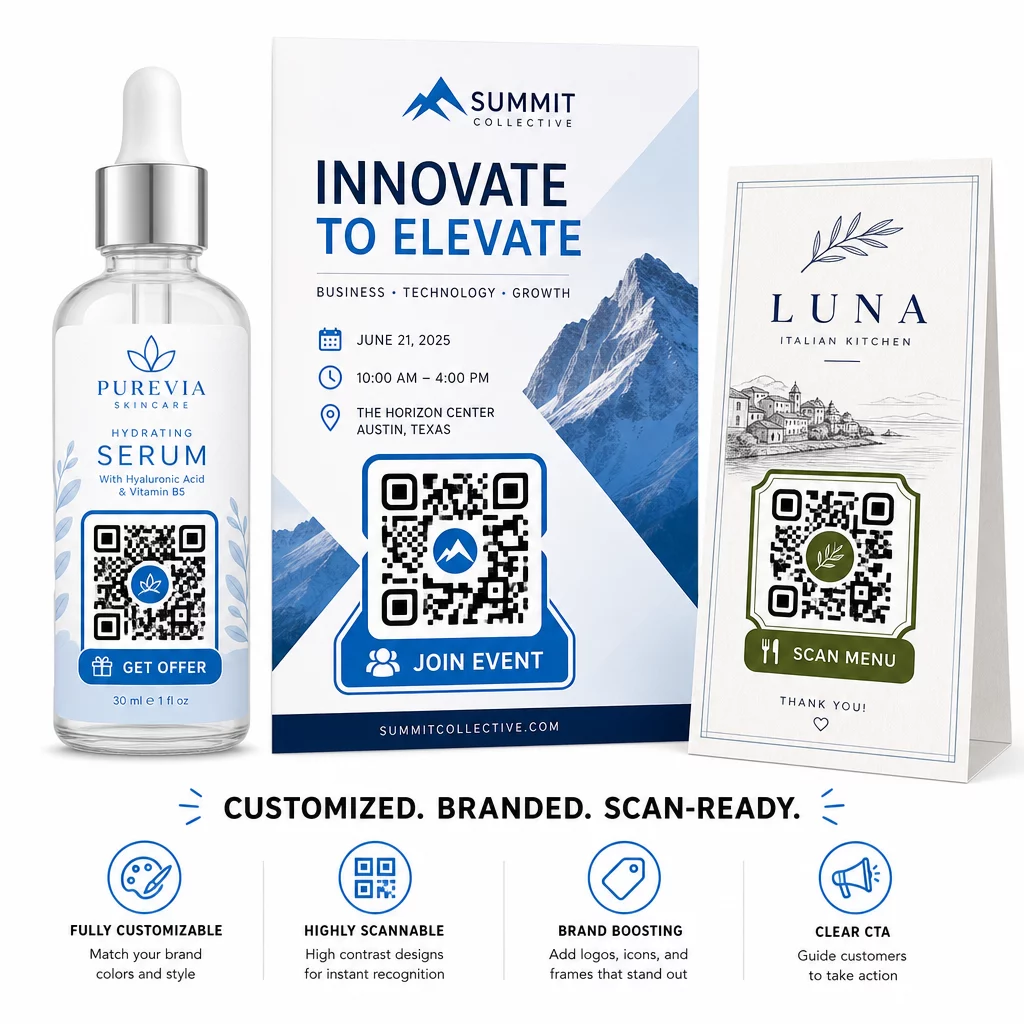
En veldesignet QR-kode kan tiltrække opmærksomhed og signalere tillid, før nogen scanner den. Brandede koder med et logo i midten og en opfordring til handling-ramme – såsom “Scan for din rabat” eller “Se vores menu” – giver kunderne et klart incitament og styrker brandgenkendelsen.
Den vigtigste tekniske begrænsning er scannbarhed. Logoet bør ikke dække mere end cirka 30% af kodeområdet, kontrasten mellem kodemønsteret og baggrunden skal forblive høj nok til kamera-genkendelse, og koden bør testes på tværs af flere enheder før distribution. Den QR-kode generator med logo fra Pageloot håndterer designprocessen, mens disse begrænsninger holdes i skak.
Tilpasning bidrager også til kampagnens ydeevne. QR-koder, der ligner en genkendelig del af dit brand, er mere tilbøjelige til at opnå en scanning end et generisk sort-hvidt mønster, der ikke giver visuelle spor om, hvor det fører hen.
Praktiske Anvendelser Værd at Kende
QR-koder fungerer godt på tværs af en række specifikke marketinganvendelsestilfælde:
- Visitkort: En visitkort QR-kode kan linke til en komplet digital kontaktprofil, LinkedIn-side eller portfolio, hvilket gør netværksopfølgninger lettere og mere informative end et standardkort alene.
- Feedback og formularer: En Google Form QR-kode placeret på kvitteringer, emballage eller skilte i butikken giver kunderne en øjeblikkelig, friktionsfri måde at indsende feedback på uden at skulle indtaste en URL.
- Direct mail og printannoncer: Unikke koder på hvert poststykke giver dig mulighed for at måle, hvilke postnumre eller kreative versioner der driver mest engagement.
- Markedsføring af begivenheder: QR-koder på skilte, badges eller trykt materiale giver deltagere øjeblikkelig adgang til tidsplaner, sessionsmaterialer eller registreringsbekræftelser.
- Produktemballage: Koder på emballage kan lede købere til instruktionsindhold, loyalitetsprogrammer eller produktregistrering – hvilket udvider kunderelationen ud over salgsstedet.
For små virksomheder er tjeklisten for QR-kode marketing et praktisk udgangspunkt for at sætte mål, vælge de rigtige QR-kodetyper og implementere dem på tværs af print- og digitale materialer på en koordineret måde.
Omkostningseffektivitet og Kom godt i gang
At oprette en grundlæggende QR-kode kræver ikke en betydelig investering. Der findes gratis værktøjer, og den primære omkostning er tiden til at designe og implementere dem gennemtænkt. For kampagner, der kræver sporing, dynamiske links, brandet tilpasning og analyse-dashboards, tilføjer et betalt abonnement på en QR-kode administrationsplatform målbar værdi – især fordi det eliminerer genudskrivningsomkostningerne, der ellers ville følge med enhver destinationsændring.
Den vigtigere investering er strategisk: at definere, hvad hver QR-kode skal opnå, hvor den vil vises, hvad den linker til, og hvordan du vil måle succes. Uden disse beslutninger på plads først, vil selv en veldesignet kode ikke levere resultater.
Hvis du er klar til at se, hvilke af dine placeringer der faktisk skaber engagement, så start med en QR-kode til et link Til din næste kampagne skal du tilføje UTM-parametre til din destinations-URL og gennemgå scanningsdataene efter to til tre uger. Disse data vil fortælle dig mere om, hvor dine kunder er opmærksomme, end de fleste andre marketing-signaler, der er tilgængelige for dig.
Ofte stillede spørgsmål
En statisk QR-kode koder for en fast destination og kan ikke ændres efter oprettelse. Den giver heller ingen sporingsdata. En dynamisk QR-kode bruger en kort omdirigerings-URL, hvilket betyder, at du kan opdatere destinationen når som helst uden at genudskrive koden, og den registrerer scanningsdata, herunder placering, enhedstype og tidspunkt. For de fleste marketingkampagner er dynamiske QR-koder det bedre valg, fordi de tilbyder både fleksibilitet og målbarhed.
Når nogen scanner en QR-kode, genererer scanningen en tidsstemplet datahændelse, der inkluderer information som f.eks. omtrentlig placering, enhedstype og tidspunkt på dagen. Ved at tildele unikke QR-koder til forskellige placeringer – en magasinannonce, en flyer, et billboard – kan du sammenligne scanningsvolumener på tværs af disse kanaler og identificere hvilke materialer der skaber engagement. Ved at tilføje UTM-parametre til din destinations-URL kan du trække disse data ind i Google Analytics 4 og evaluere konverteringer sammen med din øvrige digitale trafik.
Placering afhænger af format og kontekst. Generelt bør koder være i øjenhøjde, i god belysning, på en flad overflade med tilstrækkelig kontrast og hvidt rum omkring dem. For trykt materiale er nederste højre hjørne af en flyer eller bagsiden af et visitkort velafprøvede placeringer. Til brug i butikker fungerer displays nær beslutningspunkter – såsom kasseområder eller produkthylder – ofte godt. Inkluder altid en opfordring til handling nær koden, så kunderne forstår, hvad de får ved at scanne.