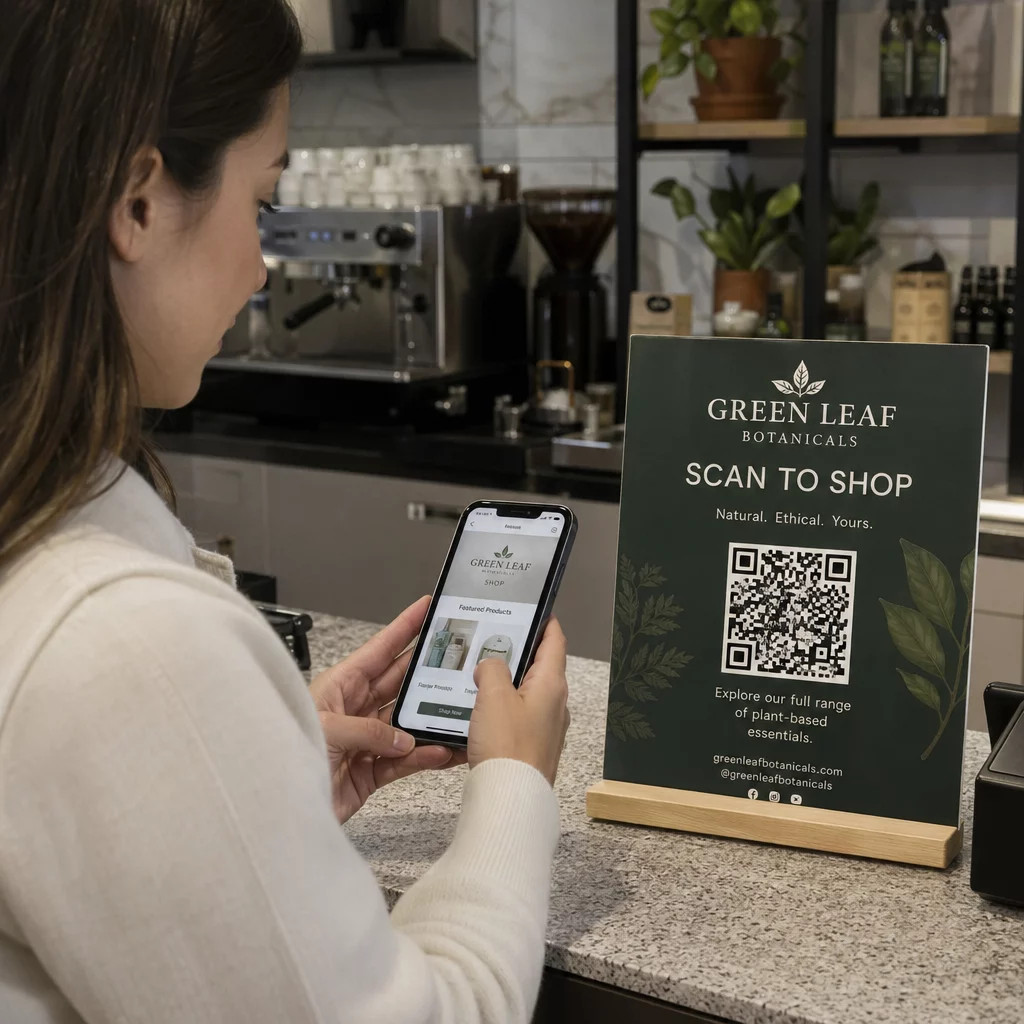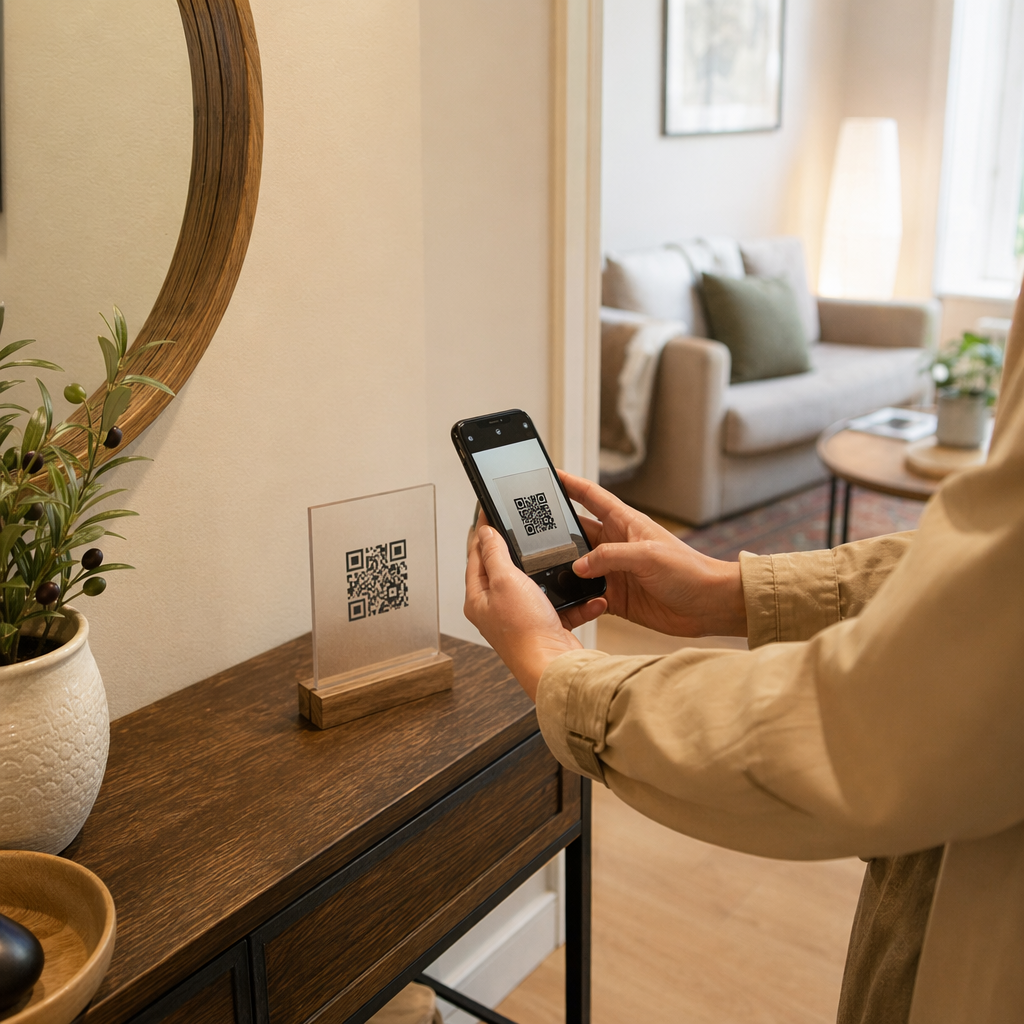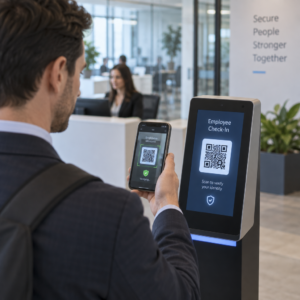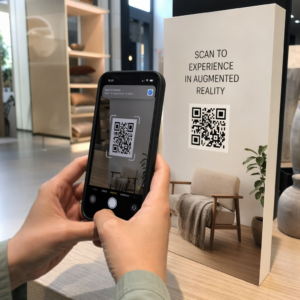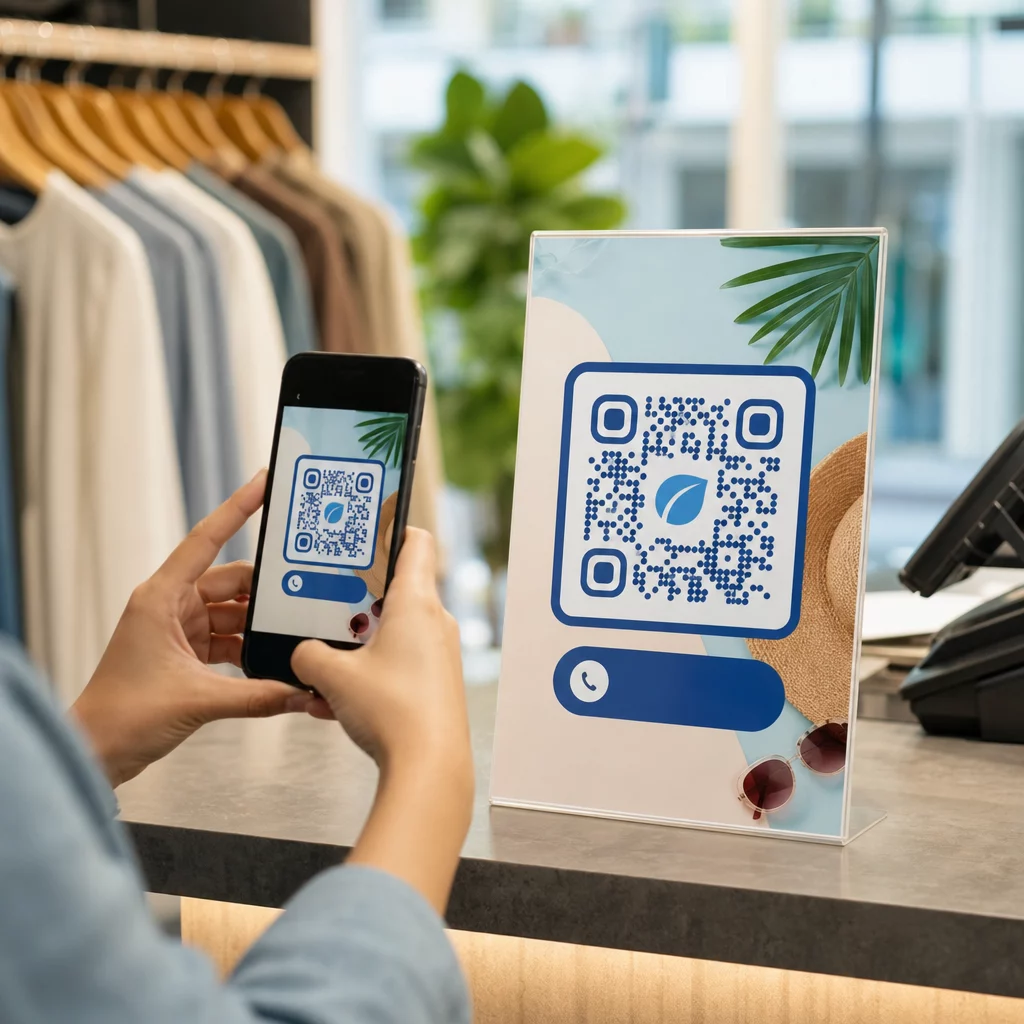
Are your marketing materials sitting in front of customers without giving them a clear next step? Print and physical touchpoints still reach audiences effectively, but they struggle to connect that attention to measurable digital action. QR codes solve that problem by turning any physical surface into an interactive gateway – and they do it in a way that’s trackable, flexible, and easy to implement.
Why QR Codes Still Matter in Marketing
QR codes had a rocky reputation for a while. Early adopters placed them in awkward locations, linked them to non-mobile-friendly pages, and gave customers no reason to scan. The technology wasn’t the problem – the implementation was.
Today, that’s changed. Consumer familiarity with QR codes has grown significantly. Over two-thirds of U.S. consumers used a QR code at least once in the past year, and roughly half of Gen Z and Millennials scan them at least once a week. In retail settings, 64% of U.S. shoppers reported scanning a QR code on a product while shopping in-store.
The most common use cases include restaurant menus (48%), mobile apps (47%), product information (43%), Wi-Fi access (32%), and event tickets (31%). These aren’t niche behaviors – they’re mainstream habits that marketers can build campaigns around.
The core lesson from the early failures is still valid: QR codes work when they’re implemented thoughtfully. Get the placement, the destination, and the incentive right, and you have a powerful tool. Get them wrong, and you get ignored. Learn more about how to use QR codes effectively before launching your next campaign.
Versatility Across Every Marketing Channel
One of the most practical advantages of QR codes is that they can appear almost anywhere. Business cards, product packaging, posters, billboards, magazine ads, direct mail, restaurant tables, event signage, email signatures – all of these become interactive when you add a QR code.
That said, placement context matters. A QR code on a moving bus is difficult to scan. A code shown on a television screen needs to remain visible for at least 15 seconds to give viewers enough time to retrieve their phone and scan. A code on a brochure picked up at a trade show can be scanned at leisure.
Understanding the physical environment where your code will appear helps you design it appropriately – sizing it correctly, placing it at eye level (typically 3.5–5.5 feet), and giving it enough contrast and white space to scan reliably. The guidelines for placing QR codes on marketing materials walk through the specific requirements for different formats.
Because they work across so many surfaces, QR codes let you run consistent campaigns that carry the same message from a magazine ad to a product package to an in-store display – each code potentially pointing to a different destination while reinforcing a unified campaign.
Bridging Offline and Online Experiences
The clearest strategic value of a QR code is its ability to connect physical touchpoints with digital destinations. When someone scans a code on a flyer, they can be taken directly to a landing page, promotional video, product review, feedback form, or app download – without typing anything manually.
This is especially useful for campaigns that rely on print. A poster campaign can drive traffic to a time-sensitive offer. A business card can link to a full digital portfolio. Product packaging can connect buyers to setup instructions, warranty registration, or complementary product recommendations.
The connection works both ways: you can use offline campaigns to promote digital products, or use digital materials to reinforce what customers experience in person. The key requirement is that whatever the QR code links to must be mobile-optimized. Sending someone from a clean physical design to a slow, desktop-formatted page breaks the experience immediately.
Explore how QR kodi savieno drukāto un digitālo mārketingu for a deeper look at practical examples and campaign structures across industries.
Trackable Results That Traditional Ads Can’t Match
This is where QR codes genuinely outperform many traditional advertising formats. A radio or TV ad might generate more traffic or calls, but it’s rarely possible to isolate exactly how many people responded because of that specific placement.
With QR codes, every scan becomes a measurable data point. When you use dynamic QR codes with built-in tracking, you can monitor:
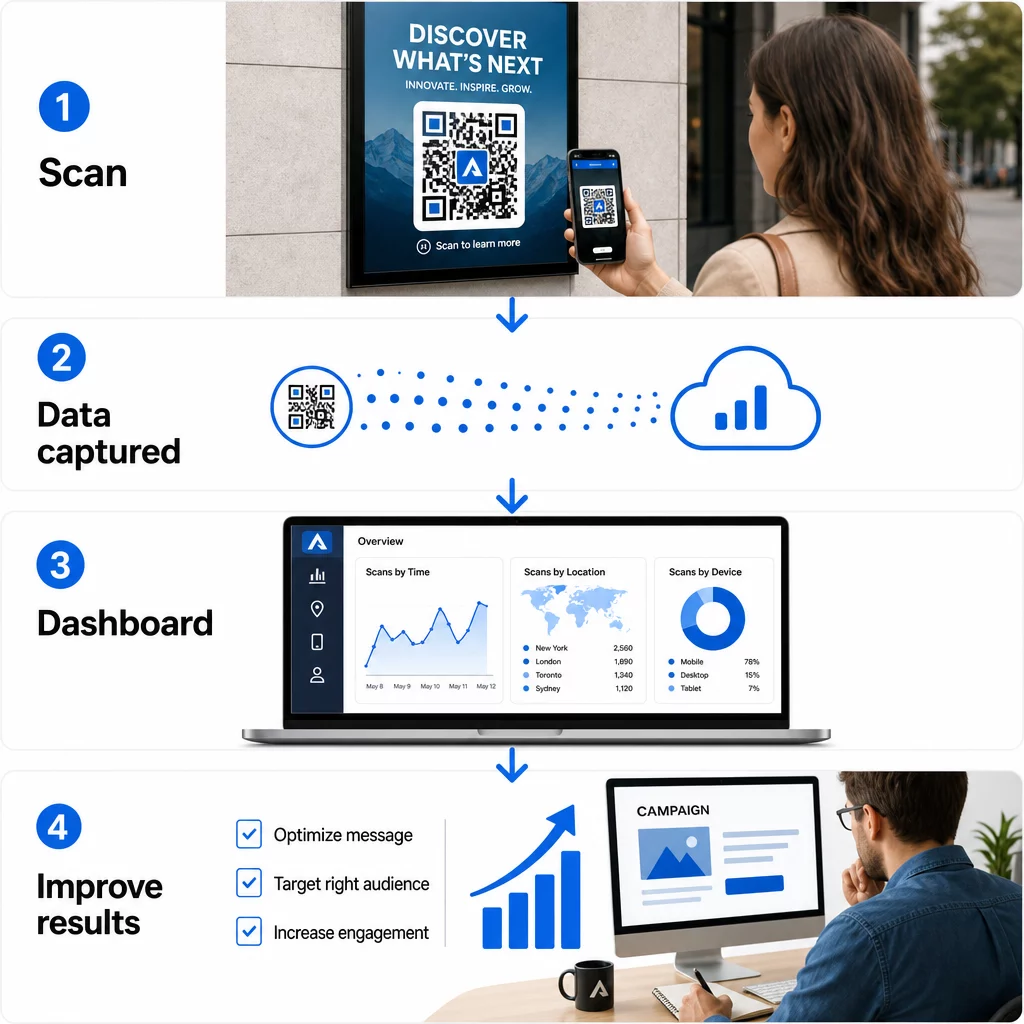
- Total scans and unique scans
- Date and time of each scan
- Geographic location of scans
- Device type and operating system
- Scan trends over the duration of a campaign
When you assign unique QR codes to different placements – one for a magazine ad, another for a direct mail piece, a third for an in-store display – you can compare scan volumes across those channels and identify which creative or location drives the most engagement. That kind of offline attribution is something most traditional advertising simply cannot provide.
For campaigns that require deeper integration with marketing analytics, you can use UTM parameters alongside your QR codes to track results directly in Google Analytics 4. This lets you compare QR-driven traffic against other channels and evaluate conversion performance. The UTM parameters guide for QR codes covers how to set this up correctly.
Track Every Scan Across Every Placement Want to know exactly which materials are driving results and where your customers are engaging most? Use the Pageloot QR kodu ģenerators to create dynamic, trackable codes with access to a full analytics dashboard.
Dinamisku QR kodu priekšrocības
Not all QR codes offer the same flexibility. Statiskie QR kodi encode a fixed destination directly into the pattern – once printed, the destination cannot be changed, and they generate no tracking data.
Dinamiskie QR kodi, by contrast, encode a short redirect URL. When someone scans it, they’re routed through that redirect to the actual destination – which you can update at any time without changing or reprinting the physical code. This means:
- A seasonal promotion can be updated when the promotion ends
- A restaurant menu can be revised without replacing table signage
- A campaign that underperforms can be redirected to a better-converting page
Portāls comparison of static vs. dynamic QR codes explains when each type is the right choice. For any campaign where you want flexibility, tracking, or the ability to optimize after launch, dynamic codes are the practical choice.
Portāls five key benefits of dynamic QR codes for marketing expand on this further, including how real-time tracking, branded design, and content editability combine to make dynamic codes a significantly more powerful marketing tool than their static counterparts.
Branding and Creative Customization
Early QR codes were black-and-white squares with no visual identity. That’s no longer the default. Today, you can incorporate your brand colors, logo, and custom design elements directly into the QR code – making it a branded asset rather than a generic pattern.
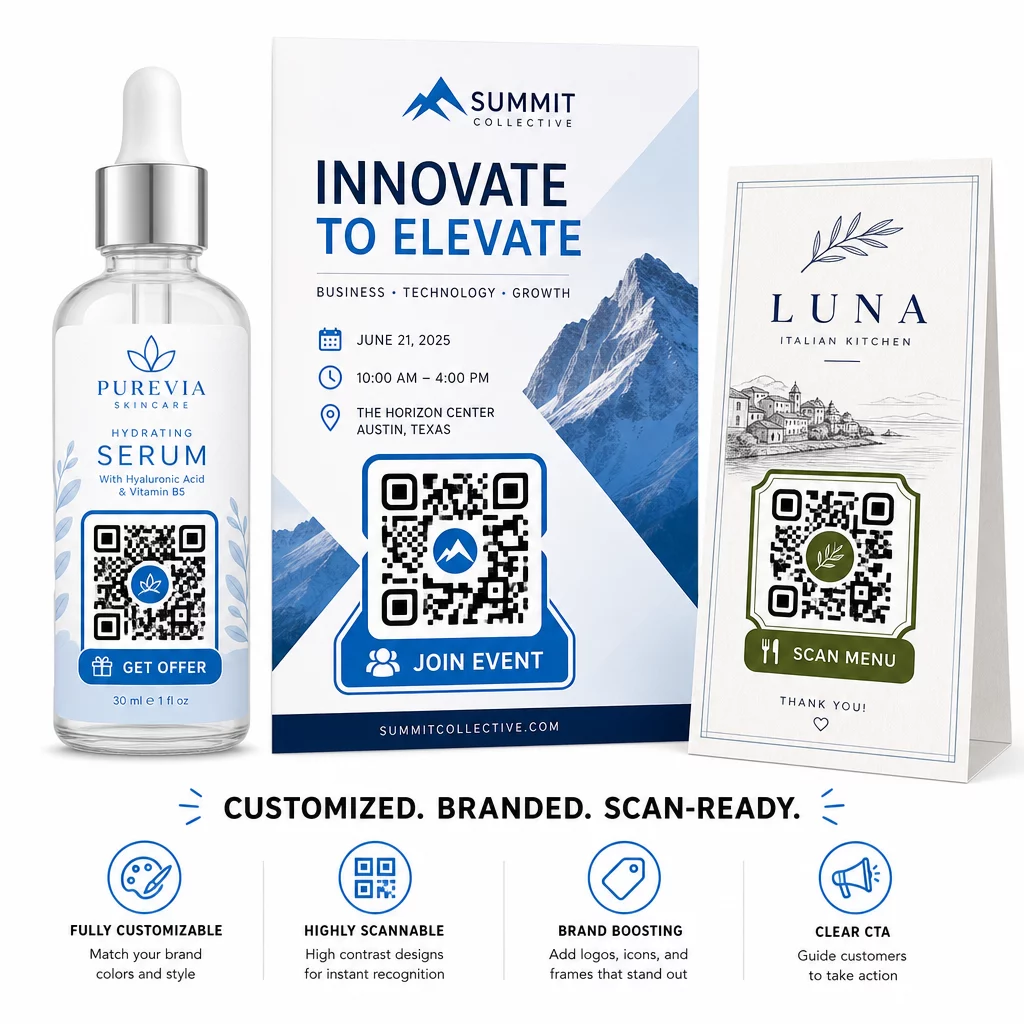
A well-designed QR code can attract attention and signal trust before anyone scans it. Branded codes with a logo in the center and a call-to-action frame – such as “Scan for your discount” or “View our menu” – give customers a clear incentive and reinforce brand recognition.
The key technical constraint is scannability. The logo should not cover more than roughly 30% of the code area, the contrast between the code pattern and the background must remain high enough for camera recognition, and the code should be tested across multiple devices before distribution. The QR kodu ģeneratoru ar logotipu from Pageloot handles the design process while keeping those constraints in check.
Customization also contributes to campaign performance. QR codes that look like a recognizable part of your brand are more likely to earn a scan than a generic black-and-white pattern that gives no visual cues about where it leads.
Practical Applications Worth Knowing
QR codes perform well across a range of specific marketing use cases:
- Vizītkartes: A vizītkartes QR kods can link to a full digital contact profile, LinkedIn page, or portfolio, making networking follow-ups easier and more informative than a standard card alone.
- Feedback and forms: A Google veidlapas QR kods placed on receipts, packaging, or in-store signage gives customers an immediate, friction-free way to submit feedback without needing to type a URL.
- Direct mail and print ads: Unique codes on each mail piece allow you to measure which zip codes or creative versions drive the most engagement.
- Pasākumu mārketings: QR codes on signage, badges, or printed materials give attendees instant access to schedules, session materials, or registration confirmations.
- Produkta iepakojums: Codes on packaging can direct buyers to instructional content, loyalty programs, or product registration – extending the customer relationship beyond the point of sale.
For small businesses, the QR code marketing checklist is a practical starting point for setting goals, choosing the right QR code types, and deploying them across print and digital materials in a coordinated way.
Cost-Effectiveness and Getting Started
Creating a basic QR code doesn’t require significant investment. Free tools exist, and the primary cost is the time to design and deploy them thoughtfully. For campaigns that require tracking, dynamic links, branded customization, and analytics dashboards, a paid subscription to a QR code management platform adds measurable value – particularly because it eliminates the reprinting costs that would otherwise come with any destination change.
The more important investment is strategic: defining what each QR code should accomplish, where it will appear, what it links to, and how you will measure success. Without those decisions in place first, even a well-designed code won’t deliver results.
If you’re ready to see which of your placements actually drives engagement, start with a saites QR kods for your next campaign, add UTM parameters to your destination URL, and review the scan data after two to three weeks. That data will tell you more about where your customers are paying attention than most other marketing signals available to you.
Bieži uzdotie jautājumi
A static QR code encodes a fixed destination and cannot be changed after creation. It also provides no tracking data. A dynamic QR code uses a short redirect URL, which means you can update the destination at any time without reprinting the code, and it records scan data including location, device type, and timing. For most marketing campaigns, dynamic QR codes are the better choice because they offer both flexibility and measurability.
When someone scans a QR code, the scan generates a timestamped data event that includes information such as approximate location, device type, and the time of day. By assigning unique QR codes to different placements – a magazine ad, a flyer, a billboard – you can compare scan volumes across those channels and identify which materials are driving engagement. Adding UTM parameters to your destination URL lets you pull that data into Google Analytics 4 and evaluate conversions alongside your other digital traffic.
Placement depends on the format and context. In general, codes should be at eye level, in good lighting, on a flat surface with adequate contrast and white space around them. For print materials, the lower-right corner of a flyer or the back of a business card are proven positions. For in-store use, displays near decision points – such as checkout areas or product shelving – tend to perform well. Always include a call-to-action near the code so customers understand what they’ll get by scanning.