Inicio > Blog > Pautas para añadir un logotipo a un código QR
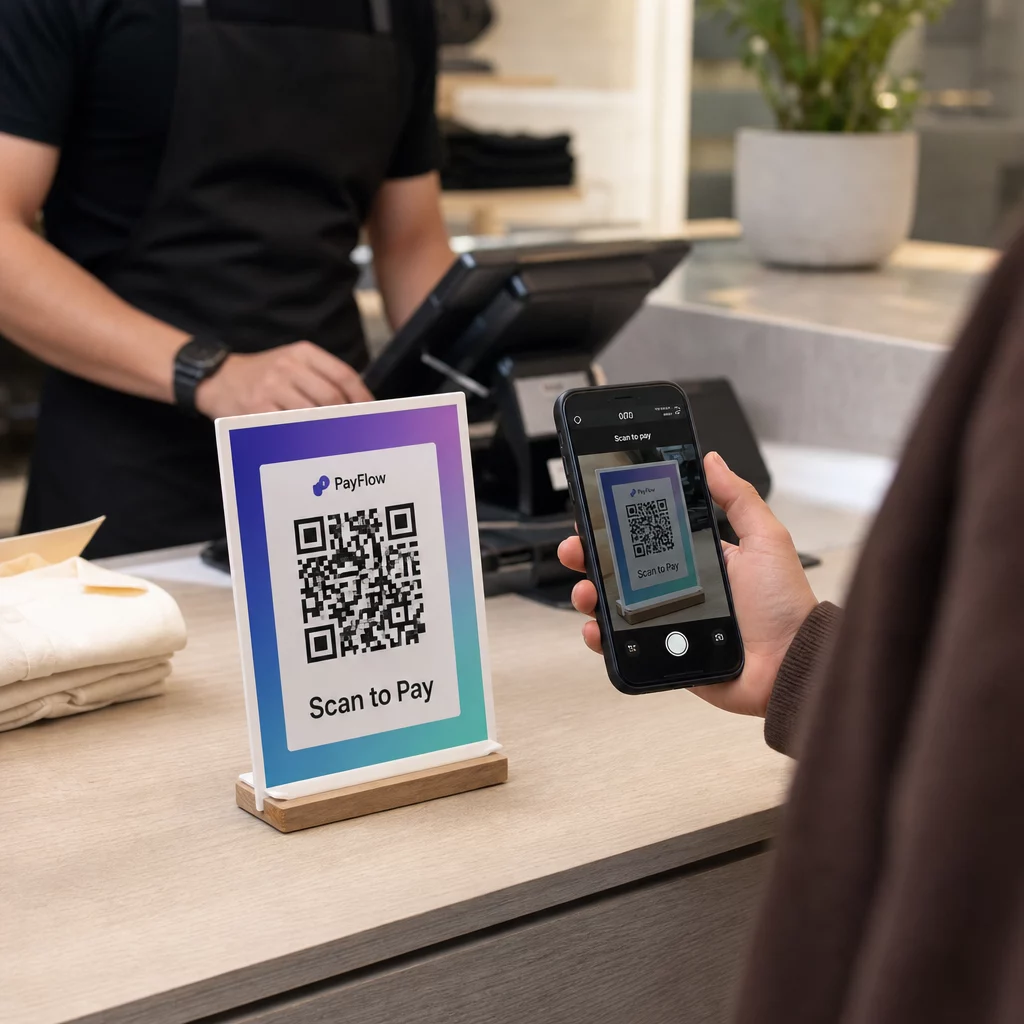
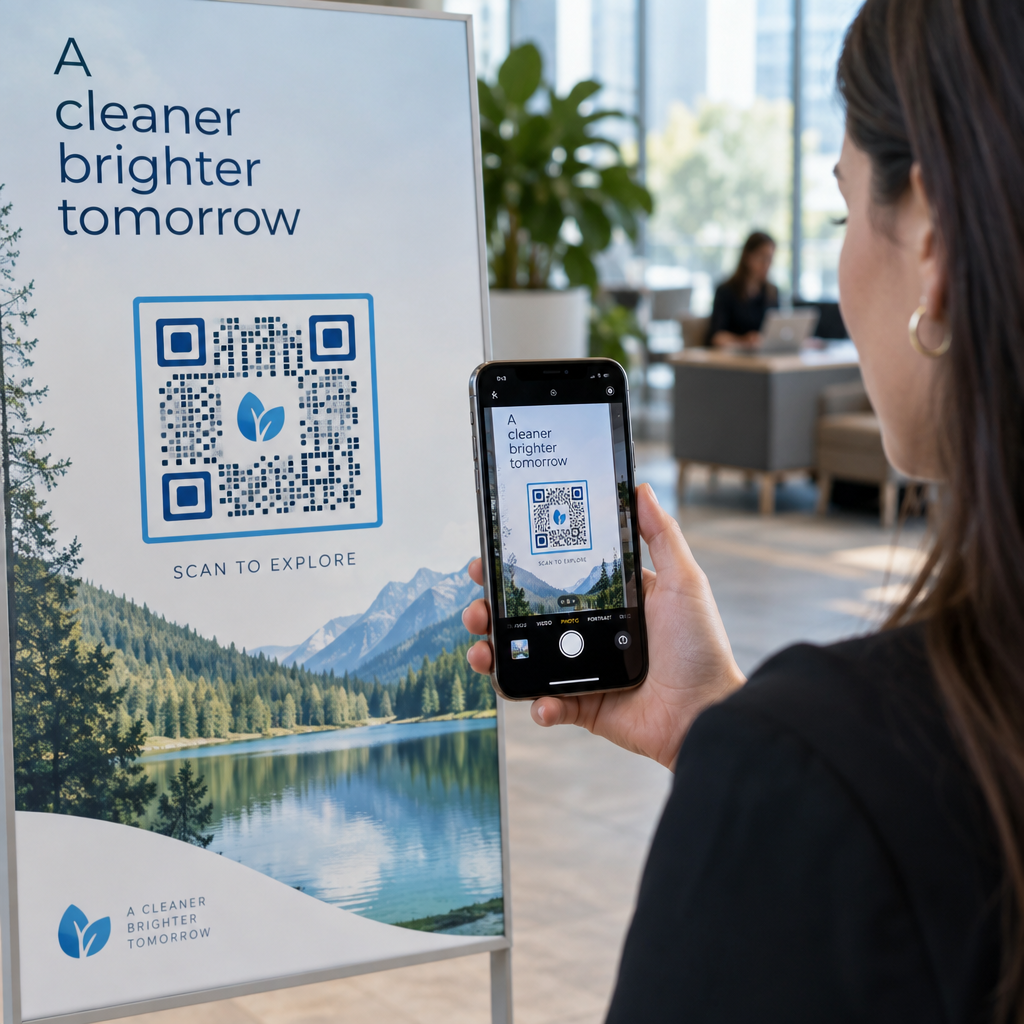
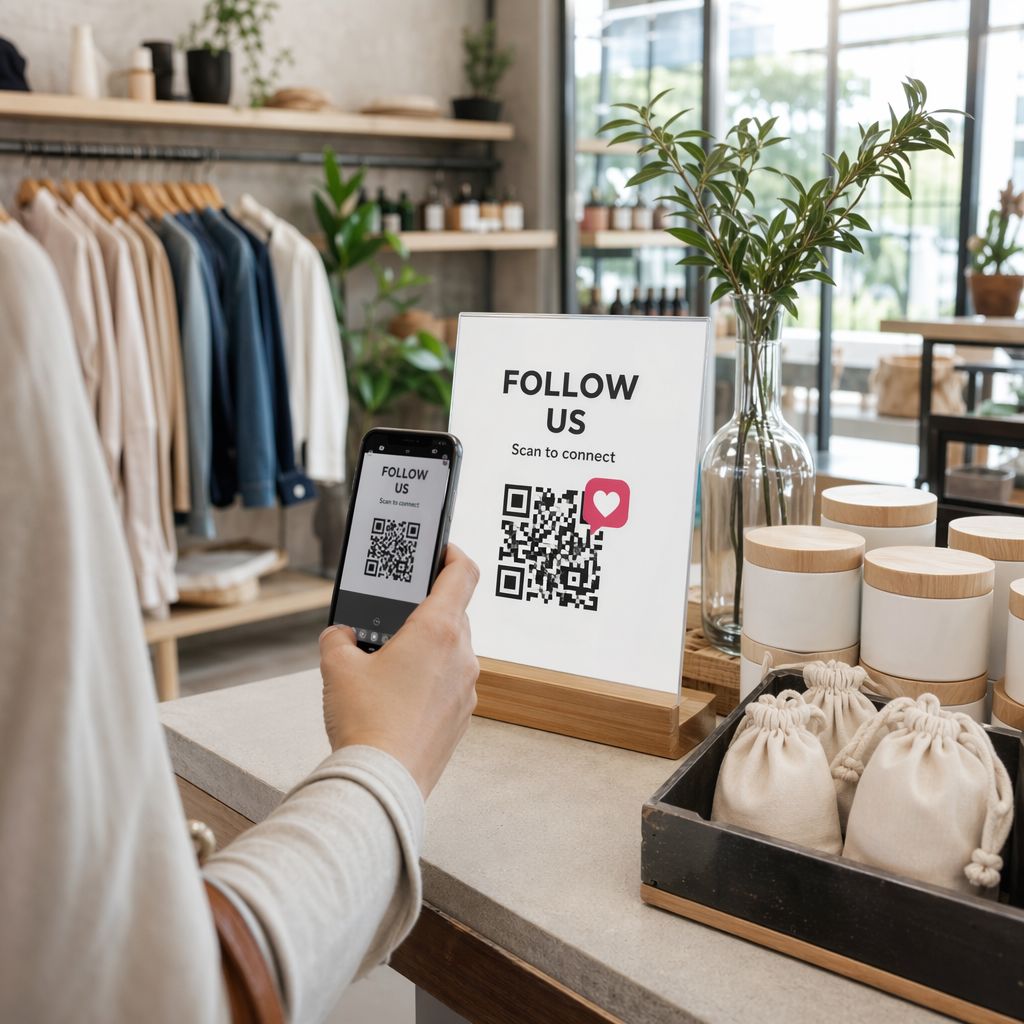
Scanning a branded QR code

Pautas para añadir un logotipo a un código QR

Learn how to add a logo to a QR code without breaking scan reliability. Discover error correction rules, contrast standards, and logo sizing guidelines.
Updated on septiembre 29, 2026
Índice de contenidos

¿Le preocupa que añadir un logotipo a su código QR lo haga imposible de escanear? Un código no funcional frustra a los clientes y desperdicia recursos de marketing en impresiones ilegibles. Esta guía le muestra cómo utilizar la corrección de errores y los estándares de diseño para crear códigos QR de marca y fiables.

Cómo la corrección de errores permite diseños de marca

The technical foundation that allows you to overlay an image is Reed-Solomon error correction. This mathematical algorithm embeds redundant data into the code, allowing a scanner to reconstruct the destination URL even when a portion of the grid is obscured or damaged. Understanding cómo funciona la corrección de errores en los códigos QR editables helps you balance visual customization with scanning reliability.

The ISO/IEC 18004 standard defines four distinct error correction levels:

  • Recover approximately 7% of data with Level L, designed for basic codes without customization.
  • Restore around 15% of data with Level M, balanced for standard marketing applications.
  • Reconstruct roughly 25% of data with Level Q, suitable for harsh environments or small icons.
  • Rebuild up to 30% of data with Level H, required when overlaying a central logo.

When placing an icon or brand asset in the center of your code, always configure error correction to Level H (or at minimum Level Q). Because your graphic covers functional modules in the center, Level H ensures the remaining 70% of the visible grid contains sufficient redundant data for smartphone cameras to reconstruct the missing information instantly.
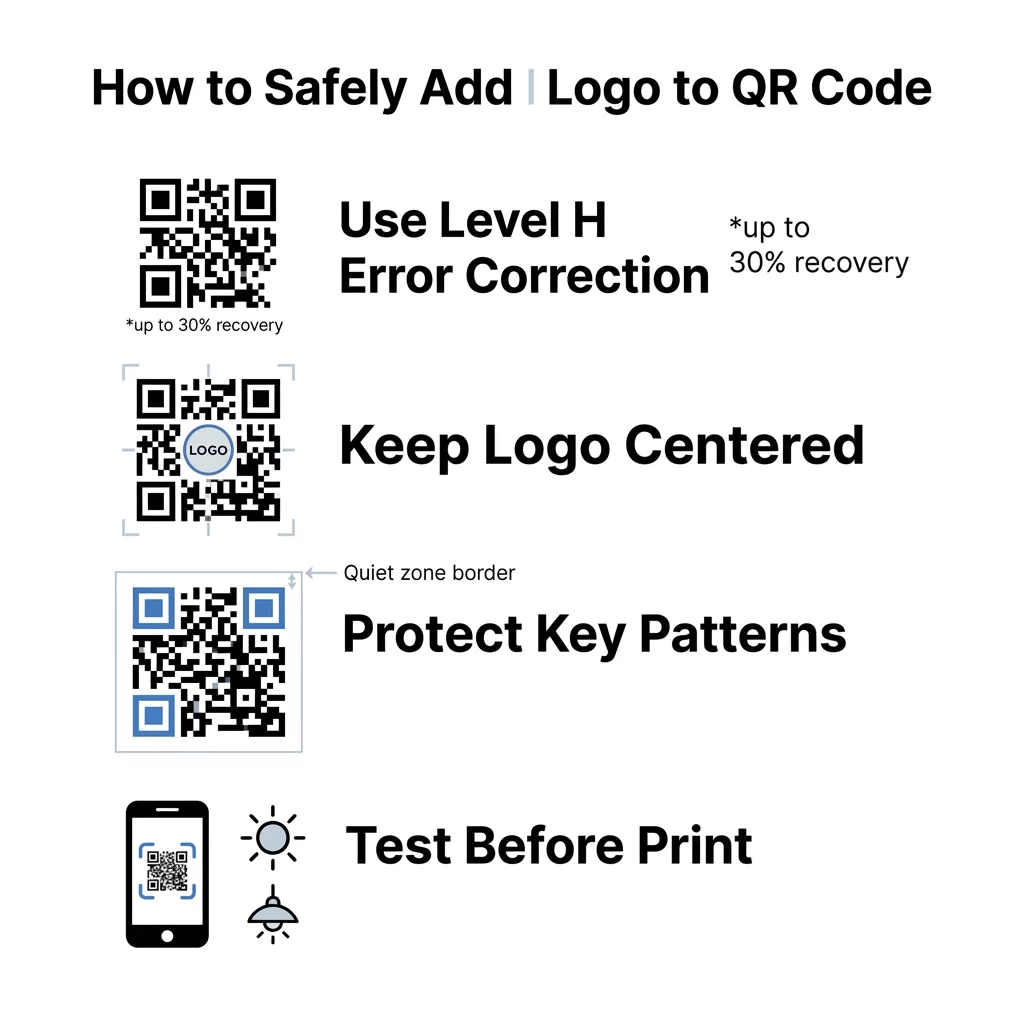
Infografía de logotipo QR

Reglas de diseño esenciales para la colocación del logotipo

Error correction provides structural tolerance, but arbitrary placement can easily break your code. Successful examples of branded QR codes follow strict positioning rules to protect core navigational markers that scanners use for spatial orientation.

  • Center your logo within the grid to avoid interfering with edge alignment.
  • Keep the logo dimensions to no more than 25% of the total QR code area.
  • Leave the three large corner finder patterns completely unobstructed.
  • Maintain a blank quiet zone of at least four modules around the perimeter.

The quiet zone functions like a physical picture frame, separating the data grid from nearby text, graphics, or packaging margins. If background graphics bleed into this border, mobile cameras cannot determine where the data matrix begins and ends.

Create Branded QR Codes in Minutes Looking to integrate your brand icon without risking scan failures? Use the generador de códigos QR con logotipo profesional to customize colors, add frames, and download print-ready vector files.

Contrast and Sizing Standards for Clean Scans

Smartphone cameras read QR codes by detecting light reflection differences between individual modules. Dark modules absorb light while lighter backgrounds reflect it back to the lens sensor. Following mejores prácticas de contraste de color de códigos QR prevents reading errors caused by uneven lighting or low-grade camera sensors.

  • Select dark foreground modules over a light background to ensure camera sensors detect the grid.
  • Maintain a contrast ratio of at least 4.5:1 between modules and background surfaces.
  • Eliminate gradients and drop shadows that introduce ambiguous mid-tones.
  • Print codes at a minimum size of 0.8 x 0.8 inches (2 x 2 cm) for close-range scanning.

Physical size directly affects scanning performance. As detailed in our guide on las mejores prácticas para la legibilidad de los códigos QR, you should apply a 10:1 ratio between scanning distance and code width. A business card scanned from 8 inches away requires at least a 0.8-inch code, while a poster viewed from 10 feet requires a code at least 12 inches wide. For physical printing, always export your design in vector formats such as SVG or EPS to prevent pixelation during resizing.

Validating and Testing Before Printing

Never commit a branded QR code design to mass production without testing physical proofs. On-screen monitors emit their own light, making codes appear easier to read than on matte paper, curved bottles, or glossy signs.

  • Scan the code across different devices using native iOS and Android camera apps.
  • Evaluate readability under varied lighting conditions, including direct sunlight and dim environments.
  • Check scans from multiple distances and tilted angles to replicate real user behavior.
  • Verify that the destination link loads correctly without manual camera zooming.

You can also test visual files by uploading a digital proof directly into an online Escáner de código QR to confirm module alignment before sending materials to the press.
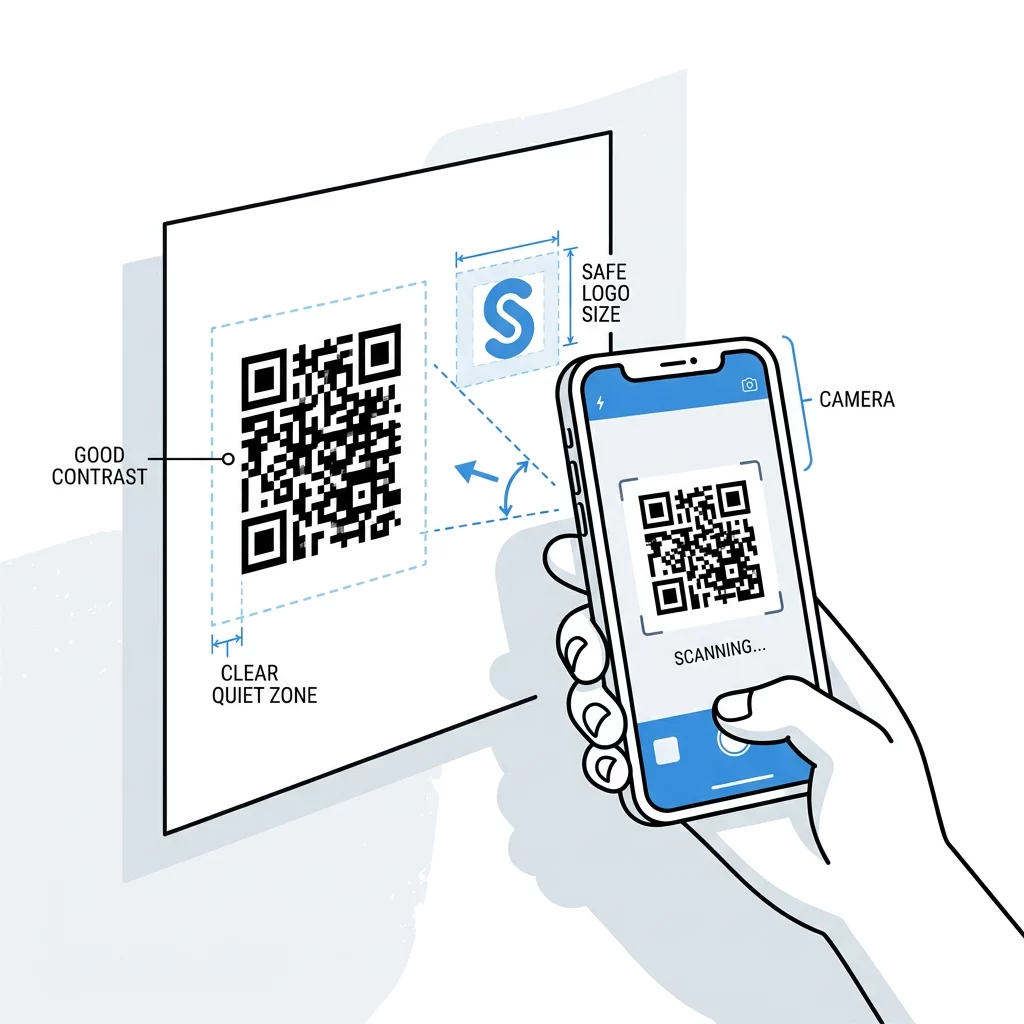
Pruebas de código QR

Deploying Reliable Branded QR Codes

Integrating a central logo turns a generic black-and-white grid into an attractive branded asset that drives consumer trust and higher engagement. Protecting your scan rates simply requires adhering to Level H error correction, keeping your logo under 25% of the surface area, and maintaining distinct color contrast.

When you are ready to build a reliable, customized code for your next campaign, use the Pageloot generador de códigos QR to design, test, and manage your dynamic assets in one centralized dashboard.

Preguntas Frecuentes

¿Cuál es la mejor forma para un logotipo dentro de un código QR?

Square or circular logos work best because they sit naturally in the center of the code grid. Rectangular or elongated logos often stretch toward the corner finder patterns, which can block vital orientation markers and cause scan failures.

Can I add a logo to any type of QR code?

You can add a logo to most QR codes as long as you generate them with Level Q or Level H error correction. For codes containing extensive text or complex URLs, use dynamic QR codes to keep module density low and preserve scannability.

Will adding a brand logo cause my QR code to expire?

Adding a logo is a graphic customization that does not affect the lifespan of your QR code. Static codes never expire, while dynamic QR codes remain active as long as your account subscription hosting the redirect URL stays active.

Sobre el autor

Sam Kostabi is the Content Lead at Pageloot. He writes about our innovative QR code generator services. With a profound expertise spanning over half a decade on QR codes, Sam is a subject matter expert in the field. He makes significant strides in leveraging QR technology to simplify and augment digital interactions.

Categoría
Más información sobre
Cómo generar códigos QR
¿Cómo funciona? Código QR y código de barras
✅ La solución #1 para códigos QR

Si necesitas crear códigos QR en línea, puedes Crear Código QR aquí mismo de forma gratuita!
Pageloot es el #1 Solución de salida para crear y escanear códigos QR.

BL-0006

Generación de blogs

Más de 20 000 marcas confían en nosotros para obtener más ventas, reseñas y seguidores.

Logotipos de clientes
Confiado por las principales marcas
Valorado con 4.8 de 5

4,86 / 5 estrellas de calificación

Alejandro Garcia
Alejandro Garcia
★★★★★
Dueño de restaurante
Un servicio fantástico y lugar con el código QR. Ahora tengo una tarjeta de visita digital. Gracias.
Miguel López
Miguel López
★★★★★
Desarrollador inmobiliario
Googled y lo encontró un gran servicio: me encanta hacer códigos QR para archivos PDF.
Paulina Martín
Paulina Martín
★★★★★
Productos al por menor
Me sorprendió lo fácil que es crear tu propio código QR usando este sitio
Alejandro Garcia
Alejandro Garcia
★★★★★
Dueño de restaurante
Un servicio fantástico y lugar con el código QR. Ahora tengo una tarjeta de visita digital. Gracias.
Miguel López
Miguel López
★★★★★
Desarrollador inmobiliario
Googled y lo encontró un gran servicio: me encanta hacer códigos QR para archivos PDF.
Paulina Martín
Paulina Martín
★★★★★
Productos al por menor
Me sorprendió lo fácil que es crear tu propio código QR usando este sitio
Ver más códigos QR
Scanning product label
Por qué necesitas Códigos QR del producto
Convierte cualquier cosa en una experiencia digital en menos de 3 minutos.

Prueba gratuita de 14 días.

No se requiere tarjeta de crédito.

Obtén 30% de descuento en tu primera compra

Utilice el código:

Comparte tus archivos MP3

Regístrate para crear códigos QR en PDF

Carga y visualiza todo lo que necesites:

  • Archivos de audio
  • Pódcasts
  • Música

Prueba gratuita de 14 días con registro.
Los códigos QR caducan después de la prueba.

regístrate para crear un código QR de audio mp3

Obtén más escaneos con marcos

Regístrate para agregar más marcos a tus códigos QR

Los marcos de llamada a la acción ayudan a sus clientes a interactuar fácilmente con el código QR. ¡Pruébelos!

Prueba gratuita de 14 días con registro.
Los códigos QR caducan después de la prueba.

Regístrate para agregar más marcos a tus códigos QR

Añade más estilo con formas

Regístrate para crear más formas

Los códigos QR no tienen por qué ser cuadrados. Prueba a cambiarlos para adaptarlos a la imagen de tu marca.

Prueba gratuita de 14 días con registro.
Los códigos QR caducan después de la prueba.

Regístrate para crear más formas

Añade un logotipo a tu código QR

Regístrese para agregar su logotipo a los códigos QR

Haga que su código QR destaque añadiéndole su logotipo y marca.

Prueba gratuita de 14 días con registro.
Los códigos QR caducan después de la prueba.

Regístrese para agregar su logotipo a los códigos QR

Redirecciones inteligentes a la App Store

Regístrese para crear un código QR para la tienda de aplicaciones

Añade los enlaces de tu App a nuestro código QR inteligente de la App Store. Los usuarios son redirigidos en función de su dispositivo.

Prueba gratuita de 14 días con registro.
Los códigos QR caducan después de la prueba.

Regístrese para crear un código QR para la tienda de aplicaciones

Sube una imagen a un código QR

Regístrate para crear códigos QR de imágenes

Comparte tus imágenes fácilmente. Cambia cualquier imagen dinámicamente en cuestión de segundos.

Prueba gratuita de 14 días con registro.
Los códigos QR caducan después de la prueba.

Regístrate para crear códigos QR de imágenes

Comparte tus archivos PDF

Regístrate para crear códigos QR en PDF

Carga y visualiza todo lo que necesites:

  • Menús y listas de precios
  • Instrucciones
  • Cualquier documento

Prueba gratuita de 14 días con registro.
Los códigos QR caducan después de la prueba.

Regístrate para crear códigos QR en PDF

Edita más tarde sin imprimir

Regístrate para editar tus códigos QR sin volver a imprimir

Los códigos QR dinámicos le permiten cambiar el contenido de su código QR sin tener que imprimir otros nuevos.

Prueba gratuita de 14 días con registro.
Los códigos QR caducan después de la prueba.

Regístrate para editar tus códigos QR sin volver a imprimir

¿Cuándo? ¿Dónde? Rastrea tus escaneos de códigos QR

Regístrate para rastrear tus códigos QR

Descubra cuáles de sus códigos QR reciben más escaneos y qué es lo que más entusiasma a sus clientes.

Prueba gratuita de 14 días con registro.
Los códigos QR caducan después de la prueba.

Regístrate para rastrear tus códigos QR

Archivos listos para imprimir disponibles

Regístrese para crear códigos QR vectoriales como PDF y SVG

.EPS, .PDF, .SVG

¿Desea descargar sus códigos QR en resolución HD? Obtenga formatos vectoriales o de píxeles listos para imprimir.

Prueba gratuita de 14 días con registro.
Los códigos QR caducan después de la prueba.

Regístrese para crear códigos QR vectoriales como PDF y SVG

Por favor, espere. Su código QR es cargando... cargando...

Hazlo tuyo

Regístrate para guardar tu código QR para más tarde

Consigue más escaneos creando increíbles códigos QR con diferentes colores, logotipos y marcos de llamada a la acción.

Prueba gratuita de 14 días con registro.
Los códigos QR caducan después de la prueba.

Regístrate para guardar tu código QR para más tarde