Are you concerned that switching to QR code payments might expose your business or personal finances to fraud? Relying on unverified digital channels risks unauthorized charges, compromised account details, and lost customer trust. Here is how modern QR payment protocols protect your transactions while maintaining rapid transaction speeds.
How Speed and Convenience Compare Across Payment Methods
When evaluating checkout methods, speed involves both the physical action at the counter and the backend authorization network. While physical cash settles value instantly, it introduces significant cash-handling overhead, manual counting delays, and accounting discrepancies. Digital methods eliminate these manual burdens, though their execution speeds vary.
Near-field communication (NFC) tap-to-pay remains the fastest in-person option because a shopper simply taps a card or phone against an active terminal within a few inches. However, comparing contactless payment methods reveals that QR transactions offer distinct logistical advantages. While NFC requires dedicated card-reading terminals, QR payments function through optical scanning on standard mobile screens or printed displays.
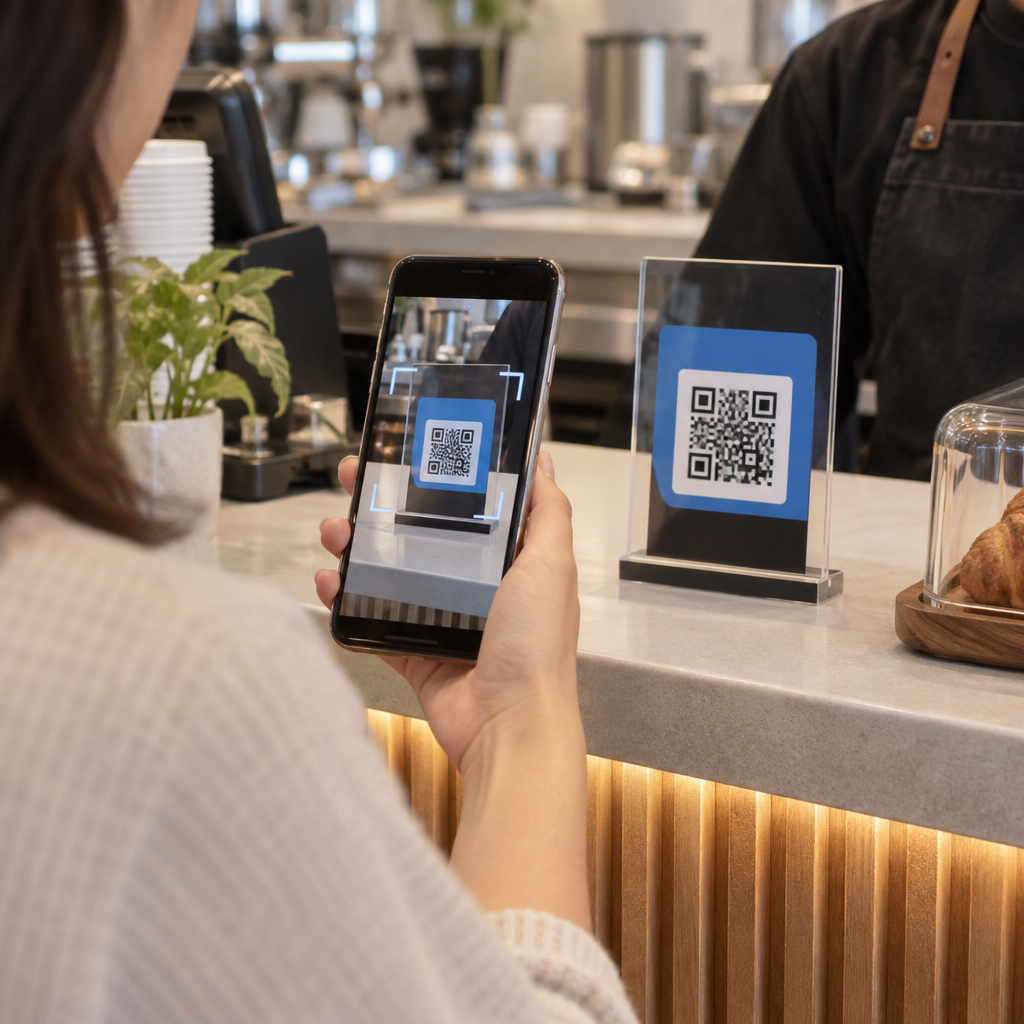
In everyday commerce, simplifying retail checkout with QR codes removes friction by letting customers scan directly from receipts, table stands, or product shelves. Transactions typically execute in two modes:
- Merchant-Presented Mode (MPM): The merchant presents a static or dynamic code on a screen, bill, or counter. The customer scans it with a smartphone camera or banking application to initiate checkout.
- Consumer-Presented Mode (CPM): The customer generates a payment barcode or QR code inside their mobile wallet. The merchant then scans it with an optical scanner or tablet camera to trigger backend authorization.
Dynamic QR codes accelerate MPM transactions further by automatically prefilling the exact invoice total. This eliminates the need for manual amount entry and allows customers to confirm payment in seconds.
Core Security Protocols Protecting QR Payments
A payment QR code does not process money directly. Instead, it serves as an optical entry point that securely launches an encrypted digital transaction. Leading networks and processors safeguard these interactions through multiple technical layers.
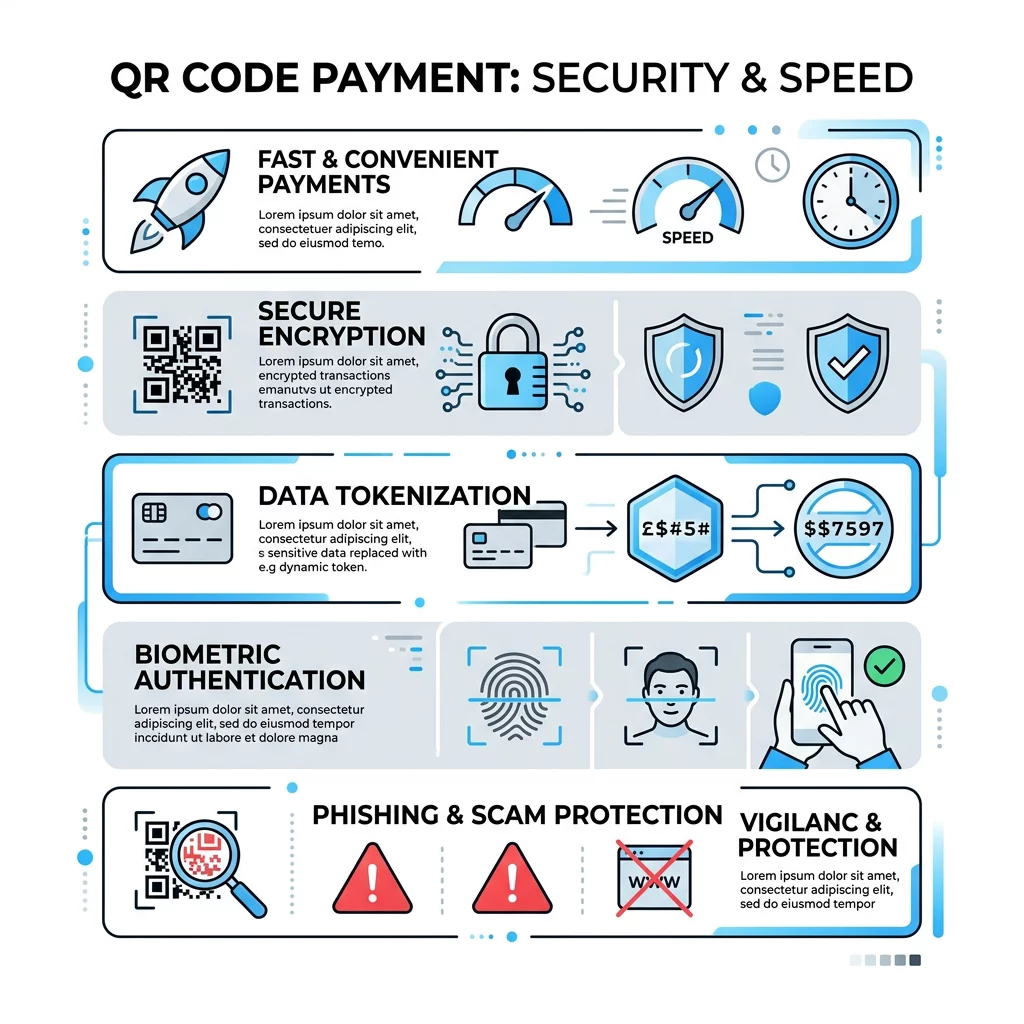
- Dynamic Tokenization: Instead of exposing actual primary account numbers, the payment platform generates a single-use digital token. If an unauthorized third party intercepts this token, it cannot be reused to initiate future transactions.
- Layered Encryption: Financial gateways apply end-to-end transport layer security (TLS) to encrypt sensitive data passing between the scanning device, payment processor, and issuing bank.
- Biometric Authorization: Because most transactions require scanning via a personal smartphone, users must confirm checkout using native biometric controls, such as fingerprint sensors or facial recognition, before funds transfer.
- Transaction Cryptograms: Advanced dynamic QR specifications embed one-time cryptograms and timestamps directly into the code payload to prevent replay attacks and alterations.
To ensure consistent safeguarding across digital touchpoints, merchants must adhere to established PCI DSS compliance requirements. Redirecting customers to certified, Level 1 third-party processors minimizes security exposure and relieves small businesses of complex data storage liabilities.
Create Secure Payment Links in Seconds Looking to accept contactless payments without expensive point-of-sale hardware? Use the PayPal QR-Code Generator to launch branded, secure checkout points for your business.
Recognizing Common Risks and Quishing Tactics
While payment infrastructure remains heavily fortified, bad actors often target user behavior rather than backend cryptography. The primary threat involving QR codes is social engineering, often referred to as “quishing” or QR phishing.
Criminals exploit the fact that humans cannot read raw barcode patterns with the naked eye. In public spaces, scammers have placed fraudulent stickers over legitimate merchant codes on parking meters and dining tables, directing users to lookalike phishing portals designed to harvest credentials. Understanding techniques for spotting fake QR codes helps users detect suspicious web domains before inputting payment information.
Unexpected codes distributed via unsolicited text messages, emails, or packages also present risks. These may attempt to push malware or prompt logins onto compromised networks. Developing comprehensive strategies for managing payment risks allows businesses to secure their physical signage and educate staff against social engineering threats.
Static vs. Dynamic QR Codes for Security and Control
Selecting the appropriate code format is a critical operational decision. Static codes encode information directly into the black-and-white matrix, meaning the destination address cannot be modified once printed. In contrast, dynamic codes route users through an intermediary link that can be updated, tracked, or deactivated at any time.
| FUNKTION | Statische QR-Codes | Dynamische QR-Codes |
|---|---|---|
| Ziel-URL | Fixed directly in pattern | Redirects through an editable link |
| Post-Print Updates | Not possible; requires reprinting | Fully editable from an online dashboard |
| Scan-Analysen | None available | Detailed scan volume and time metrics |
| Tamper Response | Must physically remove signage | Instant deactivation or URL redirection |
| Pricing Flexibility | Customer enters manual amount | Can prefill custom invoice amounts |
For commercial transactions, dynamic codes provide superior risk control. If a published link experiences technical issues or an unauthorized redirect occurs, administrators can instantly change the target URL or shut down the code without replacing physical signs.
Best Practices for Safe Scanning and Deployment
Securing contactless interactions requires practical diligence from both merchants and consumers. Following basic procedural guidelines ensures that transaction speed does not compromise safety.
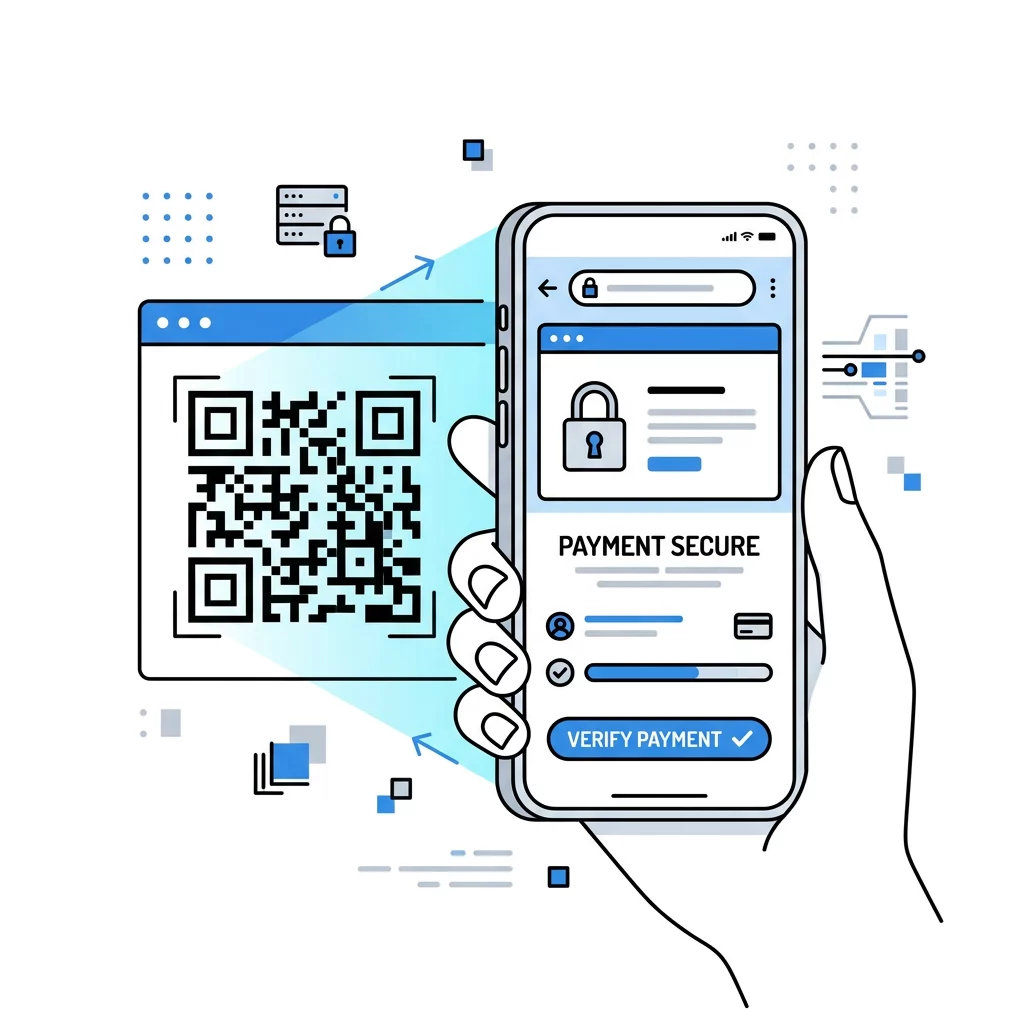
- Inspect Physical Signage: Check printed codes for signs of tampering, such as peeling edges or underlying stickers, before scanning.
- Preview the Domain Name: Always examine the URL preview generated by your camera app to confirm that the domain matches the authentic brand website using a secure HTTPS connection.
- Brand Your Codes: Businesses should incorporate clear logos, brand colors, and official framing into their codes to make physical counterfeiting noticeably more difficult.
- Verify Payment Totals: Confirm that the payee name, merchant identity, and total dollar amount shown on the mobile confirmation screen align with your expected invoice.
- Conduct Routine Audits: Staff should regularly inspect public-facing stands, counter displays, and window stickers to ensure no unauthorized codes have replaced official materials.
Establishing a Secure Contactless Checkout
Adopting QR-Codes für Zahlungen gives businesses an adaptable, low-cost method to process transactions without committing to specialized card terminals. When combined with dynamic links, tokenized payment gateways, and vigilant verification habits, QR technology offers a reliable balance of transaction velocity and enterprise-grade data protection.
Evaluate your current point-of-sale workflow, identify customer friction points, and implement dynamic payment codes that give you complete administrative oversight over every transaction.
Häufig gestellte Fragen
Yes. Modern QR payments leverage secure tokenization, encrypted gateways, and secondary biometric authentication on your smartphone, ensuring actual card numbers are never exposed to merchants.
No. Scanning simply opens a payment interface or prefilled transaction screen; the payer must still review the merchant details, check the total, and explicitly authorize the transfer.
Merchants should print codes on durable, branded displays, position them within visible staff supervision areas, and conduct regular physical inspections to ensure fraudulent stickers have not been applied.