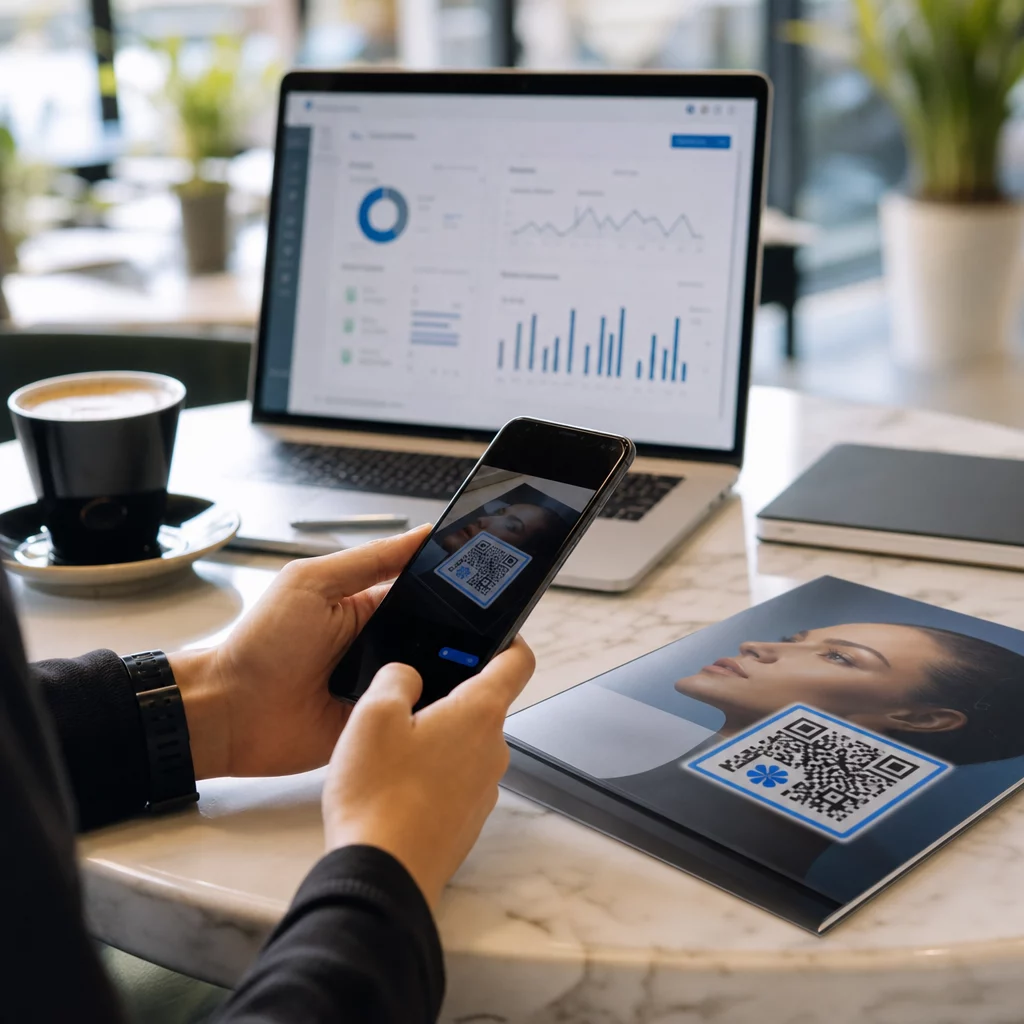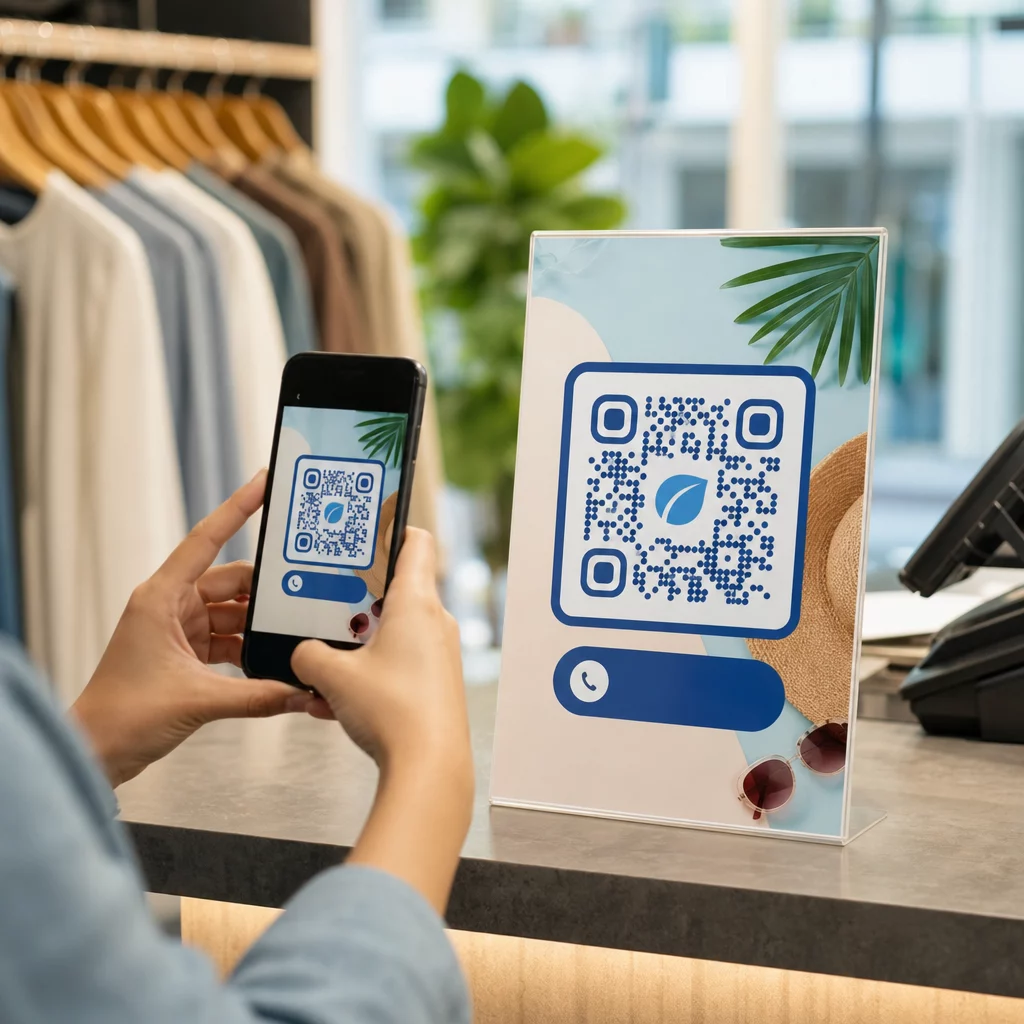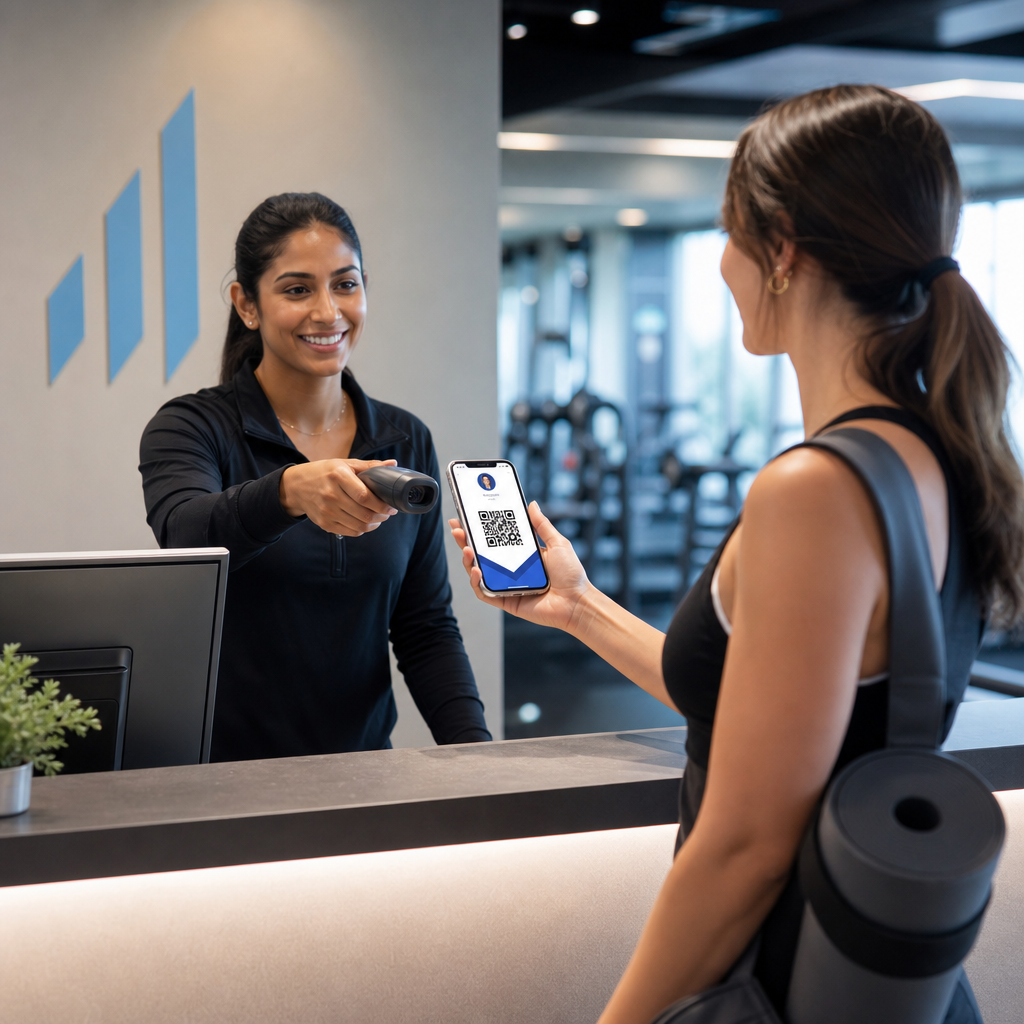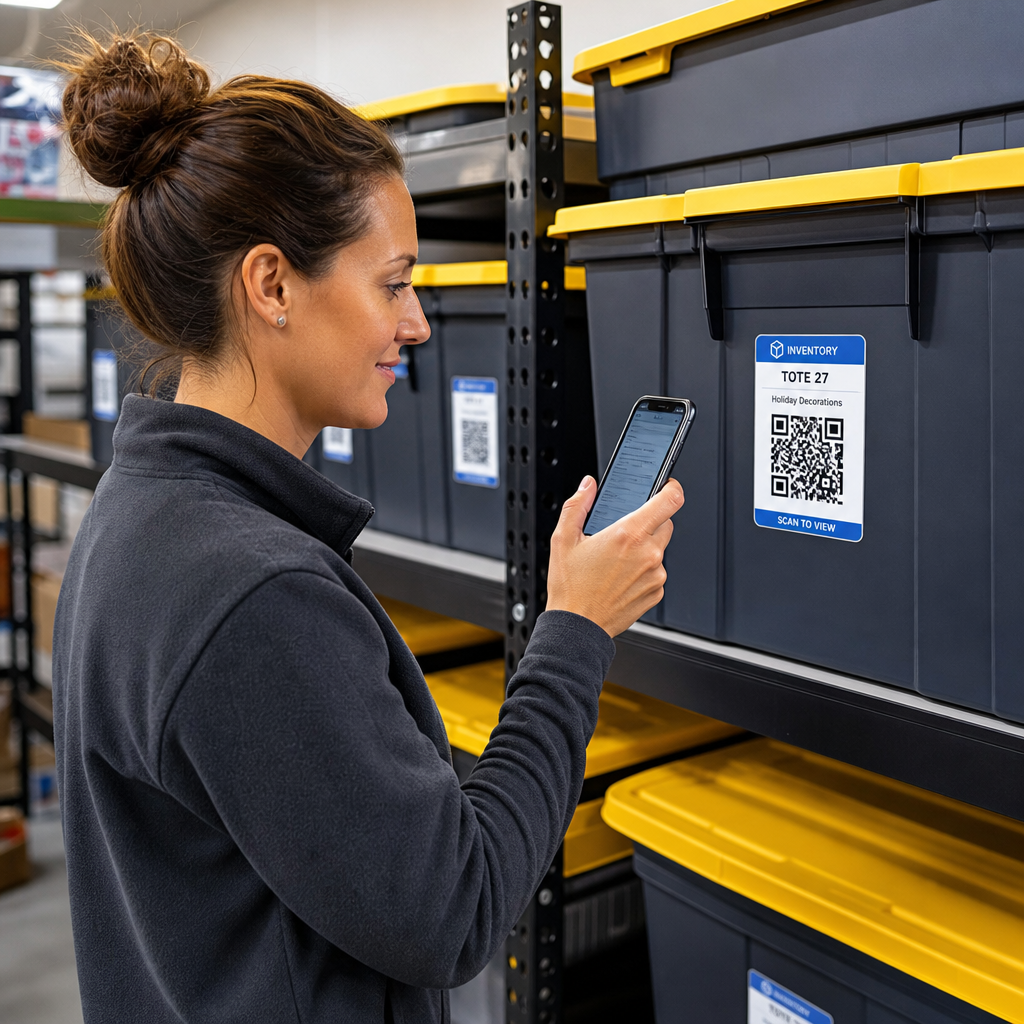

คุณเบื่อไหมกับการค้นหากล่องเก็บของที่ไม่มีป้ายระบุ เพียงเพื่อจะหาสิ่งของชิ้นเดียว? การค้นหาอย่างมืดบอดผ่านกล่องที่ซ้อนกันทำให้เสียเวลาอันมีค่าและสร้างปัญหาการดำเนินงานที่ไม่มีที่สิ้นสุด การใช้ป้ายบาร์โค้ด QR สำหรับสินค้าคงคลังช่วยให้คุณติดตาม ค้นหา และจัดการสิ่งของที่เก็บไว้ได้ทันที เพียงสแกนด้วยสมาร์ทโฟน.
ระบบติดตามการจัดเก็บด้วย QR Code ทำงานอย่างไร
ระบบจัดเก็บด้วย QR Code เชื่อมต่อภาชนะจริง ชั้นวางของ หรือหน่วยพื้นที่จัดเก็บเข้ากับบันทึกดิจิทัล เมื่อคุณสแกนป้ายที่ติดอยู่กับถุงหรือชั้นวาง อุปกรณ์ของคุณจะอ่านรูปแบบที่เข้ารหัสและเปิดเอกสาร เว็บเพจ หรือรายการฐานข้อมูลที่เชื่อมโยง ซึ่งแสดงเนื้อหาที่เก็บไว้ภายใน.
ขึ้นอยู่กับความต้องการในการดำเนินงานของคุณ คุณสามารถเลือกระหว่าง QR Code สองประเภทหลัก:
- รหัส QR แบบคงที่: รหัสเหล่านี้เข้ารหัสข้อความธรรมดาลงในรูปแบบทางกายภาพโดยตรง โดยการใช้ สร้างคิวอาร์โค้ด ข้อความ, คุณสามารถสร้างป้ายแบบออฟไลน์ที่เรียบง่ายซึ่งแสดงรายละเอียดสิ่งของพื้นฐาน อย่างไรก็ตาม รหัสแบบคงที่ไม่สามารถแก้ไขได้หลังจากพิมพ์.
- รหัส QR แบบไดนามิก: รหัสเหล่านี้เก็บ URL เปลี่ยนเส้นทางสั้นๆ ที่ชี้ไปยังสเปรดชีตออนไลน์ โฟลเดอร์คลาวด์ หรือรายการฐานข้อมูล โดยการใช้ สร้าง Dynamic QR Code, คุณสามารถอัปเดตรายการกล่อง เพิ่มรูปภาพเนื้อหา หรือแก้ไขจำนวนสิ่งของได้ตลอดเวลาโดยไม่ต้องพิมพ์ป้ายจริงซ้ำ.
การนำป้ายดิจิทัลมาใช้สร้างกรอบการทำงานที่เชื่อถือได้เพื่อ ติดตามสินค้าคงคลังแบบเรียลไทม์, ทำให้คุณมองเห็นสต็อกที่เก็บไว้ได้อย่างสมบูรณ์ ไม่ว่าจะในโรงรถบ้าน คลังสินค้าเชิงพาณิชย์ หรือหน่วยจัดเก็บด้วยตนเอง.
ขั้นตอนการตั้งค่าระบบสินค้าคงคลังสำหรับการจัดเก็บ
การสร้างเค้าโครงพื้นที่จัดเก็บที่เป็นระเบียบต้องมีการบันทึกอย่างเป็นระบบ การสร้างป้ายที่ทนทาน และขั้นตอนการสแกนที่เป็นมาตรฐาน.
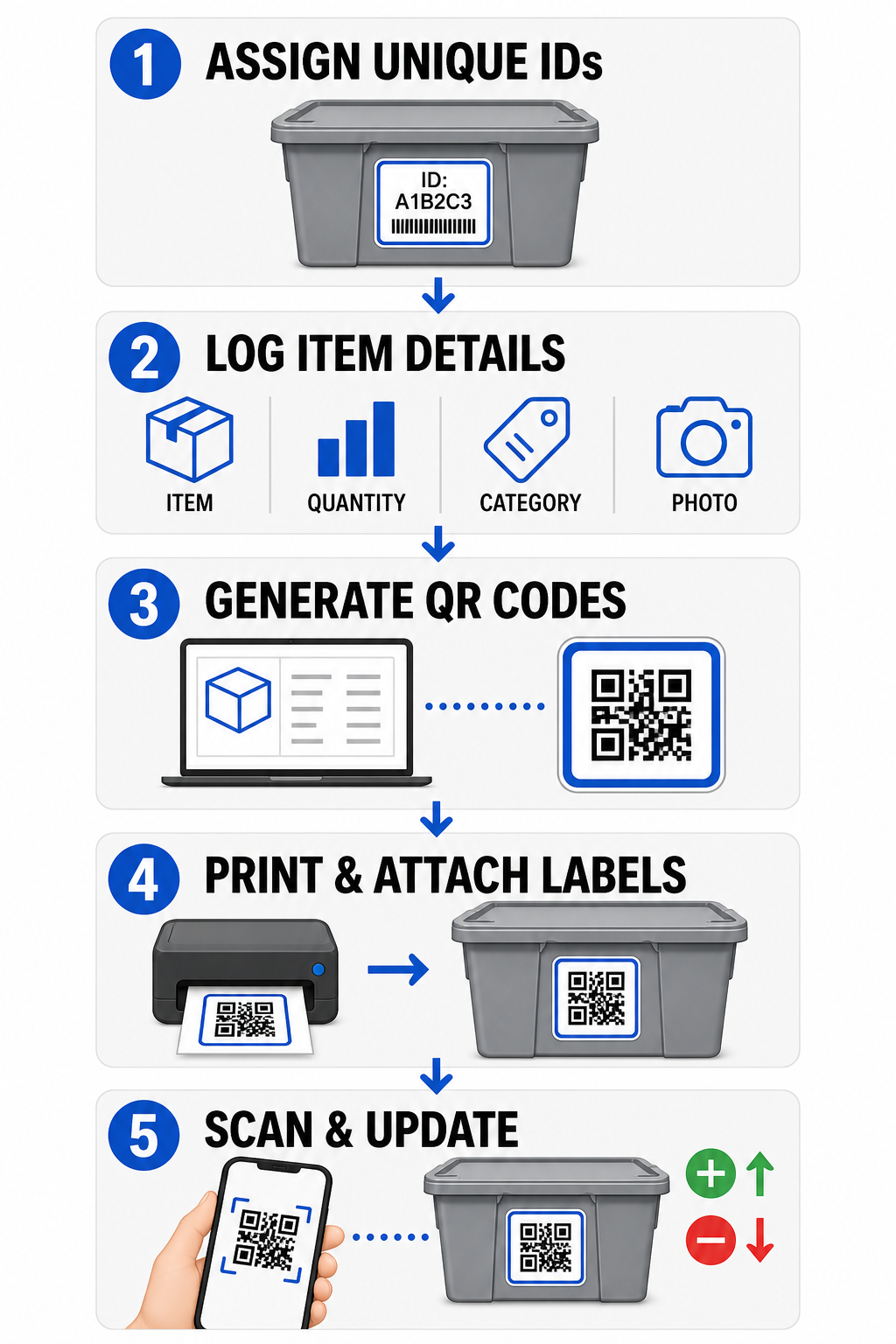
- กำหนดรหัสประจำตัวที่ไม่ซ้ำกัน: สร้างรูปแบบการตั้งชื่อที่ชัดเจนหรือโครงสร้างหน่วยเก็บสต็อก (SKU) สำหรับถัง กล่อง ชั้นวาง หรือตู้เก็บของทุกใบ.
- รวบรวมบันทึกสิ่งของ: ป้อนรายละเอียด เช่น ชื่อสิ่งของ ปริมาณ หมวดหมู่ และรูปถ่าย ลงในฐานข้อมูลส่วนกลางหรือเอกสารดิจิทัล.
- สร้างรหัสที่สแกนได้: ป้อนลิงก์บันทึกดิจิทัลของคุณลงในโปรแกรมสร้างออนไลน์เพื่อ สร้างรหัส QR สำหรับสินค้าคงคลัง. คุณยังสามารถเชื่อมต่อ ทำ Google Form เป็น QR Code กับสเปรดชีตติดตามเพื่อลดความซับซ้อนในการป้อนข้อมูลรับเข้า.
- พิมพ์และติดป้าย: ติดป้ายที่พิมพ์แล้วที่ด้านหน้าหรือด้านบนของภาชนะ ซึ่งพนักงานสามารถสแกนได้โดยไม่ต้องเคลื่อนย้ายกองของหนัก.
- สแกนและอัปเดตเป็นประจำ: ใช้ สแกนคิวอาร์โค้ด หรือกล้องสมาร์ทโฟนมาตรฐานเพื่ออัปเดตบันทึกสดทุกครั้งที่มีการเพิ่ม ลบ หรือย้ายสิ่งของ.
ปรับปรุงการจัดการพื้นที่จัดเก็บของคุณให้มีประสิทธิภาพ ต้องการป้ายที่ยืดหยุ่นซึ่งให้คุณอัปเดตรายละเอียดกล่องที่เก็บไว้โดยไม่ต้องพิมพ์สติกเกอร์ซ้ำหรือไม่? ใช้ สร้าง Dynamic QR Code เพื่อสร้างแท็กสินค้าคงคลังที่แก้ไขได้พร้อมการติดตามการสแกนในตัววันนี้.
แนวทางการออกแบบและการวางตำแหน่งป้าย
เพื่อรับประกันการสแกนที่รวดเร็วในสถานที่ที่มีแสงน้อยหรือตู้เก็บของที่แออัด ป้ายที่พิมพ์ของคุณต้องเป็นไปตามมาตรฐานความสามารถในการสแกนที่กำหนด.
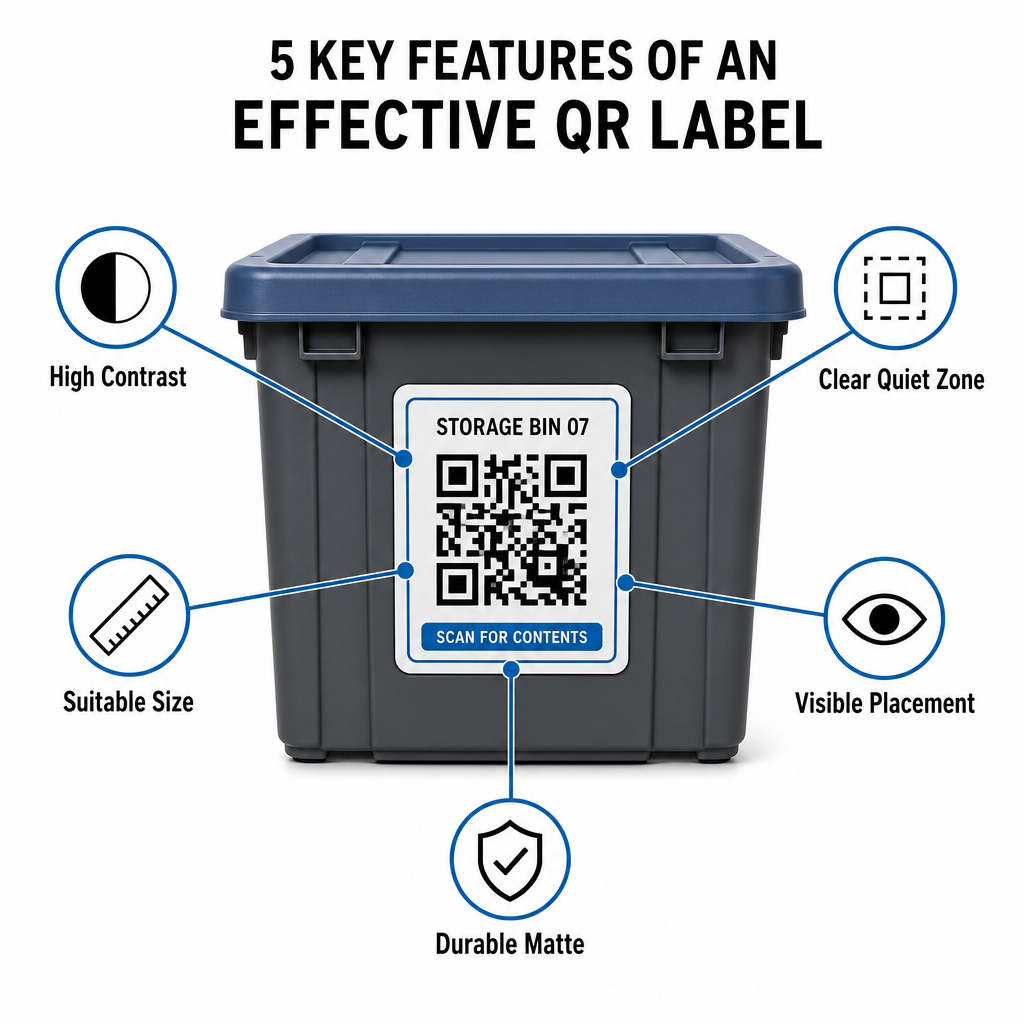
กฎขนาดและระยะทาง
- ขนาดป้ายขั้นต่ำ: พิมพ์รหัสระยะใกล้ที่มีขนาดไม่เล็กกว่า 2 x 2 ซม. (0.8 x 0.8 นิ้ว) สำหรับถุงมือถือหรือกล่องเอกสาร.
- อัตราส่วนระยะทาง: ปฏิบัติตามกฎระยะทางต่อขนาด 10:1 สำหรับชั้นวางสูงหรือป้ายสถานที่ หมายความว่ารหัสที่สแกนจากระยะ 10 ฟุตต้องมีความกว้างอย่างน้อย 1 ฟุต.
ข้อกำหนดความคมชัดและระยะขอบ
- ความคมชัดสูง: ใช้รูปแบบสีเข้มบนพื้นหลังสีอ่อน สีดำบนพื้นขาวมาตรฐานให้อัตราส่วนความคมชัด 21:1 เพื่อการอ่านด้วยแสงสูงสุด ในขณะที่การรักษาอัตราส่วนความคมชัดอย่างน้อย 12:1 ช่วยให้การสแกนสม่ำเสมอ.
- ขอบเขตพื้นที่ว่าง: เว้นระยะขอบที่ไม่มีสิ่งกีดขวางรอบ QR Code โดยวัดอย่างน้อยสี่เท่าของความกว้างของโมดูลสี่เหลี่ยมเดียว.
- หลีกเลี่ยงความยุ่งเหยิงทางสายตา: กำจัดเงาพื้นหลัง การผสมสีที่มีความคมชัดต่ำ หรือการไล่ระดับสีหนักที่ลดประสิทธิภาพการตรวจจับของเซ็นเซอร์กล้อง.
การพิมพ์และการป้องกันสิ่งแวดล้อม
- ความละเอียดการพิมพ์สูง: ส่งออกงานศิลปะในรูปแบบเวกเตอร์ เช่น SVG หรือ PDF หรือบันทึกไฟล์แรสเตอร์ที่ 300 DPI หรือสูงกว่า เพื่อหลีกเลี่ยงขอบเบลอ.
- วัสดุที่ทนทาน: ใช้ป้ายไวนิลด้านที่ทนต่อสภาพอากาศสำหรับหน่วยอุตสาหกรรมหรือชั้นวางกลางแจ้ง วางป้ายภายนอกบนพื้นผิวที่โดนแสงแดดน้อย เช่น ด้านเหนือของอุปกรณ์ เพื่อป้องกันการเสื่อมสภาพจากรังสียูวีเมื่อเวลาผ่านไป.
| พารามิเตอร์การออกแบบ | ข้อกำหนดมาตรฐาน | เหตุผลในทางปฏิบัติ |
|---|---|---|
| ขนาดระยะใกล้ขั้นต่ำ | 2 x 2 ซม. (0.8 x 0.8 นิ้ว) | รับประกันความคมชัดของเลนส์กล้องสมาร์ทโฟน. |
| อัตราส่วนระยะการสแกน | 10:1 (ระยะทาง : ความกว้าง) | ช่วยให้แท็กบนชั้นวางสูงสแกนได้ชัดเจนจากระดับพื้น. |
| อัตราส่วนความคมชัดของสี | ขั้นต่ำ 12:1 (21:1 เหมาะสมที่สุด) | ช่วยให้เซ็นเซอร์ตรวจจับรูปแบบข้อมูลได้ง่าย. |
| ระยะขอบเขตเงียบ | ความกว้าง 4 โมดูลทุกด้าน | ป้องกันข้อความหรือเส้นขอบที่อยู่ติดกันบิดเบือนการสแกน. |
| ความละเอียดการพิมพ์ | 300 DPI หรือส่งออกเป็น SVG/PDF | ป้องกันพิกเซลเลอะหรือเบลอระหว่างการพิมพ์. |
การประยุกต์ใช้ในทางปฏิบัติสำหรับผู้ปฏิบัติงานและลูกค้า
ผู้จัดการสถานที่จัดเก็บและลูกค้าจัดเก็บส่วนบุคคลใช้รหัส QR เพื่อตอบสนองความต้องการขององค์กรที่แตกต่างกัน.
ผู้ปฏิบัติงานสถานที่จัดเก็บด้วยตนเอง
ผู้ปฏิบัติงานวางแท็กที่สแกนได้ทั่วสถานที่เพื่อปรับปรุงการติดตามสินทรัพย์และขั้นตอนการทำงานบำรุงรักษาประจำวัน:
- การตรวจสอบสถานะหน่วย: ติดแท็กประตูหน่วยเพื่อให้พนักงานสแกนระหว่างการเดินตรวจเพื่อบันทึกการตรวจสอบล็อค คำขอซ่อมบำรุง หรือการอัปเดตความพร้อมใช้งาน.
- การเช็คเอาท์อุปกรณ์: ติดแท็กรถเข็น เครื่องมือ และอุปกรณ์ยกของในสถานที่เพื่อบันทึกการครอบครองระหว่างการทำงานประจำวัน.
- ประสิทธิภาพการปฏิบัติตามคำสั่งซื้อ: สถานที่ที่สนับสนุนโลจิสติกส์บุคคลที่สามใช้แท็กที่สแกนได้เพื่อ ปรับปรุงกระบวนการปฏิบัติตามคำสั่งซื้อ และกระบวนการรับสินค้าขาเข้า.
ลูกค้าจัดเก็บส่วนบุคคลและธุรกิจ
บุคคลและผู้เช่าทางการค้าจัดระเบียบโรงรถบ้าน ห้องเก็บเอกสาร หรือหน่วยเช่าผ่านการจัดทำดัชนีดิจิทัลที่มีโครงสร้าง:
- การจัดทำดัชนีภาชนะตามฤดูกาล: ติดแท็กของตกแต่งวันหยุด อุปกรณ์กีฬา และถุงเก็บเสื้อผ้าตามฤดูกาลเพื่อตรวจสอบเนื้อหากล่องโดยไม่ต้องเปิดฝาที่ปิดสนิท.
- การติดตามเอกสารทางธุรกิจ: จัดหมวดหมู่เอกสารภาษี ไฟล์กฎหมาย และบันทึกลูกค้าโดยเชื่อมโยงแท็กกล่องจริงกับโฟลเดอร์ออนไลน์ที่ปลอดภัย.
- ความยืดหยุ่นข้ามภาคส่วน: จากสินค้าค้าปลีกไปจนถึงเครื่องมือเฉพาะทางใน อุตสาหกรรมต่างๆ, แท็กที่กำหนดเองซึ่งสร้างด้วย เครื่องสร้างรหัส QR ช่วยให้สต็อกที่เก็บไว้เป็นระเบียบและเรียกค้นได้ง่าย.
ควบคุมสินค้าคงคลังที่เก็บไว้ของคุณ
การใช้ป้ายจัดเก็บรหัส QR ช่วยขจัดการคาดเดา เพิ่มความเร็วในการตรวจสอบสินค้าคงคลัง และป้องกันสินค้าสูญหายในหน่วยจัดเก็บส่วนบุคคลและคลังสินค้าเชิงพาณิชย์ โดยการเลือกป้ายแบบไดนามิก พิมพ์รูปแบบที่มีความคมชัดสูง และใช้กฎการวางตำแหน่งที่ชัดเจน คุณจะคงความสามารถในการมองเห็นสินทรัพย์ที่เก็บไว้ทั้งหมด.
เริ่มแปลงกระบวนการจัดเก็บของคุณเป็นดิจิทัลวันนี้ด้วยการสร้างป้ายสินค้าคงคลังที่พร้อมพิมพ์ด้วย Pageloot.
คำถามที่พบบ่อย
ขนาดขั้นต่ำสำหรับการสแกนระยะใกล้บนภาชนะหรือกล่องคือ 2 x 2 ซม. (0.8 x 0.8 นิ้ว) สำหรับป้ายที่วางบนชั้นสูงหรือประตูสถานที่ที่สแกนจากระยะไกล ให้ปฏิบัติตามอัตราส่วน 10:1 โดยความกว้างของรหัสคือหนึ่งในสิบของระยะการสแกนทั้งหมด.
ใช่ หากคุณใช้คิวอาร์โค้ดแบบไดนามิก คิวอาร์โค้ดแบบไดนามิกจะชี้ไปที่ลิงก์สั้นที่แก้ไขได้ ทำให้คุณสามารถอัปเดตรายการสินค้า อัปโหลดรูปภาพ หรือปรับจำนวนสินค้าในฐานข้อมูลดิจิทัลของคุณได้ โดยที่ป้ายทางกายภาพบนกล่องของคุณยังคงเหมือนเดิมทุกประการ.
ผู้ดำเนินการสถานที่ติดป้าย QR code ที่ประตูห้อง, ตำแหน่งทางเดิน, และอุปกรณ์ที่ใช้ร่วมกัน การสแกนรหัสเหล่านี้ช่วยให้เจ้าหน้าที่สามารถนับรอบ, บันทึกประวัติการบำรุงรักษาห้อง, ยืนยันการเข้าพัก, และจัดการการยืมสินทรัพย์แบบเรียลไทม์.