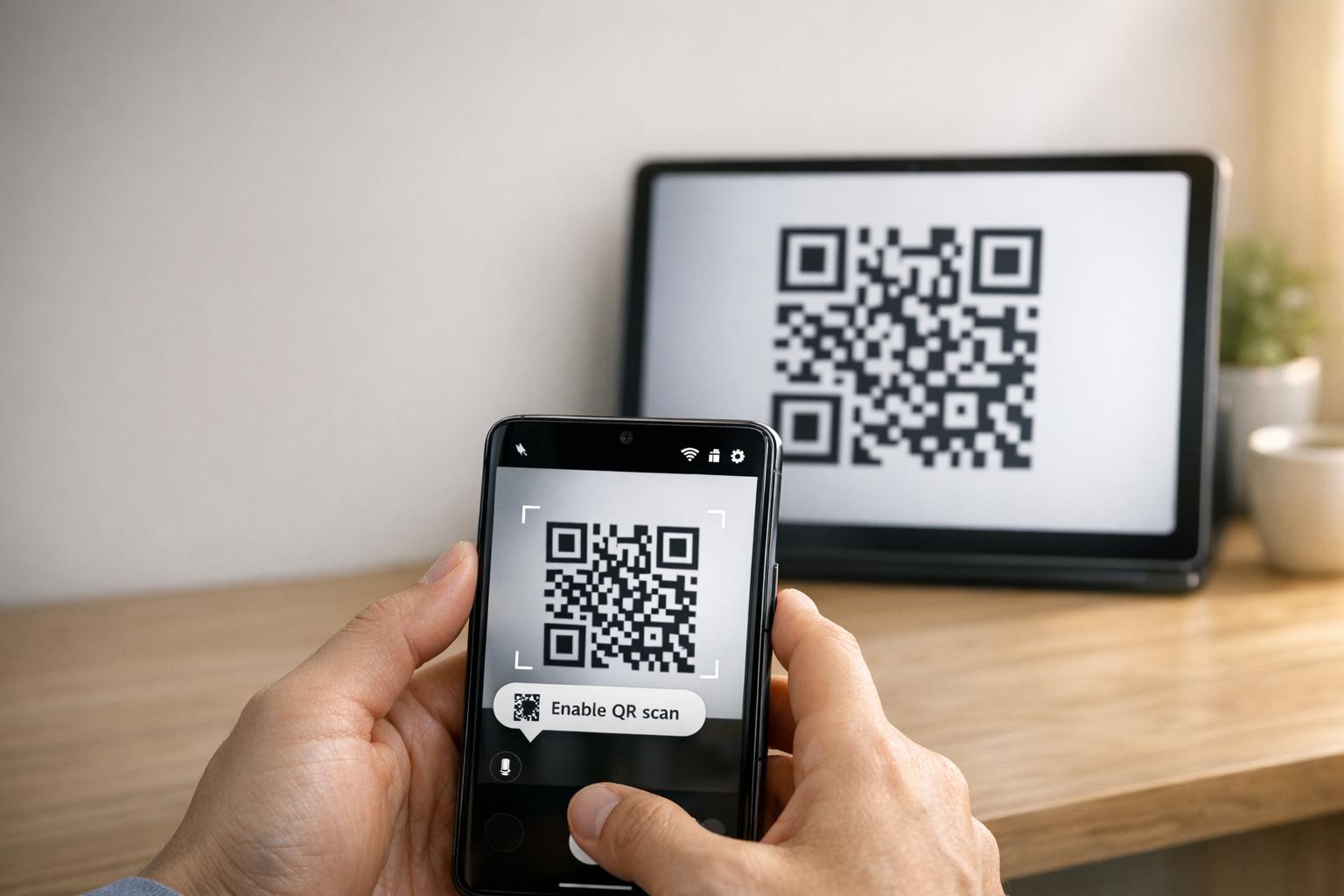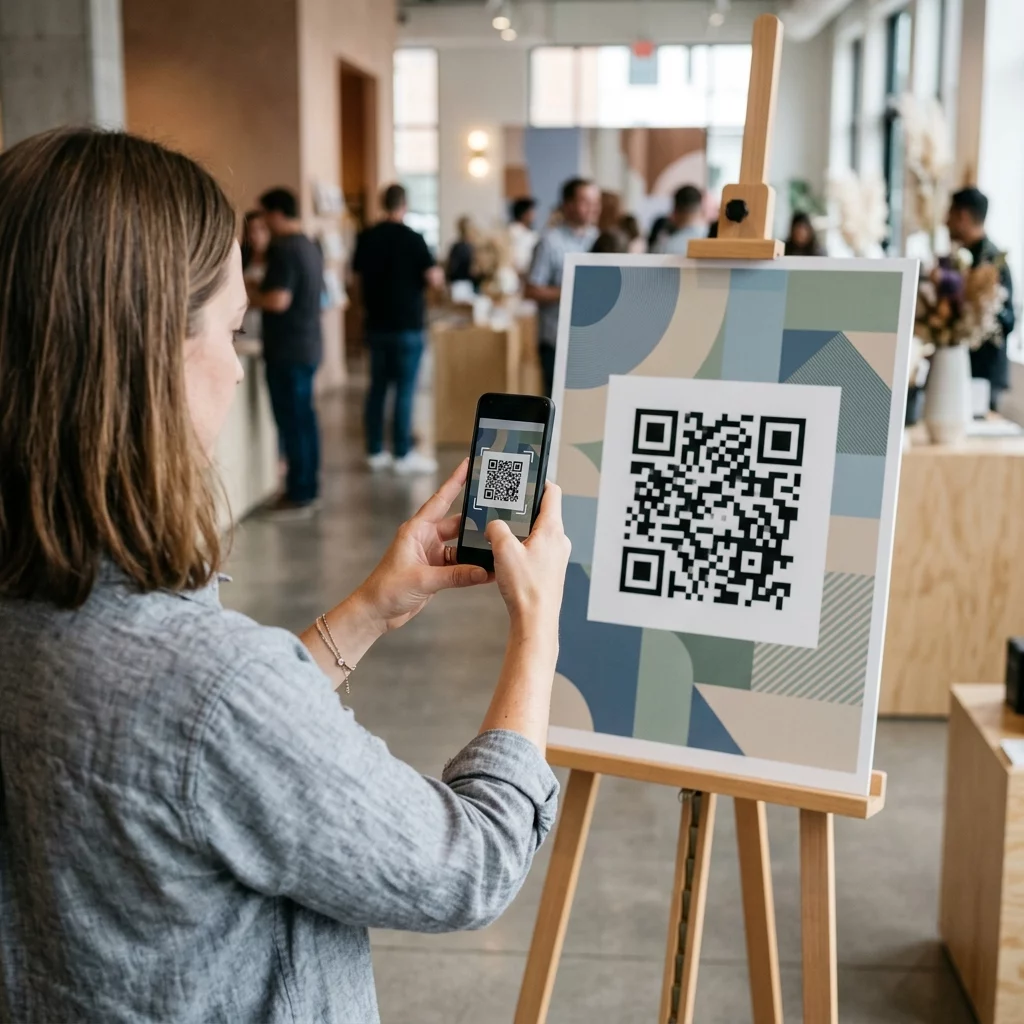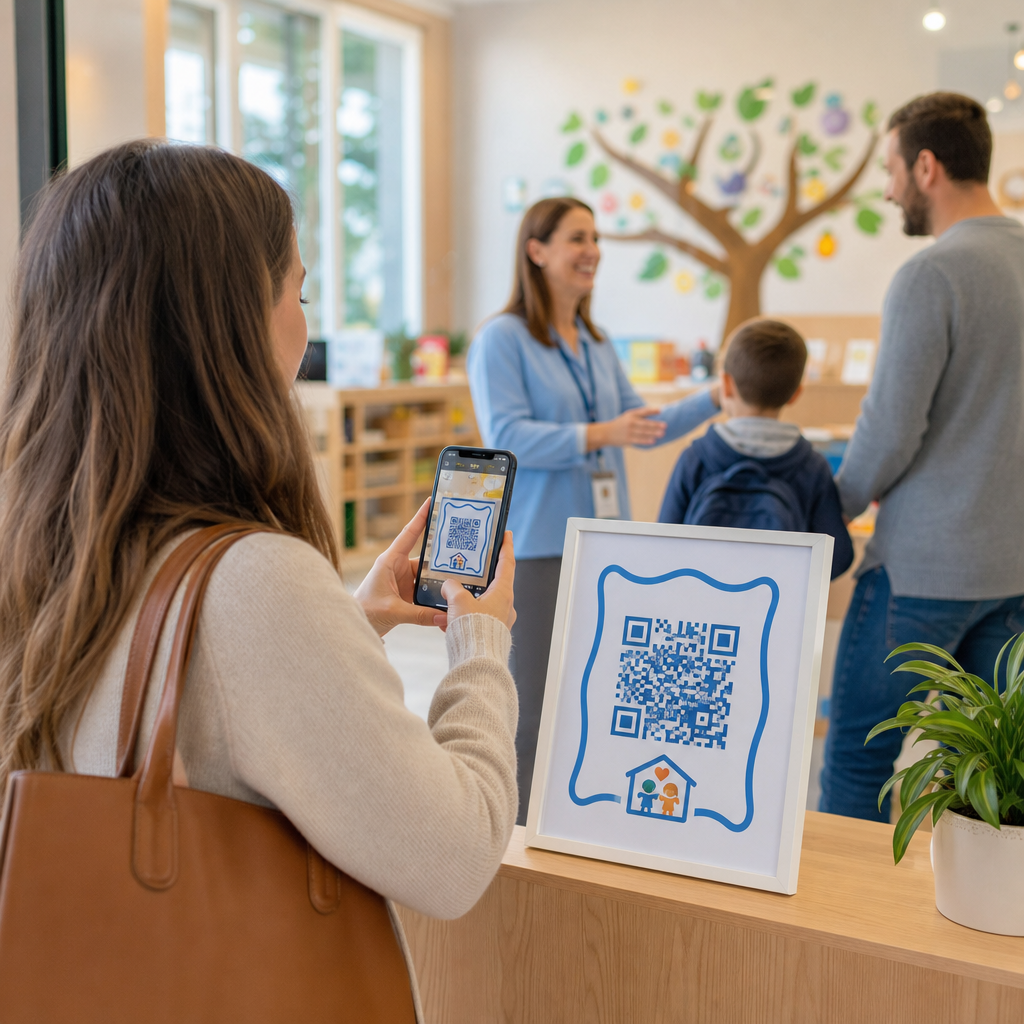

Verlangsamen lange Abgabe-Warteschlangen und manuelle Anmeldeformulare Ihren Kita-Betrieb jeden Morgen? Papierprotokolle führen zu Engpässen am Eingang, bergen das Risiko verlegter Akten und erschweren obligatorische Lizenzprüfungen. Die Implementierung von QR-Codes ermöglicht es Eltern, Ankünfte in Sekundenschnelle auf ihren Smartphones zu protokollieren, während digitale Anwesenheitslisten automatisch aktualisiert werden.
Tägliche Eltern-Check-in und Anwesenheit optimieren
Die Umstellung auf digitale Anmeldungen eliminiert physische Papierprotokolle und reduziert morgendliche Check-in-Verzögerungen. Eltern können ihre eigenen Mobilgeräte verwenden, um einen angezeigten Code zu scannen, ein kurzes Anmeldeformular auszufüllen und ohne Berührung gemeinsamer Stifte oder Klemmbretter in das Klassenzimmer ihres Kindes zu gehen.
Die Einrichtung eines digitalen Anwesenheitssystems umfasst einen einfachen dreistufigen Workflow:
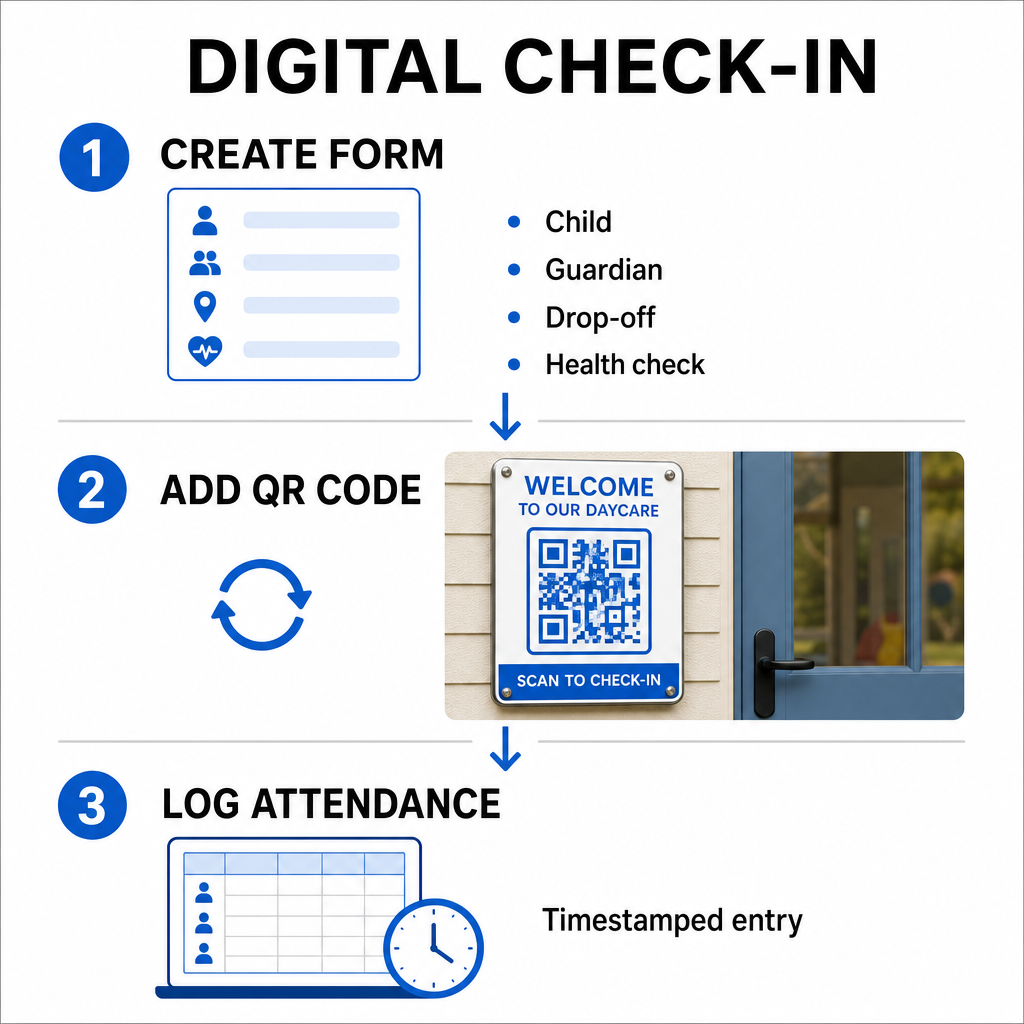
- Erstellen Sie Ihr Check-in-Formular: Erstellen Sie ein Online-Check-in-Formular mit Tools wie Google Forms oder Typeform. Fügen Sie Felder für den Namen des Kindes, den Namen des Elternteils oder Erziehungsberechtigten, die Abgabezeit und tägliche Fragen zur Gesundheitsüberprüfung hinzu.
- Generieren Sie einen dynamischen QR-Code: Verknüpfen Sie Ihre Formular-URL mit einem QR-Code Generator für Anwesenheitserfassung oder ein Google Forms QR-Code erstellen. Die Auswahl dynamischer QR-Codes ermöglicht es Ihnen, Ziel-Links zu aktualisieren oder Formulare in Zukunft zu ändern, ohne physische Poster neu drucken zu müssen.
- Automatisieren Sie die Erfassung von Aufzeichnungen: Konfigurieren Sie Ihr Online-Formular so, dass Einträge automatisch in einer zentralen Tabelle, wie z. B. Google Sheets, protokolliert werden. Jeder Scan generiert einen zeitgestempelten Eintrag, den das Personal in Echtzeit überprüfen kann.
Zur Überprüfung der Abholung durch die Verwaltung kann Ihr Zentrum auch individuelle QR-Abzeichen für autorisierte Abholpersonen ausstellen. Mitarbeiter können ein webbasiertes QR-Code Scanner auf einem Tablet oder Smartphone verwenden, um Eltern-Abzeichen zu scannen und so eine schnelle Identitätsprüfung während der Stoßzeiten am Nachmittag zu gewährleisten. Sie können auch branchenspezifische Workflows in verschiedenen QR-Code-Branchenlösungen untersuchen, um zu sehen, wie digitale Touchpoints den Betrieb verbessern.
Automatisieren Sie die Anwesenheitsverfolgung für Ihre Kinderbetreuung Benötigen Sie eine schnellere, kontaktlose Möglichkeit, die Ankunft von Schülern zu protokollieren und auditbereit zu bleiben? Nutzen Sie die QR-Code Generator für Anwesenheitserfassung , um noch heute nachverfolgbare Check-in-Punkte für Ihr Zentrum zu erstellen.
Einhaltung staatlicher und bundesstaatlicher Anwesenheitsvorschriften
Kinderbetreuungseinrichtungen müssen strenge Aufzeichnungsvorschriften einhalten, um die Lizenzierung aufrechtzuerhalten und Bundesmittel zu erhalten. Papier-Anmeldeformulare sind anfällig für fehlende Unterschriften, unleserliche Handschriften und verlegte Ordner. Digitale Check-in-Workflows lösen diese Probleme, indem sie sofortige, unveränderliche digitale Prüfpfade erstellen.
Digitale QR-Systeme unterstützen verschiedene wichtige Compliance-Frameworks:
- Kinderbetreuungs- und Entwicklungsfonds (CCDF): Die bundesstaatlichen Finanzierungsregeln des CCDF verlangen von Kinderbetreuungsanbietern, detaillierte, dokumentierte Anwesenheitslisten für mindestens drei Jahre zu führen, um für Zuschussrückerstattungen in Frage zu kommen.
- Kinder- und Erwachsenenbetreuungs-Lebensmittelprogramm (CACFP): Gemäß den bundesstaatlichen Vorschriften (7 CFR 226.15(e)) müssen Einrichtungen, die am CACFP teilnehmen, genaue tägliche Anwesenheitslisten getrennt von den Mahlzeitenlisten führen. Automatisierte Protokolle stellen sicher, dass diese Aufzeichnungen für finanzielle Überprüfungen korrekt bleiben.
- Staatliche Lizenzierungsauflagen: Staaten wie Texas, Washington und Florida verlangen von Kinderbetreuungseinrichtungen die Führung täglicher Nachverfolgungssysteme, die Ankunftszeiten, Abfahrtszeiten und eindeutige Identifikatoren oder autorisierte Unterschriften aufzeichnen. Automatisierte Zeitstempel erfüllen die staatlichen Lizenzierungsanforderungen für eine präzise Zeiterfassung.
Digitale Aufzeichnungen können auch in Cloud-Servern gesichert werden, was Ihrem Zentrum hilft, eine starke Geschäftskontinuität und Notfallwiederherstellungspläne für wichtige Verwaltungsdateien aufrechtzuerhalten.
Erstellung kontaktloser Workflows für Formulare und Handbücher
Über tägliche Anmeldungen hinaus optimieren QR-Codes die Kommunikation in Ihrer Einrichtung, indem sie Eltern sofort mit wichtigen digitalen Dokumenten verbinden.
Sie können eine PDF QR-Code Generator , um scanbare Codes an Klassenzimmertüren, Schreibtischen oder Informationstafeln anzubringen. Dies ermöglicht es Eltern, wichtige Materialien auf ihren persönlichen Handys zu öffnen und anzuzeigen, wie zum Beispiel:
- Elternhandbücher und Zentrumspolicen
- Monatliche Menüs für Mahlzeiten und Snacks
- Notfallkontaktformulare und medizinische Einwilligungen
- Saisonale Aktivitätsanmeldungen und Erlaubnisscheine
Darüber hinaus können Sie mit einem Link QR-Code-Generator Eltern direkt zu Online-Portalen für die Studiengebührenzahlung, Anmeldeportalen oder Feedback-Formularen für Mitarbeiter weiterleiten. Durch die Umwandlung von physischem Papierkram in zugängliche digitale Links reduziert Ihr Zentrum die Druckkosten und hält gleichzeitig die Familien informiert. Entdecken Sie alle verfügbaren QR-Code-Plattformfunktionen , um die digitale Strategie Ihrer Einrichtung zu erweitern.
Best Practices für den Druck und die Platzierung von Kita-QR-Codes
Um hohe Scanraten aufrechtzuerhalten und Check-in-Verzögerungen zu vermeiden, müssen Ihre gedruckten QR-Codes etablierten Lesbarkeitsstandards entsprechen. Schlechte Beleuchtung, zu kleine Drucke oder reflektierende Oberflächen können die Kamerasensoren während der morgendlichen Stoßzeiten behindern.
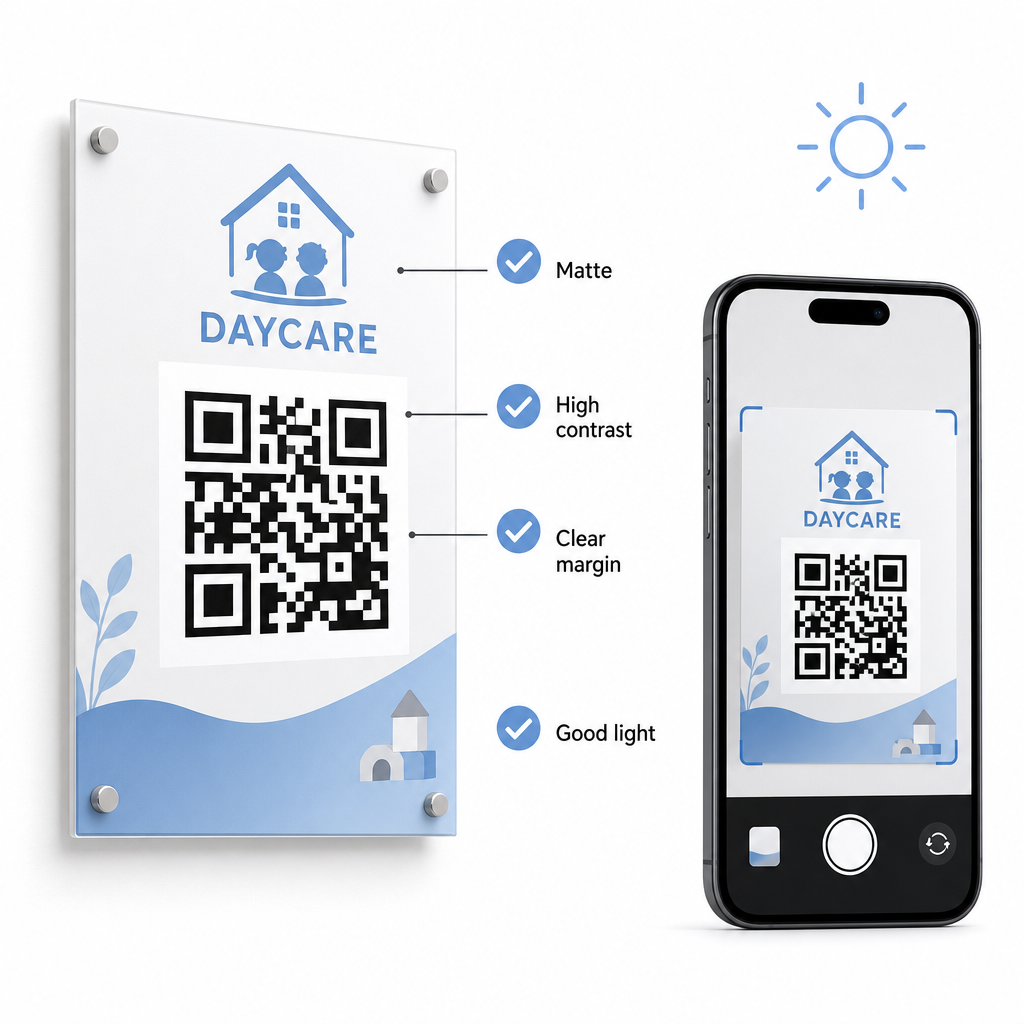
Befolgen Sie diese technischen Richtlinien, wenn Sie Codes in Ihrer Einrichtung anzeigen:
- Behalten Sie geeignete Größenverhältnisse bei: Halten Sie ein Verhältnis von 10:1 zwischen Scanabstand und Codebreite ein und halten Sie eine Mindestgröße von 2x2 cm für Nahbereichsscans ein.
- Sorgen Sie für hohen Farbkontrast: Verwenden Sie dunkle Muster auf hellen Hintergründen, um ein Kontrastverhältnis von 21:1 zu erreichen, und stellen Sie sicher, dass für kleinere Drucke ein Verhältnis von mindestens 4,5:1 vorhanden ist.
- Behalten Sie Randzonen bei: Halten Sie einen klaren weißen Rand um alle vier Seiten des Codes, um zu verhindern, dass nahegelegener Text oder Grafiken Scanner stören.
- Wählen Sie nicht reflektierende Materialien: Drucken Sie Beschilderungen auf mattem Papier oder Karton anstelle von glänzendem Laminat oder Glas, um Lichtreflexionen zu vermeiden.
- Exportieren Sie Vektor-Dateiformate: Laden Sie Druckdateien in hochauflösenden Vektorformaten wie SVG oder EPS herunter, damit Bilder beim Skalieren scharf bleiben.
- Testen unter realen Bedingungen: Scannen Sie Testdrucke auf mehreren mobilen Geräten unter verschiedenen Lichtverhältnissen, bevor Sie permanente Beschilderungen anbringen. Lesen Sie unsere detaillierte Anleitung zu Best Practices für die Lesbarkeit von QR-Codes für zusätzliche technische Anleitungen.
Datensicherheit, Datenschutz und Sicherheit von Eltern
Der Umgang mit Kinder- und Familieninformationen erfordert strenge Beachtung der Datensicherheit. Kinderbetreuungseinrichtungen, die online personenbezogene Daten sammeln, müssen den Bundesstandards entsprechen, einschließlich des Children’s Online Privacy Protection Act (COPPA), wenn kindergerichtete digitale Dienste beteiligt sind, und klare Offenlegungen darüber aufrechterhalten, wie Elterndaten gespeichert und verwaltet werden.
Überprüfen Sie diese wichtigen Sicherheitsmaßnahmen bei der Bereitstellung von QR-Codes in Ihrer Einrichtung:
- Klare Datenschutzhinweise anzeigen: Stellen Sie sicher, dass verknüpfte Formulare oder Zielseiten einen direkten Link zur Datenschutzrichtlinie Ihres Zentrums enthalten, bevor Sie Familiendaten sammeln.
- Regelmäßige Überprüfung der physischen Beschilderung: Überprüfen Sie, ob keine unbefugten Aufkleber oder veränderten Codes über den ursprünglichen Anmeldebrettern angebracht wurden, da physische Manipulationen Benutzer zu bösartigen Websites umleiten können.
- Sichern Sie den Zugriff auf administrative Daten: Verschlüsseln Sie Online-Check-in-Formulare mit HTTPS-Protokollen und beschränken Sie den Zugriff auf administrative Tabellenkalkulationen auf autorisiertes Personal.
Durch die Anwendung geeigneter Sicherheitspraktiken und die Auswahl zuverlässiger Tools schützen Sie die Privatsphäre der Familie und optimieren gleichzeitig die tägliche Verwaltung des Zentrums. Für einen umfassenderen Überblick über regulatorische Rahmenbedingungen konsultieren Sie unsere Übersicht über Datenschutzgesetze und wichtige Vorschriften für QR-Codes.
Die Modernisierung Ihres Tagesbetreuungs-Check-in-Prozesses reduziert Staus am Eingang, verbessert die Datengenauigkeit und vereinfacht die Einhaltung von Prüfbestimmungen. Der Ersatz von physischen Papierprotokollen durch dynamische QR-Codes bietet Eltern eine schnelle, hygienische Abgabeerfahrung und hält gleichzeitig administrative Aufzeichnungen in Echtzeit organisiert. Beginnen Sie noch heute mit der Gestaltung Ihres benutzerdefinierten Check-in-Workflows, indem Sie dynamische Codes und benutzerdefinierte Formulare erstellen, die auf die täglichen betrieblichen Anforderungen Ihres Zentrums zugeschnitten sind.
Häufig gestellte Fragen
Dynamische QR-Codes sind ideal für die Kinderbetreuungs-Anmeldung, da sie es Administratoren ermöglichen, verknüpfte Formulare oder Ziel-URLs zu aktualisieren, ohne physische Türschilder neu drucken zu müssen.
Nein, Eltern brauchen keine spezielle App. Die meisten modernen Smartphones scannen QR-Codes direkt über ihre nativen Kamera-Anwendungen.
Bundesweite Förderprogramme wie CCDF und CACFP verlangen von Zentren, Anwesenheitsdokumentationen für mindestens drei Jahre aufzubewahren, obwohl staatliche Vorschriften oder spezifische Finanzierungsverträge längere Aufbewahrungsfristen vorschreiben können.