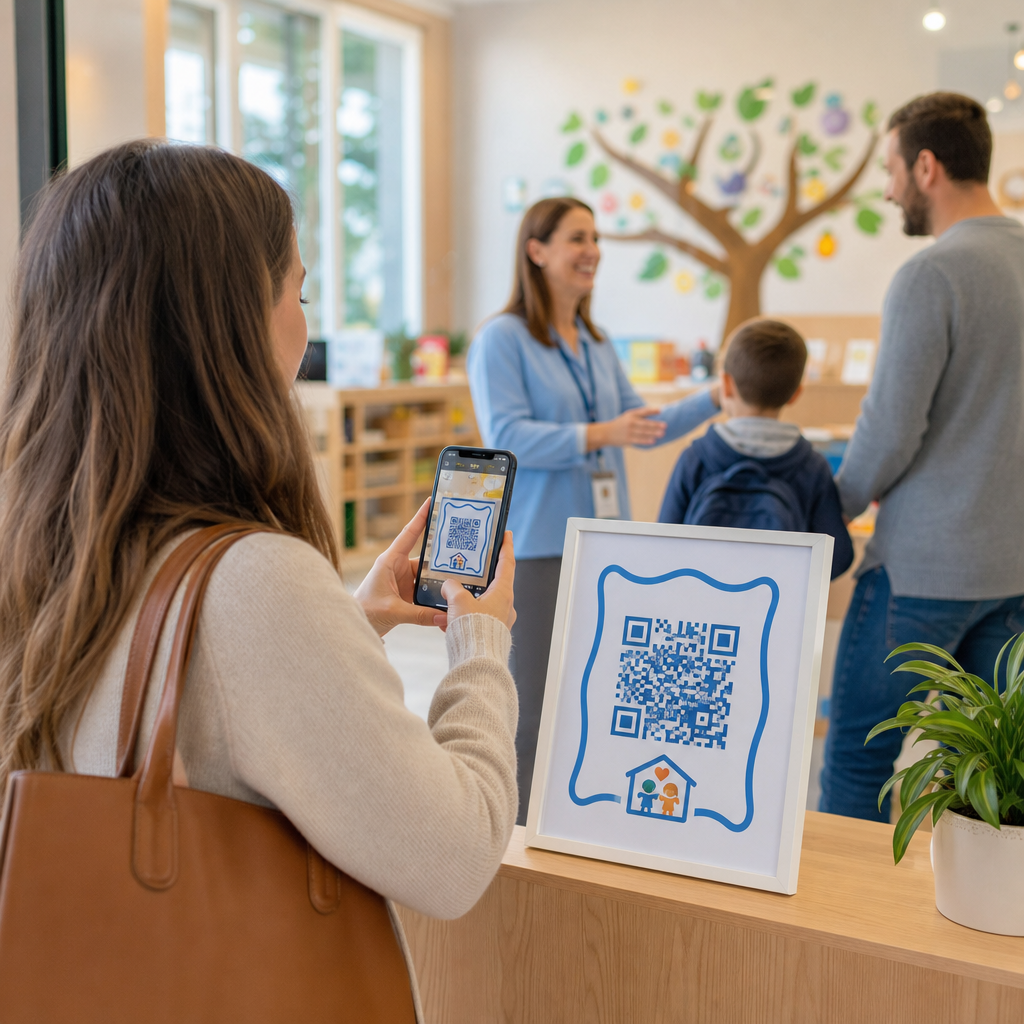

Vertragen lange afzetlijnen en handmatige incheckformulieren uw kinderopvangactiviteiten elke ochtend? Papieren logboeken creëren knelpunten bij de ingang, risico op zoekgeraakte bestanden en bemoeilijken verplichte licentiecontroles. Het implementeren van QR-codes stelt ouders in staat om aankomsten in seconden op hun smartphones in te loggen, terwijl digitale aanwezigheidsgegevens automatisch worden bijgewerkt.
Stroomlijnen van dagelijkse ouder-incheck en aanwezigheid
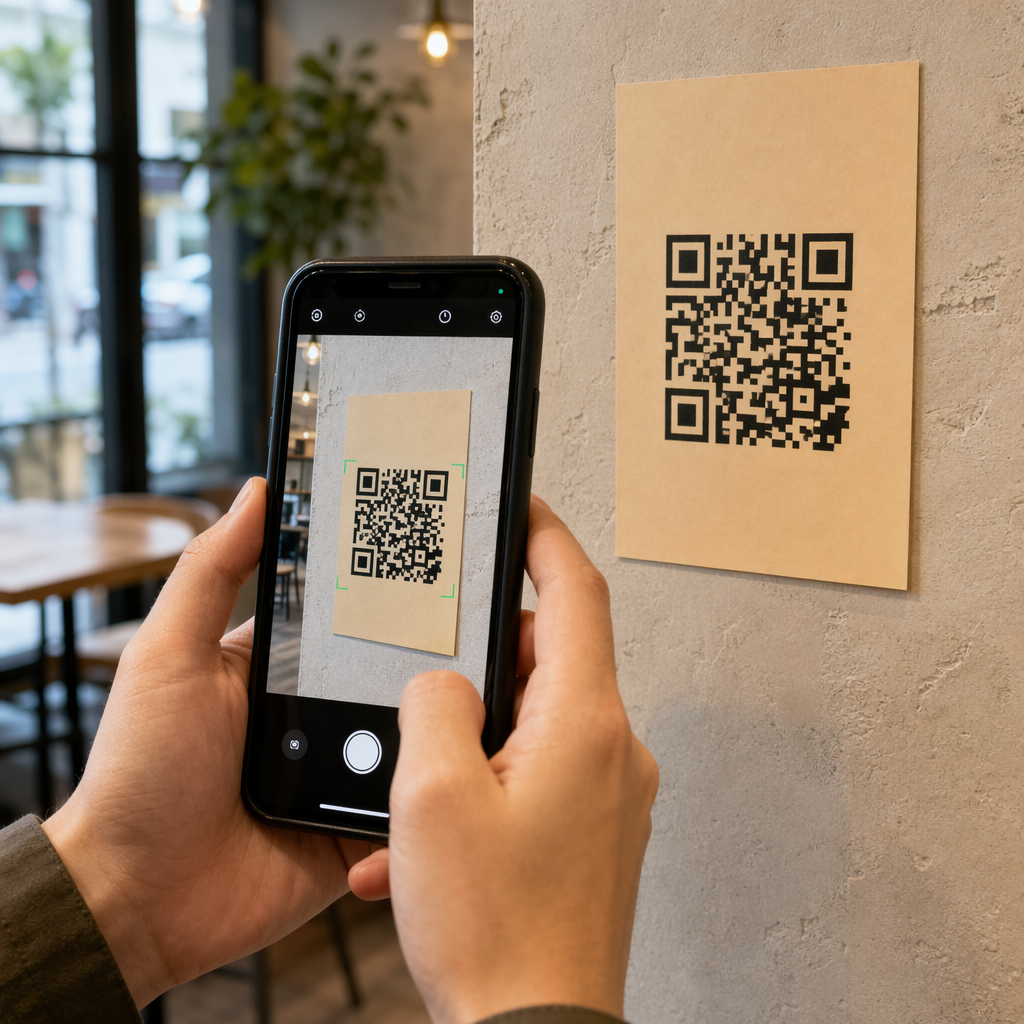
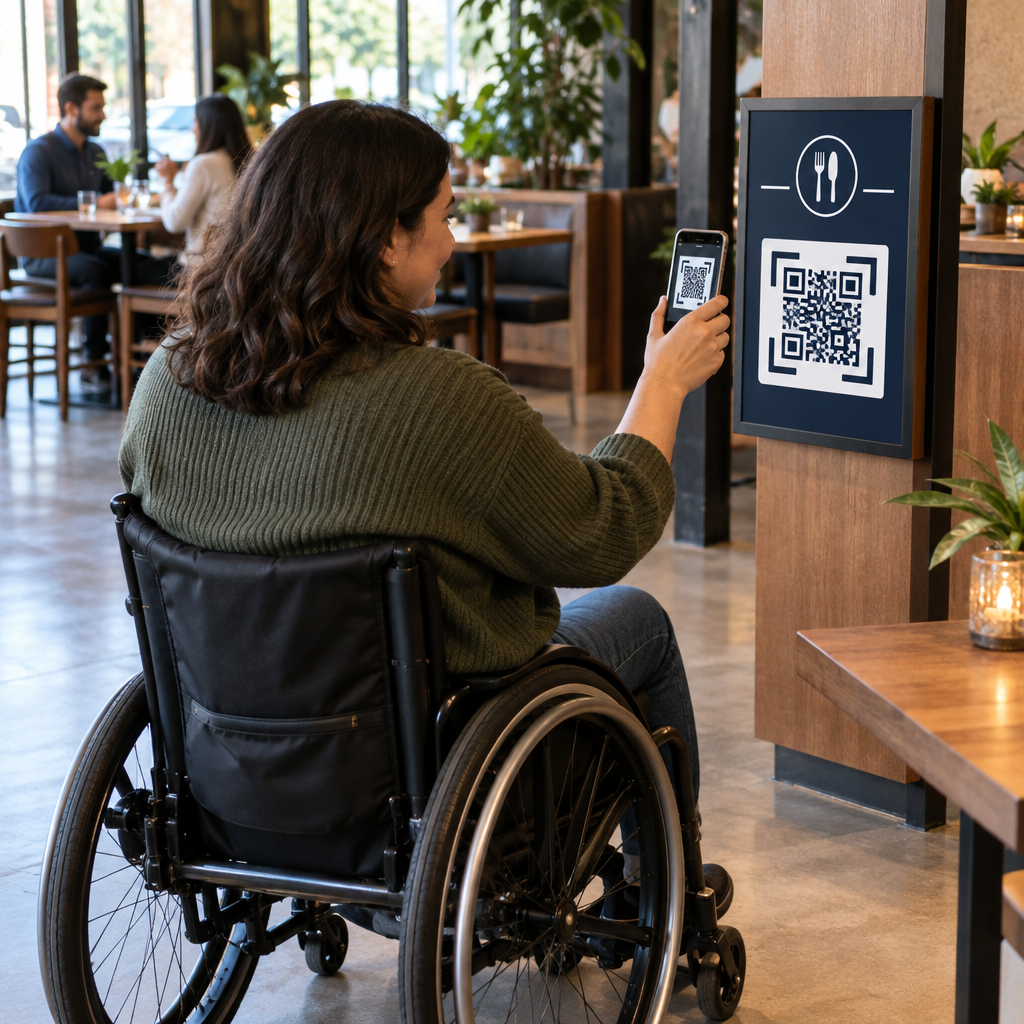
Overstappen op digitale incheckingen elimineert fysieke papieren logboeken en vermindert vertragingen bij het inchecken in de ochtend. Ouders kunnen hun eigen mobiele apparaten gebruiken om een weergegeven code te scannen, een kort incheckformulier in te vullen en door te gaan naar de klas van hun kind zonder gedeelde pennen of clipboards aan te raken.
Het opzetten van een digitaal aanwezigheidssysteem omvat een eenvoudig driestappenworkflow:
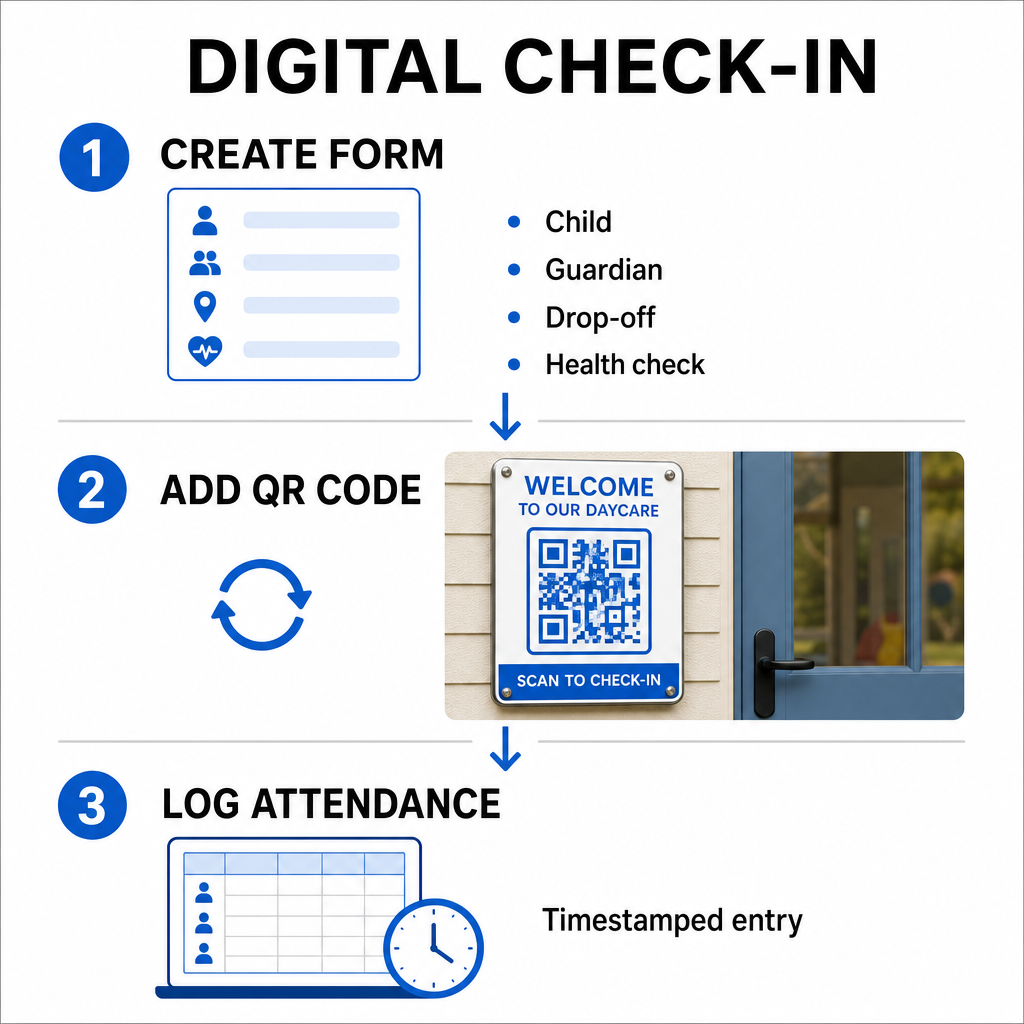
- Maak uw incheckformulier: Bouw een online incheckformulier met behulp van tools zoals Google Forms of Typeform. Voeg velden toe voor de naam van het kind, de naam van de ouder of voogd, de afzettijd en dagelijkse gezondheidsvragen.
- Genereer een dynamische QR-code: Koppel uw formulier-URL met een QR-code generator voor aanwezigheidsregistratie of een Google Forms QR code maken. Door dynamische QR-codes te selecteren, kunt u bestemmingslinks bijwerken of formulieren in de toekomst wijzigen zonder fysieke posters opnieuw af te drukken.
- Automatiseer het verzamelen van gegevens: Configureer uw online formulier om inzendingen automatisch in een gecentraliseerd spreadsheet, zoals Google Sheets, te loggen. Elke scan genereert een tijdstempel die medewerkers in realtime kunnen bekijken.
Voor verificatie van administratieve afhalingen kan uw centrum ook individuele QR-badges uitgeven aan geautoriseerde ophaalpersonen. Medewerkers kunnen een webgebaseerde QR-code scanner op een tablet of smartphone gebruiken om ouderbadges te scannen, wat zorgt voor een snelle identiteitsverificatie tijdens piekuren in de middag. U kunt ook sector-specifieke workflows verkennen in diverse QR-code-industrieoplossingen om te zien hoe digitale contactpunten de bedrijfsvoering verbeteren.
Automatiseer uw kinderopvang-aanwezigheidsregistratie Heeft u een snellere, contactloze manier nodig om studenten-aankomsten te registreren en audit-klaar te blijven? Gebruik de QR-code generator voor aanwezigheidsregistratie om vandaag nog traceerbare incheckpunten voor uw centrum te creëren.
Voldoen aan staats- en federale aanwezigheidsnaleving
Kinderopvangfaciliteiten moeten zich houden aan strikte normen voor gegevensbeheer om licenties te behouden en federale financiering te behouden. Papieren incheckformulieren zijn gevoelig voor ontbrekende handtekeningen, onleesbaar handschrift en zoekgeraakte ordners. Digitale incheckworkflows lossen deze problemen op door onmiddellijke, onveranderlijke digitale audit trails te creëren.
Digitale QR-systemen helpen bij verschillende belangrijke nalevingskaders:
- Kinderopvang en Ontwikkelingsfonds (CCDF): Federale CCDF-financieringsregels vereisen dat kinderopvangverstrekkers gedetailleerde, gedocumenteerde aanwezigheidsgegevens gedurende ten minste drie jaar bewaren om in aanmerking te komen voor subsidie-restituties.
- Kinder- en Volwassenenopvang Voedselprogramma (CACFP): Onder federale regelgeving (7 CFR 226.15(e)) moeten centra die deelnemen aan CACFP nauwkeurige dagelijkse aanwezigheidsgegevens apart van maaltijdgegevens bewaren. Geautomatiseerde logboeken zorgen ervoor dat deze gegevens nauwkeurig blijven voor financiële beoordelingen.
- Vereisten voor staatslicenties: Staten zoals Texas, Washington en Florida vereisen dat kinderopvangcentra dagelijkse registratiesystemen bijhouden met aankomsttijden, vertrektijden en unieke identificatiegegevens of geautoriseerde handtekeningen. Geautomatiseerde tijdstempels voldoen aan de staatslicentievereisten voor nauwkeurige tijdsregistratie.
Digitale gegevens kunnen ook worden geback-upt naar cloudservers, wat uw centrum helpt bij het handhaven van een sterk bedrijfscontinuïteits- en noodherstelplan voor essentiële administratieve bestanden.
Creëren van contactloze workflows voor formulieren en handboeken
Naast dagelijkse incheckingen stroomlijnen QR-codes de communicatie in uw faciliteit door ouders onmiddellijk te verbinden met essentiële digitale documenten.
U kunt een PDF naar QR code maken om scanbare codes op klasdeuren, balies of prikborden te plaatsen. Dit stelt ouders in staat om belangrijke materialen op hun persoonlijke telefoons te openen en te bekijken, zoals:
- Ouderhandboeken en centrumbeleid
- Maandelijkse menu's voor maaltijden en snacks
- Noodcontactformulieren en medische toestemmingen
- Aanmeldingen voor seizoensactiviteiten en toestemmingsformulieren
Bovendien kunt u met een Link QR-codegenerator ouders rechtstreeks naar online betalingsportals voor collegegeld, inschrijvingsportals of feedbackformulieren voor personeel leiden. Door fysiek papierwerk om te zetten in toegankelijke digitale links, bespaart uw centrum afdrukkosten en houdt het gezinnen geïnformeerd. Ontdek alle beschikbare QR-code platformfuncties om de digitale strategie van uw faciliteit uit te breiden.
Best Practices voor het afdrukken en plaatsen van kinderopvang QR-codes
Om hoge scanpercentages te handhaven en vertragingen bij het inchecken te voorkomen, moeten uw afgedrukte QR-codes voldoen aan de vastgestelde leesbaarheidsnormen. Slechte verlichting, te kleine afdrukken of reflecterende oppervlakken kunnen camerasensoren hinderen tijdens piekuren in de ochtend.
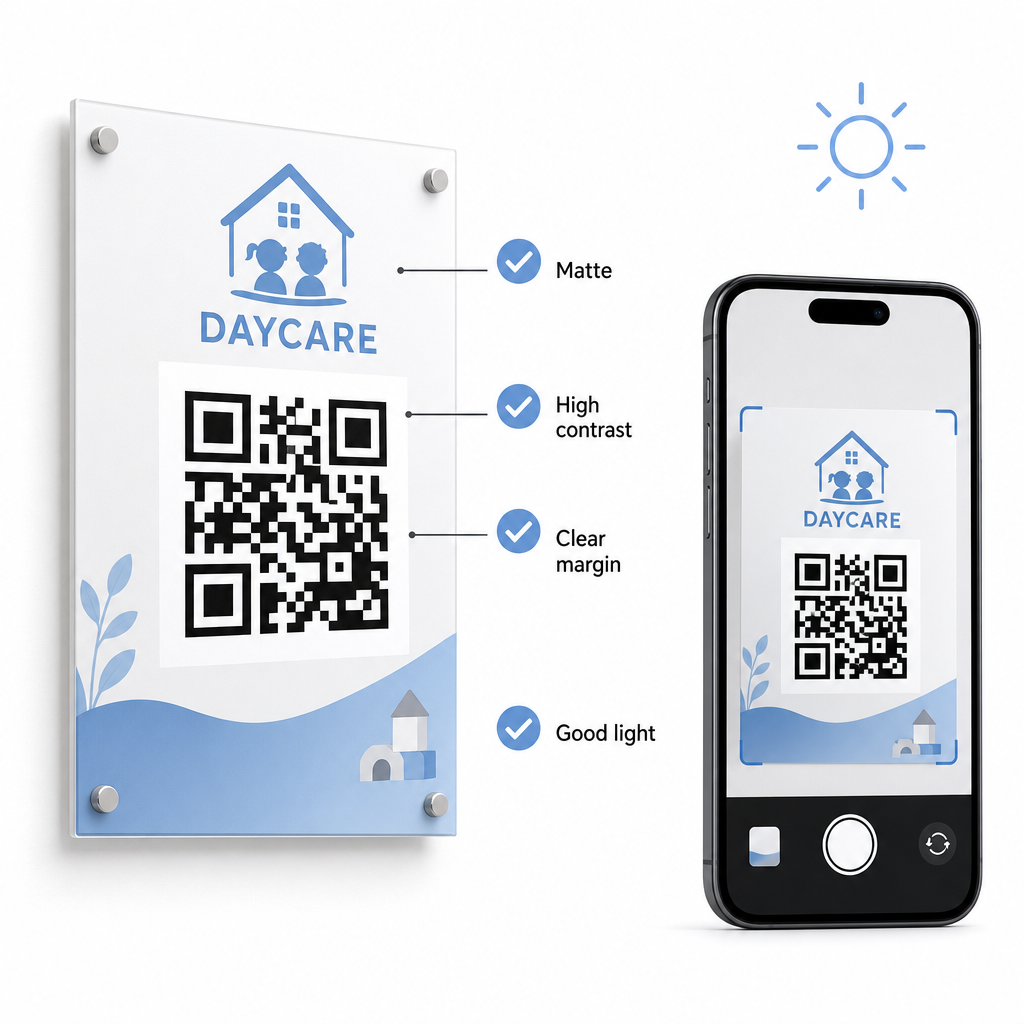
Volg deze technische richtlijnen bij het weergeven van codes in uw faciliteit:
- Behoud geschikte maatverhoudingen: Volg een verhouding van 10:1 tussen de scanafstand en de codewijdte, met een minimale grootte van 2x2 cm voor scannen op korte afstand.
- Zorg voor een hoog kleurcontrast: Gebruik donkere patronen op lichte achtergronden om een contrastverhouding van 21:1 te bereiken, met ten minste een verhouding van 4,5:1 voor kleinere afdrukken.
- Behoud stille zone marges: Houd een duidelijke witte rand rondom alle vier zijden van de code om te voorkomen dat tekst of beelden in de buurt scanners hinderen.
- Selecteer niet-reflecterende materialen: Druk signalisatie af op mat papier of karton in plaats van glanzend laminaat of glas om verblinding door verlichting te voorkomen.
- Exporteer vector bestandsformaten: Download afdrukbestanden in vectorformaten met hoge resolutie, zoals SVG of EPS, zodat afbeeldingen scherp blijven bij schalen.
- Test onder reële omstandigheden: Scan testafdrukken op meerdere mobiele apparaten onder verschillende lichtomstandigheden voordat u permanente bewegwijzering installeert. Raadpleeg onze gedetailleerde gids over best practices voor de leesbaarheid van QR-codes voor aanvullende technische begeleiding.
Gegevensbeveiliging, privacy en ouderveiligheid
Het omgaan met kinder- en gezinsinformatie vereist strikte aandacht voor gegevensbeveiliging. Kinderopvangorganisaties die online persoonlijke gegevens verzamelen, moeten voldoen aan federale normen, waaronder de Children’s Online Privacy Protection Act (COPPA) waar kindgerichte digitale diensten bij betrokken zijn, en duidelijke openbaarmakingen handhaven over hoe oudergegevens worden opgeslagen en beheerd.
Bekijk deze belangrijke beveiligingsmaatregelen bij het implementeren van QR-codes in uw faciliteit:
- Toon duidelijke privacyverklaringen: Zorg ervoor dat gekoppelde formulieren of bestemmingspagina's een directe link naar het privacybeleid van uw centrum bevatten voordat u gezinsgegevens verzamelt.
- Inspecteer fysieke bewegwijzering regelmatig: Controleer of er geen ongeautoriseerde stickers of gewijzigde codes over de originele inlogborden zijn geplaatst, aangezien fysieke manipulatie gebruikers naar kwaadaardige sites kan leiden.
- Beveilig de toegang tot administratieve gegevens: Versleutel online incheckformulieren met HTTPS-protocollen en beperk de toegang tot administratieve spreadsheets tot alleen geautoriseerd personeel.
Door de juiste beveiligingspraktijken toe te passen en betrouwbare tools te selecteren, beschermt u de privacy van gezinnen en optimaliseert u het dagelijkse beheer van het centrum. Raadpleeg voor een breder overzicht van regelgevende kaders onze samenvatting van Privacywetten en belangrijke regelgeving voor QR-codes.
Het moderniseren van uw incheckproces voor kinderopvang vermindert congestie bij de ingang, verbetert de nauwkeurigheid van gegevens en vereenvoudigt de naleving van audits. Het vervangen van fysieke papieren logboeken door dynamische QR-codes biedt ouders een snelle, hygiënische afleverervaring en houdt administratieve gegevens in realtime georganiseerd. Begin vandaag nog met het ontwerpen van uw aangepaste incheckworkflow door dynamische codes en aangepaste formulieren te maken die zijn afgestemd op de dagelijkse operationele behoeften van uw centrum.
Veelgestelde vragen
Dynamische QR-codes zijn ideaal voor het inchecken bij kinderopvang, omdat ze beheerders in staat stellen gekoppelde formulieren of bestemmings-URL's bij te werken zonder fysieke deurstickers opnieuw te hoeven afdrukken.
Nee, ouders hebben geen speciale app nodig. De meeste moderne smartphones scannen QR-codes rechtstreeks via hun standaard camera-apps.
Federale subsidieprogramma's zoals CCDF en CACFP vereisen dat centra aanwezigheidsdocumentatie bewaren voor ten minste drie jaar, hoewel staatsvoorschriften of specifieke financieringscontracten langere bewaarperioden kunnen voorschrijven.