Are your QR codes getting ignored? Most businesses place codes on printed materials without a clear strategy, and the result is low scans and no measurable return. This guide walks you through the practical steps – from planning to tracking – that turn a basic QR code into a genuine marketing asset.
Start with a Clear Goal and Audience
Placing a QR code without a goal is the most common mistake marketers make. Before you generate anything, define what you want the code to accomplish. Are you driving traffic to a product page? Growing your email list? Collecting Google reviews? Pushing app downloads?
At the same time, think about your audience. Ask yourself:
- Do your customers already know how to scan QR codes, or do they need brief instructions nearby?
- Where will they encounter the code – a restaurant table, a trade show booth, a product package?
- What will motivate them to scan in that specific moment?
Incentives make a significant difference. QR codes linked to a discount, a free resource, exclusive content, or a contest give people a concrete reason to act. Without that value, even a well-placed code gets ignored. For a structured starting point, the Liste de contrôle marketing par code QR pour les petites entreprises covers goal-setting and code selection in detail.
Choose the Right QR Code Type for Your Campaign
Not all QR codes work the same way. Codes QR statiques encode information directly into the pattern. Once printed, they cannot be changed, and they provide no tracking data. They work well for permanent content like Wi-Fi credentials or fixed contact details.
Codes QR dynamiques use a short redirect URL, which means you can update the destination at any time without reprinting the physical code. They also capture detailed analytics – scan counts, timestamps, device types, and geographic data. For any marketing campaign where you need flexibility or measurement, dynamic codes are the right choice.
To understand the trade-offs in full, the comparison of static vs dynamic QR codes explains when each type makes sense and what features each one supports.
Create and Manage Dynamic QR Codes in One Place Update destinations without reprinting, track scan performance, and manage every code from a single dashboard with the Générateur de codes QR dynamiques.
Design for Scannability
A QR code that fails to scan damages trust in the same way a broken link does – visitors leave and do not return. Design decisions directly affect whether your code works reliably across devices and lighting conditions.
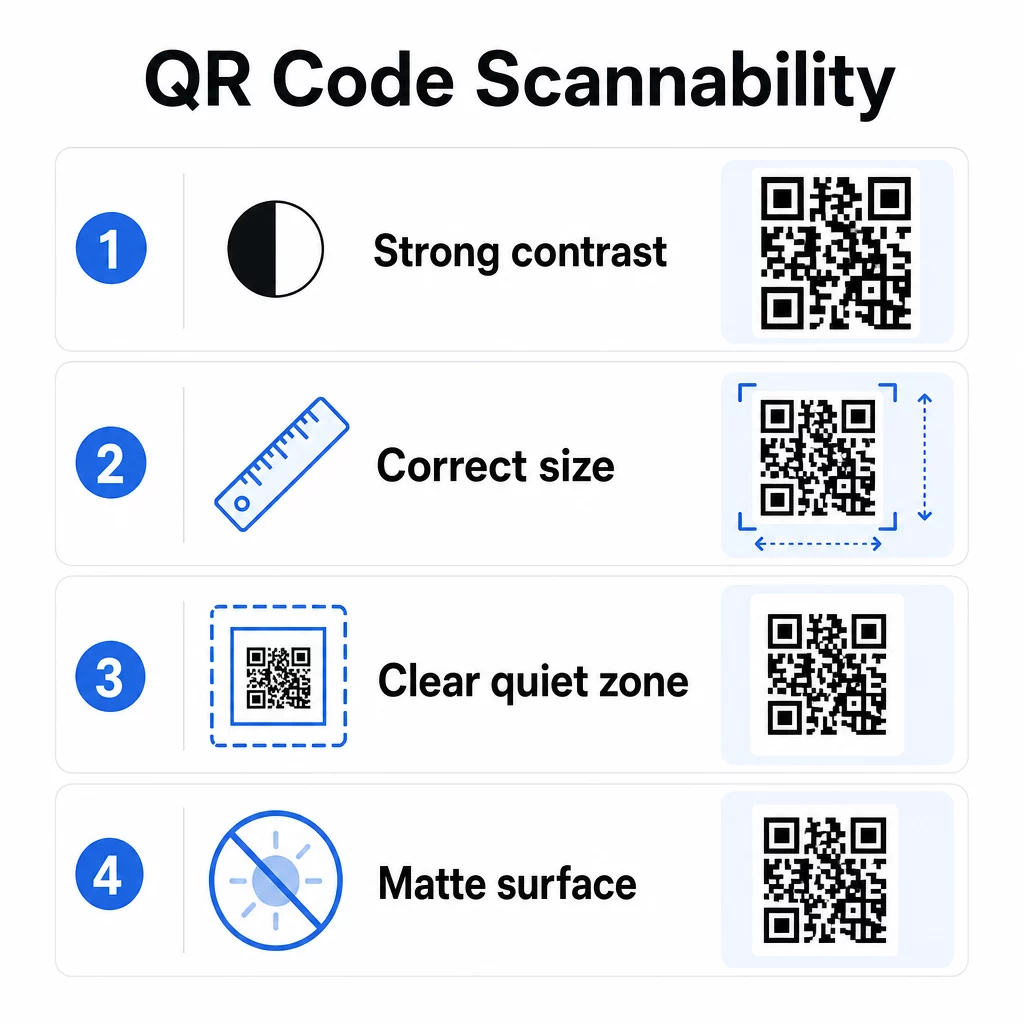
Contraste is the single most important factor. Scanners work by distinguishing dark modules from a light background. A minimum contrast ratio of 4:1 is required for standard readability, and higher contrast is recommended for outdoor placements or low-light environments. Avoid inverted colors, low-contrast pairings like light gray on white, and glossy surfaces that create glare.
Taille determines whether a code can be read at the scanning distance where people will actually encounter it. A practical guideline is the 10:1 ratio: the code’s width in centimeters should be roughly one-tenth the expected scanning distance in centimeters. For close-range materials like business cards, the absolute minimum is 2 × 2 cm (0.8 × 0.8 in). For most printed brochures, 3 × 3 cm (1.2 × 1.2 in) is a safer baseline.
Other design factors to keep in mind:
- Maintain a clear quiet zone – the white border surrounding the code – so scanners can isolate the pattern from surrounding design elements
- Use matte surfaces rather than glossy finishes to reduce reflection
- Generate codes at high resolution to prevent pixelation when printed
- Avoid placing codes on curved surfaces like bottles where distortion interferes with scanning
For a deeper look at color and contrast guidelines, the guide to improving QR code readability covers the technical requirements in detail.
Brand Your QR Codes
A plain black-and-white QR code is functional, but it does not reinforce your identity or stand out on a crowded page. Customized codes – with brand colors, a logo in the center, and a styled frame – attract more attention and communicate professionalism.
When adding a logo, keep it simple and sized so it does not obstruct the code’s scanning area. If you include a logo, raise the error correction level to Q or H to compensate for the covered modules. Always test the branded code on multiple devices before finalizing it for print.
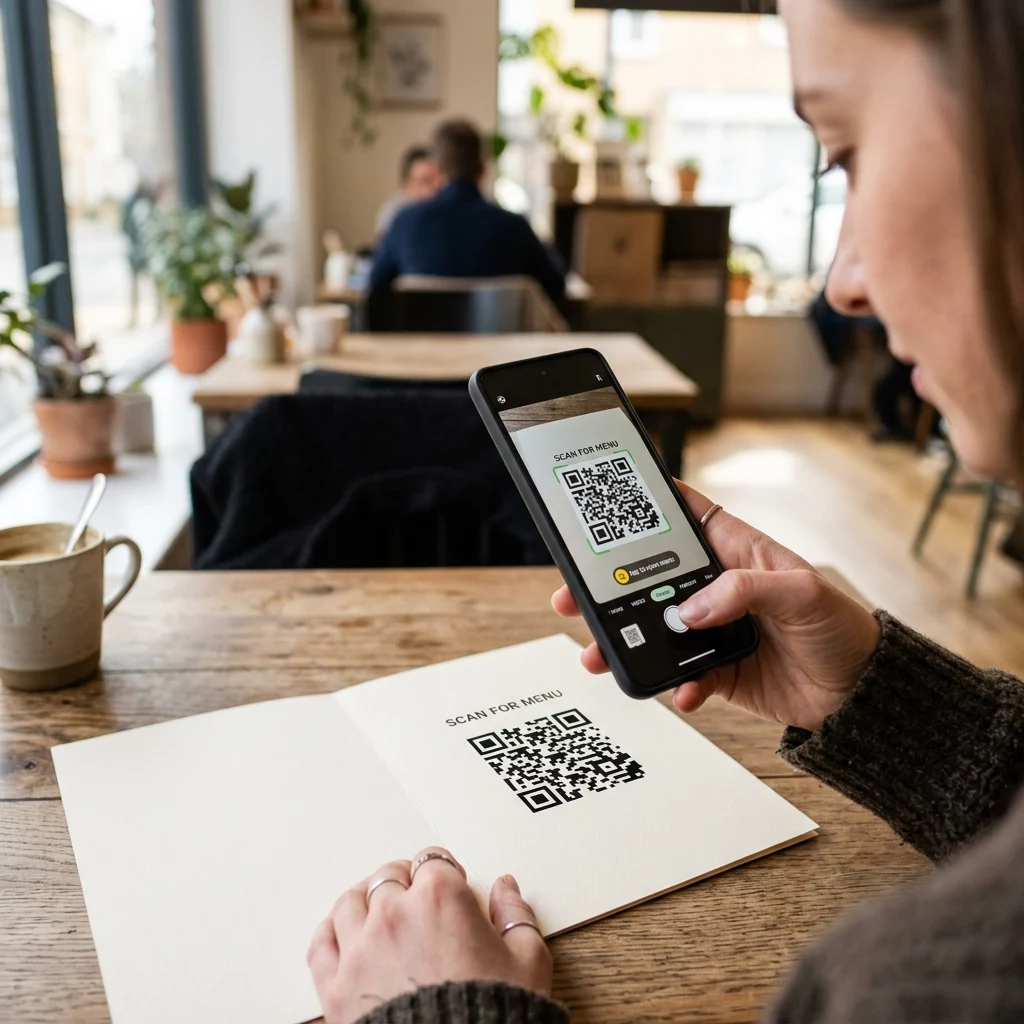
Adding a call-to-action frame – text like “Scan for the menu” or “Get your discount” – bridges the gap between curiosity and action by telling people exactly what they will get. Frames consistently improve scan rates because they eliminate ambiguity.
Explore options for QR codes with logos and learn how Cadres de code QR can be used to increase engagement across different contexts.
Place Codes Where Scanning Is Practical
Visibility and context are as important as design. A QR code placed where people have no time, no connectivity, or no clear reason to scan will underperform regardless of how well it is designed.
Effective placement follows a few consistent principles:
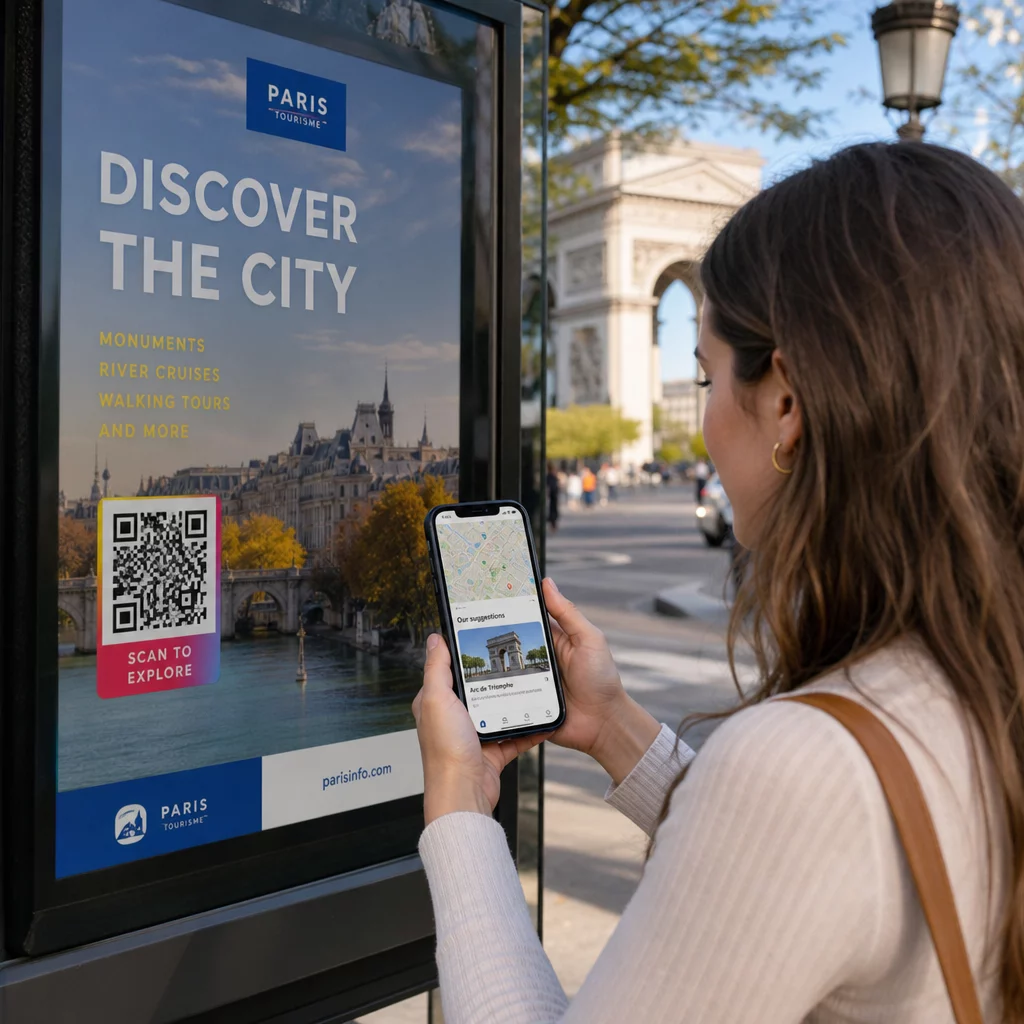
- Position codes at eye level – typically between 3.5 and 5.5 feet from the ground for posters and signage
- Avoid cluttered areas where the code competes with surrounding visuals for attention
- Consider whether your audience will have an internet connection at that location (a subway with poor signal is a poor environment for a code that loads a web page)
- Place codes where people have a moment to pause – table tents, product packaging, waiting areas, and event registration desks all work well
- Test different placements for the same code content to find what generates the most scans
For print-specific placements, the guide to QR code placement in marketing covers best practices by material type, from business cards and flyers to banners and digital screens. The guide on using QR codes in print media addresses sizing and placement in physical advertising contexts specifically.
Send Scanners to a Mobile-Optimized Destination
QR codes are scanned almost exclusively on smartphones. Sending someone to a page that is not optimized for mobile immediately undermines the experience and increases bounce rates.
A good mobile landing page for a QR campaign:
- Loads quickly, even on a cellular connection with limited bandwidth
- Displays content that is readable without pinching or zooming
- Focuses on a single, clear action rather than a cluttered layout
- Links directly to the relevant content – a specific menu, product, offer, or form – not a generic homepage
If you are using dynamic QR codes, you can update the destination URL without reprinting, which means you can fix a poorly performing landing page or swap in a seasonal promotion without issuing new codes.
Link Your QR Code to Any URL Direct scanners to any web page, landing page, or campaign destination with the Générateur de codes QR de liens.
Track Performance and Optimize
One of the strongest arguments for using QR codes in marketing is the data they generate. Tracking QR code scans gives you insight into when, where, and how often your codes are being used – information that static advertising channels cannot provide.

Dynamic QR codes capture metrics including:
- Total scans and unique scans
- Scan timestamps (day and time patterns)
- Geographic location by city or region
- Device type and operating system
Adding les paramètres UTM to your destination URLs connects QR code scan data to your Google Analytics account, letting you measure post-scan behavior like pages visited, time on site, and conversions. For a practical setup guide, the article on UTM parameters for QR codes walks through naming conventions and GA4 reporting.
You can also run structured A/B tests by creating variations with different CTAs, designs, or placements and comparing scan and conversion rates. The guide on how A/B testing improves QR code conversions explains how to set up and analyze these tests systematically.
See Every Scan in Real Time Access detailed analytics including scan locations, device types, and time-of-day patterns with Pageloot’s QR Code tracking tools.
Test Before You Distribute
Testing is non-negotiable. A code that fails to scan after 10,000 flyers have been printed is a costly mistake that could have been caught in five minutes.
Before any campaign goes live:
- Scan the code on multiple devices (both iOS and Android, including older models)
- Test in the lighting conditions where the code will actually be displayed
- Confirm the destination loads correctly and is fully functional on mobile
- If you are using UTM parameters, verify that they appear correctly in your analytics account
Dynamic QR codes make it easier to fix post-launch problems because you can update the destination without reprinting. However, testing the code’s physical scannability still needs to happen before distribution.
Apply QR Codes Across Your Industry
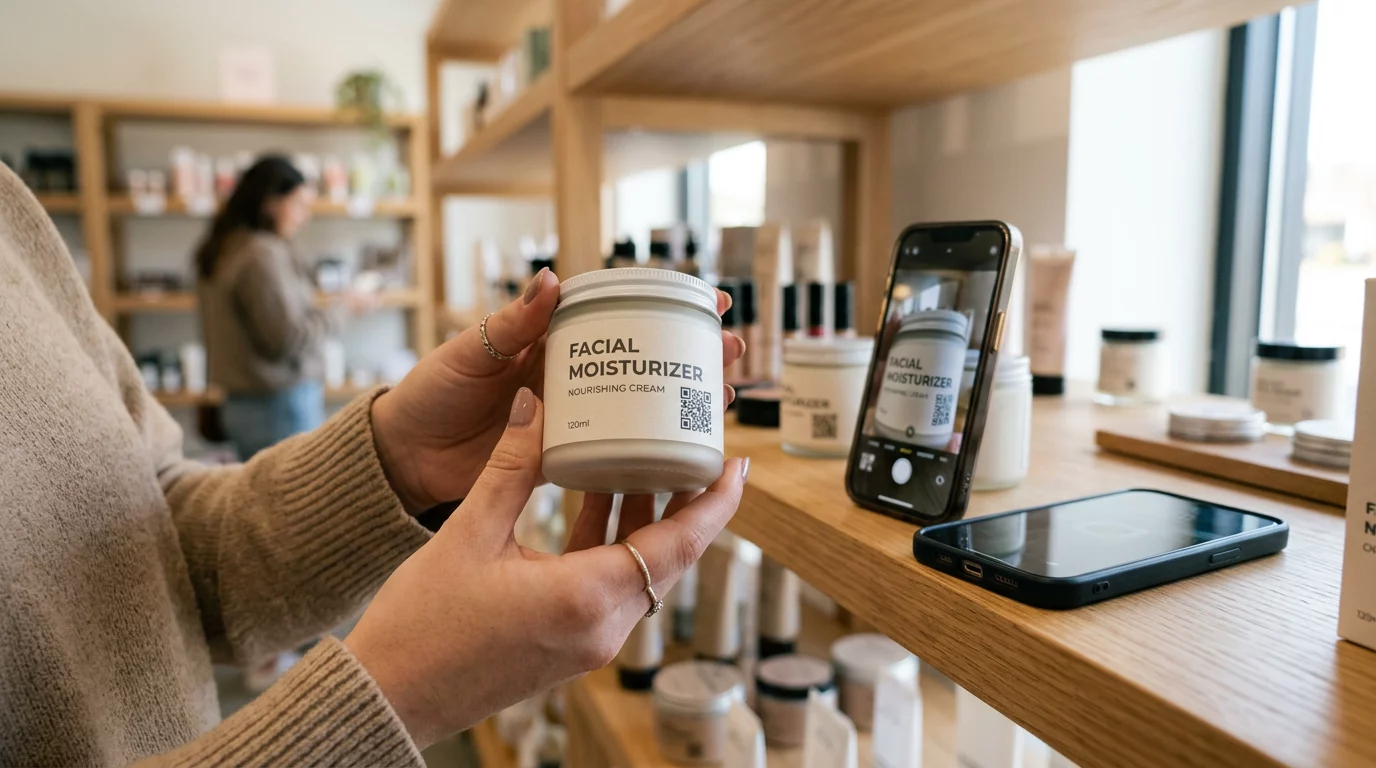
QR codes are in active use across most customer-facing industries. Restaurants use them for contactless menus and ordering. Retailers link packaging to product information, video tutorials, and customer reviews. Real estate professionals connect signage to virtual tours and live listings. Event organizers use them for registration, check-in, and session schedules.
Le Pageloot industry solutions hub covers use cases specific to your sector, and the features library outlines the range of QR code types available – from PDF delivery and vCard sharing to Google review collection and app store redirects.
A few specific tools worth knowing about:
- Générateur de code QR PDF – share menus, catalogs, manuals, and documents without hosting headaches
- Générateur de code QR pour cartes de visite – give contacts instant access to your details at networking events
- Générateur de code QR pour Google Review – reduce friction in the review process and collect more customer feedback
Foire aux questions
A static QR code encodes information directly into the pattern and cannot be changed after creation. It provides no tracking data. A dynamic QR code uses a short redirect URL, which means you can update the destination at any time without reprinting the code, and it captures analytics like scan counts, locations, and device types. For most marketing campaigns, dynamic codes are the better choice because they allow ongoing optimization and measurement.
Use dynamic QR codes paired with UTM parameters to track campaign performance. Dynamic codes capture scan data – including how many times the code was scanned, where, on what devices, and at what times. UTM parameters connect that data to Google Analytics so you can measure what happens after the scan, including conversions and time on page. Comparing these metrics across placements and time periods helps you identify what is working and where to adjust.
Always send scanners to a mobile-optimized page that is directly relevant to the context where the code appears. Avoid sending people to a generic homepage. If the code is on a restaurant table, link to the menu. If it is on a product package, link to a setup guide or review page. The destination should load quickly, display correctly on a phone screen, and focus on one clear action. Deep-linking to the most relevant page reduces friction and improves conversion rates.