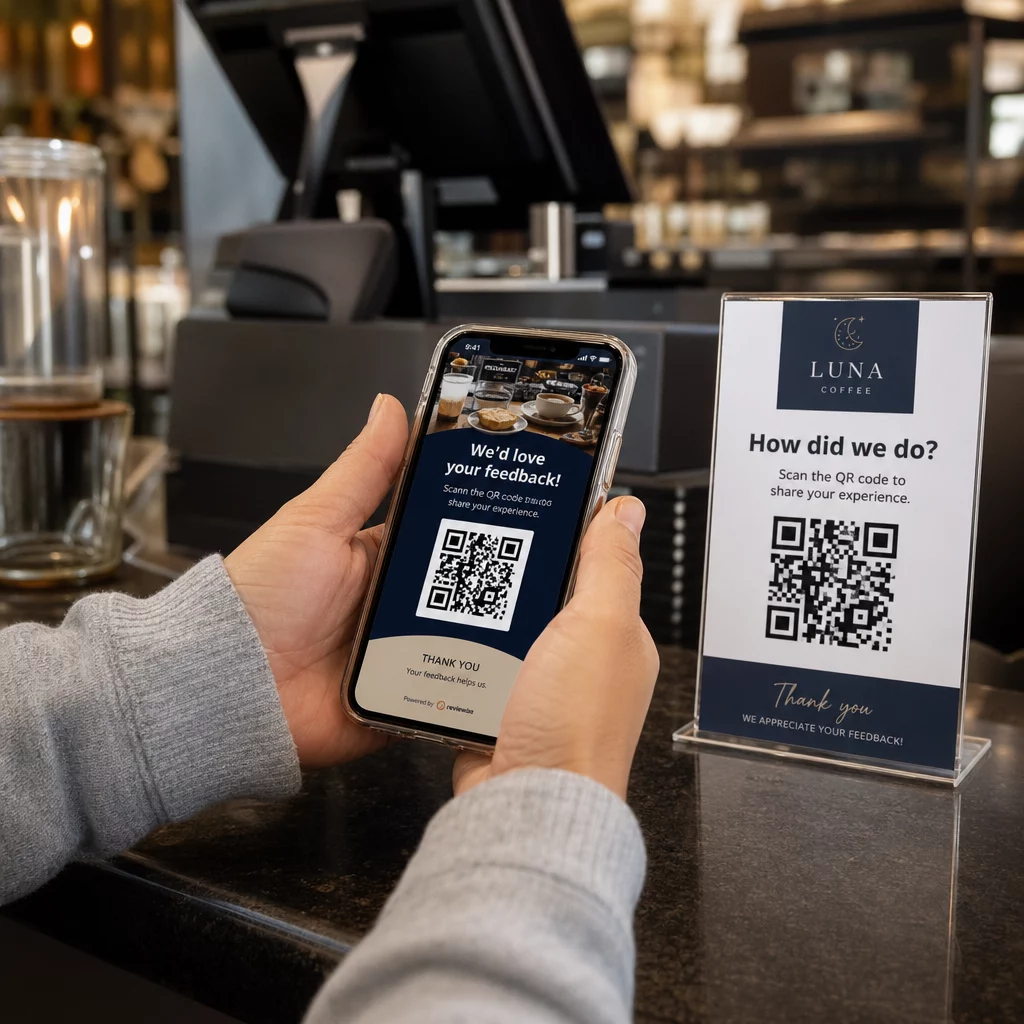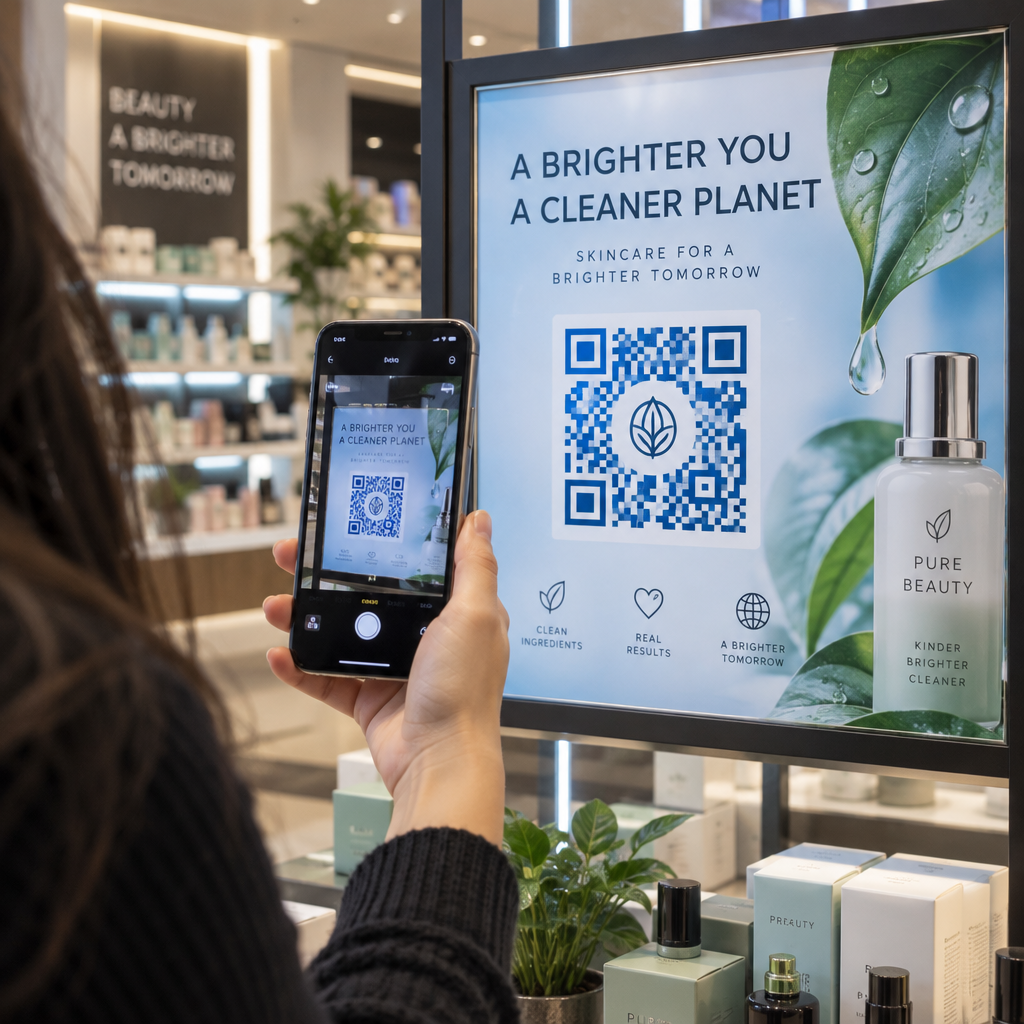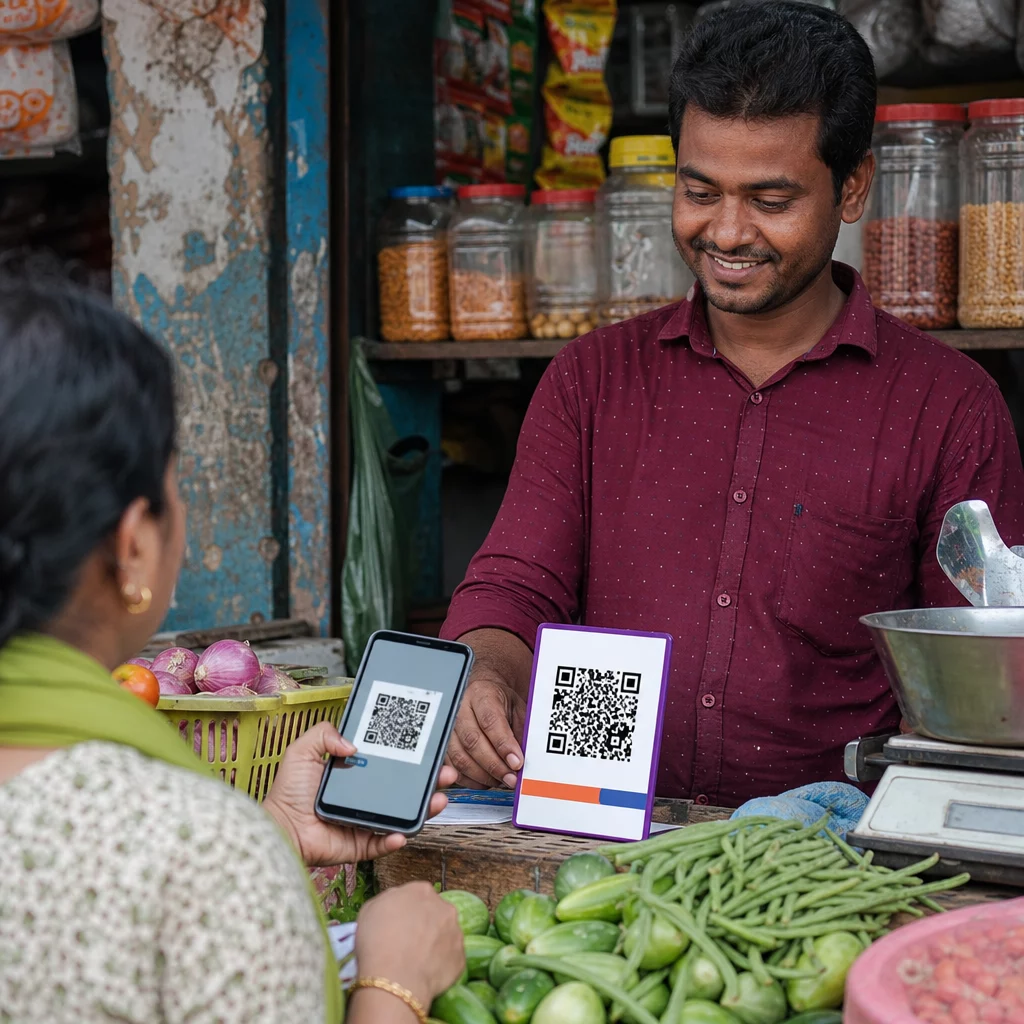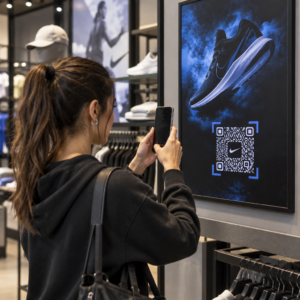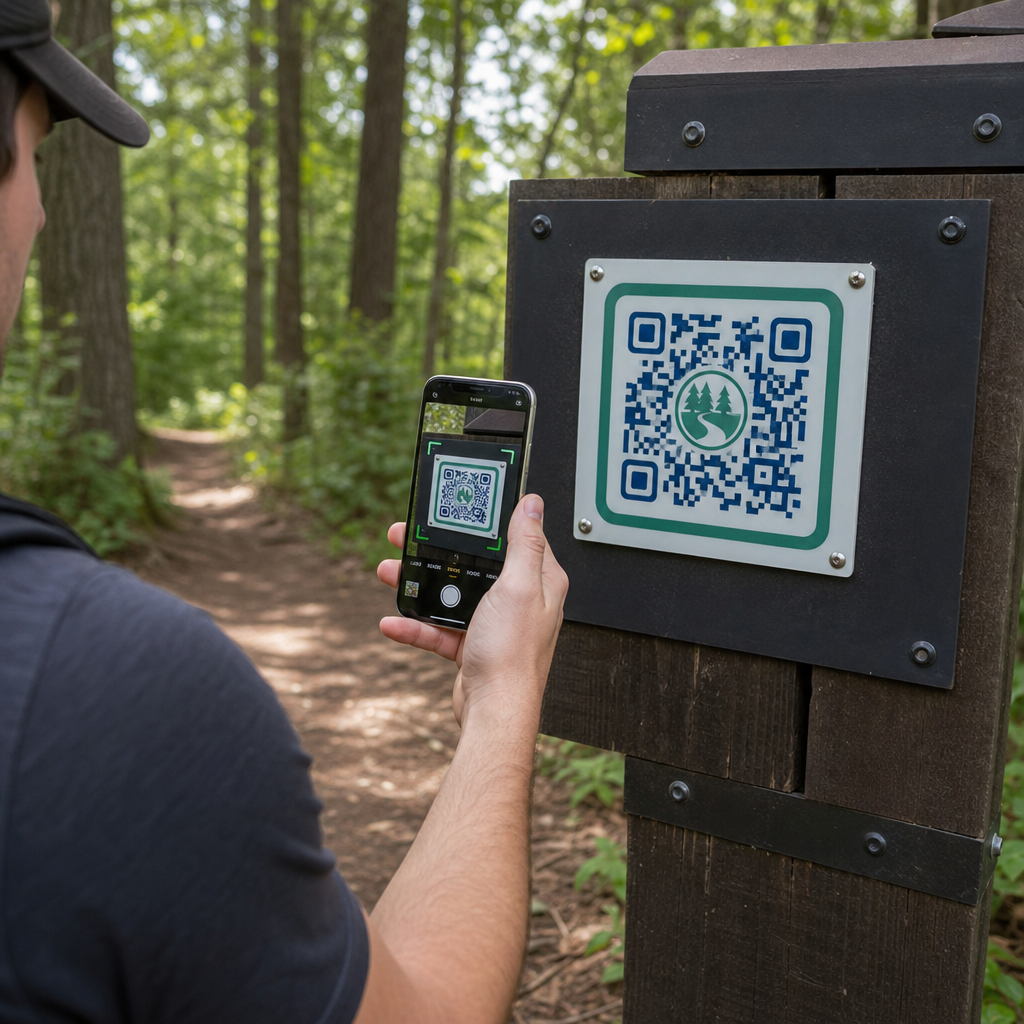
Kuidas saavad pargijuhid edastada uuendatud radakaarte ja ohutusteateid füüsilisi silte pidevalt välja vahetamata? Kulunud paneelid ja puuduvad paberkaardid frustreerivad külastajaid, samal ajal tühjendades teie tegevuseelarvet. Vastupidavate QR-koodide paigutamine rajatähistele võimaldab teil koheselt jagada reaalajas tingimusi, digitaalseid kaarte ja hariduslikku sisu looduses liikujatega.
Kuidas kujundada loetavaid QR-koode välirajatähiste jaoks
QR-koodide kujundamine välitingimustes nõuab erilist tähelepanu vaatekaugustele, valguse variatsioonidele ja keskkonnamõjudele. Kood, mis skaneerub kergesti siseruumides läikival ekraanil, võib päikeselisel rajal ebaõnnestuda, kui kontrasti ja suurust pole optimeeritud.
- Säilitage kõrge värvikontrast, asetades tumedad esiplaanimoodulid heledale taustale. Täielike disainijuhiste saamiseks vaadake meie QR-koodi värvikontrasti parimaid tavasid.
- Skaalake koodi mõõtmeid vastavalt eeldatavatele vaatekaugustele, kasutades 10:1 suhtarvu reeglit. Konsulteerige meie QR-koodi suuruse juhendist et valida oma paigalduse jaoks täpsed mõõtmed.
- Säilitage selge vaikne tsoon (quiet zone) vähemalt nelja mooduli laiune marginaal koodi kõikidel külgedel.
- Määrake veaparandus tasemele Q või H, et kood jääks skaneeritavaks isegi osaliselt kriimustatuna või määrdunud kujul.
- Eksportige kujundusfailid skaleeritavates vektorformaatides nagu SVG või EPS, et vältida printimisel pikseliseerumist. Lisateavet sümboli selguse säilitamise kohta leiate meie juhendist QR-koodi loetavuse parimaid tavasid.
Rajatähiste strateegiline paigutus ja ergonoomika
Paigutus mõjutab otseselt seda, kas külastajad märkavad ja skaneerivad teie koode. Tähiste paigaldamine mugavatele füüsilistele kõrgustele ja loogilistesse peatumispunktidesse tagab kõigile pargikülastajatele ligipääsetava ja turvalise tegevuse.
Paigutage koodid ligipääsetavasse haardeulatusse, tavaliselt 3,5 ja 5,5 jala (1,0 kuni 1,7 meetri) kõrgusele maapinnast. See kõrgus sobib seisvatele täiskasvanutele, lastele ja ratastoolis külastajatele. Hoidke füüsilised postid peamisest liikumisrajast veidi eemal, et vältida takistuste teket, tagades, et tähised on pimedatele külastajatele vastavalt ADA juhistele kepiga tuvastatavad.
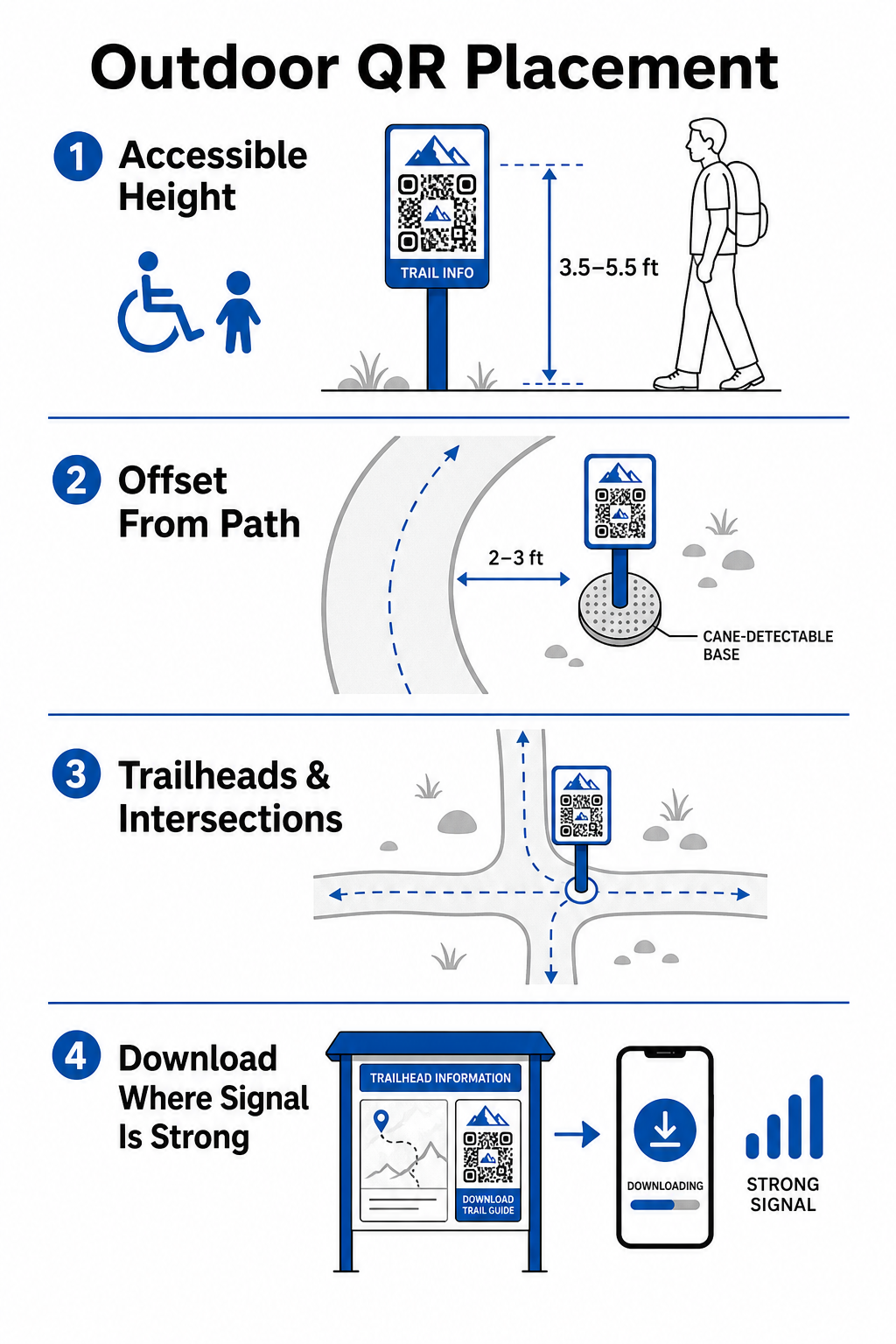
Paigaldage markerid looduslikesse puhkepunktidesse raja ääres, kus matkajad loomulikult peatuvad:
- Paigaldage koodid raja alguspunktidesse, kus külastajad kogunevad ja varustust ette valmistavad.
- Paigaldage markerid olulistesse ristmikutesse ja raja otsustuspunktidesse, kus on vaja navigeerimisabi.
- Asetage sildid pinkide, vaateplatvormide ja määratud puhkealade lähedusse.
- Paigaldage markerid ainulaadsete looduslike omaduste ja hariduslike huvipunktide kõrvale.
Välisühendus varieerub pargi kaugemates piirkondades. Nõrga mobiilside leviala arvestamiseks paigaldage selged “Laadige alla enne minekut” meeldetuletused peamistesse sissepääsupunktidesse või külastuskeskustesse, kus Wi-Fi või mobiilside levi on tugevaim. Hoidke lingitud veebilehed kergetena, optimeerituna kiireks laadimiseks mobiilivõrkudes ja lihtsasti navigeeritavatena.
Uuendage raja sisu ilma silte uuesti trükkimata Soovite käigupealt uuendada rajakaarte, ohutusteateid või haridussisu? Kasutage Dünaamilise QR koodi generaator oma rajatähiste ajakohasena hoidmiseks ilma füüsilisi poste asendamata.
Matkajate kaasamise suurendamine digitaalse QR-sisu abil
QR-kood rajatähisel peaks koheselt pakkuma külastajale praktilist väärtust. Lisades koodi kõrvale selged üleskutseid tegevusele – näiteks “Skanni digitaalkaardi saamiseks” või “Skanni audiogiidi saamiseks” – selgitatakse, mida külastajad skaneerimisega saavad.
| Kasutusjuhtum | Soovitatav lingitud sisu | Peamine külastajakasu |
|---|---|---|
| Raja alguspunkti navigeerimine | Interaktiivsed digitaalkaardid ja GPS-punktid | Asendab tühjaks saanud paberkaardid ja pakub reaalajas asukoha jälgimist läbi Google Maps QR-koodi loomine. |
| Ohutus & tingimused | Reaalajas rajateated, ilmateated, hädaabikontaktid | Edastab reaalajas teavet ajutiste sulgemiste, metsloomade vaatluste või järsu maastiku kohta. |
| Hariduslikud tõlgendused | Taimetuvastamise juhendid, ajalooline taust, lühivideod | Rikastab iseseisvaid tuure, kasutades lingi QR-koodi generaator mis suunab mobiilile optimeeritud veebilehtedele. |
| Võrguväline dokumentatsioon | Allalaaditavad PDF-rajajuhised, taimestiku ja loomastiku kontroll-lehed | Annab matkajatele juurdepääsu täispikkadele ressurssidele, mis on salvestatud otse nende telefoni, kasutades PDF QR-koodi generaator. |
| Külastajate tagasiside | Lihtsad probleemidest teatamise vormid mahakukkunud puude või kahjustatud rajatiste kohta | Aitab hooldemeeskondadel koguda täpset väliteavet otse raja kasutajatelt. |
Piiratud mobiilileviga piirkondades tegutsevate pargisüsteemide puhul tuleks pakkuda digitaalseid kaarte ja rajajuhendeid allalaaditavate failidena, mida külastajad saavad rajapeas kohalikku seadme salvestusruumi salvestada.
Ilmastikukindlate materjalide ja trükitehnikate valimine
Välisviidad seisavad pidevalt silmitsi ultraviolettkiirguse, niiskuse, ekstreemsete temperatuuride ja füüsilise kulumisega. Sobivate aluspindade ja kaitsekatete valimine hoiab ära varajase tuhmumise ja skaneerimise ebaõnnestumised.
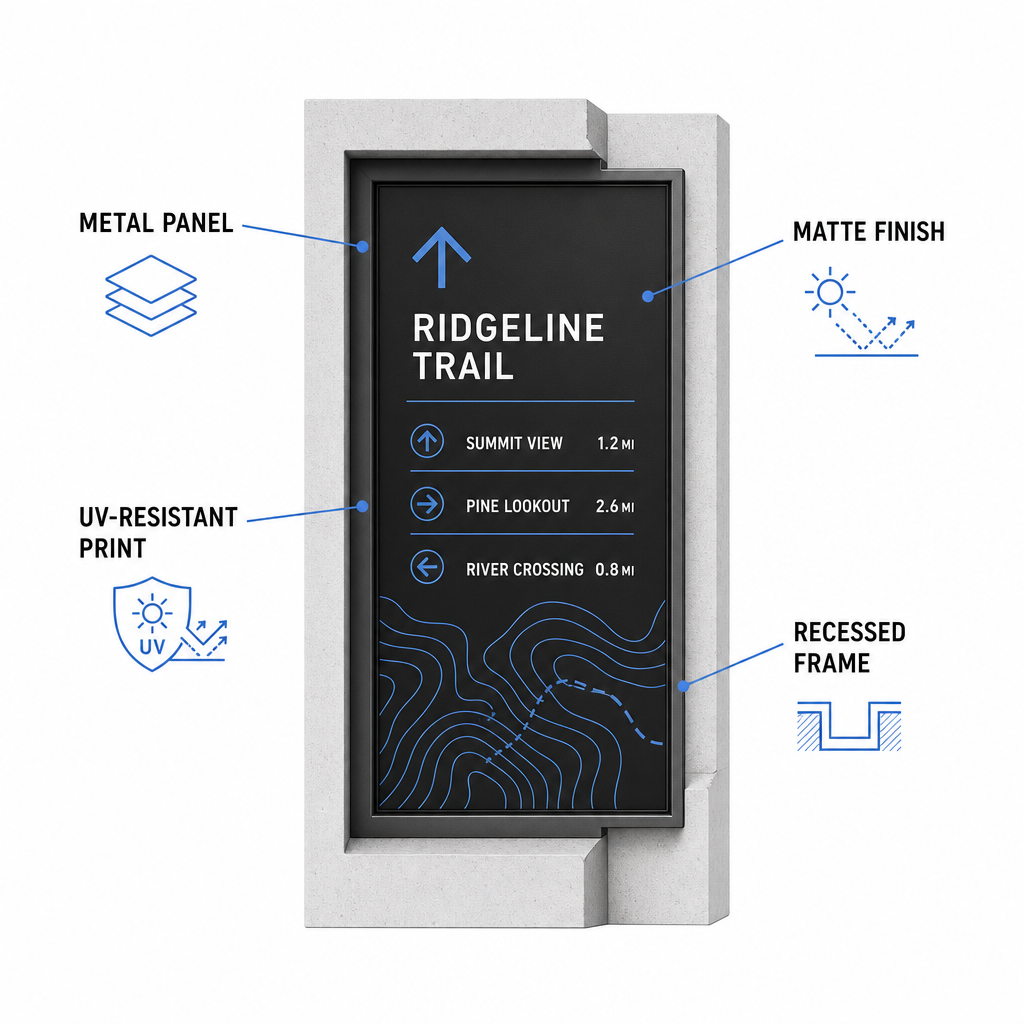
- Valige vastupidavad aluspinnad, nagu alumiiniumkomposiitpaneelid, suure tihedusega polüetüleen või graveeritud metallplaadid.
- Kandke peale mattlamineerimine või pimestamisvastased viimistlused, et kõrvaldada tugevad päikesevalguse peegeldused.
- Kasutage UV-kiirgust pidurdavaid tinte trükitud graafika kaitsmiseks kiire tuhmumise eest. Lugege meie juhendit teemal 15. kuidas printimistehnikad mõjutavad QR-koodi skannitavust õige tootmismeetodi valimiseks.
- Paigaldage kaitsev raamistik, süvistatud puitpostid või üleulatuvad katted, et kaitsta viitade pindu vihma ja puumahla eest.
Enne täieliku tootmispartii valmimist tehke alati väliteste tegelike materjalinäidistega. Asetage prototüübid kohapeale, et kontrollida skaneeritavust otsese päikesevalguse, tugeva varju ja pilves ilmaga mitme seadmemudeli puhul.
Füüsiliste tähiste hooldamine ja külastajate kaasatuse jälgimine
Pideva hooldusgraafiku koostamine tagab, et füüsilised viidad püsivad puhtad, loetavad ja aastaringselt töökorras.
Teostage füüsilisi märgistuste kontrolle vähemalt kaks korda aastas, ideaalis pärast karme talveolusid ja enne suvise külastuste tippaega. Kontrollige märgistusi füüsilise vandalismi, hallituse, puumahla või tuhmunud graafika suhtes. Puhastage märgistuste pindu lahjendatud maheda pesuvahendi, sooja vee ja pehme mikrokiudlapiga. Vältige abrasiivseid svamme, paberrätikuid või tugevaid keemilisi lahusteid nagu valgendi ja ammoniaak, mis võivad kriimustada matti lamineeringut või tuhmistada kaitsekatteid. Loputage seebijäägid põhjalikult maha, et vältida triipe, mis põhjustavad skaneerimisvigu.
Dünaamiliste QR-koodide kasutamine võimaldab teil hinnata külastajate kaasatust sisseehitatud analüütikatarkvara kaudu. jälgite QR-koodi toimivust, saavad pargijuhid mõõta parameetreid nagu skannimiste koguarv, populaarsed külastusajad, seadmetüübid ja tipptunnid üle kogu pargi. Kui konkreetne matkaraja osa suletakse hooajaliseks hoolduseks, võimaldavad dünaamilised koodid suunata külastajad koheselt alternatiivsetele marsruudikaartidele teie haldusliideselt – kõrvaldades füüsiliste rajaviitade uuesti printimise aja ja kulud.
Võttes kontrolli oma väljas asuvate matkaradade viitade üle
Pargi füüsilise infrastruktuuri moderniseerimine digitaalsete juurdepääsupunktidega muudab radade hoolduse hallatavaks ja hoiab külastajaid kursis. Valides vastupidavad materjalid, tagades kõrge visuaalse kontrasti ja linkides mobiilile optimeeritud sihtlehtedele, loote sujuva võrguvälise ja võrguühendusega kogemuse igal rajal.
Alustage jälgitavate, muudetavate siltide loomist oma pargisüsteemi jaoks, kasutades Pageloot QR-koodi generaator täna.
Korduma kippuvad küsimused
Minimaalne soovitatav füüsiline suurus lähiskaneerimiseks (20–30 cm kauguselt) on 2 × 2 cm (0,8 × 0,8 tolli). Kaugemalt vaadatavate siltide puhul järgige 10:1 vaatamisreeglit, muutes koodi laiuse vähemalt kümnendikuks eeldatavast skaneerimiskaugusest.
Asetage „Laadige enne minekut alla“ QR-koodid radade algusesse või parkimisaladesse, kus Wi-Fi või mobiilside signaalid on tugevaimad. Linkige need koodid kergetele veebilehtedele või allalaaditavatele PDF-idele, mida külastajad saavad kohalikku salvestusruumi salvestada, et neid hiljem rajal võrguühenduseta vaadata.
Puhastage silte sooja vee ja maheda seebi seguga, kandes lahust õrnalt peale pehme mikrokiudlapiga või mitteabrasiivse käsnaga. Vältige paberkäterätte, tugevaid kemikaale nagu pleegitusaine või ammoniaak, ja abrasiivseid küürimisvahendeid, mis kriimustavad kaitsvaid matte laminaate.