Are you struggling to measure the return on investment of your flyers, posters, and print campaigns? Investing in physical collateral without knowing whether audiences engage or simply discard your materials drains marketing budgets. This guide explains how to turn static print assets into trackable digital gateways that capture measurable customer actions.
Transforming Static Print into Interactive Touchpoints
Print marketing has historically suffered from a tracking deficit. While online channels provide granular impressions, clicks, and conversion paths, traditional print media often leaves marketers guessing about actual customer engagement. Integrating QR codes bridges this physical-to-digital divide by turning passive readers into active online visitors.
Deploying interactive codes across physical collateral allows you to guide audiences directly to customized digital experiences at the exact moment their interest is sparked. Marketers regularly implement these touchpoints across various formats:
- Promoting events and community updates through interactive Flaierid that direct readers to mobile ticket sales.
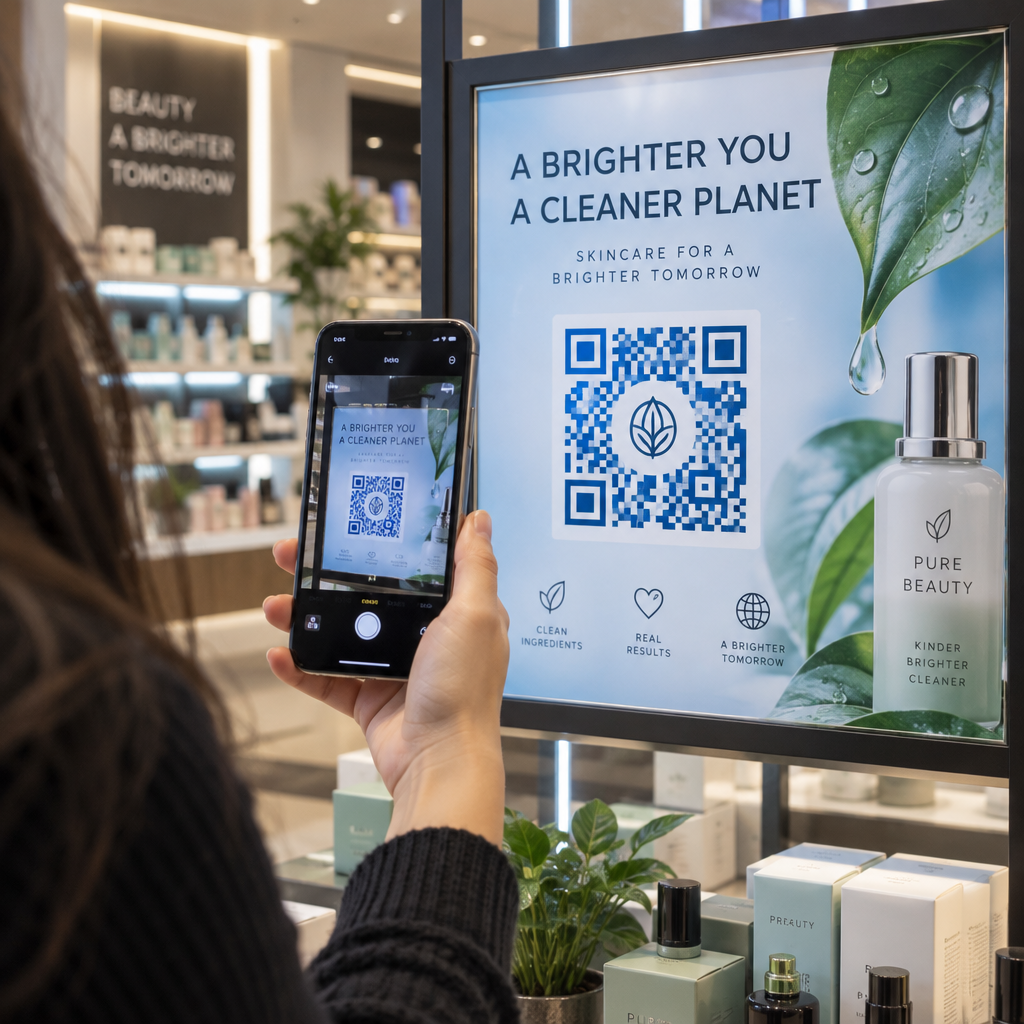
- Driving foot traffic and special offers via high-visibility plakatid placed in high-density transit hubs.
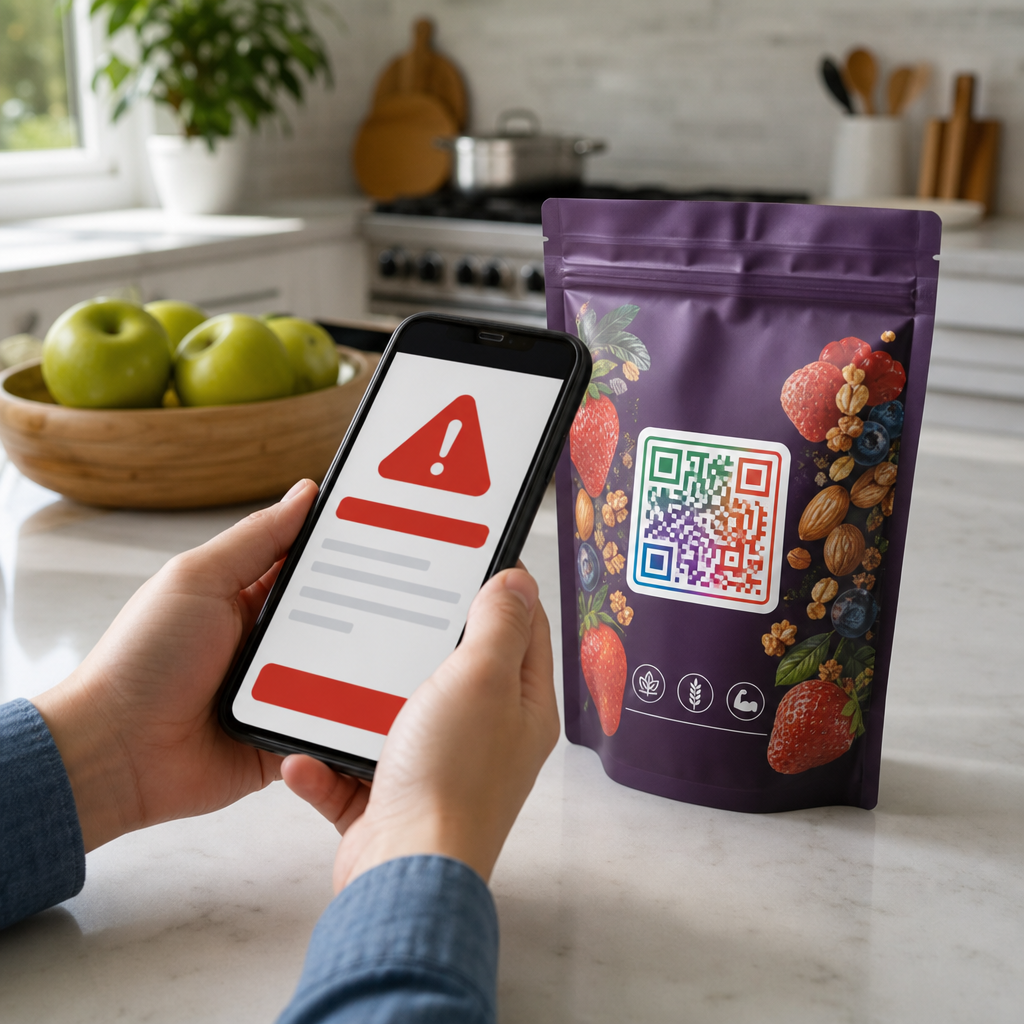
- Delivering onboarding guides and warranty details on Tootepakend to assist customers post-purchase.
- Expanding traditional print advertising reach by applying strategic rules for print media QR codes in magazines, mailers, and catalogs.
By turning physical materials into direct entry points for web journeys, your brand captures intent immediately and simplifies the customer journey.
Selecting Targeted Digital Destinations
A successful offline-to-online campaign depends entirely on the relevance and performance of the destination page. Scanning a physical code creates high intent, but sending users to desktop-oriented websites or broken pages leads to immediate drop-offs. Always route users to mobile-optimized environments tailored to the context of the physical asset.
- Multi-Action Portals: Direct users to mobile-friendly maandumislehtedele that aggregate product links, event details, and social channels behind a single code.
- Instructional Video: Use a specialized YouTube QR-koodi generaator to link packaging inserts directly to assembly tutorials, product demonstrations, or brand stories.
- Customer Feedback: Deploy a Google vorm: QR-koodi generaator on receipts or retail counters to collect real-time survey responses while the experience remains top-of-mind.
- Custom Web Content: Create targeted campaign URLs using a dedicated lingi QR-koodi generaator to direct scanners to exclusive discount pages or gated downloads.
Create Custom Digital Portals Ready to connect your physical prints to interactive web content? Use the Lingi QR-koodi generaator to build mobile-friendly pathways for your audience.
Why Dynamic QR Codes Outperform Static Formats
When preparing assets for print, you must choose between two distinct barcode architectures. Understanding the functional differences between staatiliste ja dünaamiliste QR-koodide vahel prevents costly operational mistakes.
A static QR code encodes the destination URL directly into its matrix pattern. Once printed, that destination cannot be edited. If you print thousands of postcards with a broken link, a changed campaign URL, or a typographical error, the entire batch becomes obsolete.
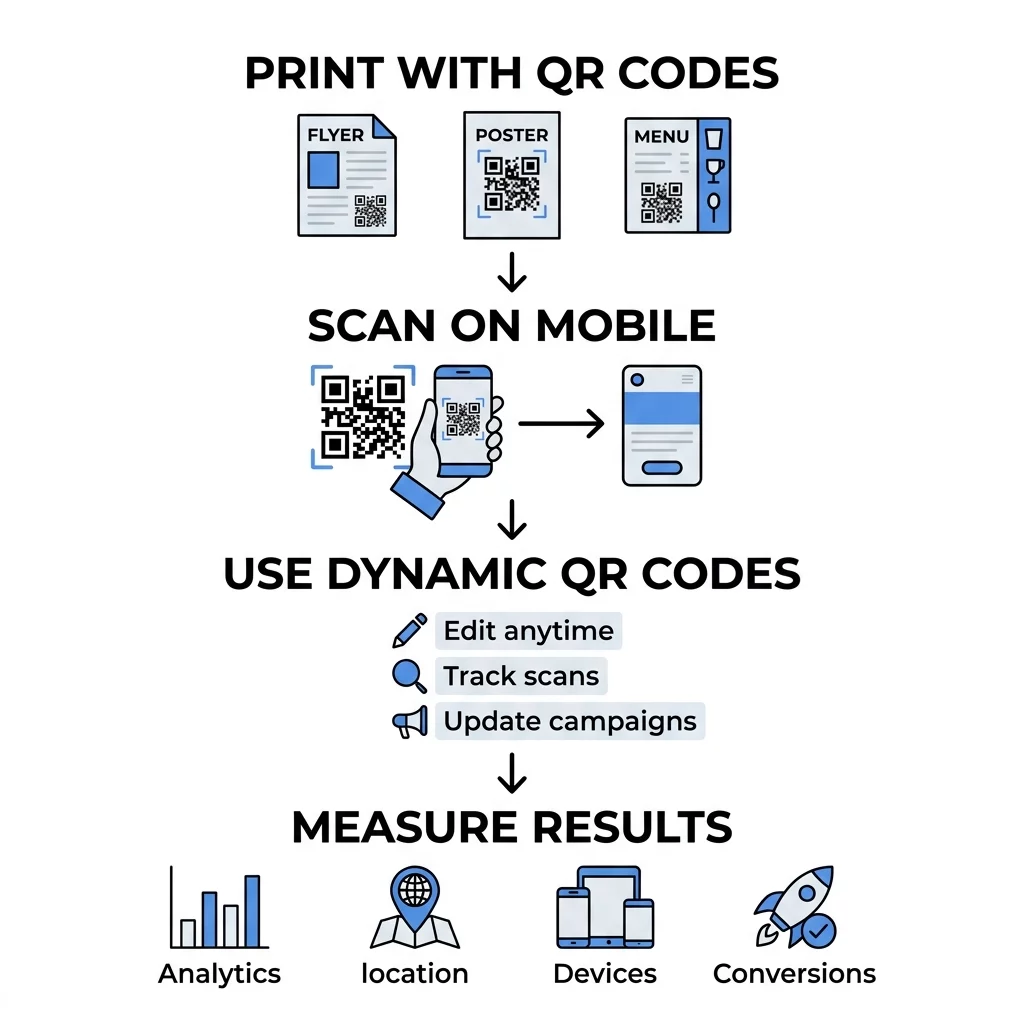
Dynamic QR codes resolve this vulnerability by encoding a short redirect link that forwards scanners to your final destination. Because the printed code merely points to the redirect server, you can modify the underlying URL at any time through your dashboard without altering the printed asset. For example, Marriott Aruba saved over $150,000 in recurring printing costs by deploying dynamic codes for regularly changing digital restaurant menus. Dynamic codes also maintain smaller, less dense data patterns that scan faster and provide the backend infrastructure needed for real-time tracking.
Tehnilised standardid trükise skaneeritavuse jaoks
A printed code that fails to scan damages campaign credibility and wastes your advertising investment. Ensure reliable readability across diverse smartphone hardware and lighting environments by observing these production standards:
- Apply the 10:1 Sizing Ratio: Calculate code dimensions based on scanning distance. A code intended to be scanned from 10 inches away must measure at least 1 inch wide. Handheld collateral like business cards or mailers requires an absolute minimum size of 0.8 x 0.8 inches (2 x 2 cm).
- Maximize Color Contrast: Position dark foreground modules against a clean, light background. Scanners detect information by measuring light reflection differences; light codes on dark backgrounds or low-contrast palettes often fail to register.
- Protect the Quiet Zone: Maintain an unobstructed border around the entire code measuring at least four modules in width. Leaving this area clear of artwork, copy, and folds prevents the scanner from confusing surrounding graphics with code data.
- Export in Vector Formats: Download your files as SVG or EPS formats rather than raster images like PNG or JPEG. Vectors maintain crisp geometric edges at any print scale and eliminate pixelation.
- Ensure Strategic Positioning: Mount public signage between 3.5 and 5.5 feet from the floor so users can scan comfortably at eye level. Review detailed guidelines on QR-koodide paigutus turunduses before releasing files to press.
Measuring Campaign ROI with QR Analytics
Pairing dynamic QR codes with digital analytics platforms eliminates the guesswork from physical media performance. Instead of estimating response rates, you can analyze customer interactions with the same precision applied to digital search or display advertising.
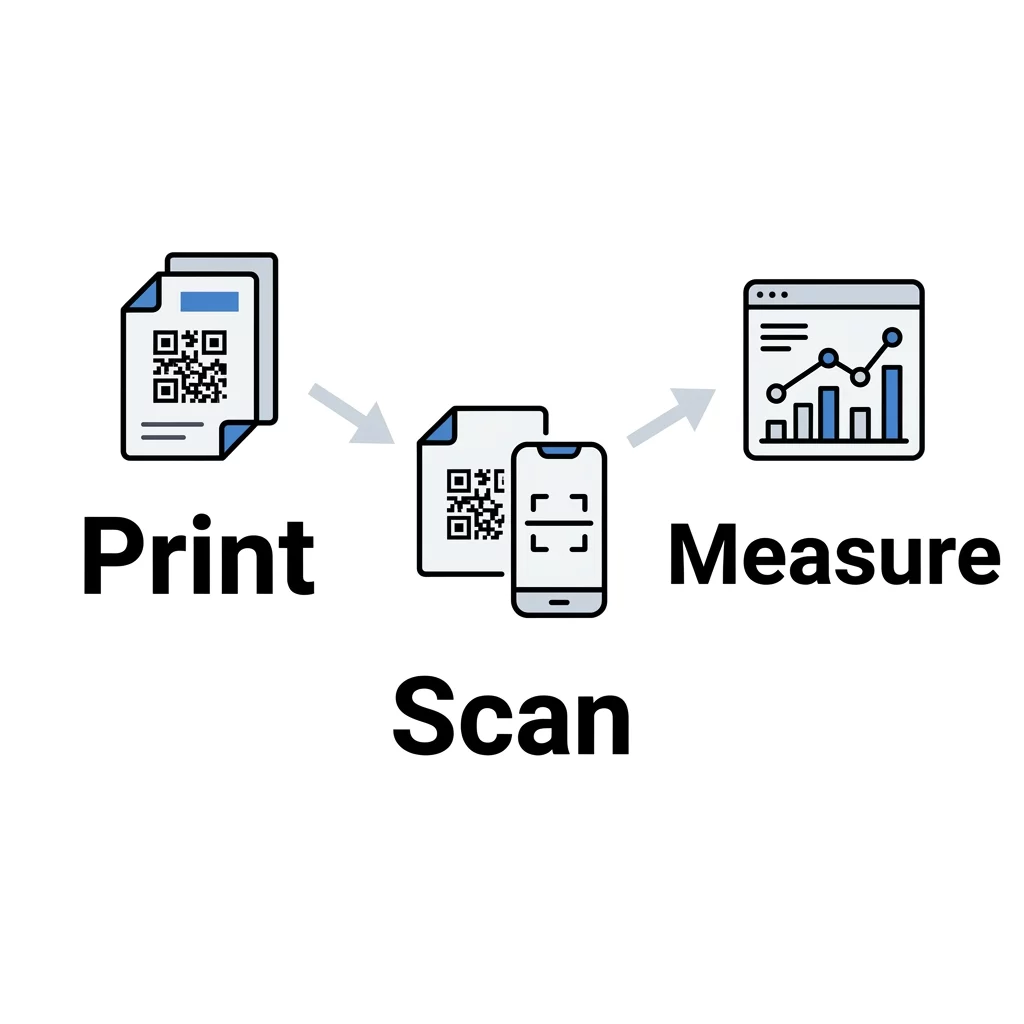
Modern management platforms allow you to monitor critical performance signals via real-time dashboards:
- Total versus Unique Scans: Distinguish between aggregate brand engagement and the actual number of individual consumers interacting with your print collateral.
- Geographic Location Data: Identify which neighborhoods, retail branches, or transit corridors generate the highest scan volume.
- Device and Operating System Metrics: Evaluate whether your audience primarily scans on iOS or Android devices to optimize downstream digital experiences.
- Time and Date Patterns: Pinpoint peak engagement windows during the week to coordinate your staffing and promotions.
To attribute conversions accurately, explore practical techniques for QR-koodide jälgimine using UTM parameters. Adding source, medium, and campaign tags to destination links allows Google Analytics to credit downstream web purchases and registrations directly to specific print placements. Evaluating these metrics establishes a systematic framework for tracking offline marketing ROI across your business.
Korduma kippuvad küsimused
Yes, but only when using dynamic QR codes. Dynamic codes rely on a short redirect link, allowing you to change the destination URL anytime via your management dashboard without altering the printed physical asset.
Handheld marketing materials such as flyers and business cards require a minimum size of 0.8 x 0.8 inches (2 x 2 cm). For materials scanned from a distance, follow the 10:1 ratio, ensuring the code width is at least one-tenth of the viewing distance.
Assign a unique dynamic QR code to each placement, publication, or distribution area. By attaching distinct UTM parameters to each code, your analytics platform can report exactly which physical asset generated each web visit or conversion.
Launching Measurable Print Campaigns
Connecting print marketing to digital destinations transforms static offline media into an accountable, high-converting customer acquisition channel. Adhering to strict contrast ratios, quiet zone boundaries, and scalable dynamic redirect structures ensures that every poster, flyer, and package functions as a reliable digital gateway. Build your first trackable campaign and monitor engagement metrics in real time using the QR-koodi generaator.