Vajate kiiret ja skaneeritavat viisi füüsiliste materjalide ühendamiseks digitaalse sisuga? QR-koodi kleebised muudavad iga pinna interaktiivseks puutepunktiks – ja nende õigeks saamine tähendab materjalide, disainivalikute ja kooditüüpide mõistmist, mis määravad, kas kliendid neid tegelikult skaneerivad.
Mis on QR-koodi kleebised?
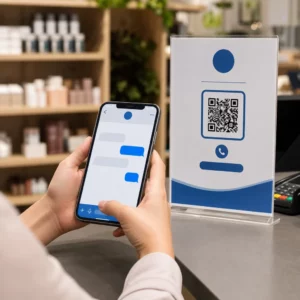
QR-koodi kleebised on kleepuvad sildid, millele on trükitud skaneeritav QR-kood. Kui klient suunab nutitelefoni kaamera sellele, suunab kood nad koheselt veebisaidile, digitaalsele menüüle, kontaktilehele, sooduspakkumisele või mis tahes muule sisule, mille olete linkinud. Ettevõtted kasutavad neid toote pakenditel, vaateakendel, sõidukitel, restorani laudadel, ürituste siltidel ja saatematerjalidel – kõikjal, kus füüsiline pind saab alustada digitaalset interaktsiooni.
Peamine eristus, mis on oluline enne ühegi kleebise trükkimist: kas teie kood on staatiline või dünaamiline.
- A staatiline QR-kood kodeerib oma sihtkoha püsivalt. Pärast trükkimist ei saa seda muuta ja see ei jälgi skaneeringuid.
- A dünaamiline QR-kood viitab lühikesele ümbersuunamise URL-ile, mida saate igal ajal värskendada – ilma uuesti trükkimata. See salvestab ka skaneerimisandmed, sealhulgas aja, mahu ja geograafilise asukoha.
Kleebiste puhul, kus trükite suures koguses või korraldate ajaliselt piiratud kampaaniaid, on Dünaamilise QR-koodi generaatoriga praktiline valik. Kampaania muutmine või URL-i värskendamine ei maksa midagi, kui kleebised on juba riiulitel või sõidukitel.
Jälgi iga skaneeringut oma kleebistelt Tahad täpselt teada, millised kleebiste paigutused kaasatust suurendavad? Kasuta Dünaamilise QR-koodi generaatoriga et luua muudetavaid, jälgitavaid koode täieliku analüütika armatuurlauaga – sisu muutumisel pole uuesti trükkimist vaja.
Kuidas luua QR-kood oma kleebistele
Trükivalmis QR-koodi saamine võtab kolm sammu:
- Genereeri oma QR-kood. Kasuta QR-koodi generaator et luua kood, mis lingib teie sihtsisule – URL-ile, PDF-ile, digitaalsele menüüle, vCardile või muule sihtkohale. Kui ootate selle sihtkoha värskendamist või skaneerimise jõudluse jälgimist, looge dünaamiline kood.
- Kohanda disaini. Lisage oma logo, brändivärvid ja kutse tegevusele raam, et muuta kleebis äratuntavaks ja skaneerimist väärt. See QR-koodi generaator logoga võimaldab teil logo otse koodi sisse manustada, mis suurendab brändituvastust ja skaneerimismäärasid võrreldes tavaliste mustvalgete koodidega.
- Laadige alla printimiseks valmis formaadis. Eksportige oma kood SVG, EPS või PDF-ina vektorskaalimiseks või kõrge resolutsiooniga PNG-na kui te seda sildikujundusse liidate. Andke need failid oma kleebiseprinterile või kasutage neid kodus prinditavate kleebislehtedega.
Õige kleebismaterjali valimine
Materjali valik mõjutab otseselt seda, kas teie QR-kood skaneerib usaldusväärselt ettenähtud keskkonnas. Peamised valikud, mida kleebiseprinteritelt leiate, on:
- Läikiv BOPP või PET laminaat – sobib sise- ja välistingimustesse, erksad värvid, kuid võib peegeldada laevalgustuse all ja muuta skaneerimise teatud nurkade alt raskemaks.
- Matt BOPP laminaat – vähendab pimestamist jaemüügi valgustuse ja päikesevalguse all, muutes selle eelistatud valikuks kleebistele, mida skaneeritakse poes või kassas. Paljud brändid ja disainerid eelistavad ka rafineeritud välimust.
- Läbipaistev kleebismaterjal – trükitud valge tindiga värvide taha, et kujundused oleksid nähtavad; sobib hästi pudelisiltidele ja pakenditele, kus soovitakse “sildita” välimust.
- Vinüül laminaadiga – vastupidav ja ilmastikukindel, soovitatav välitingimustes kasutamiseks, sõidukite kleebistele ja igale pinnale, mis on kokku puutunud niiskuse või UV-valgusega. Vinüül-QR-koodi kleebised peavad nendes tingimustes oluliselt kauem vastu kui tavalised paberist sildid.
- Õhuke BOPP etiketimaterjal – piisavalt paindlik, et kohanduda kumerate pindadega, muutes selle praktiliseks valikuks pudelite ja toodete pakendamiseks.
Mattviimistlused skaneerivad üldjuhul kiiremini ja usaldusväärsemalt kui läikivad, kui koode skaneeritakse eredas või otseses valguses. Kui teie kleebised on õues või sõidukitel, eelistage veekindlat vinüüli paberipõhistele materjalidele.
Suuruse ja disaini spetsifikatsioonid, mis mõjutavad skaneeritavust
QR-koodi kleebis, mis ei skaneeri usaldusväärselt, on hullem kui üldse mitte kleebis. Enne failide printimisse saatmist veenduge, et need nõuded on täidetud:
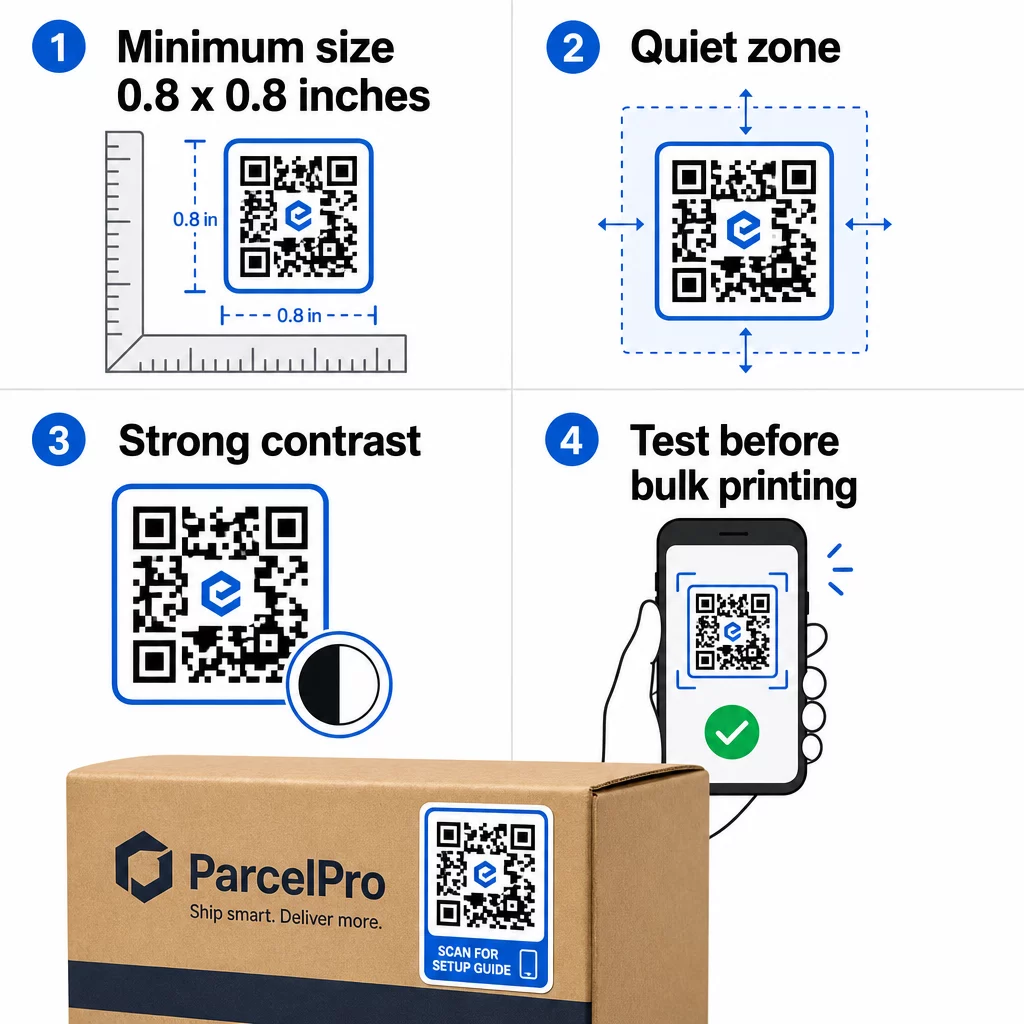
- Minimaalne suurus: 0,8 × 0,8 tolli (2 × 2 cm) lihtsa URL-i jaoks. Suurema andmetihedusega koodid tuleb proportsionaalselt suurendada.
- Vaikne tsoon: Jätke koodi kõigile neljale küljele vähemalt neli moodulit selget, trükkimata ruumi. Tekst, logod või piirded, mis on paigutatud sellele marginaalile, põhjustavad skaneerimisvigu.
- Kontrastisuhe: Säilitage tumedate moodulite ja heleda tausta vahel vähemalt 4:1 kontrastisuhe. Must valgel jääb kõige usaldusväärsemaks kombinatsiooniks. Vältige heleda-tumedal inversioone – paljud skannerid ebaõnnestuvad pööratud värviskeemide puhul.
- Koodimoodulitel pole gradiente: Gradid loovad keskmisi toone, mida skanneritel on raske lugeda. Kasutage ainult ühevärvilisi toone.
- Testige enne suuremahulist printimist: Skaneerige oma koodi mitme seadmega – erinevate telefonide, erinevate kaamerarakendustega – ja testige valgustingimustes, kus kleebist tegelikult kasutatakse. Väliskleebiste puhul testige päikesevalguses. Jaekaupluste riiulikleebiste puhul testige luminofoorvalgustuse all.
Erinevate trükimaterjalide suuruste täieliku jaotuse leiate juhendist QR-koodi suuruse määramine erinevatele trükimaterjalidele. For contrast and color guidance, QR-koodi värvikontrasti parimaid tavasid . Kontrasti ja värvide juhiste saamiseks,.
Kus kasutada QR-koodi kleebiseid
QR-koodi kleebised töötavad paljudes ärivaldkondades. Siin on kõige levinumad ja tõhusamad paigutused:
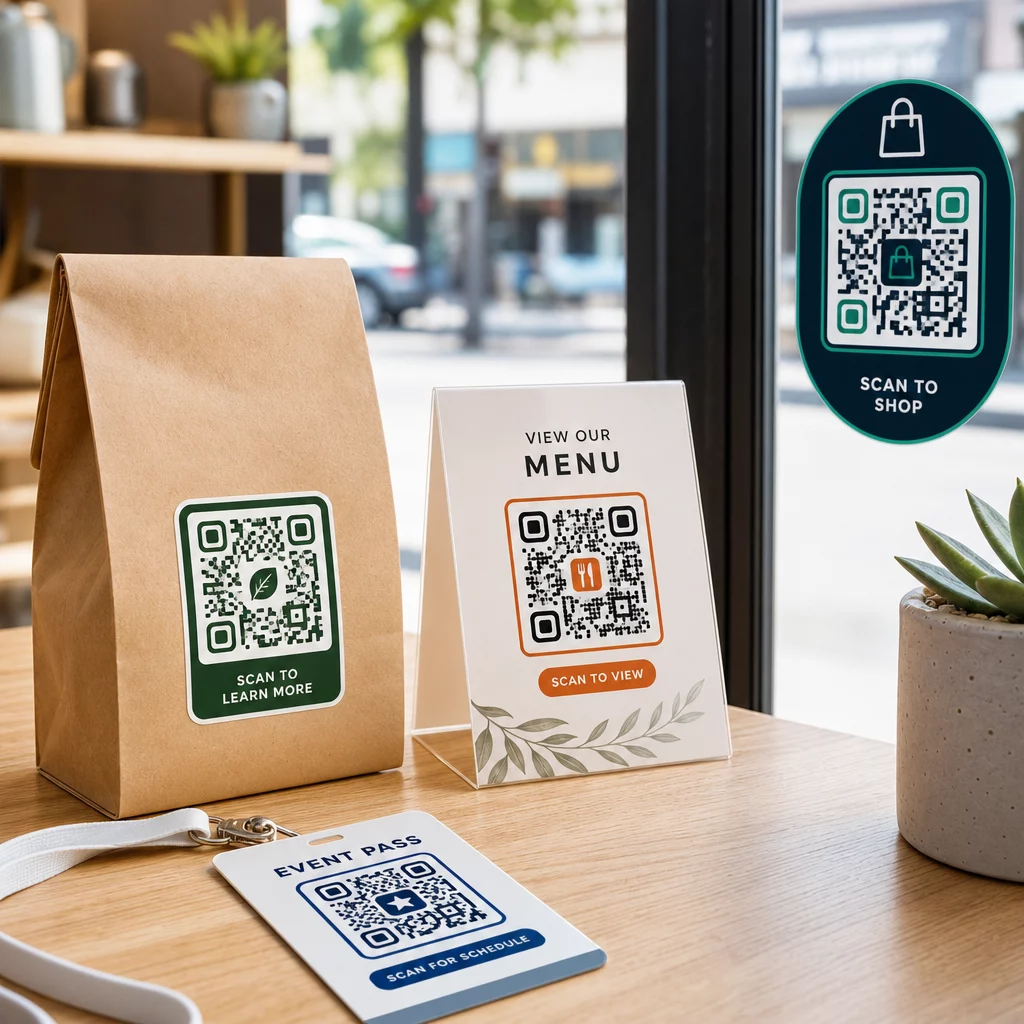
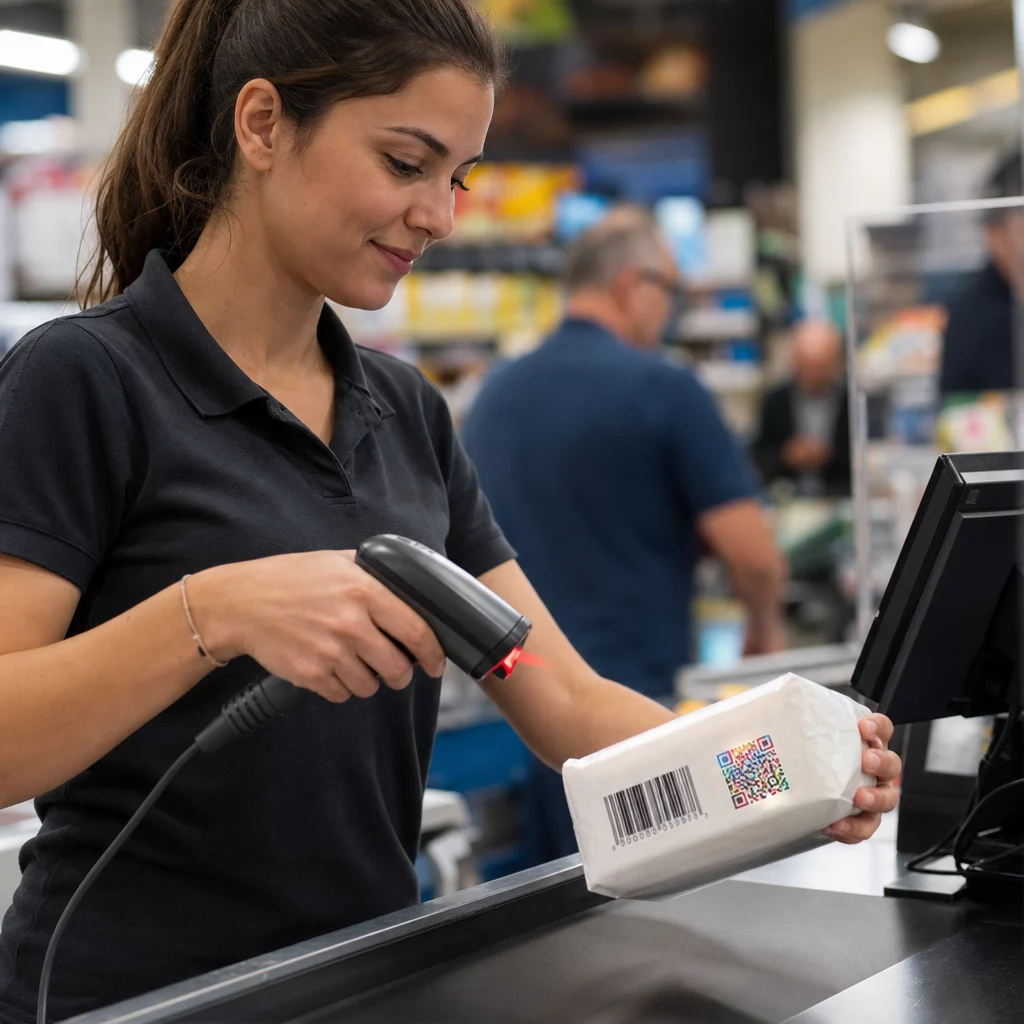
Tootepakendid ja etiketid – Suunake kliendid tootejuhendite, koostisosade detailide, videoõpetuste, sooduskoodide või arvustuste lehtedele. Kleebised töötavad nii esmasel pakendil (toode ise) kui ka sekundaarsel pakendil (karbid, ümbrised). Võimaluste sügavama ülevaate saamiseks vaadake QR-koode toote pakendil ja ülimat juhendit QR-koodide kohta tooteetikettidel.
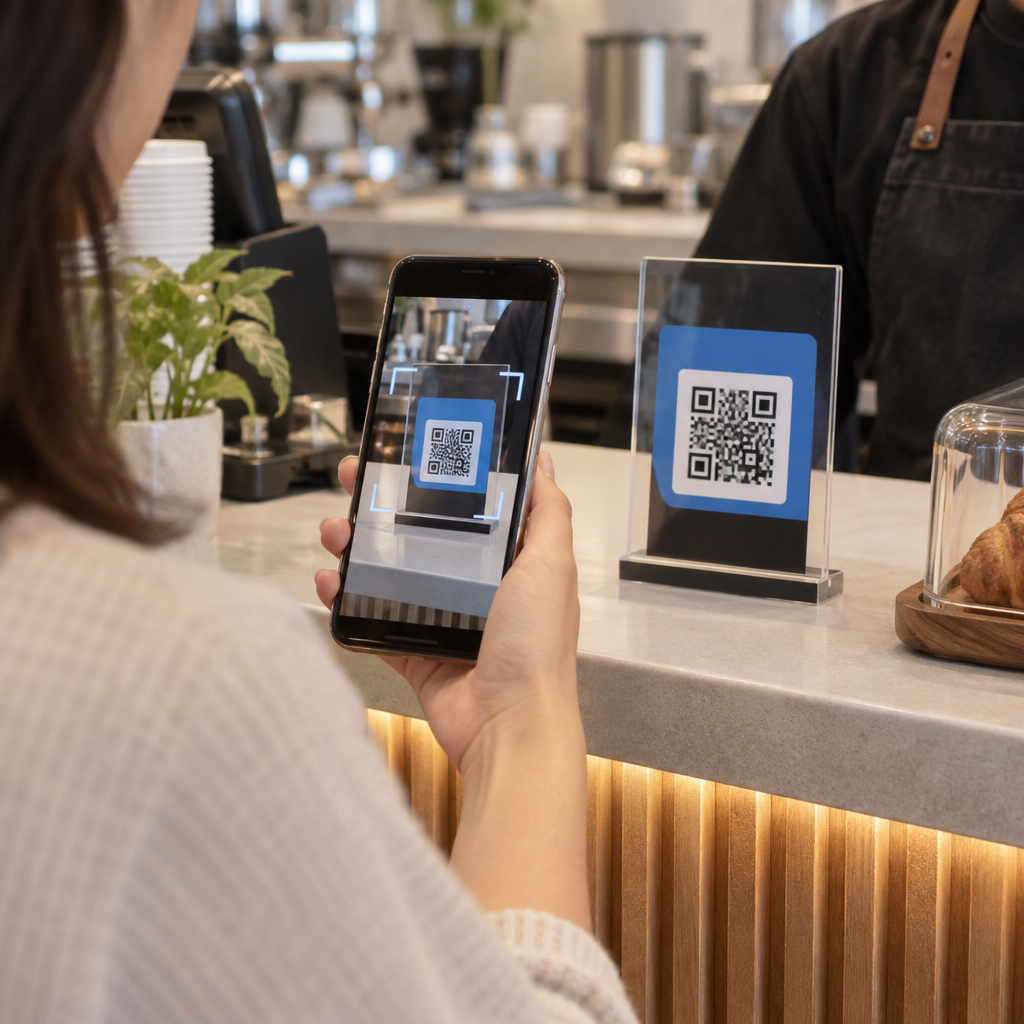
Restorani- ja hotellilauad – QR-koodi kleebis laual või uksel suunab külalised digitaalsele menüüle, Wi-Fi paroolile või arvustusplatvormile. Dünaamilised koodid võimaldavad teil menüüd või pakkumist uuendada, ilma et peaksite iga kleebist asendama.
Poeklaasid ja uksed – QR-koodiga aknakleebised on tõhus viis jagada lahtiolekuaegu, pakkumisi või sotsiaalmeedia linke jalakäijatega, kes mööduvad väljaspool tööaega.
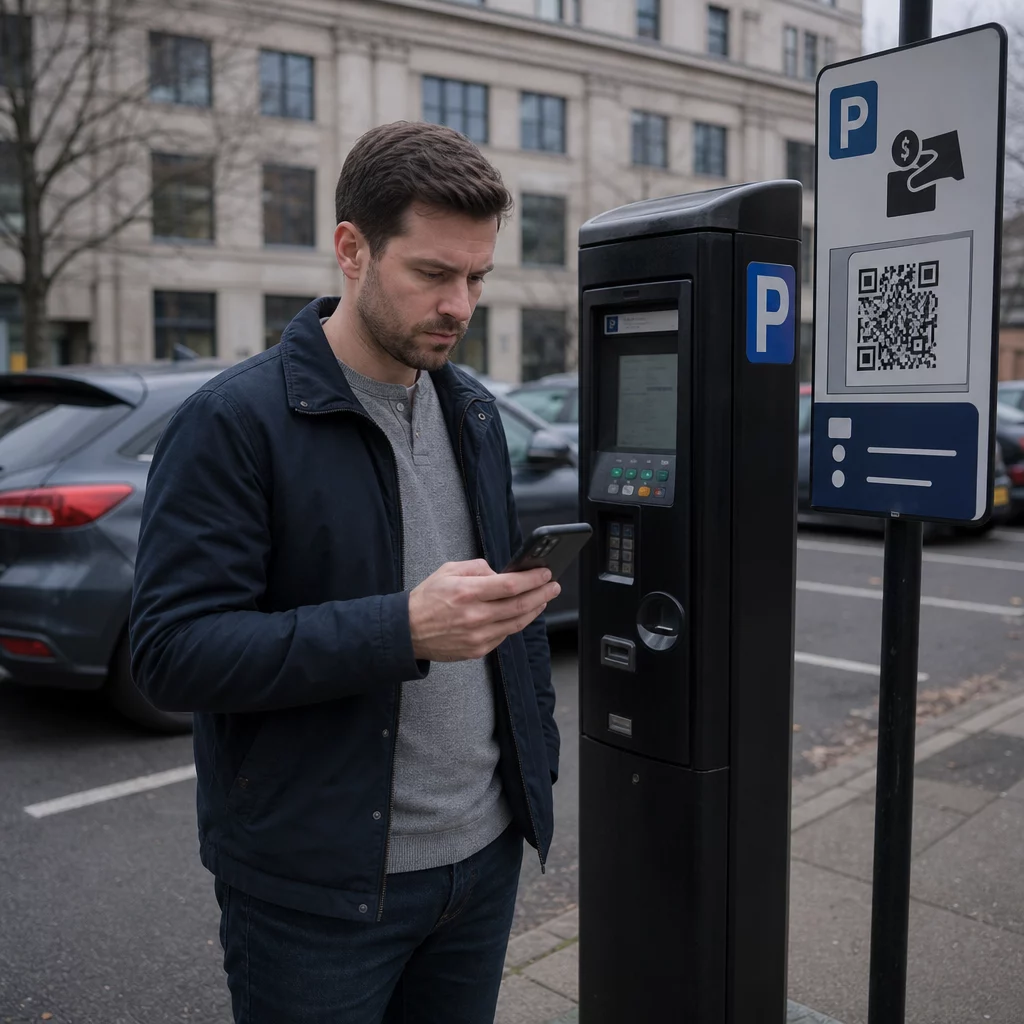
Sõidukikleebised – QR-koodi kleebis ettevõtte sõidukil muudab selle mobiilseks reklaamiks, suunates iga skaneerija broneerimislehele, teenuste loendisse või kontaktivormile.
Jaemüügi- ja e-kaubanduse pakendid – Väljuvatele saadetistele või tootekarpidele kleebitud kleebised võivad suunata kliente lahtipakkimisvideote, lojaalsusprogrammide või ristmüügi lehtedele, ilma et pakendile lisanduks mahtu.
Ürituste sildid ja piletid – Lisage QR-kleebised märkidele, siltidele või piletitele, et suunata osalejad ajakavadele, registreerimisvoogudele või esinejate ressurssidele.
| Kleebise tüüp | Parim materjal | Tüüpiline kasutus |
|---|---|---|
| Kohandatud kaubamärgiga kleebis | Matt või läikiv BOPP | Tootepakendid, kampaaniad |
| Veekindel väliskleebis | Vinüül laminaadiga | Sõidukikleebised, välisreklaam |
| Akna kleeps või kleebis | Läbipaistev või valge vinüül | Poeesised, jaemüügiaknad |
| Väike etiketikleebis | Õhuke BOPP | Pudelid, tootesildid, visiitkaardid |
| Restorani lauakleebis | Matt laminaat | Menüülingid, arvustuste lehe lingid |
Dünaamiliste QR-koodide kasutamine kleebiskampaaniates
Iga kampaania puhul, kus sihtkoht võib muutuda – hooajalised pakkumised, menüüuuendused, roteeruvad pakkumised – on dünaamilised QR-koodid hädavajalikud. Kleebis ise ei muutu; muutub ainult selle taga olev sihtkoha URL. See on oluline, kui olete trükkinud tuhandeid kleebiseid ja sihtlehe URL muutub, või kui kampaania lõpeb ja soovite suunata skannerid uuele pakkumisele.
Dünaamilised koodid annavad teile ka skaneerimisanalüütika: skaneerimiste koguarv, skaneerimise aeg ja geograafilised andmed. See võimaldab teil hinnata, millised paigutused tegelikult kaasatust suurendavad ja vastavalt kohandada. Toote pakendil olev kleebis toimib erinevalt poeaknal olevast kleebisest ja analüütika aitab teil seda erinevust selgelt näha.
Sest QR-koodid pakenditel, mis teenindavad jaemüügikampaaniaid, dünaamilised koodid võimaldavad teil ka läbi viia A/B teste, suunates erinevad koodipartiid erinevatele sihtlehtedele ja võrreldes tulemusi.
Uuendage oma kleebiskampaaniat ilma uuesti trükkimata Kas käimas on ajaliselt piiratud kampaania? See Dünaamilise QR-koodi generaatoriga võimaldab teil suunata oma kleebised uuele URL-ile kohe, kui kampaania lõpeb – ei mingeid uusi kleebiseid, ei mingeid raisatud trükiseid.
Korduma Kippuvad Küsimused
Lihtsa URL-i minimaalne usaldusväärne suurus on 0,8 × 0,8 tolli (2 × 2 cm). Skannerist kaugemale paigutatud kleebiste puhul – siltidel või sõidukikleebistel – suurendage proportsionaalselt. Üldreegel on teha kood vähemalt üks kümnendik skaneerimiskaugusest. Jätke alati koodi ümber igast küljest vähemalt nelja mooduli suurune selge vaikne tsoon ja testige lõplikku suurust reaalsetel seadmetel enne suuremahulist printimist.
Mitte siis, kui tegemist on staatilise QR-koodiga – need kodeerivad oma sihtkoha püsivalt. Dünaamilise QR-koodiga saate aga lingitud URL-i, faili või sisu igal ajal oma konto armatuurlaua kaudu muuta, kleebist puudutamata. See teeb dünaamilistest koodidest praktilise valiku igaks rakenduseks, kus URL-id või kampaaniad võivad muutuda, sealhulgas toote pakendid, hooajalised kampaaniad ja restoranimenüüd.
Laminaatviimistlusega vinüülkleebised on kõige vastupidavam valik välitingimustes kasutamiseks. Need peavad veele, UV-kiirgusele ja füüsilisele kulumisele vastu palju paremini kui paber- või standardsed BOPP-etiketid. Mattlaminaat vähendab otsese päikesevalguse käes peegeldust, mis parandab skaneeritavust. Pindade, nagu sõidukid või välisreklaamid, puhul veenduge, et teie printer pakub UV-kindlaid materjale, mis on mõeldud pikaajaliseks välitingimustes kasutamiseks.