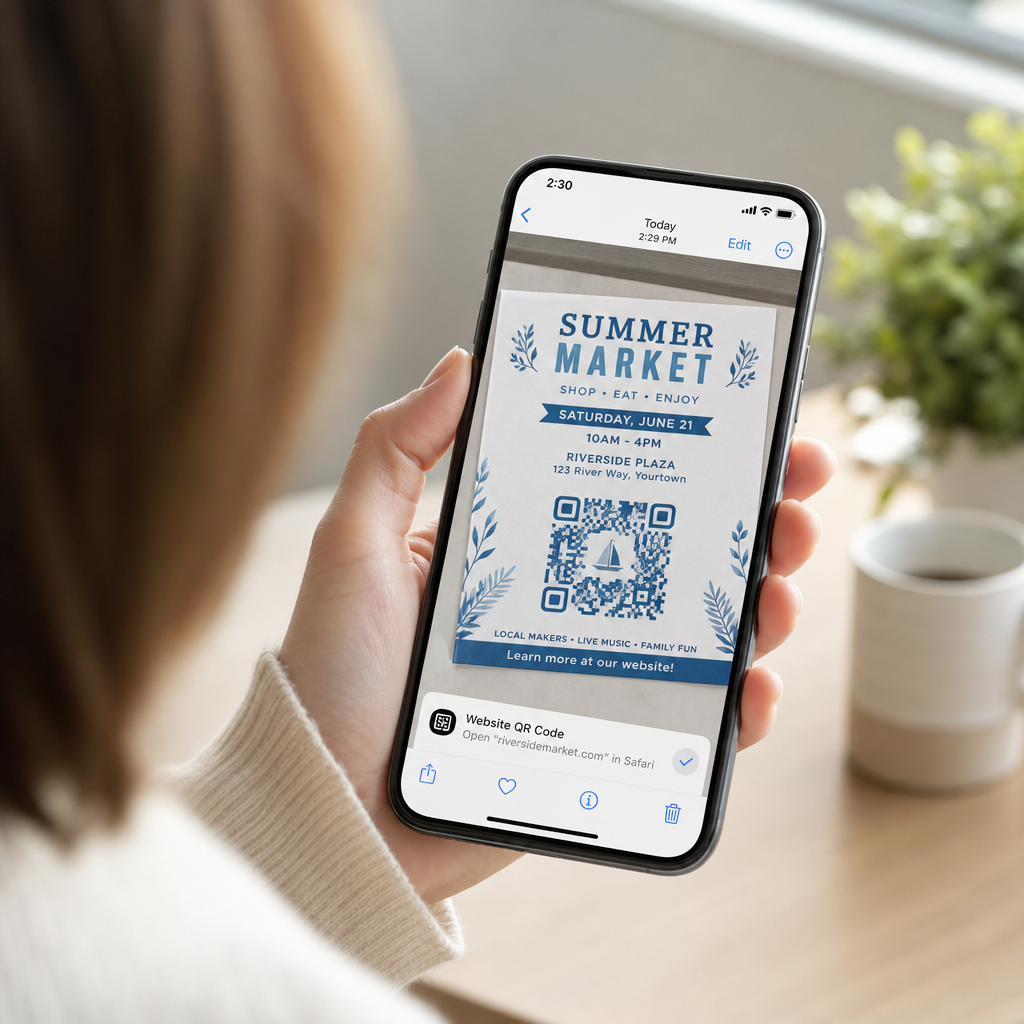
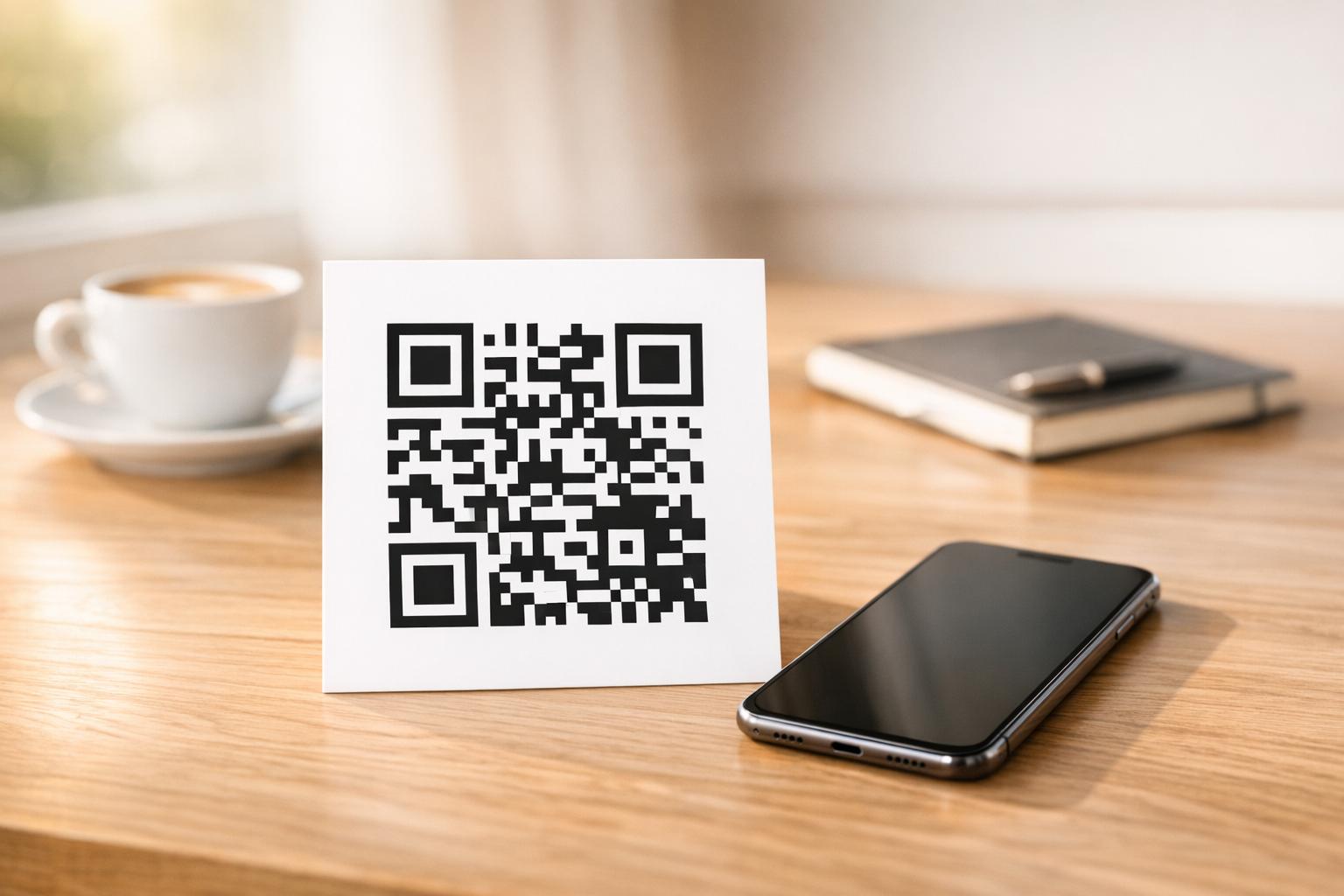
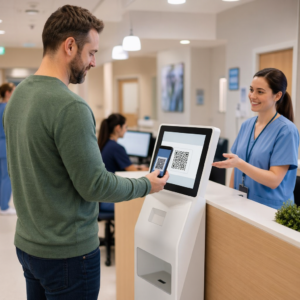
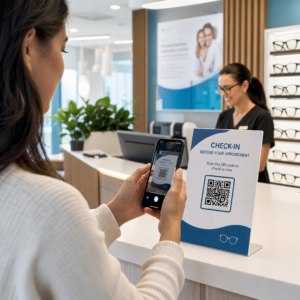
Potrebujete hiter, skenabilen način za povezavo fizičnih materialov z digitalno vsebino? Nalepke s QR kodami spremenijo katero koli površino v interaktivno točko – in da jih pravilno uporabite, morate razumeti materiale, izbire oblikovanja in vrste kod, ki določajo, ali jih bodo stranke dejansko skenirale.
Kaj so nalepke s kodo QR?
Nalepke s QR kodami so samolepilne etikete, natisnjene s skenabilno QR kodo. Ko stranka usmeri kamero pametnega telefona nanjo, jih koda takoj preusmeri na spletno stran, digitalni meni, kontaktno stran, promocijsko ponudbo ali katero koli drugo vsebino, ki ste jo povezali. Podjetja jih uporabljajo na embalaži izdelkov, izložbah, vozilih, restavracijskih mizah, označbah dogodkov in materialih za pošiljanje – povsod, kjer lahko fizična površina sproži digitalno interakcijo.
Ključna razlika, ki je pomembna, preden natisnete eno samo nalepko: ali je vaša koda STATIČNA ALI DINAMIČNA.
- A statična koda QR trajno kodira svojo destinacijo. Ko je natisnjena, je ni mogoče spremeniti in ne sledi skeniranjem.
- A dinamična QR koda kaže na kratek preusmeritveni URL, ki ga lahko kadar koli posodobite – brez ponovnega tiskanja. Prav tako beleži podatke o skeniranju, vključno s časom, količino in geografsko lokacijo.
Za uporabo nalepk, kjer boste tiskali v velikih količinah ali izvajali časovno omejene kampanje, je QR generator za dinamične QR kode praktična izbira. Spreminjanje promocije ali posodabljanje URL-ja ne stane nič, ko so nalepke že na policah ali vozilih.
Sledite vsakemu skeniranju vaših nalepk Želite natančno vedeti, katere postavitve nalepk spodbujajo angažiranost? Uporabite QR generator za dinamične QR kode za ustvarjanje urejevalnih, sledljivih kod s popolno analitično nadzorno ploščo – ponovno tiskanje ni potrebno, ko se vaša vsebina spremeni.
Kako ustvariti QR kodo za vaše nalepke
Priprava QR kode za tisk poteka v treh korakih:
- Generirajte svojo QR kodo. Uporabi generator QR kod za ustvarjanje kode, ki se povezuje z vašo ciljno vsebino – URL, PDF, digitalni meni, vCard ali drugo destinacijo. Če pričakujete posodobitev te destinacije ali sledenje uspešnosti skeniranja, ustvarite dinamično kodo.
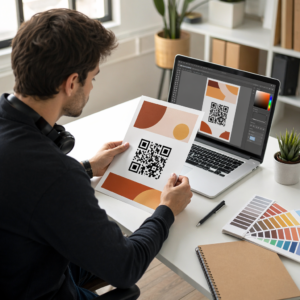
- Prilagodite obliko. Dodajte svoj logotip, barve blagovne znamke in okvir s pozivom k dejanju, da bo nalepka prepoznavna in vredna skeniranja. The Generator QR kod z logotipom vam omogoča vdelavo logotipa neposredno v kodo, kar poveča prepoznavnost blagovne znamke in stopnjo skeniranja v primerjavi z navadnimi črno-belimi kodami.
- Prenesite v formatu, pripravljenem za tisk. Izvozite svojo kodo kot SVG, EPS ali PDF za vektorsko skaliranje ali kot PNG visoke ločljivosti če jo vključujete v oblikovanje etikete. Te datoteke izročite tiskarju nalepk ali jih uporabite z natisljivimi listi nalepk doma.
Izbira pravega materiala za nalepke
Izbira materiala neposredno vpliva na to, ali se bo vaša QR koda zanesljivo skenirala v predvidenem okolju. Glavne možnosti, s katerimi se boste srečali pri tiskarjih nalepk, so:
- Sijajni BOPP ali PET laminat – primeren za notranjo in zunanjo uporabo, svetle barve, vendar se lahko odbija pod stropno razsvetljavo in otežuje skeniranje pod določenimi koti.
- Mat BOPP laminat – zmanjšuje bleščanje pod maloprodajno razsvetljavo in sončno svetlobo, zaradi česar je prednostna izbira za nalepke, ki se bodo skenirale v trgovini ali na blagajni. Številne blagovne znamke in oblikovalci prav tako raje izberejo prefinjen videz.
- Prozoren material za nalepke – natisnjen z belim črnilom za barvami, da so dizajni vidni; dobro deluje za etikete na steklenicah in embalaži, kjer želite videz “brez etikete”.
- Vinil z laminatom – trpežen in odporen na vremenske vplive, priporočljiv za zunanjo uporabo, nalepke za vozila in vse površine, izpostavljene vlagi ali UV svetlobi. Vinilne nalepke s QR kodo zdržijo bistveno dlje kot standardne papirnate etikete v teh pogojih.
- Tanek material za etikete BOPP – dovolj prožen, da se prilagodi ukrivljenim površinam, zaradi česar je praktična izbira za steklenice in embalažo izdelkov.
Mat površine se na splošno skenirajo hitreje in zanesljiveje kot sijoče, ko se kode skenirajo pod močno ali direktno svetlobo. Če bodo vaše nalepke na prostem ali na vozilih, dajte prednost vodoodpornemu vinilu pred materiali na osnovi papirja.
Specifikacije velikosti in dizajna, ki vplivajo na možnost skeniranja
Nalepka s kodo QR, ki se ne skenira zanesljivo, je slabša kot nobena nalepka. Preden pošljete datoteke v tisk, potrdite, da so izpolnjene te zahteve:
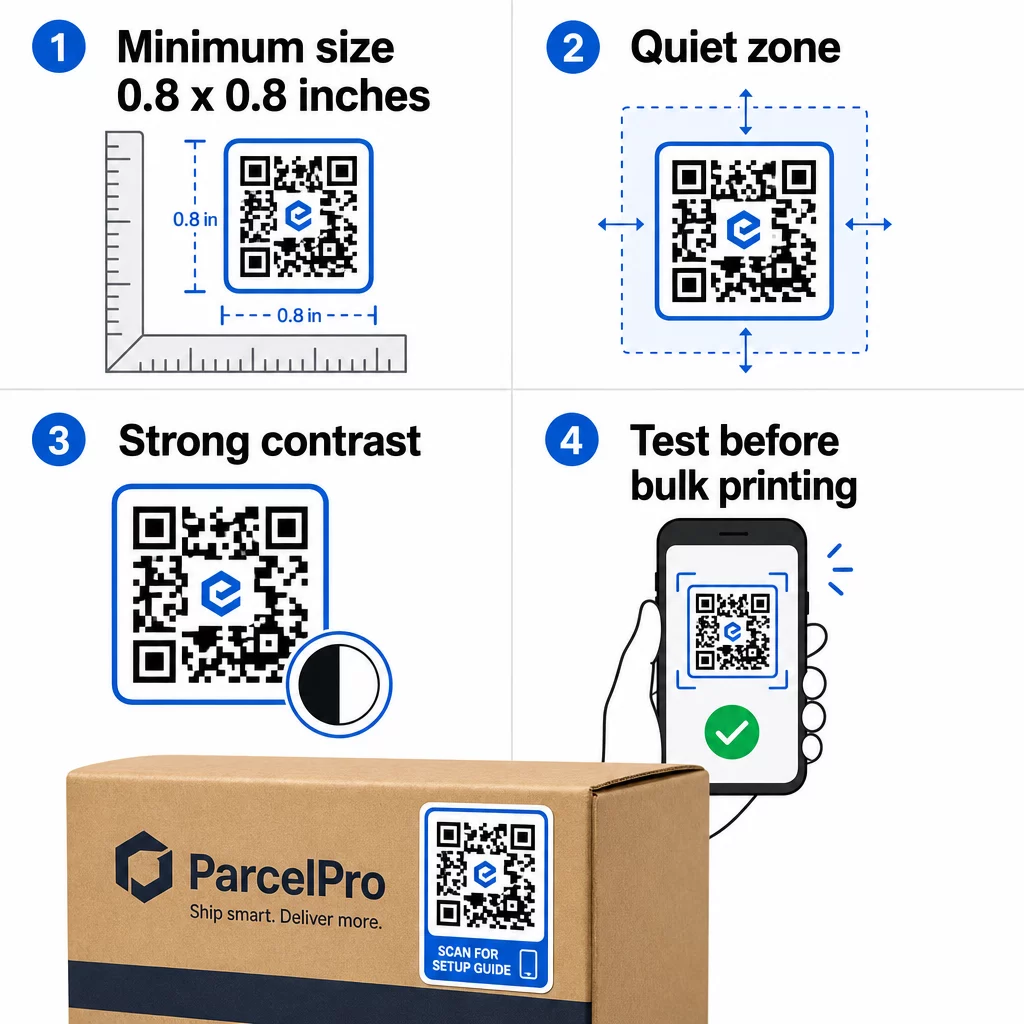
- Minimalna velikost: 0,8 × 0,8 palca (2 × 2 cm) za preprost URL. Večje kode z večjo gostoto podatkov je treba sorazmerno povečati.
- Tiha cona: Pustite vsaj štiri module praznega, netiskanega prostora okoli vseh štirih strani kode. Besedilo, logotipi ali obrobe, postavljene znotraj tega roba, povzročajo napake pri skeniranju.
- Kontrastno razmerje: Vzdržujte vsaj 4:1 kontrastno razmerje med temnimi moduli in svetlim ozadjem. Črna na beli ostaja najzanesljivejša kombinacija. Izogibajte se inverzijam svetlo na temno – mnogi skenerji ne delujejo pri obrnjenih barvnih shemah.
- Brez prelivov na modulih kode: Prelivi ustvarjajo srednje tone, ki jih skenerji težko preberejo. Uporabljajte samo enobarvne barve.
- Preizkusite pred tiskanjem v velikih količinah: Skenirajte svojo kodo z več napravami – različnimi telefoni, različnimi aplikacijami za kamero – in preizkusite v svetlobnih pogojih, kjer bo nalepka dejansko uporabljena. Za zunanje nalepke preizkusite na sončni svetlobi. Za nalepke na trgovskih policah preizkusite pod fluorescentno osvetlitvijo.
Za popolno razčlenitev velikosti za različne tiskane materiale glejte vodnik na velikosti QR kode za različne tiskane materiale. Za navodila glede kontrasta in barv, najboljšim praksam barvnega kontrasta QR kod zajema specifična razmerja in kombinacije, ki jih je treba uporabiti in se jim izogniti.
Kje uporabiti nalepke s kodo QR
Nalepke s QR kodami se uporabljajo v številnih poslovnih aplikacijah. Tukaj so najpogostejše in najučinkovitejše umestitve:
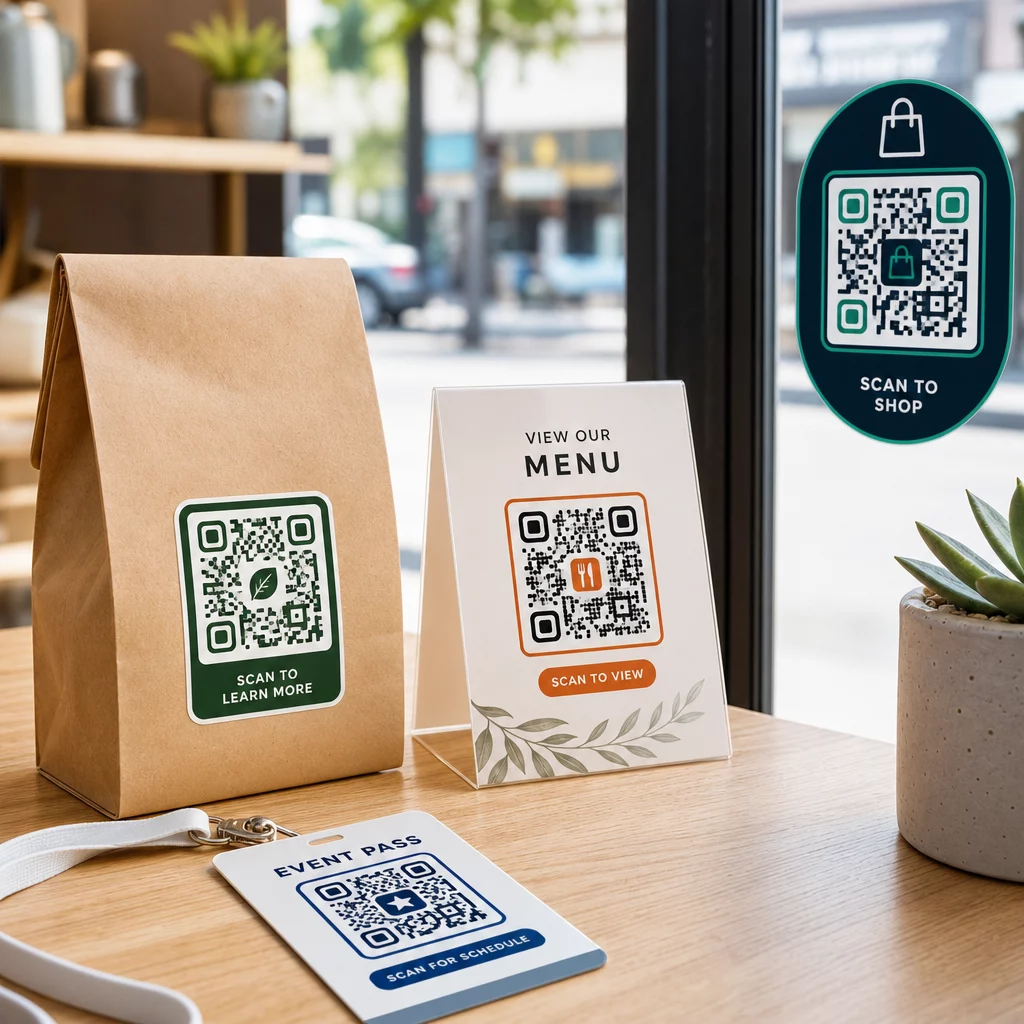
Embalaža izdelkov in etikete – Povežite stranke z navodili za izdelek, podrobnostmi o sestavinah, video vadnicami, kodami za popust ali stranmi za ocene. Nalepke delujejo tako na primarni embalaži (sam izdelek) kot na sekundarni embalaži (škatle, ovitki). Za podrobnejši vpogled v možnosti glejte QR kode na embalaži izdelkov in vrhunskega vodnika po QR kodah za etikete izdelkov.
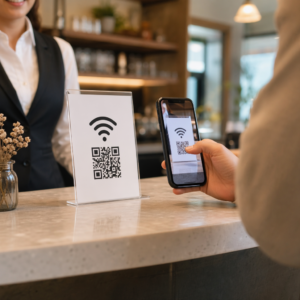
Mize v restavracijah in gostinstvu – Nalepka s QR kodo na mizi ali vratih poveže goste z digitalnim menijem, geslom za Wi-Fi ali platformo za ocene. Dinamične kode vam omogočajo posodabljanje menija ali promocije, ne da bi morali zamenjati vsako nalepko.
Izložbena okna in vrata – Okenske nalepke s QR kodo so učinkovit način za deljenje delovnega časa, promocij ali povezav do družabnih medijev z mimoidočimi, ki gredo mimo izven delovnega časa.
Nalepke za vozila – Nalepka s QR kodo na službenem vozilu ga spremeni v mobilno reklamo, ki vsakogar, ki jo skenira, poveže s stranjo za rezervacije, seznamom storitev ali kontaktnim obrazcem.
Maloprodajna in e-komercialna embalaža – Nalepke na odhodnih pošiljkah ali škatlah izdelkov lahko stranke usmerijo na videoposnetke o razpakiranju, programe zvestobe ali strani za navzkrižno prodajo, ne da bi povečale volumen paketa.
Oznake in vstopnice za dogodke – Dodajte nalepke s QR kodami na značke, oznake ali vstopnice, da povežete udeležence z urniki, postopki prijave ali viri govorcev.
| Vrsta nalepke | Najboljši material | Tipična uporaba |
|---|---|---|
| Nalepka z blagovno znamko po meri | Mat ali sijoč BOPP | Embalaža izdelkov, promocije |
| Vodoodporna zunanja nalepka | Vinil z laminatom | Nalepke za vozila, zunanje oznake |
| Okenska folija ali nalepka | Prozoren ali bel vinil | Izložbe, maloprodajna okna |
| Majhna nalepka | Tanek BOPP | Steklenice, etikete izdelkov, vizitke |
| Nalepka za restavracijsko mizo | Mat laminat | Povezave do menijev, povezave do strani z ocenami |
Uporaba dinamičnih QR kod za kampanje z nalepkami
Za vsako kampanjo, kjer se cilj lahko spremeni – sezonske promocije, posodobitve menijev, rotacijske ponudbe – so dinamične QR kode bistvene. Sama nalepka se ne spremeni; spremeni se le ciljni URL za njo. To je pomembno, ko ste natisnili na tisoče nalepk in se URL ciljne strani spremeni, ali ko se promocija konča in želite preusmeriti skenerje na novo ponudbo.
Dinamične kode vam omogočajo tudi analitiko skeniranja: skupno število skeniranj, čas skeniranja in geografske podatke. To vam omogoča, da ocenite, katere umestitve dejansko spodbujajo angažiranost in se temu primerno prilagodite. Nalepka na embalaži izdelka se obnaša drugače kot tista v izložbenem oknu, in analitika vam pomaga jasno videti to razliko.
Za QR kode na embalaži, ki služijo maloprodajnim kampanjam, dinamične kode vam omogočajo tudi izvajanje A/B testov tako, da različne serije kod usmerite na različne ciljne strani in primerjate rezultate.
Posodobite svojo kampanjo z nalepkami brez ponovnega tiskanja Izvajate časovno omejeno promocijo? The QR generator za dinamične QR kode vam omogoča preusmeritev vaših nalepk na nov URL v trenutku, ko se kampanja konča – brez novih nalepk, brez zapravljenih tiskovin.
Pogosta vprašanja
Najmanjša zanesljiva velikost za preprost URL je 0,8 × 0,8 palca (2 × 2 cm). Za nalepke, nameščene dlje od skenerja – na tablah ali nalepkah za vozila – povečajte sorazmerno. Splošno pravilo je, da je koda velika vsaj desetino razdalje skeniranja. Vedno pustite jasno mirno cono vsaj štirih modulov okoli kode na vseh straneh, in preizkusite končno velikost na resničnih napravah pred tiskanjem v velikih količinah.
Ne, če gre za statično QR kodo – te trajno kodirajo svoj cilj. Z dinamično QR kodo pa lahko kadar koli spremenite povezan URL, datoteko ali vsebino prek nadzorne plošče svojega računa, ne da bi se dotaknili nalepke. Zaradi tega so dinamične kode praktična izbira za vsako aplikacijo, kjer se lahko URL-ji ali promocije spremenijo, vključno z embalažo izdelkov, sezonskimi kampanjami in meniji restavracij.
Vinilne nalepke z laminatno obdelavo so najtrajnejša možnost za zunanjo uporabo. Odporne so na vodo, UV-izpostavljenost in fizično obrabo veliko bolje kot papirnate ali standardne BOPP nalepke. Mat laminat zmanjšuje bleščanje pod neposredno sončno svetlobo, kar izboljšuje možnost skeniranja. Za površine, kot so vozila ali zunanje oznake, preverite, ali vaš tiskalnik ponuja UV-odporne materiale, zasnovane za dolgotrajno zunanjo uporabo.