Vos codes QR sont-ils scannés mais ne parviennent pas à générer de vrais résultats ? Les faibles taux de conversion sont souvent causés par des problèmes réparables : des appels à l'action faibles, une mauvaise conception, des pages de destination lentes ou des codes placés là où personne ne les voit. Ce guide vous explique les leviers clés que vous pouvez actionner pour transformer plus de scans en actions significatives.
Ce qui affecte les taux de conversion des codes QR
Une conversion de code QR ne se produit pas au moment du scan – elle se produit après. Le scan n'est que le point d'entrée. Ce qui motive une conversion est la combinaison de cinq facteurs travaillant ensemble :
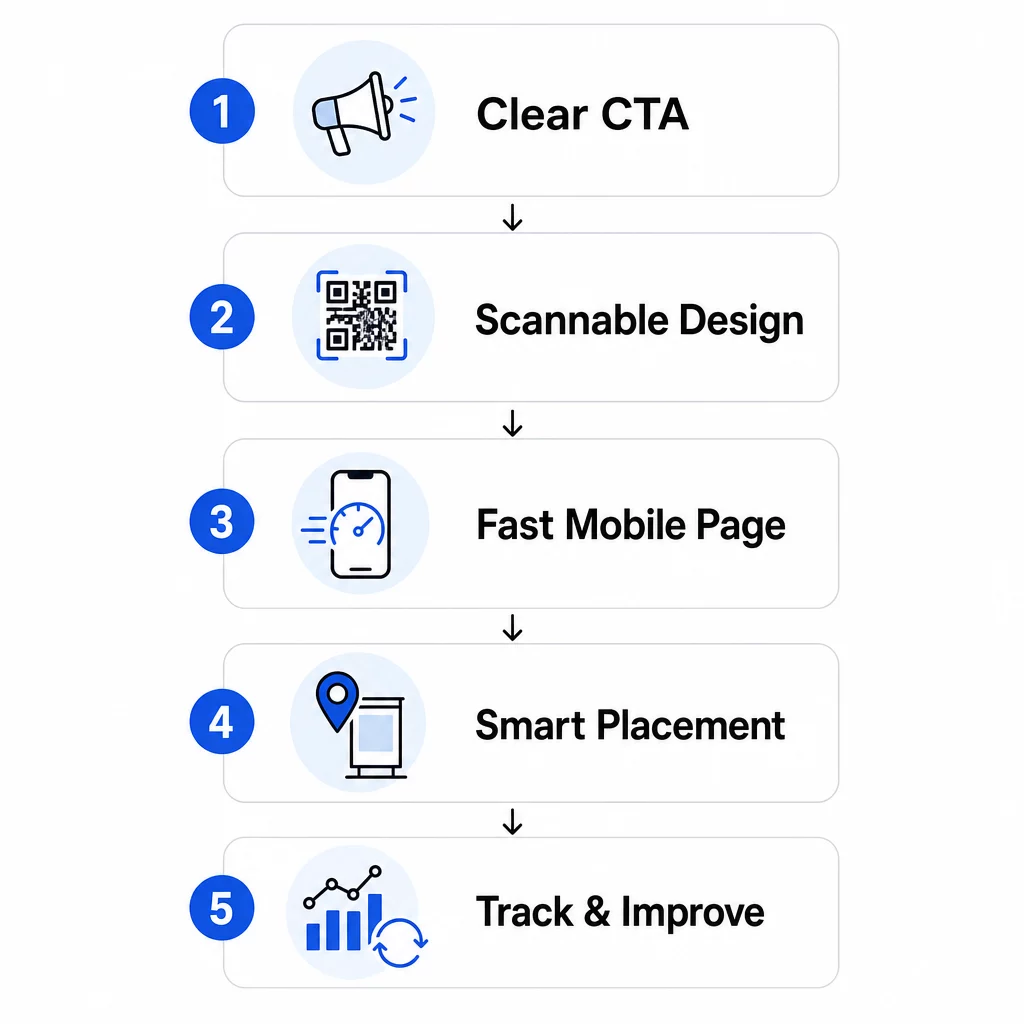
- Clarté de l'appel à l'action: La personne qui scanne sait-elle ce qu'elle va obtenir ?
- Scannabilité du code: La conception permet-elle aux caméras de le lire de manière fiable ?
- Expérience de la page de destination: La page mobile se charge-t-elle rapidement et guide-t-elle les utilisateurs à agir ?
- Logique de placement: Le code est-il positionné là où les bonnes personnes le verront au bon moment ?
- Suivi et itération: Mesurez-vous ce qui fonctionne et vous améliorez-vous au fil du temps ?
Chacun de ces éléments mérite une attention particulière. Si l'un manque, les autres en pâtissent.
Rédiger des appels à l'action qui génèrent des scans
Un code QR sans appel à l'action clair laisse les gens dans l'incertitude. Lorsque quelqu'un repère votre code, il doit immédiatement comprendre ce qu'il gagnera en le scannant. Les messages vagues comme “ Scanner pour plus d'infos ” tombent à plat car ils ne répondent pas à la question que chaque utilisateur se pose : Qu'est-ce que j'y gagne ?
L'impact d'un langage axé sur les avantages est mesurable. Lors d'un test en magasin, un code QR avec le message “ 15% de réduction ! Découvrez comment en scannant ” a attiré 250 scans en une semaine. Un message moins spécifique “ Scannez et gagnez un prix ! ” n'en a généré que 90. La différence n'était pas l'offre – c'était la clarté.
Utilisez un langage spécifique et orienté vers l'action
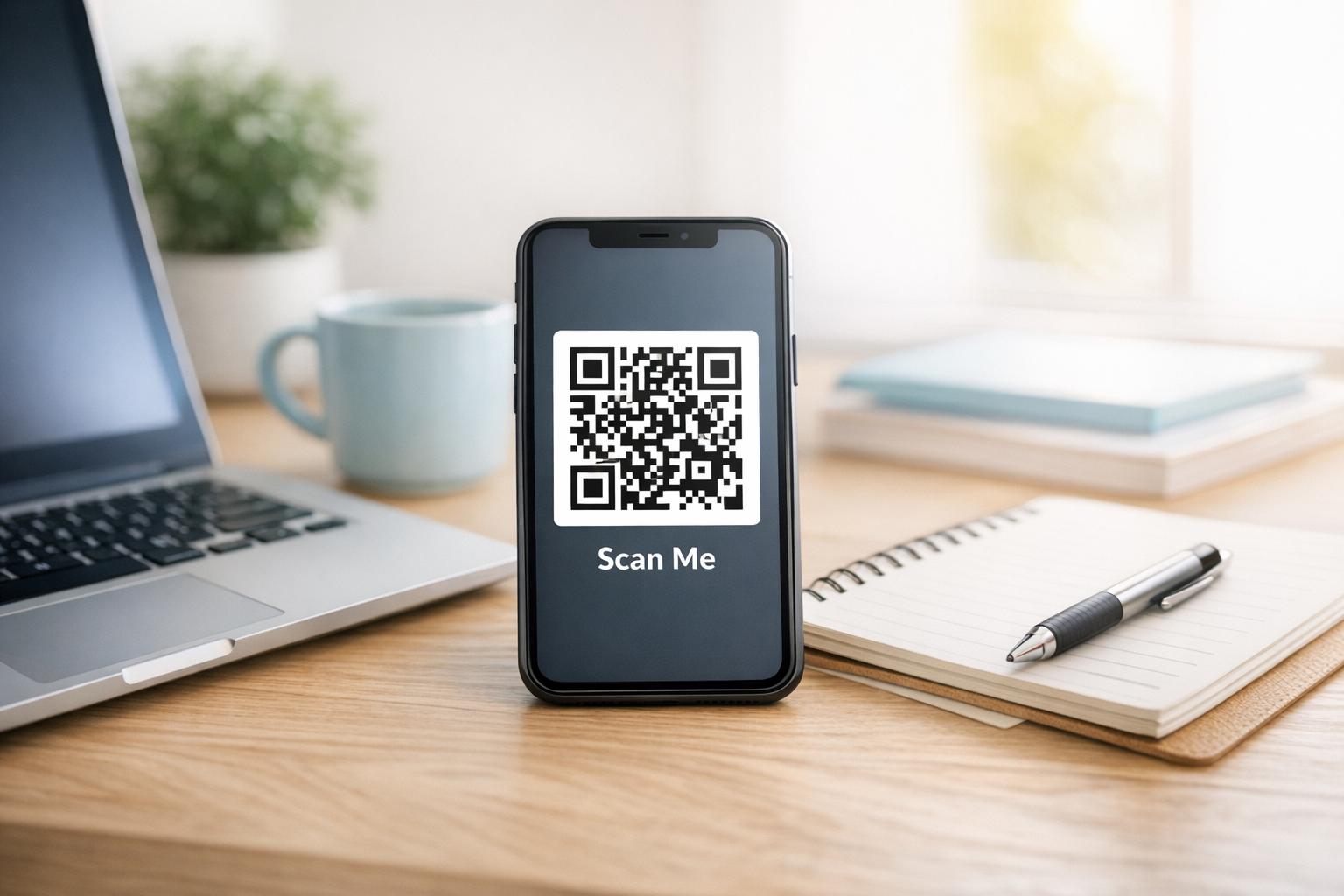
Commencez par des verbes d'action forts : “ Obtenez ”, “ Débloquez ”, “ Téléchargez ” ou “ Scannez ”. Associez-les à un avantage direct. Au lieu d'un “ Scannez-moi ” générique, essayez :
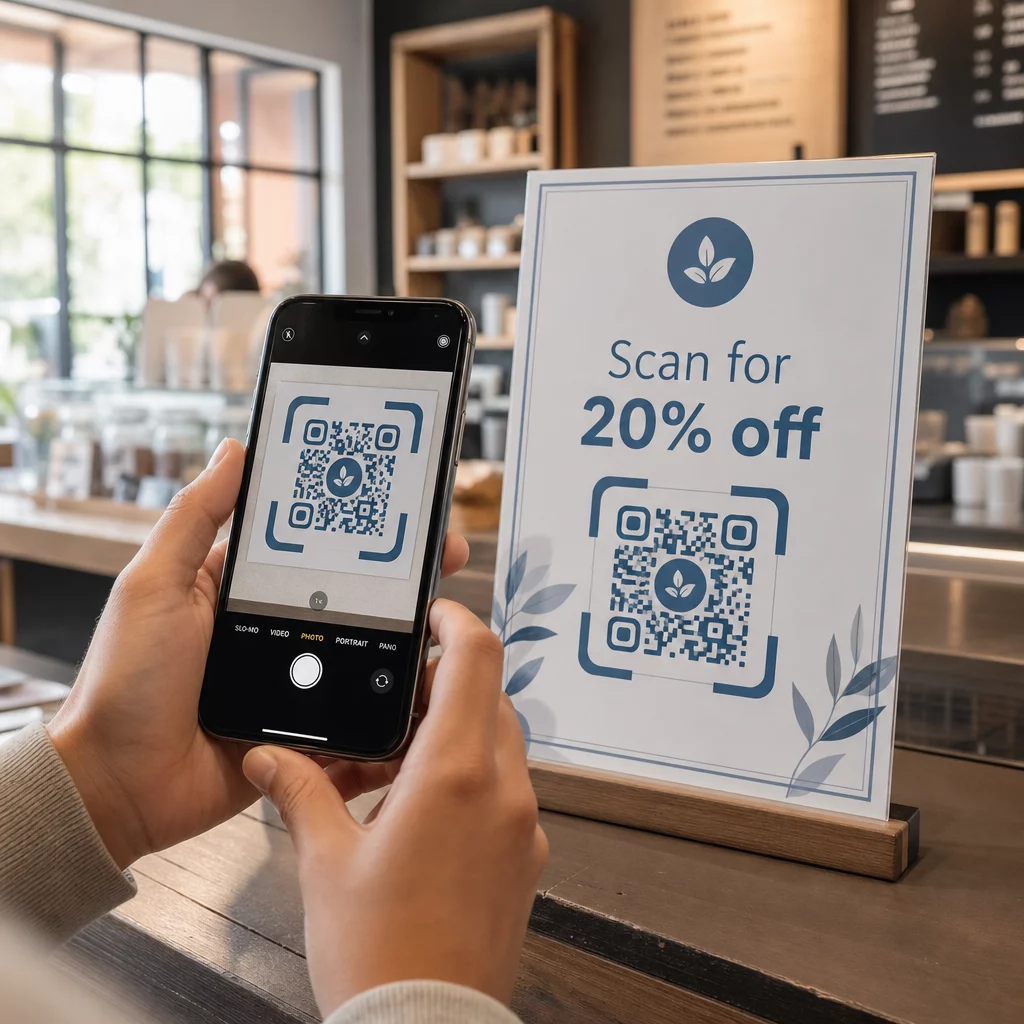
- “ Scannez pour 20% de réduction sur votre prochaine commande ”
- “ Débloquez votre guide gratuit ”
- “ Scannez pour voir le menu du jour ”
Évitez d'enterrer l'appel à l'action (CTA) dans les petits caractères ou de le séparer du code. Placez-le directement au-dessus, en dessous ou à l'intérieur du cadre QR afin que les utilisateurs voient la valeur avant de scanner.
Ajoutez de l'urgence et du contexte
Les phrases sensibles au temps augmentent l'action. “ Scannez dans les prochaines 24 heures pour 20% de réduction ” ou “ Scannez maintenant pour participer au concours ” créent un sentiment d'urgence que les CTA génériques ne peuvent pas reproduire. Adaptez également votre message à l'environnement – un code sur une table de restaurant a des attentes différentes de celui sur une affiche d'événement.
Les indices visuels aident aussi. Des flèches, des icônes de smartphone ou un texte de cadre comme “ Ouvrez votre appareil photo pour scanner ” réduisent l'hésitation, surtout pour les utilisateurs moins familiers avec les codes QR. Gardez la zone environnante propre avec un grand espace blanc afin que rien ne concurrence visuellement le code.
Voyez comment les campagnes de codes QR fonctionnent en pratique Explorez exemples de campagnes de codes QR réelles pour voir comment les grandes marques utilisent les CTA, le design et le placement ensemble pour obtenir des résultats mesurables.
Concevoir des codes QR qui scannent de manière fiable
Un code QR visuellement attrayant qui ne parvient pas à scanner est pire que pas de code du tout – il gaspille une conversion potentielle et frustre l'utilisateur. Un scan fiable dépend de quelques principes de conception non négociables.
Le contraste est le fondement de la scannabilité
Les appareils photo des smartphones détectent les motifs QR en distinguant les modules sombres d'un arrière-plan clair. Les combinaisons à faible contraste – comme le rouge sur noir ou le gris pâle sur blanc – perturbent les scanners. Utilisez un premier plan sombre sur un arrière-plan clair et visez un rapport de contraste minimum de 4:1, avec 4,5:1 comme cible préférée pour une numérisation fiable sur tous les appareils et dans toutes les conditions d'éclairage.
Le noir classique sur blanc est toujours sûr. Si vous expérimentez avec les couleurs de votre marque, testez-les sur différents appareils et éclairages avant de les imprimer. Le Guide des meilleures pratiques d'utilisation des codes QR décrit les normes techniques de l'ISO/IEC 18004 qui définissent la conception des codes QR conformes.
Exigences de taille et de zone de silence
Pour la plupart des supports imprimés, un code QR doit être d'au moins 2 × 2 cm (0,8 × 0,8 pouces). Les codes plus petits sont difficiles à mettre au point pour les appareils photo des smartphones, en particulier sur les appareils à faible résolution. Pour les grands écrans, suivez la règle du 10:1: pour chaque 10 pieds de distance de visualisation, le code doit mesurer au moins 1 pied de large.
Tout aussi importante est la zone de silence – l'espace vide qui entoure le code. Cette bordure, d'au moins quatre fois la largeur d'un module, aide les scanners à distinguer le code du texte ou des graphiques voisins. Ne laissez jamais les éléments de conception encombrer les bords du code. Pour plus de détails sur le dimensionnement, le contraste et le placement, voir le les meilleures pratiques de lisibilité des codes QR.
Utilisez des formats vectoriels (SVG, EPS) pour toute application d'impression afin que le code reste net à n'importe quelle taille.
Ajouter une marque sans nuire à la fonctionnalité
Vous pouvez incorporer des logos, des couleurs personnalisées et des cadres sans sacrifier la scannabilité – si vous respectez les règles. Placez votre logo au centre du code, là où la correction d'erreur QR est la plus forte. Les codes QR peuvent récupérer jusqu'à 30 % des données endommagées ou obscurcies, donc un logo centré est généralement sûr. Ne couvrez jamais les trois motifs de recherche (les grands carrés dans les coins), car ils sont nécessaires à l'orientation du code.
Si vous utilisez des couleurs personnalisées, testez le code final sur les appareils iOS et Android dans différentes conditions d'éclairage avant d'imprimer. Les motifs QR denses et encombrés – souvent causés par de longues URL – sont plus difficiles à scanner à des tailles plus petites. L'utilisation d'un code QR dynamique ou un raccourcisseur d'URL crée un modèle plus propre et plus facile à scanner.
La campagne JLo Beauty “ Beauty Train ” de décembre 2020 est un excellent exemple de cet équilibre : des codes QR personnalisés sur une navette de New York ont généré 1 500 scans et 3 000 visites de site web en combinant un design visuellement distinct avec une scannabilité fiable.
Créer des pages de destination mobiles qui convertissent
Un scan de code QR n'a de valeur que par ce qui se passe ensuite. Étant donné que presque tous les scans se produisent sur des appareils mobiles, votre page de destination doit être conçue spécifiquement pour les petits écrans et la navigation tactile. Une page mal optimisée annulera tout ce que votre code QR a réussi à accomplir.
Une étude de cas l'illustre clairement : une entreprise faisant la promotion d'un gadget automobile via des codes QR sur affiche a constaté que 80 % des utilisateurs abandonnaient la page de destination en moins de cinq secondes. La cause était une vidéo haute résolution à lecture automatique qui ralentissait les temps de chargement. Après être passée à un aperçu vidéo léger et avoir simplifié la mise en page, le taux de conversion des achats est passé de 1 % à 3 % – une amélioration de 200 % grâce à un seul changement.
La vitesse de la page est une variable de conversion
Chaque seconde de retard vous coûte des conversions. Sur mobile, un délai d'une seconde dans le chargement de la page peut réduire les conversions jusqu'à 20 %. Google recommande que le Largest Contentful Paint – le temps nécessaire pour que le contenu principal apparaisse – reste inférieur à 2,5 secondes pour une bonne expérience utilisateur.
Pour atteindre cet objectif :
- Compressez les images et évitez la lecture automatique de vidéos haute résolution
- Utilisez des aperçus vidéo cliquables au lieu de la lecture automatique
- Minimisez les requêtes HTTP et utilisez un CDN pour une livraison plus rapide
- Testez sur de vrais réseaux mobiles, pas seulement en Wi-Fi
Les codes QR dynamiques génèrent des URL de redirection plus courtes et plus propres, ce qui contribue également à une initiation de chargement plus rapide. Pour une analyse complète de l'optimisation des pages mobiles, consultez le guide sur les meilleures pratiques pour les pages de destination de codes QR mobiles.
Supprimez chaque étape inutile
Une fois la page chargée, éliminez les frictions. Chaque clic ou champ de formulaire supplémentaire augmente la probabilité d'abandon. Si vous collectez des prospects, ne demandez que ce dont vous avez besoin – nom et e-mail – et activez le remplissage automatique pour accélérer la saisie des données.
Le deep linking est l'une des tactiques les plus efficaces ici. Au lieu d'envoyer les utilisateurs vers une page d'accueil, liez directement au contenu spécifique promis par le scan. Si votre code QR annonce une réduction, le lien doit mener directement à la page de promotion, et non au site principal. Max Fashion au Moyen-Orient a appliqué ce principe en utilisant des codes QR dynamiques liés à des écrans spécifiques de l'application, réalisant une croissance à deux chiffres des sessions et des conversions d'applications.
Créer des codes QR prêts pour une page de destination Utilisez le Générateur de codes QR de liens pour connecter vos codes directement à des URL spécifiques, des pages produits ou des promotions – sans redirections inutiles.
Placer les codes QR là où les gens les scanneront réellement
Même un code QR parfaitement conçu sous-performera s'il est placé là où les gens ne peuvent pas le voir, ne peuvent pas y accéder, ou ne sont pas dans le bon état d'esprit pour le scanner. Le placement est aussi stratégique que le design.
Le bon placement combine trois éléments : visibilité (les gens peuvent le voir clairement), accessibilité (leur téléphone est à portée de main et utilisable), et contexte (le moment et l'état d'esprit correspondent à ce que le code offre).
Emplacements à haute visibilité et à forte intention
Les placements suivants fonctionnent constamment bien :
- Vitrine de magasin: Idéal pour les promotions après les heures d'ouverture, les réservations ou les offres spéciales qui attirent les passants lorsque le magasin est fermé
- Comptoirs de caisse: Les clients sont déjà engagés et en attente – un moment efficace pour les inscriptions de fidélité ou les reçus numériques
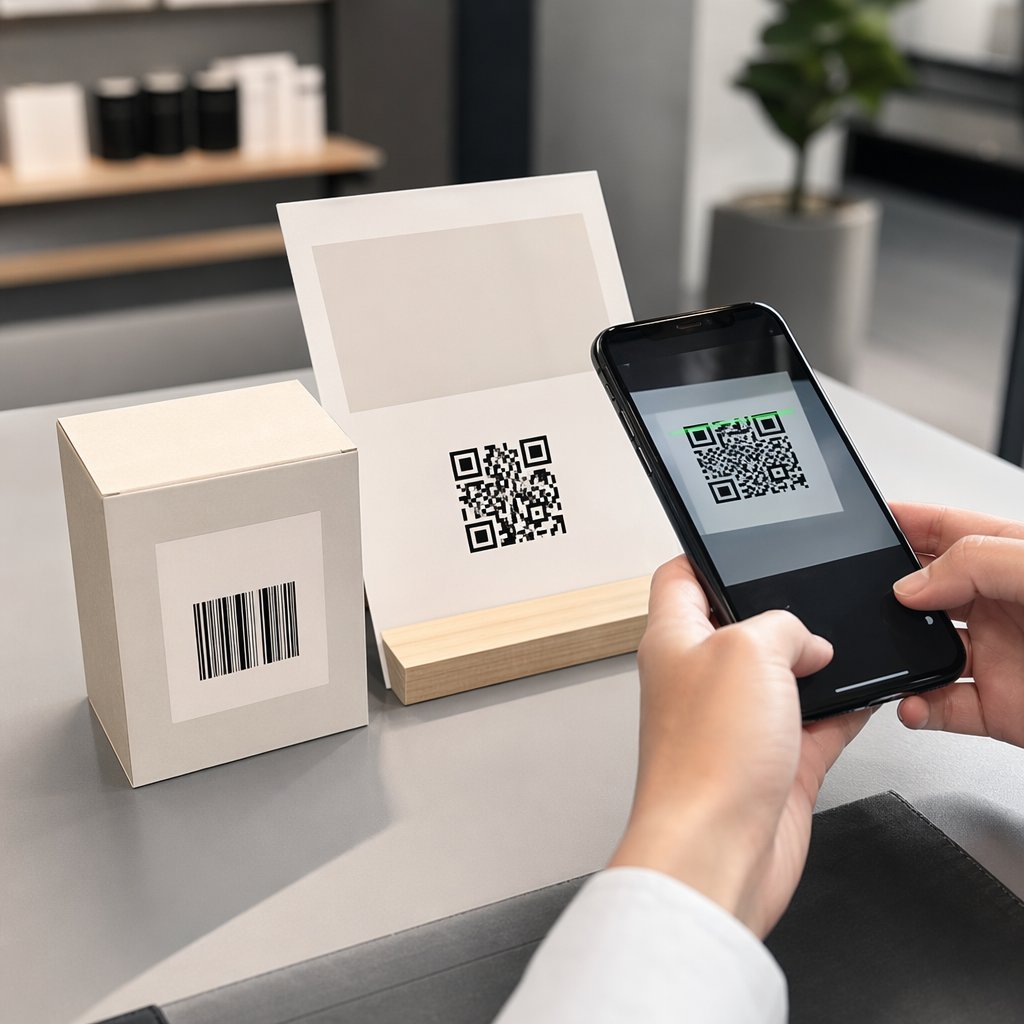
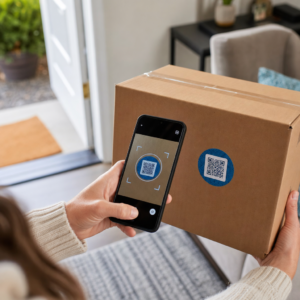
- Emballages de produits: Les personnes qui ont déjà acheté ont une intention élevée ; lien vers les manuels, l'enregistrement de la garantie ou les options de commande répétée
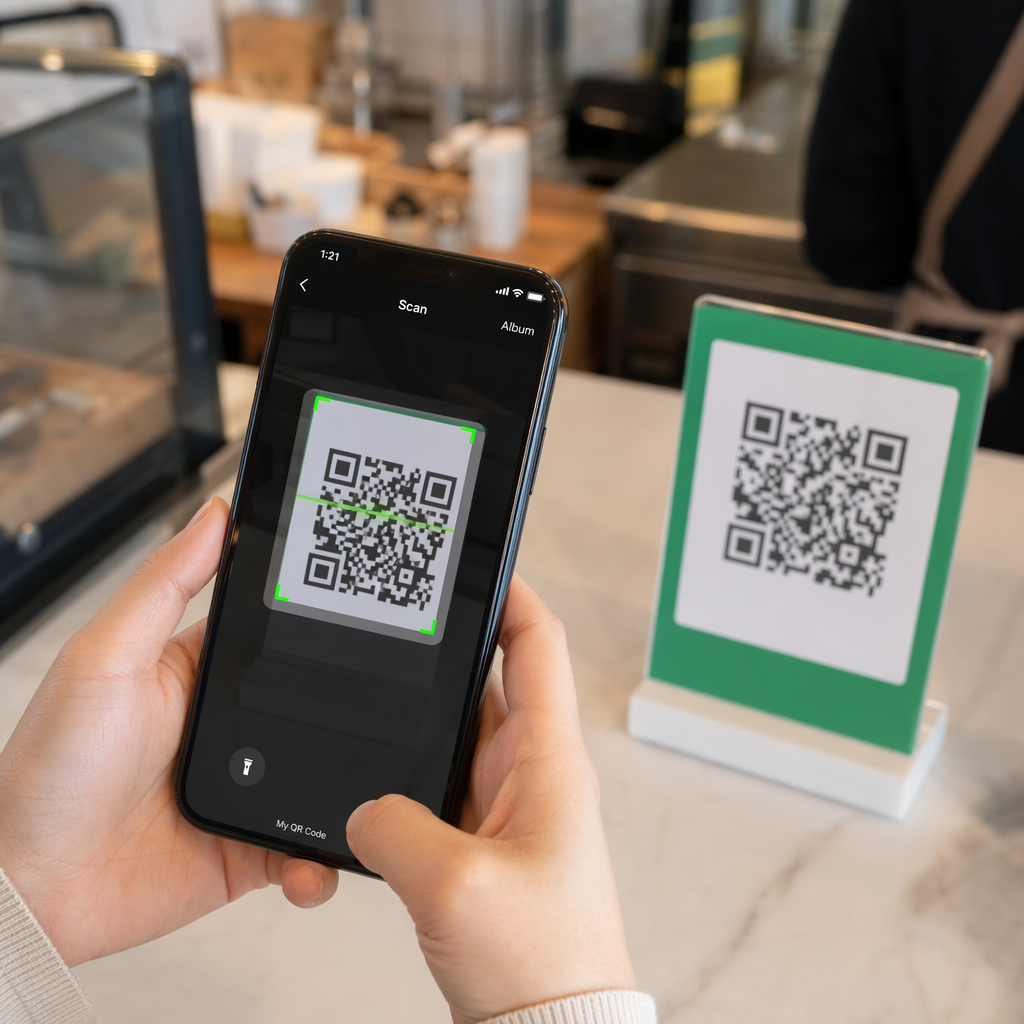
- Tables de restaurant: Les convives ont du temps libre et leurs téléphones sont sortis – utilisez-le pour les menus numériques ou le paiement sans contact
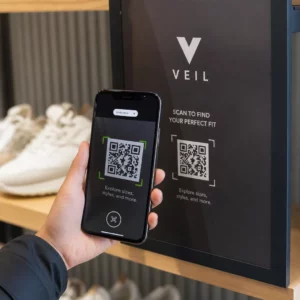
- Affiches et flyers: Placer à hauteur des yeux (3.5–5.5 feet) pour les publics debout ; la hauteur de comptoir fonctionne mieux dans le commerce de détail où les acheteurs regardent vers le bas
Évitez les surfaces problématiques : emballages incurvés, verre brillant qui crée des reflets, ou zones pliées où le code pourrait se déformer. Testez toujours votre code à l'emplacement et dans l'éclairage prévus avant le lancement. Pour des conseils de placement sur les formats imprimés, numériques et environnementaux, consultez le guide ultime sur le placement des codes QR en marketing.
Adaptez le placement au comportement du public
Le moment et l'état d'esprit comptent autant que l'emplacement. Les codes QR sur les factures de services publics sont scannés le plus souvent entre 18h00 et 22h00 en semaine, lorsque les gens sont chez eux et consultent leur courrier. Les pôles de transport en commun atteignent les navetteurs qui attendent et sont déjà sur leurs téléphones.
Alignez l'objectif du code avec le contexte. Un code sur l'emballage d'un produit pourrait mener à une vidéo d'instruction ; un code à l'entrée d'un événement pourrait renvoyer à l'ordre du jour. Lorsque votre placement correspond à ce que les utilisateurs s'attendent à trouver, les taux de scan et l'engagement post-scan s'améliorent tous deux.
| EMPLACEMENT | Utilisation typique | Facteur de performance clé |
|---|---|---|
| Vitrine de magasin | Promotions après les heures d'ouverture | Grande visibilité dans les zones à fort trafic piétonnier |
| Comptoirs de caisse | Inscriptions à la fidélité, reçus numériques | Taux de conversion élevé au point de transaction |
| Emballages de produits | Manuels, garantie, nouvelle commande | Intention élevée des acheteurs existants |
| Tables de restaurant | Menus numériques, paiements | Fort engagement pendant le temps d'arrêt |
| Affiches/flyers | Coupons, RSVP, génération de leads | La portée dépend de la clarté de l'appel à l'action |
| Panneaux d'affichage/OOH | Notoriété de la marque, téléchargements d'applications | Forte exposition ; nécessite un grand code |
Tests et suivi avec des codes QR dynamiques
Une fois vos codes en ligne, la question passe de la configuration à l'optimisation. Les codes QR dynamiques simplifient ce processus : vous pouvez tester différentes approches, suivre les performances de chacune et mettre à jour vos campagnes sans réimprimer un seul support.
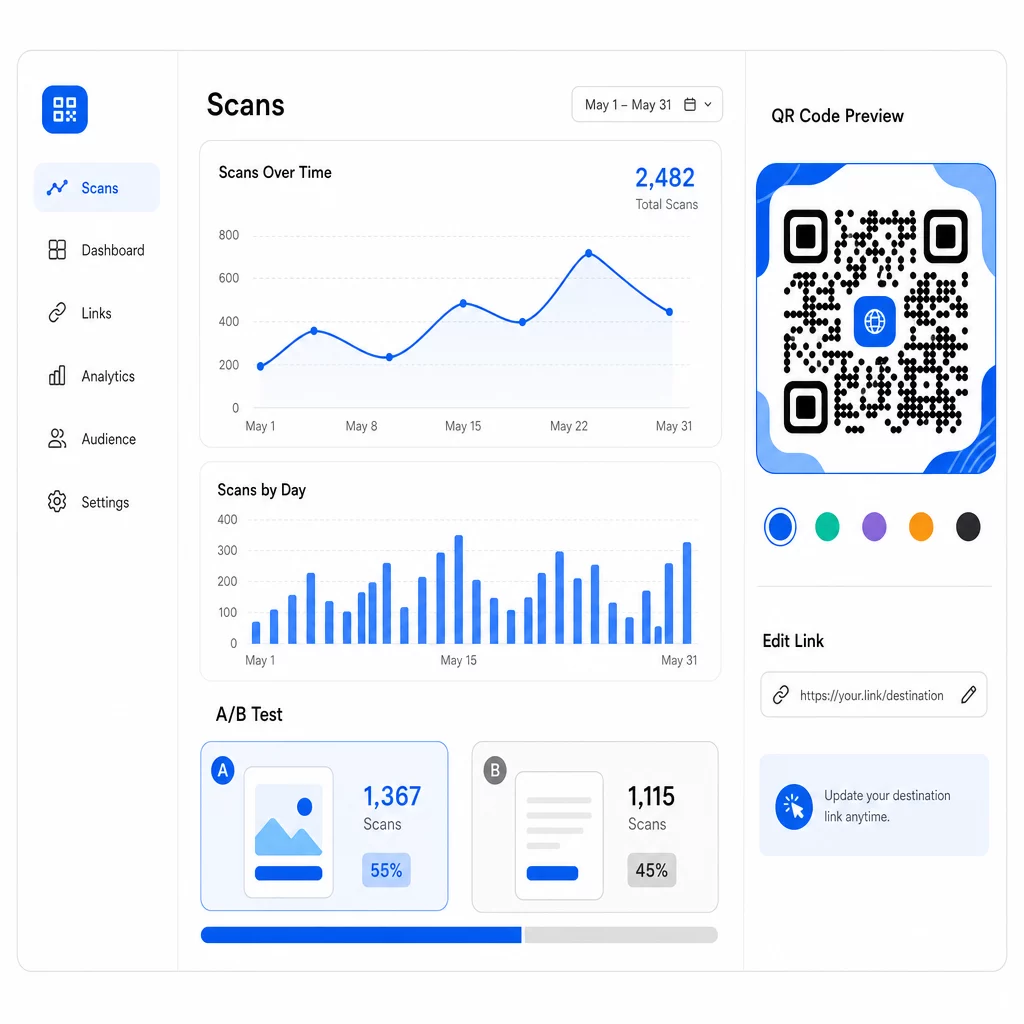
Contrairement aux codes QR statiques, les codes dynamiques pointent vers une courte URL de redirection que vous contrôlez. Changez la destination à tout moment – aucun nouveau code n'est nécessaire.
Test A/B des designs et des messages
Avec les codes dynamiques, vous pouvez effectuer des tests structurés pour découvrir ce qui résonne réellement avec votre public. Testez une variable à la fois pour que les résultats restent interprétables :
- Appels à l'action (CTA): Est-ce que “ Obtenez 20 % de réduction ” surpasse “ Scannez pour plus d'informations ” ?
- Éléments de design: Un code de marque avec votre logo est-il plus scanné qu'une version simple en noir et blanc ?
- EMPLACEMENT: Le même code fonctionne-t-il différemment à la caisse par rapport à l'entrée ?
Le test de CTA du détaillant mentionné précédemment – où “ 15% de réduction ! Découvrez comment en scannant ” a reçu 250 scans contre 90 pour “ Scannez et gagnez un prix ! ” – illustre comment un simple changement de message peut produire une différence de près de trois fois. Pour une approche structurée de la conduite de ces expériences, le guide sur comment les tests A/B améliorent les conversions de codes QR couvre la configuration, les variables et l'analyse en détail.
Utiliser les données de scan pour affiner les campagnes
Les codes QR dynamiques génèrent des analyses qui vous en disent plus que le simple nombre de personnes ayant scanné. Vous pouvez suivre :
- Scans totaux et scans uniques
- Lieu de scan (pays, ville, région)
- Heure et date des scans
- Type d'appareil et système d'exploitation
Si vos données montrent que la plupart des scans ont lieu entre 18h00 et 22h00 en semaine, vous pouvez programmer des promotions de suivi pour cette période. Si une région surpasse significativement les autres, vous pouvez allouer plus de ressources et adapter les messages pour cette zone. Tableau de bord analytique de Pageloot fournit une visibilité en temps réel sur toutes ces métriques.
L'ajout de paramètres UTM à vos URL de destination étend ce suivi à Google Analytics, vous donnant une image complète du parcours post-scan – du premier scan à l'achat, à la soumission de formulaire ou au téléchargement d'application. Le guide des paramètres UTM pour les codes QR explique comment configurer cela de manière cohérente sur toutes les campagnes.
Max Fashion a utilisé cette approche avec des codes QR dynamiques alimentés par Branch sur les vitrines et les supports promotionnels, reliant les scans hors ligne aux liens profonds numériques et suivant le parcours client complet du scan à l'achat – ce qui a entraîné une croissance à deux chiffres des sessions d'application et des conversions.
Surveillez Votre Campagne en Temps Réel Vous voulez savoir exactement où et quand vos clients scannent vos supports ? Utilisez le Générateur de QR code dynamique pour créer des codes traçables et accéder dès aujourd'hui à un tableau de bord de performance complet.
Maintenir le contenu des codes QR à jour
Les supports imprimés restent en circulation longtemps après leur distribution. Un flyer d'il y a trois mois pourrait encore générer des scans aujourd'hui – mais si le contenu lié est obsolète ou cassé, ces scans deviennent des expériences négatives.
Les codes QR dynamiques résolvent ce problème directement. Vous pouvez mettre à jour l'URL de destination à tout moment sans toucher au code physique. Si une promotion saisonnière passe de “ 20% de réduction ” à “ achetez-en un, obtenez-en un gratuitement ”, mettez à jour la page de destination en quelques secondes. Si vous découvrez un lien cassé, réparez-le immédiatement sans réimprimer.
Cette flexibilité vous permet également d'adapter le contenu au fil du temps en fonction de ce que vos données de scan vous indiquent. Une équipe marketing pourrait mettre à jour les codes pour mettre en avant des offres limitées dans le temps ; un détaillant pourrait passer des démonstrations de produits à un guide de cadeaux saisonnier. Le code reste le même – l'expérience ne cesse de s'améliorer.
Pour encourager l'engagement répété, offrez toujours une valeur immédiate et claire. “ Scannez pour 20% de réduction sur votre prochaine commande ” surpasse constamment les alternatives génériques car cela indique aux utilisateurs exactement ce qu'ils obtiennent. Suivez le ratio des scans totaux par rapport aux scans uniques : si les utilisateurs reviennent au même code à plusieurs reprises, c'est un signal fort que votre contenu offre une valeur continue.
Tout mettre en œuvre
Améliorer les taux de conversion des codes QR ne se résume pas à une solution unique – il s'agit de faire fonctionner plusieurs éléments ensemble. Des CTA forts amènent les gens au point de scanner. Une conception fiable garantit qu'ils le peuvent. Une page mobile rapide et ciblée garantit qu'ils vont jusqu'au bout. Un placement intelligent met le code devant les bonnes personnes au bon moment. Et les codes dynamiques avec suivi vous permettent de mesurer ce qui fonctionne et d'améliorer continuellement tout le reste.
Le Générateur de code QR Pageloot et outils de codes QR dynamiques vous offrent l'infrastructure pour appliquer toutes ces stratégies en un seul endroit – codes de marque, analyses en temps réel et la capacité de mettre à jour instantanément les campagnes. Explorez l'ensemble des fonctionnalités Pageloot pour voir comment chaque fonctionnalité s'intègre dans votre flux de travail de campagne.
Questions fréquentes
Utilisez un langage direct et orienté action qui énonce un avantage spécifique avant que l'utilisateur ne scanne. Des phrases comme “ Scannez pour 20% de réduction ” ou “ Débloquez votre guide gratuit ” surpassent constamment les alternatives vagues comme “ En savoir plus ” ou “ Scannez-moi ”. Placez le CTA directement à côté du code – au-dessus, en dessous ou dans le cadre – afin que les utilisateurs voient la valeur avant de s'engager à scanner. L'ajout d'urgence (“ Scannez aujourd'hui seulement ”) ou d'un langage spécifique au contexte (“ Scannez pour voir le menu de ce soir ”) améliore encore les résultats.
Pour la plupart des supports imprimés, un code QR doit mesurer au moins 2 × 2 cm (0,8 × 0,8 pouces). À des tailles plus petites, les appareils photo de smartphones à faible résolution peuvent avoir du mal à faire la mise au point et à décoder le motif. Pour les formats plus grands vus de loin, utilisez la règle du 10:1 : le code doit mesurer au moins 1 pouce de large pour chaque 10 pouces de distance de balayage prévue. Maintenez toujours une zone de silence – un espace blanc clair autour des bords – d'au moins quatre largeurs de module pour aider les scanners à isoler le code des éléments environnants.
Les codes QR dynamiques vous permettent de mettre à jour l'URL de destination après l'impression, afin que vous puissiez corriger les liens brisés, modifier les promotions ou rediriger vers de nouveaux contenus sans réimprimer de matériel. Ils génèrent également des analyses détaillées – nombre de scans, emplacements, types d'appareils et horodatages – qui vous permettent de comprendre les performances de vos codes et où les améliorer. Pour les tests A/B de différents CTA ou emplacements, les codes dynamiques sont essentiels car vous pouvez modifier la destination d'une variante sans créer un nouveau code physique.