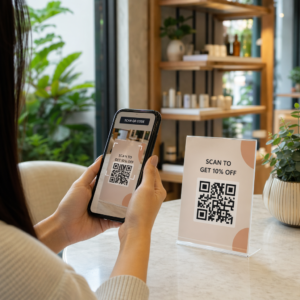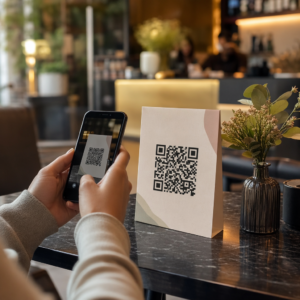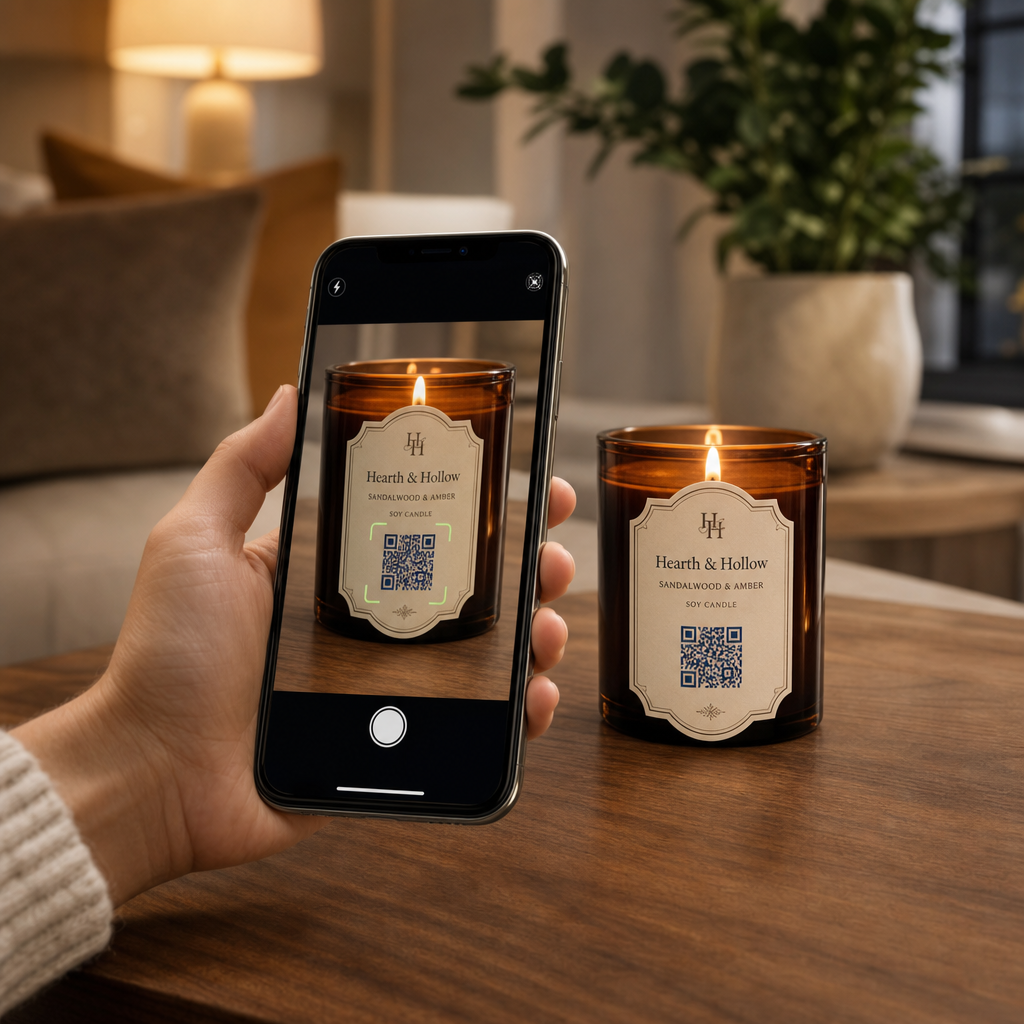
Küçük mum etiketlerinde marka hikayenizi ve promosyonlarınızı paylaşmakta zorlanıyor musunuz? Fiziksel etiket alanı son derece sınırlıdır ve üreticileri ürün anlatılarından, kullanım kılavuzlarından veya hediye mesajlarından fedakarlık etmeye zorlar. Ambalajınıza QR kodları eklemek, görsel düzeninizi temiz tutarken fiziksel ürünleri etkileşimli dijital içerikle birleştirir.
Mum Etiketlerinde QR Kod Kullanmanın Yaratıcı Yolları
Mumlar; kişisel ev dekorasyonu, sağlıklı yaşam ürünleri veya düşünceli hediyeler olarak yaygın şekilde satın alınan çok yönlü ürünlerdir. Konteynerinize veya ambalajınıza taranabilir bir dijital nokta entegre etmek, sıradan bir ürünü ilgi çekici bir marka deneyimine dönüştürür.
- Kişiselleştirilmiş hediye mesajları iletme: Alıcıların bir [link-text] kullanarak video, ses veya yazılı notlar eklemesini sağlama Metin QR Kod Oluşturucu veya bir MP3 QR Kod Oluşturucu mumları bayramlar, düğünler veya anma törenleri için unutulmaz hediyelere dönüştürür.
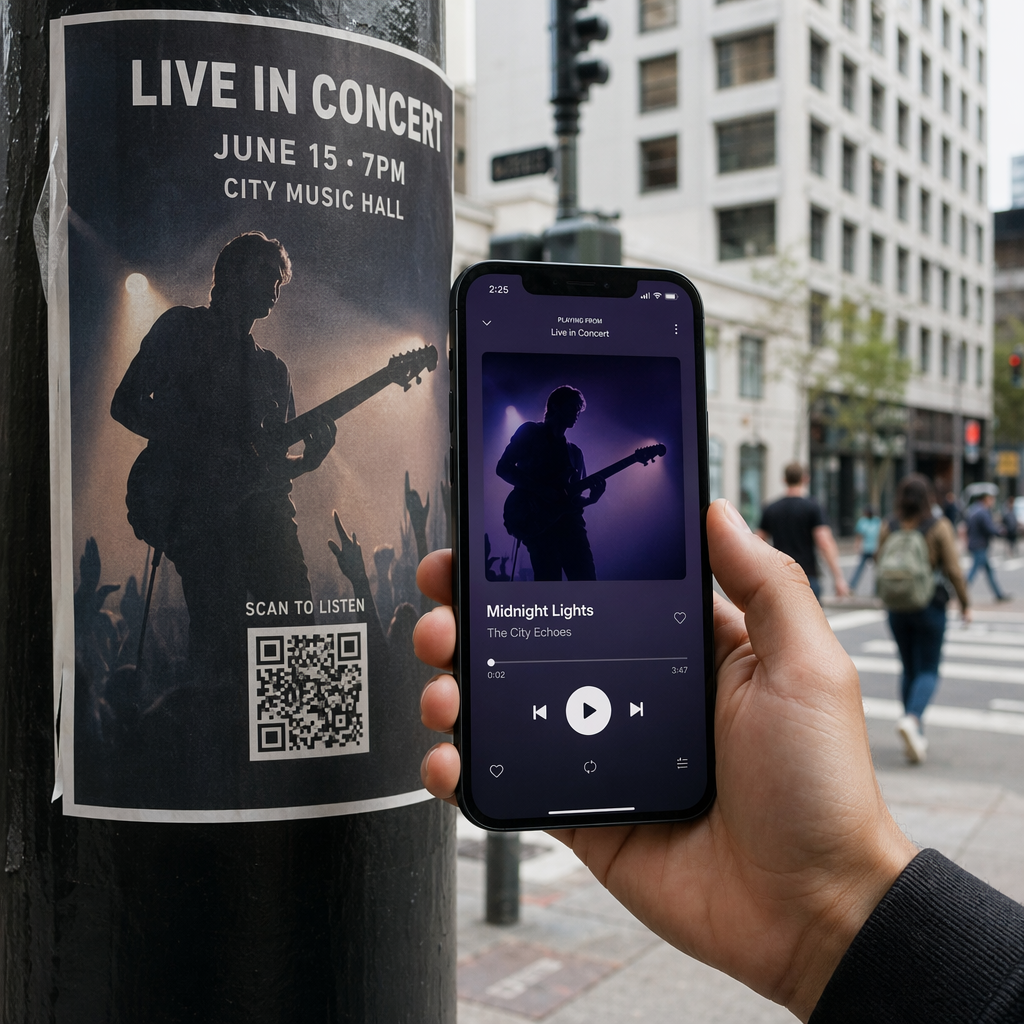
- Kokuyu seçilmiş çalma listeleriyle eşleştirme: Bir [link-text] kullanarak koku profillerini ses ortamlarıyla eşleştirme Spotify QR Kod Oluşturucu alıcıların kavanozu tarayarak kokuya uygun müzik çalmasını sağlar; ek kurulum detayları şuradan edinilebilir: Spotify çalma listelerini paylaşma rehberimiz.
- Promosyon indirimleriyle tekrar satışları artırma: Bir [link-text] kullanarak hedeflenmiş fırsatlar sunarak müşteri sadakatini teşvik etme Kupon QR Kod Oluşturucu doğrudan kutu üzerinde tekrarlayan çevrimiçi siparişleri tetikler.
- Kapsamlı mum bakım talimatları sağlama: Elle dökülmüş mum, uçucu yağ profilleri, fitil kısaltma yönergeleri ve kavanoz yeniden kullanım ipuçları hakkında ayrıntıları paylaşmak, fiziksel etiketleri dağınıklıktan uzak tutar.
Düzenleyici Uyum ile Etiket Alanını Dengelemek
İçin stratejik yerleşimler planlarken ürün ambalajına QR kodları yerleştirme, dijital etkileşimi zorunlu yasal ambalaj gereklilikleriyle dengelemelisiniz.
Amerika Birleşik Devletleri'nde, tüketici mum etiketleri Adil Paketleme ve Etiketleme Yasası (FPLA)'na uymalıdır. Bu federal yasa, birincil teşhir panellerinin belirli bilgi unsurlarını içermesini zorunlu kılar:
- Ürünü açıkça tanımlayan bir kimlik beyanı (örneğin “Kokulu Soya Mumu” gibi).
- İçeriğin net miktarı hem ABD geleneksel birimleri (ons) hem de metrik birimler (gram) cinsinden gösterilir.
- Üretici, paketleyici veya dağıtıcının ticari adı ve fiziksel konumu (şehir, eyalet ve posta kodu).
Ayrıca, ASTM F2058 kapsamında belirlenen güvenlik standartları açık yangın güvenliği uyarıları gerektirir. Standart uyarı etiketleri üç temel önlemi belirtir: “Görüş alanı içinde yakın,” “Yanıcı maddelerden uzak tutun” ve “Çocuklardan ve evcil hayvanlardan uzak tutun.” Kavanozun alt paneline tam yangın güvenliği talimatları yerleştirirseniz, ambalaj standartları, yan veya üst etiketin kullanıcılara “Güvenlik bilgileri için alt panele bakın” talimatını vermesini şart koşar.
Arka plan hikayelerini, koku piramitlerini ve pazarlama bağlantılarını taranabilir bir kodun arkasına taşımak, zorunlu yasal metin gereksinimlerini karşılarken genel ambalaj estetiğinizi korumaya yardımcı olur.
Dinamik İndirimlerle Tekrar Siparişleri Artırın Her kampanya için mum ambalajınızı yeniden bastırmadan müşteri sadakatini ödüllendirmek mi istiyorsunuz? Düzenlenebilir indirim bağlantıları oluşturmak için Kupon QR Kod Oluşturucu bugün.
Taranabilir Mum Etiketleri İçin Tasarım ve Baskı Yönergeleri
Taranabilir bir kod, günlük aydınlatma ve kullanım koşullarında güvenilir bir şekilde çalışmalıdır. Cam kavanozlara, alüminyum kutulara veya karton kutulara tasarım uygularken kritik QR kodu okunabilirliği için en iyi uygulamaları:
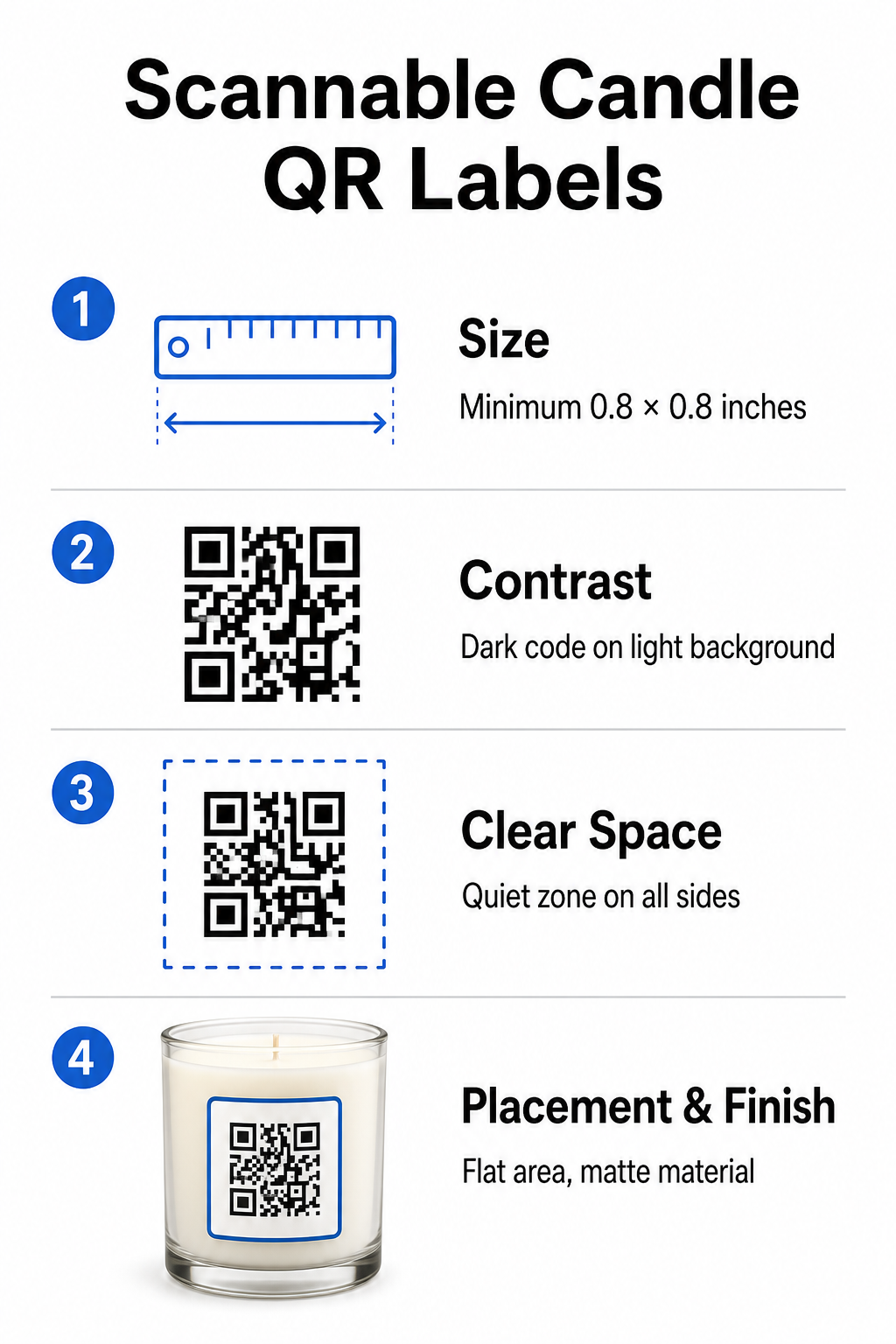
- Doğru baskı boyutlarını korumak: Fiziksel boyutları en az 0.8 x 0.8 inç (2 x 2 cm) etiketler için, genişleterek 3 x 3 cm dış kutular için, aşağıdaki kılavuzumuzda belirtildiği gibi QR kodu boyutları kılavuzu.
- Güçlü görsel kontrast sağlamak: Standart telefon kamera sensörlerinin matrisi kolayca okuyabilmesi için açık renkli arka planlar üzerinde koyu desenler kullanın.
- Yeterli bir sessiz alan bırakmak: Dört kenarının tamamında modül genişliğinin en az dört katı ölçülerinde baskısız bir kenarlık bırakın.
- Konteyner parlamasını ve yüzey eğriliğini azaltmak: Eğrilik bozulmasını önlemek için kodları düz ikincil ambalajlara yerleştirin veya etiket kodlarını dar tutun, parlak yüzeyler yerine mat veya yarı parlak etiket malzemeleri seçin.
- Yüksek çözünürlüklü vektör varlıklarını dışa aktarma: Kenarları keskin tutmak için sanat eserini 300 DPI veya daha yüksek çözünürlükte SVG veya EPS formatında kaydedin, kılavuzumuzu takip ederek etikete QR kodu basma.
Mum Deneyiminizi Sesle Geliştirin Müşterilerinizi büyülemek için özel ses parçaları veya çalma listeleriyle imza kokularınızı eşleştirin. Şunu kullanın: Spotify QR Kod Oluşturucu ürünleriniz için taranabilir müzik kodları oluşturmak için.
Mum Markaları İçin Statik ve Dinamik QR Kodlarını Karşılaştırma
Doğru kod mimarisini seçmek, satış sonrası pazarlamanızın zamanla uyarlanabilir olup olmadığını belirler.
| ÖZELLİK | Statik QR Kodları | Dinamik QR Kodları |
|---|---|---|
| Düzenlenebilir Bağlantı | Kalıcı (Baskıdan sonra değiştirilemez) | Ambalajı yeniden basmaya gerek kalmadan istediğiniz zaman tamamen düzenlenebilir |
| Tarama Analizleri | İzleme mevcut değil | Toplam taramaları, konumu, cihaz işletim sistemini ve zamanı izler |
| Desen Yoğunluğu | Uzun hedef URL'lerle daha yoğun desen | Kısa yönlendirme bağlantıları kullanarak temiz, daha düşük yoğunluklu desen |
| En İyi Kullanım Örneği | Kalıcı talimatlar veya basit metin notları | Sezonluk indirimler, değişen çalma listeleri, dinamik hediye mesajları |
Kullanmak Dinamik QR Kod Oluşturucu ürünleriniz raflardan çıktıktan çok sonra promosyon hedeflerini değiştirmenize, sezonluk müzik çalma listelerini yenilemenize veya dijital hediye mesajlarını güncellemenize olanak tanır. Tam uygulama detayları için kapsamlı kılavuzumuzu inceleyin: ürün etiketleri için QR kodları rehberi.
Mum Ambalajı İçin Markalı QR Kodları Nasıl Oluşturulur
Mum ambalajınız için özelleştirilmiş, baskıya hazır kodlar tasarlamak yalnızca birkaç yapılandırılmış adım gerektirir:
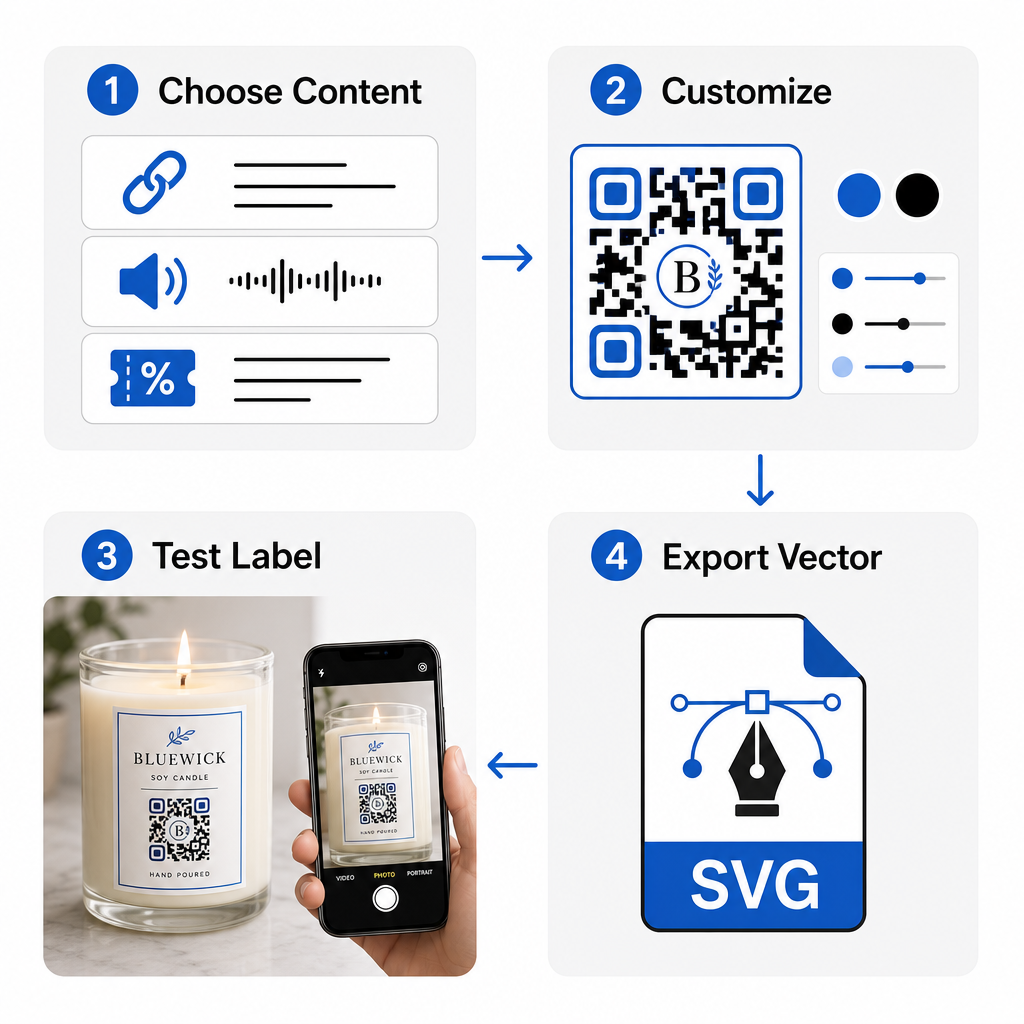
- QR kodu türünüzü seçme: Alıcıları bir web sitesine, ses dosyasına, PDF kılavuzuna veya kupona yönlendirip yönlendirmeyeceğinize bizim aracılığımızla karar verin Ücretsiz QR Kod Oluşturucu.
- Hedef verilerinizi girme: Hedef web adresini girin veya dijital medya dosyanızı yükleyin.
- Görsel tasarımı özelleştirme: Özel marka renkleri, çerçeveler ve logoları bir Logolu QR Kod Oluşturucu görsel güven oluşturmak için.
- Birden fazla cihazda test etme: Farklı akıllı telefonlar ve aydınlatma ortamları kullanarak test baskılarında tarama performansını doğrulayın.
- Baskıya hazır dosyaları indirme: Yüksek çözünürlüklü baskı için vektör dosyalarını SVG veya EPS formatında dışa aktarın.
Mum ambalajınıza taranabilir kodlar entegre etmek, standart fiziksel ürünleri gerekli etiket alanını aşırı doldurmadan etkileşimli marka temas noktalarına dönüştürür. İster mevsimlik ses çalma listeleri yerleştiriyor, promosyon indirimleri sunuyor veya kişiselleştirilmiş müşteri mesajları iletiyor olun, dijital bağlantılar markanıza uzun vadeli esneklik sağlar. Pageloot'un Ücretsiz QR Kod Oluşturucu mum ambalaj stratejinizi geliştirmek için.
Sıkça sorulan sorular
Evet. Yeterli renk kontrastını, yeterli bir sessiz alanı ve müşterileri alt kısmı taramaya yönlendiren birincil etikette açık bir harekete geçirici mesajı koruduğunuz sürece, yangın uyarılarının yanı sıra alt güvenlik paneline bir QR kodu basabilirsiniz.
Birincil mum etiketinde basılı bir QR kodu için önerilen minimum boyut 0,8 x 0,8 inç (2 x 2 cm)'dir. İkincil dış ambalaj veya kargo kutuları için, 3 x 3 cm boyutunda bir QR kodu, daha hızlı ve tutarlı tarama sağlar.
Dinamik QR kodları kullanıyorsanız, fiziksel mum etiketlerinizi veya ambalaj kutularınızı yeniden bastırmanıza gerek kalmadan, yönetim panonuzda hedef URL'yi veya dijital içeriği istediğiniz zaman değiştirebilirsiniz.