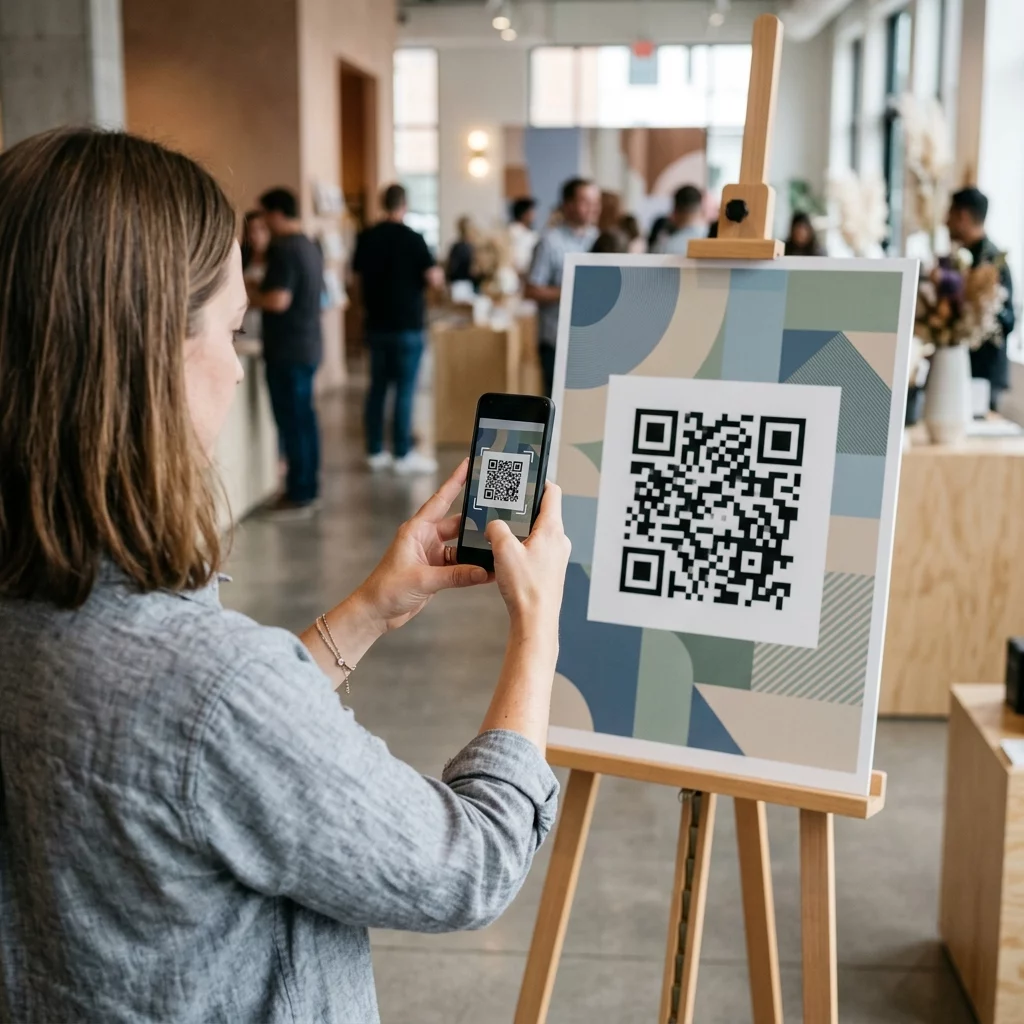
Bạn đang gặp khó khăn trong việc thu hút người xem tương tác với nội dung video của mình ngoài việc chỉ nhấn nút phát? Lượt xem thụ động ngăn khách hàng thực hiện bước tiếp theo, dẫn đến bỏ lỡ các cơ hội chuyển đổi. Hướng dẫn này giải thích cách sử dụng mã QR để khởi chạy trải nghiệm video tương tác nhằm thúc đẩy mức độ tương tác có thể đo lường được và tỷ lệ nhấp cao hơn.
Kết nối không gian vật lý và tương tác kỹ thuật số
Tiếp thị video truyền thống thường hoạt động như một con đường một chiều nơi khán giả xem mà không có lộ trình tương tác rõ ràng. Video tương tác thay đổi động lực này bằng cách cho phép người dùng nhấp, mua sắm hoặc chọn đường dẫn câu chuyện của riêng họ trực tiếp trong trình phát. Thống kê cho thấy các định dạng tương tác này có thể đạt tỷ lệ nhấp cao hơn tới 10 lần so với các video tuyến tính, tiêu chuẩn.
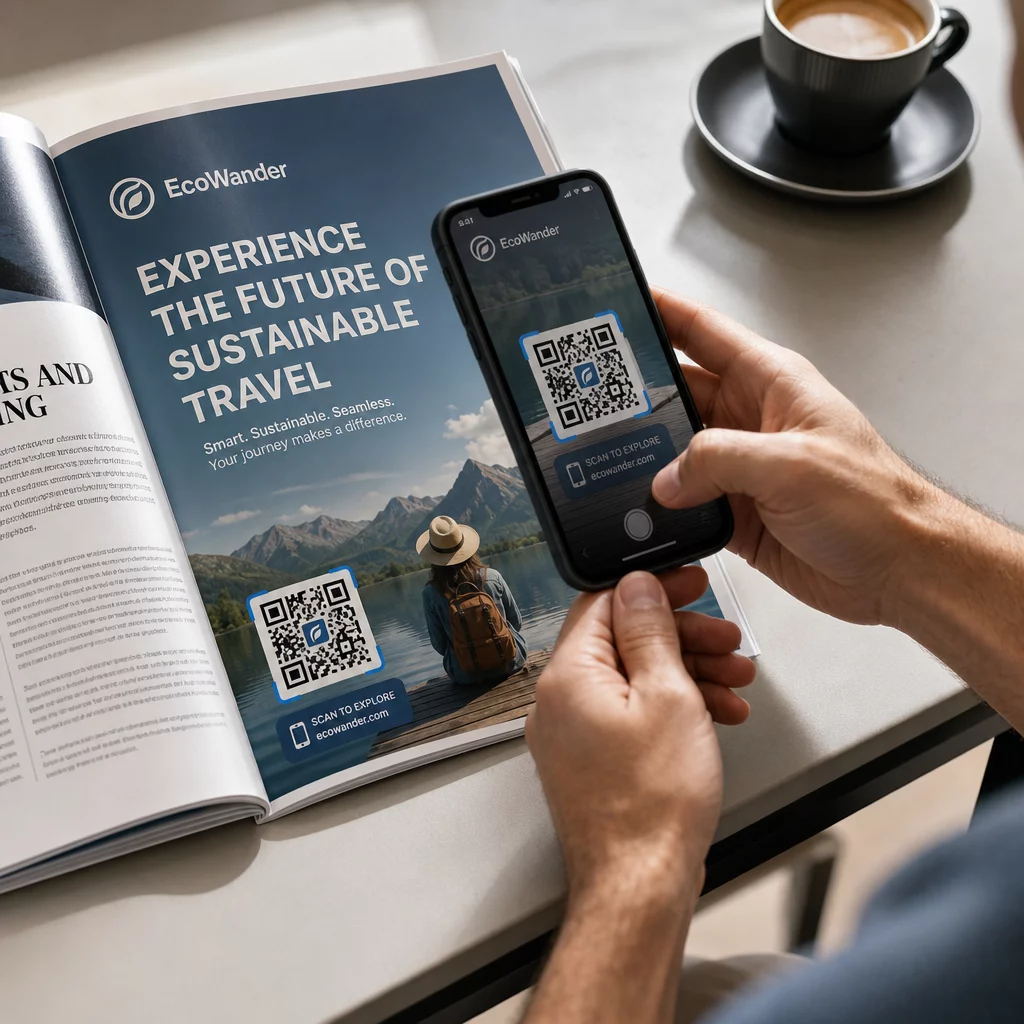
Việc kết nối những trải nghiệm kỹ thuật số hiệu suất cao này với các tài liệu tiếp thị vật lý đòi hỏi một cầu nối đáng tin cậy. Với hơn 102 triệu người Mỹ dự kiến sẽ quét mã QR vào năm 2026, các công cụ này đã trở thành tiêu chuẩn để kết nối khán giả ngoại tuyến với nội dung trực tuyến. Điều này đặc biệt phù hợp với các nhóm nhân khẩu học trẻ tuổi, vì khoảng một nửa số người tiêu dùng Thế hệ Thiên niên kỷ và Gen Z hiện sử dụng mã QR ít nhất một lần mỗi tuần.
Các trường hợp sử dụng chiến lược cho mã QR video tương tác
Việc triển khai mã QR cho nội dung video không chỉ đơn thuần là liên kết đến một nút phát. Đối với các nhà tiếp thị, mục tiêu là tạo ra một trải nghiệm nhập vai, mang tính cá nhân hóa và phản hồi theo môi trường tức thời của người dùng.
- Video giới thiệu sản phẩm có thể mua sắm: Đặt mã trên bao bì sản phẩm để khởi chạy video, nơi người dùng có thể chạm vào các mục trên màn hình để thêm chúng vào giỏ hàng kỹ thuật số.
- Hướng dẫn giới thiệu: Bao gồm mã trong sách hướng dẫn lắp ráp vật lý để kích hoạt các video hướng dẫn từng bước, giúp giảm sự thất vọng của khách hàng và nhu cầu gửi yêu cầu hỗ trợ.
- Tiếp thị tường thuật phân nhánh: Khởi chạy video phong cách “chọn cuộc phiêu lưu của riêng bạn” từ tờ rơi hoặc biển quảng cáo để giữ chân người dùng tương tác lâu hơn khi họ khám phá các kết quả khác nhau.
- Tham quan ảo và Bất động sản: Biển báo tại chỗ có thể khởi chạy các chuyến tham quan tương tác 360 độ hoặc video hướng dẫn, cho phép người mua tiềm năng nhìn thấy tiềm năng của một tài sản ngay lập tức.
Tạo Mã QR Video Đầu tiên của Bạn Bạn đã sẵn sàng biến các tài liệu tiếp thị tĩnh của mình thành trải nghiệm video sống động chưa? Hãy sử dụng Tạo mã QR cho video để tải lên và chia sẻ nội dung của bạn trong vài giây.
Tiêu chuẩn kỹ thuật để quét đáng tin cậy
Để đảm bảo trải nghiệm video tương tác của bạn được khởi chạy thành công mọi lúc, bạn phải tuân thủ các tiêu chuẩn kỹ thuật cụ thể. Mã không quét được hoặc dẫn đến liên kết hỏng sẽ ngay lập tức làm gián đoạn trải nghiệm người dùng và giảm ROI chiến dịch của bạn.
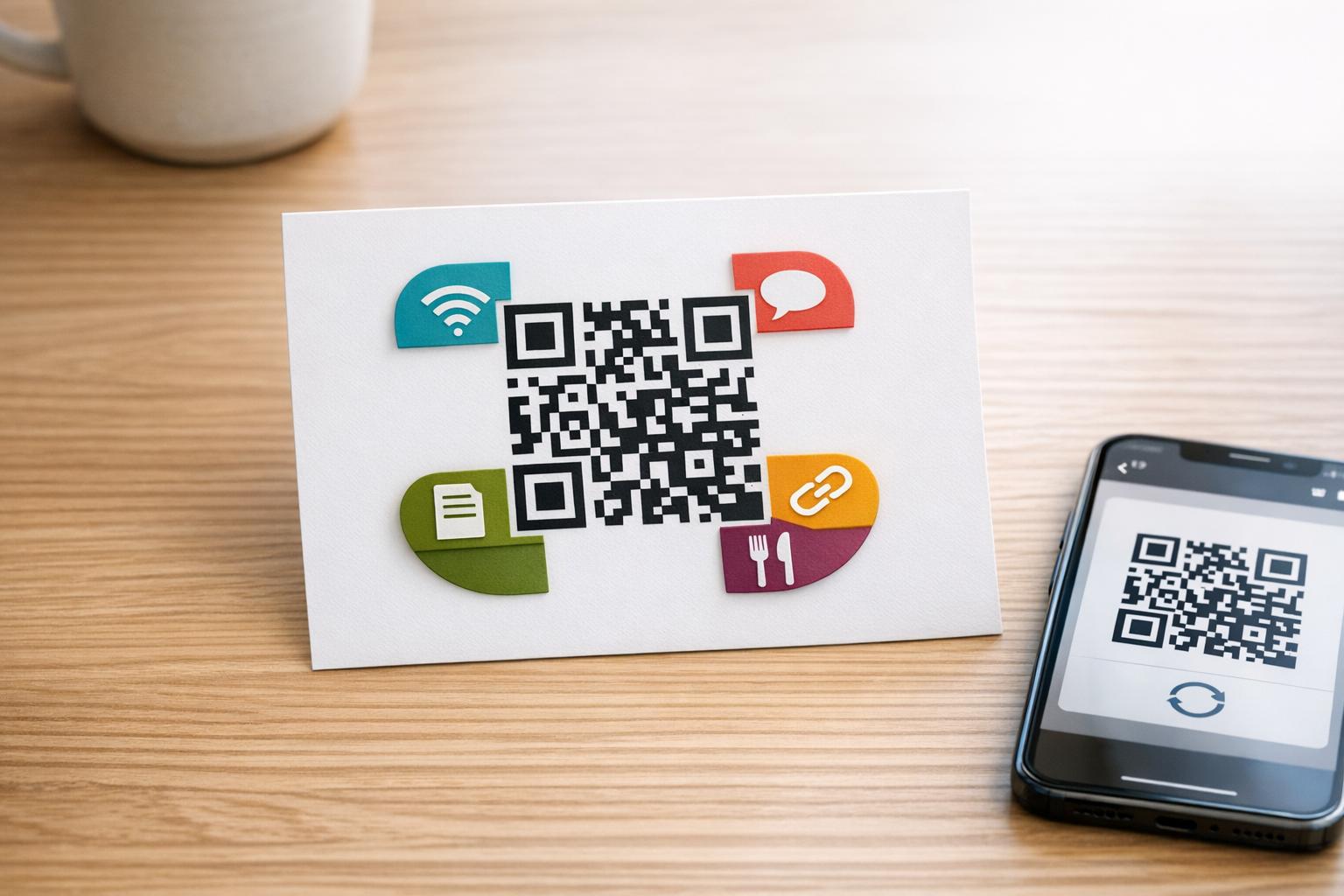
Khi khởi chạy các chiến dịch tương tác, điều cần thiết là phải sử dụng mã QR động thay vì các mã tĩnh. Mã tĩnh lưu trữ dữ liệu trực tiếp trong mẫu, khiến chúng vĩnh viễn và không thể theo dõi. Ngược lại, mã động sử dụng URL chuyển hướng ngắn, cho phép bạn cập nhật liên kết đích hoặc trang đích tương tác ngay cả sau khi tài liệu đã được in.
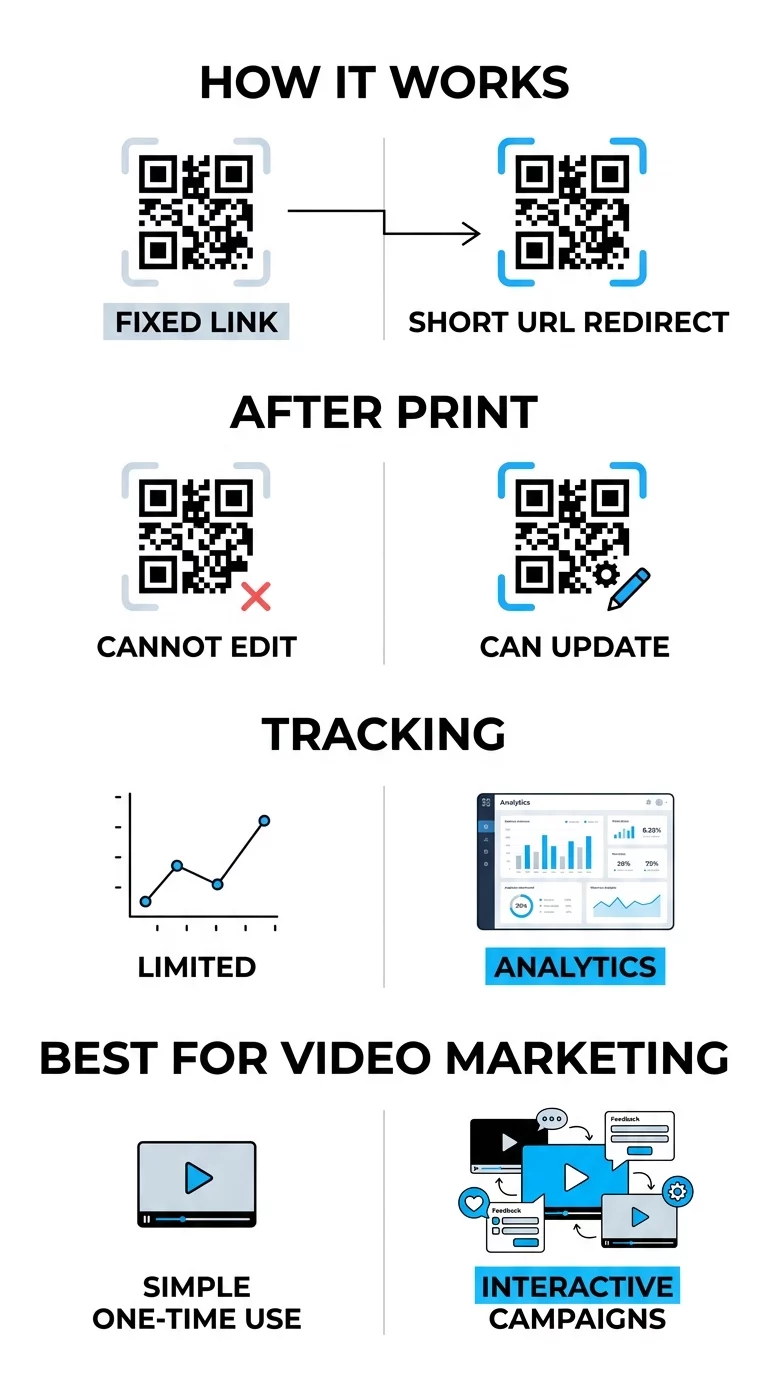
Độ tương phản cao cũng là một nền tảng của khả năng quét. Hãy hình dung máy quét như một trình đọc tốc độ cao cần sự phân biệt rõ ràng giữa mã và nền của nó; màu tối hấp thụ ánh sáng trong khi màu sáng phản xạ nó. Việc duy trì sơ đồ màu tối trên nền sáng đảm bảo cảm biến máy ảnh có thể phân biệt chính xác mẫu. Ngoài ra, trang đích phải thân thiện với thiết bị di động, vì hầu hết các lần quét QR đều xảy ra trên điện thoại thông minh.
Theo dõi Hiệu suất và Chỉ số tương tác
Một trong những lợi thế lớn nhất của việc sử dụng mã QR cho video tương tác là khả năng thu thập dữ liệu chi tiết. Bằng cách theo dõi các lượt quét mã QR theo thời gian thực, bạn có thể thấy chính xác cách khán giả của mình đang tương tác với nội dung của bạn và điều chỉnh chiến lược của mình cho phù hợp.
- Tổng số lượt quét so với Lượt quét duy nhất: Chỉ số này giúp bạn xác định phạm vi tiếp cận tổng thể của chiến dịch và xác định có bao nhiêu người dùng cá nhân quay lại nội dung.
- Dữ liệu địa lý: Xác định những địa điểm thực tế hoặc khu vực cụ thể nào đang tạo ra nhiều lượt xem video nhất để phân bổ ngân sách tiếp thị của bạn hiệu quả hơn.
- Thiết bị và Hệ điều hành: Việc hiểu rõ khán giả của bạn sử dụng iOS hay Android giúp bạn tối ưu hóa các yếu tố tương tác của trình phát video.
- Xu hướng theo thời gian: Theo dõi thời điểm khán giả của bạn hoạt động tích cực nhất để lên lịch ra mắt hoặc các chiến dịch khuyến mãi trong tương lai hiệu quả hơn.
Theo dõi hiệu suất chiến dịch của bạn Bạn muốn biết chính xác khách hàng của mình đang quét tài liệu video của bạn ở đâu và khi nào? Hãy sử dụng trình tạo mã QR để tạo mã có thể theo dõi và truy cập bảng điều khiển hiệu suất đầy đủ.
Chiến lược đặt mã để đạt được khả năng hiển thị tối đa
Vị trí vật lý mã QR của bạn cũng quan trọng như nội dung kỹ thuật số mà nó kích hoạt. Nếu người dùng không nhìn thấy mã hoặc không hiểu lợi ích của việc quét mã, trải nghiệm tương tác sẽ không được sử dụng.
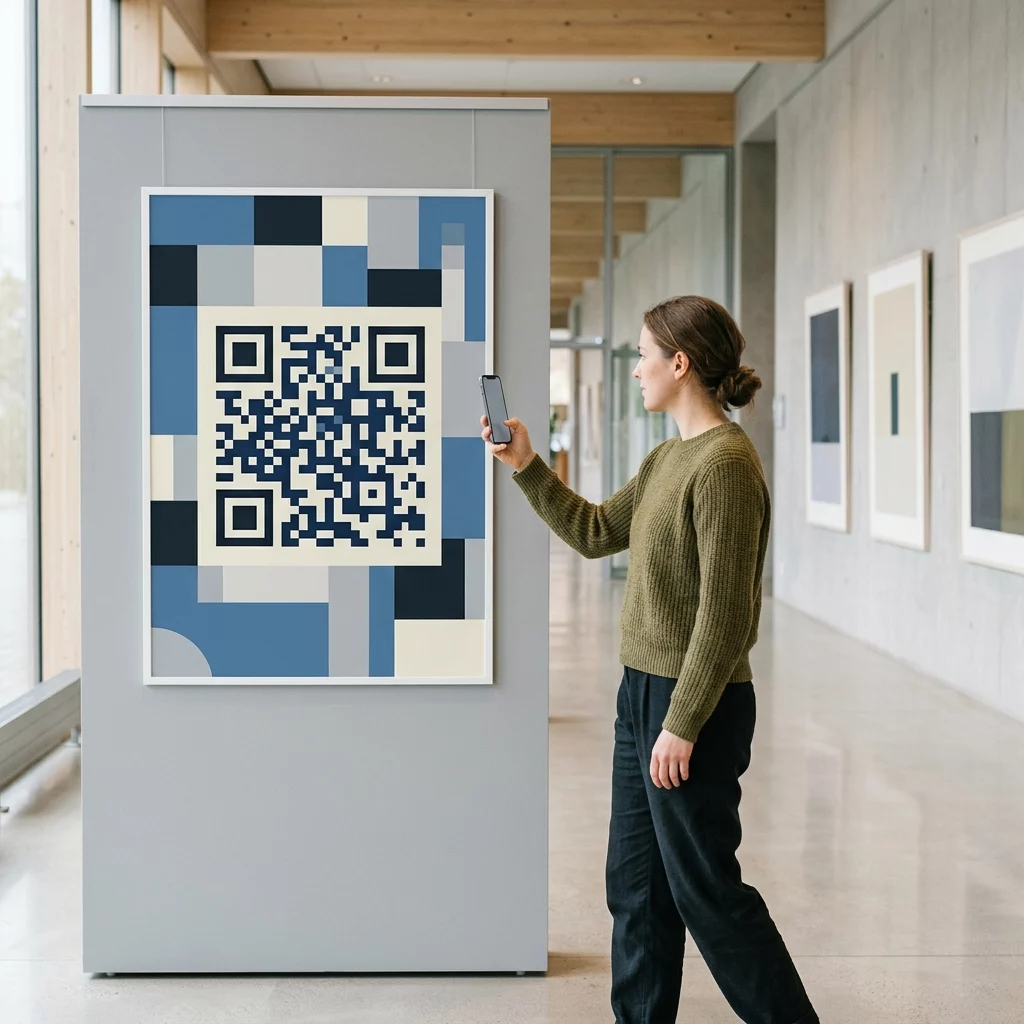
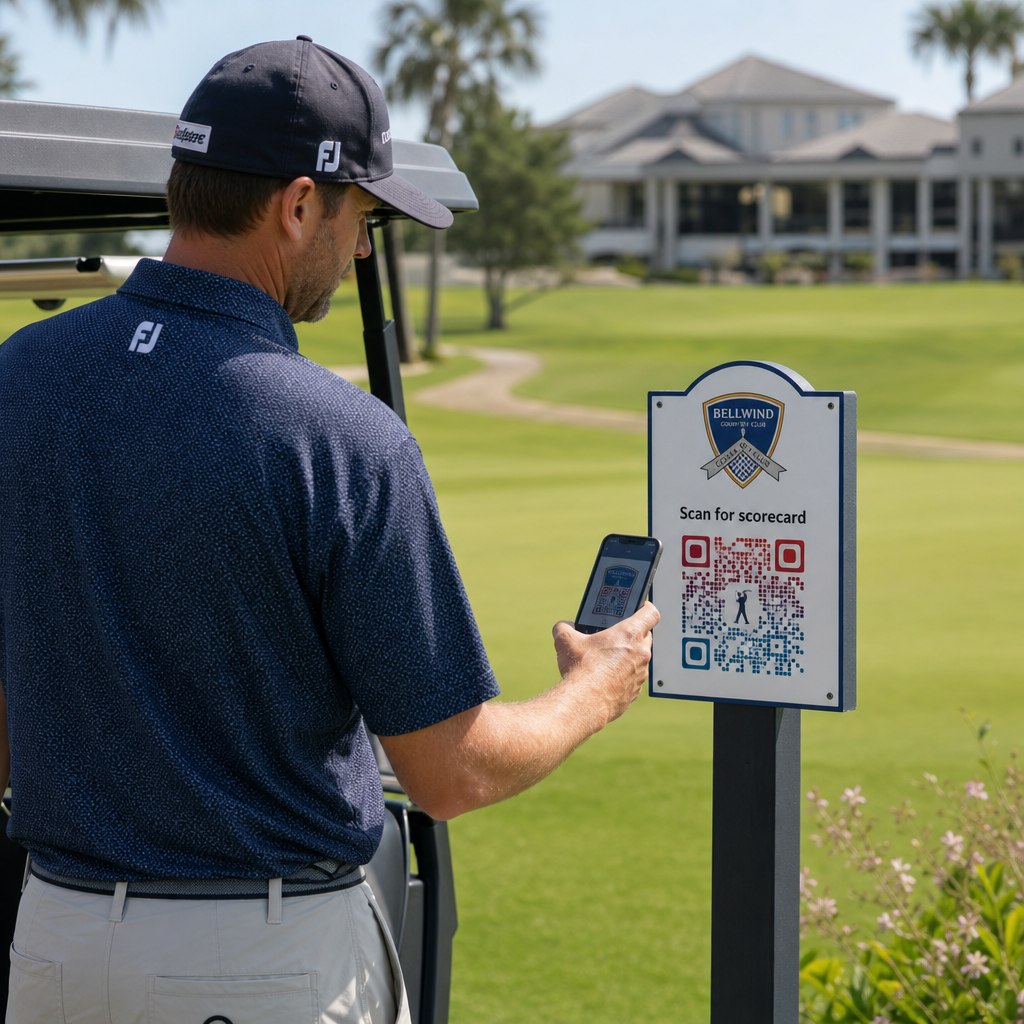
Đặt mã ở tầm mắt, thường là từ 3.5 đến 5.5 feet so với mặt đất, để đảm bảo chúng nằm trong tầm nhìn tự nhiên của người dùng. Trên màn hình kỹ thuật số hoặc slide thuyết trình, đảm bảo mã vẫn hiển thị ít nhất 15 giây để người xem có đủ thời gian mở máy ảnh của họ. Bạn cũng nên bao gồm một lời kêu gọi hành động (CTA) rõ ràng, chẳng hạn như "Quét để xem nó hoạt động," cung cấp cho người dùng lý do để tương tác. Tùy chỉnh mã với màu sắc thương hiệu và logo của bạn có thể tăng cường niềm tin và sự nhận diện, khiến người dùng có nhiều khả năng quét hơn.
Câu hỏi thường gặp
Có, miễn là bạn sử dụng mã QR động. Các mã này cho phép bạn cập nhật URL đích hoặc nội dung thông qua một bảng điều khiển trung tâm bất cứ lúc nào mà không cần in lại tài liệu của bạn.
Điều này phụ thuộc vào trình tạo và thiết bị của người dùng. Sử dụng trình tạo mã QR YouTube chuyên biệt cho phép chuyển hướng thông minh có thể trực tiếp kích hoạt ứng dụng YouTube để có trải nghiệm xem liền mạch hơn.
Bạn nên duy trì tỷ lệ tương phản cao và sử dụng vật liệu hoàn thiện mờ cho các tài liệu in ấn để ngăn chặn chói lóa. Luôn kiểm tra mã trên nhiều thiết bị và trong các điều kiện ánh sáng khác nhau trước khi phân phối rộng rãi.
Để khởi chạy một chiến dịch video tương tác thành công, bạn phải chọn đúng nội dung và nền tảng quản lý cung cấp khả năng theo dõi và linh hoạt cần thiết để tối ưu hóa. Bằng cách tuân thủ các hướng dẫn kỹ thuật và chiến lược này, bạn có thể biến người xem thụ động thành những người tham gia tích cực. Truy cập hướng dẫn của chúng tôi về cách tạo mã QR cho video để bắt đầu xây dựng trải nghiệm tương tác đầu tiên của bạn ngay hôm nay.