ホーム > 産業 > How to Use QR Codes for Interactive Video Experiences
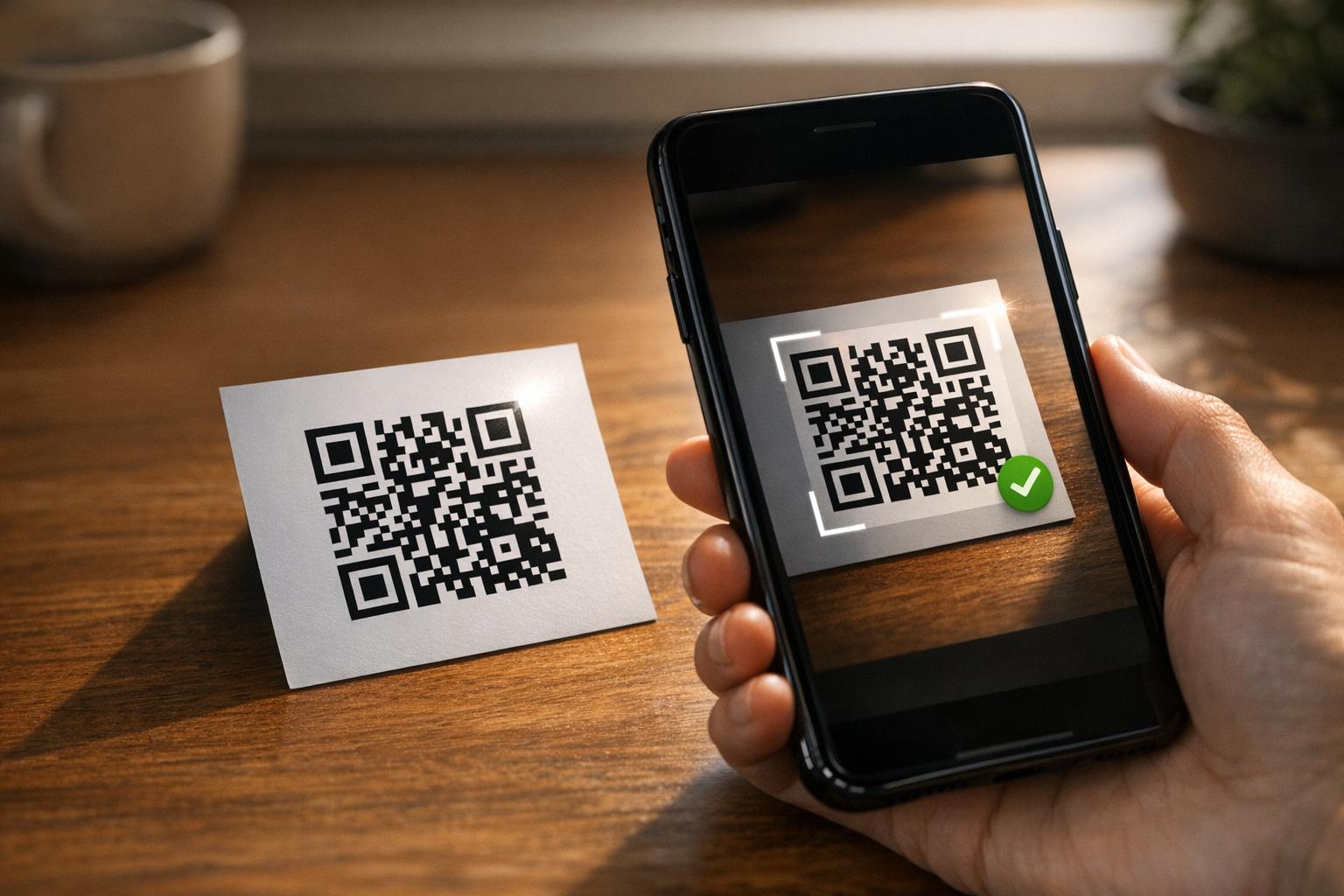
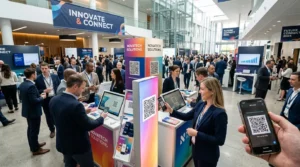
Scanning interactive video QR

How to Use QR Codes for Interactive Video Experiences

Use QR codes to launch interactive video experiences. This guide covers shoppable content, branching narratives, performance tracking, and placement strategies.
Updated on 7月 28, 2026
目次

Are you struggling to get viewers to engage with your video content beyond just pressing play? Passive viewership prevents customers from taking the next step, resulting in missed conversion opportunities. This guide explains how to use QR codes to launch interactive video experiences that drive measurable engagement and higher click-through rates.

Bridging Physical Spaces and Digital Interaction

Traditional video marketing often acts as a one-way street where the audience watches without a clear path to interact. Interactive videos change this dynamic by allowing users to click, shop, or choose their own narrative path directly within the player. Statistics suggest that these interactive formats can achieve click-through rates up to 10 times higher than standard, linear videos.

Connecting these high-performing digital experiences to physical marketing materials requires a reliable bridge. With over 102 million Americans expected to scan QR codes by 2026, these tools have become the standard for connecting offline audiences to online content. This is particularly relevant for younger demographics, as roughly half of Millennial and Gen Z consumers now use QR codes at least once a week.

Strategic Use Cases for Interactive Video QR Codes

Implementing QR codes for video content involves more than just linking to a play button. For marketers, the goal is to create an immersive experience that feels personalized and responsive to the user’s immediate environment.

  • Shoppable Product Demos: Place a code on product packaging that launches a video where users can tap items on-screen to add them to a digital cart.
  • Instructional Onboarding: Include codes in physical assembly manuals to trigger step-by-step video tutorials, which reduces customer frustration and the need for support tickets.
  • Branching Narrative Marketing: Launch a “choose-your-own-adventure” style video from a flyer or billboard to keep users engaged longer as they explore different outcomes.
  • Virtual Tours and Real Estate: In-person signage can launch 360-degree interactive tours or video walkthroughs, allowing potential buyers to see a property’s potential instantly.

Create Your First Video QR Code Ready to turn your static marketing materials into an immersive video experience? Use the ビデオQRコードジェネレーター to upload and share your content in seconds.

信頼性の高いスキャンを実現するための技術標準

To ensure your interactive video experience launches successfully every time, you must follow specific technical standards. A code that fails to scan or leads to a broken link will immediately disrupt the user experience and lower your campaign ROI.

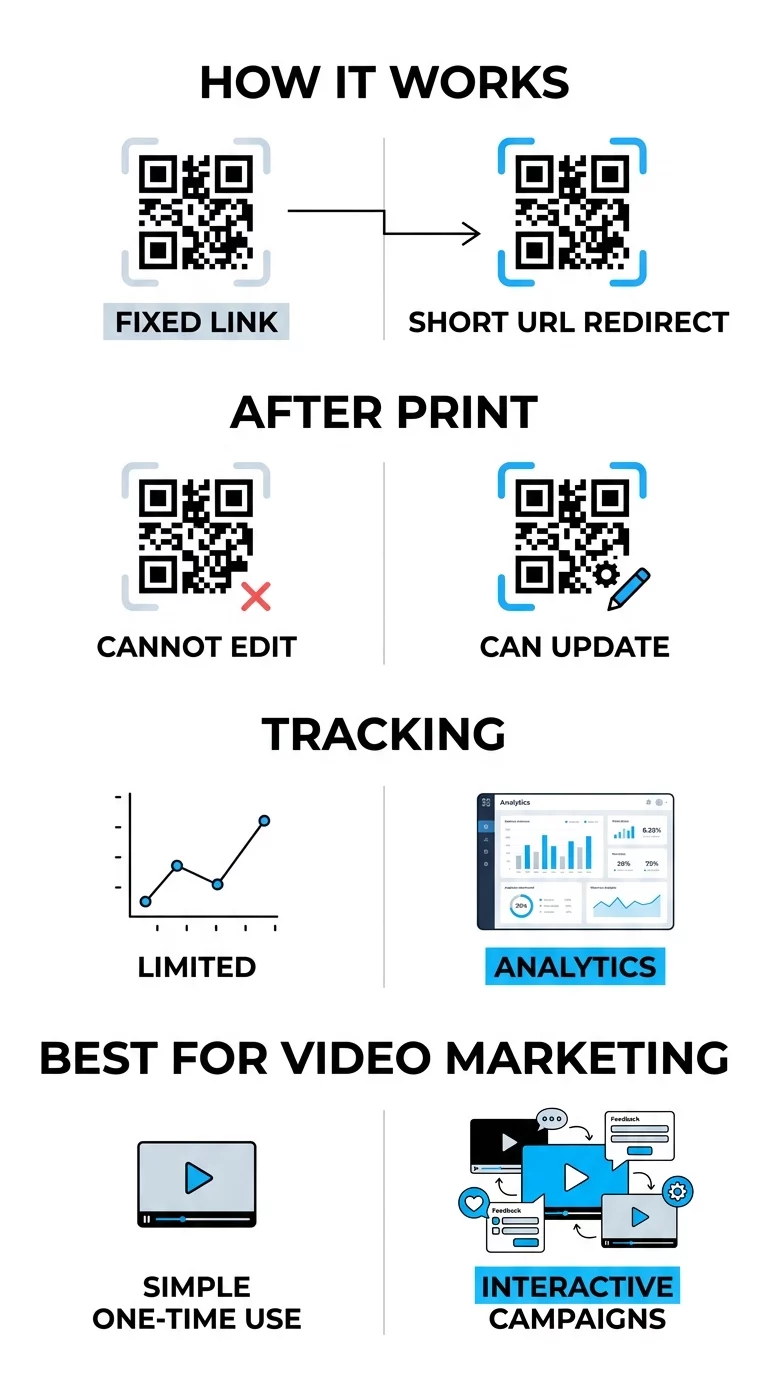
When launching interactive campaigns, it is essential to use ダイナミックQRコード rather than static ones. Static codes store data directly in the pattern, making them permanent and untrackable. In contrast, dynamic codes use a short redirect URL, allowing you to update the destination link or the interactive landing page even after the materials are printed.

静的コードと動的コード

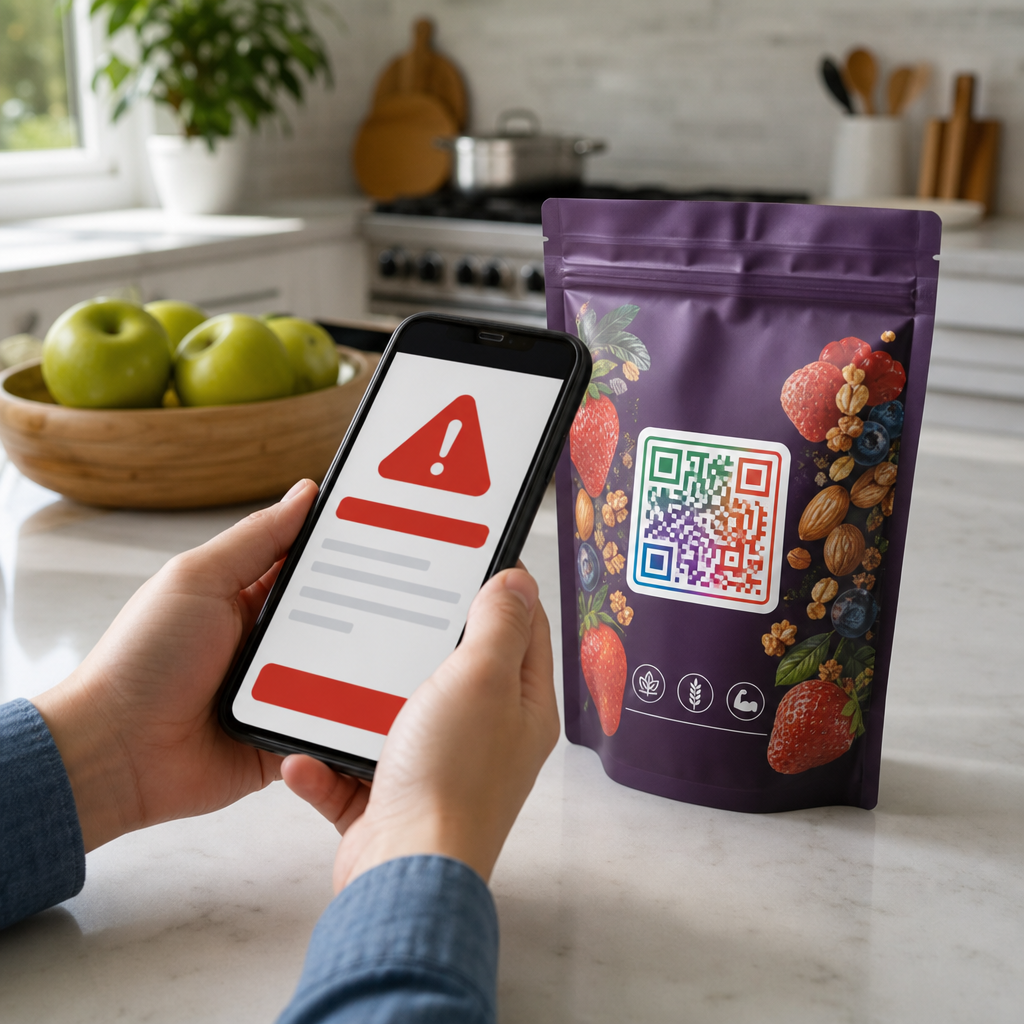
High contrast is also a foundation of scannability. Think of the scanner like a high-speed reader that needs a clear distinction between the code and its background; darker colors absorb light while lighter colors reflect it. Maintaining a dark-on-light color scheme ensures the camera sensor can accurately distinguish the pattern. Additionally, the landing page must be mobile-friendly, as almost all QR scans occur on smartphones.

Tracking Performance and Engagement Metrics

One of the biggest advantages of using QR codes for interactive video is the ability to collect granular data. By QRコードのスキャンをリアルタイムで追跡すること, you can see exactly how your audience is interacting with your content and adjust your strategy accordingly.

  • Total versus Unique Scans: This metric helps you determine the overall reach of your campaign and identify how many individual users are returning to the content.
  • Geographic Data: Identify which physical locations or specific regions are driving the most video views to better allocate your marketing budget.
  • Device and Operating System: Understanding whether your audience uses iOS or Android helps you optimize the interactive elements of your video player.
  • Time-Based Trends: Monitor when your audience is most active to time future launches or promotional pushes more effectively.

キャンペーンのパフォーマンスを監視する Want to see exactly where and when your customers are scanning your video materials? Use the QRコードジェネレーター 追跡可能なコードを作成し、完全なパフォーマンスダッシュボードにアクセスしてください。.

Placement Strategies for Maximum Visibility

The physical placement of your QR code is just as important as the digital content it triggers. If a user does not see the code or does not understand the benefit of scanning it, the interactive experience will go unused.

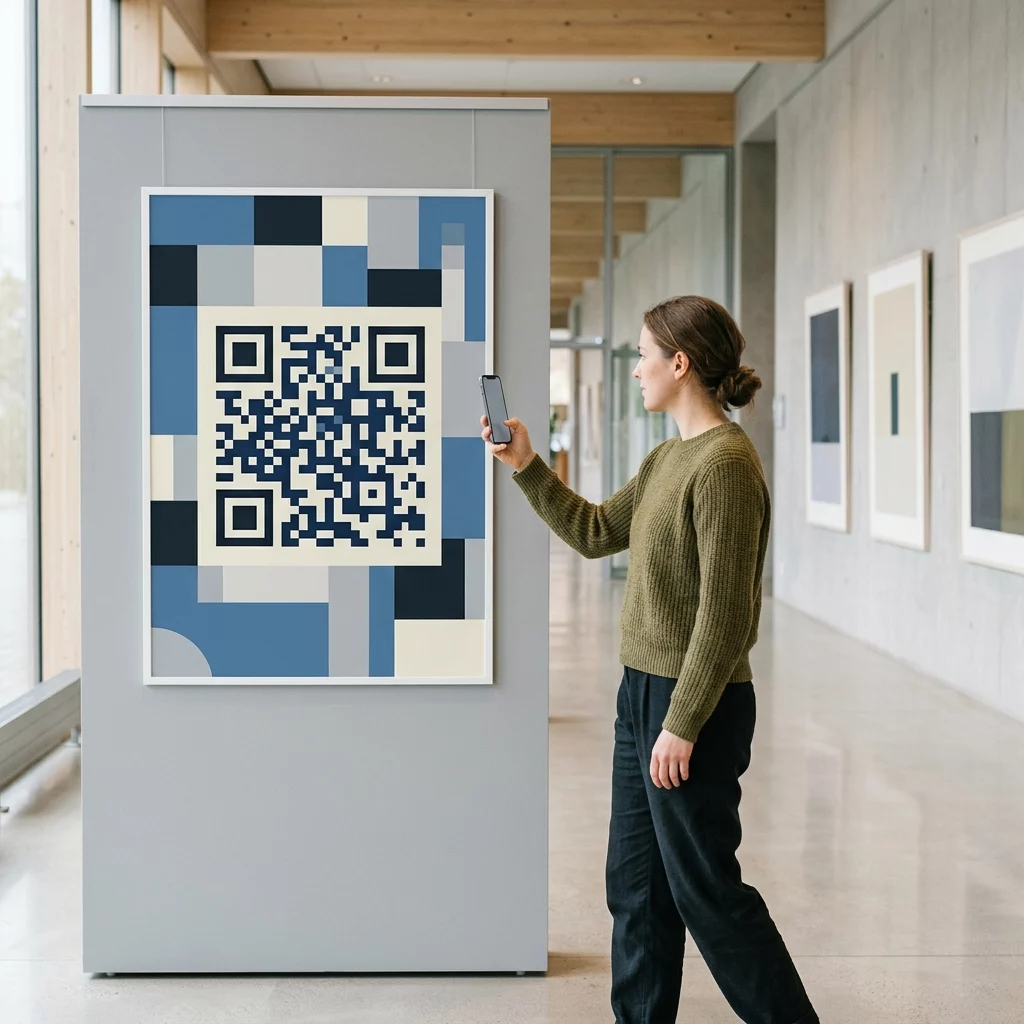
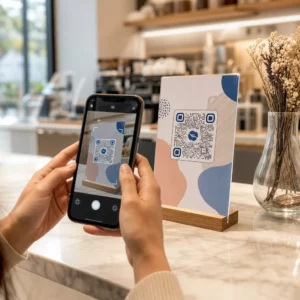
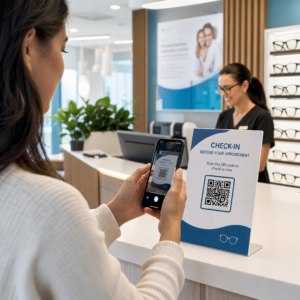
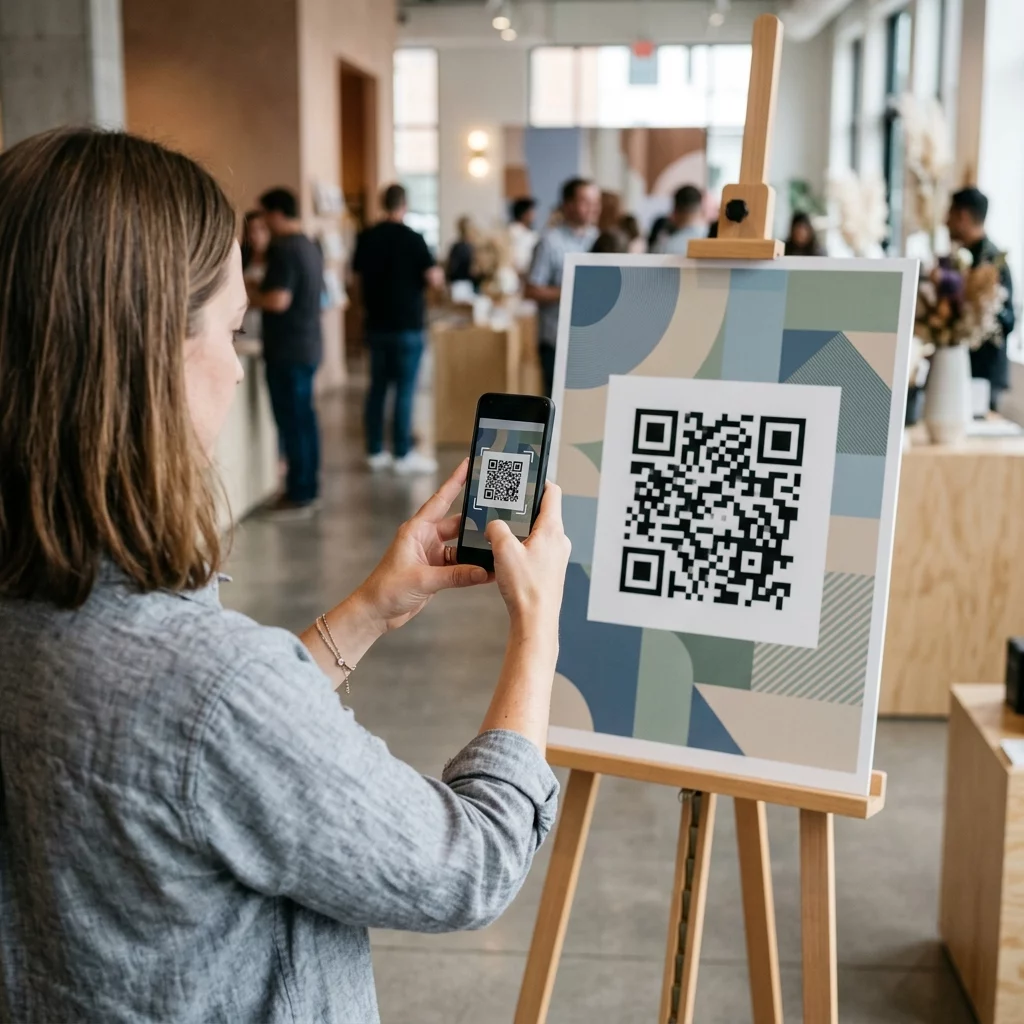
Visible QR poster placement

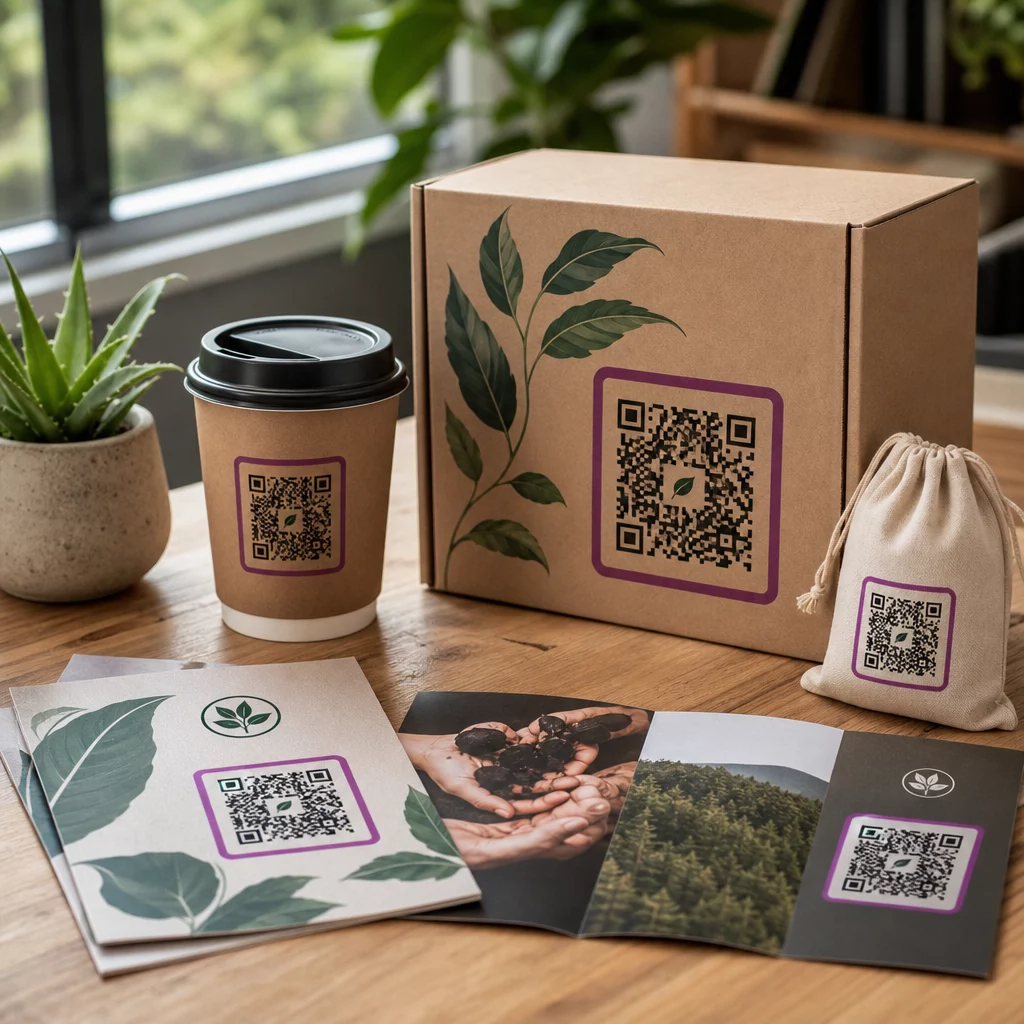
Place codes at eye level, generally between 3.5 and 5.5 feet from the ground, to ensure they fall within the user’s natural line of sight. On digital displays or presentation slides, ensure the code remains visible for at least 15 seconds so viewers have time to open their cameras. You should also include a clear call-to-action (CTA), such as “Scan to See it in Action,” which provides the user with a reason to engage. Customizing the code with your brand colors and logo can further increase trust and recognition, making users more likely to scan.

よくある質問

Can I change the video linked to my QR code after I have already printed it?

Yes, provided you use a dynamic QR code. These codes allow you to update the destination URL or content through a central dashboard at any time without needing to reprint your materials.

Will the QR code open my video in the YouTube app or a web browser?

This depends on the generator and the user’s device. Using a specialized YouTube QR code generator allows for smart redirects that can trigger the YouTube app directly for a more seamless viewing experience.

How do I ensure my QR code is scannable in different lighting?

You should maintain a high contrast ratio and use matte finishes for printed materials to prevent glare. Always test the code on multiple devices and under various lighting conditions before full distribution.

To launch a successful interactive video campaign, you must select the right content and a management platform that provides the tracking and flexibility needed for optimization. By following these technical and strategic guidelines, you can turn passive viewers into active participants. Visit our guide on how to create QR codes for videos to begin building your first interactive experience today.

著者について

Siim KostabiはPagelootのコンテンツリードです。Pagelootの革新的なQRコード生成サービスについて執筆しています。5年以上にわたるQRコードに関する深い専門知識を持つSiimは、この分野の専門家です。QRテクノロジーを活用してデジタルインタラクションを簡素化・拡張する上で、大きな進歩を遂げています。.

カテゴリー
について詳しくはこちら
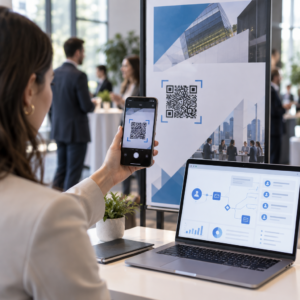
QRコードポスターのスキャン
QRコード データの制限
✅ QRコードの#1ソリューション

オンラインでQRコードを作成する必要がある場合は QRコードを作る ここで無料で
ページルートは #1のGo-Toソリューション でQRコードを作成してスキャンすることができます。

BL-0350

ブログジェネ

売上、レビュー、フォロワーを増やすために 20,000 を超えるブランドから信頼されています。

クライアントのロゴ
トップブランドから信頼される
5 のうち 4.8 と評価しました

4.86 / 5つ星評価

ユーゴ・ローラン
ユーゴ・ローラン
レストランオーナー
最も簡単で信頼性の高いQRコードジェネレータです。PDFファイルを即座にアップロードできます。レストランのメニューがデジタル化されました。
ルーカス・ジャンセン
ルーカス・ジャンセン
不動産開発業者
これは優れたツールで、QRコードでちょうど欲しいところに連れて行ってくれます。私たちは位置情報のQRコードしか使っていませんが、とても便利な機能がたくさんあります。
エマ・モレッティ
エマ・モレッティ
小売製品
使いやすいし、早い。素晴らしい機能で、完璧な画像を作成してくれるので、社員は私のvCardをダウンロードすることができます。
ユーゴ・ローラン
ユーゴ・ローラン
レストランオーナー
最も簡単で信頼性の高いQRコードジェネレータです。PDFファイルを即座にアップロードできます。レストランのメニューがデジタル化されました。
ルーカス・ジャンセン
ルーカス・ジャンセン
不動産開発業者
これは優れたツールで、QRコードでちょうど欲しいところに連れて行ってくれます。私たちは位置情報のQRコードしか使っていませんが、とても便利な機能がたくさんあります。
エマ・モレッティ
エマ・モレッティ
小売製品
使いやすいし、早い。素晴らしい機能で、完璧な画像を作成してくれるので、社員は私のvCardをダウンロードすることができます。
QRコードをもっと見る
あらゆるものをデジタル体験に変えよう 3分以内に。

14日間の無料トライアル。

クレジットカードは必要ありません。

初回購入で30%オフ

次のコードを使用してください:

MP3ファイルを共有

PDF QRコードを作成するにはサインアップしてください

必要なものをすべてアップロードして表示する。

  • オーディオファイル
  • ポッドキャスト
  • 音楽

サインアップで14日間無料トライアル。.
トライアル終了後、QRコードは期限切れになります。.

オーディオmp3 QRコードを作成するにはサインアップしてください

フレームでより多くのスキャンを獲得

QRコードにフレームを追加するにはサインアップしてください

コールトゥアクションフレームは、お客様が簡単にQRコードと対話できるようにします。ぜひお試しください。

サインアップで14日間無料トライアル。.
トライアル終了後、QRコードは期限切れになります。.

QRコードにフレームを追加するにはサインアップしてください

シェイプでスタイルを追加

より多くの図形を作成するにはサインアップしてください

QRコードは四角いものである必要はありません。あなたのブランドのイメージに合わせて変えてみてください。

サインアップで14日間無料トライアル。.
トライアル終了後、QRコードは期限切れになります。.

より多くの図形を作成するにはサインアップしてください

QRコードにロゴを追加

QRコードにロゴを追加するにはサインアップしてください

QRコードにロゴやブランドを入れることで、目立たせることができます。

サインアップで14日間無料トライアル。.
トライアル終了後、QRコードは期限切れになります。.

QRコードにロゴを追加するにはサインアップしてください

スマートなApp Storeリダイレクト

アプリストアのQRコードを作成するにはサインアップしてください

スマートなApp StoreのQRコードに、あなたのアプリのリンクを追加します。ユーザーは、デバイスに応じてリダイレクトされます。

サインアップで14日間無料トライアル。.
トライアル終了後、QRコードは期限切れになります。.

アプリストアのQRコードを作成するにはサインアップしてください

QRコードに画像をアップロード

画像QRコードを作成するにはサインアップしてください

画像を簡単に共有できます。どんな画像も、数秒でダイナミックに変化します。

サインアップで14日間無料トライアル。.
トライアル終了後、QRコードは期限切れになります。.

画像QRコードを作成するにはサインアップしてください

PDFファイルを共有

PDF QRコードを作成するにはサインアップしてください

必要なものをすべてアップロードして表示する。

  • メニュー&プライスリスト
  • 指示
  • 任意の書類

サインアップで14日間無料トライアル。.
トライアル終了後、QRコードは期限切れになります。.

PDF QRコードを作成するにはサインアップしてください

印刷せずに後で編集

再度印刷せずにQRコードを編集するにはサインアップしてください

ダイナミックQRコードは、新たにQRコードを印刷することなく、QRコードの内容を変更することができます。

サインアップで14日間無料トライアル。.
トライアル終了後、QRコードは期限切れになります。.

再度印刷せずにQRコードを編集するにはサインアップしてください

いつ?どこで?QRコードのスキャンを追跡

QRコードを追跡するにはサインアップしてください

どのQRコードが最も多くスキャンされ、何が最も顧客を喜ばせているのかを知ることができます。

サインアップで14日間無料トライアル。.
トライアル終了後、QRコードは期限切れになります。.

QRコードを追跡するにはサインアップしてください

印刷可能なファイルが利用可能

PDFやSVGのようなベクターQRコードを作成するにはサインアップしてください

.eps、.pdf、.svg

QRコードをHD解像度でダウンロードしたいですか?すぐに印刷できるベクターまたはピクセル形式を入手しましょう。

サインアップで14日間無料トライアル。.
トライアル終了後、QRコードは期限切れになります。.

PDFやSVGのようなベクターQRコードを作成するにはサインアップしてください

しばらくお待ちください。あなたのQRコードは ロード... ロード...

あなただけのものに

サインアップしてQRコードを後で保存してください

異なる色、ロゴ、コールトゥアクションフレームで素晴らしいQRコードを作成することで、より多くのスキャンを得ることができます。

サインアップで14日間無料トライアル。.
トライアル終了後、QRコードは期限切れになります。.

サインアップしてQRコードを後で保存してください