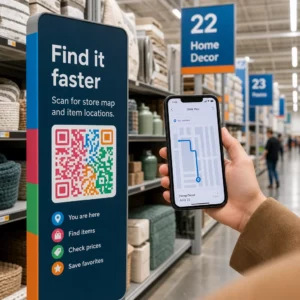
> 산업 > How to Use QR Codes for Interactive Video Experiences
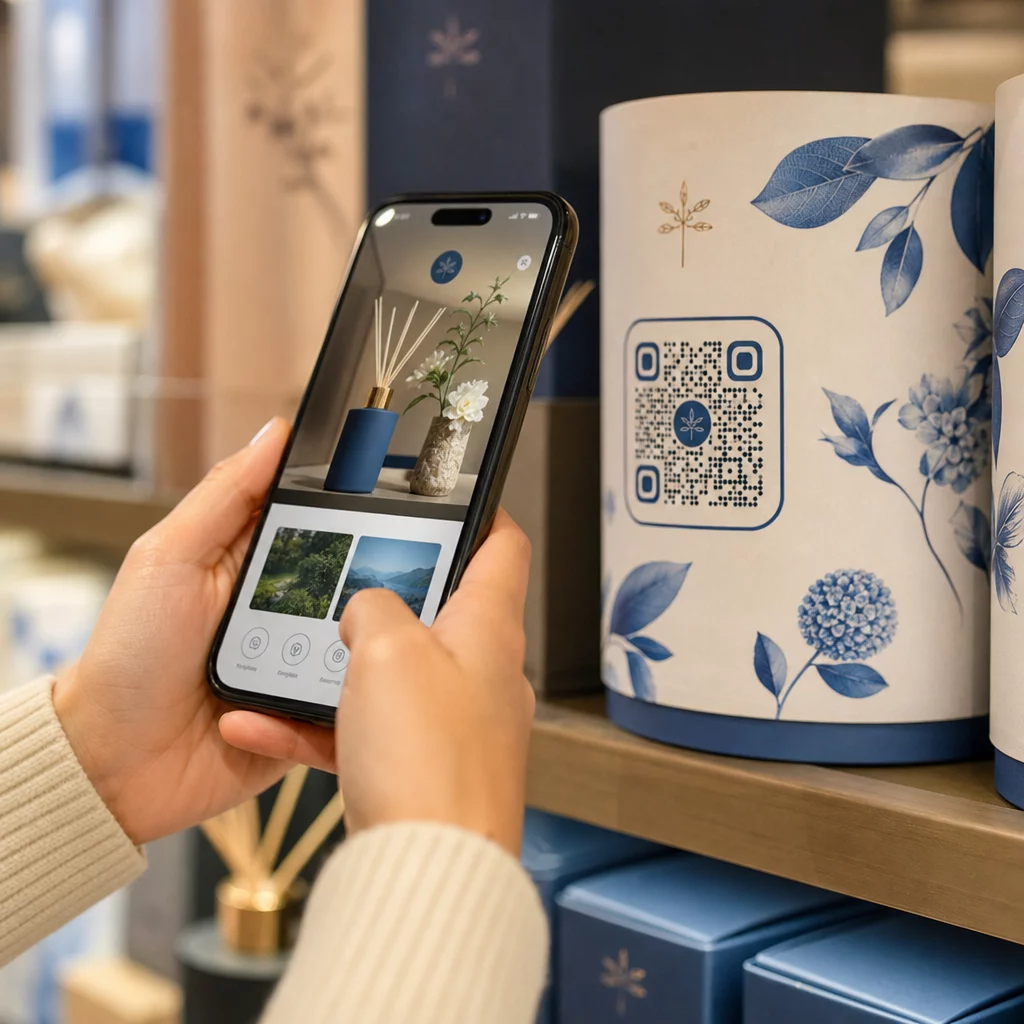
Scanning interactive video QR

How to Use QR Codes for Interactive Video Experiences

Use QR codes to launch interactive video experiences. This guide covers shoppable content, branching narratives, performance tracking, and placement strategies.
Updated on 7월 28, 2026
목차

Are you struggling to get viewers to engage with your video content beyond just pressing play? Passive viewership prevents customers from taking the next step, resulting in missed conversion opportunities. This guide explains how to use QR codes to launch interactive video experiences that drive measurable engagement and higher click-through rates.

Bridging Physical Spaces and Digital Interaction

Traditional video marketing often acts as a one-way street where the audience watches without a clear path to interact. Interactive videos change this dynamic by allowing users to click, shop, or choose their own narrative path directly within the player. Statistics suggest that these interactive formats can achieve click-through rates up to 10 times higher than standard, linear videos.

Connecting these high-performing digital experiences to physical marketing materials requires a reliable bridge. With over 102 million Americans expected to scan QR codes by 2026, these tools have become the standard for connecting offline audiences to online content. This is particularly relevant for younger demographics, as roughly half of Millennial and Gen Z consumers now use QR codes at least once a week.

Strategic Use Cases for Interactive Video QR Codes

Implementing QR codes for video content involves more than just linking to a play button. For marketers, the goal is to create an immersive experience that feels personalized and responsive to the user’s immediate environment.

  • Shoppable Product Demos: Place a code on product packaging that launches a video where users can tap items on-screen to add them to a digital cart.
  • Instructional Onboarding: Include codes in physical assembly manuals to trigger step-by-step video tutorials, which reduces customer frustration and the need for support tickets.
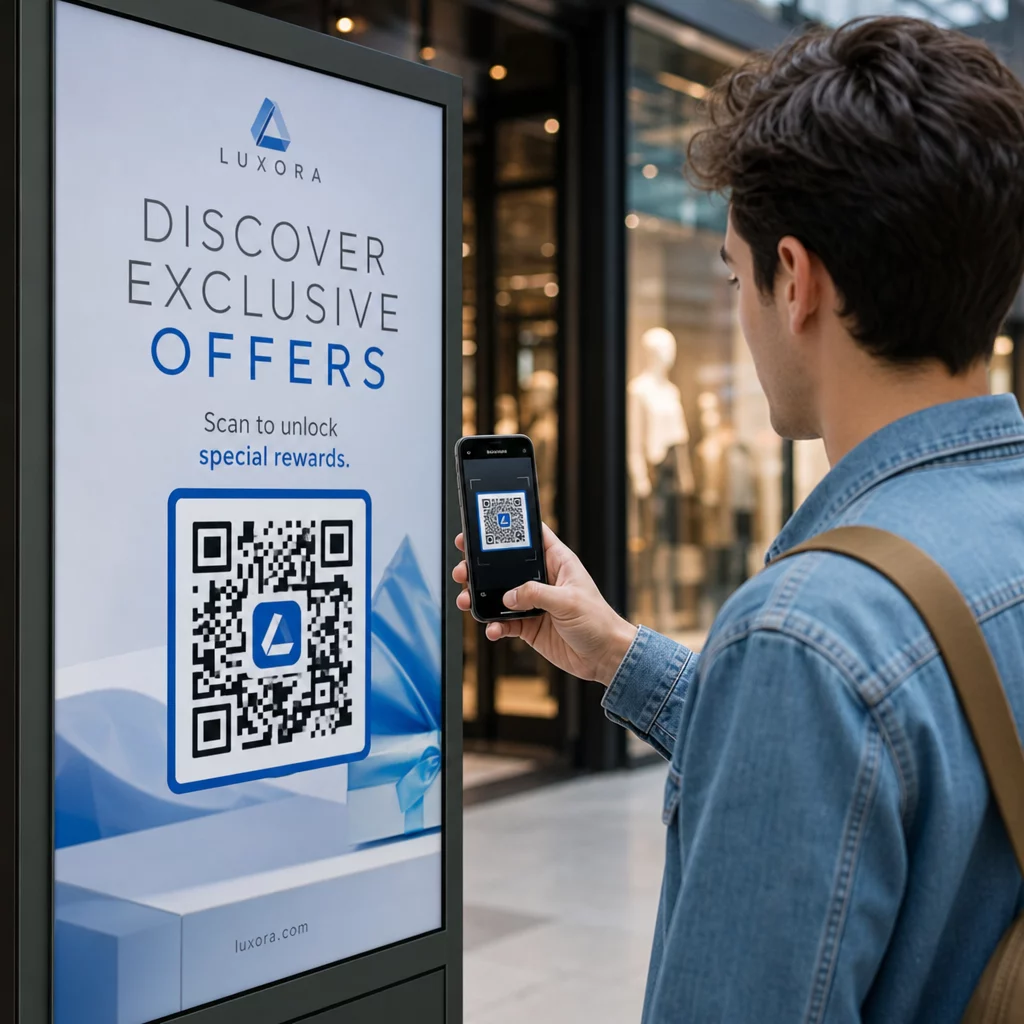
  • Branching Narrative Marketing: Launch a “choose-your-own-adventure” style video from a flyer or billboard to keep users engaged longer as they explore different outcomes.
  • Virtual Tours and Real Estate: In-person signage can launch 360-degree interactive tours or video walkthroughs, allowing potential buyers to see a property’s potential instantly.

Create Your First Video QR Code Ready to turn your static marketing materials into an immersive video experience? Use the 동영상 QR코드 생성기 to upload and share your content in seconds.

안정적인 스캔을 위한 기술 표준

To ensure your interactive video experience launches successfully every time, you must follow specific technical standards. A code that fails to scan or leads to a broken link will immediately disrupt the user experience and lower your campaign ROI.

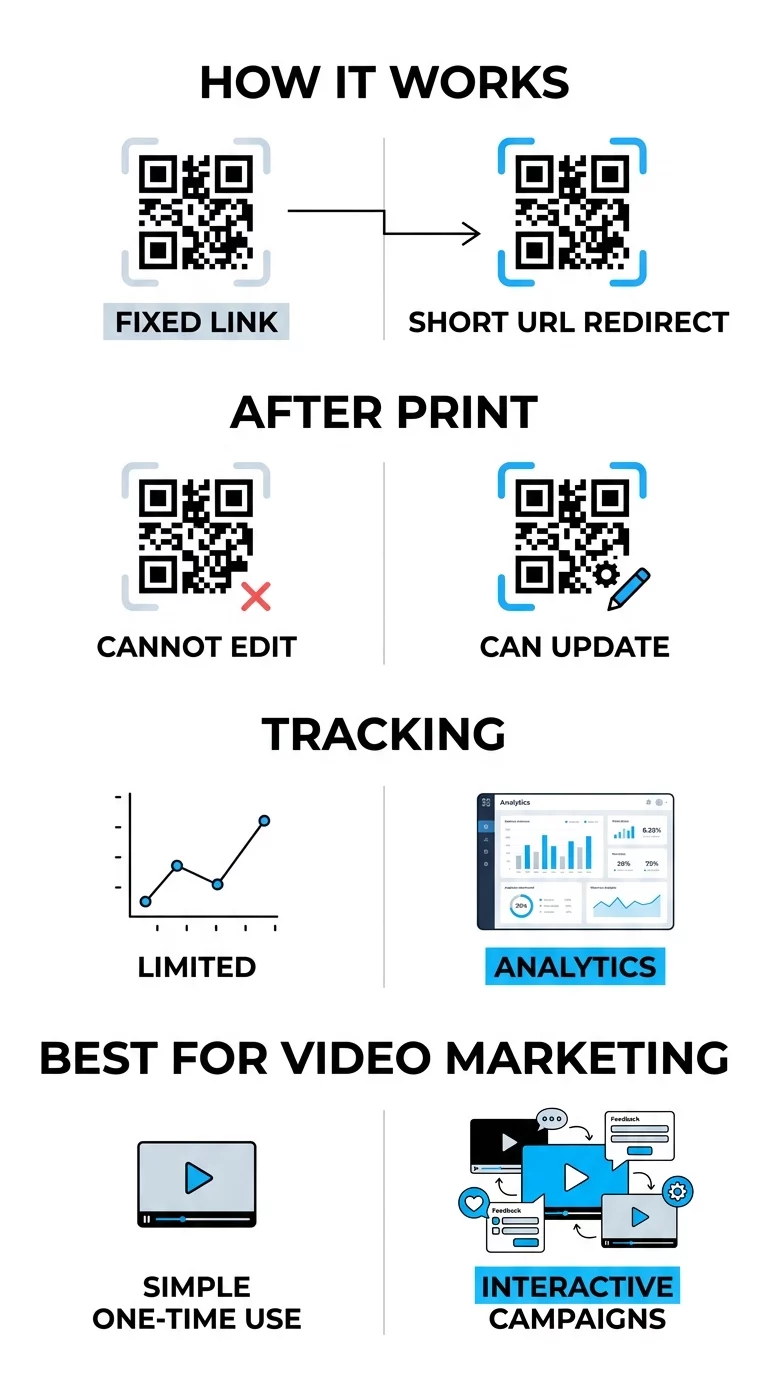
When launching interactive campaigns, it is essential to use 동적 QR 코드 rather than static ones. Static codes store data directly in the pattern, making them permanent and untrackable. In contrast, dynamic codes use a short redirect URL, allowing you to update the destination link or the interactive landing page even after the materials are printed.

정적 코드 vs 동적 코드

High contrast is also a foundation of scannability. Think of the scanner like a high-speed reader that needs a clear distinction between the code and its background; darker colors absorb light while lighter colors reflect it. Maintaining a dark-on-light color scheme ensures the camera sensor can accurately distinguish the pattern. Additionally, the landing page must be mobile-friendly, as almost all QR scans occur on smartphones.

Tracking Performance and Engagement Metrics

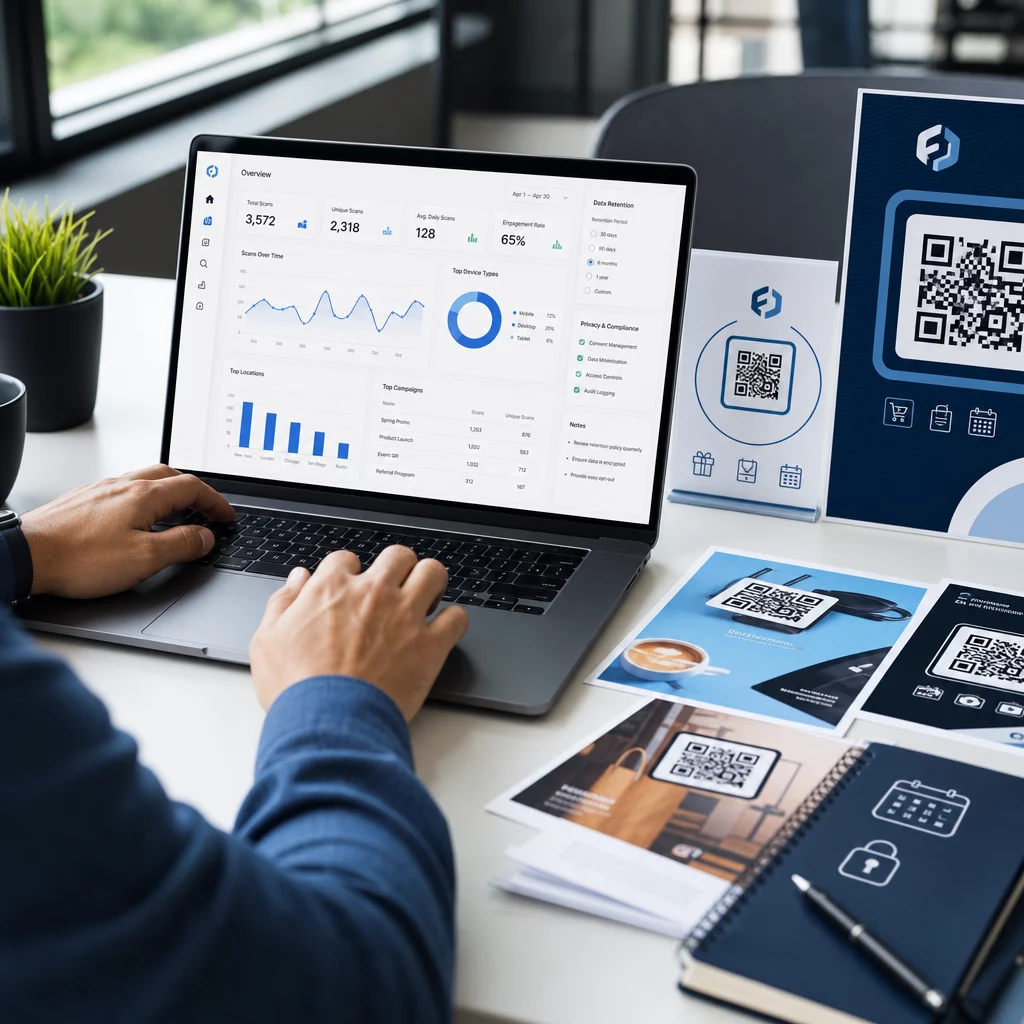
One of the biggest advantages of using QR codes for interactive video is the ability to collect granular data. By QR 코드 스캔을 실시간으로 추적하는 것, you can see exactly how your audience is interacting with your content and adjust your strategy accordingly.

  • Total versus Unique Scans: This metric helps you determine the overall reach of your campaign and identify how many individual users are returning to the content.
  • Geographic Data: Identify which physical locations or specific regions are driving the most video views to better allocate your marketing budget.
  • Device and Operating System: Understanding whether your audience uses iOS or Android helps you optimize the interactive elements of your video player.
  • Time-Based Trends: Monitor when your audience is most active to time future launches or promotional pushes more effectively.

캠페인 성과 모니터링 Want to see exactly where and when your customers are scanning your video materials? Use the QR 코드 생성기 추적 가능한 코드를 생성하고 전체 성과 대시보드에 액세스하려면.

Placement Strategies for Maximum Visibility

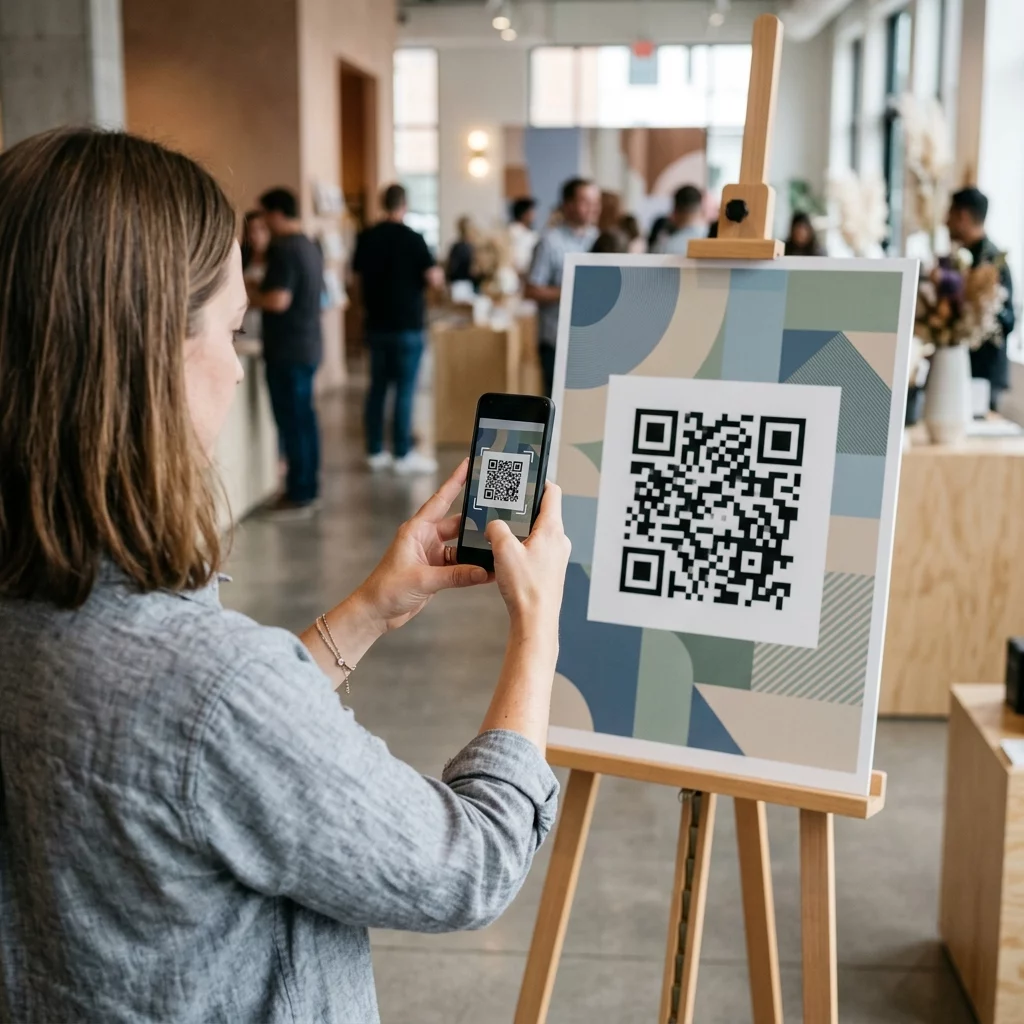
The physical placement of your QR code is just as important as the digital content it triggers. If a user does not see the code or does not understand the benefit of scanning it, the interactive experience will go unused.

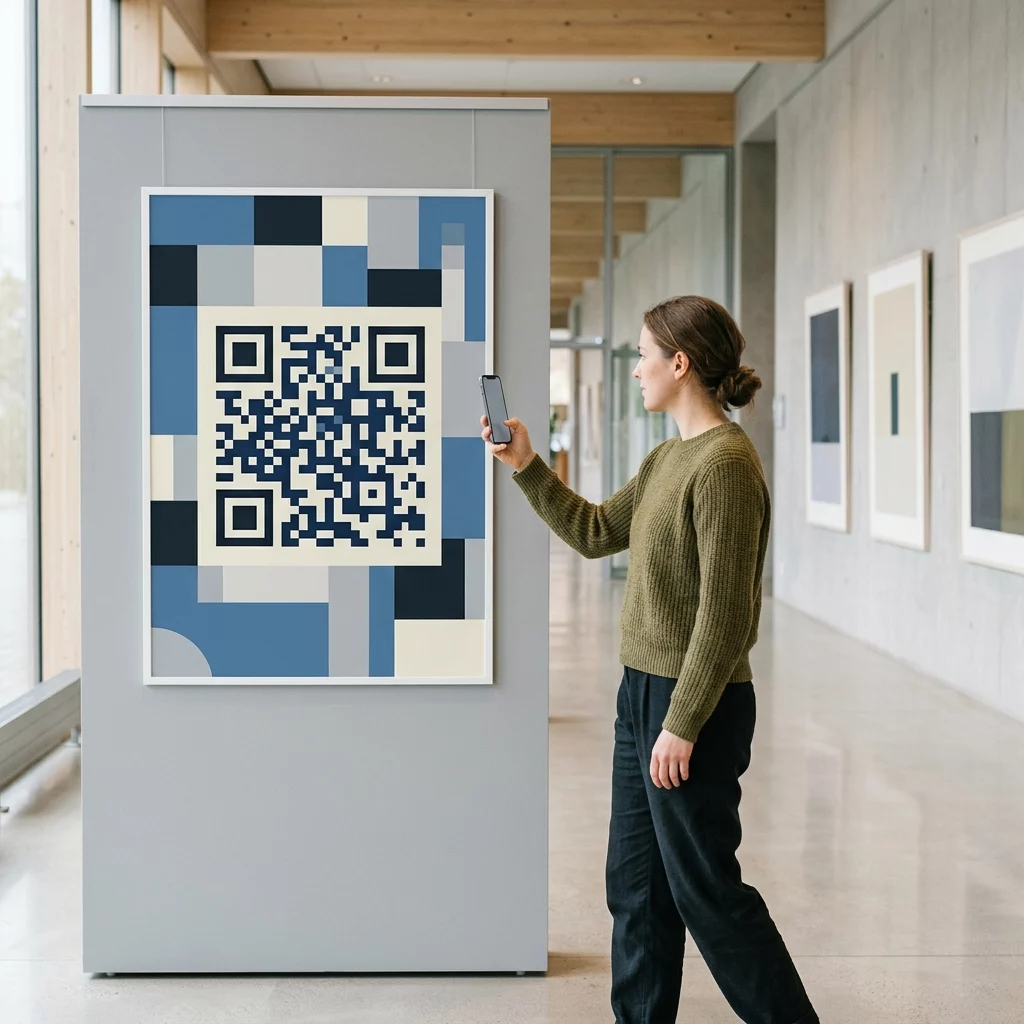
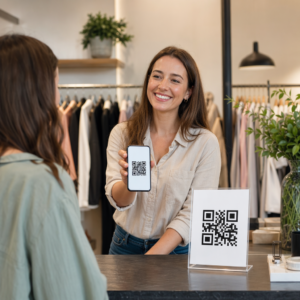
Visible QR poster placement

Place codes at eye level, generally between 3.5 and 5.5 feet from the ground, to ensure they fall within the user’s natural line of sight. On digital displays or presentation slides, ensure the code remains visible for at least 15 seconds so viewers have time to open their cameras. You should also include a clear call-to-action (CTA), such as “Scan to See it in Action,” which provides the user with a reason to engage. Customizing the code with your brand colors and logo can further increase trust and recognition, making users more likely to scan.

자주 묻는 질문

Can I change the video linked to my QR code after I have already printed it?

Yes, provided you use a dynamic QR code. These codes allow you to update the destination URL or content through a central dashboard at any time without needing to reprint your materials.

Will the QR code open my video in the YouTube app or a web browser?

This depends on the generator and the user’s device. Using a specialized YouTube QR code generator allows for smart redirects that can trigger the YouTube app directly for a more seamless viewing experience.

How do I ensure my QR code is scannable in different lighting?

You should maintain a high contrast ratio and use matte finishes for printed materials to prevent glare. Always test the code on multiple devices and under various lighting conditions before full distribution.

To launch a successful interactive video campaign, you must select the right content and a management platform that provides the tracking and flexibility needed for optimization. By following these technical and strategic guidelines, you can turn passive viewers into active participants. Visit our guide on how to create QR codes for videos to begin building your first interactive experience today.

작성자 정보

시임 코스타비는 페이지루트의 콘텐츠 책임자입니다. 그는 페이지루트의 혁신적인 QR 코드 생성 서비스에 대한 글을 쓰고 있습니다. 5년 이상 QR 코드 분야에서 쌓아온 깊이 있는 전문 지식을 바탕으로, 시임은 이 분야의 전문가로 인정받고 있습니다. 그는 QR 기술을 활용하여 디지털 상호작용을 간소화하고 향상시키는 데 크게 기여하고 있습니다.

범주
에 대해 자세히 알아보기

온라인으로 QR 코드를 생성해야하는 경우 QR 코드 만들기 무료로 여기!
Pageloot는 #1 Go-To 솔루션 QR 코드를 만들고 스캔합니다.

BL-0350

블로그 세대

20,000개 이상의 브랜드로부터 신뢰를 받아 더 많은 매출, 리뷰, 팔로워를 확보했습니다.

클라이언트 로고
최고 브랜드의 신뢰
5 중 4.8 평가

4.86 / 5 별점

휴고 로랑
휴고 로랑
레스토랑 주인
가장 쉽고 안정적인 QR 코드 생성기. PDF 파일을 즉시 업로드할 수 있습니다. 이제 레스토랑 메뉴가 디지털화되었습니다.
루카스 얀센
루카스 얀센
부동산 개발사
이것은 훌륭한 도구이며 QR 코드를 사용하면 원하는 곳으로 이동할 수 있습니다. 우리는 위치 QR 코드만 사용하지만 유용한 기능이 너무 많습니다.
엠마 모레티
엠마 모레티
소매 제품
사용하기 쉽고 빠릅니다. 그것은 훌륭하게 작동하고 완벽한 이미지를 생성하므로 직원들이 내 vCard를 다운로드할 수 있습니다.
휴고 로랑
휴고 로랑
레스토랑 주인
가장 쉽고 안정적인 QR 코드 생성기. PDF 파일을 즉시 업로드할 수 있습니다. 이제 레스토랑 메뉴가 디지털화되었습니다.
루카스 얀센
루카스 얀센
부동산 개발사
이것은 훌륭한 도구이며 QR 코드를 사용하면 원하는 곳으로 이동할 수 있습니다. 우리는 위치 QR 코드만 사용하지만 유용한 기능이 너무 많습니다.
엠마 모레티
엠마 모레티
소매 제품
사용하기 쉽고 빠릅니다. 그것은 훌륭하게 작동하고 완벽한 이미지를 생성하므로 직원들이 내 vCard를 다운로드할 수 있습니다.
더 많은 QR 코드보기
무엇이든 디지털 경험으로 전환하세요 3분 이내에.

14일 무료 체험.

신용카드는 필요 없습니다.

첫 구매 시 30% 할인

코드를 사용하세요:

MP3 파일 공유

PDF QR 코드를 생성하려면 가입하세요

필요한 모든 것을 업로드하고 표시합니다.

  • 오디오 파일
  • 팟캐스트
  • 음악

가입 시 14일 무료 체험.
체험 기간 후 QR 코드 만료.

오디오 mp3 QR 코드를 생성하려면 가입하세요

프레임으로 더 많은 스캔 확보

QR 코드에 더 많은 프레임을 추가하려면 가입하세요

클릭 유도 문안 프레임은 고객이 QR 코드와 쉽게 상호 작용할 수 있도록 도와줍니다. 사용해 보세요!

가입 시 14일 무료 체험.
체험 기간 후 QR 코드 만료.

QR 코드에 더 많은 프레임을 추가하려면 가입하세요

도형으로 더 많은 스타일 추가

더 많은 도형을 만들려면 가입하세요

QR 코드는 정사각형일 필요가 없습니다. 브랜드 이미지에 맞게 전환해 보세요.

가입 시 14일 무료 체험.
체험 기간 후 QR 코드 만료.

더 많은 도형을 만들려면 가입하세요

QR 코드에 로고 추가

QR 코드에 로고를 추가하려면 가입하세요

로고와 브랜드를 추가하여 QR 코드를 돋보이게 만드세요.

가입 시 14일 무료 체험.
체험 기간 후 QR 코드 만료.

QR 코드에 로고를 추가하려면 가입하세요

스마트 앱 스토어 리디렉션

앱 스토어 QR 코드를 생성하려면 가입하세요

스마트 앱 스토어 QR 코드에 앱 링크를 추가하세요. 사용자는 장치에 따라 리디렉션됩니다.

가입 시 14일 무료 체험.
체험 기간 후 QR 코드 만료.

앱 스토어 QR 코드를 생성하려면 가입하세요

QR 코드에 이미지 업로드

이미지 QR 코드를 생성하려면 가입하세요

이미지를 쉽게 공유하세요. 몇 초 안에 동적으로 이미지를 변경하십시오.

가입 시 14일 무료 체험.
체험 기간 후 QR 코드 만료.

이미지 QR 코드를 생성하려면 가입하세요

PDF 파일 공유

PDF QR 코드를 생성하려면 가입하세요

필요한 모든 것을 업로드하고 표시합니다.

  • 메뉴 및 가격표
  • 명령
  • 모든 문서

가입 시 14일 무료 체험.
체험 기간 후 QR 코드 만료.

PDF QR 코드를 생성하려면 가입하세요

인쇄 없이 나중에 편집

다시 인쇄하지 않고 QR 코드를 편집하려면 가입하세요

동적 QR 코드를 사용하면 새 QR 코드를 인쇄하지 않고도 QR 코드의 내용을 변경할 수 있습니다.

가입 시 14일 무료 체험.
체험 기간 후 QR 코드 만료.

다시 인쇄하지 않고 QR 코드를 편집하려면 가입하세요

언제? 어디서? QR 코드 스캔 추적

QR 코드를 추적하려면 가입하세요

어떤 QR 코드가 가장 많이 스캔되고 무엇이 고객을 가장 흥분시키는지 알아보십시오.

가입 시 14일 무료 체험.
체험 기간 후 QR 코드 만료.

QR 코드를 추적하려면 가입하세요

인쇄 준비 파일 제공

PDF 및 SVG와 같은 벡터 QR 코드를 생성하려면 가입하세요.

.EPS, .PDF, .SVG

HD 해상도로 QR 코드를 다운로드하고 싶으신가요? 인쇄할 준비가 된 벡터 또는 픽셀 형식을 가져옵니다.

가입 시 14일 무료 체험.
체험 기간 후 QR 코드 만료.

PDF 및 SVG와 같은 벡터 QR 코드를 생성하려면 가입하세요.

기다리세요. 귀하의 QR 코드는 로드 중... 로드 중...

나만의 것으로 만들기

나중을 위해 QR 코드를 저장하려면 가입하세요.

다양한 색상, 로고 및 클릭 유도문안 프레임으로 멋진 QR 코드를 만들어 더 많은 스캔을 받으세요.

가입 시 14일 무료 체험.
체험 기간 후 QR 코드 만료.

나중을 위해 QR 코드를 저장하려면 가입하세요.