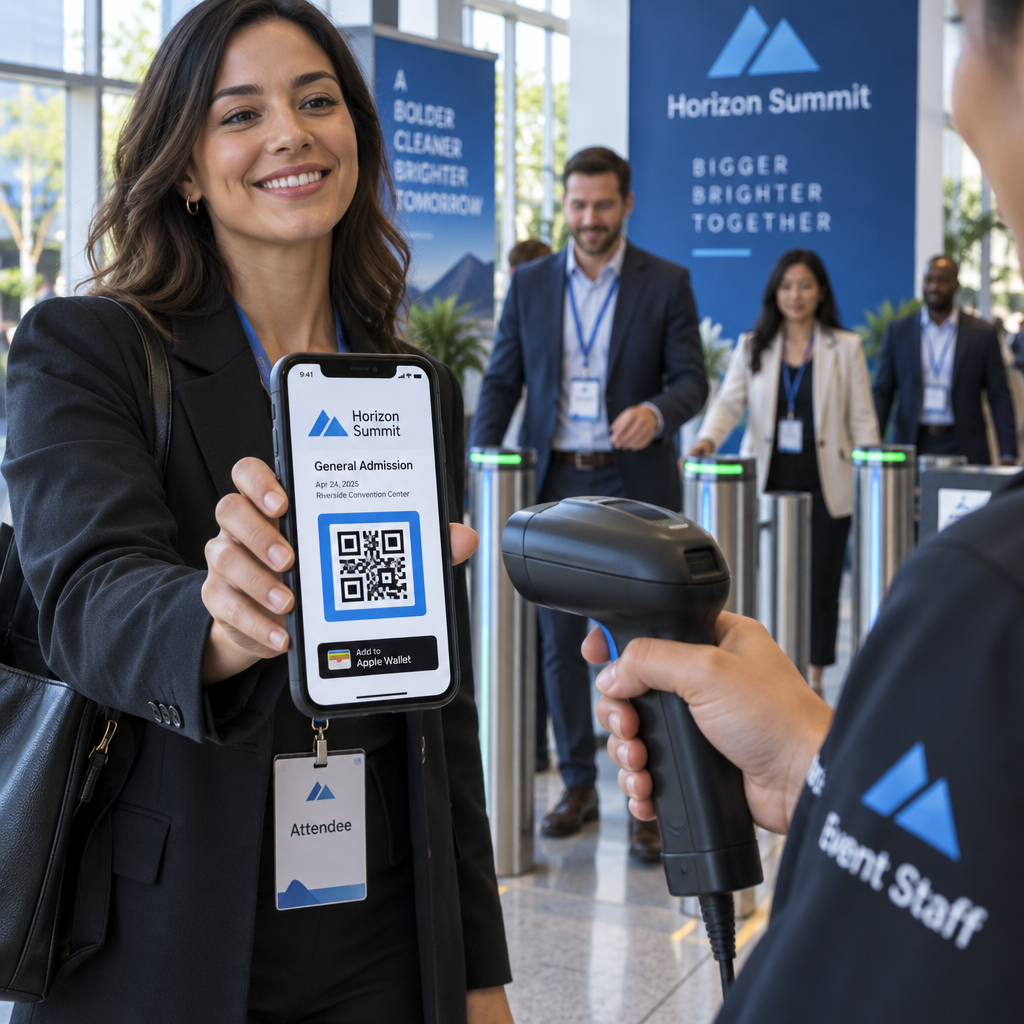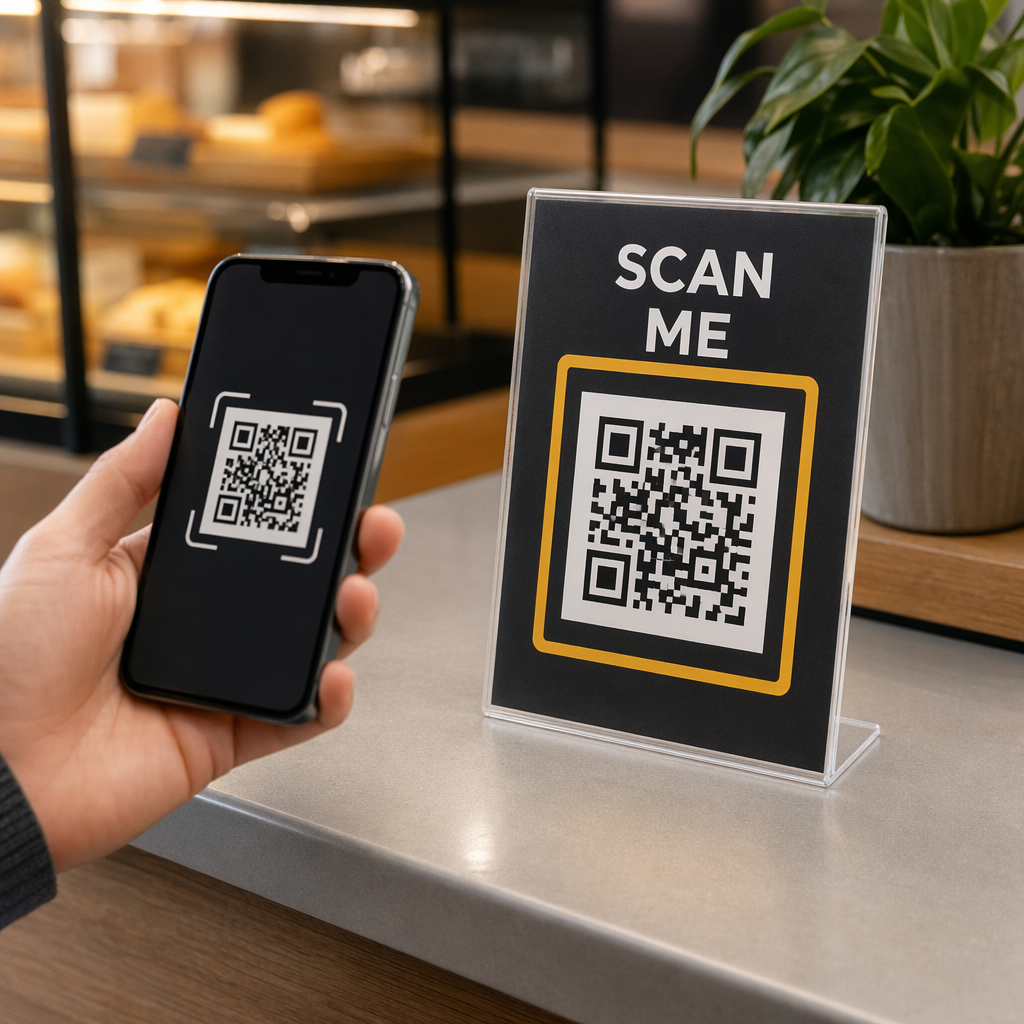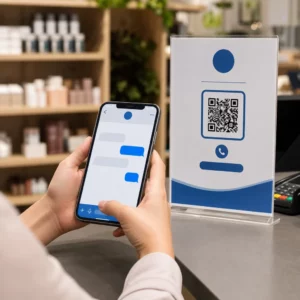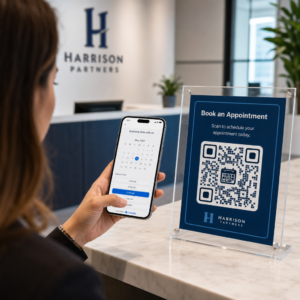
How can you manage wedding guest responses without dealing with lost mail and messy spreadsheets? Traditional paper reply cards delay your planning timeline and create manual data entry errors. Adding a QR code to your digital or printed wedding invitations automates RSVP tracking and instantly directs guests to your event schedule, map, and registry.
Why Couples Choose Digital Wedding Invitations
Couples and wedding planners increasingly use digital invitation workflows because they remove logistical friction. Modern Mã QR cho đám cưới allow you to share comprehensive event details without cluttering your stationery design.
A digital invitation system provides distinct practical advantages:
- Instant response tracking: Guests confirm attendance the moment they scan the code, recording headcounts immediately.
- Cost efficiency: Eliminating paper reply cards, return envelopes, and individual reply stamps significantly cuts overall stationery expenses.
- Real-time updates: Dynamic codes let you adjust event times, weather contingencies, or parking instructions without reissuing materials.
- Environmental sustainability: Minimizing paper enclosures and toxic inks reduces overall event waste.
Key Information to Connect to Your Wedding QR Code
A QR code acts as a direct bridge between your physical or digital invitation card and your detailed planning resources. Rather than crowding all logistics onto a single card, you can direct guests to dedicated destinations:
- Online RSVP forms: Connect guests to a submission form where they can confirm attendance, choose meal options, and note dietary restrictions.
- Wedding websites: Host your love story, hotel room blocks, dress code guidelines, and gift registry details in one mobile-optimized hub. Traditional etiquette recommends hosting registry information on your website rather than printing gift requests directly on the invitation itself.
- Venue directions: Use a Tạo mã QR địa chỉ Google Map to open exact navigation coordinates on guests’ smartphones with a single tap.
- Event itineraries: Deploy an Tạo mã QR sự kiện to provide full weekend schedules, shuttle timetables, and ceremony details.
- Photo sharing albums: Provide a QR code to share photos so attendees can upload reception snapshots directly to a shared drive.
Automate Your Wedding RSVPs Ready to collect guest headcounts and meal choices in one place? Use Pageloot’s Tạo mã QR cho Google Form to create a direct response link that updates your guest list in real time.
Step-by-Step Workflow for Setting Up Your Invitation Code
Building a dependable QR code workflow requires preparing your destination before generating your final graphics. Following a structured setup keeps your data organized and ensures guests encounter no broken links.
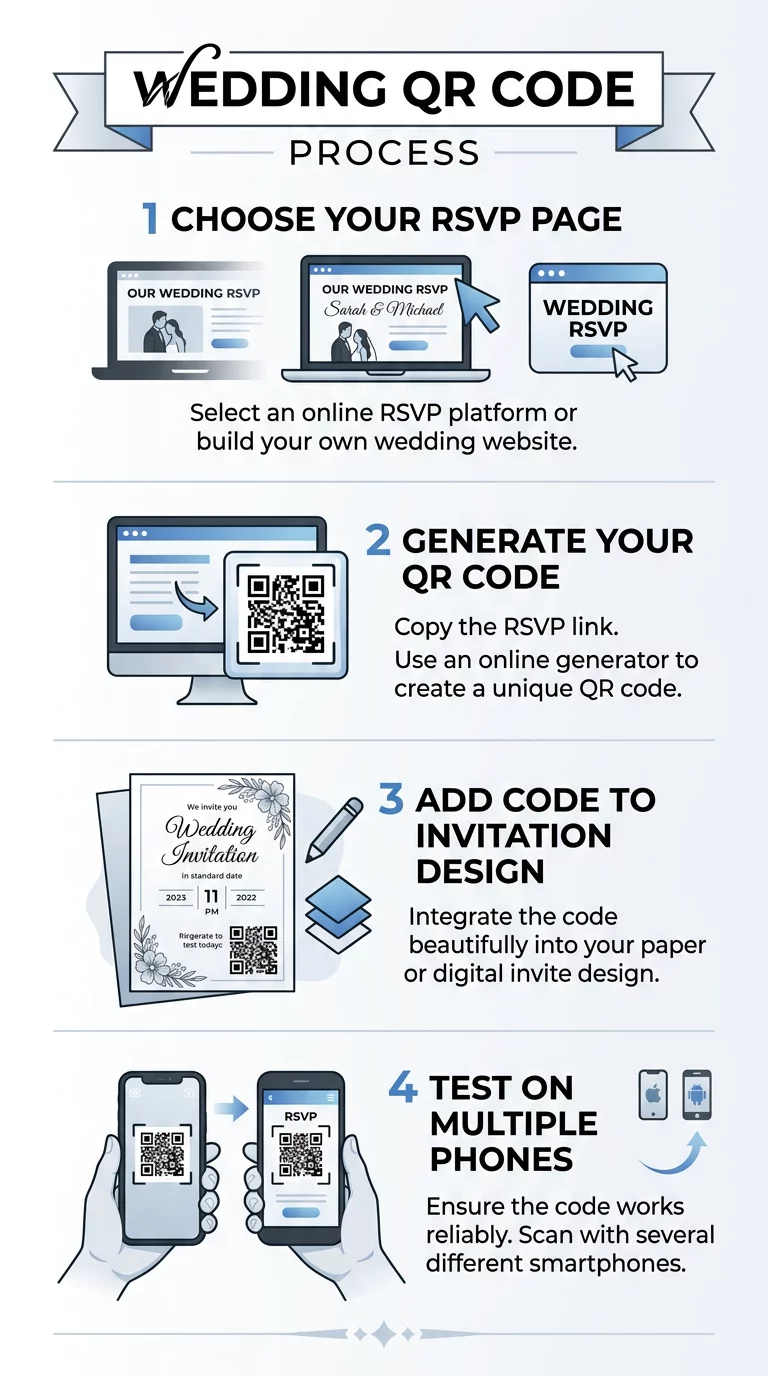
- Build your destination page: Create your wedding website or build an online response form using Google Forms or a dedicated event platform.
- Generate the code: Copy your live destination URL into a trình tạo mã QR liên kết to generate your raw barcode pattern.
- Choose dynamic functionality: Select a dynamic QR code option so that you can edit the destination link later if your venue or schedule changes after distribution.
- Customize the visual styling: Tailor the code’s design to match your wedding palette by adjusting module shapes, applying custom colors, or adding a personal monogram in the center.
- Integrate into your stationery layout: Place the generated high-resolution vector image (SVG or EPS) into your invitation file, ensuring ample space around the graphic.
- Run multi-device tests: Test the code across both iOS and Android cameras under various lighting conditions before sending files to print or emailing digital invites.
If you want a dedicated guide on managing guest counts, review the steps on cách tạo mã QR RSVP cho sự kiện to structure your response forms effectively.
Technical Standards for Flawless Scannability
A QR code that fails to scan creates immediate frustration for your guests. Maintaining high technical reliability requires following established các phương pháp hay nhất để đọc mã QR.
Sizing and Scanning Proportions
Smartphone lenses require a minimum surface area to focus on the individual modules within a code. On printed invitations, keep your QR code at a minimum size of 0.8 x 0.8 inches (2 x 2 cm). If you plan to display the code on venue signage or welcome easels where guests scan from several feet away, scale the size according to a 10:1 ratio, using 1 inch of code width for every 10 inches of scanning distance.
Contrast and Color Balance
Scanners rely on contrast to detect data patterns. Darker colors absorb light while lighter tones reflect it, allowing optical sensors to read the grid:
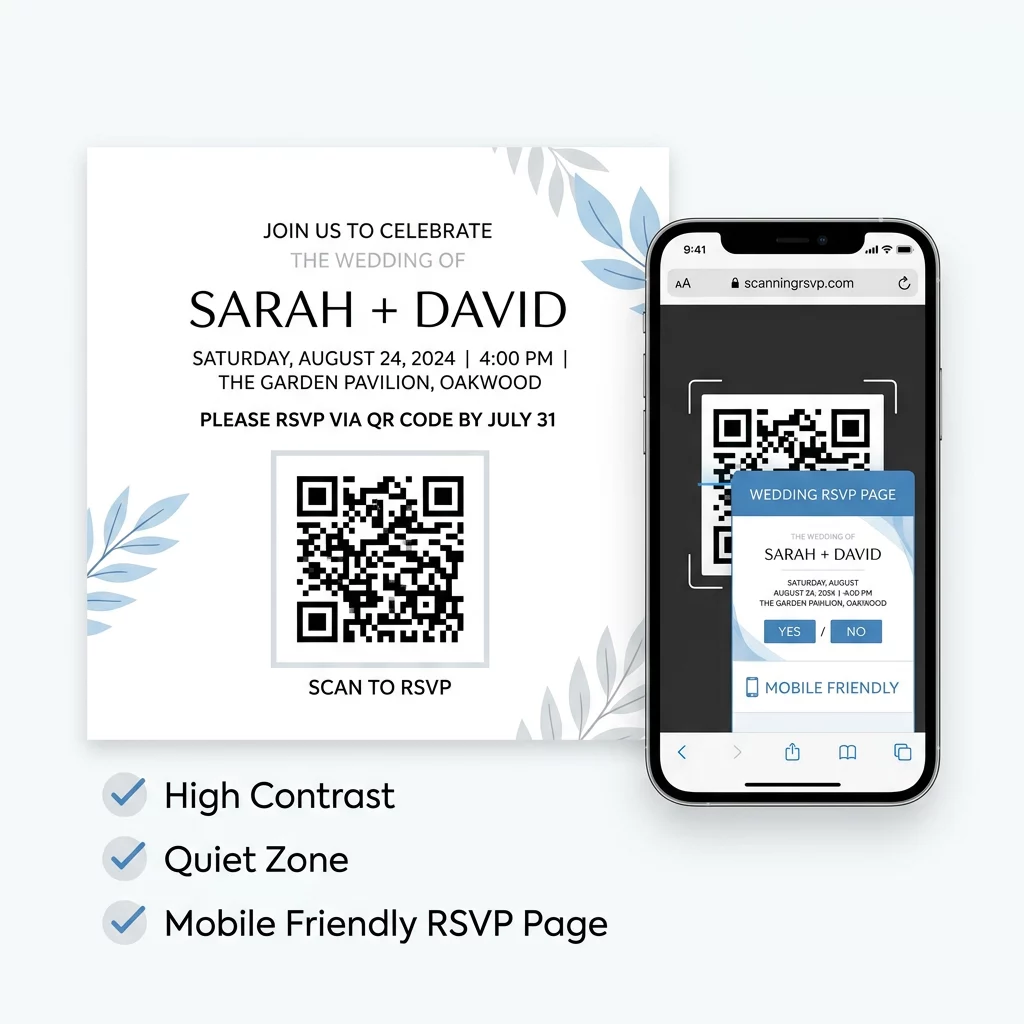
- Module contrast: Keep the foreground modules significantly darker than the background, targeting at least a 4:1 contrast ratio.
- Background selection: Place dark ink patterns against a solid white or pale neutral background.
- Inversion risks: Avoid inverted color schemes featuring white modules on dark backgrounds, as many native phone cameras struggle to decode them.
Preserving the Quiet Zone
The quiet zone is the clear, unprinted margin surrounding all four sides of the QR code. Keep this buffer area at least four modules wide, free from decorative foliage, cursive typography, or bordering frames. Without this clear border, camera software cannot determine where the invitation artwork ends and the scannable data begins.
Common Mistakes to Avoid When Designing Invitations
Small design mistakes can disrupt the guest experience or render your invitation unreadable. Keep these critical safeguards in mind:
- Omitting scanning instructions: Never assume all guests know what the code contains. Include a clear call-to-action directly beneath the image, such as “Scan to RSVP and view event details.”
- Overloading code density: Encoding long URLs directly creates a dense, intricate grid of tiny squares that budget smartphone lenses cannot decipher. Use shortened URLs or dynamic codes to maintain a clean, open grid.
- Overlooking mobile optimization: Because almost every guest will scan your code using a smartphone, confirm that your landing page loads quickly on mobile data and features large, tap-friendly buttons.
- Distorting proportions: When inserting the QR code into graphic design tools, always lock aspect ratios. Stretching or compressing the graphic into a rectangle breaks the alignment markers located in the corners.
Centralize Your Wedding Schedule Need an easy way to share ceremony locations and itinerary updates? Create an interactive landing page with our Tạo mã QR sự kiện to keep guests informed from your Save-the-Date to the final reception farewell.
Launch Your Digital Wedding Invitations
Transforming your wedding stationery with a QR code eliminates manual guest tracking and gives your attendees instant access to essential celebration details. By maintaining high color contrast, protecting your quiet zones, and using dynamic links, you ensure a effortless experience for every guest on your list. Choose your response platform, generate your code with Pageloot, and simplify your wedding planning today.
Câu hỏi thường gặp
Static QR codes encode destination links directly into the grid and do not expire. Dynamic QR codes remain active as long as your account is maintained, giving you the freedom to update destination links or fix typos at any time without reprinting stationery.
Etiquette guidelines suggest providing an alternative contact method alongside the code. Place a short, easy-to-type web link or a family phone number beneath the QR code so guests who prefer traditional methods can submit their response easily.
Dynamic QR codes track total scans, scanning times, and device types through a management dashboard. While scan analytics show overall guest engagement levels, specific individual responses should be collected through your linked RSVP form fields.