Ali so vaše telefonske linije med konicami nenehno zasedene s klici za rezervacije? Ta zaostanek vas stane miz, napitnin in osredotočenosti osebja. Ta vodnik vam pokaže, kako implementirati QR kode za rezervacije miz, čakalne sezname in digitalno naročanje – tako da bo vaša ekipa lahko porabila manj časa za telefon in več časa za zagotavljanje odličnih storitev.
Zakaj QR kode delujejo za rezervacije v restavracijah
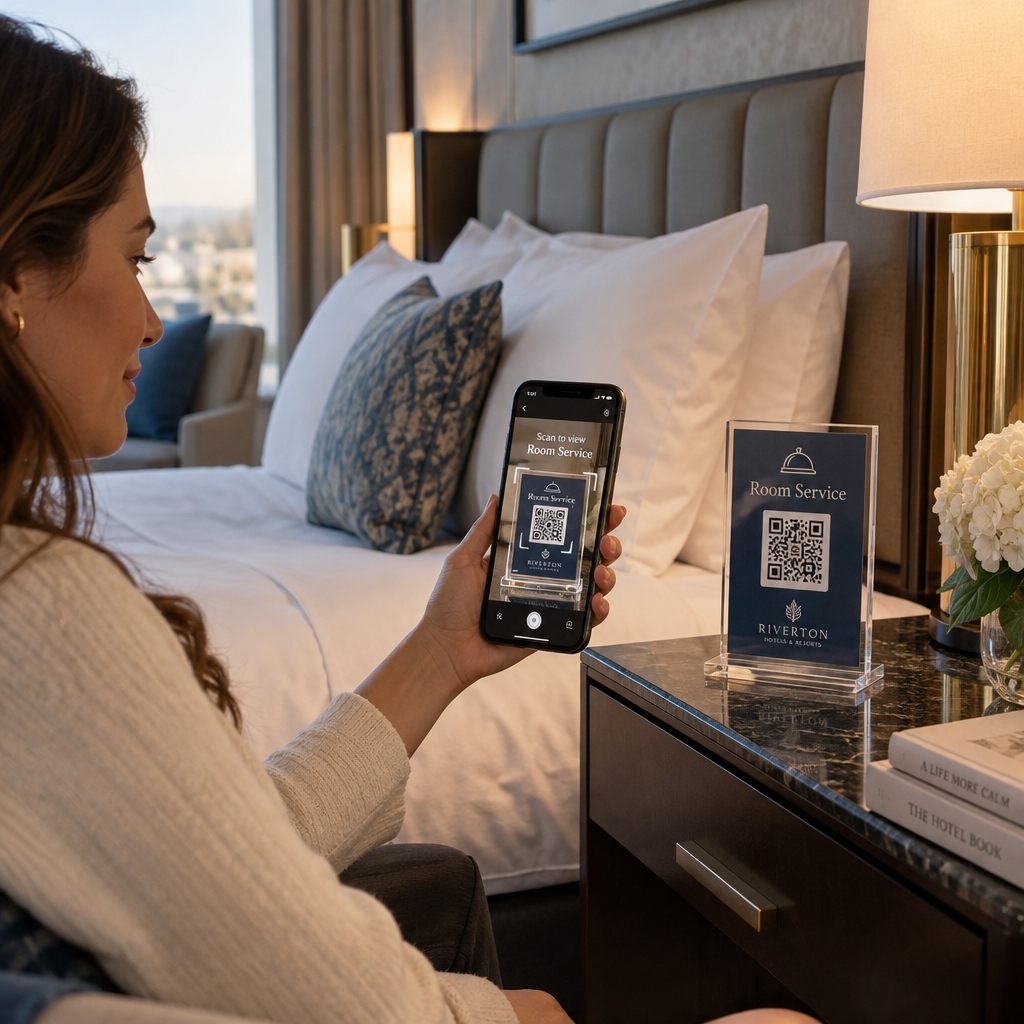
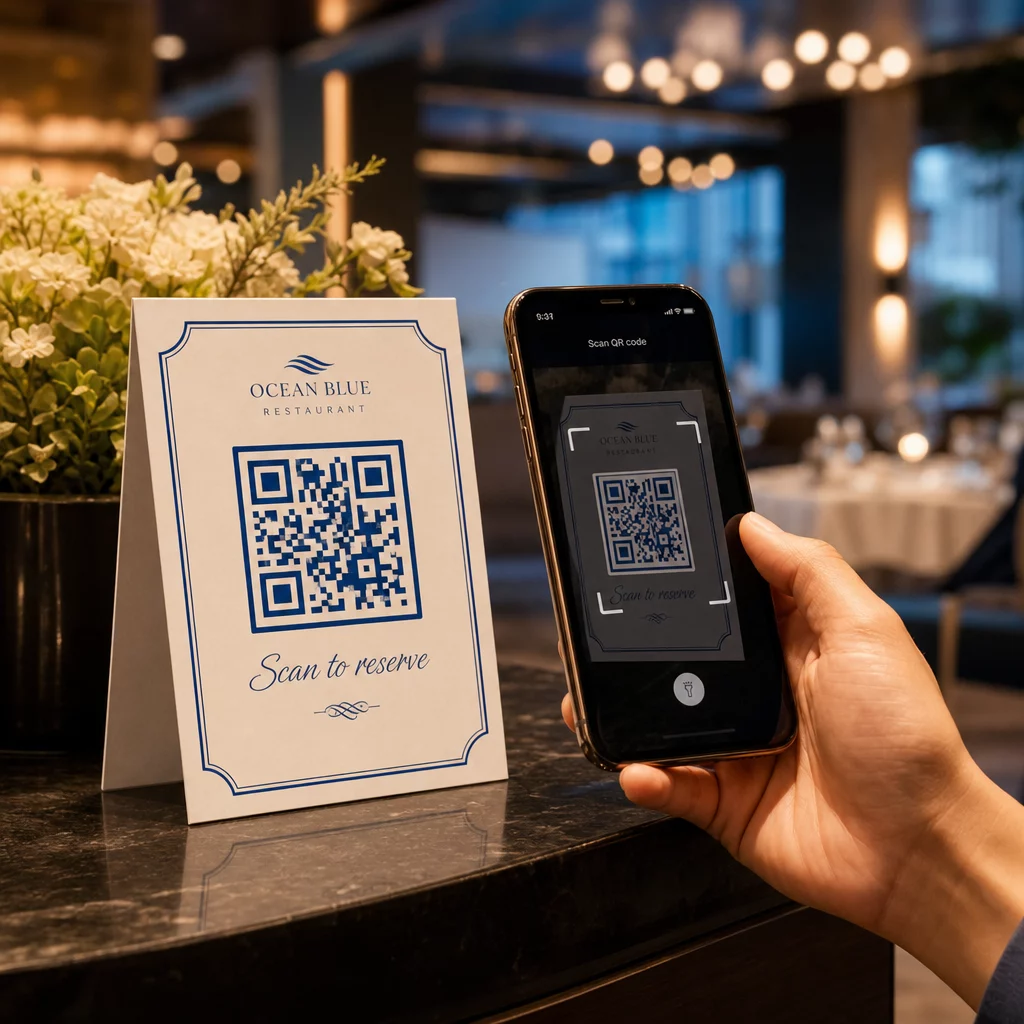
Premik k digitalnim rezervacijam je v polnem teku. Skoraj polovica vseh gostov zdaj raje rezervira prek spleta ali družbenih medijev, namesto da bi klicala vnaprej. QR kode neposredno izpolnjujejo to željo, saj vsako natisnjeno površino – namizni šotorček, nalepko na oknu, vrečko za s seboj – spremenijo v neposredno vstopno točko za vaš sistem rezervacij.
Ko gost skenira kodo, takoj pristane na vaši strani za rezervacije, preveri razpoložljivost v realnem času in potrdi mizo v manj kot minuti. Brez čakanja ob glasbi. Brez napačne komunikacije v hrupni jedilnici. Brez dvojnih rezervacij iz ročno napisanega dnevnika.
Za restavracije, ki upravljajo z velikim obsegom, se ta preprostost neposredno prevede v operativne koristi. Restavracije, ki implementirajo orodja za rezervacije in čakalne sezname na podlagi QR kod, poročajo o manj prekomernih rezervacijah, natančnejših podatkih o zasedenosti in osebju, ki je razbremenjeno ponavljajočega se telefonskega dela. QR kode lahko gostom tudi pomagajo, da se na čakalni seznam pridružijo na daljavo, vidijo posodobitve statusa v realnem času in prispejo ob pravem trenutku – kar zmanjšuje gnečo pri sprejemni mizi in skrajšuje zaznane čakalne dobe.
Poleg rezervacij ista infrastruktura podpira digitalne menije, brezstično naročanje in plačila – zaradi česar so QR kode vsestranska podlaga za celotno pot vašega gosta.
Nastavitev rezervacij s QR kodami: Vodnik po korakih
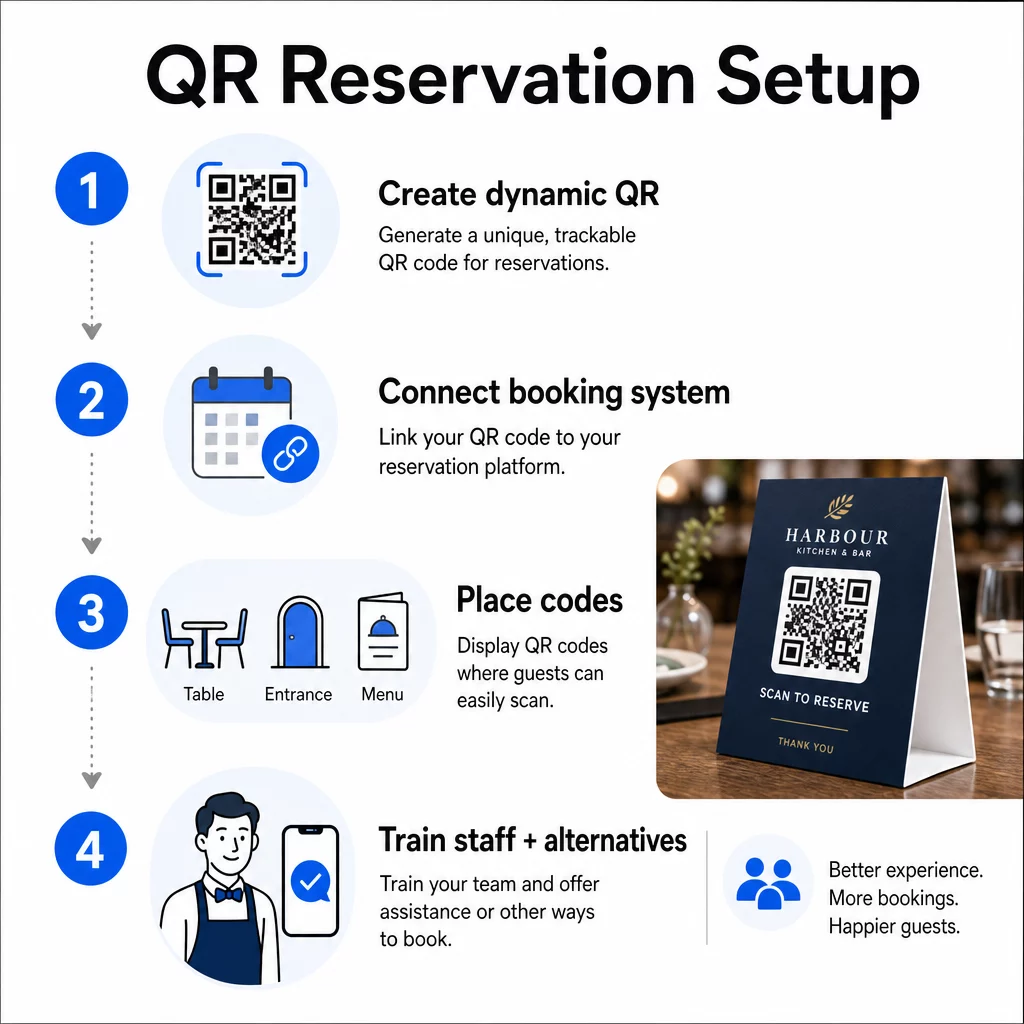
1. korak: Ustvarite svojo QR kodo
Začnite z izbiro platforme, ki podpira dinamične QR kode. Za razliko od statičnih kod, ki so trajno vezane na en sam URL, dinamične QR kode uporabljajo preusmeritveni sloj – kar pomeni, da lahko ciljno povezavo kadar koli posodobite, ne da bi morali karkoli ponovno tiskati. Če zamenjate platformo za rezervacije, prilagodite svojo stran za rezervacije ali izvajate sezonsko promocijo, spremenite povezavo na svoji nadzorni plošči in vsaka natisnjena koda se samodejno posodobi.
Uporabite Pagelootov generator QR kod za ustvarjanje QR kode s povezavo, ki kaže na vašo platformo za rezervacije – pa naj bo to OpenTable, Resy ali stran za rezervacije po meri. Od tam jo prilagodite z vašim logotipom, barvami blagovne znamke in okvirjem, ki ustreza estetiki vaše restavracije. Kode z blagovno znamko so videti bolj zaupanja vredne in jih bodo prvič gostje verjetneje skenirali.
Preden karkoli natisnete, preizkusite kodo na več napravah in operacijskih sistemih, da potrdite, da se pravilno preusmeri in se hitro naloži na mobilnih napravah.
Ste pripravljeni ustvariti svojo QR kodo za rezervacije? Zgradite dinamično QR kodo z blagovno znamko v nekaj minutah s Pagelootovim Generator QR kod – ni potrebna izkušnja z oblikovanjem in ni potrebno ponovno tiskanje, ko se vaše povezave spremenijo.
Korak 2: Povežite se s svojim rezervacijskim sistemom
Povežite svojo QR kodo s stranjo za rezervacije, ki prikazuje razpoložljivost v realnem času in pošlje takojšnjo potrditev gostu. To čisto zaključi krog: gost skenira, izbere čas in prejme potrditev – brez kakršnekoli vpletenosti osebja.
Sinhronizirajte svoj rezervacijski sistem s svojim POS-om, da rezervacije tečejo neposredno v vaše upravljanje miz brez ročnega vnosa. To odpravlja podvojene zapise in vaši ekipi v restavraciji zagotavlja natančne podatke o zasedenosti miz v realnem času skozi celotno izmeno.
Ko je sistem pravilno integriran, pridobite tudi podatkovno plast. Vsako skeniranje nosi informacije o tem, kdaj in kje je rezervacija nastala, katera naprava je bila uporabljena in kako se gostje premikajo skozi vaš lijak od skeniranja do potrjene rezervacije. Ti podatki postanejo uporabni za odločitve o osebju, časovni razpored promocij in prepoznavanje vaših najbolj obremenjenih obdobij.
Korak 3: Postavite kode, kjer jih bodo gostje videli
Postavitev vpliva na stopnjo skeniranja. Postavite svoje QR kode tja, kjer se gostje naravno ustavijo ali pogledajo – na mize, vhod, pult gostitelja, natisnjene menije in izložbe. Raziskave o uporabi QR kod v restavracijah kažejo, da se 60% vseh skeniranj v restavracijah zgodi, ko so kode postavljene neposredno na mizo, na primer na nalepkah ali namiznih stojalih.
Upoštevajte te smernice za velikost glede na to, kje se posamezna koda pojavi:
| POSTAVITEV | Priporočena velikost | Tipična razdalja skeniranja |
|---|---|---|
| Namizni šotori | 1.2 × 1.2 in (3 × 3 cm) | 6–12 palcev |
| Vstavki v meniju | 0.8 × 0.8 in (2 × 2 cm) | 8–16 palcev |
| Plakati / reklamne table | 1,2–1,6 in (3–4 cm) | 2–4 čevlje |
| Izložbe | 1,6+ in (4+ cm) | 3–6 čevljev |
| Prejemki | 0.8 × 0.8 in (2 × 2 cm) | 6–12 palcev |
Uporabite visokokontrastne barve – temne module na svetlem ozadju – in ohranite jasno mirno cono (bel prostor) okoli kode. Za zunanje površine ali površine, izpostavljene veliki obrabi, laminirani namizni šotori ali vremensko odporne nalepke ščitijo kodo pred poškodbami. V slabo osvetljenih okoljih fluorescentna ali v temi svetleča ozadja pomagajo ohranjati vidljivost.
Vedno vključite kratka navodila poleg kode, kot je “Skenirajte za rezervacijo vaše mize.” Jasni pozivi odpravijo oklevanje, še posebej pri gostih, ki še niso uporabljali QR kod. Sledenje najboljših praks za uporabnost QR kod od začetka preprečuje najpogostejše napake pri skeniranju.
Korak 4: Poučite svojo ekipo
Tehnologija deluje le, če jo podpira vaše osebje. Usposobite zaposlene v strežbi, da pomagajo gostom, ki imajo težave pri skeniranju – pa naj bo to starejša naprava, kamera, ki privzeto ne omogoča QR kod, ali preprosta nepoznavanje postopka.
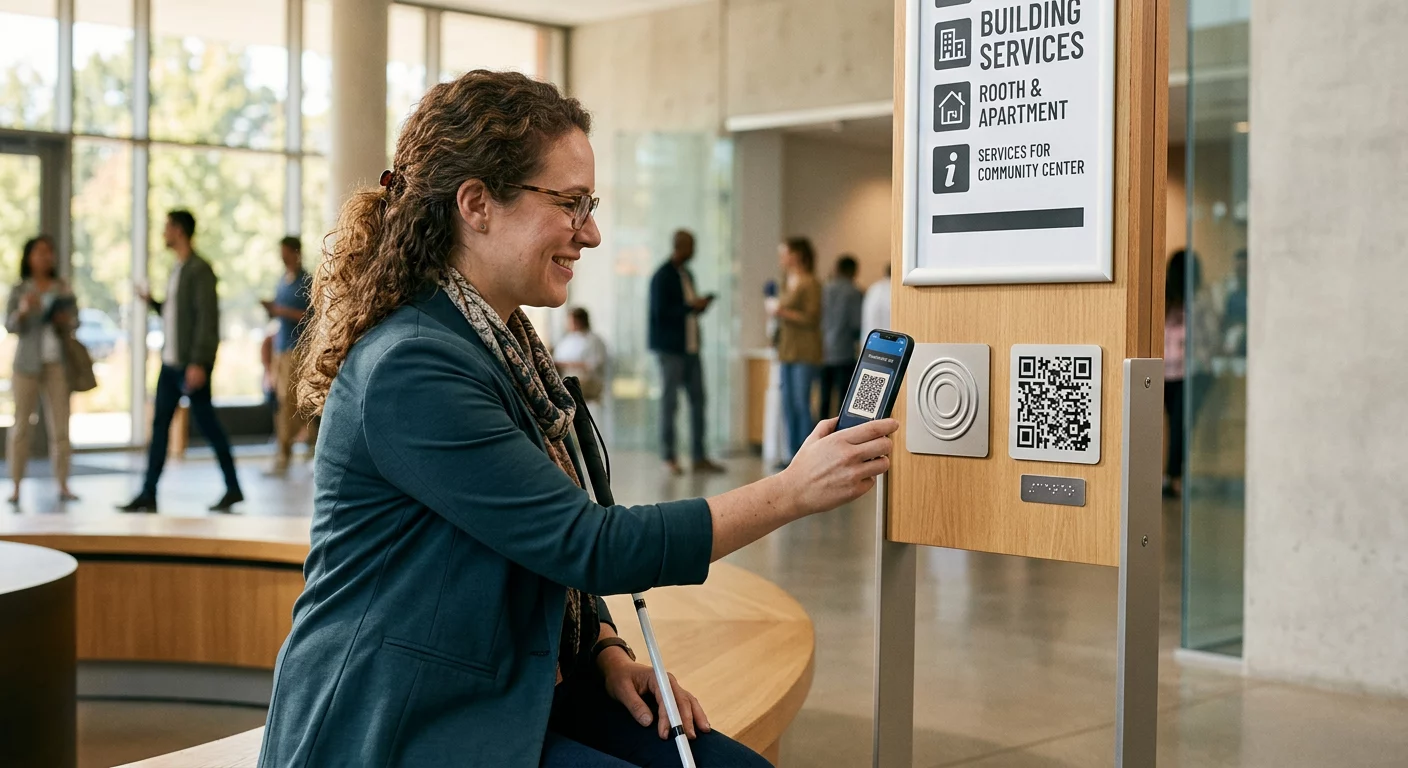
Dostopnost je tukaj pomembna. Ne more ali ne želi vsak gost uporabljati QR kode. Naslov III Zakona o Američanih z invalidnostjo zahteva, da restavracije izvedejo razumne prilagoditve pri strežbi gostov z invalidnostjo, kar se nanaša tudi na to, kako dostopajo do menijev in sistemov za rezervacije. Vedno imejte na voljo tradicionalno možnost rezervacije – telefonsko številko, gostitelja, ki lahko sprejema rezervacije neposredno, ali natisnjen URL, ki ga gostje lahko ročno vpišejo. QR kode bi morale biti učinkovita možnost, ne pa edina možnost.
Ključne prednosti za goste in osebje
Kaj pridobijo gostje
Rezervacije s QR kodo ponujajo 24/7 dostop do rezervacij. Gostje si lahko zagotovijo mizo med odmorom za kosilo, pozno ponoči ali med brskanjem po družbenih medijah – ne le med vašim delovnim časom. Postopek je hiter: skeniraj, preveri razpoložljivost, potrdi, končano. Ta hitrost je pomembna, saj skoraj dve tretjini gostov pravi, da bi raje naročali ali komunicirali digitalno, kot da bi čakali na člana osebja.
Brezkontaktna interakcija odpravlja tudi higiensko skrb, ki jo mnogi gostje še vedno nosijo iz preteklih let. Brez skupnih fizičnih menijev za rokovanje v fazi rezervacije, brez dotikanja gostiteljeve tablice. In ker gost vnese svoje podatke, se napake pri rezervaciji, ki so posledica napačne komunikacije, znatno zmanjšajo.
QR kode lahko storijo več kot le shranijo povezavo za rezervacijo. Uporabite jih za deljenje vašega digitalnega menija, preden gostje prispejo, za poudarjanje dnevnih specialitet ali za spodbujanje gostov, da se pridružijo vašemu programu zvestobe. Pagelootov Generator za QR meni vam omogoča, da ustvarite blagovno znamko pristajalne strani menija s fotografijami, opisi, kategorijami in celo informacijami o alergenih – vse dostopno z istim skeniranjem.
Kaj pridobi vaše poslovanje
Zmanjšanje dohodnih klicev za rezervacije sprosti vašo ekipo v sprejemnici, da se osredotoči na goste, ki so dejansko v prostoru. Manj telefonskih prekinitev pomeni boljšo kakovost storitev med postrežbo, ne le hitrejše rezervacije.
Finančni primer je prav tako jasen. Restavracije, ki sprejmejo digitalno naročanje in orodja za samopostrežbo, dosledno poročajo o višjih povprečnih računih – ena študija je ugotovila 91-odstotno povečanje porabe, ko gostje uporabljajo digitalno naročanje pri mizi. Obrat mize se izboljša, ko se celoten cikel obedovanja skrajša. Prehod na digitalne menije pa lahko odpravi na tisoče dolarjev letnih stroškov ponovnega tiskanja.
Sistemi QR kod prav tako generirajo podatke prve stranke, ki jih telefonske rezervacije ne morejo doseči. Sledite lahko vzorcem rezervacij po času dneva, dnevu v tednu in segmentu gostov. Ti podatki omogočajo boljše urnike osebja, bolj ciljane promocije in pametnejše načrtovanje zalog. Za pregled celotne palete digitalnih orodij, ki so na voljo restavracijam, glejte Rešitve QR kod za gostinstvo.
Uporaba dinamičnih QR kod za ohranjanje aktualnosti
Dinamične QR kode vam zagotavljajo operativno prilagodljivost, ki je statične kode ne morejo. Ker sama koda shranjuje le kratek preusmeritveni URL, lahko kadar koli spremenite, kam kaže, iz vaše nadzorne plošče – brez ponovnega tiskanja, brez zamenjave namiznih stojal med postrežbo.
To je pomembno v praksi. Če preidete na novo platformo za rezervacije, preizkusite nov potek rezervacij ali začasno preusmerite kodo na obvestilo “polno zasedeno” na razprodani večer, naredite eno spremembo centralno in vsaka natisnjena koda se takoj odzove.
Dinamične kode podpirajo tudi promocijsko agilnost. Oseminsedemdeset odstotkov gostov je bolj verjetno, da bodo rezervirali, ko restavracija oglašuje časovno omejeno ponudbo. Z dinamičnimi kodami lahko preusmerite na ciljno stran s hitro ponudbo med počasnim torkovim popoldnevom in se vrnete na svojo standardno stran za rezervacije do večerje – ne da bi se dotaknili enega samega natisnjenega materiala.
Iste kode, ki poganjajo rezervacije, se lahko povežejo tudi z vašim sistemom digitalnega naročanja, obrazci za povratne informacije ali zahteve za ocene. Pagelootov Generator QR kod za Google obrazec omogoča preprosto povezavo QR kode z anketo po obroku ali obrazcem za povratne informacije, s čimer zajamete mnenje gostov, medtem ko je izkušnja še sveža.
Uporaba analitike za izboljšanje učinkovitosti
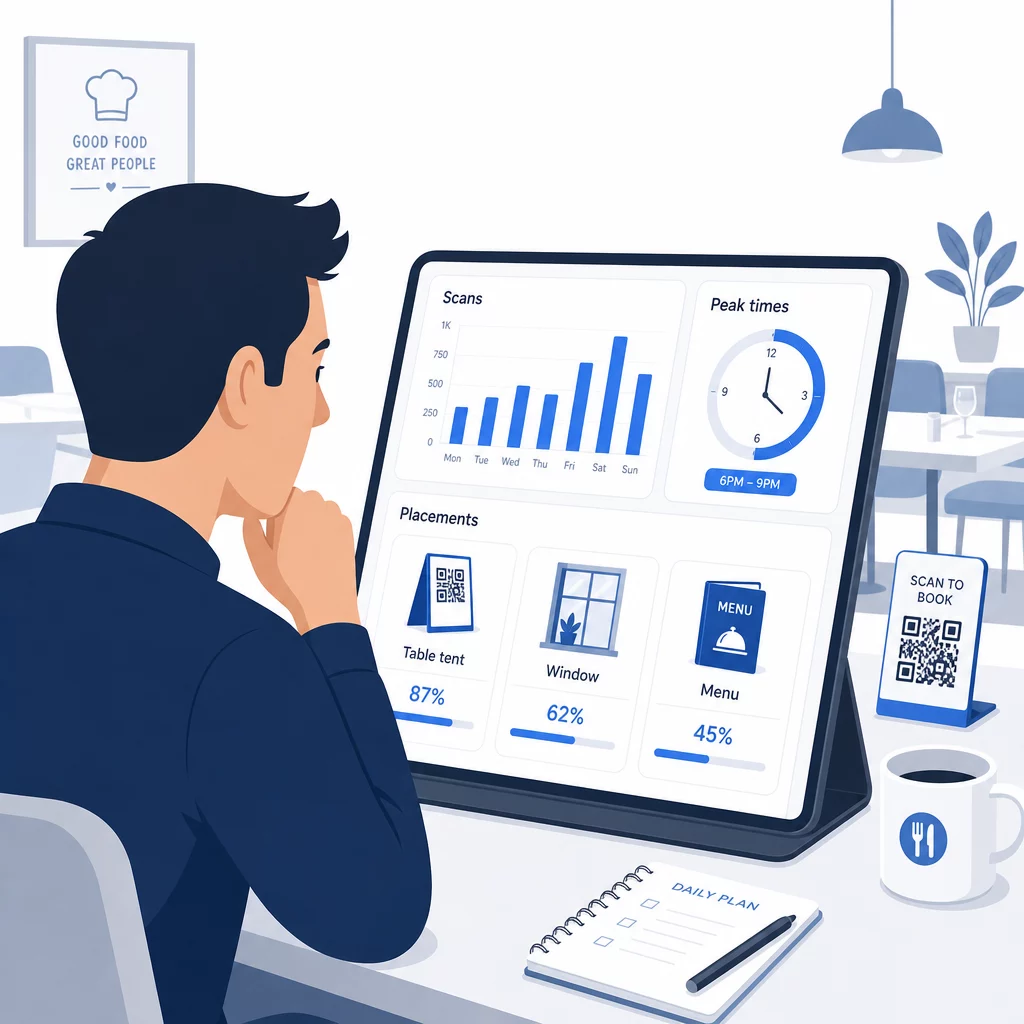
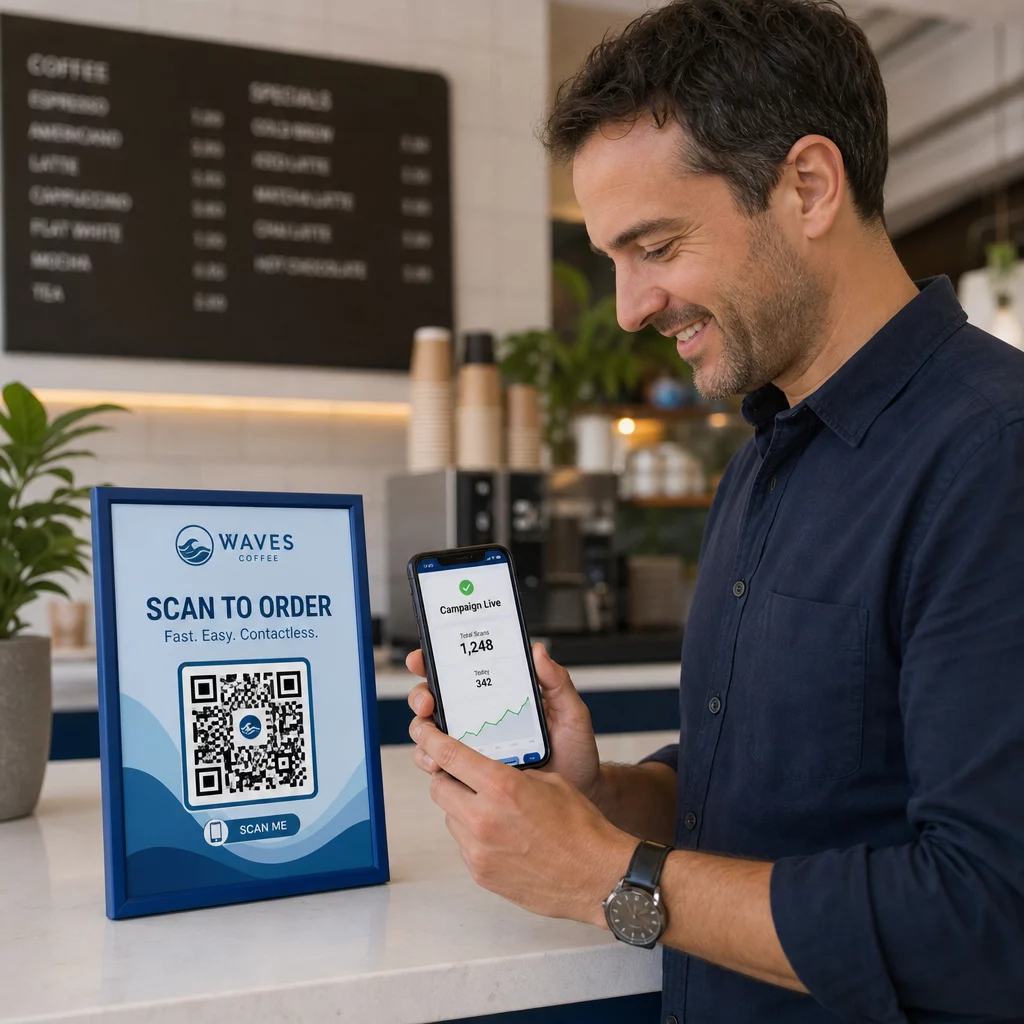
Vsako skeniranje dinamične QR kode generira podatke. Nadzorna plošča Pageloota prikazuje metrike, vključno s skupnim številom skeniranj, časovnimi žigi skeniranj, vrstami naprav, operacijskimi sistemi in geografsko lokacijo. Sčasoma ti podatki razkrijejo, katere umestitve prinašajo največ rezervacij, kdaj gostje najverjetneje rezervirajo in ali kampanja deluje, preden se zavežete k celotni nakladi.
Praktični načini uporabe teh podatkov:
- Kadrovsko zasedanje: Če se aktivnost skeniranja močno poveča v petek popoldne, je to vodilni indikator povpraševanja v petek zvečer. Ustrezno prilagodite osebje.
- Časovna razporeditev menija: Če gostje močno skenirajo QR kode menija med 16. in 18. uro, je to vaše okno za promocijo ponudb happy hour ali ponudb za zgodnje prijave.
- Optimizacija postavitve: Primerjajte stopnje skeniranja med namiznimi stojali, nalepkami na oknih in natisnjenimi meniji, da ugotovite, katere lokacije prinašajo največjo angažiranost – nato tja usmerite prihodnje naložbe.
- Testiranje kampanj: Eksperimentirajte z različnimi frazami poziva k dejanju ali oblikami kod in merite učinek na stopnje skeniranja v primerjavi z industrijskim merilom CTR okoli 12,8%.
Restavracije v povprečju beležijo 45% stopnjo skeniranja z dobro postavljenimi QR kodami. Tedenski pregled analitike in ukrepanje na podlagi ugotovitev ohranja to stopnjo naraščajočo.
Za podrobnejši vpogled v to, kako različni formati QR kod služijo različnim potrebam restavracij – od integracije plačil do programov zvestobe – si oglejte vodnik za 7 vrst QR kod za menije restavracij.
Odpravljanje pogostih težav z QR kodami
Tudi dobro izvedene QR kode občasno naletijo na težave. Tukaj so najpogostejše težave in kako jih odpraviti:
- Skeniranje ne uspe: Običajno je vzrok nizek kontrast, zamegljen tisk ali nezadostna tiha cona. Ponovno natisnite z vektorsko datoteko (SVG, EPS ali PDF) in potrdite, da je kontrastno razmerje med moduli kode in ozadjem vsaj 55%.
- Povezave ne delujejo: Preizkusite vsako kodo po tiskanju in določite urnik za mesečno ponovno testiranje. Dinamične kode omogočajo takojšnje popravke povezav – ponovno tiskanje ni potrebno.
- Slaba osvetlitev: V temnih jedilnicah razmislite o osvetljenih zaslonih ali ozadjih, ki se svetijo v temi. Gostom svetujte, naj držijo telefon 6–8 palcev od kode.
- Starejše naprave: Nekateri telefoni zahtevajo aplikacijo za skeniranje QR kod tretjih oseb. Poučite svoje osebje, kako pomagati, in vedno ponudite nadomestno metodo rezervacije.
- Oklevanje gostov: QR kode z vašim logotipom in jasno oznako, kot je “Skeniraj za rezervacijo”, zmanjšajo nezaupanje, ki izvira iz anonimnih kod.
Za podrobne zahteve glede velikosti, kontrasta in oblikovanja glejte celotne smernice za uporabnost QR kod.
Razširitev QR kod onkraj rezervacij
Ko vaše QR kode za rezervacije delujejo brezhibno, se ista infrastruktura naravno razširi na druge dele izkušnje gostov:
- Digitalni meniji: Takoj posodobite cene, dodajte sezonske izdelke ali odstranite razprodane jedi – ponovno tiskanje ni potrebno. Poglejte, kako ustvariti meni s QR kodo korak za korakom.
- Brezstično naročanje: Gostje brskajo, prilagajajo in oddajajo naročila neposredno s svojih telefonov. Raziskave kažejo, da bi 64 % gostov raje naročilo digitalno med obrokom kot pa komuniciralo z natakarji za sprejemanje naročil.
- Plačila: Plačevanje s QR kodo pospeši obračanje miz in zmanjša trenje pri deljenju računov. Izvedite več o prednostih plačevanja s QR kodo za restavracije.
- Zbiranje povratnih informacij: QR koda po obroku, povezana s kratko anketo ali pozivom za oceno, zajame odzive, medtem ko je izkušnja še sveža v spominu.
- Promocije in zvestoba: Preusmerite kode na časovno omejene ponudbe, prijave na dogodke ali vpis v program zvestobe, ne da bi ponovno natisnili en sam kos promocijskega materiala.
Raziščite celotno paleto aplikacij QR kod po panogah da vidite, kako drugi gostinski operaterji širijo to tehnologijo.
Zgradite sistem QR kod za vašo restavracijo Od rezervacij do digitalnih menijev, Pageloot vam ponuja orodja za ustvarjanje, upravljanje in sledenje vsake QR kode na enem mestu. Začnite z Generatorjem QR kod za restavracije in poglejte, zakaj se več kot 220 restavracij v 54 državah zanaša na Pageloot.
Pogosta vprašanja
Statična QR koda trajno kodira en sam URL v svoj vzorec pikslov – ko je enkrat natisnjena, cilja ni mogoče spremeniti. Dinamična QR koda shranjuje kratek preusmeritveni URL, tako da lahko ciljno povezavo kadar koli posodobite iz svoje nadzorne plošče, ne da bi ponovno natisnili kodo. Za rezervacije so dinamične kode močno prednostne: če zamenjate platformo za rezervacije, posodobite stran za rezervacije ali začasno preusmerite goste na obvestilo “polno zasedeno”, naredite eno spremembo centralno in vsaka natisnjena koda se takoj odzove. Dinamične kode omogočajo tudi analitiko skeniranja, česar statične kode ne morejo zagotoviti.
Velikost je odvisna od razdalje skeniranja. Za namizne stojala, skenirane z razdalje 6–12 palcev, dobro deluje minimalna velikost 1,2 × 1,2 palca. Za vložke v menije je praktični minimum 0,8 × 0,8 palca. Okenske izložbe, vidne z razdalje 3–6 čevljev, potrebujejo kode velikosti vsaj 1,6 palca. Kode postavite na dobro vidna, nepreobremenjena mesta – mize, vhod in pult gostitelja so lokacije z najvišjo učinkovitostjo. Vedno uporabite visokokontrastne barve, ohranite dovolj belega prostora okoli kode, vključite kratko navodilo, kot je “Skenirajte za rezervacijo vaše mize”, in preizkusite na več napravah, preden jo objavite.
Da. Naslov III Zakona o Američanih z invalidnostmi zahteva od restavracij, da izvedejo razumne prilagoditve za goste z invalidnostmi, kar vključuje način dostopa do sistemov za rezervacije in menijev. Nekateri gostje – vključno s tistimi, ki so slepi ali imajo omejitve gibanja – morda ne morejo uporabljati QR kode. Vedno zagotovite enakovredno alternativo: telefonsko številko, gostitelja, ki lahko sprejme rezervacije neposredno, ali natisnjen URL, ki ga gostje lahko vnesejo ročno. QR kode bi morale izboljšati dostop, ne pa ga v celoti nadomestiti.