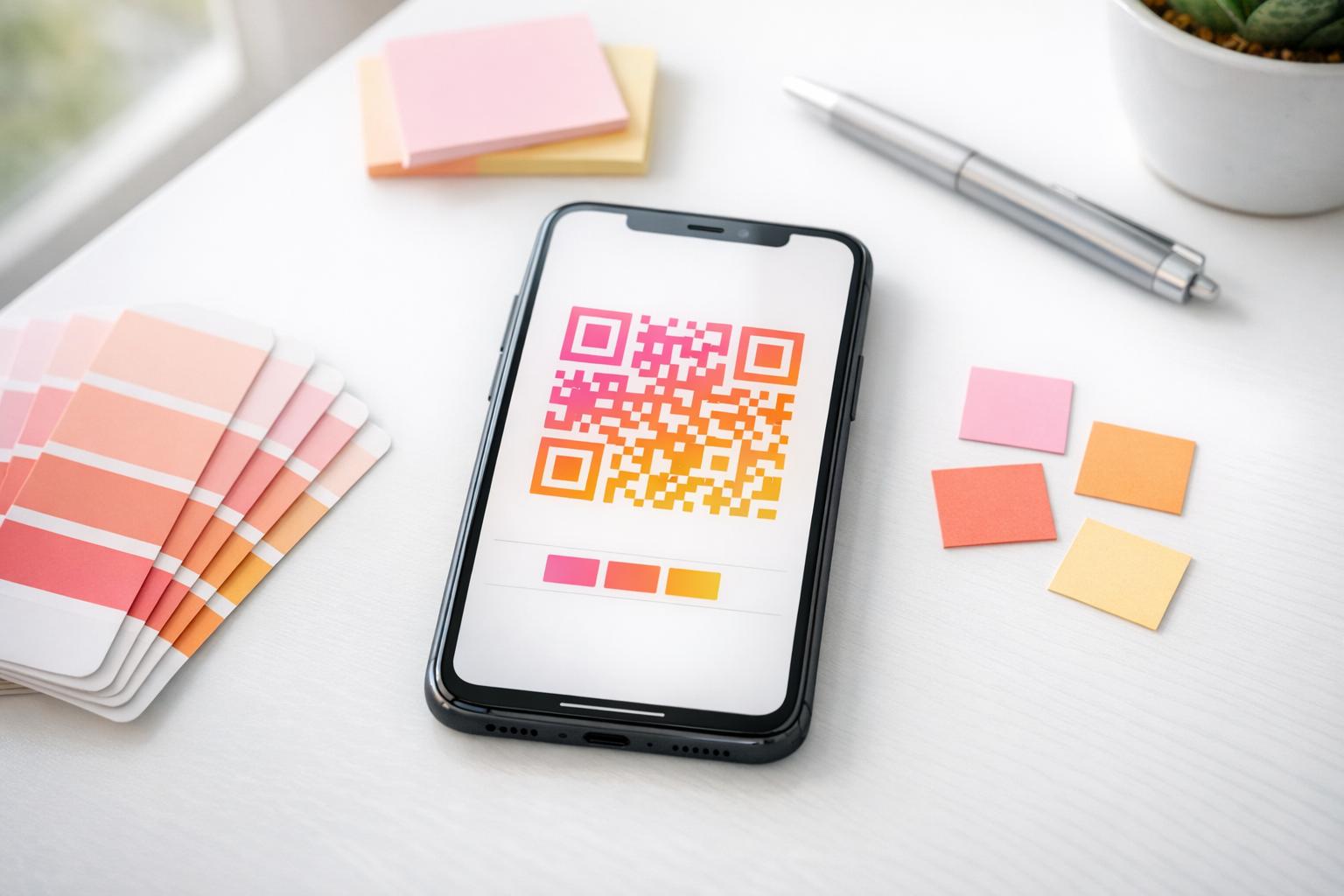
Customize Your Brand with a QR Code Color Picker
In today’s digital world, standing out is everything. A personalized QR code can be a game-changer for businesses, creators, or anyone looking to share information with a unique twist. With a tool like our QR code customizer, you can tweak the design to match your vibe or branding in just a few clicks. It’s not just about functionality—it’s about making an impression.
Why Color Matters in QR Design
Think about it: a standard black-and-white code gets the job done, but a splash of color tied to your logo or theme grabs attention. Whether you’re linking to a website, a menu, or a social profile, customizing the shades adds a layer of professionalism or personality. Our easy-to-use interface lets you experiment with foreground and background hues until it’s just right. Plus, it’s free and fast, so there’s no reason not to give it a shot. If you’ve been searching for a way to elevate your digital presence, crafting a tailored QR design might be the small but mighty step you need.
Soalan Lazim
Can I use any color for my QR code with this tool?
Absolutely! You can pick any color for the foreground (the pattern) and background using hex codes or our handy color picker. Just make sure there’s enough contrast between the two so scanners can read it easily. For instance, a dark foreground on a light background works best. Play around until it looks right!
What happens if I enter an invalid hex code?
No worries—we’ve got you covered. If you type in a hex code that doesn’t work, like missing characters or weird symbols, the tool will pop up a friendly error message. It’ll ask you to double-check and try again. We keep it simple so you’re not stuck scratching your head.
Is there a limit to what I can put in the QR code?
Yep, we’ve set a limit of 500 characters for the content to keep things manageable. That’s plenty for a URL, a short message, or contact info. If you leave it blank or go over, we’ll nudge you with a quick reminder to adjust it. It’s all about making sure your QR code works smoothly!