
Kas teie toiduauto järjekord liigub nii kiiresti, kui peaks? Pikad järjekorrad, otsustusvõimetud kliendid ja aeglane maksete käsitlemine peletavad inimesi eemale, enne kui nad teie luugini jõuavad. See juhend selgitab, kuidas QR-koodid saavad teenindust kiirendada, hõõrdumist vähendada ja kliente tagasi tuua.
Miks QR-koodid toiduautodele mõistlikud on
Toiduautod tegutsevad piirangute all, millega traditsioonilised restoranid kokku ei puutu. Teil on piiratud letipind, puudub vastuvõtulaud ja sageli üksainus töötaja, kes žongleerib samaaegselt tellimuste, ettevalmistuse ja maksetega. Iga sekund, mis kulub menüüpunkti selgitamisele või vahetusraha andmisele, on sekund, mille võrra järjekord pikeneb.
USA toiduautode tööstus genereerib aastas ligikaudu $2,4–2,8 miljardit dollarit tulu, mis tähendab, et isegi väikesed läbilaskevõime paranemised tõlgenduvad otse suuremaks sissetulekuks teenindusluugi kohta. QR-koodid lahendavad kõige levinumad kitsaskohad: kliendid, kes ei tea, mida nad tahavad, kui nad ette jõuavad, makseviivitused ja menüüde korduvtrükkimise korduvad kulud iga kord, kui teie pakkumised muutuvad.
Kontaktivabad maksed on nüüd peavoolus. Visa andmetel kasvasid kontaktivabad tehingud USA-s näost näkku tehingutest 2017. aastal vähem kui 1%-lt üle 60%-le 2025. aasta teise kvartali lõpuks. Teie kliendid ootavad juba, et saaksid maksta puudutades või skaneerides – neile QR-põhise valiku pakkumine eemaldab hõõrdumise, mitte ei lisa seda.
Kuidas kasutada QR-koodi menüüd oma toiduautos
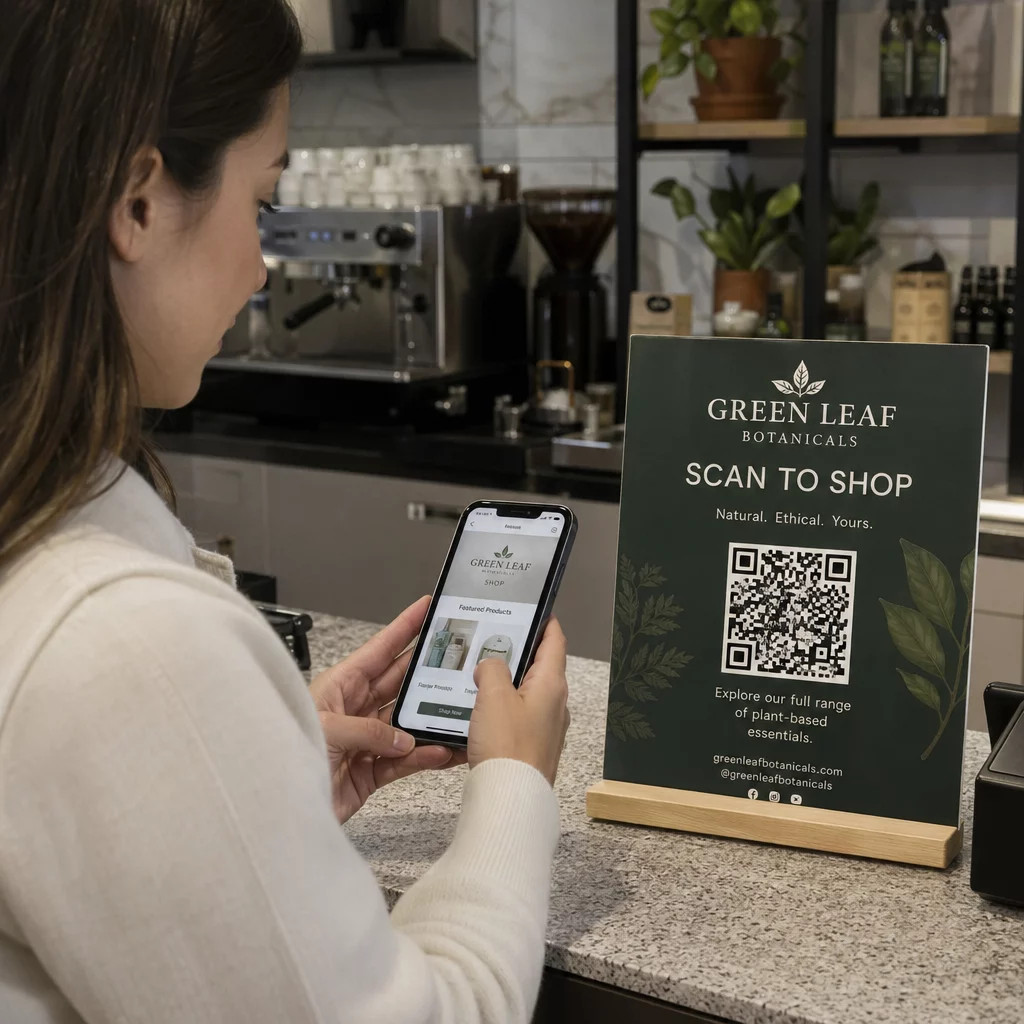
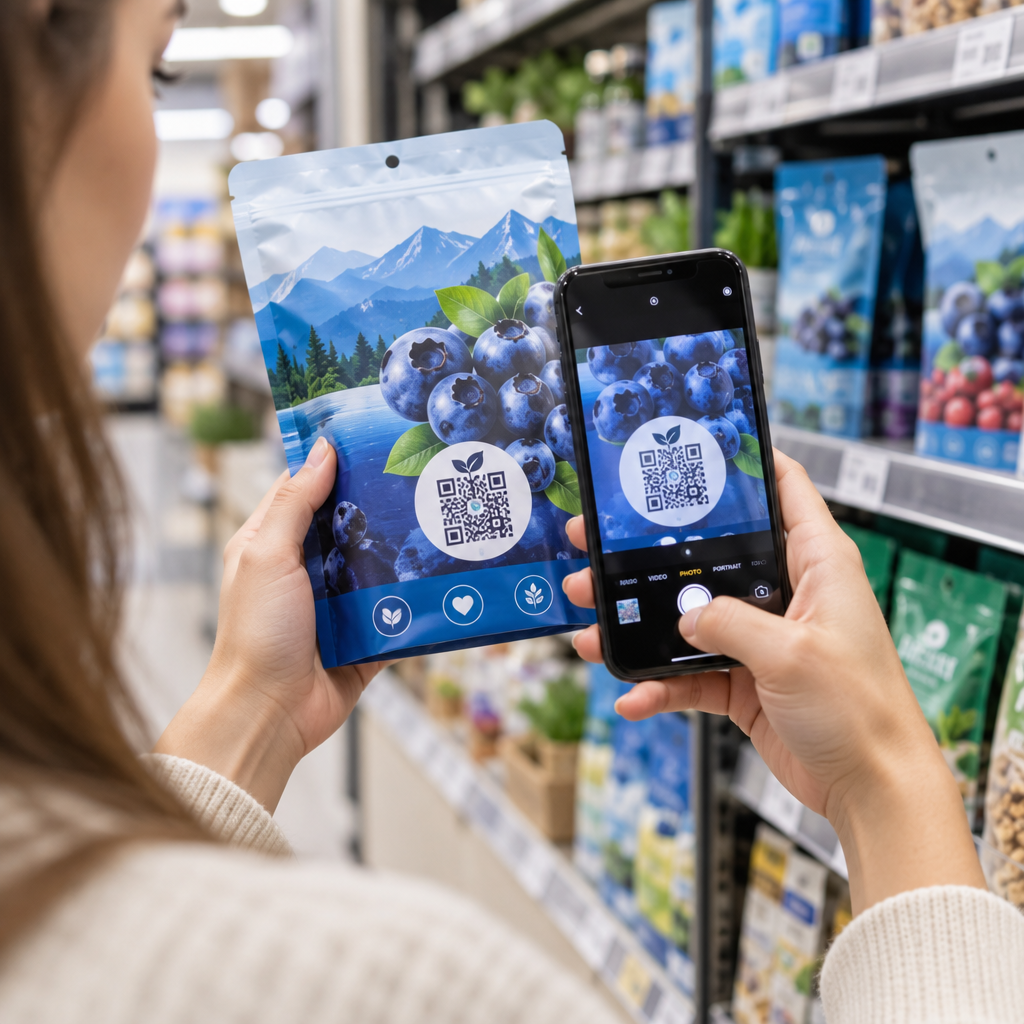
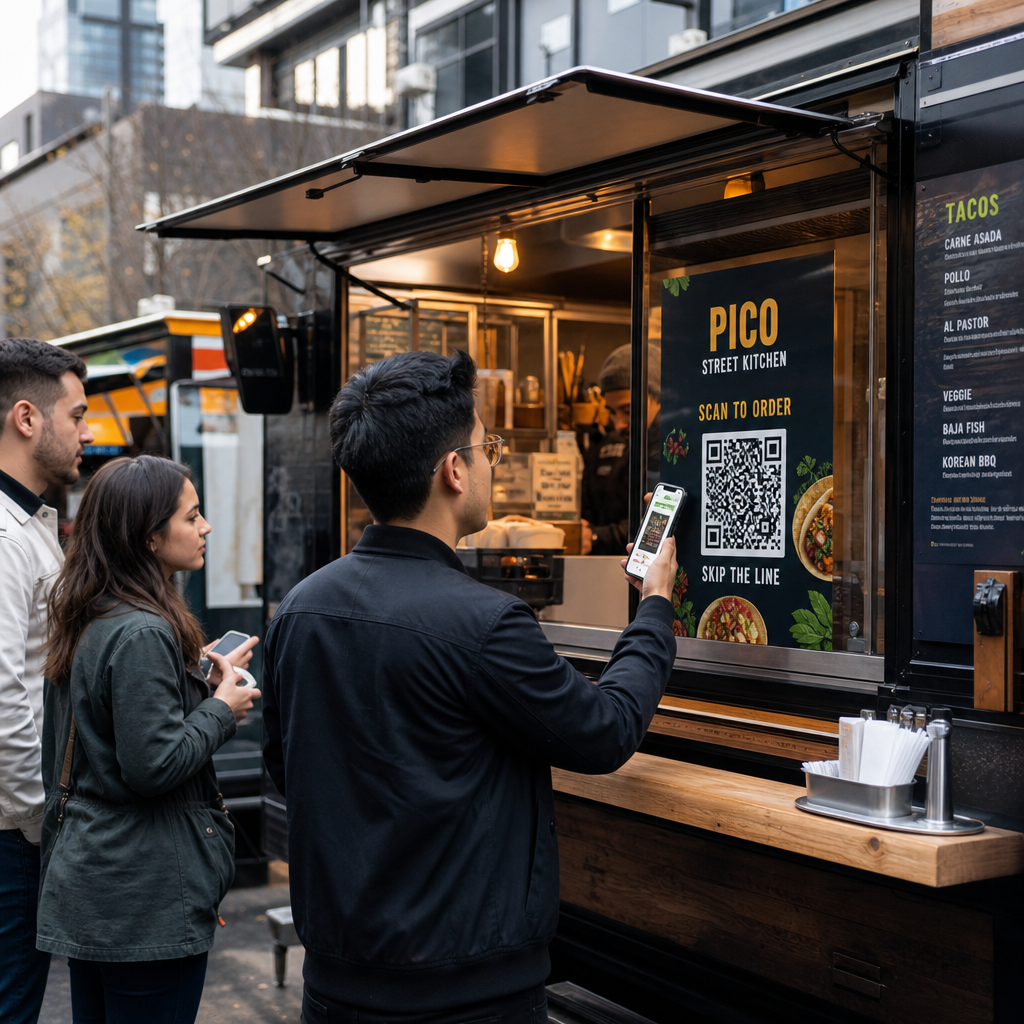
QR-koodi menüü toimib, sidudes trükitud koodi teie menüü digitaalse versiooniga, mille kliendid avavad oma nutitelefonides. Paberist menüüde trükkimise ja lamineerimise asemel või tahvlisildile lootmise asemel, mida on järjekorra tagant raske lugeda, asetate QR-koodi oma autole, sildile või väikesele lauatelgile – ja kliendid sirvivad oma telefonides oodates.
See lahendab spetsiifilise toiduauto probleemi: kliendid, kes on luugi juurde jõudes otsustusvõimetud, aeglustavad kõiki nende taga olevaid inimesi. Kui inimesed saavad teie menüüd enne järjekorda astumist sirvida, jõuavad nad leti juurde tellimiseks valmis.
Pagelooti QR menu: menüü QR-koodi generaator võimaldab teil linkida oma QR-koodi kas PDF-menüüle või mobiilile optimeeritud maandumislehele. Maandumisleht pakub üldiselt paremat kogemust – kliendid näevad tootekirjeldusi, fotosid ja hindu telefoniekraanile loodud formaadis. Saate lisada allergeeniteavet, päevapakkumisi ja väljamüüdud teateid ilma midagi uut trükkimata. Nagu Pagelooti menüügeneraator märgib, on QR-koodi menüüd kasulikud, olenemata sellest, kas teie ettevõte on toiduauto või kiirtoitlustuskohvik, võimaldades klientidel otsustada, mida tellida enne kassasse jõudmist.
Digitaalse menüü peamised eelised toiduautodele:
- Uuendage hindu, tooteid või eripakkumisi reaalajas ilma uuesti trükkimata
- Kuvage oma täielik menüü formaadis, mis on loetav igas nutitelefonis
- Laske klientidel otsustada, mida tellida järjekorras oodates, mitte pärast luugi juurde jõudmist
- Kaotage uuesti trükkimise kulud, kui teie menüü muutub hooajaliselt või iga päev
Looge oma toiduauto menüü QR-kood Kas olete valmis laskma klientidel oma menüüd sirvida enne, kui nad luugi juurde jõudvad? Kasutage QR menu: menüü QR-koodi generaator mobiilivalmis digitaalse menüü loomiseks minutitega.
QR-koodi tellimissüsteemi seadistamine teie autole
QR-koodi tellimine viib menüü ühe sammu edasi: sirvimise asemel saavad kliendid oma tellimuse otse telefonist esitada. See on eriti kasulik toiduautodele, mis teenindavad üritusi, parke või kindlaid asukohti, kus kliendid saavad oodata läheduses, selle asemel et seista ühes reas järjekorras.
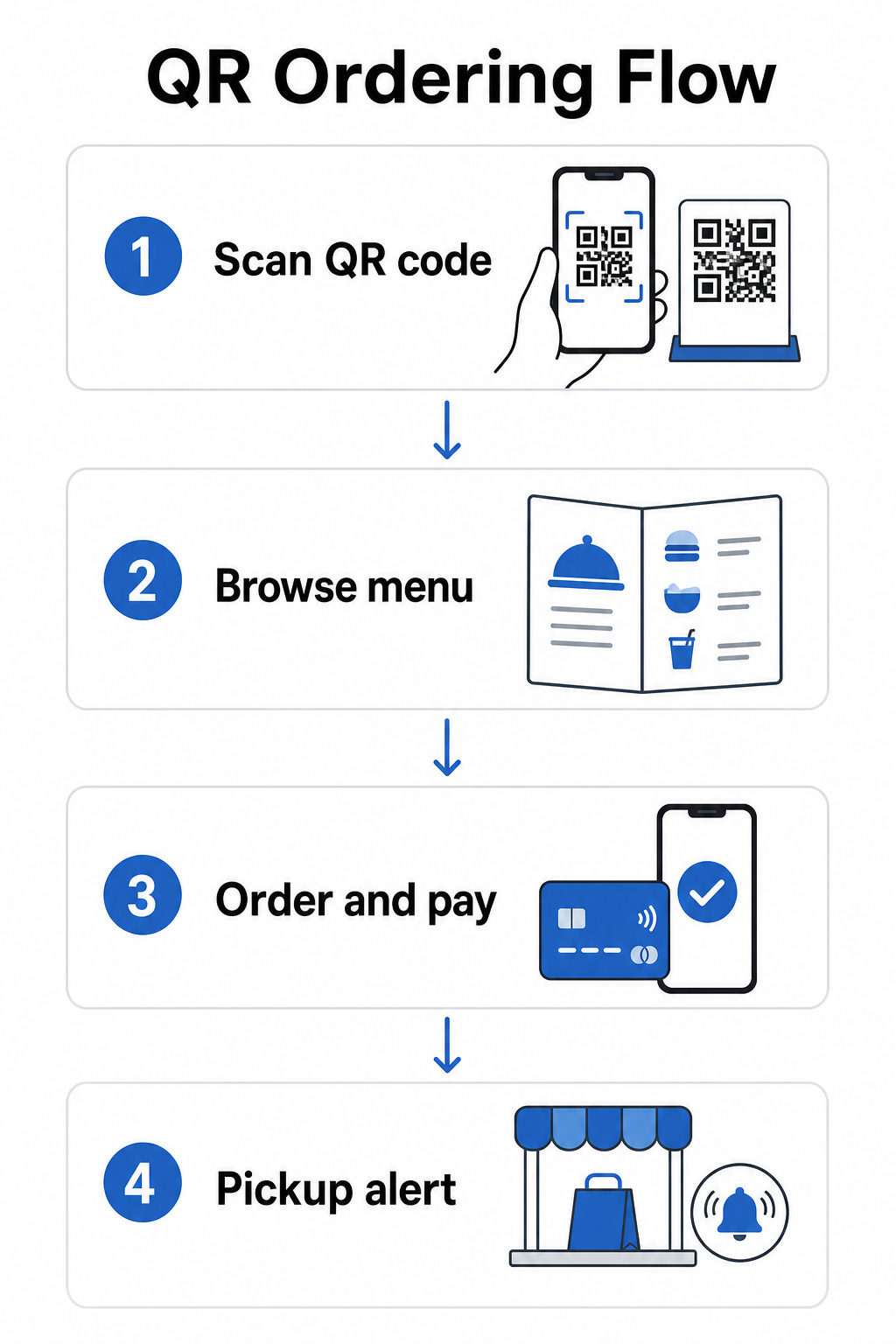
A QR-koodi tellimissüsteem nõuab mõne komponendi koostööd:
- Mobiilile optimeeritud digitaalne menüü koos tootekirjelduste ja kohandamisvõimalustega
- QR-kood, mida kliendid skaneerivad menüüle ja tellimisvormile juurdepääsuks
- Maksevärava integratsioon, et kliendid saaksid maksta samal ajal, kui nad tellivad
- Viis tellimuste jõudmiseks teie kööki – kas ekraan auto sees või tekstisõnumite teavitussüsteem
Üks esiletõstmist väärt operatiivne eelis: veebipõhise tellimise võimaldamine koos järeletulemise teavitustega tähendab, et kliendid ei pea üldse järjekorras seisma. Nad esitavad oma tellimuse, saavad teavituse, kui see on valmis, ja tulevad luugi juurde ainult järele. See vähendab rahvahulka ja ära kõndimise riski tipptundidel.
Tellimissüsteemi konfigureerimisel valige dünaamilised QR-koodid staatiliste asemel. Dünaamiline QR-kood osutab lühikesele ümbersuunamise URL-ile, mida saate igal ajal uuendada – nii et kui muudate oma tellimisplatvormi, uuendate menüüd või kolite uude asukohta, uuendate sihtkohta ilma füüsilisi koode oma autol asendamata. Dünaamilise QR koodi generaator Pagelootist haldab seda ühest juhtpaneelist ja on praktiline valik igale operaatorile, kelle menüü või seadistus aja jooksul areneb.
Maksete vastuvõtmine QR-koodi kaudu
QR-koodimaksed võimaldavad klientidel tehingu sooritada, skaneerides koodi ja makstes oma eelistatud mobiilse rahakoti või makserakenduse kaudu – kaarditerminali pole vaja, sularaha käitlemist pole, tagastuse tegemise viivitusi pole. Toiduauto operaatori jaoks võib see oluliselt lühendada aega, mida iga klient teie akna juures veedab.
Seadistamine on lihtne. Loote makse QR-koodi, mis on lingitud teie PayPali, Stripe'i või muu makseteenuse pakkujaga, prindite selle või kuvate oma akna juures ja kliendid skaneerivad maksmiseks. Pagelooti PayPali QR koodi loomine juhendab protsessi: looge oma PayPal.me link, kleepige see generaatorisse, kohandage disaini oma brändinguga ja laadige kood printimiseks või kuvamiseks alla.
Laiema ülevaate saamiseks sellest, kuidas QR-koodimaksed töötavad erinevatel platvormidel, hõlmab Pagelooti makse QR-juhend peamisi valikuid ja seadistusetappe. Kui soovite rohkem konteksti selle kohta, miks toiduteenindusettevõtted seda lähenemist kasutusele võtavad, siis QR-koodimaksete eelised restoranidele leht selgitab, kuidas kiiremad kassaprotsessid ja väiksem töötlemise hõõrdumine tõlgivad end tegevuskasumiks.
Riiklik Restoraniassotsiatsioon teatas 2024. aastal, et 85% restoranidest pakub nüüd kontaktivabu maksevõimalusi ja 92% omanikest teatab klientidelt positiivsest tagasisidest. Toiduautod, mis ikka veel tuginevad ainult sularahale või ainult kaardimakse seadistustele, on üha enam vastuolus sellega, mida kliendid ootavad.
Dünaamiliste QR-koodide kasutamine kõige ajakohasena hoidmiseks
Üks QR-koodide kõige praktilisemaid eeliseid toiduauto jaoks on võime oma sisu uuendada ilma prinditud koodi puudutamata. Kui kasutate staatilist QR-koodi – sellist, mis püsivalt kodeerib ühte URL-i – tähendab mis tahes muudatus teie menüüs, tellimislingis või makselehel uute koodide uuesti printimist ja levitamist.
Dünaamilised QR-koodid lahendavad selle. Kood ise kodeerib lühikese ümbersuunamis-URL-i, mis ei muutu kunagi. Mida te kontrollite, on see, kuhu see ümbersuunamine kliendi saadab. Uuendage oma menüüd, vahetage makseplatvorme või reklaamige hooajalist eripakkumist – teie auto füüsiline kood jääb täpselt samaks.
Dünaamilised koodid annavad teile ka analüütikat. Saate jälgida, kui palju kliente teie menüükoodi skaneeris, millal skaneerimised tippu jõuavad (kasulik personali ja ettevalmistuse otsuste jaoks), milliseid seadmeid inimesed kasutavad ja millised asukohad või sündmused tekitavad kõige rohkem kaasatust. Dünaamilised QR-koodid jälgivad mõõdikuid nagu skaneerimise aeg, geograafiline asukoht, seadme tüüp ja skaneerimissagedus, andes teile reaalajas andmeid otsuste tegemiseks. Seda käsitletakse põhjalikumalt Pagelooti QR-koodi jälgimise lehel.
Jälgige iga skaneeringut oma autost Kasuta Dünaamilise QR koodi generaator looma muudetavaid, jälgitavaid koode oma menüü, tellimis- ja makselinkide jaoks – kõik hallatav ühest juhtpaneelist.
Turundus ja klientide hoidmine QR-koodidega
QR-koodid ei piirdu ainult menüüde ja maksetega. Toiduautod, mis tegutsevad regulaarsetes kohtades, taluturgudel või üritustel, saavad neid kasutada kliendisuhete loomiseks külastuste vahel.
Praktilised QR-koodi turundusideed toiduautodele:
- Google'i ülevaated: Asetage Google'i arvustuse QR-koodile teie akna juures või teie pakendil. Kliendid, kellel oli suurepärane kogemus, saavad jätta arvustuse sekunditega, mis aja jooksul suurendab teie kohalikku otsingunähtavust.
- Kupongid ja pakkumised: Kasutage Kupongi QR-kood pakkuda allahindlust korduvkülastusel, reklaamida uut toodet või premeerida lojaalseid kliente. Linkige kood sihtlehele, mis näitab teie praeguseid pakkumisi.
- Sotsiaalmeedia ja ajakava uuendused: A lingi QR-koodile saavad suunata kliente teie Instagrami, registreerimisvormile või teie tulevase asukoha ajakavale – hoides neid ühenduses pärast lahkumist.
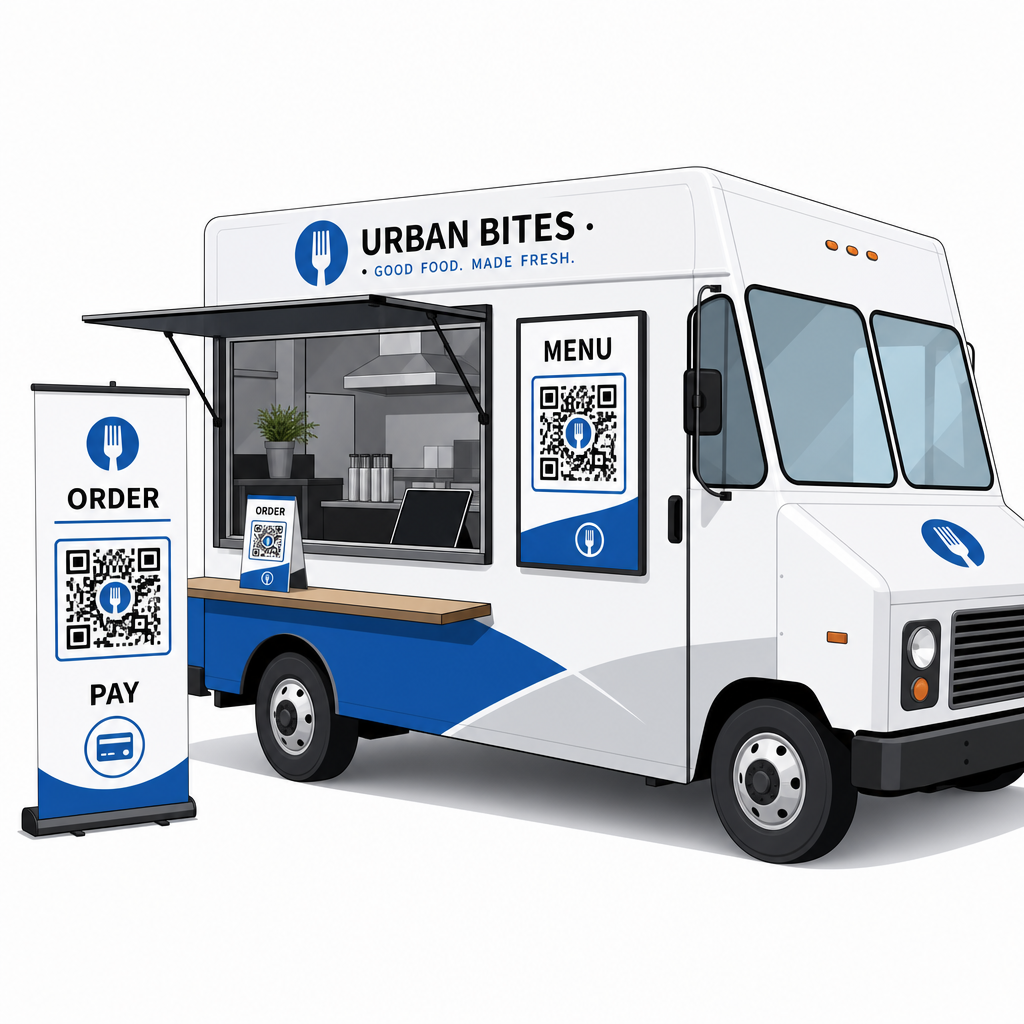
QR-koodi sildid sobivad eriti hästi toiduautode välispindadele ja ürituste väljapanekutele. Kood, mis on paigutatud silmade kõrgusele teie auto küljele, bränditud bännerile või väikesele lauatelgile tellimisakna lähedale, on lihtne skaneerida ja ei vaja personali kaasamist. Enne printimist tasub üle vaadata QR-koodi paigutamise parimad tavad ja loetavuse juhistele et saada suuruse, kontrasti ja pinna valikud esimesel korral õigeks. Pageloot soovitab minimaalset kontrastsussuhet 4:1, tumedaid mustreid heledatel taustadel ja suurus vähemalt 2 × 2 cm lähiskaneerimiseks – kõik see on oluline, kui teie koode loetakse õues erinevates valgustingimustes.
Mida kaaluda enne QR-koodide kasutuselevõttu
QR-koodid töötavad toiduautode jaoks hästi, kuid mõned praktilised tegurid määravad, kas teie kasutuselevõtt sujub.
Ühenduvus: Teie QR-koodi tellimis- või maksesüsteem sõltub sellest, kas klientidel on usaldusväärne mobiilse andmeside ühendus. Tihedal väliüritusel või tänavakohas on see tavaliselt korras. Keldrikorruse toiduhallis või halva mobiilileviga kohas testige ühenduvust enne oma esimest teenindust seal.
Mitte iga klient ei skaneeri: Riikliku Restoraniassotsiatsiooni uuringust selgus, et kuigi 73% Z-generatsiooni täiskasvanutest oli huvitatud menüüde vaatamisest QR-koodi kaudu, langes see näitaja beebibuumerite puhul 46%-le. Toiduautod on istumisrestoranidest erinev kontekst – kliendid on juba oma telefonides ja ootavad järjekorras – kuid siiski tasub omada nähtavat tahvlit või suulist ülevaadet oma põhitoodetest varuvariandina, et keegi ei tunneks end kõrvalejäetuna.
Turvalisus: Asetage QR-koodid kohtadesse, kus neid ei saa kergesti katta või asendada. Teie enda kaubamärgiga sildid ja toiduauto välispind on madala riskiga keskkonnad, kuid hea tava on kontrollida, et teie koodid oleksid iga teeninduse alguses terved. Föderaalne tarbijajuhis märgib, et petturid paigutavad mõnikord petturlikke koode seaduslike peale, seega muudab koodide kuvamine ühtsetes, kaubamärgiga vormingutes need klientidele usaldusväärsemaks.
Mobiilisõbralik sihtkoht: Leht, mille teie QR-kood avab, peab laadima kiiresti ja kuvama õigesti telefoni ekraanil. Leht, mis laadib rohkem kui paar sekundit, või leht, mis nõuab lugemiseks sisse-välja suumimist, paneb kliendid selle enne tellimist maha jätma. Pagelooti juhend mobiilsete QR-koodi sihtlehtede käsitleb, mida optimeerida enne otseülekannet.
Alustamine: Mida vajate
Kui olete valmis oma toiduautos QR-koode juurutama, siis siin on kokkuvõte sellest, mida seadistamine hõlmab:
| Mida vajate | Miks see oluline on |
|---|---|
| Digitaalne menüü (PDF või sihtleht) | Sihtkoht, mida kliendid oma telefonides sirvivad |
| QR-koodi generaator | Loob skaneeritava koodi, mis on lingitud teie menüü või makselehega |
| Dünaamilised QR-koodid | Võimaldab teil sisu värskendada ilma füüsilisi koode uuesti printimata |
| Makselink (PayPal, Stripe jne) | Võimaldab kontaktivaba makset QR-skaneerimise kaudu |
| Strateegiline koodi paigutus | Tagab, et kliendid saavad koodi tegelikult leida ja skaneerida |
| Analüütika ligipääs | Näitab, mis töötab ja millal kliendid kõige rohkem suhtlevad |
Pagelooti platvorm hõlmab kõiki neid ühest juhtpaneelist. Saate luua menüü QR-koode, makse QR-koode ja turunduskoode – kõik dünaamilised ja jälgitavad – ning värskendada neid kõiki ilma oma toiduauto füüsilisi materjale puudutamata. See restorani ja hotellinduse leht näitab, kuidas sarnased ettevõtted on sellele lähenenud, ja laiemate tööstuslahenduste leht käsitleb teisi toiduteeninduse kontekste, mida tasub uurida.
QR-koodid ei asenda head toitu ega kiiret ettevalmistustööd – kuid need eemaldavad operatiivse hõõrdumise, mis aeglustab teie järjekorda ja takistab klientide tagasipöördumist. Alustage menüü QR-koodiga, et kliendid saaksid oodates sirvida, lisage maksekood, et kiirendada kassas arveldamist, ja lisage turunduskoode, kui süsteemiga mugavamaks muutute.
Looge oma toiduauto QR-koodi seadistus Looge kaubamärgiga, muudetav menüü QR-kood minutitega koos QR menu: menüü QR-koodi generaator – tehnilisi teadmisi pole vaja ja saate oma menüüd igal ajal värskendada ilma uuesti printimata.
Korduma kippuvad küsimused
Ei. Iga moodne nutitelefon saab skannida QR-koodi, kasutades sisseehitatud kaamera rakendust – eraldi allalaadimist pole vaja. Kaamera tuvastab koodi automaatselt ja palub kasutajal avada lingitud leht oma brauseris.
Kui kasutate dünaamilist QR-koodi, värskendate lihtsalt sihtkohta oma QR-koodi haldusarmatuurlaual – prinditud kood töötab edasi ja osutab nüüd teie värskendatud menüüle. Staatilised QR-koodid kodeerivad püsivalt ühe URL-i, seega nõuab sihtkoha mis tahes muudatus täiesti uue koodi printimist.
Saate linkida ühe koodi kombineeritud menüü- ja tellimislehele, mis sisaldab maksefunktsionaalsust, või kasutada eraldi koode erinevatel eesmärkidel, nagu menüü sirvimine, maksmine ja Google'i arvustused. Eraldi dünaamiliste QR-koodide kasutamine annab teile puhtama analüütika selle kohta, kuidas kliendid iga puutepunktiga individuaalselt suhtlevad.