Are you worried that customizing your QR code with brand colors and logos will make it unscannable? Generic black-and-white boxes often look suspicious or dull, causing potential customers to ignore your physical campaigns entirely. Learning how top brands customize their designs helps you create visually striking codes that scan reliably on every smartphone camera.
Tại sao việc xây dựng thương hiệu cho mã QR của bạn lại thúc đẩy nhiều lượt quét hơn
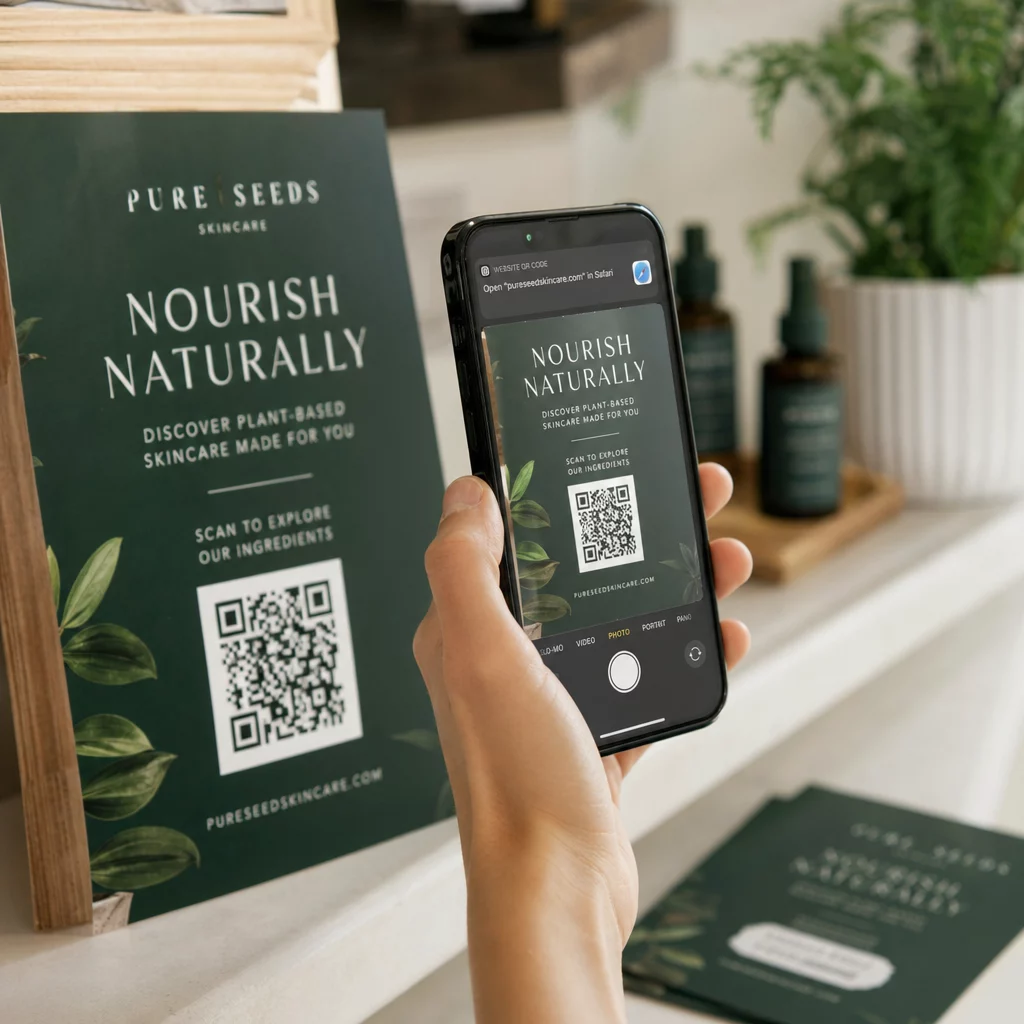
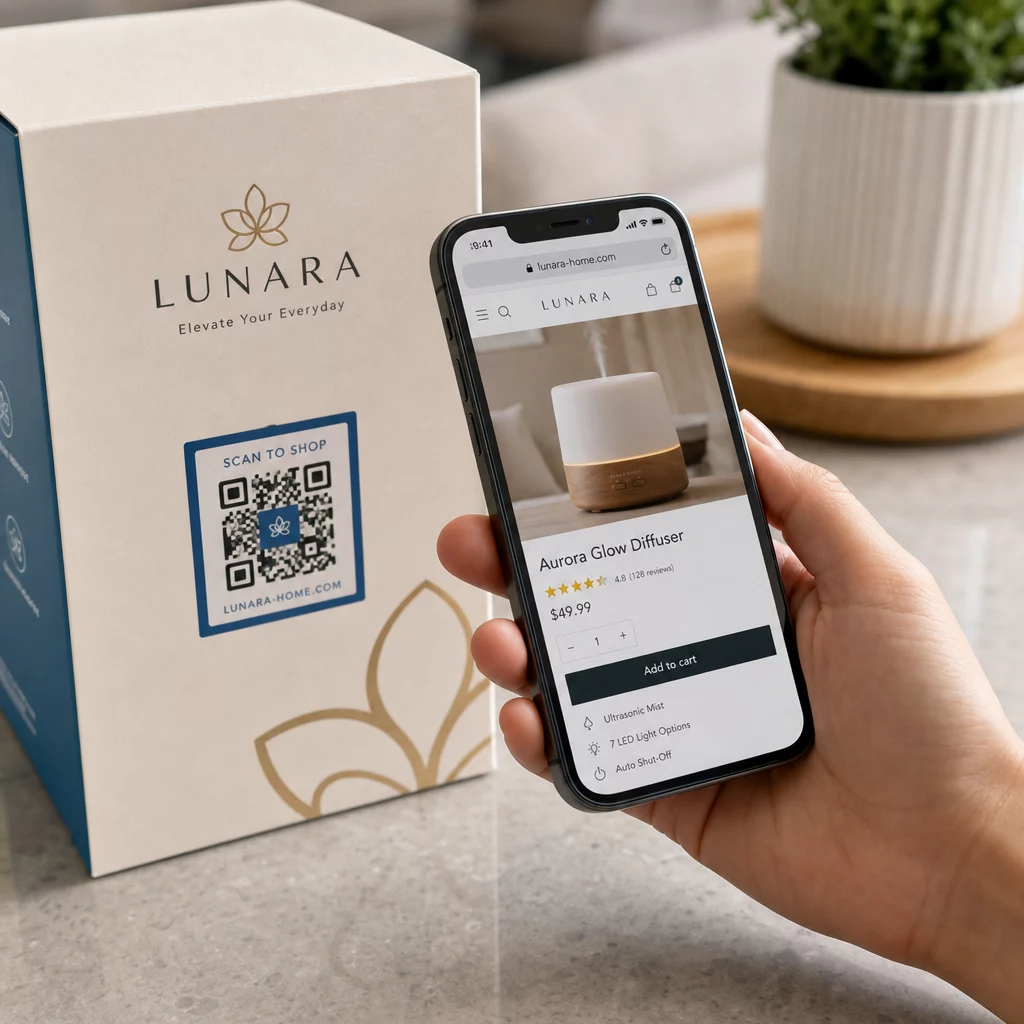
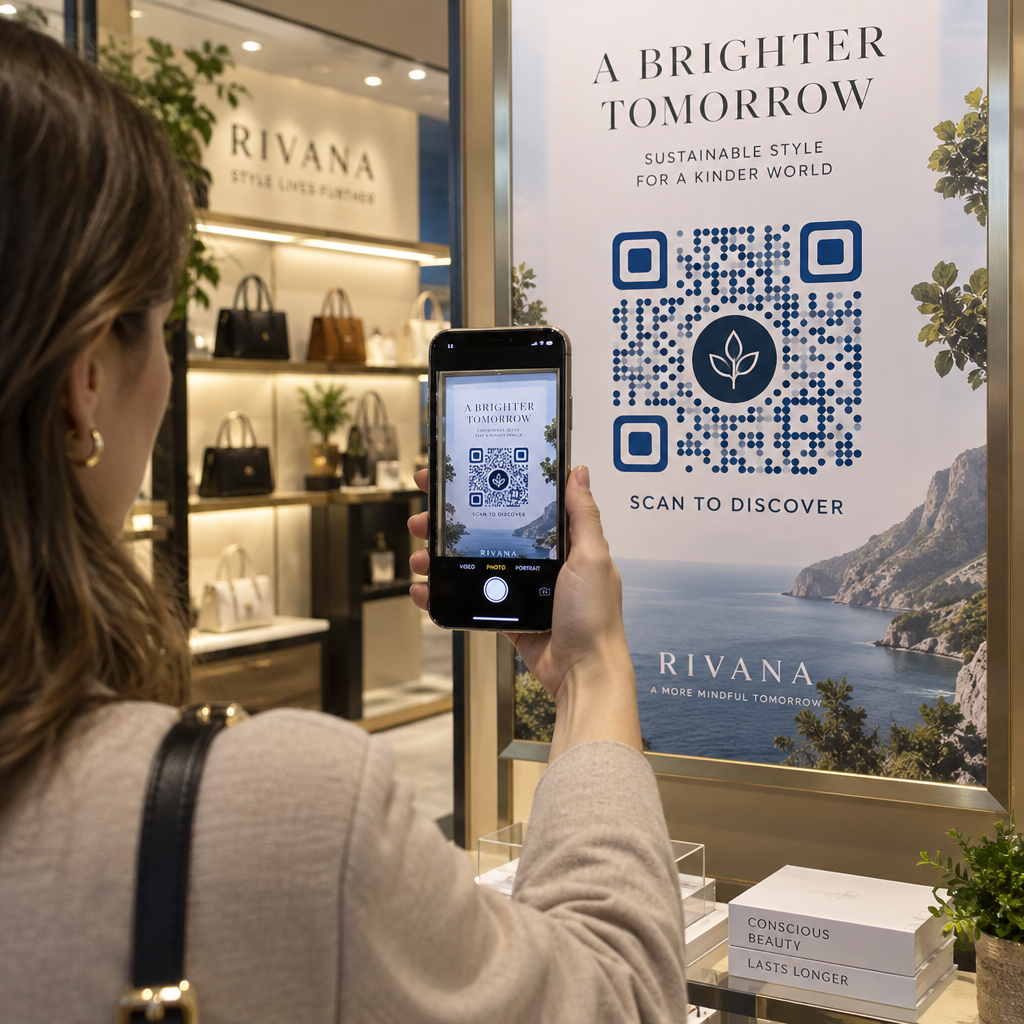
Branding your QR code is not just a visual upgrade; it directly establishes customer trust. Standard black-and-white patterns are anonymous and can trigger security concerns about malicious links or phishing. When shoppers see your brand colors, recognizable framing, or an integrated company mark, they immediately recognize the source and feel confident opening the destination.
Marketers who learn cách tạo mã QR tùy chỉnh use design elements to transform a basic utility into an active marketing asset. Adding brand-specific palettes, distinct shapes, and custom frames elevates physical collateral, from product packaging to retail signage. Knowing cách thêm logo vào mã QR without covering crucial positioning markers ensures that your visual identity works seamlessly alongside camera decoding algorithms.
Real-World Branded QR Code Examples
Leading global brands integrate QR codes directly into their visual identity systems rather than treating them as disconnected technical graphics. These real-world examples highlight how creative styling and technical balance drive higher engagement:
- Coca-Cola’s packaging integration: Incorporates signature red branding and a centered script emblem into promotional packaging, blending the digital touchpoint directly into the brand identity while preserving high visual contrast.
- Starbucks’ cafe payment displays: Features clean green-and-white framing alongside unambiguous calls to action like “Scan to Pay” on cafe signage, ensuring instant mobile detection in variable cafe lighting.
- KitKat’s interactive candy wrappers: Combines chocolate packaging with high-contrast codes that route consumers directly to in-game rewards, showing how branded presentation pairs with immediate user incentives.
- L’Oréal’s augmented-reality mirrors: Connects in-store product displays directly to virtual makeup try-on software, turning static cosmetic packaging into an interactive product trial.
- 19 Crimes’ storytelling wine labels: Uses label-embedded codes to activate augmented-reality historical narratives, converting standard bottle labels into interactive storytelling surfaces.
- Nike’s authenticated retail tags: Displays centered logo branding across high-traffic footwear displays, relying on enhanced error correction so the codes remain readable even when tags get creased.
- Virgin O2’s holiday campaign: Uses a seasonal snowflake pattern that attracts visual interest while maintaining the essential corner markers and data density needed for dependable scanning.
Design Your Branded Code in Minutes Want to feature your company logo and brand colors without breaking scannability? Use the Tạo mã QR có logo ở giữa to build fully customized, production-ready codes today.
Hướng dẫn kỹ thuật để đảm bảo khả năng quét đáng tin cậy
Customizing a QR code requires balancing aesthetic choices with technical standards. Smartphone cameras detect codes by measuring variations in reflected light across the data grid. If your design alters the fundamental geometry or degrades contrast, camera sensors cannot decode the stored data.
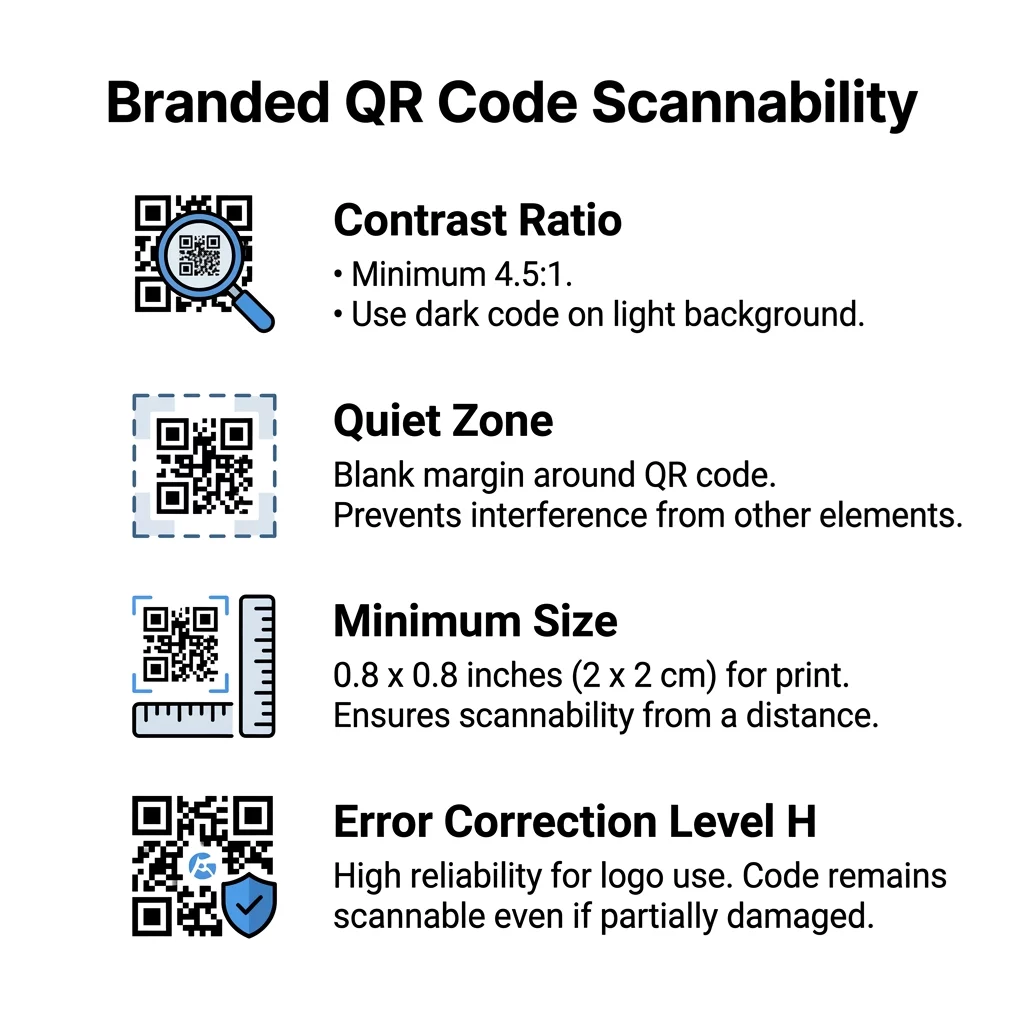
- Maintain a 4.5:1 color contrast ratio: Darker foreground colors absorb light while lighter backgrounds reflect it, allowing phone sensors to distinguish data modules. Follow các phương pháp hay nhất về độ tương phản màu của mã QR by choosing solid dark shades like navy, charcoal, or deep crimson on light backgrounds.
- Preserve the four-module quiet zone: An unprinted margin surrounding all four sides of the code must measure at least four modules wide. This empty space prevents adjacent packaging text, graphics, or borders from bleeding into the data grid.
- Scale dimensions to match scanning distance: Codes intended for close-up reading on handheld items should measure at least 0.8 x 0.8 inches. For signage viewed from several feet away, expand the dimensions proportionally so mobile lenses can resolve individual modules.
- Select appropriate error correction levels: Reed–Solomon error correction enables a code to recover missing data across four levels: Level L (7%), Level M (15%), Level Q (25%), and Level H (30%). When embedding centered logos, understand cách sửa lỗi hoạt động trong mã QR có thể chỉnh sửa and configure Level H so the scanner reconstructs covered modules.
- Add actionable call-to-action frames: Wrapping your design in Khung mã QR with phrases like “Scan for Menu” informs users where the link leads while preserving the necessary quiet zone.
- Export in high-resolution vector formats: Generating vector SVG files or 300 DPI images prevents blurred edges or distorted pixels when printing across large formats.
For a deeper look into layout principles, explore these 9 mẹo thiết kế mã QR để quét tốt hơn before sending materials to production.
Managing and Tracking Dynamic Campaigns
While thoughtful styling attracts the initial scan, campaign flexibility protects your long-term return on investment. Static QR codes fix destination data permanently into the pixel pattern, meaning any target link change requires an expensive reprint. Dynamic codes, by contrast, route through an editable redirect URL that lets you adjust destination pages at any time.
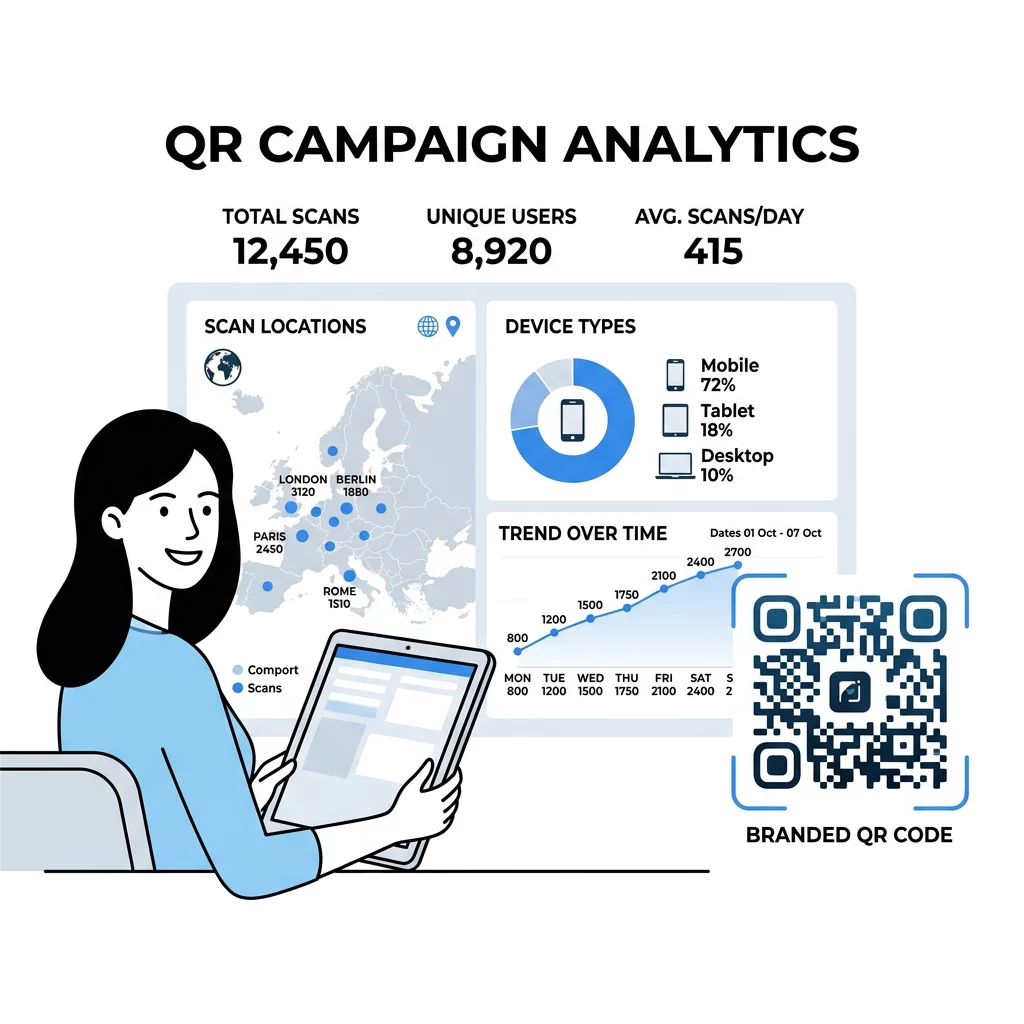
Dynamic implementations also provide built-in performance dashboards. Marketers can monitor total scans, unique visitors, user locations, operating systems, and peak interaction hours. Evaluating this data allows you to A/B test different branded styles, frame designs, and physical placements to optimize conversion rates across various marketing channels.
Launch Trackable Marketing Campaigns Need to update destination URLs and track real-time scan analytics without reprinting your materials? Explore the Trình tạo mã QR Pageloot to start managing dynamic campaigns with ease.
Creating Your Next Branded QR Code Campaign
Branded QR codes transform anonymous squares into engaging brand assets that build consumer trust and boost scan rates. By pairing high-contrast colors, clear quiet zones, and Level H error correction with compelling call-to-action frames, you maintain high technical scannability without sacrificing visual identity. Take advantage of dynamic codes so your physical touchpoints stay flexible, trackable, and up to date over time. Start creating your custom design today to connect offline audiences directly with your digital campaigns.
Câu hỏi thường gặp
Centering a logo will not interfere with scanning if you apply Level H error correction. This setting reconstructs up to 30% of covered data modules, provided the logo occupies less than 25% to 30% of the total symbol area and keeps the three corner finder patterns completely clear.
The most reliable combination is a high-contrast dark foreground on a solid light background, such as dark navy, charcoal, or dark green on white. Avoid light yellow or pale gray modules, skip interior gradients, and never invert the scheme to light patterns on dark surfaces, as many camera sensors fail to decode inverted symbols.
You cannot change the printed physical artwork, colors, or logo after production, but using a dynamic QR code allows you to change the destination URL at any time. This lets you redirect existing print materials to new landing pages or seasonal promotions without incurring reprint costs.