> 블로그 > QR Code Marketing Ideas for Small Businesses
QR product packaging

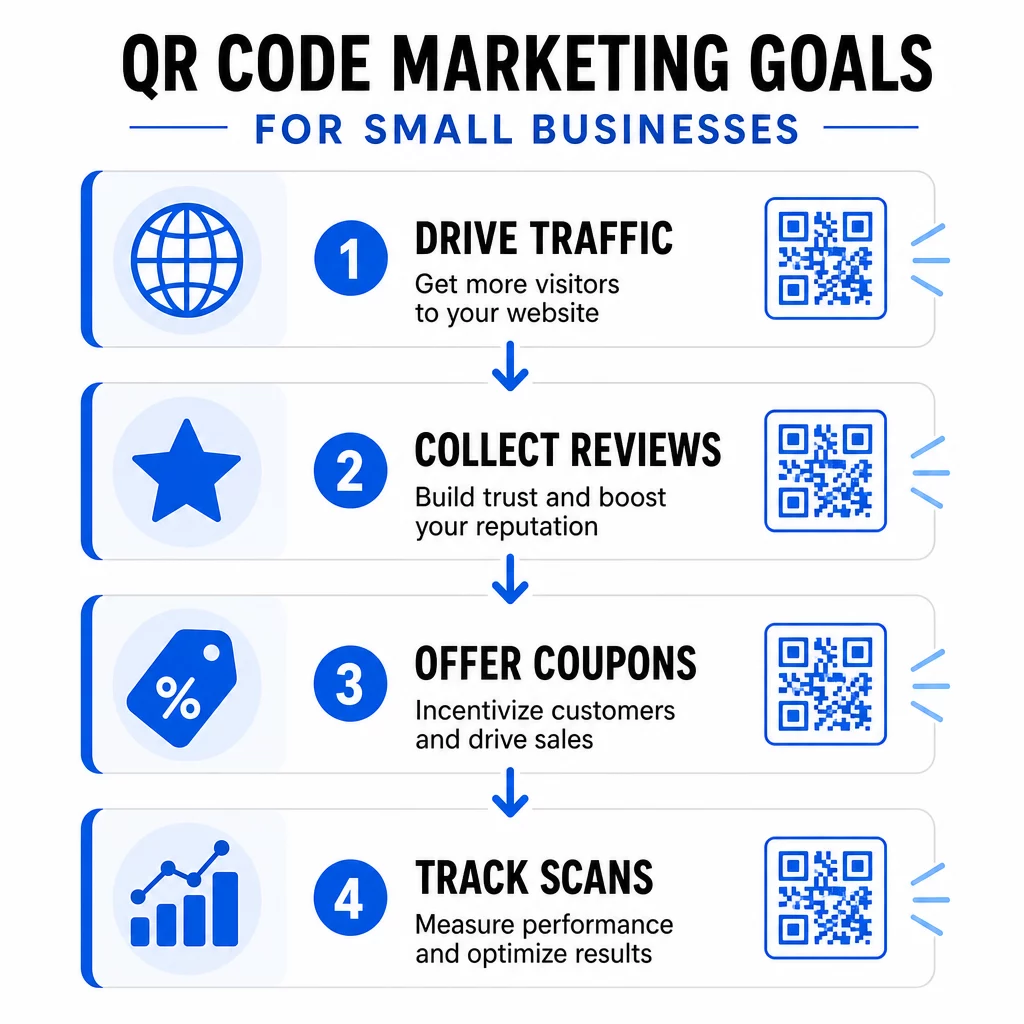
QR Code Marketing Ideas for Small Businesses

Discover practical QR code marketing ideas for small businesses to drive website traffic, collect Google reviews, share digital menus, and increase engagement.
Updated on 6월 10, 2026
목차

Struggling to turn foot traffic into loyal, engaged customers? Physical touchpoints like receipts, packaging, and storefront windows go to waste when they don’t connect to anything digital. This guide covers practical QR code marketing ideas that help you bridge that gap and drive measurable results.

QR codes have moved well beyond contactless menus. Today, 89 million Americans scan a QR code in a given year, and 43% of smartphone users scan at least one per week. For small businesses, that represents a direct, low-cost channel to connect every physical surface with a digital experience customers actually want.

The ideas below are organized by marketing goal so you can find what fits your business fastest – whether you run a café, a retail shop, or a service-based operation.

Drive Traffic and Promote Your Website

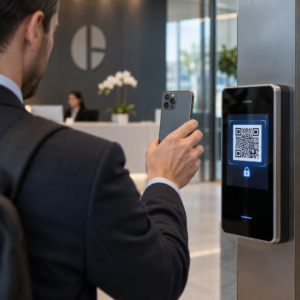
The simplest place to start is linking your physical presence to your online one. A URL QR code on your storefront window, front counter, or packaging sends walk-in visitors to your website, a landing page, or a current promotion without requiring them to search for you.

For maximum impact:

  • Place the code at eye level on your front door or window with a CTA like “Scan to See This Week’s Deals”
  • Add a QR code to your business card that links directly to your portfolio, booking page, or most popular product
  • Print a QR code on receipts linking to your homepage or a post-purchase thank-you page with a return offer

그만큼 QR 코드 생성기 from Pageloot lets you build URL-based codes in seconds and brand them with your logo and colors for stronger recognition.

Turn Every Print Piece Into a Traffic Source Link your physical materials to any digital destination with the QR 코드 생성기. Free to start – no sign-up required for basic codes.

QR marketing ideas

Collect More Google Reviews

Most customers are willing to leave a review – the friction is finding your review page. A Google 리뷰 QR 코드 eliminates that friction entirely by taking scanners directly to your review submission form.

Effective placements include:

  • Printed on the bottom of receipts with a line like “Enjoyed your visit? Scan to share your experience”
  • On a small table card at your counter or checkout
  • On product packaging so customers can review after they get home
  • In your email signature or post-purchase email

More reviews build local SEO rankings and buyer confidence. For businesses where reviews are a growth lever – restaurants, gyms, salons, retail – this is one of the highest-return QR code applications you can implement.

Share Digital Menus and Product Catalogs

메뉴 QR 코드 lets restaurants, cafés, food trucks, and even retail shops share a digital menu or product catalog without reprinting every time something changes. Scan data shows that 48% of consumers have scanned a QR code specifically to access a restaurant menu.

Beyond restaurants, this idea applies to:

  • Service providers linking to a digital brochure or rate card
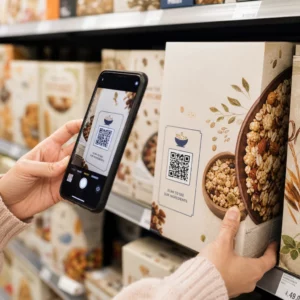
  • Retailers linking shelf tags to full product specs, ingredient lists, or how-to videos
  • Local artisans linking packaging or booth signage to an online order form or portfolio

Using a dynamic QR code means you can update the menu or catalog anytime without touching the printed material. That alone can save meaningful printing costs over a year.

Offer Coupons and Time-Sensitive Promotions

Discounts perform better when they feel exclusive and easy to redeem. A coupon QR code lets you attach offers directly to physical materials – flyers, packaging, table tents, or storefront signage – and update them without reprinting.

Ideas that work well:

  • A flyer promoting a seasonal sale with a QR code linking to a landing page with a unique discount code
  • Packaging inserts with a “Scan for 15% off your next order” code
  • Table cards in a café or restaurant linking to a loyalty sign-up that rewards the first purchase

Because 70% of consumers enjoy receiving coupons and 68% believe coupons encourage loyalty, pairing QR codes with promotions creates a consistent reason for customers to engage.

Update Promotions Without Reprinting 사용 동적 QR 코드 to swap out your offer destination anytime – even after the flyers are printed and distributed.

Make It Easy for Customers to Find You

If you rely on walk-in traffic or host in-person events, a Google 지도 QR 코드 on your business card, event invite, or storefront window opens navigation instantly with a single scan.

Practical use cases:

  • Add a location QR code to event invitations so guests don’t have to look up your address
  • Include one on your business card alongside your phone and email
  • Use it on direct mail pieces targeting local neighborhoods
  • Post it in your email signature if you invite clients to visit your location

The code opens directly in Google Maps or the user’s default browser map, removing the step of manually typing in an address.

Grow Your Contact List with vCards

Traditional business cards get lost. A vCard QR 코드 lets anyone scan and save your complete contact details – name, phone, email, website, and company – directly to their phone in seconds.

Use a vCard QR code:

  • On the back of your business card in place of (or alongside) printed contact details
  • On your conference or trade show badge
  • On email signatures to make it easy for recipients to save your info

This approach also removes data-entry errors and ensures the contact information saved is always current, especially when paired with a dynamic code you can update.

Capture Customer Feedback with Google Forms

Knowing what customers think is difficult unless you make it easy for them to tell you. A Google Forms QR 코드 on a receipt, table tent, product insert, or retail display sends customers directly to a short feedback survey or NPS form.

Effective setups include:

  • A post-service feedback form linked from a receipt with a CTA like “Help us improve – takes 60 seconds”
  • A product insert asking about the purchase experience or satisfaction rating
  • An event feedback form displayed on signage at the exit
  • An in-store suggestion form for retail locations with seasonal feedback requests

Short forms with clear incentives – like entry into a monthly giveaway – consistently outperform generic survey requests.

Simplify WiFi Access for Customers

For any business where customers spend time on-site – cafés, hair salons, waiting rooms, retail stores – a WiFi QR code removes the awkward password exchange and improves the in-store experience immediately.

Customers scan the code and connect without any manual entry. Display it on:

  • A small printed card at the counter or front desk
  • Table tents in your seating area
  • A framed sign near the entrance

This is a small gesture with a noticeable impact on customer comfort and perceived hospitality.

Use QR Codes in Event Marketing

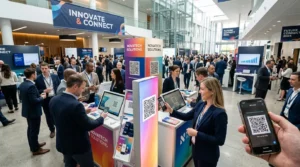
Whether you host workshops, pop-ups, or community events, QR codes make event logistics smoother and more trackable. Link a QR code on your event flyer or poster to a registration page, event schedule, or Google Maps directions.

Applications include:

  • Flyers and posters linking to an RSVP or ticketing form
  • Table signage at trade show booths linking to your portfolio or contact page
  • Post-event follow-up materials with a QR code linking to a feedback form or next event details
  • Email invitations with an embedded QR code for calendar integration

다음을 살펴보세요. QR code solutions by industry to find more event-specific applications suited to your business type.

Add QR Codes to Product Packaging

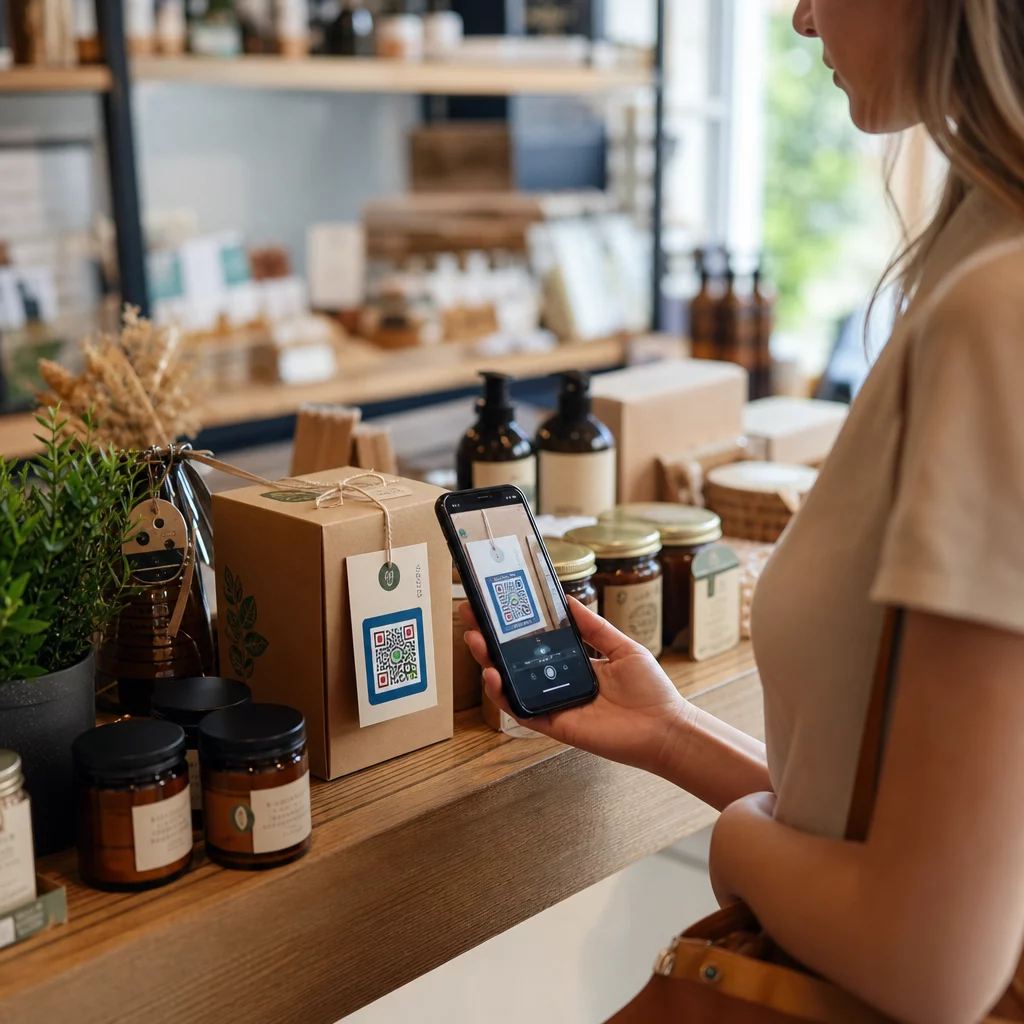
Product packaging is one of the most underused marketing surfaces a small business has. A QR code on a label, box, or hang tag can turn a one-time buyer into a repeat customer by connecting them to content that adds value after the purchase.

Ideas for packaging QR codes:

  • Link to a how-to video, usage guide, or recipe
  • Offer a discount on the next order for repeat buyers
  • Invite customers to register for a warranty or loyalty program
  • Share your brand story or behind-the-scenes content to build connection
  • Link to a review page to capture post-purchase feedback while the experience is still fresh

A 2024 survey found that 64% of shoppers scanned a QR code on a product while shopping in stores, and 79% said they are more likely to purchase a product when a QR code provides additional information they want to see.

Make Every Package a Marketing Touchpoint Create branded QR codes for your product labels and packaging with Pageloot의 QR 코드 솔루션.

Track and Improve Every Campaign

Creating QR codes is only half the job. Tracking QR code scans tells you which placements drive the most engagement, what time of day customers are scanning, and which locations perform best – data that static methods simply cannot provide.

Dynamic QR codes make this possible. Unlike static codes, 동적 QR 코드 encode a short redirect URL that can be updated anytime. This means:

  • You can fix a broken destination link without reprinting anything
  • You can swap out seasonal offers mid-campaign
  • You can A/B test two versions of a landing page to see which converts better
  • Scan analytics continue to accumulate as your campaign runs

For small businesses running multiple campaigns simultaneously – print ads, packaging, business cards, signage – a central dashboard like Pageloot’s lets you manage every code and review performance in one place. See how to use QR codes effectively to set up campaigns that are easy to measure from the start.

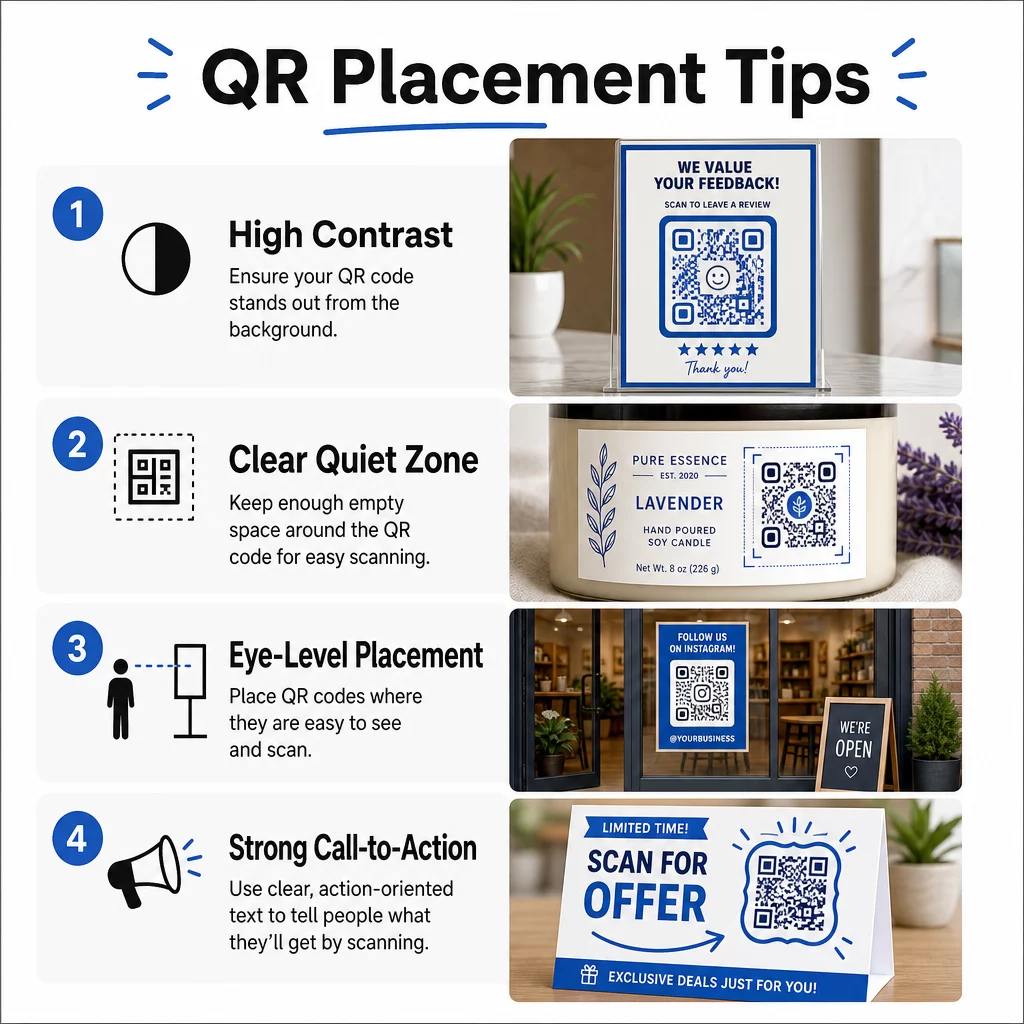
Design and Placement Tips That Increase Scans

A QR code that blends into the background or lacks context gets ignored. A few straightforward principles help every code you print perform better.

QR 배치 팁

Design for scannability first:

  • Use high contrast – dark modules on a light background – and avoid inverted color schemes
  • Keep your logo to no more than 30% of the code area to avoid scan errors
  • Maintain a “quiet zone” of clear space around the code so scanners can isolate the pattern

Choose placements that match scanning behavior:

  • Position codes at eye level, roughly 3.5 to 5.5 feet from the ground on posters and signage
  • Use a minimum printed size of 0.8″ × 0.8″ for reliable scanning across devices
  • Avoid placing codes on curved surfaces, in folds, or in corners where they may be obscured

Add a clear call-to-action:

  • Frames with text like “Scan for 20% Off,” “Get Directions,” or “Leave a Review” give customers a reason to scan
  • Specific CTAs consistently outperform generic ones like “Scan Me”
  • 사용 QR 코드 프레임 is one of the simplest design upgrades you can make

For more detail on how placement affects scan rates, the QR 코드 배치에 대한 궁극적인 가이드 covers every major format from business cards to billboards.

Always test your codes under real-world conditions – different lighting, different devices, different scanning distances – before printing at scale. The 소규모 비즈니스를 위한 QR 코드 마케팅 체크리스트 is a practical reference for making sure nothing gets missed before launch.

Where to Start

Pick one or two ideas from this list that align with your most immediate business goal – more reviews, more repeat purchases, or more foot traffic – and test them in a single location or campaign. Use dynamic QR codes from the start so you can update destinations and measure results without reprinting.

그만큼 Pageloot QR 코드 생성기 supports over 25 QR code types and includes branding options, analytics, and dynamic editing in one platform. Start with a single campaign, track what works, and scale from there.

자주 묻는 질문

What types of QR codes are most useful for small businesses?

The most practical QR code types for small businesses include URL codes for driving website traffic, Google Review codes for collecting feedback, menu or PDF codes for sharing digital content, vCard codes for networking, coupon codes for promotions, and WiFi codes for improving the in-store experience. The right type depends on your marketing goal – start with whichever addresses your most immediate customer touchpoint.

Do I need dynamic QR codes, or will static codes work?

Static QR codes are free and work well for permanent information that never changes, such as a fixed website address or WiFi password. Dynamic QR codes are the better choice for marketing campaigns because they let you update the destination URL anytime after printing, track scan data including location and device type, and run A/B tests without reprinting materials. For most small business marketing applications, dynamic codes offer significantly more flexibility and measurable ROI.

How do I get customers to actually scan my QR codes?

The most effective approach combines clear placement, a specific call-to-action, and a compelling reason to scan. Position codes at eye level in high-traffic areas, use frames with action-oriented text like “Scan for 15% Off” or “Leave a Review,” and make sure the destination loads quickly on mobile. Codes that offer immediate, obvious value – a discount, directions, a free resource – consistently generate higher scan rates than codes without context.

작성자 정보

시임 코스타비는 페이지루트의 콘텐츠 책임자입니다. 그는 페이지루트의 혁신적인 QR 코드 생성 서비스에 대한 글을 쓰고 있습니다. 5년 이상 QR 코드 분야에서 쌓아온 깊이 있는 전문 지식을 바탕으로, 시임은 이 분야의 전문가로 인정받고 있습니다. 그는 QR 기술을 활용하여 디지털 상호작용을 간소화하고 향상시키는 데 크게 기여하고 있습니다.

범주
에 대해 자세히 알아보기

온라인으로 QR 코드를 생성해야하는 경우 QR 코드 만들기 무료로 여기!
Pageloot는 #1 Go-To 솔루션 QR 코드를 만들고 스캔합니다.

BL-0001

블로그 세대

20,000개 이상의 브랜드로부터 신뢰를 받아 더 많은 매출, 리뷰, 팔로워를 확보했습니다.

클라이언트 로고
최고 브랜드의 신뢰
5 중 4.8 평가

4.86 / 5 별점

휴고 로랑
휴고 로랑
레스토랑 주인
가장 쉽고 안정적인 QR 코드 생성기. PDF 파일을 즉시 업로드할 수 있습니다. 이제 레스토랑 메뉴가 디지털화되었습니다.
루카스 얀센
루카스 얀센
부동산 개발사
이것은 훌륭한 도구이며 QR 코드를 사용하면 원하는 곳으로 이동할 수 있습니다. 우리는 위치 QR 코드만 사용하지만 유용한 기능이 너무 많습니다.
엠마 모레티
엠마 모레티
소매 제품
사용하기 쉽고 빠릅니다. 그것은 훌륭하게 작동하고 완벽한 이미지를 생성하므로 직원들이 내 vCard를 다운로드할 수 있습니다.
휴고 로랑
휴고 로랑
레스토랑 주인
가장 쉽고 안정적인 QR 코드 생성기. PDF 파일을 즉시 업로드할 수 있습니다. 이제 레스토랑 메뉴가 디지털화되었습니다.
루카스 얀센
루카스 얀센
부동산 개발사
이것은 훌륭한 도구이며 QR 코드를 사용하면 원하는 곳으로 이동할 수 있습니다. 우리는 위치 QR 코드만 사용하지만 유용한 기능이 너무 많습니다.
엠마 모레티
엠마 모레티
소매 제품
사용하기 쉽고 빠릅니다. 그것은 훌륭하게 작동하고 완벽한 이미지를 생성하므로 직원들이 내 vCard를 다운로드할 수 있습니다.
더 많은 QR 코드보기
Wedding QR code
QR 코드 결혼식
위챗 QR 코드 스캔
QR 코드 만들기 위챗
무엇이든 디지털 경험으로 전환하세요 3분 이내에.

14일 무료 체험.

신용카드는 필요 없습니다.

첫 구매 시 30% 할인

코드를 사용하세요:

MP3 파일 공유

PDF QR 코드를 생성하려면 가입하세요

필요한 모든 것을 업로드하고 표시합니다.

  • 오디오 파일
  • 팟캐스트
  • 음악

가입 시 14일 무료 체험.
체험 기간 후 QR 코드 만료.

오디오 mp3 QR 코드를 생성하려면 가입하세요

프레임으로 더 많은 스캔 확보

QR 코드에 더 많은 프레임을 추가하려면 가입하세요

클릭 유도 문안 프레임은 고객이 QR 코드와 쉽게 상호 작용할 수 있도록 도와줍니다. 사용해 보세요!

가입 시 14일 무료 체험.
체험 기간 후 QR 코드 만료.

QR 코드에 더 많은 프레임을 추가하려면 가입하세요

도형으로 더 많은 스타일 추가

더 많은 도형을 만들려면 가입하세요

QR 코드는 정사각형일 필요가 없습니다. 브랜드 이미지에 맞게 전환해 보세요.

가입 시 14일 무료 체험.
체험 기간 후 QR 코드 만료.

더 많은 도형을 만들려면 가입하세요

QR 코드에 로고 추가

QR 코드에 로고를 추가하려면 가입하세요

로고와 브랜드를 추가하여 QR 코드를 돋보이게 만드세요.

가입 시 14일 무료 체험.
체험 기간 후 QR 코드 만료.

QR 코드에 로고를 추가하려면 가입하세요

스마트 앱 스토어 리디렉션

앱 스토어 QR 코드를 생성하려면 가입하세요

스마트 앱 스토어 QR 코드에 앱 링크를 추가하세요. 사용자는 장치에 따라 리디렉션됩니다.

가입 시 14일 무료 체험.
체험 기간 후 QR 코드 만료.

앱 스토어 QR 코드를 생성하려면 가입하세요

QR 코드에 이미지 업로드

이미지 QR 코드를 생성하려면 가입하세요

이미지를 쉽게 공유하세요. 몇 초 안에 동적으로 이미지를 변경하십시오.

가입 시 14일 무료 체험.
체험 기간 후 QR 코드 만료.

이미지 QR 코드를 생성하려면 가입하세요

PDF 파일 공유

PDF QR 코드를 생성하려면 가입하세요

필요한 모든 것을 업로드하고 표시합니다.

  • 메뉴 및 가격표
  • 명령
  • 모든 문서

가입 시 14일 무료 체험.
체험 기간 후 QR 코드 만료.

PDF QR 코드를 생성하려면 가입하세요

인쇄 없이 나중에 편집

다시 인쇄하지 않고 QR 코드를 편집하려면 가입하세요

동적 QR 코드를 사용하면 새 QR 코드를 인쇄하지 않고도 QR 코드의 내용을 변경할 수 있습니다.

가입 시 14일 무료 체험.
체험 기간 후 QR 코드 만료.

다시 인쇄하지 않고 QR 코드를 편집하려면 가입하세요

언제? 어디서? QR 코드 스캔 추적

QR 코드를 추적하려면 가입하세요

어떤 QR 코드가 가장 많이 스캔되고 무엇이 고객을 가장 흥분시키는지 알아보십시오.

가입 시 14일 무료 체험.
체험 기간 후 QR 코드 만료.

QR 코드를 추적하려면 가입하세요

인쇄 준비 파일 제공

PDF 및 SVG와 같은 벡터 QR 코드를 생성하려면 가입하세요.

.EPS, .PDF, .SVG

HD 해상도로 QR 코드를 다운로드하고 싶으신가요? 인쇄할 준비가 된 벡터 또는 픽셀 형식을 가져옵니다.

가입 시 14일 무료 체험.
체험 기간 후 QR 코드 만료.

PDF 및 SVG와 같은 벡터 QR 코드를 생성하려면 가입하세요.

기다리세요. 귀하의 QR 코드는 로드 중... 로드 중...

나만의 것으로 만들기

나중을 위해 QR 코드를 저장하려면 가입하세요.

다양한 색상, 로고 및 클릭 유도문안 프레임으로 멋진 QR 코드를 만들어 더 많은 스캔을 받으세요.

가입 시 14일 무료 체험.
체험 기간 후 QR 코드 만료.

나중을 위해 QR 코드를 저장하려면 가입하세요.