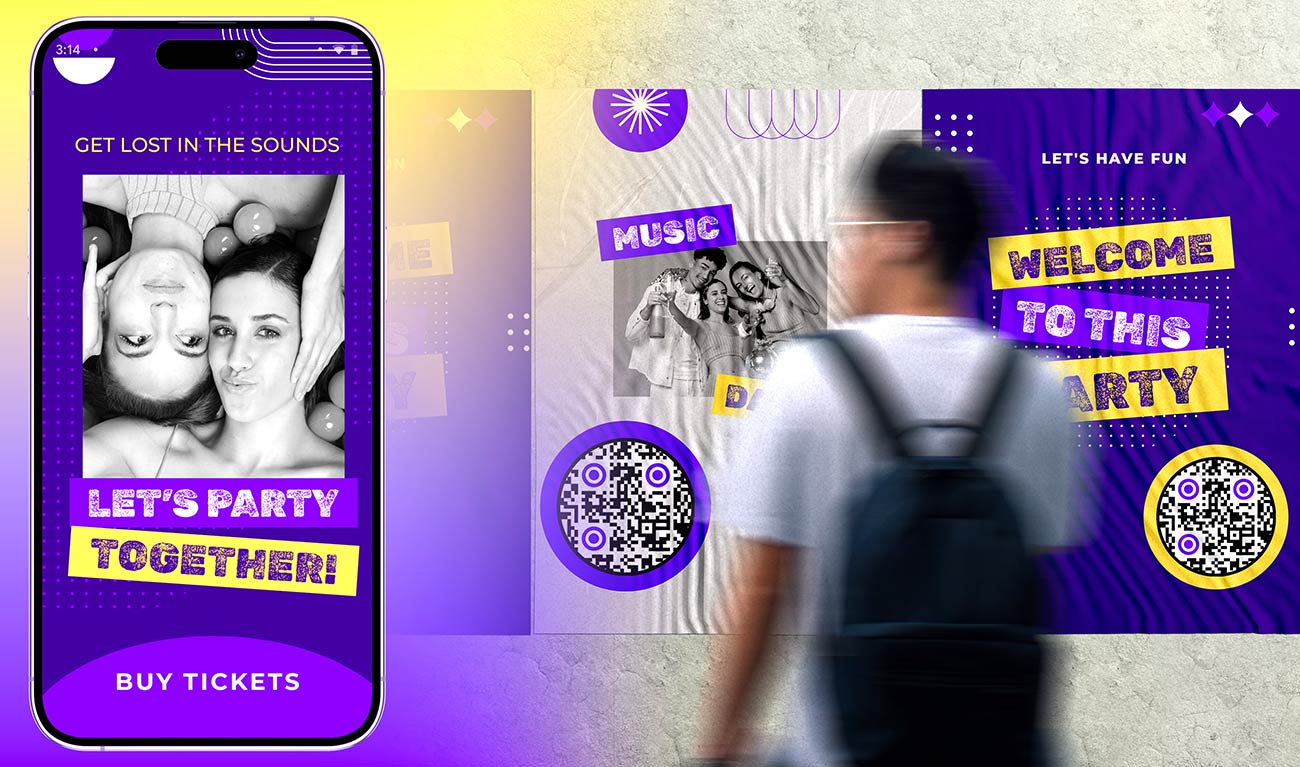
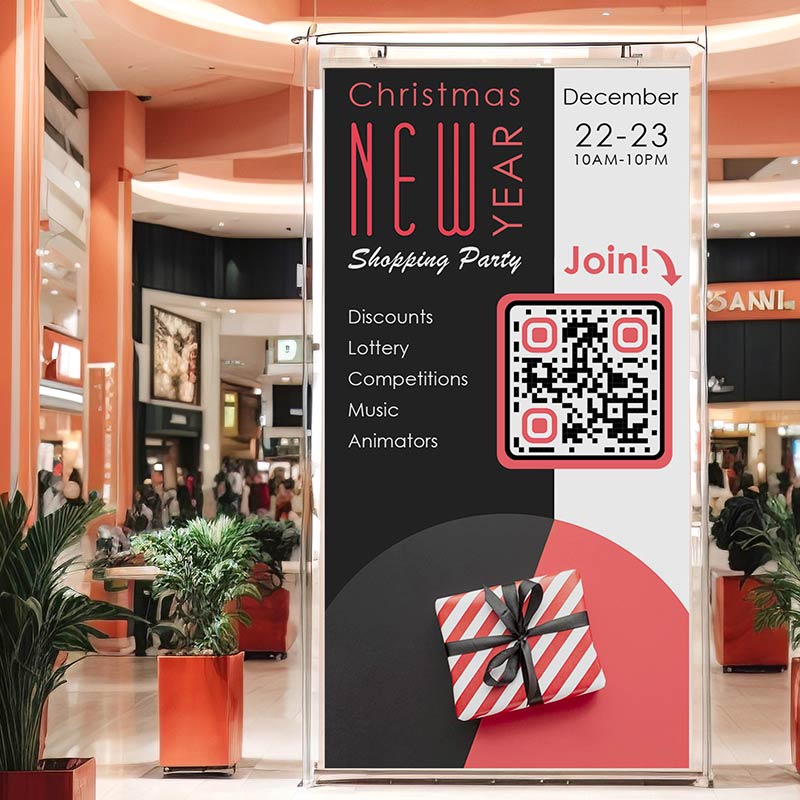
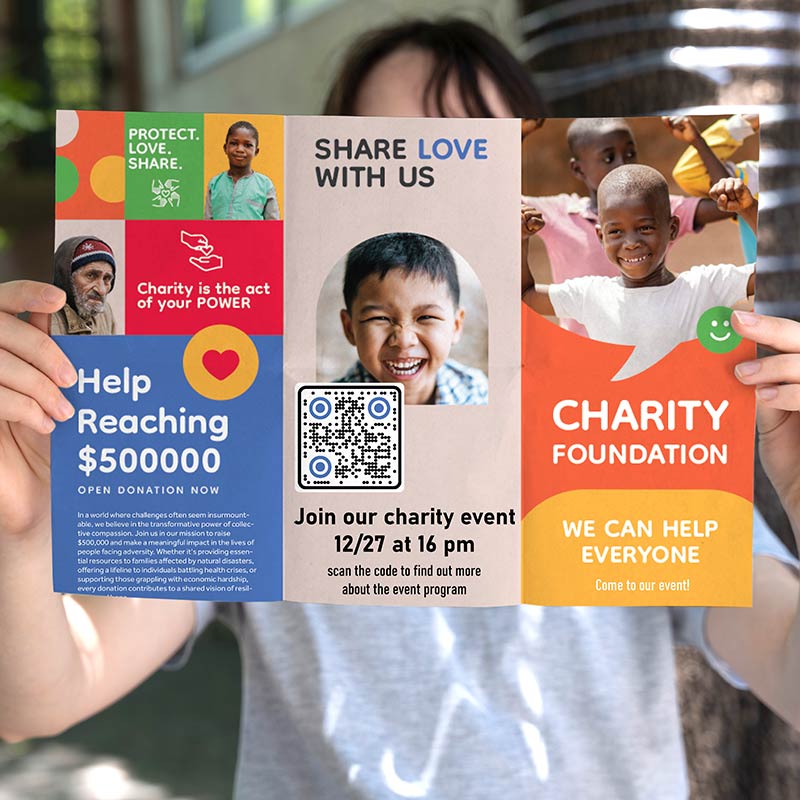
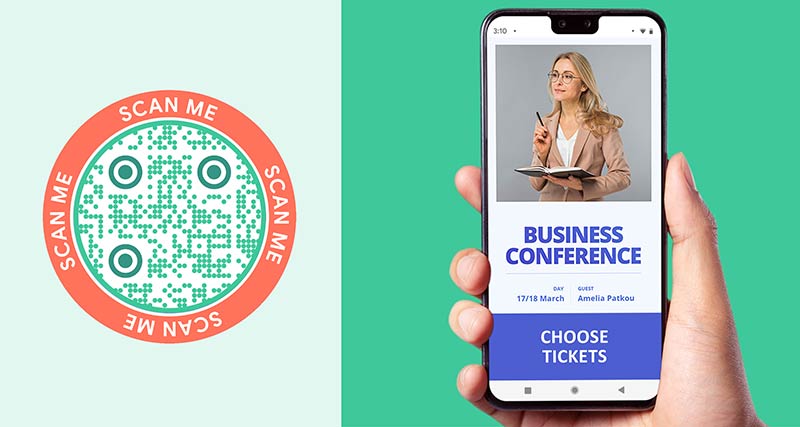
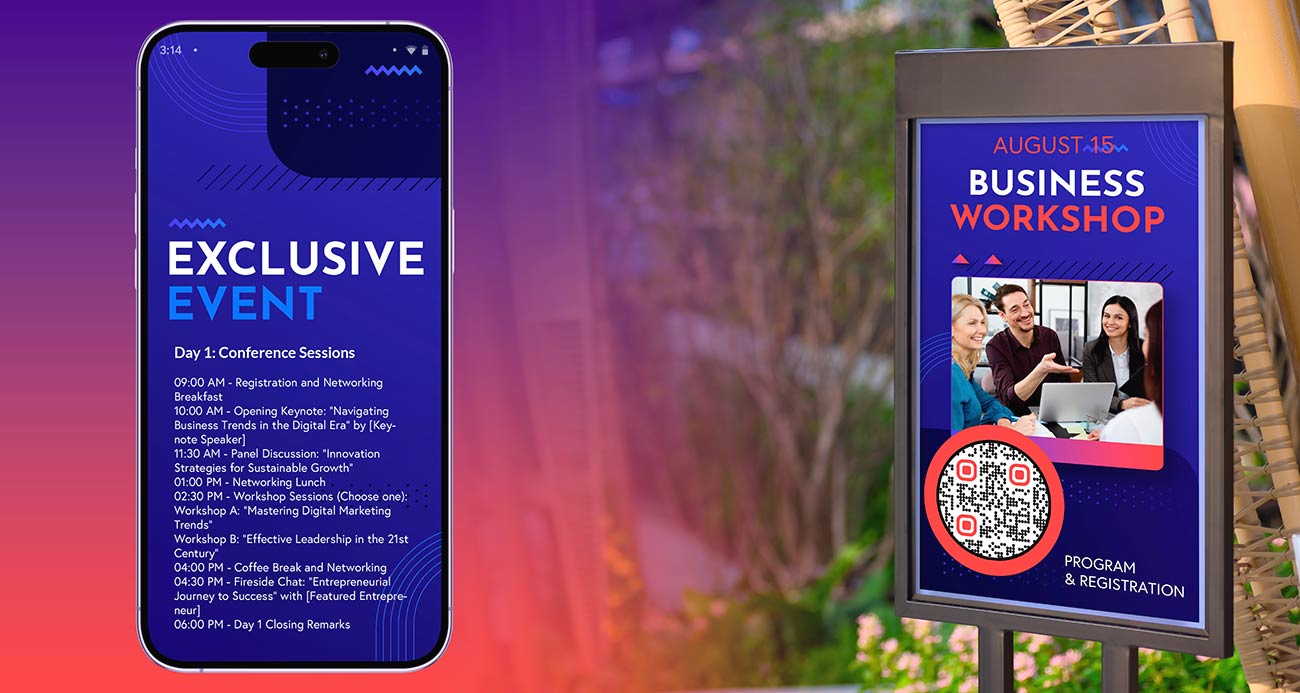
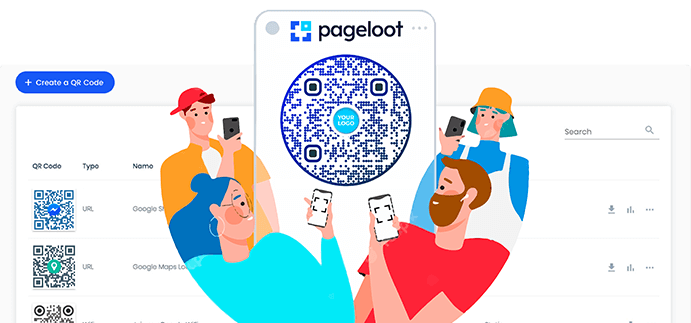
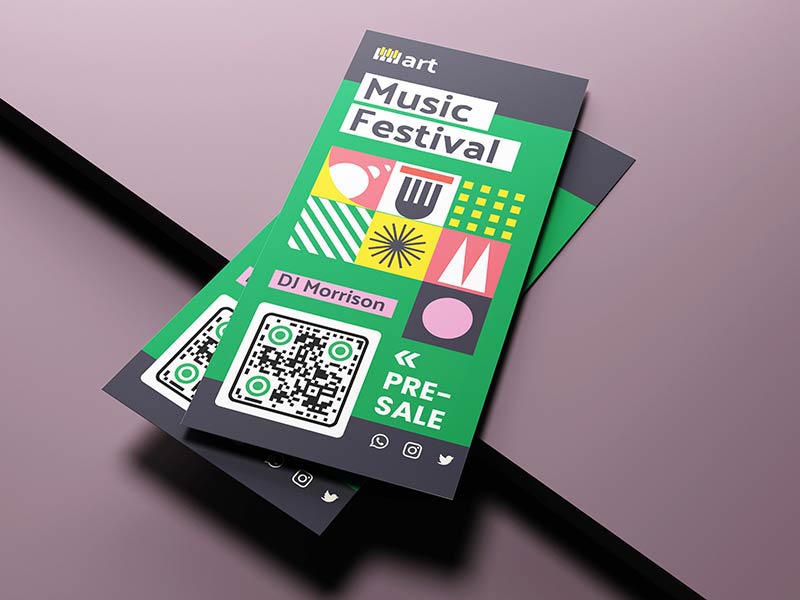
Paste the link to your event page, registration form or schedule and get an event QR code that opens it on any phone. Add your logo and colors, then download it as PNG, SVG or PDF. Free, no signup needed to download.
An event QR code is a QR code that opens a web page about your event. Guests point their phone camera at it and the page opens in their browser. Nobody has to type a long web address.
The page can be anything that has a link: an Eventbrite page, a Google Form, the registration page on your own website, a schedule, a feedback form or a photo album. A QR code for events works on posters, badges, flyers, tickets and slides.
To create a QR code for your event you need only one thing: a link. The code does not hold your event details. It holds that link. That is why a dynamic event QR code is useful: you print it once and change the page behind it before, during and after the event.
How does an event QR code work from registration to feedback?
1. Before: registration
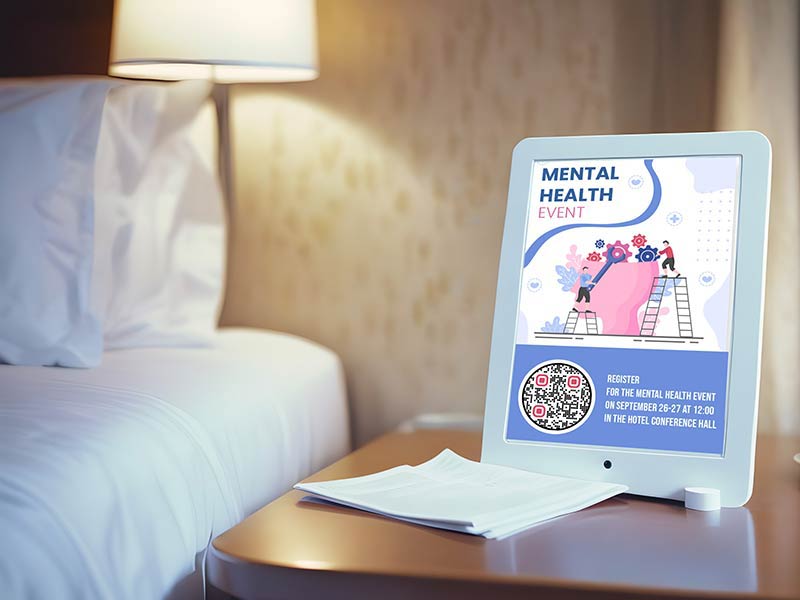
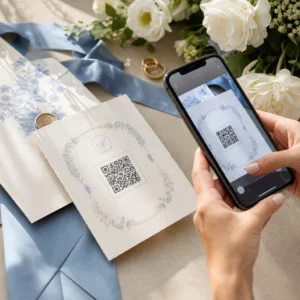
Link the code to the place where people sign up: your Eventbrite event page, a Google Form or the registration page on your website. Put the code on invitations, flyers, posters and social posts. An event registration QR code saves guests from typing a long link on their phone.
2. At the door: check-in
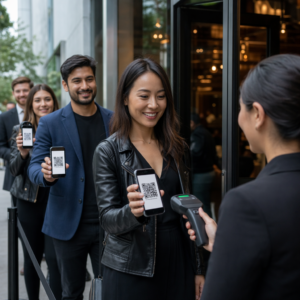
For a small event, make a short check-in form with name and email and show the code at the entrance. Guests scan it and check themselves in. For a ticketed event, most ticketing tools, such as Eventbrite, put a unique code on every ticket and have their own check-in app. Use those for entry. A code made here is not a ticket.
3. During: schedule and info
Show the code on screens, banners and table cards. Point it at the schedule, a map, the speaker list or the Wi-Fi details. A schedule saved as a PDF opens well on phones: use the Ubah PDF ke QR Code, or paste the link to a shared document.
4. After: feedback and photos
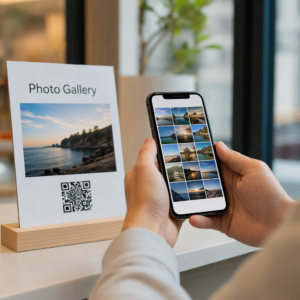
After the event, point the same code, or a new one, at a feedback form or a shared photo album. Ask for feedback while the event is fresh, so guests answer from memory. A thank-you message with the photo album link keeps the event in their minds.
Bagaimana cara membuat kode QR untuk suatu acara?
Buka generator kode QR
Untuk membuat kode QR acara Anda, Anda perlu membuka Generator kode QR di Pageloot dan pilih “Buat Kode QR untuk acara”. Jika Anda tidak terdaftar sebagai pengguna, Anda dapat dengan mudah membuat profil dan pilih paket berlangganan.
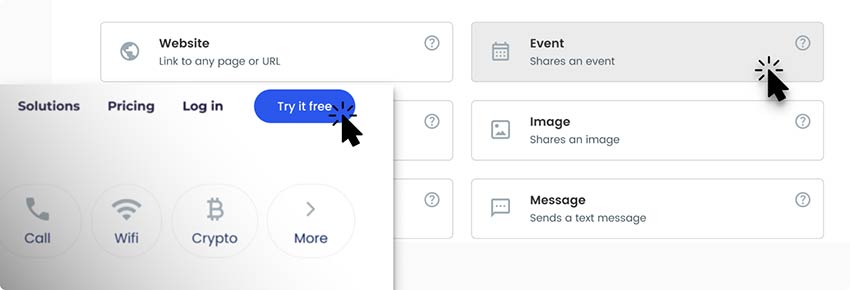
Tambahkan detail Anda
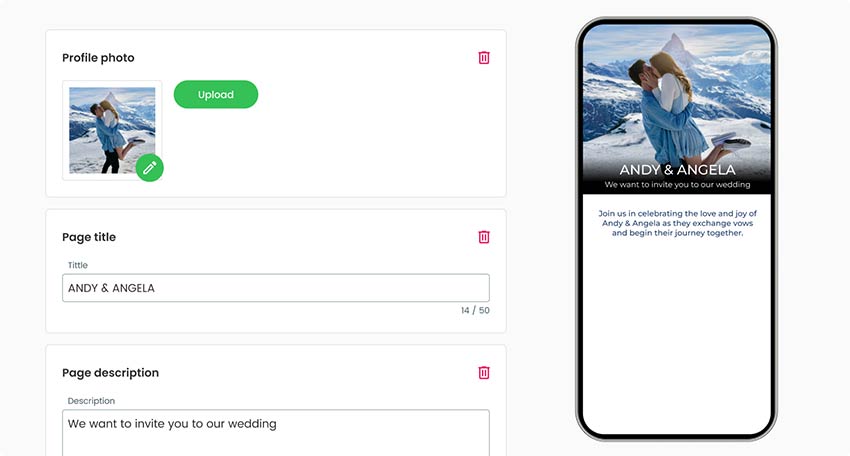
Pada halaman pembuatan kode QR, tambahkan tautan web ke halaman acara. Anda juga dapat menyertakan judul halaman dan deskripsi dengan informasi umum tentang acara tersebut.
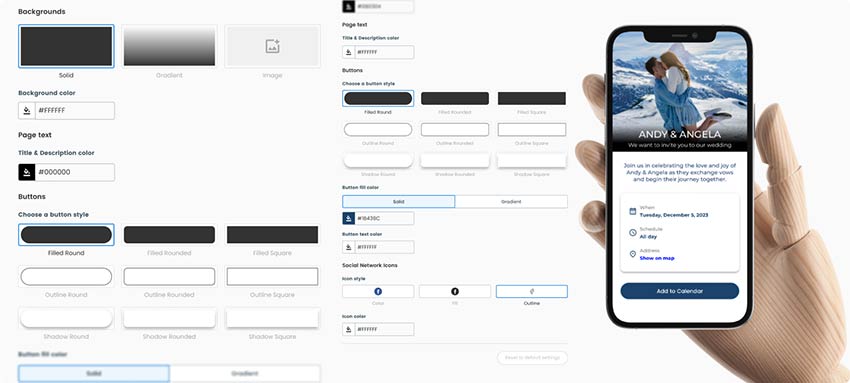
Rancang halaman Anda
Setelah selesai dengan informasi umum, Anda bisa mulai mendesain halaman landas acara Anda, dan memilih warna tematik, latar belakang, dan gambar profil.
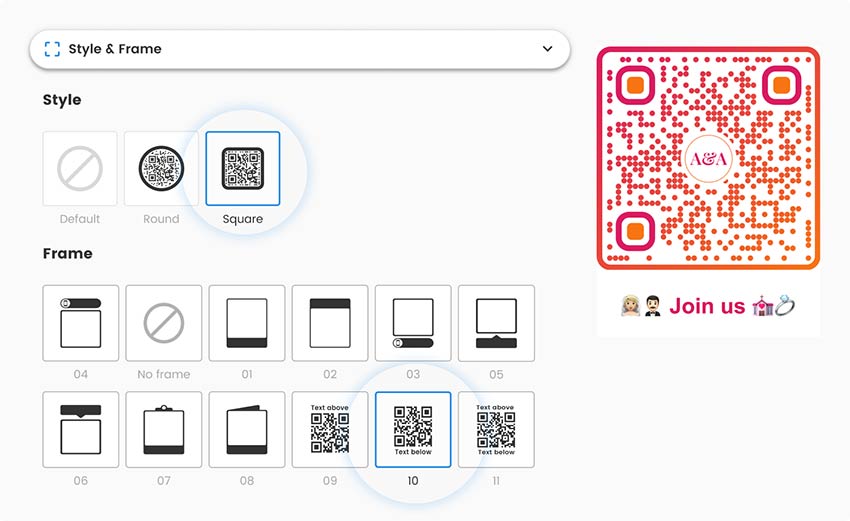
Pilih desain QR Anda
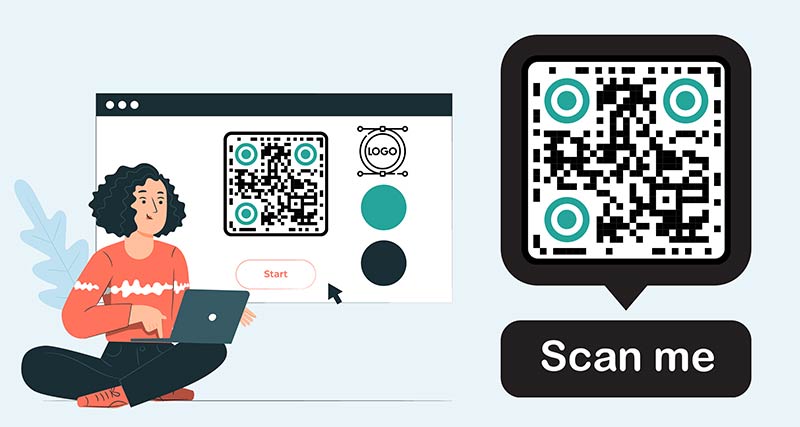
Sebelum Anda selesai, pastikan Anda juga menyesuaikan kode QR. Warna, bentuk, atau gambar yang disesuaikan, akan membuat pengguna dan audiens Anda dapat melihatnya dan mengaitkannya dengan merek Anda.
Unduh kode QR
Simpan dan unduh kode QR Anda yang sudah siap, lalu periksa apakah kode tersebut dapat dipindai dan ditransfer ke halaman arahan tanpa masalah.
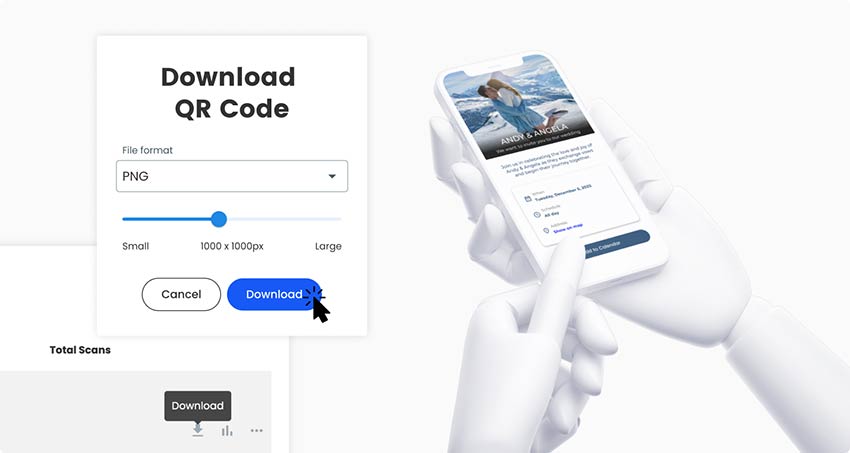
Semua selesai!
Mengapa saya memerlukan kode QR untuk acara?
A long registration link on a poster is hard to type, so most people will not do it. A QR code for events turns the poster, flyer or invitation into a one-scan sign-up. The page behind the code can show the date, the price, a map and a Register button.

The same code is useful at the venue. Guests scan it for the schedule, the speaker list or the Wi-Fi details, and you hand out fewer printed programs. After the event, a feedback form or a photo album keeps the code useful.
You do not always need to pay. A static code is enough when the link will not change. The next section explains when a dynamic code is worth it.
One event QR code that changes before, during and after the event
With a dynamic code the printed code stays the same and you change the page it opens. One banner at the entrance can do three jobs.
Before the event: the code opens the registration or ticket page. On the day: you switch it to the schedule, a map or the live program. After the event: you switch it to a feedback form, a photo album or the save-the-date page for next year.
This is QR code event management in its simplest form: one printed code with a job at every stage. One rule: if a flyer says “Scan to register”, keep that code on registration. Use a separate code for signs that should follow the stage of the event, such as the entrance banner. Otherwise someone who picks up an old flyer lands on a feedback form.
Static or dynamic? A static code is enough for a one-off event whose link will not change. Choose a dynamic code if you reuse signs for a yearly event, want to change the page between stages, or want to see which poster gets scans (when, where and on which device, with the detail depending on your plan). Tick Edit nanti atau Lacak pemindaian in the generator above to start a 14-day free trial.
A dynamic code works only while your plan is active, apart from the lifetime deal. Subscribe before you print. See the halaman harga.
For QR code event registration, get a registration link first. This can be your Eventbrite event page, a Google Form (Send, then the link tab) or a registration page on your website. Paste the link into the generator at the top of this page, add your logo, colors and a frame such as “Scan to register”, and download the code. Test it on two phones before you print.
The code holds a link, so it needs a page that adds the event to a calendar. Use the add-to-calendar link that your ticket page or calendar app offers, or link to an .ics calendar file that you host. Paste that link into the free tool at the top of this page. Some phones open the file in the calendar app and others download it, so test on an iPhone and an Android phone.
Making and downloading a static event QR code is free, as PNG, SVG or PDF. If you want to edit the link after printing or see scan stats, you need a dynamic code. Start with the 14-day free trial. After that, the Starter plan is EUR 7 a month, billed yearly, and the code NEW30 gives 30% off your first purchase. A one-time lifetime deal also exists. See the halaman harga.
The generator on this page makes a QR code for any event link: registration or ticket pages, forms, schedules, maps, feedback surveys and photo albums. For a schedule saved as a file, use the Ubah PDF ke QR Code. A QR code can also hold a contact card or Wi-Fi details, see the vCard dan Wifi generators.
Not always. With a dynamic code you can point the same printed code at next year’s page, so you can reuse banners, badges and signs. With a static code you need a new code whenever the link changes. If your event page keeps the same address each year and you only update its content, a static code keeps working.
Use this page as an Eventbrite QR code generator. Open your event page on Eventbrite, make sure the event is live, and copy its address from the browser. Paste it into the generator and download the code. Guests who scan it land on your ticket page. Eventbrite gives each ticket holder their own ticket code for entry. The code you make here is for promotion, not for entry.
Yes. Create a shared album in Google Photos, Google Drive or Dropbox, copy the sharing link and make a QR code from it. Check the album’s sharing settings first: anyone with the link must be able to open it, and to add photos if you want guests to upload. Put the code on table cards or the exit sign.
A code from this page opens a web page. It does not check a person in by itself. For a small event, show it at the door and let guests fill in a check-in form with their name. For a ticketed event, use your ticketing tool’s own tickets and check-in app. Pageloot scan stats count scans of your code, not attendees.
Ada pertanyaan lain?
Hubungi kami dan kami akan dengan senang hati membantu!
Generator kode QR paling mudah dan andal yang pernah ada. File PDF dapat diunggah secara instan. Menu restoran kami sekarang sudah digital.
Lucas Jansen
★★★★★
Pengembang real estat
Ini adalah alat yang sangat baik dan kode QR membawa Anda ke tempat yang Anda inginkan. Kami hanya menggunakan kode QR lokasi tetapi ada begitu banyak fitur yang berguna.
Emma Moretti
★★★★★
Produk Ritel
Mudah digunakan dan cepat. Ini berfungsi dengan baik dan menghasilkan gambar yang sempurna, sehingga karyawan dapat mengunduh vCard saya.
Hugo Laurent
★★★★★
Pemilik restoran
Generator kode QR paling mudah dan andal yang pernah ada. File PDF dapat diunggah secara instan. Menu restoran kami sekarang sudah digital.
Lucas Jansen
★★★★★
Pengembang real estat
Ini adalah alat yang sangat baik dan kode QR membawa Anda ke tempat yang Anda inginkan. Kami hanya menggunakan kode QR lokasi tetapi ada begitu banyak fitur yang berguna.
Emma Moretti
★★★★★
Produk Ritel
Mudah digunakan dan cepat. Ini berfungsi dengan baik dan menghasilkan gambar yang sempurna, sehingga karyawan dapat mengunduh vCard saya.
Menghasilkan kode QR acara
Uji coba gratis selama 14 hari. Tidak diperlukan kartu kredit.
Print a code on the badge that opens the schedule and the Wi-Fi details. Use a different code at your booth for a brochure or a meeting request. With one code per booth or session, scan stats show which ones attract people.
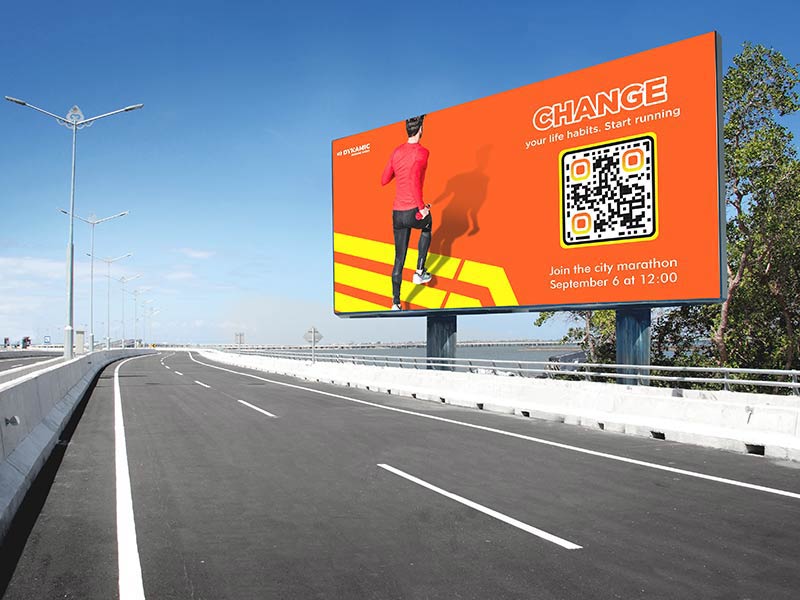
A festival QR code on street posters and flyers can open the ticket page. On site, a code can open the line-up and the site map. Posters are read from about 1 m away, so print the code at least 10 cm wide. Put the code where crowds stop, such as the entrance queue and the bar.
Add a code to the invitation that opens the RSVP form. On the day, put a code on each table card that opens a shared photo album. A static code is enough here, because nothing about the printed cards changes after printing.
School fairs, charity runs and club days use flyers, banners and billboards. The code opens a sign-up or volunteer form before the event and the results page afterward. For a banner read from 3 m away, make the code about 30 cm wide.
Cara mendapatkan lebih banyak pemindaian untuk kode QR acara?
Tell people what the code does Add a frame with a short call to action, such as "Scan to register" or "Scan for the schedule". A code with no words gives people no reason to scan.
Put it where people wait Queues, registration desks, bar counters and seat backs give people a few seconds to scan. A moving crowd does not.
Use one code per place Make a separate dynamic code for each poster, flyer and channel. Scan stats then show which one works, with the detail depending on your plan.
Update it when tickets sell out With a dynamic code you can switch to a waitlist form when tickets sell out, and to next year's date when the event is over. Old posters still lead somewhere useful.
Event QR code not working? Check these first
The event page is still a draft
Draft or unpublished events often show an error to everyone except you. Publish the event, then open the link on a phone that is not signed in to your account.
The page asks people to log in
Google Forms limited to your organization, shared documents set to Restricted and some Facebook event pages ask visitors to sign in. Set sharing to anyone with the link, or use a public page.
The code is too small or hard to read
Print the code at least 2 x 2 cm (0.8 in), and bigger on posters. Keep a white border and a dark code on a light background. Glossy badge holders reflect light, so choose matte, and keep the code off folds and creases.
There is no signal at the venue
Halls, basements and festival fields often have weak mobile data. Keep the page light, and print the venue Wi-Fi name next to the code. A short PDF schedule loads faster than a page full of photos.
Menghasilkan kode QR acara
Uji coba gratis selama 14 hari. Tidak diperlukan kartu kredit.
Event QR code size and placement: badges, posters and screens
Lencana nama
Badges are scanned from about 30 cm (1 ft). Print the code 3 cm (1.2 in) wide, and never below 2 x 2 cm (0.8 in). Put it on the side of the badge that faces out.
Poster dan pamflet
A poster read from 1 m away needs a code about 10 cm wide. A flyer or card held in the hand is fine with 2.5 to 3 cm. Add a frame with a call to action.
Banners and entrance signs
People read banners from 2 to 3 m away, so make the code 20 to 30 cm wide. Hang it at chest to eye height, where people can raise a phone, not high above the crowd.
Slides and big screens
Make the code large, about a quarter of the slide height, on a plain light background. Leave it on screen for at least 30 seconds and say out loud what it does. Test it from the back row.
Desk signs and table cards
Use 3 to 4 cm for a table card read from 30 cm. A registration desk sign read from 1 m needs about 10 cm. Matte paper avoids glare.
Tickets and programs
Print about 2.5 cm (1 in) wide on a ticket or program, away from edges, perforations and folds. A code made here sends people to a page. It does not work as a ticket.