Are slow check-in lines and manual guest lists creating bottlenecks at your venue doors? Entry delays frustrate arriving attendees and risk inaccurate attendance records that compromise your post-event reporting. Transitioning to a digital QR code check-in system accelerates front-door throughput, prevents ticket duplication, and delivers verified attendance records directly to your dashboard.
Why Digital Entry Management Outperforms Paper Lists
Replacing printed attendee rosters with digital scanning transforms both the operational workflow and the attendee arrival experience. Paper lists require staff members to search manually for names, cross-reference identification, and mark physical sheets, which quickly causes lines to spill outside your venue.
Switching to digital codes resolves these operational issues through clear mechanical advantages:
- Eliminates manual transcription errors, misspelled name lookups, and accidental duplicate check-ins.
- Accelerates processing speeds at entry gates, moving guests past the door in seconds.
- Provides live attendance visibility so door staff can monitor capacity thresholds and reallocate personnel as lines form.
- Marks scanned tickets as redeemed in real time, preventing unauthorized pass sharing or ticket reuse.
- Offers a contactless entry method that keeps physical lines organized and professional.
Setting Up an Efficient Check-In Workflow
A dependable check-in system connects your ticketing or registration database directly to the scanner at your door. Designing this workflow in advance ensures your attendees receive readable credentials and your team possesses the right verification tools on event day.
Creating and Customizing Passes
The setup begins by generating secure digital credentials linked to each attendee record. When setting up ticketing, organizers can use an Generator QR Code Acara to create individualized digital passes, schedule links, and branded confirmation pages.
For simpler setups such as internal seminars, training sessions, or club meetings, you can link an kode QR kehadiran directly to a digital form like Google Forms or Typeform. Guests scan the posted code with their own smartphones upon arrival to log their attendance into a centralized spreadsheet without requiring door staff to scan individual passes.
Distributing Digital Tickets to Guests
Once an attendee registers, the platform delivers their entry credential through automated confirmation emails, SMS messages, or mobile wallet passes. Encouraging attendees to save their passes to Apple Wallet or Google Pay ensures the barcode displays at high brightness and full resolution.
If your event issues physical credentials, printing unique codes onto QR codes on conference badges allows badges to serve as both visual identification and access passes for individual breakout rooms throughout multi-day events.
Connecting Your CRM and Ticketing Tools
Enterprise events and large conferences often require direct synchronization between door check-ins and customer relationship management platforms. By building dynamic QR codes for CRM check-ins, you can embed custom parameters such as attendee IDs, ticket tiers, or meal preferences into unique URLs.
When scanned, the check-in terminal communicates through secure webhooks or APIs to validate the ticket against your live database, record the check-in timestamp, and immediately flag the credential as redeemed.
Set Up Smooth Entry for Your Next Event Ready to replace slow paper rosters with instant digital verification? Create branded passes and track arrivals in real time with the Generator QR Code Acara to keep your registration lines moving quickly.
Standar Teknis untuk Pemindaian Kode yang Andal
A digital check-in system depends on fast, first-try barcode recognition. If a scanner fails to read a code immediately, your entry line stops. To prevent delays, follow established technical standards when designing and printing your passes:
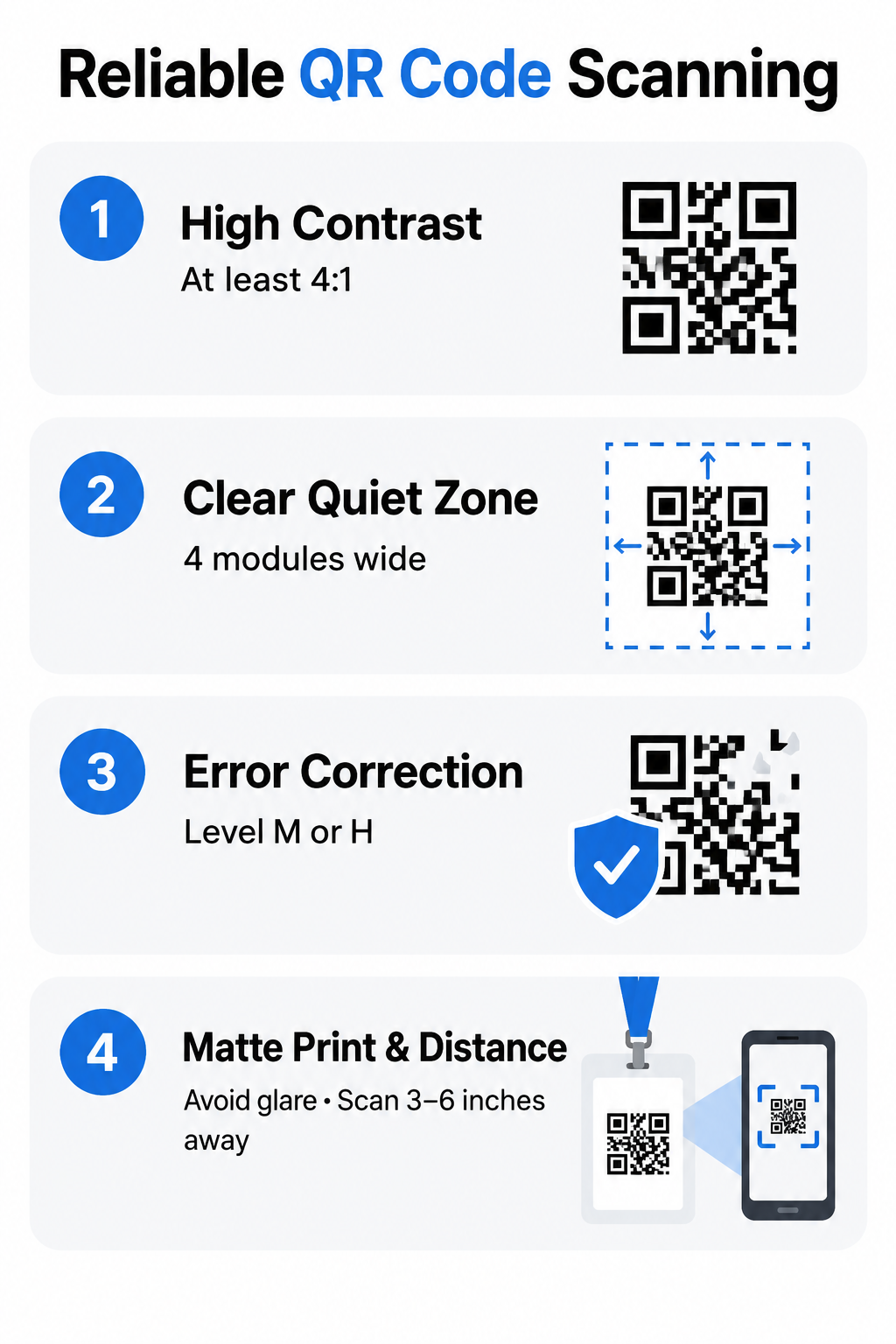
- Maintain high optical contrast by pairing dark foreground modules with clean, light backgrounds, aiming for at least a 4:1 contrast ratio so cameras can differentiate the pattern in dim lighting.
- Preserve an uninterrupted quiet zone around the entire code, leaving an empty margin at least four modules wide to prevent surrounding graphics or text from interfering with scanner decoding.
- Configure error correction to Level M or Level H, which allows the scanner to reconstruct the embedded data even if a printed badge is creased, smudged, or partially obscured by a finger.
- Print physical codes on flat, matte cardstock rather than glossy paper or reflective plastic laminates, as glare from venue spotlights can blind camera sensors.
- Size your codes appropriately for the expected scan distance, following proven praktik terbaik untuk keterbacaan kode QR to ensure tickets scan reliably from several inches away.
Best Practices for On-Site Door Operations
Flawless door execution requires prepared staff and adaptable hardware. Even technically perfect codes fail if your on-site team lacks the proper equipment or operational procedures.
Equip your door team with reliable devices running an updated scanning application or a mobile-optimized Scan QR Code & Barcode. Train staff to hold the scanning device roughly three to six inches away from the attendee screen or badge, allowing the lens to focus without casting a shadow over the code.
Deploy multiple staff members across designated check-in lanes, and maintain a separate customer service desk for attendees facing ticket issues or dead phone batteries. This separation keeps regular entry lanes flowing smoothly while complex inquiries are resolved off to the side.
Every event venue presents connectivity risks. Test the venue Wi-Fi during setup, and ensure your check-in software supports offline scanning. Offline-capable systems store the verified guest database locally on each scanning handset, validate tickets without an active internet connection, and synchronize redemption logs automatically once network connectivity resumes.
Meningkatkan Keamanan dan Pencegahan Penipuan
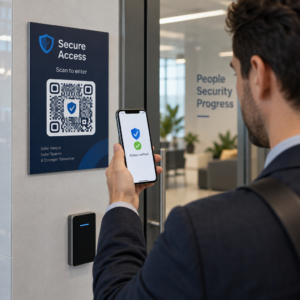
Managing event access requires safeguards against ticket forging, duplicate entry attempts, and unauthorized data exposure. Implementing verified kode QR pada tiket provides structural defenses that manual paper checks cannot offer.
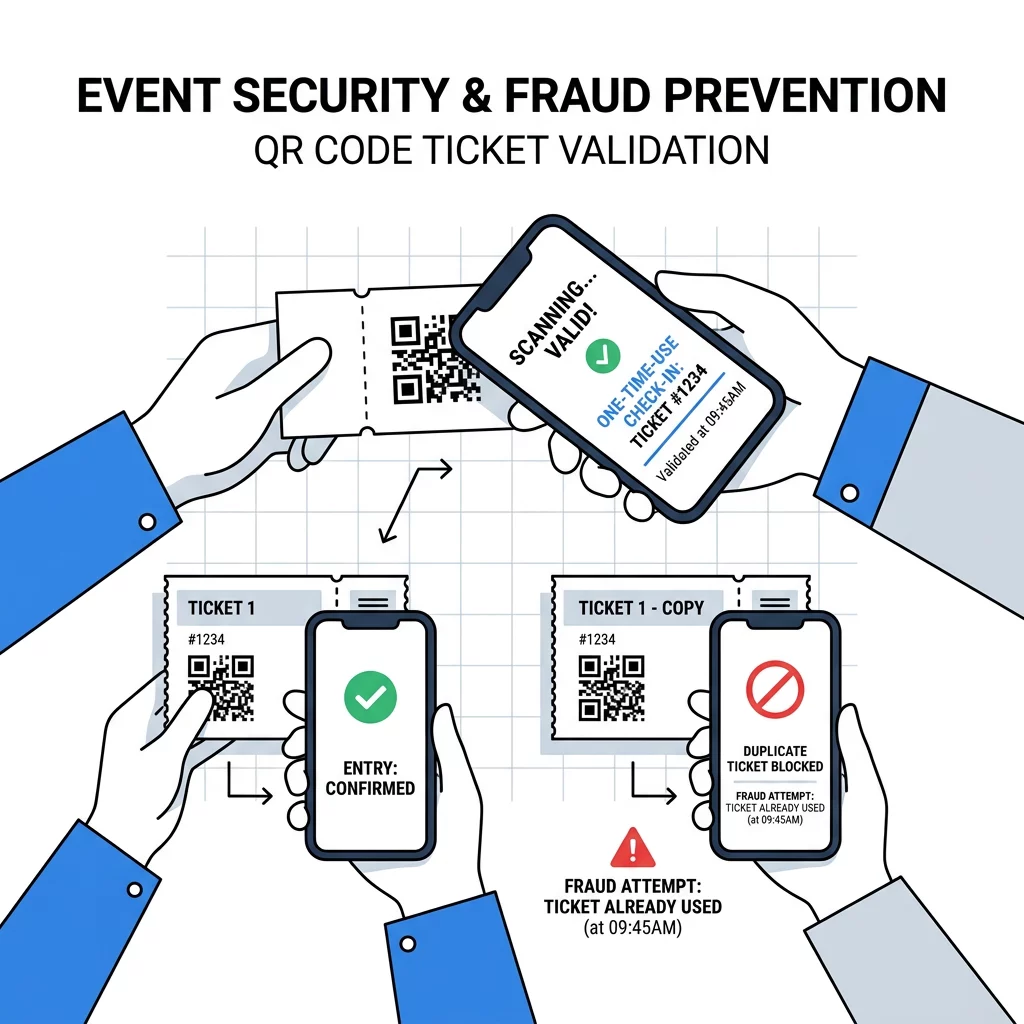
Primary security mechanisms include:
- Single-redemption validation rules that trigger immediate visual and audio warnings if a duplicate barcode or forwarded screenshot is presented at any entrance.
- Time-sensitive dynamic access tokens that refresh periodically within authorized event apps to prevent static screenshot sharing.
- Encrypted payload URLs that conceal private attendee details from casual third-party scanner apps.
- Strict data collection policies that capture only necessary identification details and securely purge attendee records after post-event auditing concludes.
Analyzing Attendance and Flow Data
Digital scanning turns physical entry points into measurable data streams. Using kode QR untuk pelacakan kehadiran across main gates, VIP lounges, and individual workshops lets organizers review exact foot traffic patterns throughout the venue.
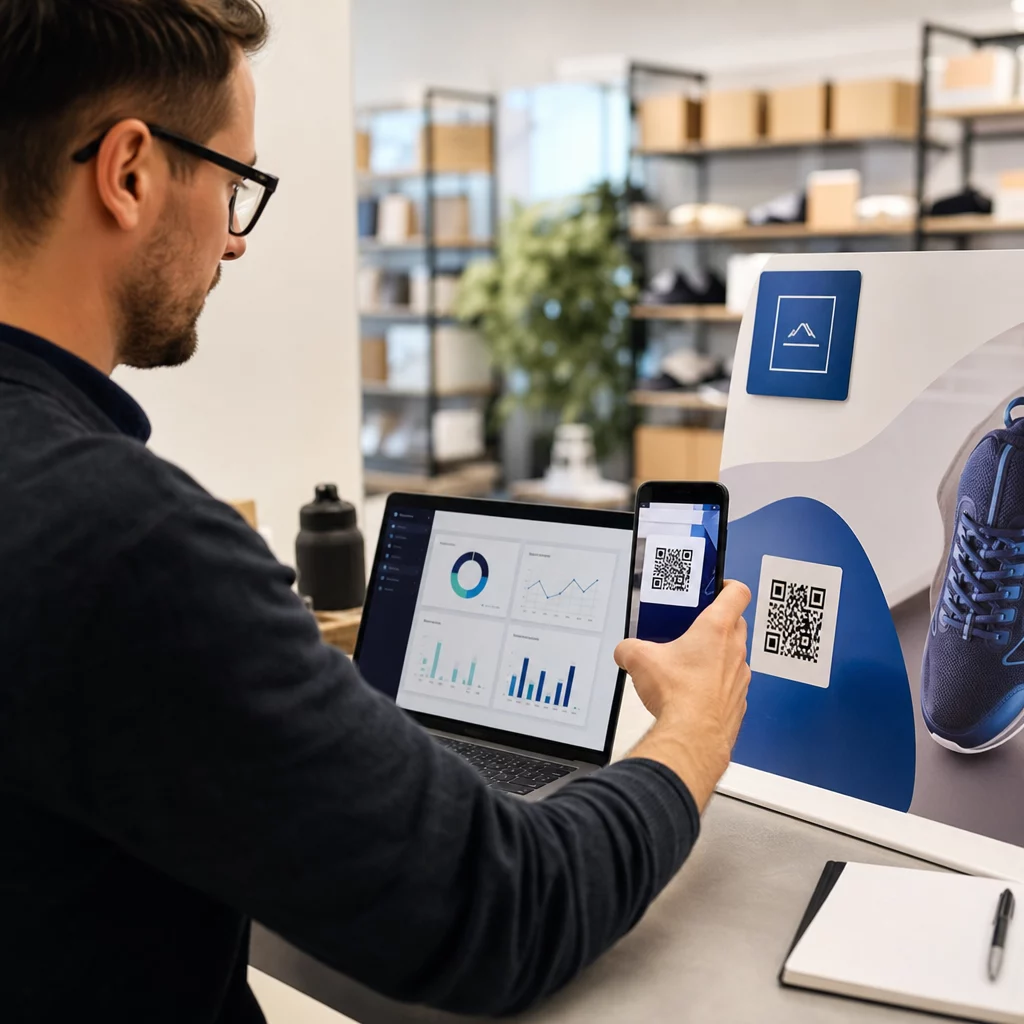
Connecting dynamic codes to centralized real-time scan analytics provides actionable operational intelligence. You can identify arrival surges, track peak check-in windows, and pinpoint underutilized entry gates. If the analytics dashboard shows heavy congestion at your primary gate while side entrances remain empty, you can redirect staff and signage in real time to balance attendee flow.
Modernize Your On-Site Guest Check-In
A well-planned QR code check-in workflow eliminates long lines, protects ticketing revenue, and gives your event team immediate visibility into guest arrivals. By combining scannable pass design, staff training, and offline-ready verification software, you establish an organized arrival experience that sets a professional tone for your entire event. Start building your custom entry passes with Pageloot to streamline your next door opening.
Pertanyaan yang sering diajukan
Staff should adjust the screen brightness on the attendee’s phone, tilt the screen away from direct overhead lighting to cut glare, or look up the attendee by name or order confirmation number in the check-in app’s manual search tool.
Yes, modern iOS and Android smartphones equipped with camera-based check-in apps or browser-based scanning tools work effectively for most events, though dedicated handheld scanners remain popular for extremely high-volume gates.
When a ticket is scanned, the connected database marks that unique ID as checked in, so if a second person presents a duplicate pass or screenshot, the scanner displays an error alert indicating the ticket has already been redeemed.