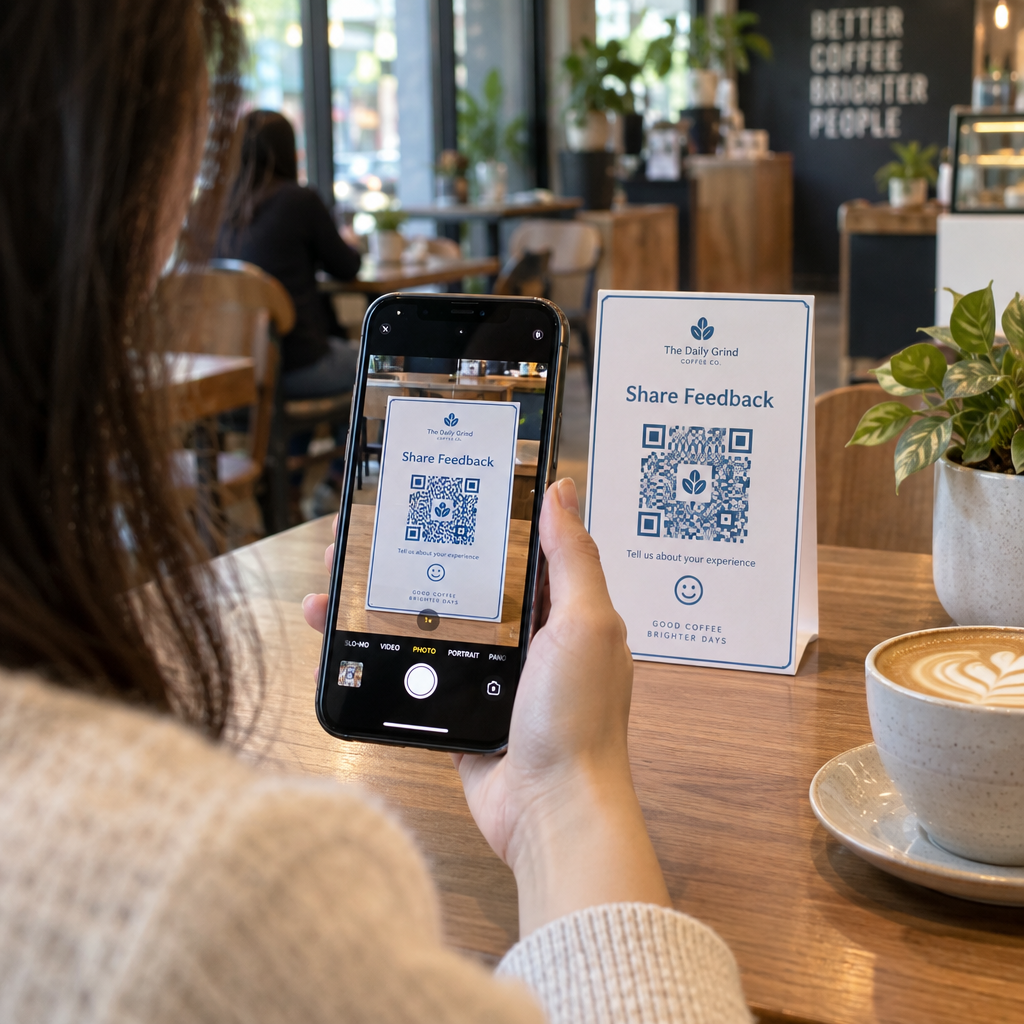
Are you struggling to collect timely responses from your customers after an interaction? Delayed follow-up emails often yield low response rates, leaving critical blind spots in your service quality. Deploying scannable codes at key physical touchpoints bridges the gap to mobile questionnaires and captures authentic customer sentiment instantly.
Why On-Site Scans Outperform Traditional Surveys
Traditional feedback channels suffer from low engagement because they introduce unnecessary friction. Asking someone to visit a website printed on a paper receipt or check their inbox hours later requires memory and effort that most customers will not spare. By integrating Kundenfeedback-QR-Codes directly into the physical environment, you catch visitors when their impressions are vivid and their willingness to share is highest.
Interactive codes turn passive physical items into direct digital channels. Unlike paper questionnaires that demand manual data entry and physical collection, digital forms compile responses immediately.
| FUNKTION | Traditional Feedback Methods | QR Code Feedback Flow |
|---|---|---|
| Response Speed | Days or weeks after visit | Instantaneous at point of experience |
| User Effort | High (typing URLs or mailing forms) | Low (single smartphone camera scan) |
| Data Aggregation | Manual entry or spreadsheet imports | Real-time automated reporting |
| Inhaltsaktualisierungen | Requires complete physical reprinting | Instant remote updates with dynamic codes |
Designing Mobile Surveys to Maximize Completion Rates
Scanning the code is only the initial step; the questionnaire itself must respect the respondent’s time and mobile screen constraints. Perceived survey length and interface complexity are the primary reasons respondents abandon mobile forms halfway through. To secure high completion rates, your survey structure must minimize friction:
- Present a single question per screen so users can evaluate choices without zooming or horizontal scrolling.
- Make the first question effortless and engaging, ensuring that all answer choices are visible above the fold.
- Keep the total question count brief, focusing strictly on core operational metrics like Net Promoter Score or customer satisfaction.
- Display progress indicators with caution, because slow-moving progress bars often trigger immediate survey drop-off.
- Offer a clear incentive, such as a modest discount or entry into a raffle, which reliably increases participation rates.
If you already use Google Workspace, setting up a Google Forms QR-Code erstellen allows you to link directly to a lightweight survey and store submissions in organized spreadsheets. For events and fast-paced venues requiring single-question temperature checks, setting up short QR-Code-Umfragen delivers rapid feedback with minimal commitment from the user.
Technical Standards for High-Scannability Codes
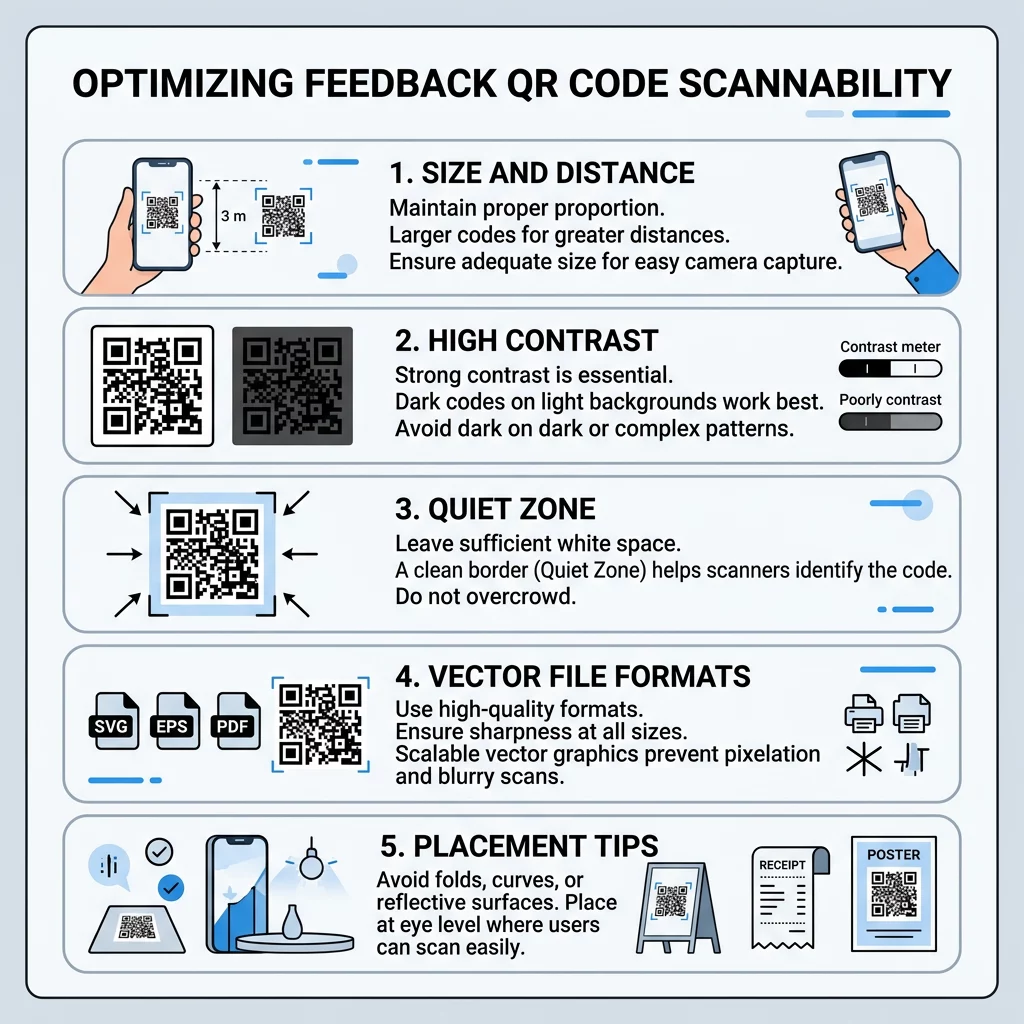
A feedback code provides zero value if smartphone lenses fail to detect it on the first attempt. Adhering to technical print and digital standards prevents scanning errors across different hardware devices and ambient lighting conditions.
- Sizing: Print codes at a minimum size of 0.8 x 0.8 inches (2 x 2 cm) for close-up scanning on receipts or table stands. For signs viewed from a distance, apply the 10:1 scanning ratio: code width must be at least one-tenth of the distance between the user and the graphic.
- Contrast: Position dark modules against a solid, light background to preserve readability. High contrast is essential, with a minimum contrast ratio of 4.5:1 to accommodate low-light environments.
- Quiet Zone: Maintain an empty margin of at least four module widths around the entire outer perimeter of the pattern. This prevents surrounding text, decorative borders, or images from interfering with scanner recognition.
- Digital Resolution: Render codes at 150 x 150 pixels minimum on mobile screens, expanding to 400 x 400 pixels or larger for digital kiosks and signage. Always export print artwork in vector formats like SVG or print-ready PDF to avoid pixelation.
Build Editable Feedback Codes Need to update survey questions or redirect forms without reprinting your materials? Use the Dynamischer QR-Code Generator to keep your campaigns flexible and responsive.
Strategic Placement Across Physical Touchpoints
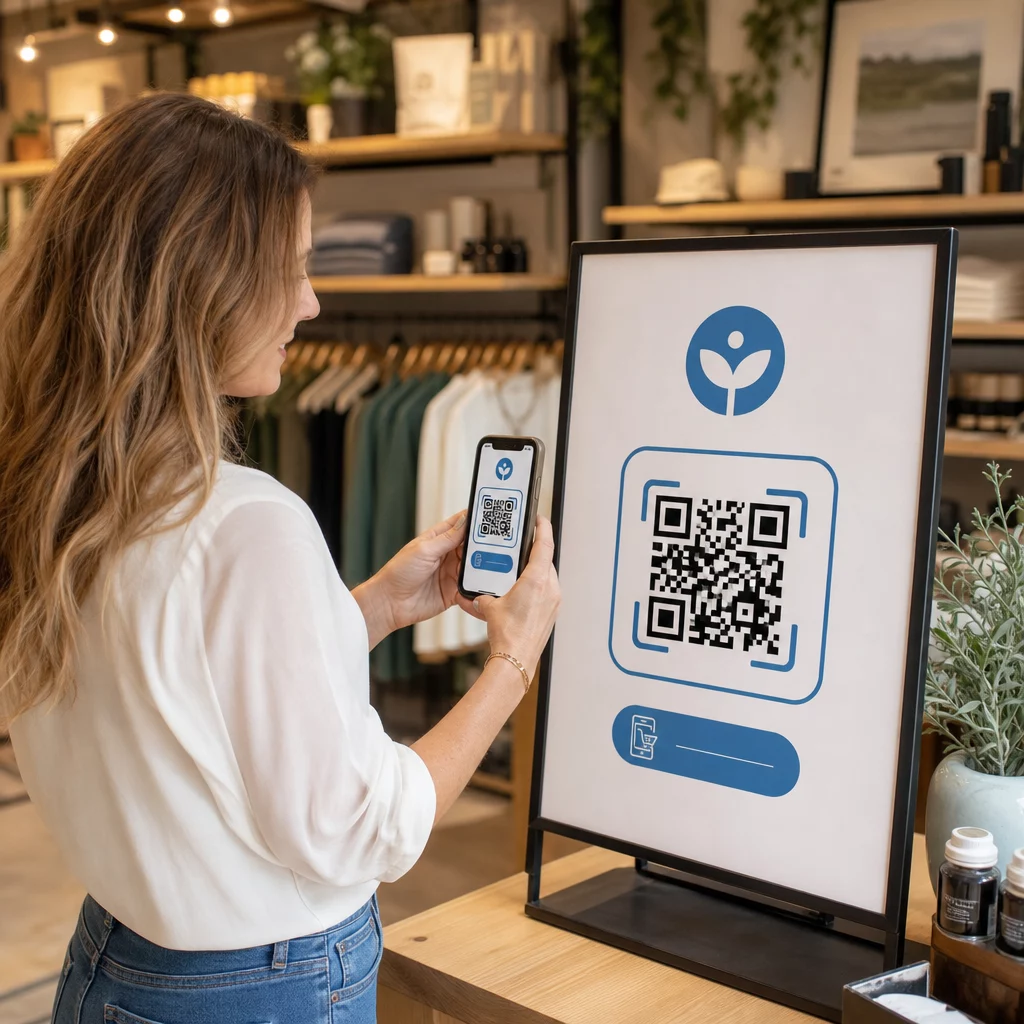
The placement of your code determines whether a customer notices it during a moment of natural downtime. Avoid tucking feedback codes away in obscure locations; instead, pair them with high-visibility areas and actionable calls to action. Following established best practices for QR-Code-Platzierung im Marketing ensures your assets remain accessible and discoverable.
Position codes where customers have completed their primary transaction or have time to browse:
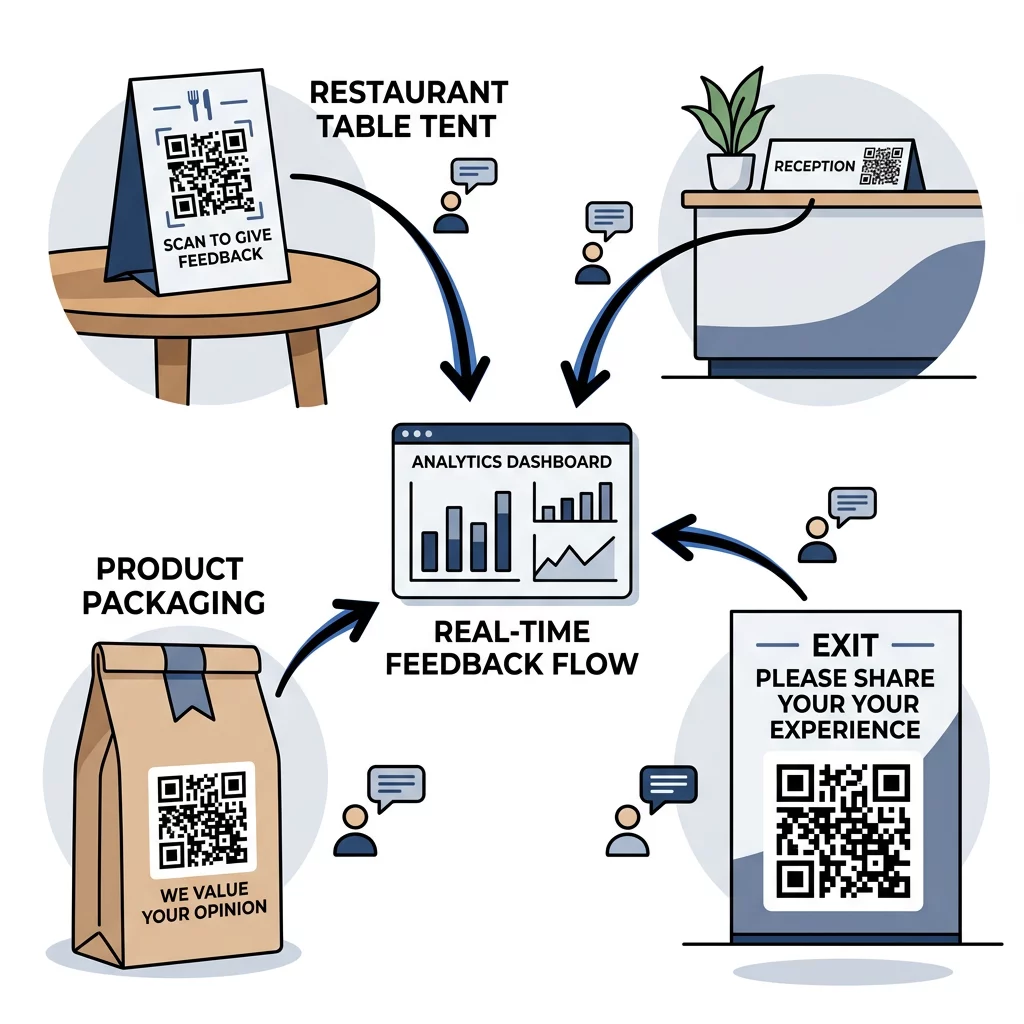
- Table tents in dining rooms, allowing diners to scan casually while waiting for the bill.
- Point-of-sale checkout counters and reception desks, giving customers an immediate voice as service concludes.
- Printed receipts and billing statements, capturing feedback directly linked to a specific transaction.
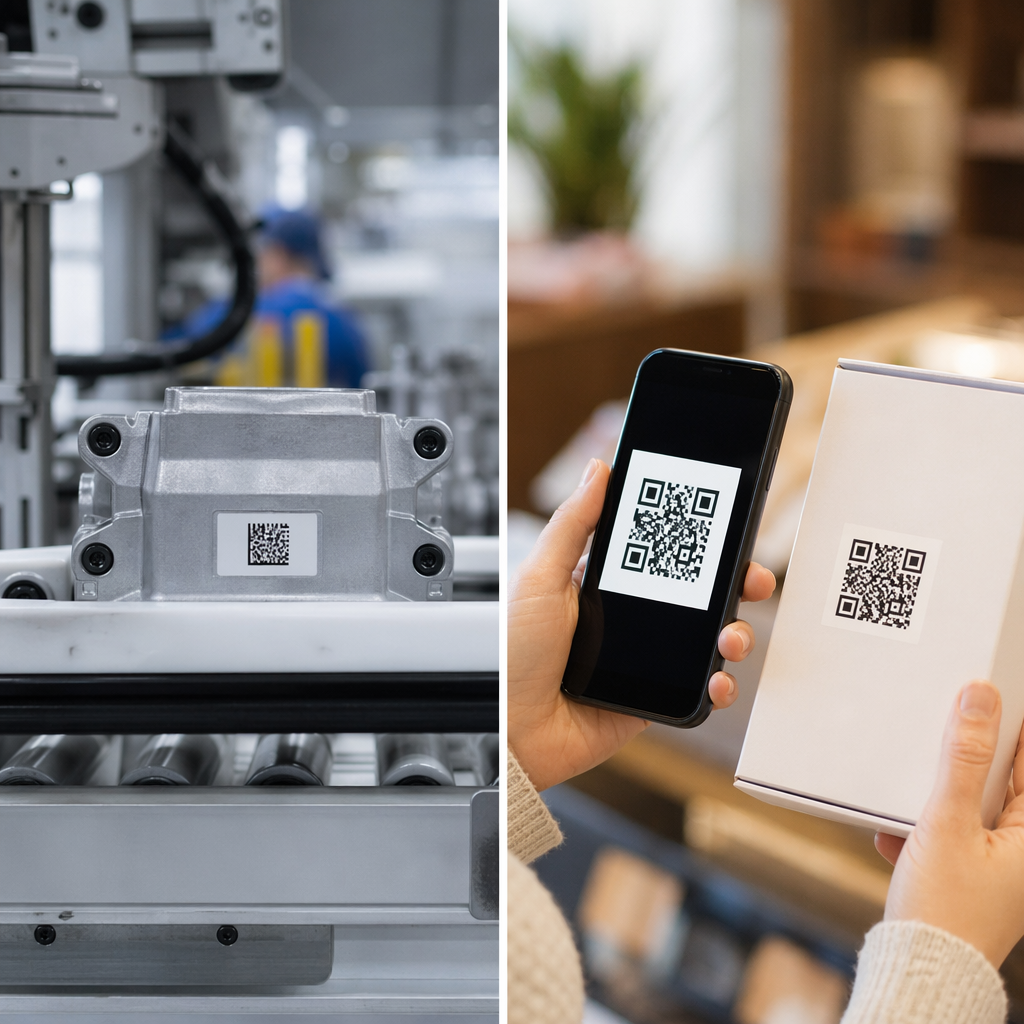
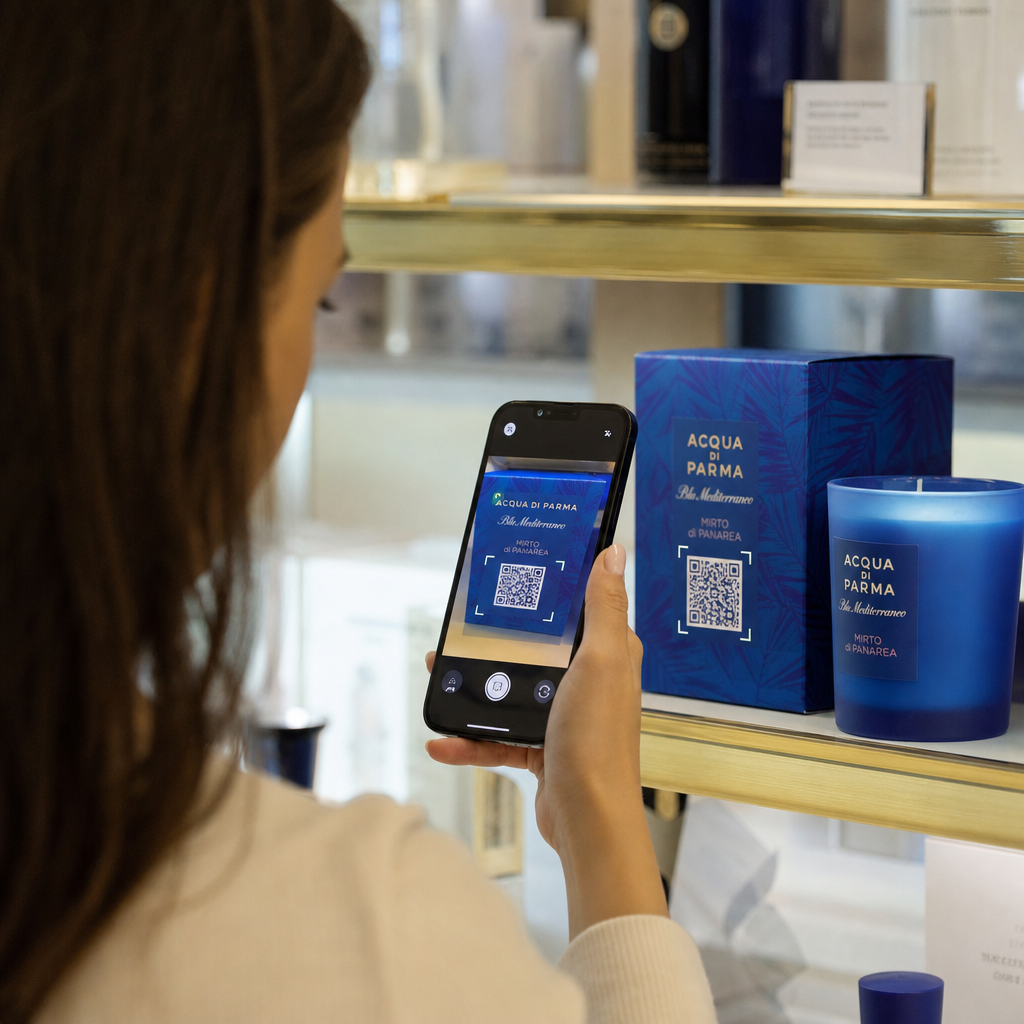
- Product packaging panels, enabling users to evaluate items during unboxing and setup at home.
- Exit door signage and venue banners, encouraging guests to share closing thoughts as they depart.
When organizing conferences, workshops, or trade shows, review how to plan QR code campaigns for events so you can present feedback codes on presentation slides and badge lanyards at optimal session intervals.
Tracking and Analyzing Feedback Engagement
Collecting feedback is most effective when paired with behavioral analytics. Utilizing dynamic QR codes allows you to monitor exactly how physical materials perform in real time.
By integrating dedicated QR-Code Analyse, you gain visibility into:
- Total scan volumes and unique user counts over designated time windows.
- Geographic data, showing the specific cities and locations generating the highest scan activity.
- Operating systems and mobile device models used by your audience.
- Placement-level performance comparisons to identify which signs or packaging layouts drive the most responses.
Mastering the mechanics of Verfolgung von QR-Codes helps you verify whether low feedback volume stems from an unappealing questionnaire or poor physical visibility. For a detailed roadmap on building these workflows from start to finish, consult our guide on wie man QR-Codes für die Feedback-Erfassung erstellt.
Turning Real-Time Responses into Actionable Improvements
Real-time feedback collection bridges the gap between everyday customer interactions and operational decision-making. By pairing clear mobile survey designs with high-contrast, well-positioned codes, you create an effortless path for visitors to voice their opinions before leaving your location.
Select dynamic codes for your printed signage so you can adjust questions, change destination links, and evaluate scan metrics without incurring recurring printing costs. Start building your feedback workflow with Pageloot today to uncover meaningful customer insights at every physical touchpoint.
Häufig gestellte Fragen
For handheld materials such as receipts, business cards, or table tents, a QR code should measure at least 0.8 x 0.8 inches (2 x 2 cm). For wall graphics or presentation banners scanned from further away, follow the 10:1 scanning ratio: make the code width at least one-tenth of the intended scanning distance.
Yes, provided you generate a dynamic QR code. Dynamic codes point to a short redirect link that allows you to change the destination survey URL anytime from your management dashboard without reprinting your physical signs or packaging.
Dynamic QR code tracking records aggregate data such as total scans, unique visitors, scan timestamps, city-level geographic locations, and user device types or operating systems, all without storing personal identifiers.