Ensure Your QR Code Prints Perfectly with Our Quality Checker
In today’s digital world, QR codes are everywhere—linking customers to websites, menus, or promotions with a quick scan. But if your design isn’t up to par for printing, you risk a code that won’t scan, frustrating users and wasting resources. That’s where a reliable QR code print readiness tool comes in handy. It’s a simple way to double-check your design before sending it to the printer.
Why Print Quality Matters for QR Codes
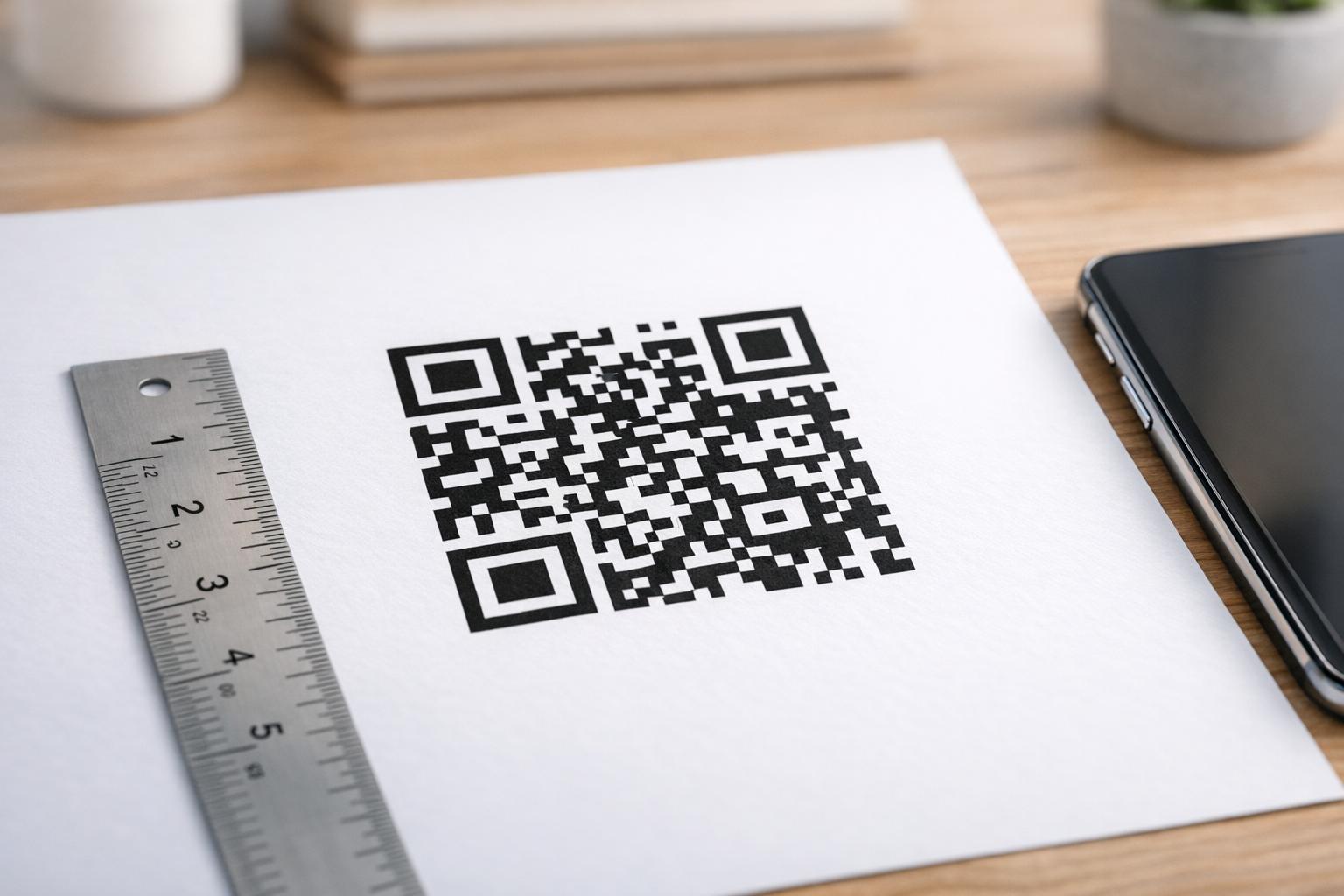
When preparing a QR code for physical materials like flyers or business cards, factors like resolution and size play a huge role. A low-DPI image might look fine on screen but turn pixelated on paper, making it unreadable. Similarly, printing too small can crowd the code’s details, while poor contrast confuses scanners. Testing your design ahead of time helps catch these issues early. Our tool offers a fast analysis of your file, giving actionable feedback to ensure every scan works flawlessly. Whether you’re a small business owner or a designer, taking a moment to verify your work can save headaches down the line.
Často kladené otázky
What makes a QR code unsuitable for printing?
A QR code might not be print-ready if its resolution is too low, leading to pixelation when scaled up. If the image is blurry or the print size is too small, scanners can struggle to read it. Other issues include poor contrast between the code and background or damage in the design file itself. Our tool checks these factors and gives you a clear breakdown of what’s wrong, if anything.
What resolution should my QR code have for printing?
For most printing needs, a QR code should have at least 300 DPI to ensure crisp edges and reliable scanning. If you’re printing on a larger scale, like posters, you might need higher resolution or a vector format to avoid quality loss. Upload your design to our checker, and we’ll let you know if it meets the mark or if adjustments are needed.
Can I test a QR code I’ve already printed?
This tool is designed for digital files before printing, so it’s best to upload the original image or design. If you’ve already printed it, you could scan the physical copy into a high-res digital file and test that, but results might vary based on scan quality. For the most accurate feedback, stick to the source file and let us help you avoid printing mishaps.