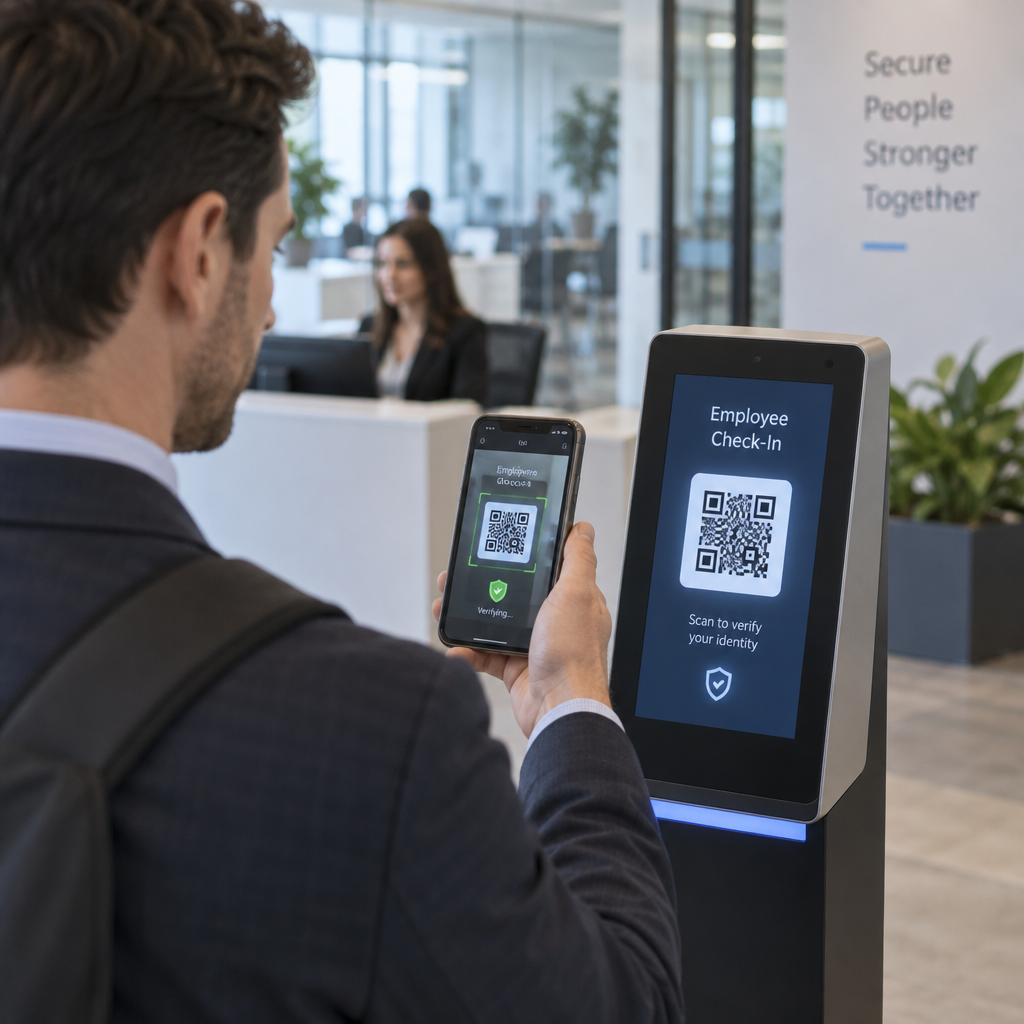
Are you certain your QR-based identity checks are not exposing your organization to credential theft? When attackers manipulate authentication workflows, a single scan can compromise your entire network. This guide breaks down the primary security risks of QR code verification and provides actionable safeguards to protect your systems.
Understanding Quishing and Credential Theft
QR code phishing, commonly known as “quishing,” exploits the fact that optical barcodes conceal their destination from the human eye. Attackers embed malicious QR codes into spoofed onboarding emails, system notifications, or printed materials to trick users into scanning them with personal mobile devices. Because traditional email security gateways inspect text-based links rather than embedded image payloads, these deceptive codes routinely reach user inboxes undetected.
When a user scans a compromised code, the embedded link directs them to a fraudulent authentication portal designed to harvest login credentials. Advanced campaigns use adversary-in-the-middle techniques to intercept session cookies and Multi-Factor Authentication (MFA) tokens in real time. Once an attacker captures an active session token, they can bypass standard login prompts and access corporate environments. Reviewing rủi ro kinh doanh từ lừa đảo mã QR helps security teams recognize how quickly credential harvesting undermines identity governance.
Technical Vulnerabilities in Identity Verification Flows
Deploying QR codes as an identity verification mechanism introduces distinct architecture-level risks that differ from standard web workflows. When an authentication sequence passes data between a desktop screen and a mobile scanner, malicious actors can exploit gaps in the handshake:
- Cross-device session swapping: Attackers can display a legitimate login QR code on a phishing website. When an unsuspecting user scans it with an authenticated company app, they inadvertently authorize the attacker’s remote desktop session.
- Replay vulnerabilities: Static verification codes that lack unique nonces allow attackers to capture the raw payload and replay it at a later time to impersonate the legitimate credential holder.
- Malicious payload delivery: Unchecked verification endpoints can trigger drive-by malware downloads or launch unauthorized device configuration profiles on mobile endpoints.
Metadata harvesting presents another significant concern. Scanning a code automatically exposes device headers, IP addresses, operating system versions, and precise geolocation. Without strict controls, collecting this data during identity onboarding creates unnecessary liability. Organizations should evaluate rủi ro về quyền riêng tư của mã QR và cách tránh chúng to establish proper data minimization standards before capturing user telemetry.
Can thiệp vật lý và lớp phủ độc hại
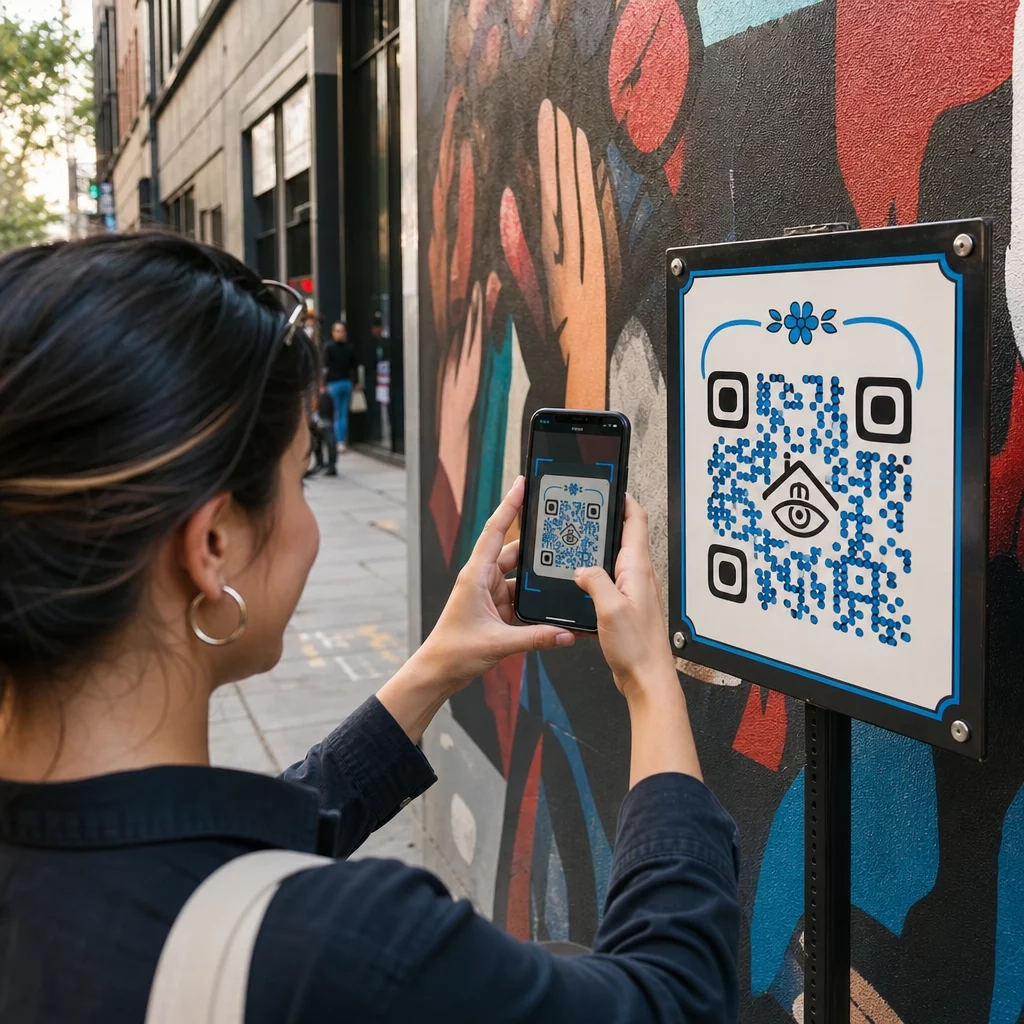
Physical identity checkpoints – such as visitor management kiosks, event registration booths, and facility access terminals – are vulnerable to direct manipulation. Attackers execute “sticker tampering” by affixing an adhesive label with a fraudulent QR code directly over a legitimate reader graphic.
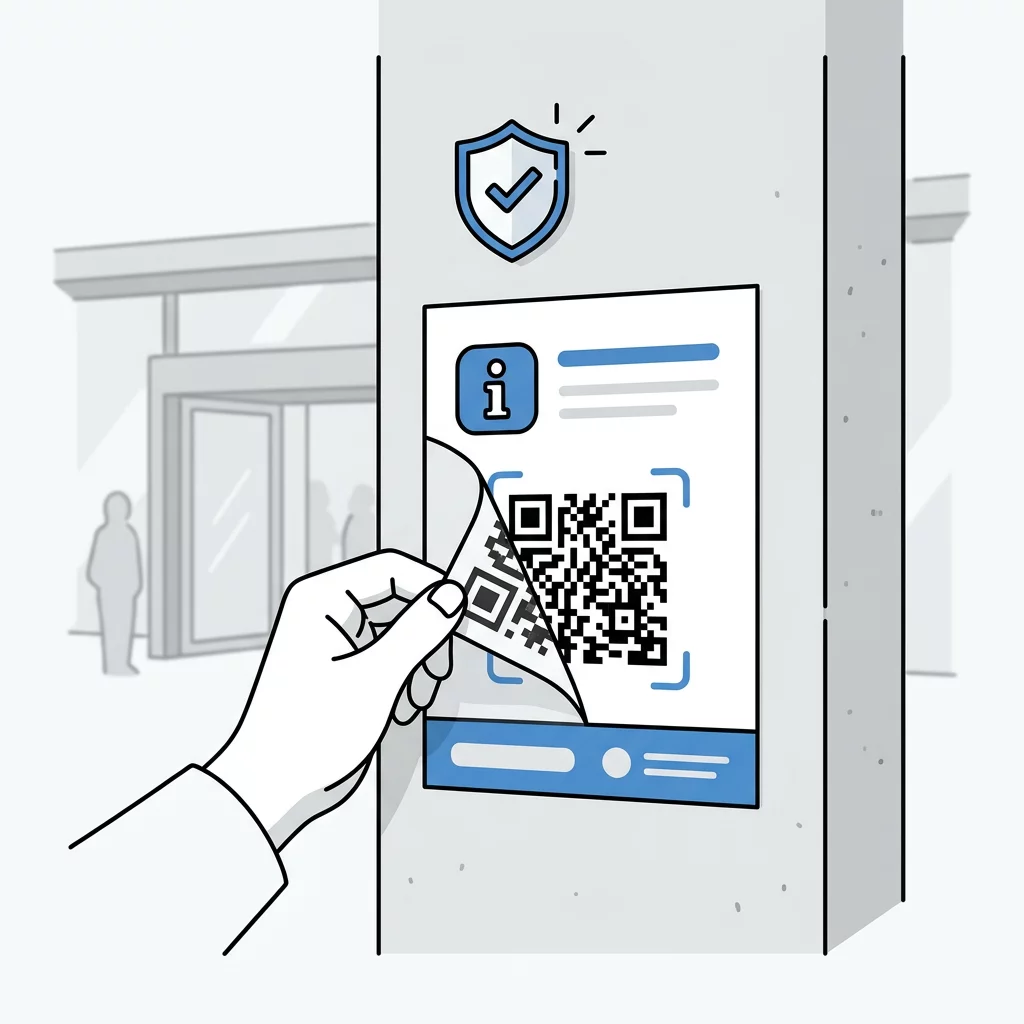
Because most users assume physical signage within a corporate lobby or secure facility is trustworthy, they scan replacement codes without scrutiny. The Federal Trade Commission and postal authorities have warned that fraudulent overlay stickers are frequently used to divert payments and harvest personal identity information.
Inspect URLs Before Opening Verification Portals Want to verify where an identity check code leads before loading it on your mobile device? Use the máy quét mã QR miễn phí to inspect destination URLs and check payload contents safely.
Physical security teams should perform routine sweeps of all printed touchpoints, use tamper-evident framing around displays, and print codes directly onto permanent acrylic or aluminum substrates rather than using temporary paper signage.
Regulatory Compliance and Privacy Requirements
Processing personal information or biometric indicators during QR verification triggers strict legal requirements. Regulations such as the General Data Protection Regulation (GDPR) in Europe and the California Consumer Privacy Act (CCPA) require explicit disclosure of data handling practices, mandatory consent, and clear retention limits.
If an identity verification process connects QR scans to biometric data – such as live selfie matching or facial scans – organizations face additional scrutiny under specialized statutes like Illinois’ Biometric Information Privacy Act (BIPA). Security architects must understand applicable Luật riêng tư mã QR và các quy định chính to avoid substantial statutory penalties.
- Display clear privacy notices before prompting users to submit personal credentials or identity documents.
- Enforce data minimization by restricting QR scan telemetry collection to the bare minimum required for authentication.
- Anonymize network logs and device identifiers stored in verification audit databases.
- Purge temporary session identifiers immediately once the verification transaction completes.
Architectural Controls for Secure Verification
To eliminate static vulnerabilities, organizations should transition to dynamic, cryptographically bound verification models. Understanding cách mã QR đơn giản hóa xác thực đa yếu tố allows teams to build user-friendly workflows while retaining hardware-level cryptographic assurance.
Dynamic QR codes enable centralized management, meaning administrators can update target destinations or revoke compromised links immediately without reprinting physical collateral. Pairing dynamic management with strong encryption ensures that only authorized enterprise applications can read the underlying payload. Exploring mã QR được mã hóa cho các nền tảng xác thực demonstrates how asymmetric standards like RSA and symmetric protocols like AES prevent third-party eavesdropping.
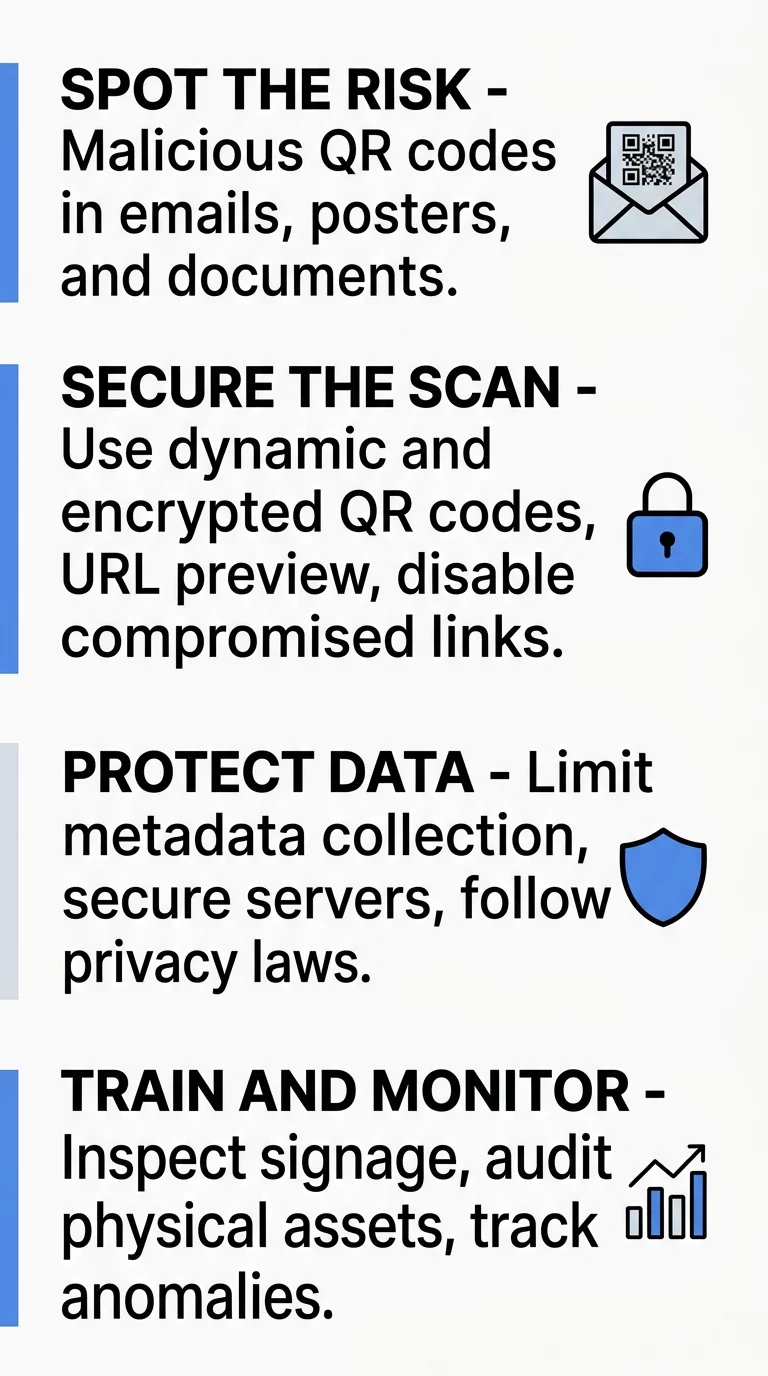
Security teams should enforce strict lifespan parameters for verification tokens. According to NIST Special Publication 800-63B standards, transaction-binding codes displayed on an untrusted screen should have a short lifespan, with a maximum validity of 10 minutes. Implementing single-use challenge-response nonces prevents captured payloads from being replayed. Applying kiểm tra các phương pháp hay nhất về xác thực mã QR helps your team benchmark scanning speeds, error correction tolerances, and backend revocation systems before rolling out workflows at scale.
Strengthening Your Verification Ecosystem
Securing QR-based identity checks requires treating every scanned code as an untrusted input. By replacing static links with dynamic, short-lived tokens, encrypting sensitive payloads, and training employees to inspect physical signage and destination previews, you can eliminate common quishing and session-hijacking vectors. Audit your current verification checkpoints today, implement dynamic revocation controls, and ensure your identity infrastructure remains resilient against emerging physical and digital threats.
Câu hỏi thường gặp
Dynamic QR codes route scans through a managed system that allows administrators to change destination URLs, set password restrictions, and revoke compromised links instantly. Static codes encode permanent data directly into the matrix pattern, meaning a compromised or misdirected static code cannot be corrected without physically replacing the printed asset.
A QR code is simply encoded text and cannot directly execute code on a device by itself. However, the destination link can trigger a drive-by download, prompt the installation of malicious device configuration profiles, or open an exploit site that targets unpatched mobile browser vulnerabilities.
Users should physically inspect signs and badge readers for raised edges, misaligned stickers, or differences in paper gloss that indicate an overlay placed on top of the original graphic. When scanning, always review the URL preview in your camera or scanner app to verify that the domain perfectly matches the official enterprise host before opening the link.