Are your supporters struggling to reach your donation page from print materials? Long, complicated URLs force donors to type out web addresses manually, leading to abandoned contributions and lost fundraising revenue. Creating a donation QR code provides an instant scan-to-donate bridge that guides donors directly to your payment portal.
Why Scan-to-Donate QR Codes Drive Mobile Giving
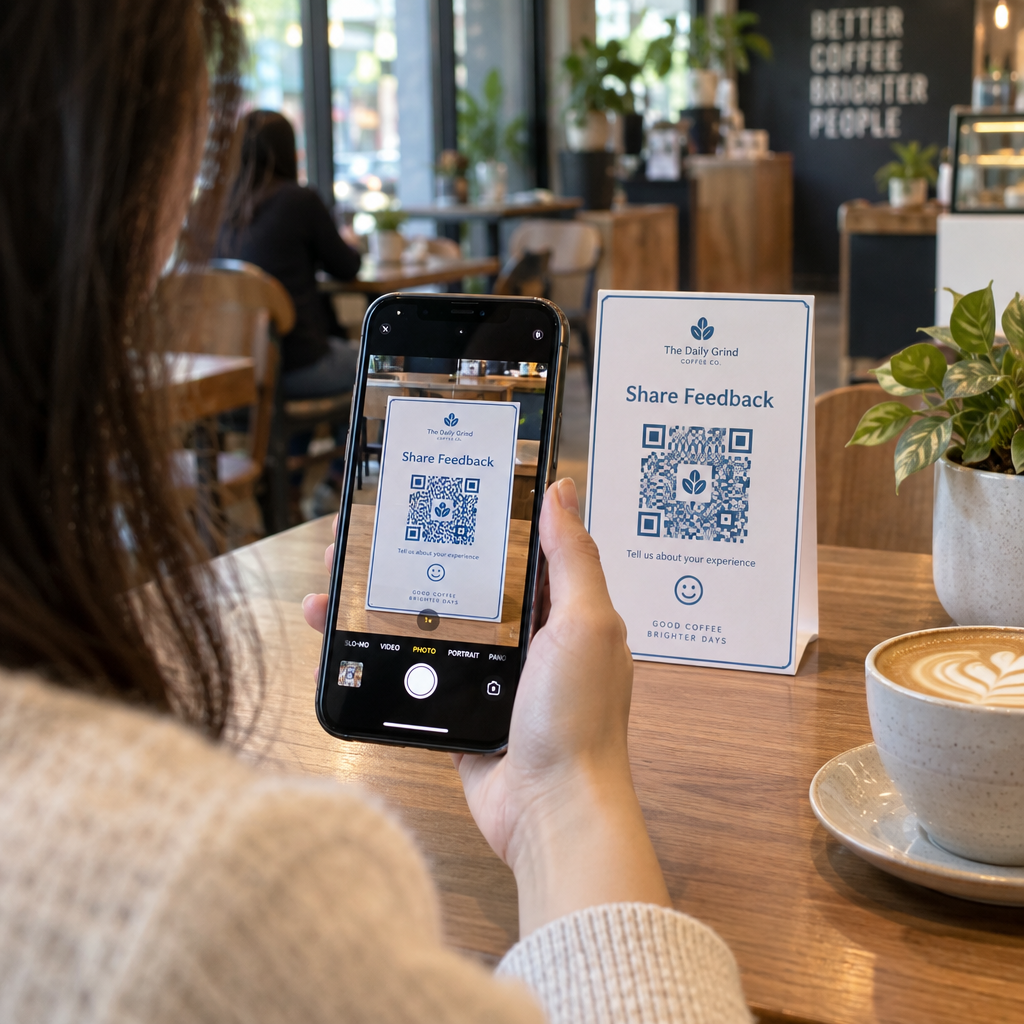
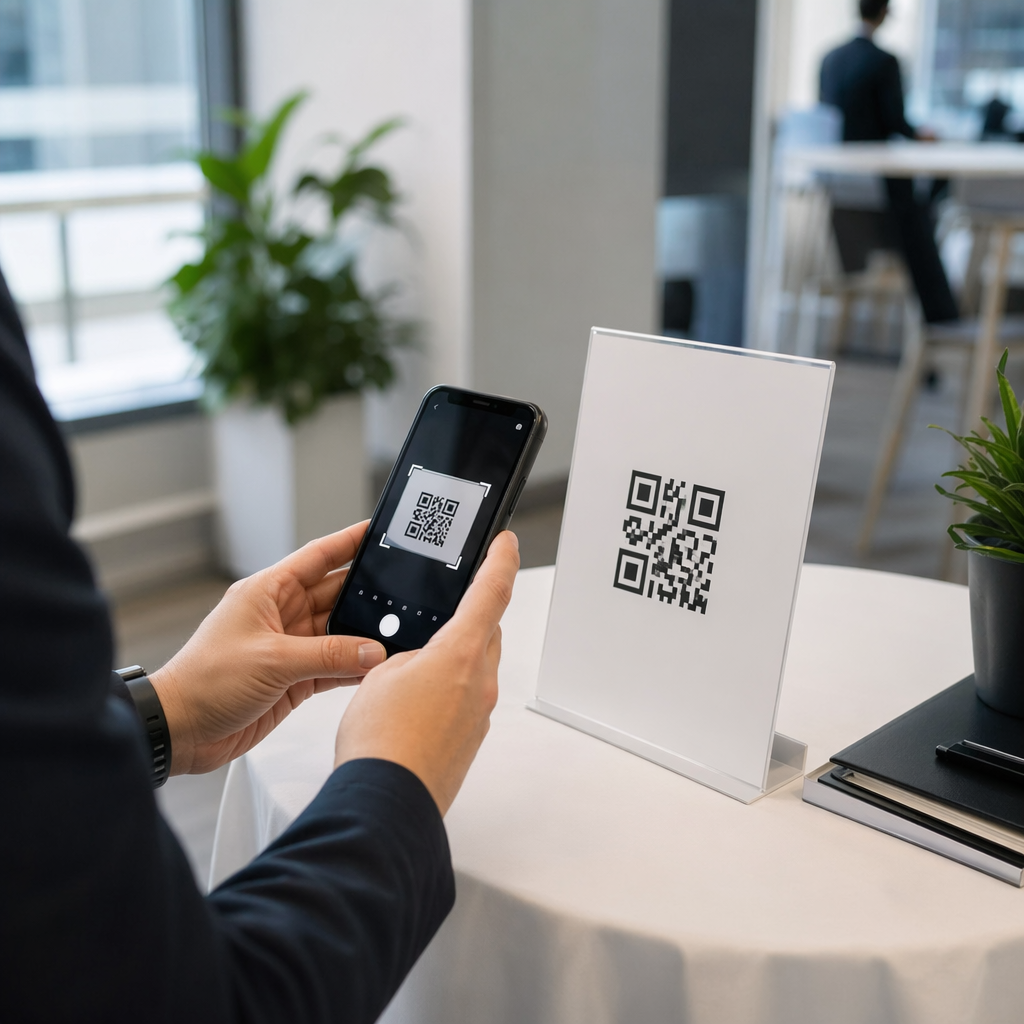
Printed fundraising appeals often face a significant obstacle: converting offline interest into digital action. When donors see an appeal on a poster or direct mailer, asking them to remember and manually type a web address creates unnecessary friction. Using 非営利団体向けQRコード eliminates that barrier by allowing smartphone cameras to decode the web address instantly and launch the browser directly to your checkout page.
Connecting physical touchpoints to online forms lets your organization capture spontaneous gifts the moment inspiration strikes. Whether you are running annual campaigns or organizing チャリティ募金のためのQRコード, a clear scan-to-donate workflow ensures that your supporters spend their energy supporting your cause rather than navigating technical hurdles.
カスタマイズされた寄付用QRコードを作成する手順
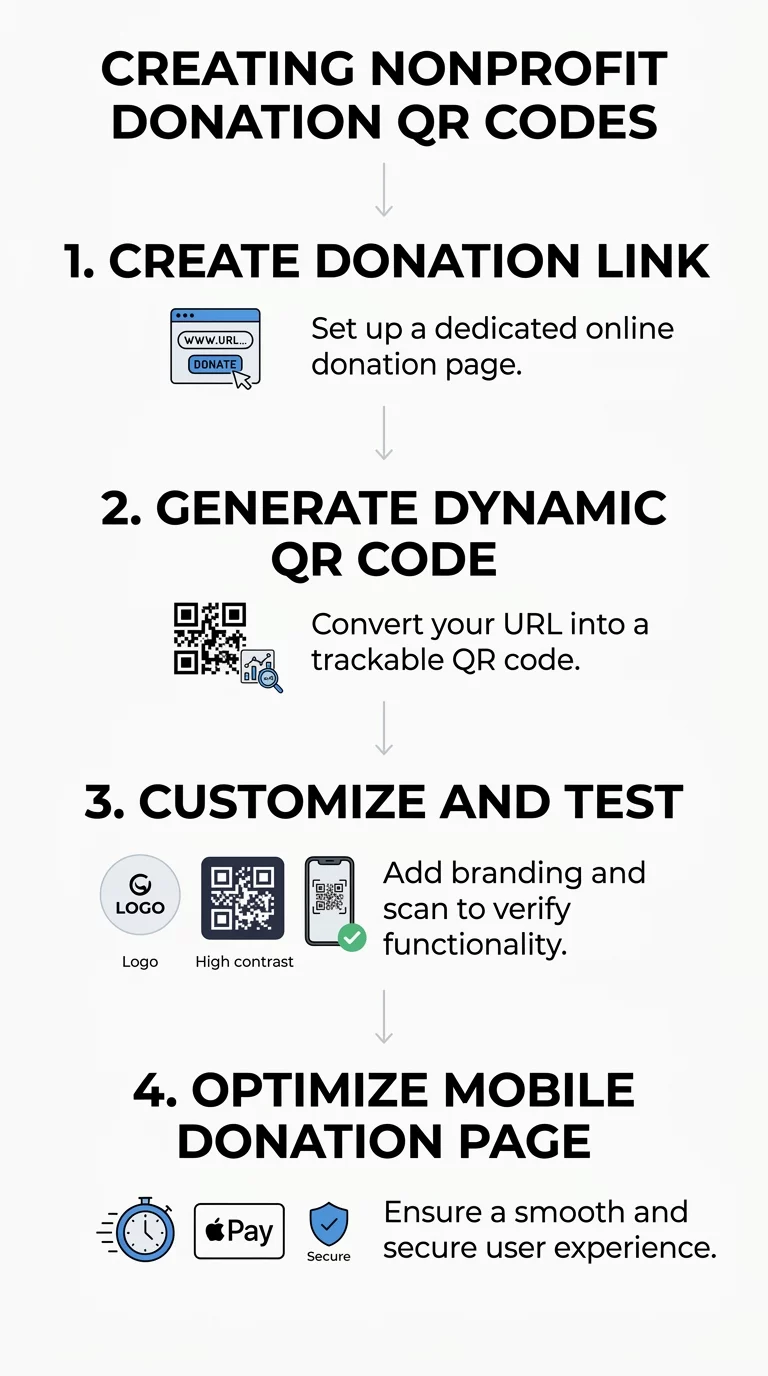
Setting up a donation code requires only a few minutes when using dedicated nonprofit QR code solutions. Following a consistent setup process ensures your code remains reliable, branded, and easy to scan:
- Copy the direct link to your mobile-friendly donation page or payment portal.
- を開きます。 リンクQRコードジェネレーター and paste the URL into the destination field.
- Select a dynamic QR code so you can update the destination URL later without reprinting materials.
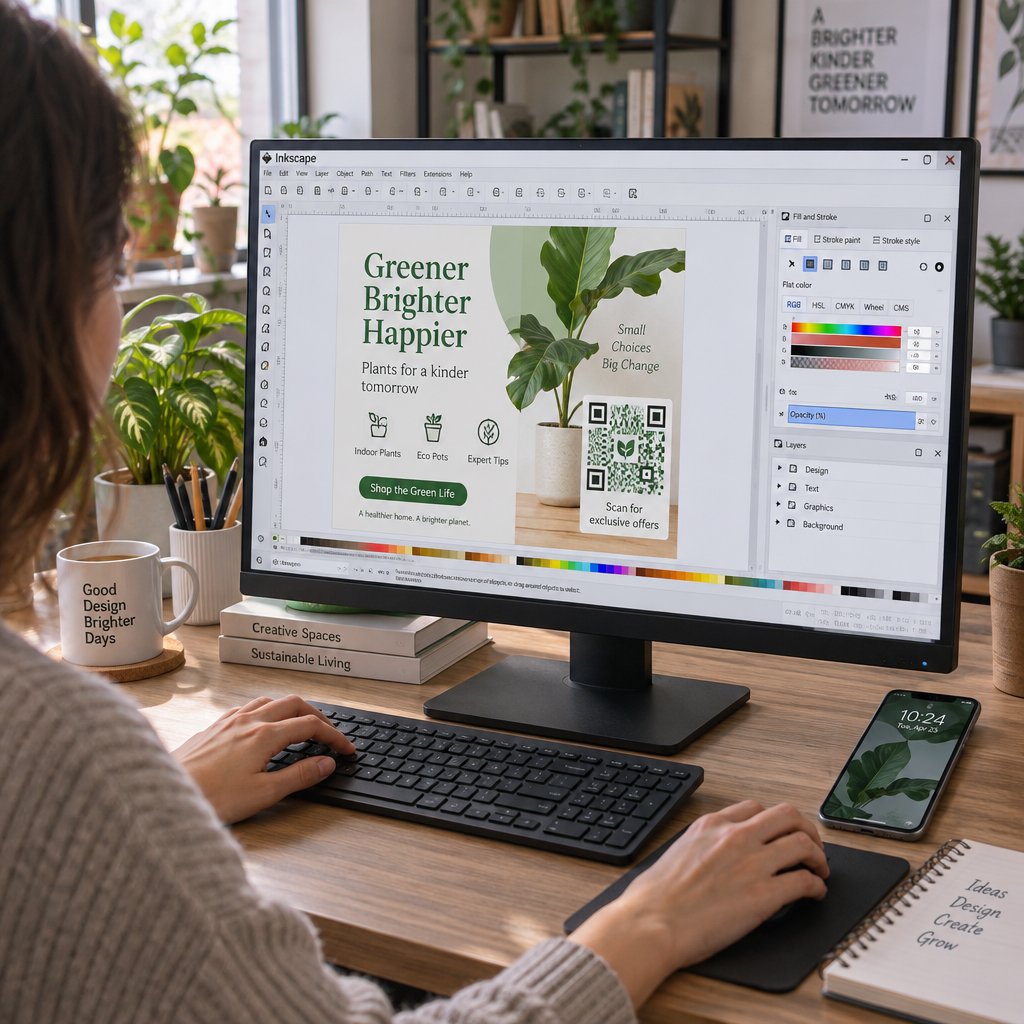
- Customize the visual appearance by selecting custom colors, frames, edges, and body styles that match your organization’s visual identity.
- Add your nonprofit logo to the center of the pattern to build immediate visual trust with prospective donors.
- Download the generated file in a vector format like SVG, EPS, or print-ready PDF to maintain edge sharpness across different print sizes.
- Test the code across multiple smartphone models and operating systems before starting your print run.
Launch Trackable Donation Campaigns Want to update your donation links anytime and measure scans across every physical campaign? Use the ダイナミックQRコード作成ツール to create customizable, editable codes with real-time performance tracking.
高いスキャン可能性のための技術標準
A donation code only works if smartphone cameras can resolve it quickly under real-world conditions. You must design your codes to meet technical scanning benchmarks:
- Maintain a minimum print size of 2 x 2 cm (0.8 x 0.8 inches) for close-range scanning on handheld materials.
- Apply the 10:1 distance-to-size ratio for distant signage, meaning a poster scanned from ten feet away requires a code at least one foot wide.
- Include an unobstructed quiet zone at least four modules wide on all sides to separate the data modules from surrounding artwork.
- Maintain a contrast ratio of at least 4.5:1 using dark foreground modules on a light background, avoiding low-contrast pairings like yellow on white.
- Export raster images at 300 to 600 DPI if vector files are not supported by your print vendor.
- Print on matte or semi-gloss finishes to prevent glare and reflections from interfering with the camera sensor.
スキャン後の寄付者体験の最適化
The QR code is simply the gateway; the destination page determines whether a scanner completes their gift. If a landing page loads slowly or presents a cluttered form, donors will abandon the process before submitting payment.
Streamlined Giving Forms
Ensure the destination page uses responsive design with touch-friendly form fields and legible typography. Keep the donation form concise by requesting only essential details needed to process the gift. Make the specific purpose of the appeal immediately visible, feature prominent one-time and recurring gift options, and integrate familiar digital payment methods to minimize typing.
Security, Trust, and Legal Compliance
Donors must feel confident that their financial data remains secure. Work with a PCI DSS-compliant payment processor that handles card details directly through encrypted channels rather than through your own servers. Display recognizable security badges alongside a clear explanation of how donor data is handled.
Fundraising regulations also govern donor solicitations:
- Confirm whether your nonprofit must register for charitable solicitation in specific states before distributing materials to those residents.
- Display a conspicuous disclosure statement if your organization is not eligible to receive tax-deductible charitable contributions.
- Provide written disclosures for quid pro quo contributions exceeding $75, stating the deductible amount after subtracting the fair market value of goods or services provided.
- Provide donors with formal written receipts to substantiate contributions of $250 or more for tax purposes.
Strategic Placement Across Fundraising Channels
Where you position your donation codes directly influences scan volume and overall revenue. Placing codes where supporters naturally pause gives them the time needed to pull out their devices.
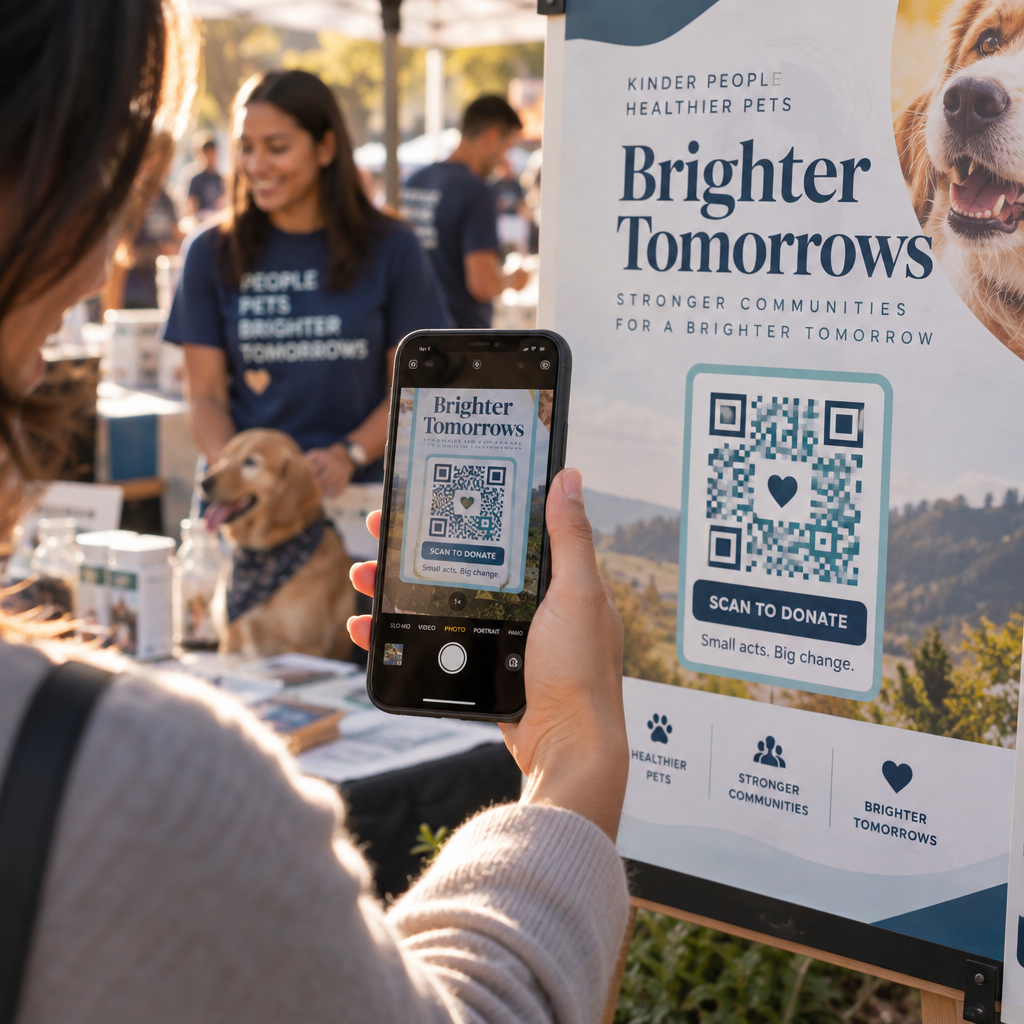
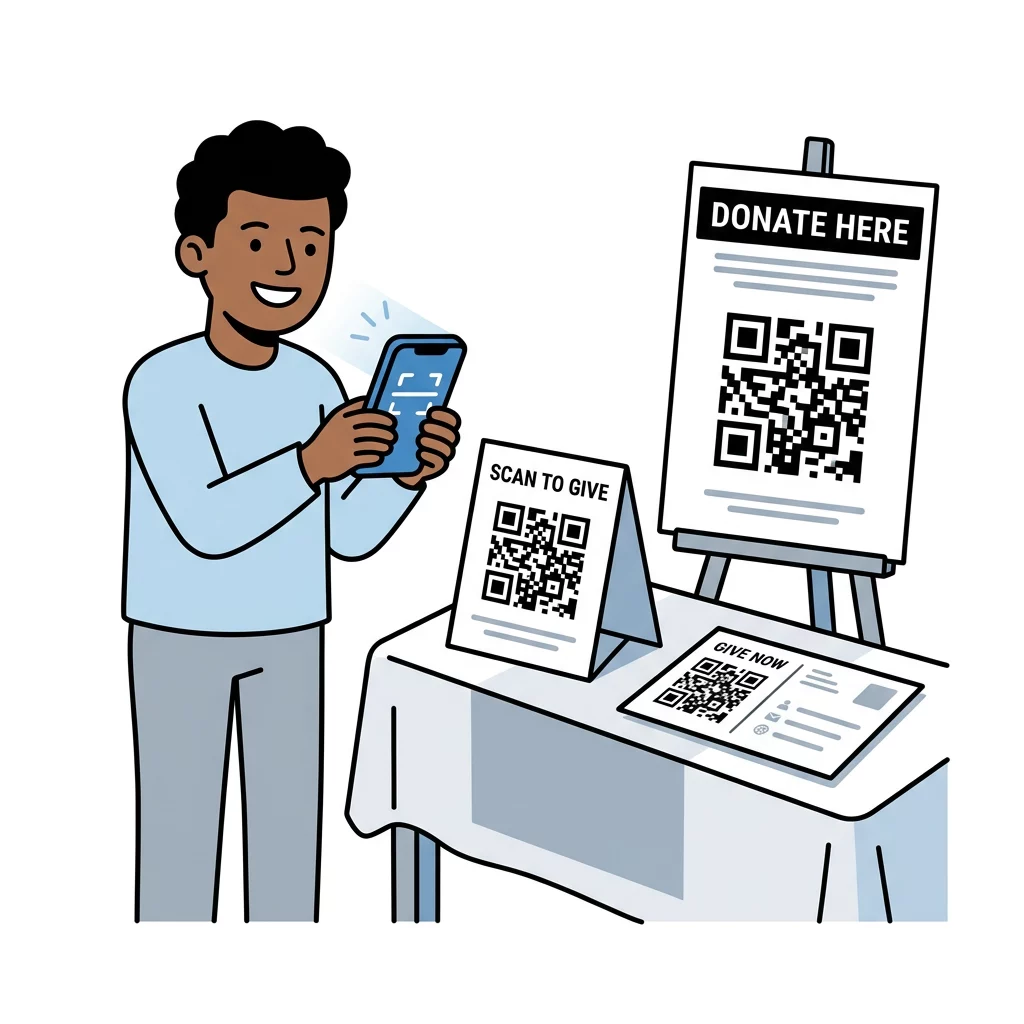
Adding scan-to-donate prompts to チラシのQRコード distributed at community gatherings provides an immediate digital pathway for supporters who do not carry cash. For larger live gatherings, galas, and walkathons, printing ポスターのQRコード and stage banners allows attendees to participate during live funding appeals. You can also place codes on direct mail letters and newsletters as a modern alternative to paper checks and return envelopes.
When installing physical materials, keep the codes at eye level and away from paper folds or curved surfaces that can warp the code matrix. Regularly inspect printed signage displayed in public areas to ensure malicious actors have not placed fraudulent stickers over your original design.
Measuring Campaign Success with Scan Tracking
Understanding which appeals drive contributions allows you to allocate your fundraising budget efficiently. By トラッキングQRコード with dynamic links, your team can monitor engagement metrics across different channels in real time.
A central dashboard lets you view total scans, unique visits, scanning timestamps, device operating systems, and approximate geographic locations. By deploying unique dynamic codes for direct mail, event signage, and local flyers, you can directly compare which physical materials generate the highest donor engagement.
Adopting QR codes eliminates the technical disconnect between physical outreach and digital checkout. Applying strict contrast rules, optimizing mobile landing pages, and using dynamic tracking transforms your everyday print materials into immediate, reliable fundraising opportunities. Start building your next campaign with the 無料QRコード作成ジェネレーター to create customized, high-performing donation codes today.
よくある質問
Dynamic QR codes let you change the destination web address at any time without reprinting your flyers, posters, or direct mail. They also provide scan analytics, allowing you to track scan volume, locations, and device types to measure campaign success.
Use a reputable generator that links exclusively to secure HTTPS web addresses with SSL encryption. Regularly inspect physical displays for unauthorized sticker overlays, add your nonprofit’s logo into the code design to reinforce legitimacy, and ensure your landing page clearly displays your organization’s branding.
For handheld items like flyers, direct mail, or business cards, the code must measure at least 2 x 2 cm (0.8 x 0.8 inches). For larger signage like event banners or posters, follow the 10:1 scanning ratio, ensuring the width of the code is at least one-tenth of the expected viewing distance.