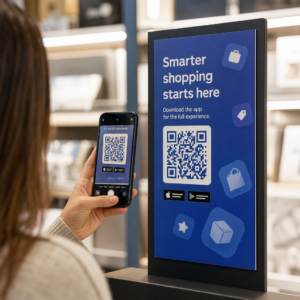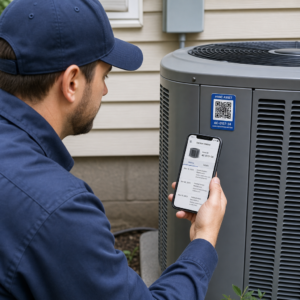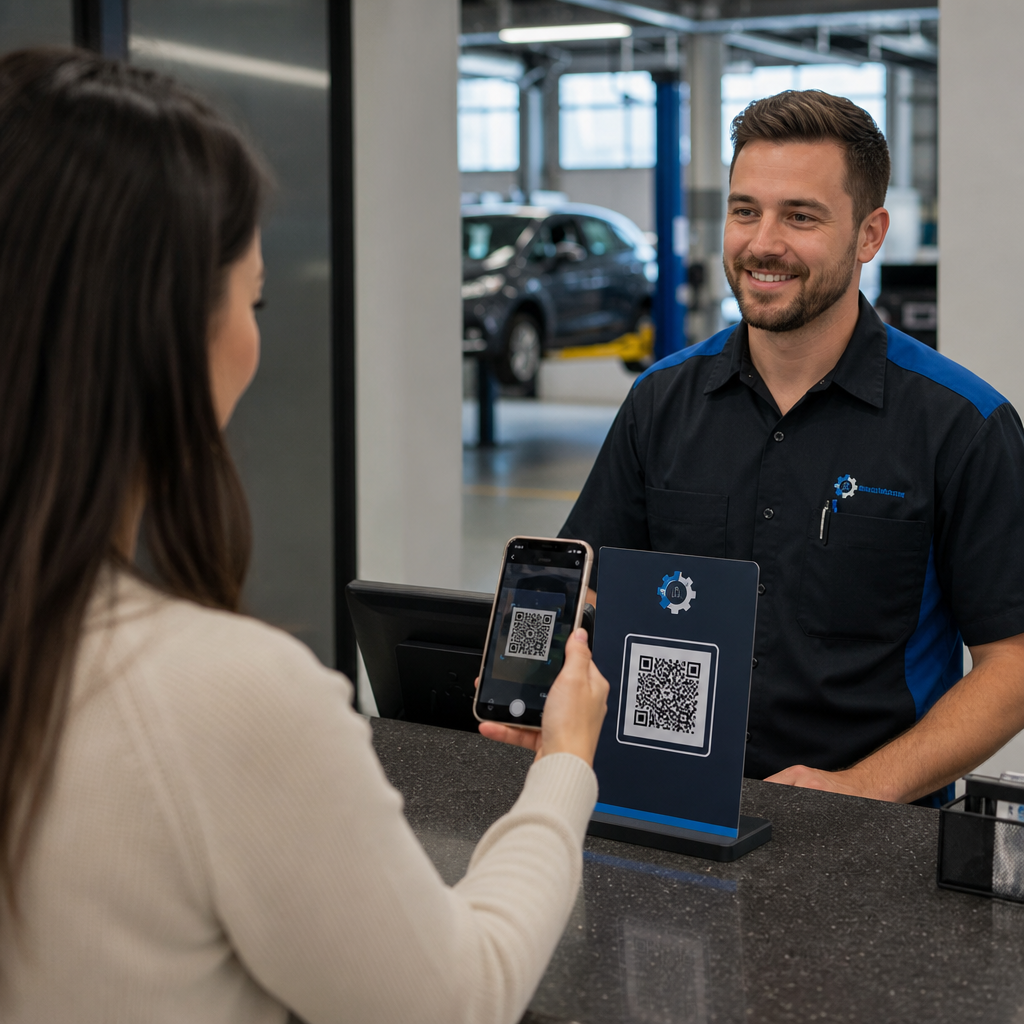

Kas pikad vastuvõtujärjekorrad, unustatud hooldusmeeldetuletused ja vähesed veebiarvustused aeglustavad teie autoremonditöökoja tööd? Käsitsi paberimajandus ja killustatud kliendisuhtlus raiskavad väärtuslikke teenindusnõustaja tunde ja lasevad korduval tulul kaduma minna. Skaneeritavate QR-koodide integreerimine teie füüsilistesse kontaktpunktidesse muudab rutiinsed vastuvõtmised ja teenindusjärgse järelkontrolli kiireteks, automatiseeritud digitaalseteks interaktsioonideks.
Kiirendage klientide sisseregistreerimist ja vastuvõtuprotsesse
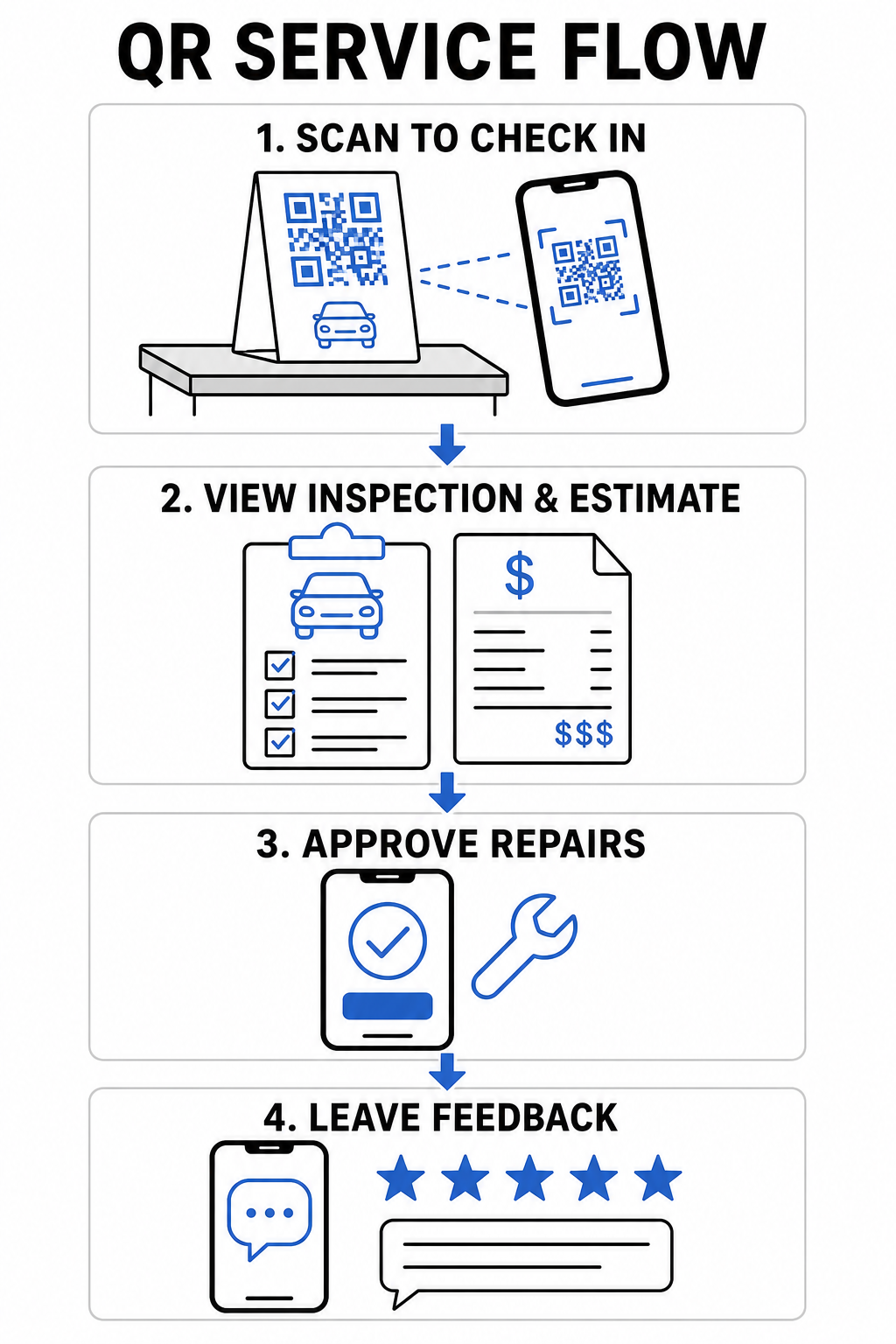
Sõidukite vastuvõtmine tekitab kitsaskohti, kui kliendid peavad käsitsi täitma paberist vastuvõtuvorme või ootama teenindusnõustajat, kes registreeriks sõiduki läbisõidu ja sümptomid rea-realt. Selle esialgse kontakti automatiseerimine vähendab ooteruumi hõõrdumist ja toimetab remonditellimused teie tehnikuteni kiiremini.
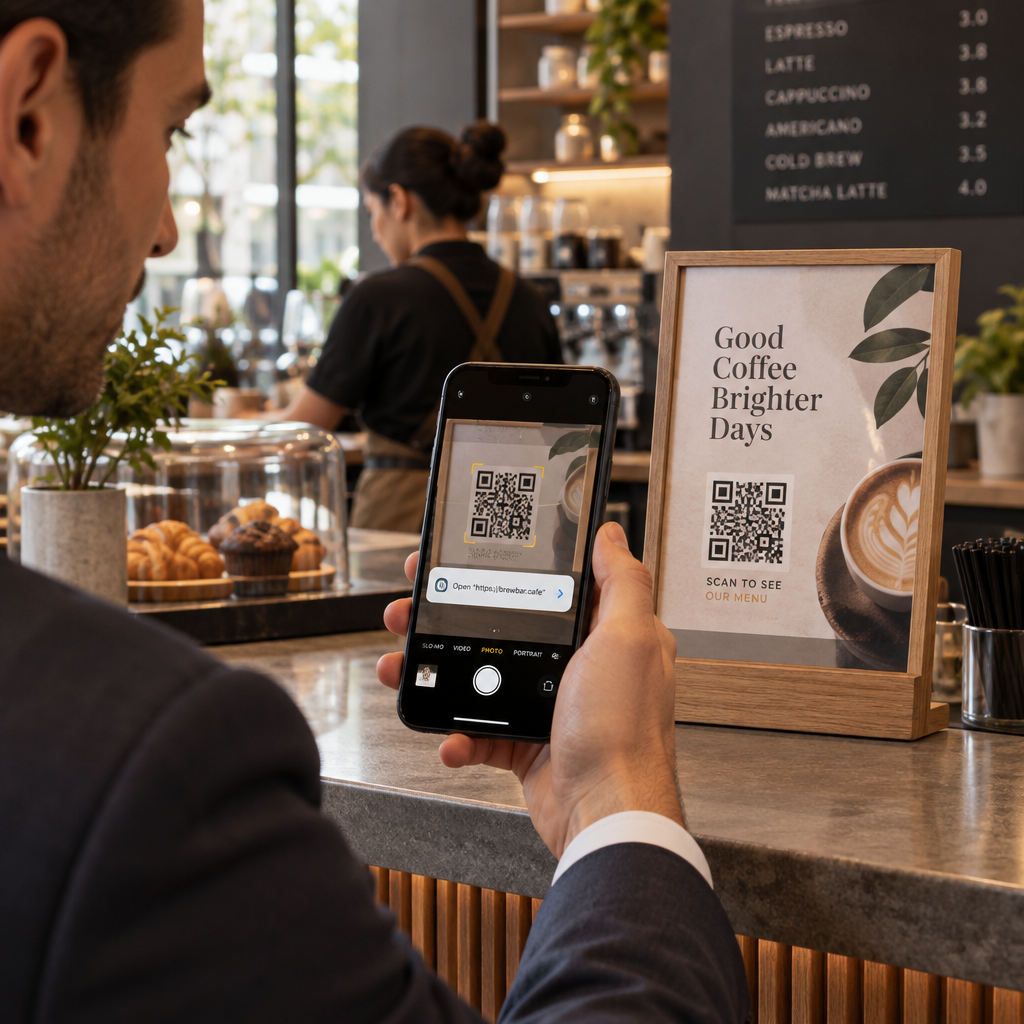
- Digiteerige klientide sisseregistreerimine: Kuva letisildid, mis on lingitud Google vorm: QR-koodi generaator nii saavad saabuvad juhid esitada kontaktandmed, sõiduki teabe ja remonditaotlused otse oma mobiilseadmetest.
- Pakkuge kohest ooteruumi Wi-Fi-t: Asetage skaneeritavad Wi-Fi koodid ooteala letiekraanidele, et kliendid saaksid automaatselt ühendust ilma võrgu paroole sisestamata.
- Jagage digitaalseid ülevaatusaruandeid: Laadige üksikasjalikud sõiduki diagnostikaaruanded üles PDF QR-koodi generaator lingile töökorraldustes, et juhid saaksid oma telefoni ekraanidelt üle vaadata vedelike seisukorra, rehvimustri sügavuse ja soovitatud teenused.
Lihtsustage oma teenuse vastuvõtuprotsessi Vähendage ooteruumi paberimajandust ja kiirendage vastuvõtmisi, luues kohandatud digitaalsed registreerimisvormid koos Google vorm: QR-koodi generaator.
Parandage kliendisuhtlust ja digitaalseid puutepunkte
Pikaajalise kliendilojaalsuse loomine nõuab läbipaistvat suhtlust keerukate autoremontide osas. Vahetu digitaalse juurdepääsu pakkumine hinnangute detailidele, töökoja kontaktidele ja tagasiside kanalitele soodustab juhtide usaldust kogu teenindusperioodi vältel.
- Salvestage töökoja täielikud kontaktandmed: Printige vCard kood tuuleklaasi hooldusmeeldetuletuse kleebistele või võtmehoidjatele, et kliendid saaksid teie telefoninumbri, aadressi ja pukseerimisteabe otse oma telefoni aadressiraamatutesse salvestada.
- Koonda remondihinnangud: Suuna sõidukiomanikud kohandatud maandumislehtedele mis kirjeldavad remondivõimalusi, varuosade jaotust ja ülevaatusfotosid ühes mobiilivaates.
- Kogu kohest teeninduse tagasisidet: Lisa lingid alates a kliendi tagasiside QR-kood tööriistast lõplikesse arvetele, et mõõta klientide rahulolu enne, kui juhid teie töökojast lahkuvad.
| Puutepunkt | Soovitatav QR-koodi tüüp | Operatiivne kasu |
|---|---|---|
| Teeninduslett | Vormi või lingi QR | Kaotab paberist vastuvõtulehed ja lühendab hommikusi äraandmisjärjekordi. |
| Lõpparve | Arvustuse või tagasiside QR | Kogub kohest klienditagasisidet ja tõstab avalikke veebireitinguid. |
| Meeldetuletuskleebis | vCard või kalendri QR | Muudab töökoja kontaktide salvestamise ja järgmiste õlivahetuste broneerimise vaevatuks. |
| Viisakuspark | Dünaamiline turundus-QR | Muudab kohalikud transporditeekonnad jälgitavateks turundusvõimalusteks. |
Edendage kohalikku turundust ja klientide arvustusi
Enamik juhte otsib internetist abi, kui nad kohtavad ootamatut sõidukiprobleemi või vajavad rutiinset hooldust. Teie töökoja trükireklaami ja võrguühenduseta kliendiinteraktsioonide ühendamine teie digitaalsete profiilidega laiendab teie kohalikku jalajälge ja genereerib järjepidevat broneerimismahtu.
- Automatiseeri arvustuste kogumist: Kuvage lettikaarte, mis on loodud koos a Google Review QR-koodi generaator kassas, et innustada rahulolevaid sõidukiomanikke teie ettevõtet Google'is hindama.
- Jagage hooajalisi soodustusi: Lisage skannitavaid pakkumisi, kasutades a Kupongi QR-koodi generaator rehvivahetuse flaieritele või postkaardile, et julgustada õigeaegseid broneeringuid.
- Lihtsustage töökoja navigeerimist: Kaasake a Google Maps QR-koodi loomine link trükitud flaieritele, et hätta jäänud autojuhid või uued kliendid saaksid koheselt juhised teie teeninduskohtadesse.
- Muutke viisakusautod mobiilireklaamideks: Asetage sõidukikleebised, mis on lingitud QR-koodide jälgimine transpordiautodele, et mõõta kaasatust kohalikel transiiditeedel.
Genereeri rohkem Google'i arvustusi kassas Muutke rahulolevatele juhtidele teie töökoja veebis hindamine vaevatuks, luues spetsiaalse arvustuse lingi koos the Google Review QR-koodi generaator.
Tehnilised juhised koodi printimiseks ja paigutamiseks
Autoremonditöökojad pakuvad ainulaadseid keskkonnaprobleeme, sealhulgas nõrk valgustus teeninduskohtades, õlised pinnad ja tugevalt peegeldavad vastuvõtulauad. Tehnilistele printimisstandarditele vastamine tagab, et teie koodid skaneeritakse koheselt kõigis mobiilseadmetes.
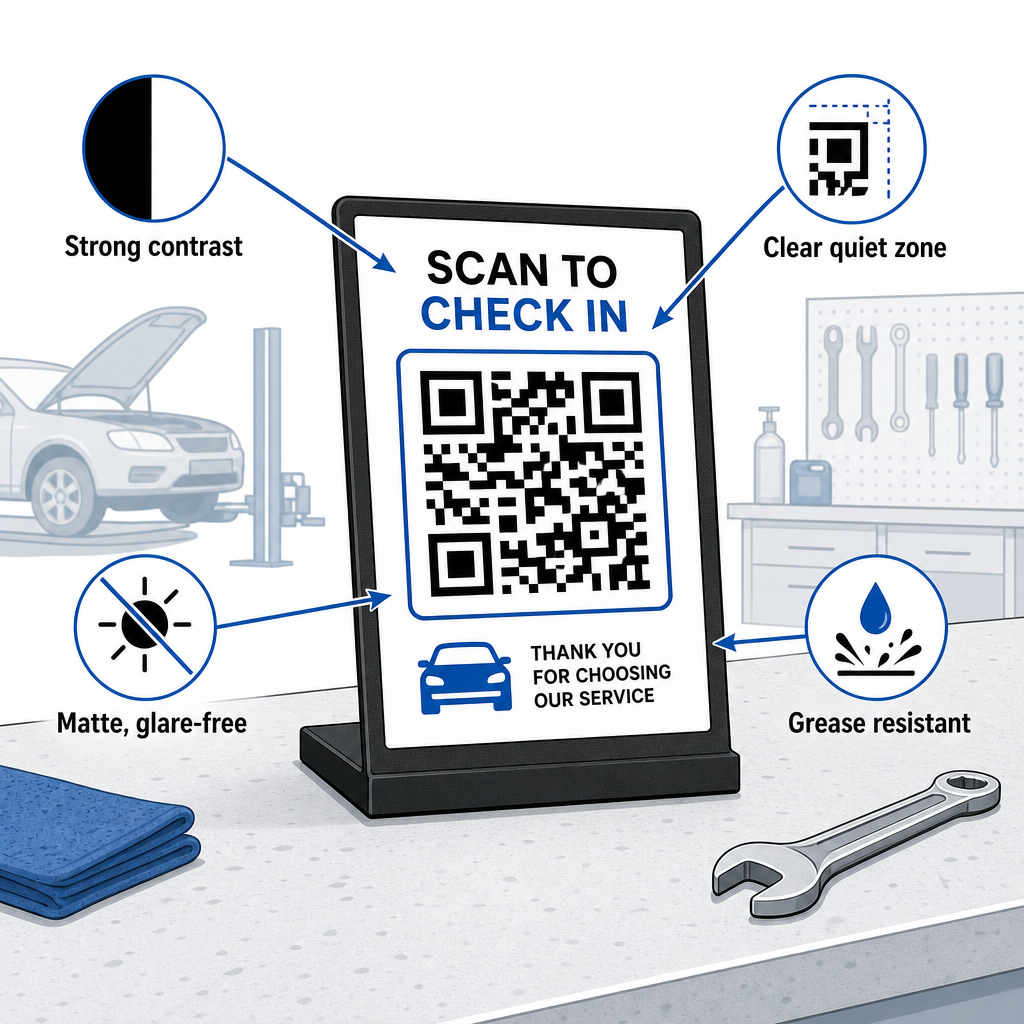
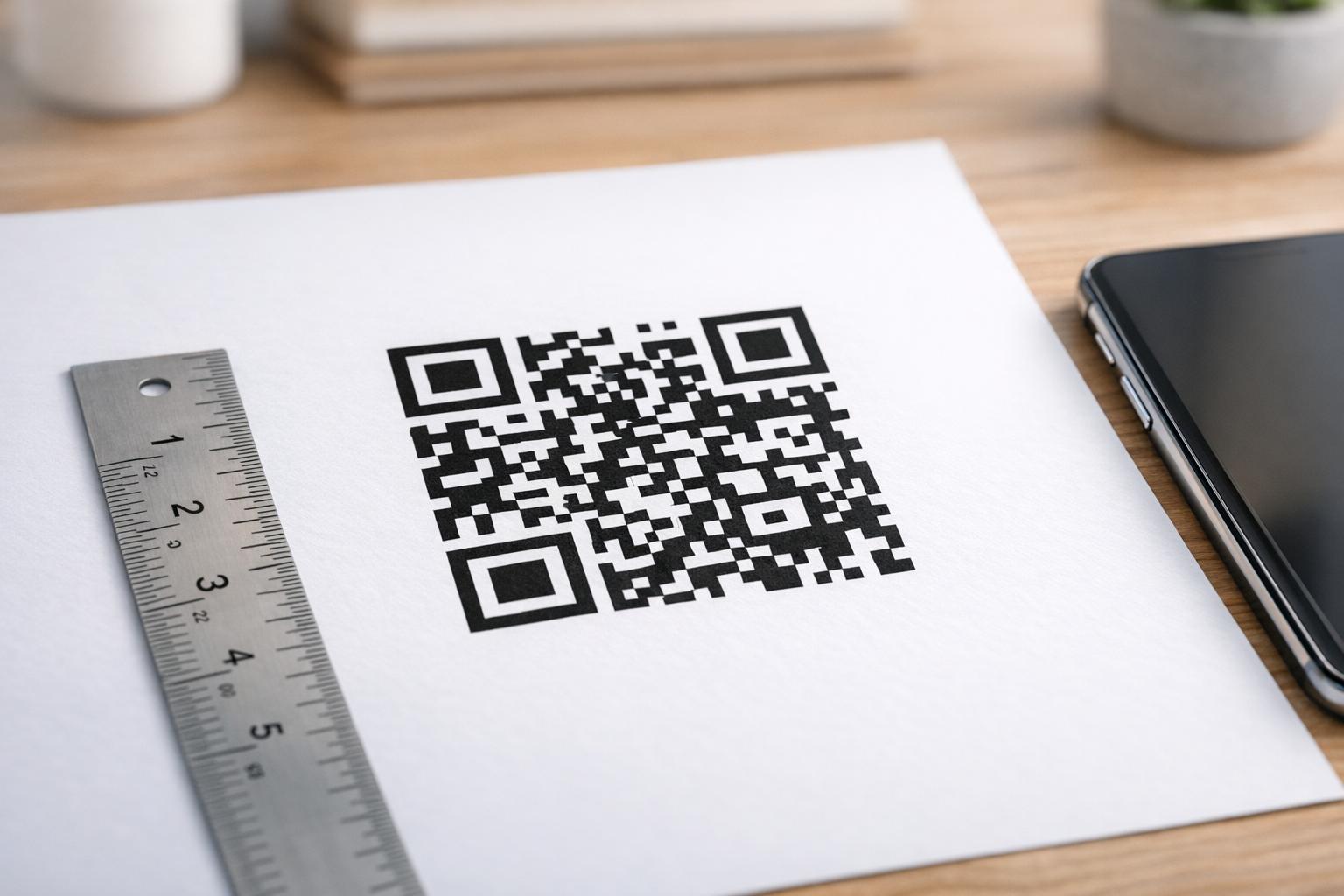
- Säilitage õiged suuruse proportsioonid: Kasutage 10:1 skaneerimiskauguse ja koodisuuruse suhet, nii et 10 tolli kauguselt skaneeritud kviitung kasutab koodi, mille laius on vähemalt 0,8 × 0,8 tolli (2 × 2 cm).
- Tagage tugev visuaalne kontrast: Printige tumedaid mustreid ühtlaselt heledale taustale kontrastisuhtega vähemalt 4:1, et aidata nutitelefoni kaameratel mooduleid täpselt lugeda.
- Kaitske vaikset tsooni: Jätke koodi kõigile neljale küljele vähemalt 4 mooduli laiuse puhas serv, nagu on kirjeldatud juhendis QR-koodi loetavuse parimaid tavasid.
- Valige vastupidavad, matid materjalid: Kasutage mati lamineerimist või rasvakindlat vinüüli läikivate katete asemel, et vältida poe valgustite tekitatud skaneerimist takistavaid peegeldusi, järgides soovitusi 15. kuidas printimistehnikad mõjutavad QR-koodi skannitavust.
- Asetage koodid silmade kõrgusele: Asetage letiekraanid vastuvõtualadel 3,5 ja 5,5 jala kõrgusele, tuginedes uuringutele QR-koodide paigutus turunduses.
- Eksportige vektorikujundus: Laadige koodikujundus alla SVG-, EPS- või PDF-vormingus, et vältida hägusust suurte siltide või sõidukigraafika kujunduste skaleerimisel.
Paberkandjal vastuvõtulehtede, käsitsi tagasiside kogumise ja staatiliste flaierite asendamine skaneeritavate linkidega loob teie autoteeninduse meeskonnale sujuvama töövoo ja sõidukiomanikele moodsa kogemuse. Füüsiliste puutepunktide ajakohastamine teie töökojas muudab rutiinsed teeninduskõned jälgitavaks digitaalseks kasvuks.
Avastage Pagelooti põhjalikke tööriistu teenindussektori QR-koodid või kasutage veebipõhist QR-koodi generaator et käivitada oma dünaamilised poekampaaniad juba täna.
Korduma kippuvad küsimused
Dünaamilised QR-koodid võimaldavad teil uuendada sihtkoha URL-e, digitaalseid dokumente või sooduspakkumisi ilma füüsilisi letisilte või kleebiseid uuesti trükkimata. Need hõlmavad ka skaneerimise jälgimist, et saaksite jälgida klientide kaasamist oma turunduskanalites.
Kõige tõhusam asukoht on otse makselaua peal kaarditerminali lähedal või trükitud lõplikule teenuse arvele. Arvustuste küsimisi saate paigutada ka võtmehoidjatele või armatuurlaua tänukaartidele.
Tugev määrdumine võib mooduleid varjata, kuid kasutades kõrgeid veaparandustasemeid (Q või H) võimaldab koode skaneerida isegi siis, kui kuni 30% graafikast on kahjustatud. Selgete mattide kaitsekatete paigaldamine trükitud letiekraanidele hoiab samuti ära rasva kogunemise.