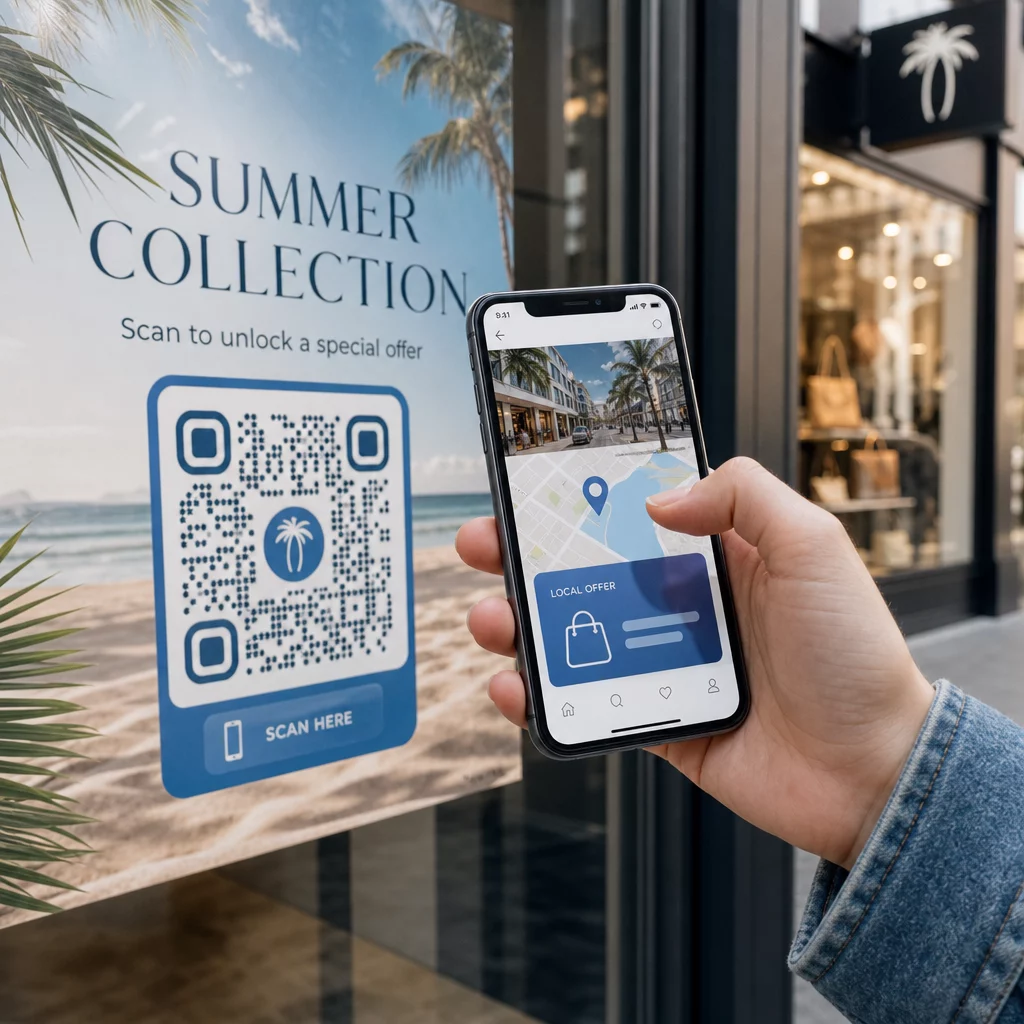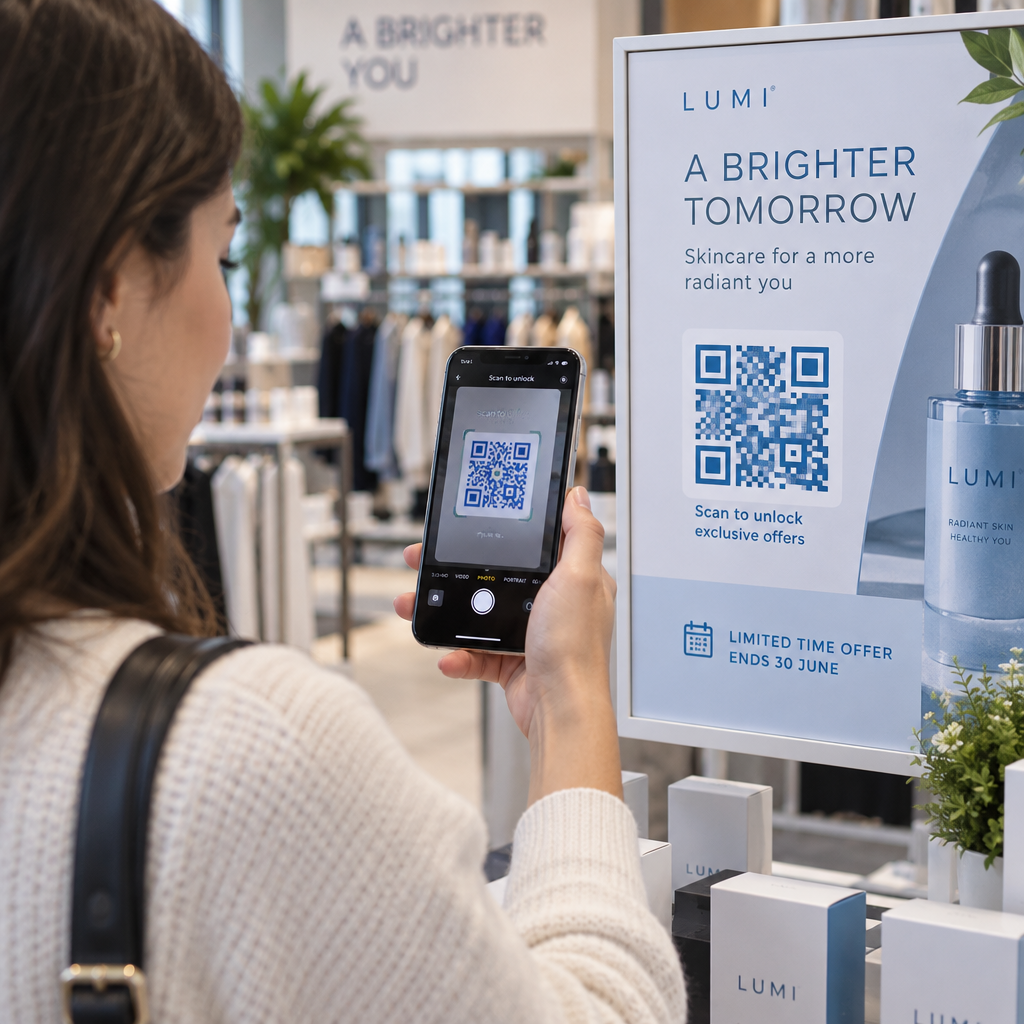
Are you worried about customers scanning printed QR codes for expired promotions? Broken links and outdated offers frustrate potential buyers and hurt brand trust. Setting automated expiration dates gives you precise control over your campaign timeline while protecting the customer experience.
Static vs. Dynamic QR Code Limitations
To manage code expiration, you must first understand how different codes store information. A static QR code embeds data directly into the black-and-white pixel pattern. Because that information is fixed at generation, a static code has no built-in timer or automatic shutoff. As explained in our guide to 静态与动态二维码, the only way to stop a printed static code from working is to physically remove or cover the material.
Dynamic QR codes solve this problem by routing scans through a short redirect link on a central server. The printed pattern never needs to change because the server dictates where the user lands. When a dynamic code reaches its expiration date, the platform simply closes the link or forwards incoming traffic to an alternate page. If you ever need to adjust your promotion window after distribution, you can learn 如何编辑二维码 directly inside your management dashboard without reprinting a single flyer.
Primary Methods for Setting QR Code Expiration
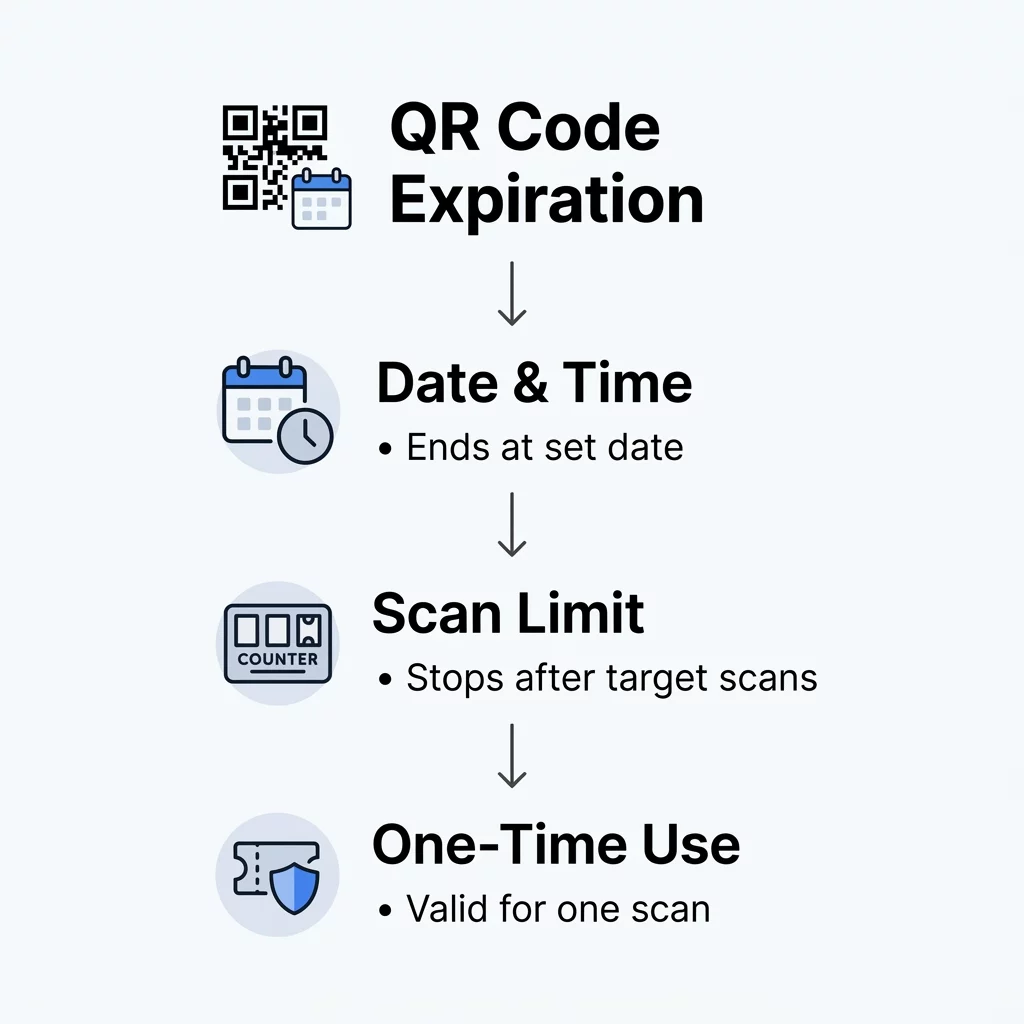
Modern management platforms offer multiple automated mechanisms to deactivate codes or shift destinations based on campaign rules. Choosing the right method depends on whether your campaign is bound by time, user volume, or access security.
- Date and time scheduling: You can define an exact calendar date and hour for a code to stop working. This approach fits seasonal retail sales, holiday promotions, and limited-time menu schedules. For example, the Marriott Aruba replaced physical menus with dynamic codes to swap between breakfast, lunch, and dinner, saving approximately $150,000 in printing costs.
- Scan-count thresholds: A scan limit deactivates or redirects the code after a designated number of scans occurs. This rule supports scarcity marketing, such as offering an exclusive discount voucher to the first 100 customers who scan a store display.
- Single-scan validation: High-security environments rely on codes that expire immediately after one successful verification. This mechanism is standard for 用于访问控制的动态二维码 and digital event entry, blocking unauthorized sharing or duplication of credentials.
Manage Time-Sensitive Campaigns with Ease Want to automate promotional cutoffs and monitor real-time visitor engagement? Use the 动态 QR code 生成器 to schedule active windows, set scan limits, and manage destinations from one central dashboard.
如何设置有效期
Configuring an expiration rule requires a dynamic link setup through a professional management dashboard. Follow these steps to automate your campaign lifecycle:
- Create a new dynamic code using the Pageloot QR码生成器.
- Enter your target destination URL or upload your digital asset.
- Open the code settings inside your dashboard to explore advanced QR码功能.
- Select the expiration tab and establish your parameters, such as a cutoff date, time zone, or total scan limit.
- Assign a designated fallback URL where scanners should go once the promotion ends.
- Save your settings and test the code across multiple mobile devices to verify the redirect logic.
For operations that handle single-use passes or secure registration, review our guide on 如何创建安全的二维码活动门票 to implement tokenized expiration policies.
管理过期后的用户体验
One of the most damaging mistakes in physical-to-digital marketing is allowing a printed code to lead to an unhandled 404 error. A broken screen signals poor management and brings the customer journey to a sudden halt. Instead of deactivating a code completely, always pair time-sensitive codes with a planned fallback destination.
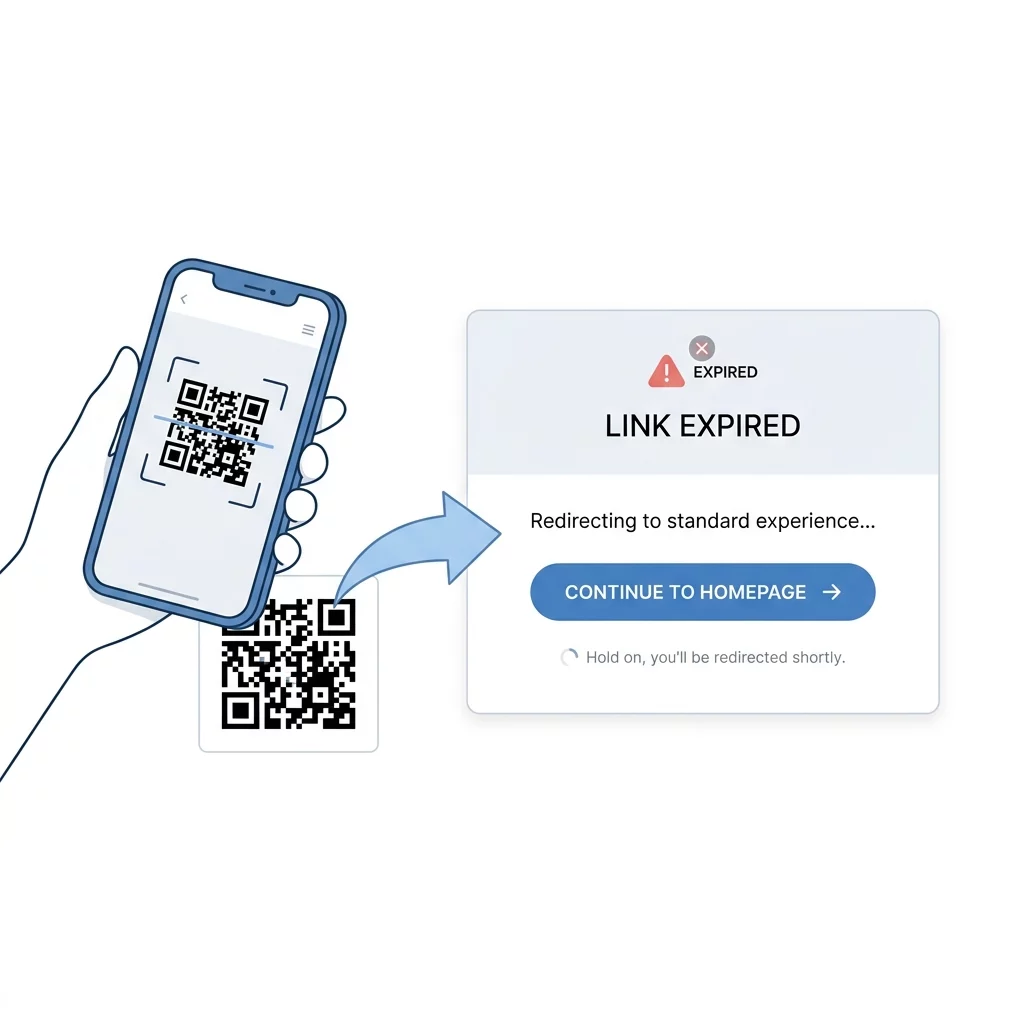
When your seasonal promotion expires, redirect traffic to your primary website, a newsletter signup form, or a product catalog featuring ongoing sales. You can configure this transition seamlessly with a dedicated 链接二维码生成器, ensuring that anyone scanning your printed materials after the campaign window still finds relevant, high-value content.
Maintaining Campaign Integrity Over Time
Adding expiration controls ensures your offline marketing matches your live inventory, active pricing, and security protocols. Rather than leaving permanent access points in the wild, dynamic codes give you full control over when content starts, stops, and redirects. Create your first time-sensitive code using the Pageloot QR码生成器 today to keep your offline promotions accurate and reliable.
常见问题
No. Static QR codes encode destination data directly into the printed matrix, meaning the content cannot be modified or scheduled. To configure automated expiration, you must create a dynamic QR code before printing.
If you configured a fallback URL, the customer automatically lands on your chosen replacement page. If you do not provide a fallback link, the platform displays an inactive campaign notification.
An expiration date only stops access once the deadline passes or scan threshold is reached. While the campaign is still active, anyone with access to the link can view it unless you implement single-use access controls.