Plan Your QR Code Size for Perfect Scans Every Time
Creating a QR code for your business card, flyer, or billboard sounds simple—until you realize size matters. A code that’s too small for the scanning distance can frustrate users with failed scans, while one that’s too big wastes valuable space. That’s where a reliable QR code dimension tool comes in handy. It helps you nail the balance for readability without needing a design degree.
Why Size and Placement Are Key to QR Success
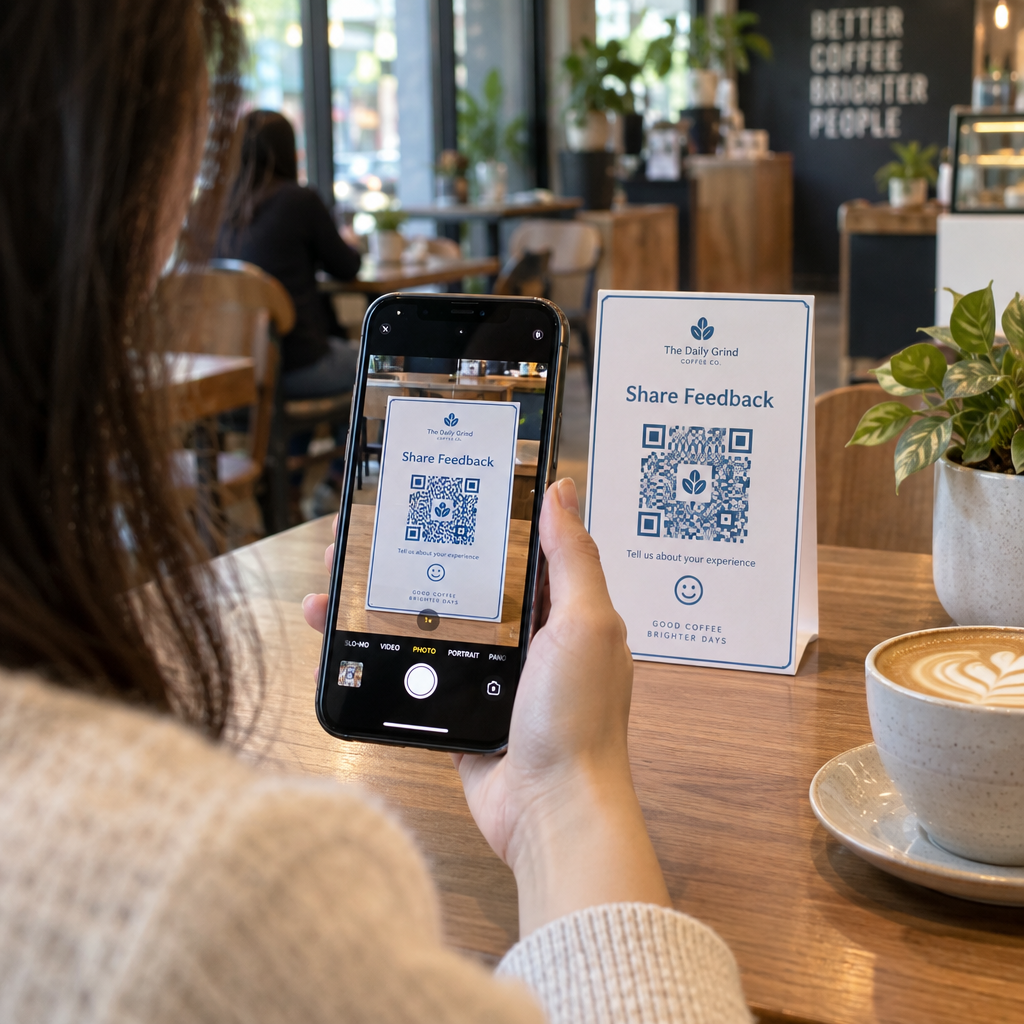
When planning a QR code for print or display, consider how far away your audience will be. A code on a storefront window viewed from 10 feet needs to be much larger than one on a product label scanned up close. Device type plays a role too—smartphones often need a slightly bigger target than industrial scanners. Beyond dimensions, don’t forget basics like high contrast (dark code on a light background) and clear borders to avoid interference. With these factors dialed in, your code becomes a seamless bridge to digital content, whether it’s a website, menu, or promo.
Ready to get started? Use our free calculator to find the ideal measurements in seconds.
よくある質問
スキャン距離はQRコードのサイズにどのように影響しますか?
The farther away someone is when scanning, the larger the QR code needs to be to remain readable. Think of it like reading small text—you can manage fine up close, but at a distance, the letters need to be bigger. Our tool uses a simple rule of thumb: the size in inches is roughly the scanning distance divided by 10. So, for a 10-foot distance, aim for at least a 1-foot-wide QR code. We tweak this slightly for smartphones since their cameras often struggle more than dedicated scanners.
What’s a quiet zone, and why does it matter?
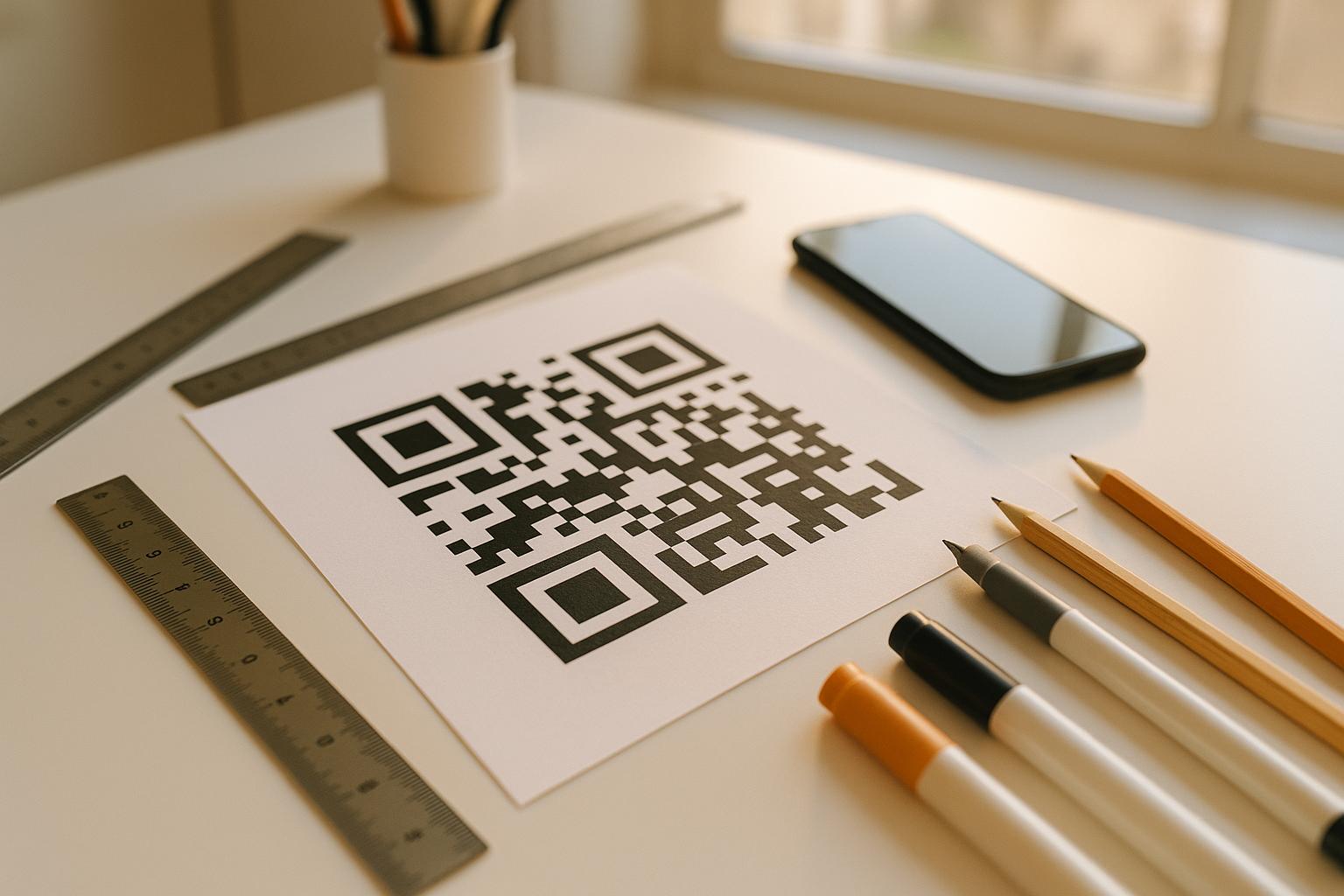
A quiet zone is the empty space around a QR code—think of it as a border that helps scanners focus on the code itself without interference from nearby text or graphics. It should be at least four times the width of a single module (those tiny squares in the code). Without enough space, scans can fail, especially on busy designs like posters. Our tool reminds you to leave this buffer when planning your layout.
Do I need to adjust size based on the scanning device?
Yes, the device makes a difference! Smartphones, which most people use, often have less powerful cameras compared to dedicated QR scanners. That means the code might need to be a tad larger for a phone to pick it up reliably, especially at longer distances. Our planner accounts for this by bumping up the recommended size slightly for smartphone users. If you’re targeting a mix of devices, it’s safer to go with the larger suggestion.