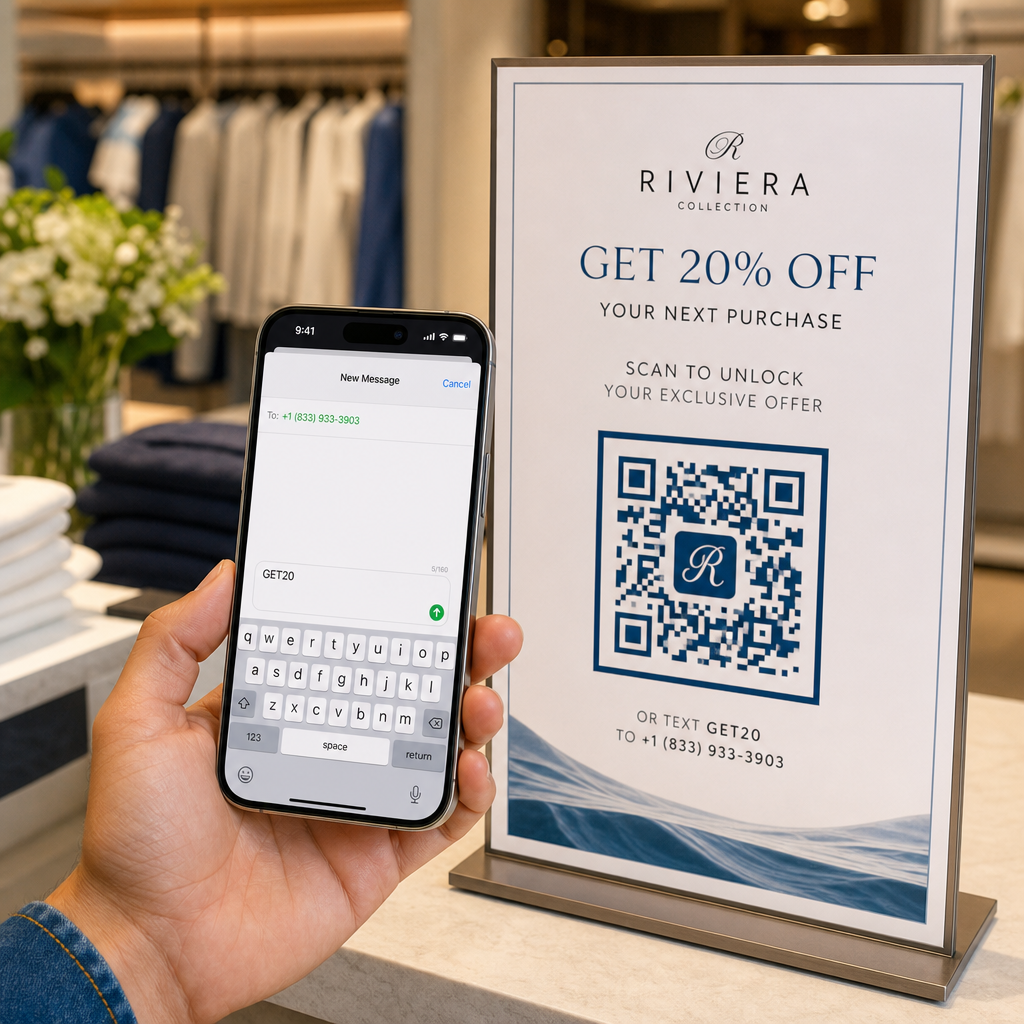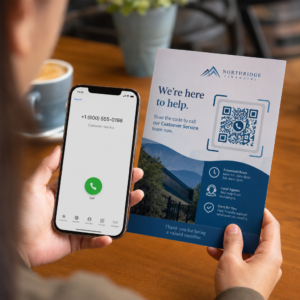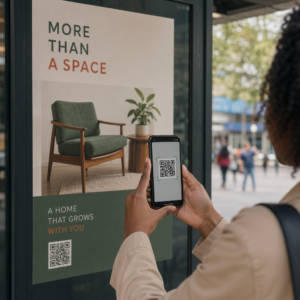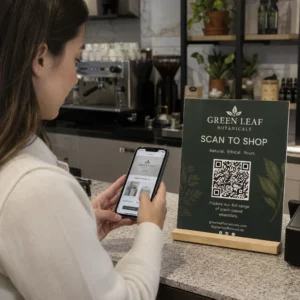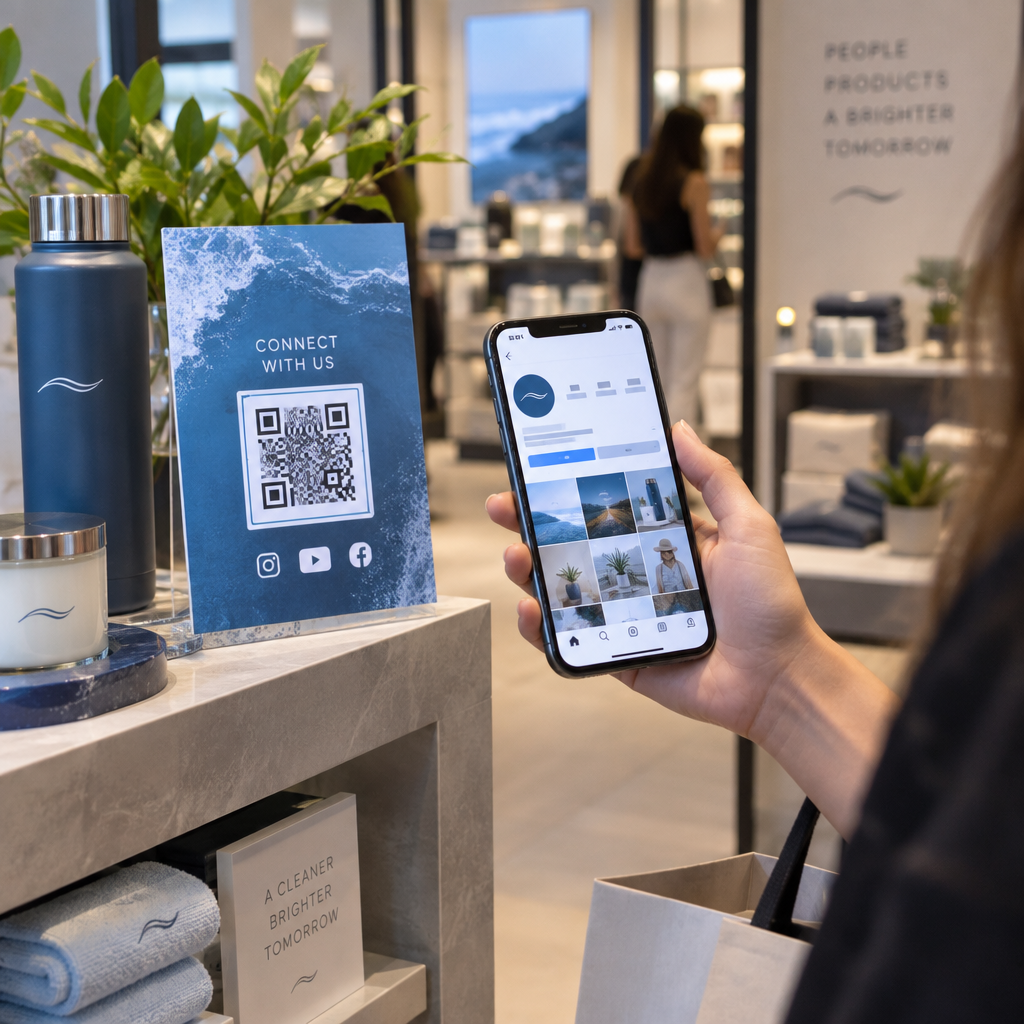
Are you struggling to turn offline brand interactions into online social media engagement? Without a clear bridge between these touchpoints, you lose attribution for your marketing spend and miss out on growing your digital community. Learning how to integrate, track, and optimize QR codes helps you capture attribution data and convert physical audiences across your social channels.
Why Dynamic QR Codes Drive Measurable Social Growth
Physical touchpoints like product packaging, retail signage, event badges, and direct mail represent prime opportunities to expand your digital audience. Static codes link to a hardcoded URL, which prevents you from altering the destination once printing is complete. In contrast, dynamic QR codes route scanners through an editable redirect URL, giving you complete control over the customer journey.
Using dynamic codes also enables you to menghubungkan media sosial dan pemasaran email within a single physical asset. A shopper can scan packaging to follow your brand on Instagram while simultaneously joining your VIP newsletter list. Because dynamic technology records scan interactions as they happen, you capture first-party engagement data that print collateral alone cannot deliver.
| Fitur | Kode QR Statis | Kode QR Dinamis |
|---|---|---|
| Dapat Diedit Setelah Dicetak | Tidak. | Ya. |
| Real-Time Scan Analytics | Tidak. | Ya. |
| Destination URL Updates | Membutuhkan pencetakan ulang | Instant via dashboard |
| Campaign Organization | Manual tracking | Folders and tags |
| Best Application | One-time Wi-Fi access | Multi-channel marketing |
Saat mengevaluasi melacak kode QR for your business, dynamic architecture is necessary to measure campaign return on investment. It provides the flexibility to update promotional links between seasonal campaigns without replacing expensive store displays.
Standar Teknis untuk Kemampuan Pindai yang Andal
A marketing campaign fails if your audience cannot scan your code on the first attempt. Smartphone cameras read QR codes by detecting light reflection differences between individual modules, making visual contrast and spacing essential.
- Maintain high contrast: Place dark modules on a uniformly light background with a contrast ratio of at least 4:1, ensuring optical sensors distinguish data patterns easily.
- Preserve the quiet zone: Keep a clear margin measuring at least four modules wide on all four sides of the code, free from text, logos, or background patterns.
- Scale for distance: Apply a 10:1 viewing distance ratio, meaning a code scanned from 20 inches away must be at least 2 inches wide, with an absolute minimum print size of 0.8 x 0.8 inches.
- Protect finder patterns: Leave the three large positioning squares in the corners completely unobstructed so scanning software can orient the code.
- Test physical proofs: Print test copies and verify scannability across multiple mobile operating systems under varying angles, distances, and lighting before mass distribution.
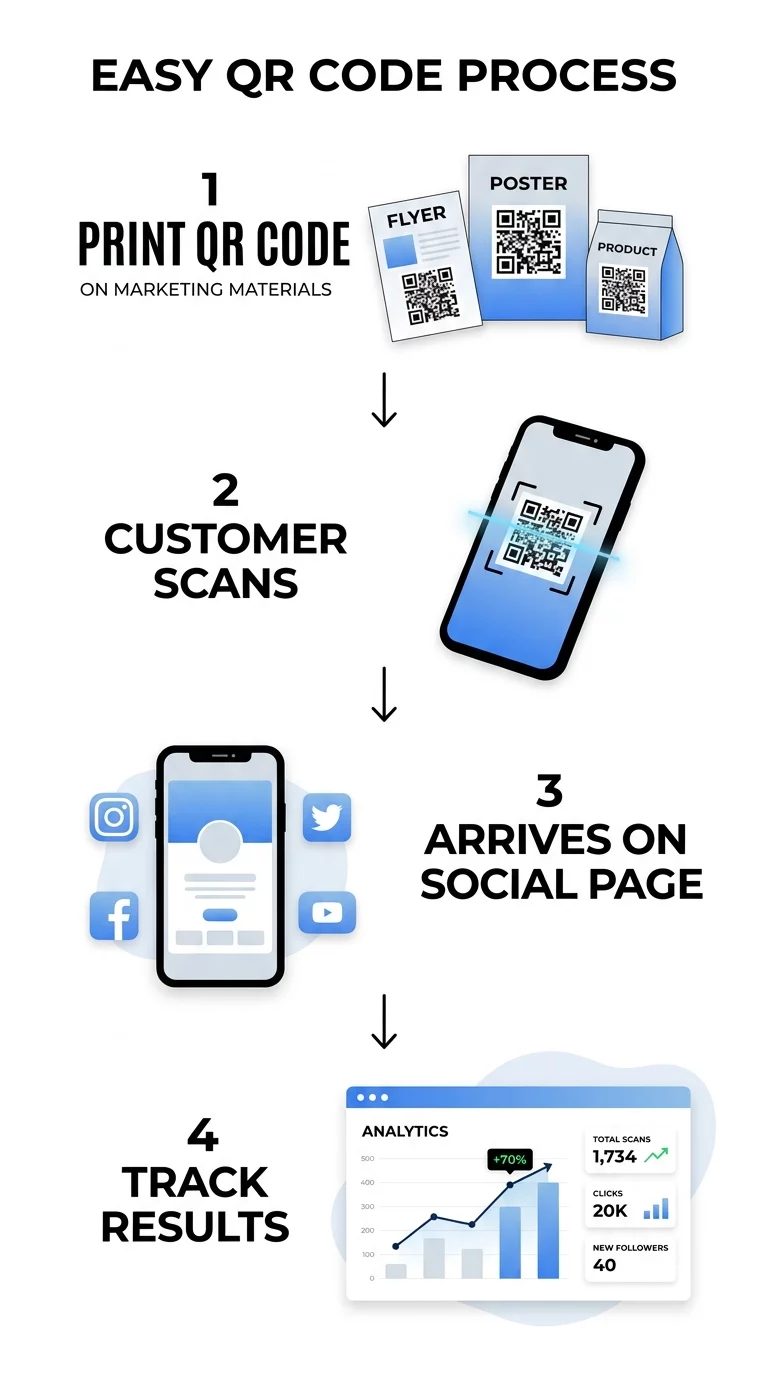
Connecting Cross-Channel Journeys with Dedicated Hubs
Directing users to a generic home page wastes the intent generated by an offline scan. Instead, deploy specialized entry points that guide visitors directly toward your campaign goals.
Menggunakan Generator QR code media sosial allows you to route users straight to native apps. For example, deploy targeted Kode QR untuk media sosial on table tents to direct customers into community groups, or add codes on instruction manuals that trigger assembly videos.
When your campaign spans several channels, avoid forcing users toward a single platform. Mobile-optimized halaman arahan allow a single QR code to display multiple social channels, newsletter sign-ups, and special product offers. This approach removes friction by letting customers engage with your brand on the specific social network they prefer.
Track Every Scan and Optimize Campaign ROI Looking to see which marketing channels deliver the highest engagement? Use the Generator QR Code Dinamis to build trackable campaigns with real-time performance insights.
Tracking Scans and Attributing Conversions in GA4
Proving campaign success requires measuring post-scan actions alongside initial interactions. A centralized dasbor analitik kode QR provides essential scan metrics, including total scans, timestamps, operating systems, and geographic locations down to the city level.
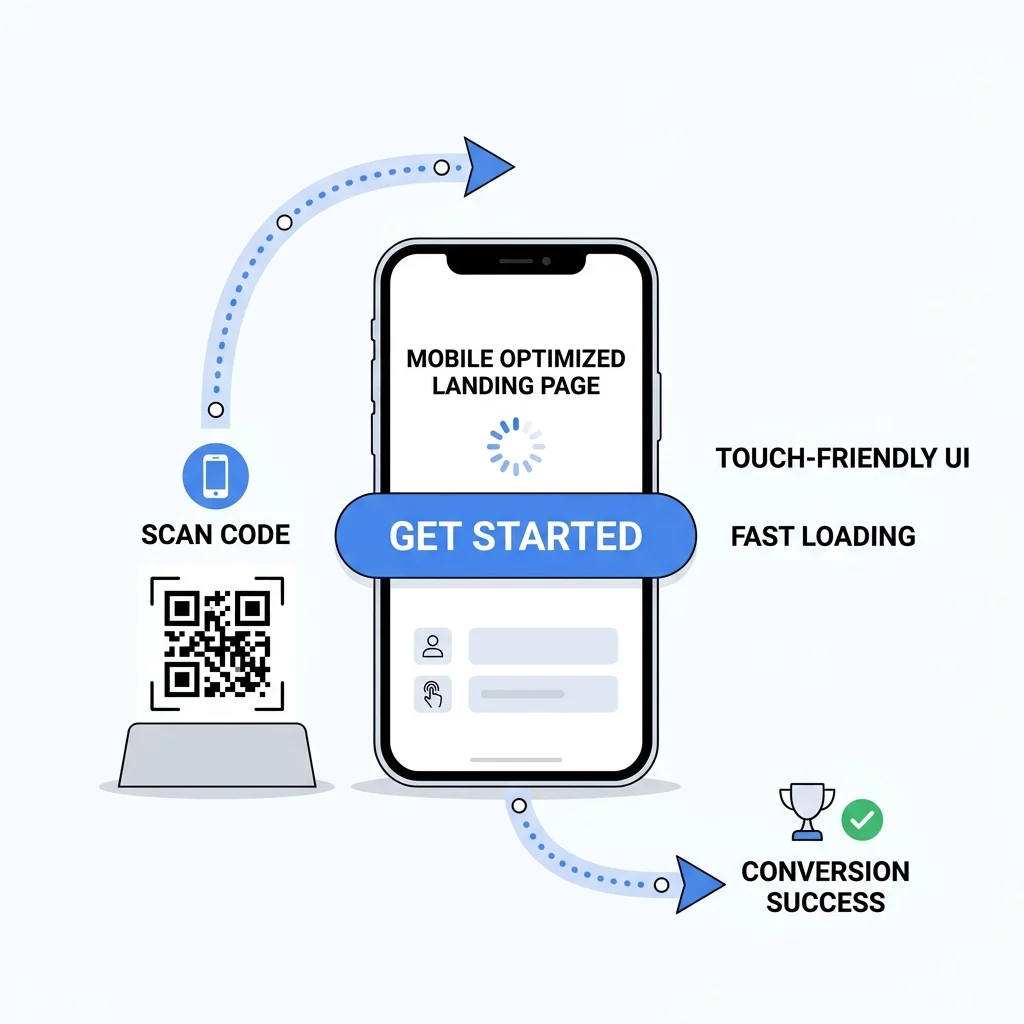
To measure downstream conversions like purchases or lead form submissions, append UTM parameters to the destination URLs inside your dynamic codes:
- Set `utm_source` to identify the specific physical location, such as a store banner or printed brochure.
- Set `utmmedium` to `qrcode` so analytics tools aggregate all physical scans within your marketing mix.
- Set `utm_campaign` to align the code with your broader seasonal or promotional initiative.
- Set `utm_content` to differentiate between visual designs, sizes, or call-to-action wording.
In Google Analytics 4 (GA4), this structured traffic populates your Traffic acquisition report. You can mark important user actions as key events in GA4, allowing you to use Attribution models and Attribution paths reports to evaluate how physical QR codes initiate, assist, or close final sales. For broad rollouts, take advantage of campaign management fitur like folders and tags to keep enterprise assets organized.
Maintaining Data Privacy and Consumer Trust
Collecting user engagement data requires strict adherence to international and local privacy standards. When launching campaigns targeting diverse regions, consult guidelines on undang-undang privasi kode QR to comply with frameworks such as the California Consumer Privacy Act (CCPA) and the General Data Protection Regulation (GDPR).
- Practice data minimization: Collect only the analytics metrics necessary to assess campaign performance and discard obsolete data securely.
- Provide clear disclosures: Display a prominent privacy notice on landing pages before prompting visitors to submit email addresses or contact details.
- Support consumer rights: Establish clear mechanisms for users to request data deletion or opt out of information sharing.
- Prevent spoofing risks: Use clear branding and recognizable short domains so scanners feel confident that the destination URL is authentic and secure.
Scaling Your Social Presence Through Physical Touchpoints
Integrating QR codes into your marketing strategy transforms passive real-world assets into measurable digital acquisition channels. By adhering to scannability standards, routing users to high-converting mobile landing pages, and utilizing UTM parameters with dynamic tracking, you gain complete visibility into offline campaign ROI.
Audit your current printed collateral, packaging, and event signage to identify where physical audiences interact with your brand. Implementing branded dynamic codes across these high-traffic locations creates a dependable bridge between offline discovery and lasting social media engagement.
Pertanyaan yang Sering Diajukan
Yes, if you use a dynamic QR code. Dynamic codes route scanners through a short redirect link, allowing you to update the destination URL in your dashboard at any time without reprinting physical materials.
Assign a unique dynamic QR code with distinct UTM parameters to each poster placement. Google Analytics will record these parameters separately, allowing you to identify which physical asset drove the session and subsequent conversions.
Failures usually stem from low color contrast, missing quiet zones, or obstructed corner finder patterns. Maintain at least a 4:1 contrast ratio, keep a clear margin of four modules on all sides, and follow a 10:1 distance-to-size ratio.