Customize Your QR Codes with a QR Code Resolution Converter
In today’s fast-paced digital world, QR codes are everywhere—from restaurant menus to marketing campaigns. But not all QR codes are created equal. If you’ve ever struggled with a blurry or unreadable code, you know how frustrating it can be. That’s where a tool to adjust QR code clarity comes in handy. It lets you fine-tune the size and format to suit any purpose, whether you’re printing a poster or sharing a link on social media.
Why Resolution Makes a Difference
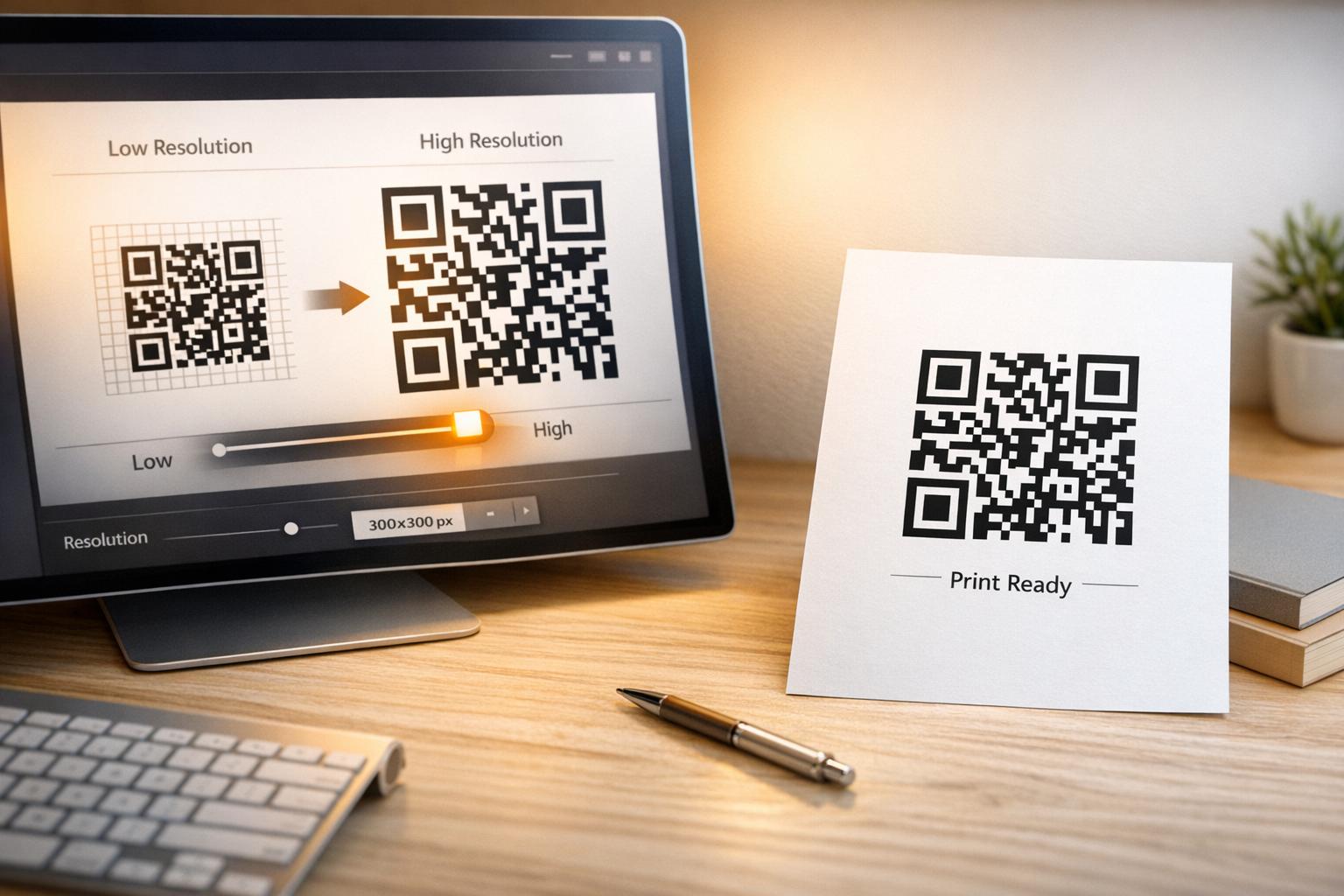
When creating QR codes, the output settings play a huge role in their effectiveness. A low-quality image might look fine on your screen but fail to scan on someone else’s device. For print, the stakes are even higher—too low a DPI, and your code could be a pixelated mess. With the right tool, you can dial in the exact dimensions or density needed for crisp, reliable results. Plus, options like PNG for web use or SVG for scalable designs give you flexibility. Next time you’re crafting a code for a project, take a moment to tweak its settings. Your audience will thank you for a seamless scanning experience!
Pertanyaan Umum
Why does QR code resolution matter?
Resolution determines how clear and scannable your QR code is, especially when printed or displayed on different screens. If it’s too low, scanners might not read it, which can frustrate users. Our tool lets you tweak the settings and warns you if the resolution might cause issues, so you’re always safe.
Can I use this tool for high-quality print QR codes?
Absolutely! You can set a specific DPI (dots per inch) to match print requirements, whether it’s for flyers, posters, or packaging. Just input your desired dimensions or DPI, and we’ll generate a QR code that looks sharp and scans perfectly. Preview it first to be sure it meets your needs.
What if my QR code isn’t scannable after resizing?
No worries—we’ve got you covered. If the resolution you choose is too low for reliable scanning, our tool will flag it with a warning before you download. You can bump up the resolution or adjust the format and regenerate the code until it’s just right.