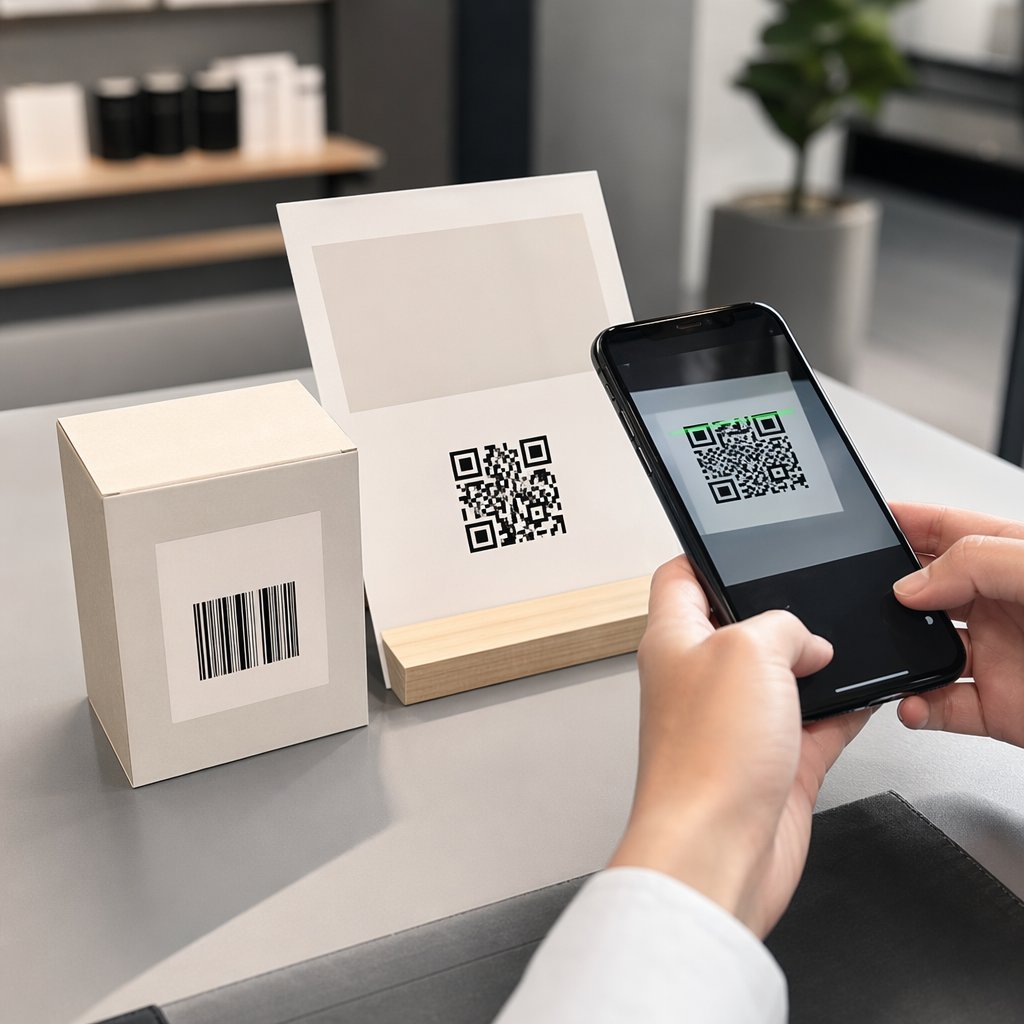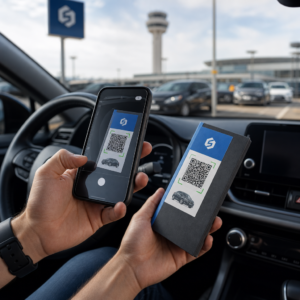
Are you concerned about fraudulent certificates, badges, or altered records circulating within your organization? Forged documents undermine institutional credibility and expose businesses to severe financial and compliance risks. Implementing QR code verification gives you an instant, secure method to validate physical credentials against trusted digital records.
The Challenge of Physical Document Tampering
Organizations across education, healthcare, and enterprise sectors handle critical paper and digital assets daily. When physical security relies solely on embossed seals, watermarks, or specialty paper, sophisticated counterfeiters can often replicate those features. Common threats include counterfeiting, where unauthorized parties fabricate entire credentials, and unauthorized alteration, where bad actors modify legitimate dates, names, or grades.
To combat forgery, institutions are pairing physical documents with digital verification layers. By linking physical media to an authoritative digital ledger or database, verifiers no longer have to rely on visual inspection alone. When organizations implement creating a QR code for a document, they bridge the physical print with a verifiable digital trail that exposes unauthorized edits.
Ako funguje proces overovania QR kódom
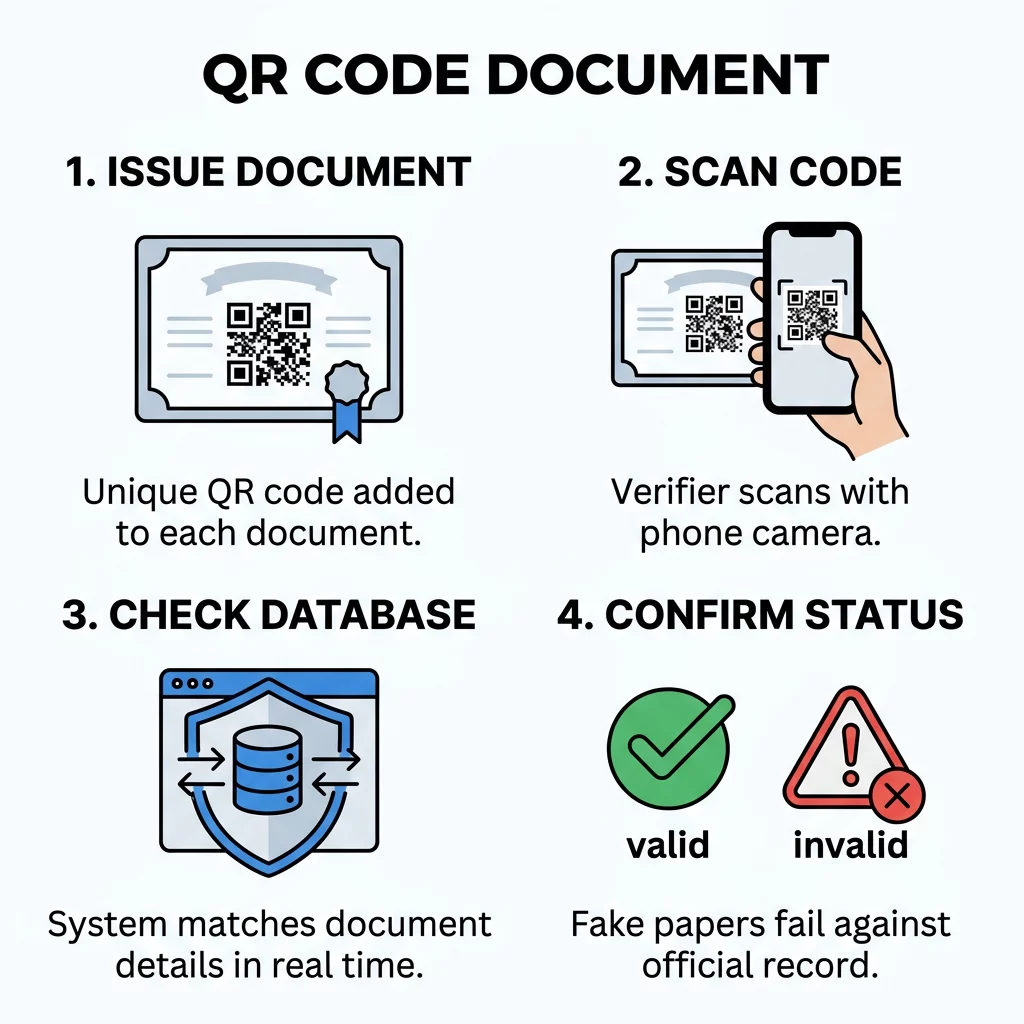
Using a QR code for verification establishes a direct connection between physical paper and an authenticated database. Think of the QR code as a digital seal that links an individual credential to its authoritative source.
- Generating the unique record: The issuing organization creates a credential and embeds either a unique identifier, an encrypted web link, or a cryptographic signature directly into the code structure.
- Printing on the physical asset: The issuer prints the symbol directly onto the certificate, badge, or report during final production, ensuring it aligns with strict formatting standards.
- Scanning the code: An inspector or employer uses an online skener QR kódov or standard smartphone camera to decode the symbol in seconds.
- Cross-referencing data: The scanning software queries the issuing system or validates the cryptographic signature against the issuer’s public key, confirming whether the printed details match the registered record.
For organizations that distribute digital certifications, reports, or policy manuals, a PDF QR kód generátor allows administrators to deliver direct, verifiable digital files alongside printed documents. When converting a file to QR code, issuers ensure that field inspectors always access the authoritative, unaltered version of the original file.
Comparing Static and Dynamic QR Codes for Security
Selecting the right code architecture determines how effectively your organization can maintain document security over time. Static and dynamic codes handle data in fundamentally different ways.
Static QR codes encode fixed information directly into the black-and-white module pattern. Once printed, the destination URL or plain-text payload cannot be edited. Static codes work well for permanent cryptographic payloads where an offline scanner validates a signature using a public key. However, static codes cannot be updated, tracked, or deactivated if a document is revoked or stolen.
Dynamic QR codes encode a short redirect link that routes the scanner to the target verification system. Because the underlying destination is managed on a central server, dynamic codes offer several operational advantages for document security:
- Modifying verification status: Issuers can update records from “active” to “expired” or “revoked” without recalling physical documents.
- Restricting unauthorized access: Administrators can add password protection or multi-factor authentication to sensitive verification portals.
- Monitoring scan activity: Security teams can review scan volume, scan dates, and general geographic locations to spot anomalies or suspicious verification spikes.
- Correcting routing destinations: Organizations that migrate backend servers can update the target URL without reprinting physical badges or diplomas.
Protect Your Credentials with Dynamic Verification Need to authenticate badges, permits, or certificates with trackable security? Use the Dynamický QR kód generátor to build editable, password-protected codes that keep you in control of your documents.
Best Practices for Printing and Scannability
A verification code must scan reliably under varied lighting and physical handling conditions. Applying proven print and design standards ensures that document inspectors do not encounter scan failures.
- Sizing the code properly: Make the QR code at least 0.8 x 0.8 inches (2 x 2 cm) on standard paper documents. Larger symbols give smartphone cameras more visual detail to resolve quickly.
- Maintaining the quiet zone: Preserve a clear border around the entire code equal to at least four module widths. Leaving this margin free of text, borders, or graphics prevents scanner misreads.
- Maximizing contrast: Ensure strong contrast between the modules and the background. A contrast ratio of at least 30% is mandatory, while roughly 50% or higher delivers superior reliability. Dark modules on a white background provide optimal scannability.
- Configuring error correction: Generate codes with higher error correction levels, such as Level Q (25%) or Level H (30%). This technical capability allows the code to decode accurately even if the paper gets smudged, creased, or stained.
- Avoiding physical obstructions: Position the code away from folds, seams, lamination edges, or cut lines that might distort the module grid.
- Testing production materials: Print test samples on final document stocks – including textured parchment or glossy laminates – to confirm that lighting reflections do not prevent scanning.
Safeguarding Data and Managing Threat Vectors
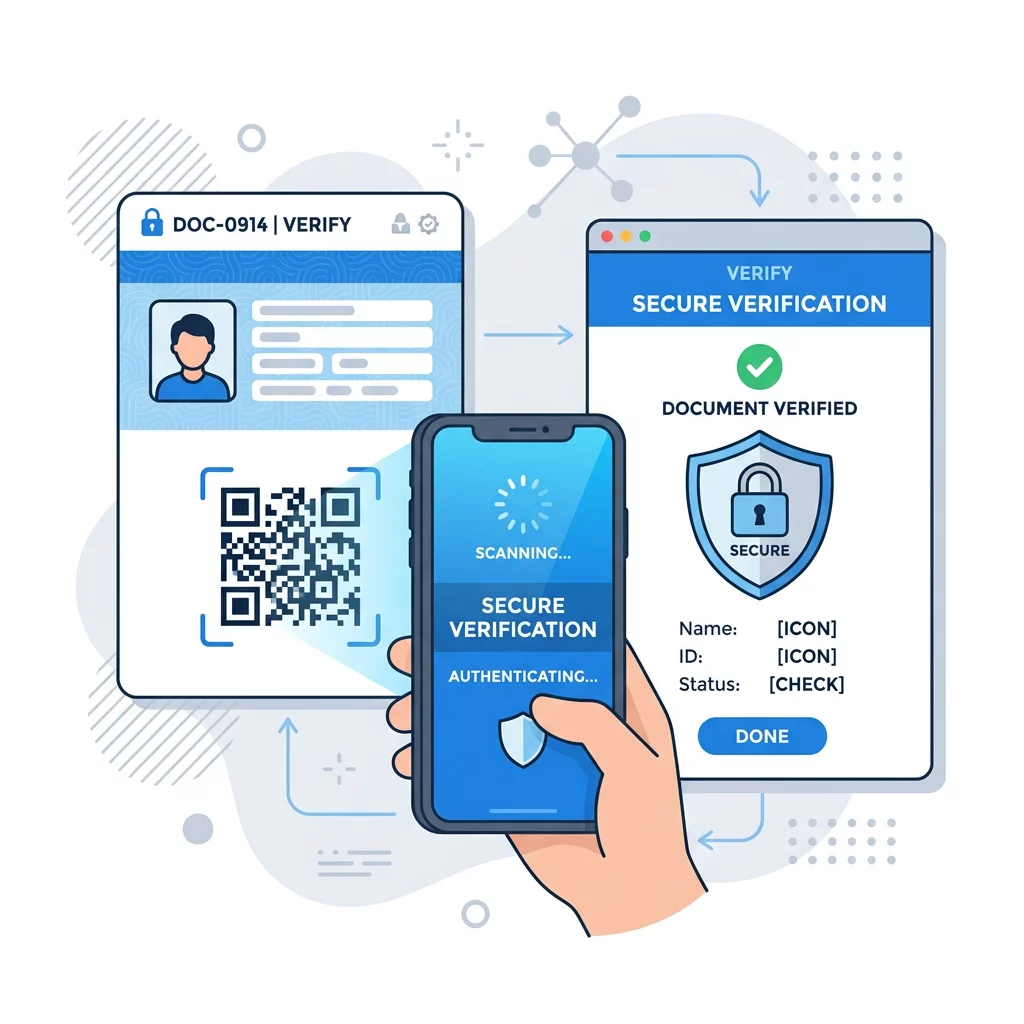
Deploying verification codes introduces operational security considerations that organizations must manage. Adopting osvedčených postupov pre bezpečnosť QR kódov protects both your organization and the document holder.
Pochopenie ako šifrovanie zabezpečuje dáta QR kódu is essential when credentials contain personal information. Encoding sensitive records in plain text invites eavesdropping and data scraping. By applying encryption standards like AES-256 or asymmetric digital signatures, issuers ensure that only authorized verification systems can decrypt and interpret the underlying data.
Organizations must also account for Overenie identity pomocou QR kódu v kybernetickej bezpečnosti boundaries. A QR code verifies that a document or credential is genuine; it does not inherently prove that the person holding the document is its rightful owner. For high-security environments, pair document verification with separate identity authentication, such as photo ID matching, biometric checks, or single sign-on portals.
Finally, managing riziká ochrany súkromia QR kódov means collecting only necessary metadata during the verification step. Avoid recording personal identifiers during public scans, and ensure all landing portals run exclusively on HTTPS connections with secure key management.
Building Trust Through Custom Design and Verification Portals
Visual authenticity plays a key role in helping inspectors identify genuine documents. When users scan a code, the visual experience should reassure them that they have reached an authentic verification environment.
- Branded visual presentation: Incorporate your organization’s official logo, brand colors, and clear framing into the QR code design to distinguish it from generic codes.
- Explicit scanning instructions: Add clear action labels alongside the symbol, such as “Scan to Verify Authenticity,” to guide inspectors on what to expect.
- Official verification domains: Direct scans to custom domains that match your institution’s official web address, helping users immediately identify legitimate portals.
- Tamper-evident repository links: If your organization manages shared credential folders through services like a Google Drive QR kód generátor, confirm that viewing permissions are strictly set to read-only so unauthorized users cannot swap genuine files for unverified copies.
Strengthening Your Credential Verification Workflow
Verifying documents with QR codes bridges the gap between physical credentials and modern cybersecurity standards. By pairing dynamic code management with robust encryption and professional print standards, your organization can eliminate manual validation delays and protect high-value records against tampering.
Evaluate your current credential formats, establish an authoritative digital registry, and deploy trackable codes to ensure every certificate, permit, and badge remains completely verifiable in the field.
Často kladené otázky
A photocopy cannot fake the digital verification response. When a verifier scans the code, it directs them to an official database record or validates a cryptographic signature. If the details on the paper copy differ from the official online record, the tampering is immediately exposed.
Any high-value credential vulnerable to tampering benefits from QR verification. Common use cases include academic diplomas, professional training certifications, government permits, building access badges, and medical or laboratory reports.
No specialized hardware is required. Standard smartphone cameras can read the codes directly, and organizations can also deploy a web-based online QR code scanner to streamline internal checks without installing third-party apps.