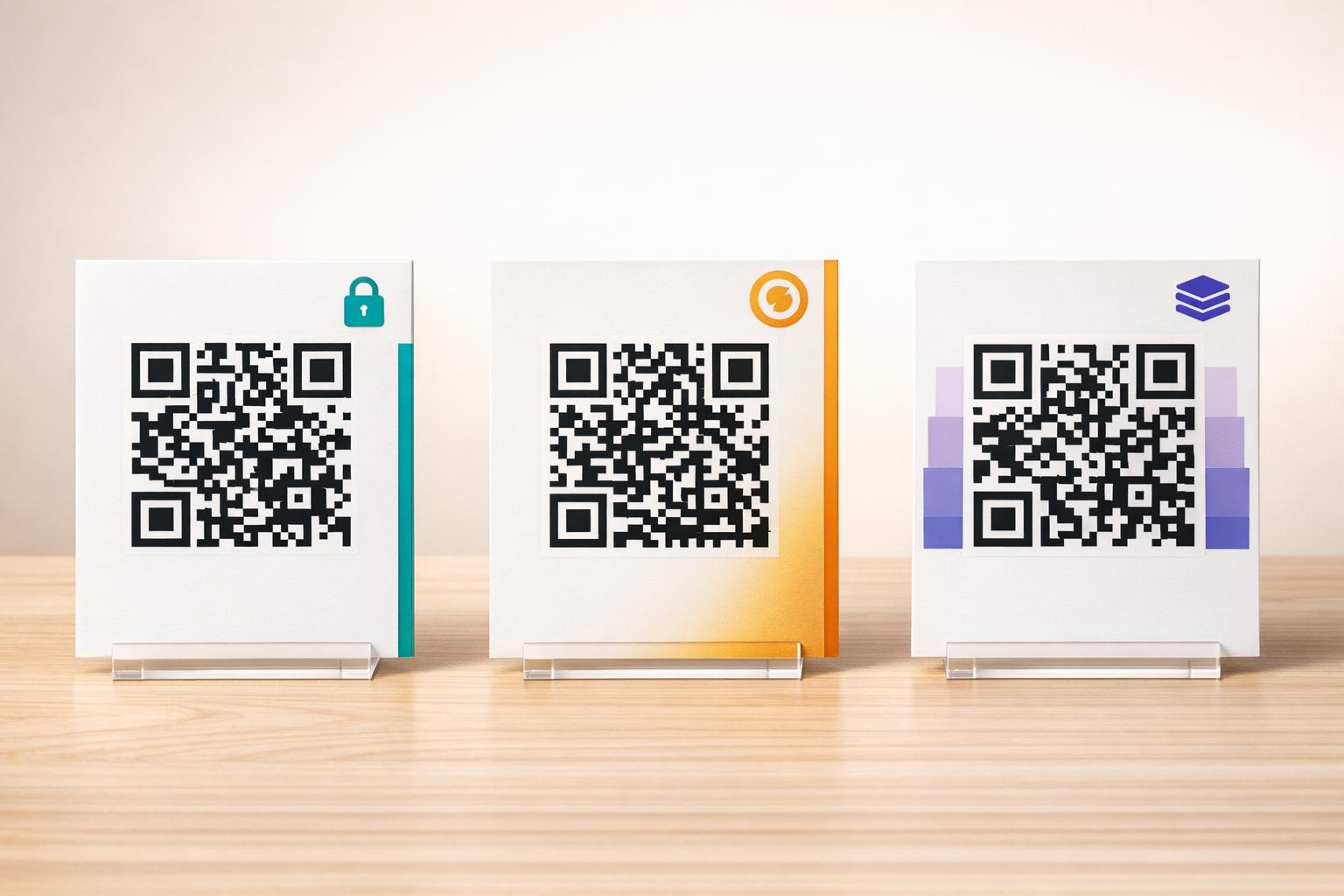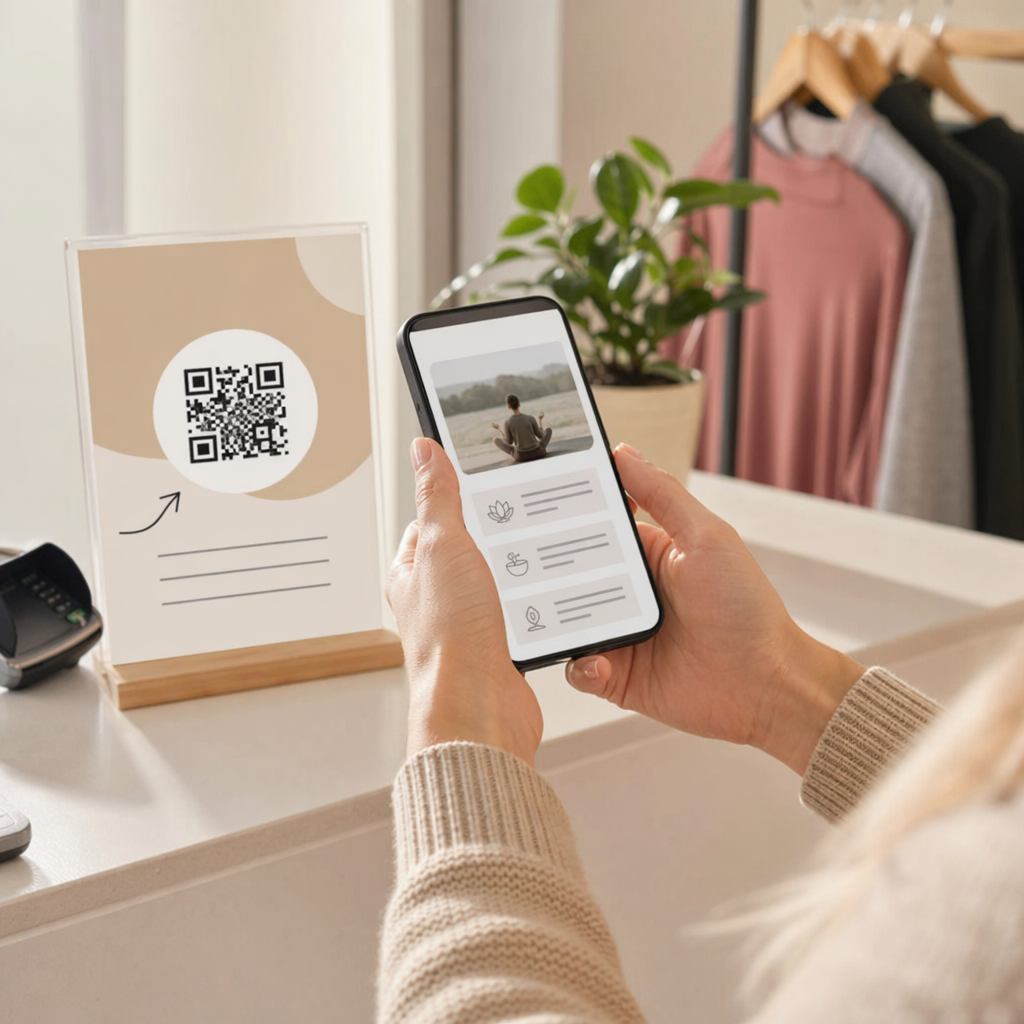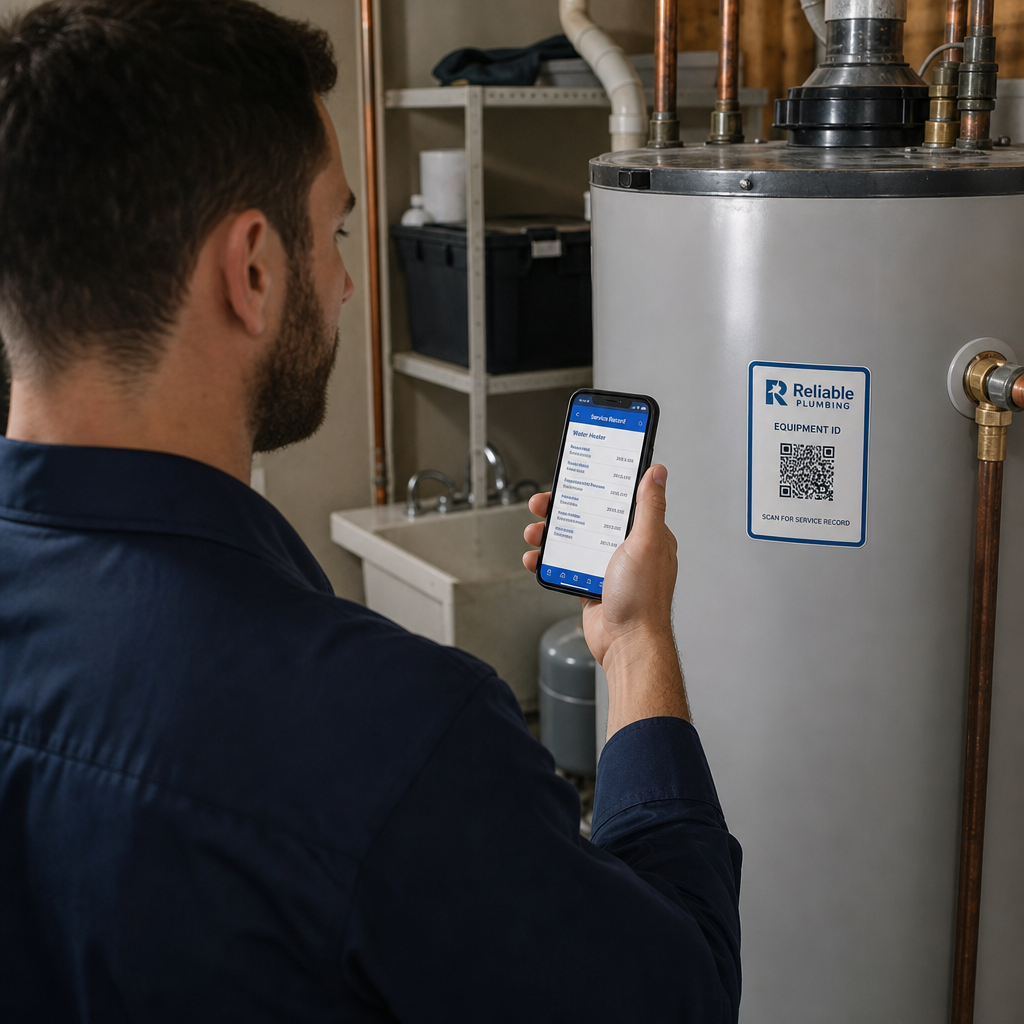
Need to create a QR code but not sure where to start? Most tools are either too complex or too limited to be useful for real business needs. This guide walks you through everything – from choosing the right QR type to customizing, downloading, and tracking your code with Pageloot’s QR code generator.
What Is a QR Code and How Does It Work?
QR stands for Kiire vastus. A QR code is a pixelated square that stores encoded information – typically a URL, but also text, contact details, Wi-Fi credentials, and more. When a smartphone camera points at it, the code is decoded instantly and the content is delivered to the user.
QR codes work similarly to barcodes, but they store significantly more data and can be read from any angle. Each code consists of dark modules on a light background, and the pattern itself determines what information is retrieved on scan.
Adoption is accelerating: more than 90% of marketers reported using QR codes in 2025, and over two-thirds of consumers said they had scanned one in the past year. For businesses, that means a QR code placed on packaging, signage, a menu, or a business card is almost certain to reach an audience that knows how to use it.
QR-koodi õige tüübi valimine
Before generating a code, you need to decide what it should do. Pageloot supports 25+ QR-koodi tüüpi covering the most common business use cases:
- URL / Link – direct users to any webpage, landing page, or online store via the lingi QR-koodi generaator
- Tekst – display a plain-text message on scan using the text QR code generator
- Wi-Fi – let guests connect to your network without sharing a password, using the Wi-Fi QR-koodi generaatorit
- vCard / Contact info – share your contact details instantly so they save directly to a phone, via the vCard QR-koodi generaator
- E-post – open a prefilled email ready to send, with the meili QR-koodi generaator
- PDF, image, forms, menus, social media, and more – see the full range of QR-koodi lahendusi
Picking the right type upfront saves you from having to reprint materials later.
Staatilised vs. dünaamilised QR-koodid: millist peaksite kasutama?
This is the most important decision you’ll make when creating a QR code.
| Funktsioon | Staatiline QR-kood | Dünaamiline QR-kood |
|---|---|---|
| Edit content after printing | Ei | Jah |
| Scan tracking & analytics | Ei | Jah |
| Google Analytics / UTM support | Ei | Jah |
| Visual complexity | Higher (more data = denser) | Lower (cleaner pattern) |
| Kulud | Tasuta | Vajalik tellimus |
Staatilised QR-koodid encode information directly into the pattern. Once printed, the content cannot be changed. They work well for permanent information – a Wi-Fi password that never changes, a fixed product page, or a contact card.
Dünaamilised QR-koodid store a short redirect URL in the pattern and let you control where it points. You can update the destination anytime, even after the code has already been printed and distributed. They also collect anonymized scan data including scan count, time, device type, operating system, and geographic location.
For most marketing and business uses, dynamic QR codes are the better choice. If you print flyers, packaging, or signage in bulk, being able to update the linked content – without reprinting – is a significant practical and cost advantage. You can explore the full breakdown in the static vs. dynamic QR codes comparison.
Create Dynamic QR Codes That Work After Printing Need to update your QR code destination without reprinting? Use the Pageloot QR-koodi generaator to create dynamic codes you can edit and track anytime.
How to Make a QR Code: Step by Step
Creating a QR code with Pageloot takes less than a minute. Here’s the process:
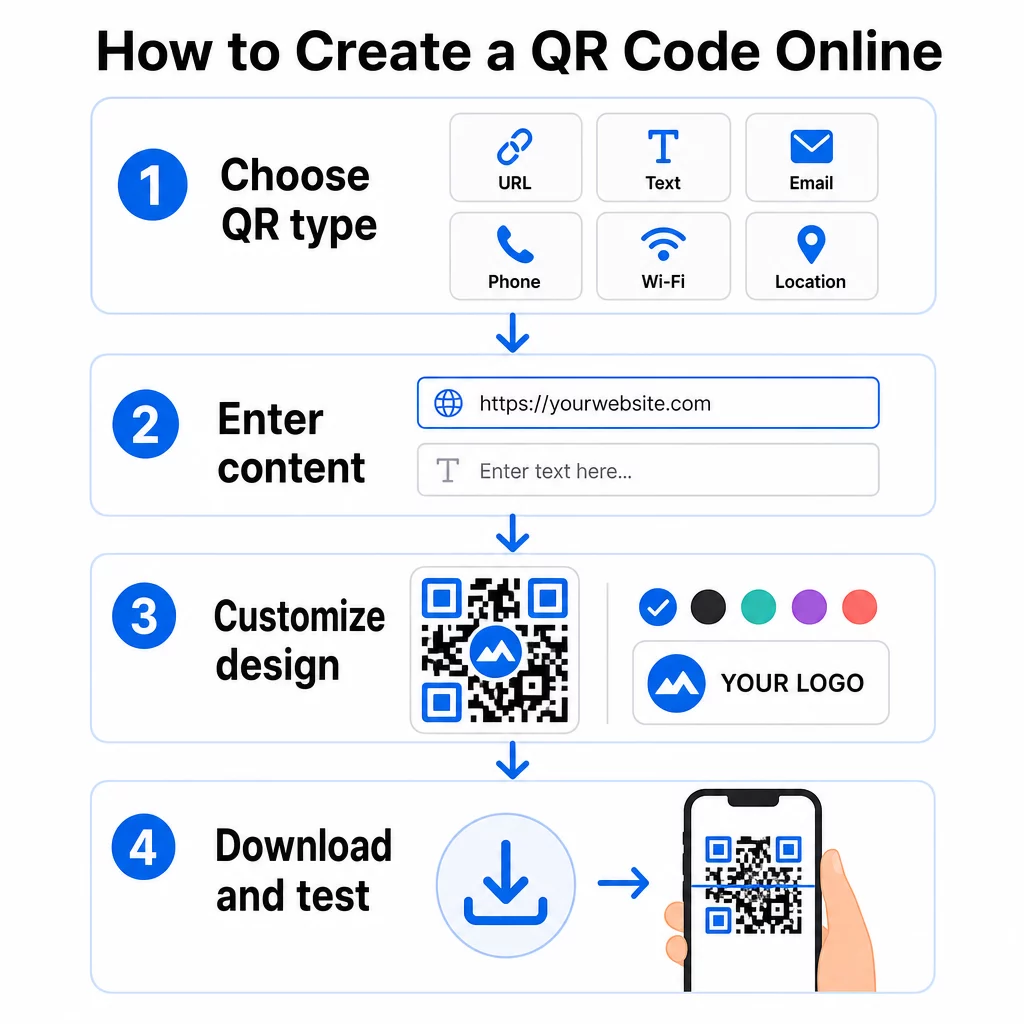
- Choose your QR type – select from URL, text, Wi-Fi, vCard, email, PDF, and more
- Enter your content – type in your URL, upload a file, or fill in the relevant fields
- Disaini kohandamine – add a logo, choose brand colors, change the dot shape, or add a call-to-action frame
- Lae alla oma QR-kood – save as PNG, SVG, PDF, or EPS for print-ready use
- Test it before publishing – scan with your phone to confirm it works correctly
- Deploy and track – place it on your materials and monitor performance through the dashboard
For a more detailed walkthrough of design choices and print best practices, see the guide on how to create a QR code.
Customizing Your QR Code
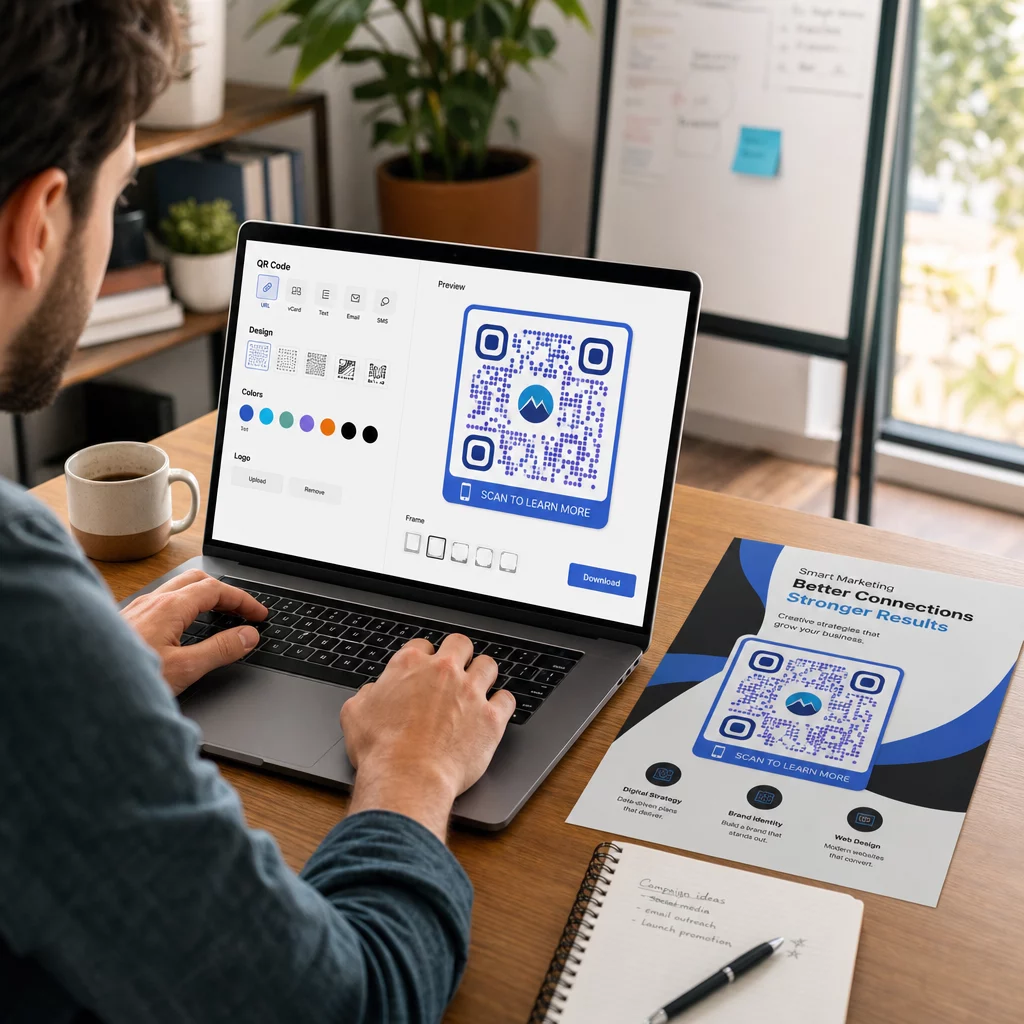
A plain black-and-white QR code works, but a branded one performs better. Customization increases scan rates by making the code more recognizable and trustworthy. Pageloot’s logoga QR-koodi generaatorit lets you adjust:
- Logo – upload your brand logo to the center of the code; QR codes have built-in error correction so they remain scannable even with a logo overlaid
- Colors – change the foreground color, apply a gradient, or set a custom background; always keep enough contrast (the background should be at least 40% lighter than the code itself)
- Dot shape – round, square, or custom shapes for the code modules
- Call-to-action frame – add a text border around the code with a prompt like “Scan to see the menu” or “Scan for discount”
For a full guide on branding your code, see kuidas luua kohandatud QR-koodi.
Inverted and White QR Codes
Modern smartphones can scan light-colored QR codes on dark backgrounds. If your design calls for an inverted code, make sure the background is dark enough – at least 40% darker than the code pattern itself. Low contrast is the most common reason a custom QR code fails to scan.
Sizing and Placement Guidelines
QR code size affects whether the code can be scanned reliably. The general rule is a 10:1 kauguse ja suuruse suhe: a code being scanned from 20 inches away should be at least 2 inches wide. For close-range materials like business cards, a minimum of 0.8 × 0.8 inches (2 × 2 cm) is recommended.
Common placement contexts:
- Business cards and badges – link to a vCard or portfolio page; learn more about QR codes for contact info
- Menus and table cards – link to a digital menu or ordering page
- Toote pakend – direct customers to instructions, warranty registration, or promotional offers
- Posters, banners, and signage – use larger codes scaled to the viewing distance
- Email signatures and digital materials – static codes work well here since the content is unlikely to change
Tracking QR Code Performance
One of the clearest advantages of dynamic QR codes is the ability to track every scan. Pageloot’s built-in dashboard gives you visibility into:
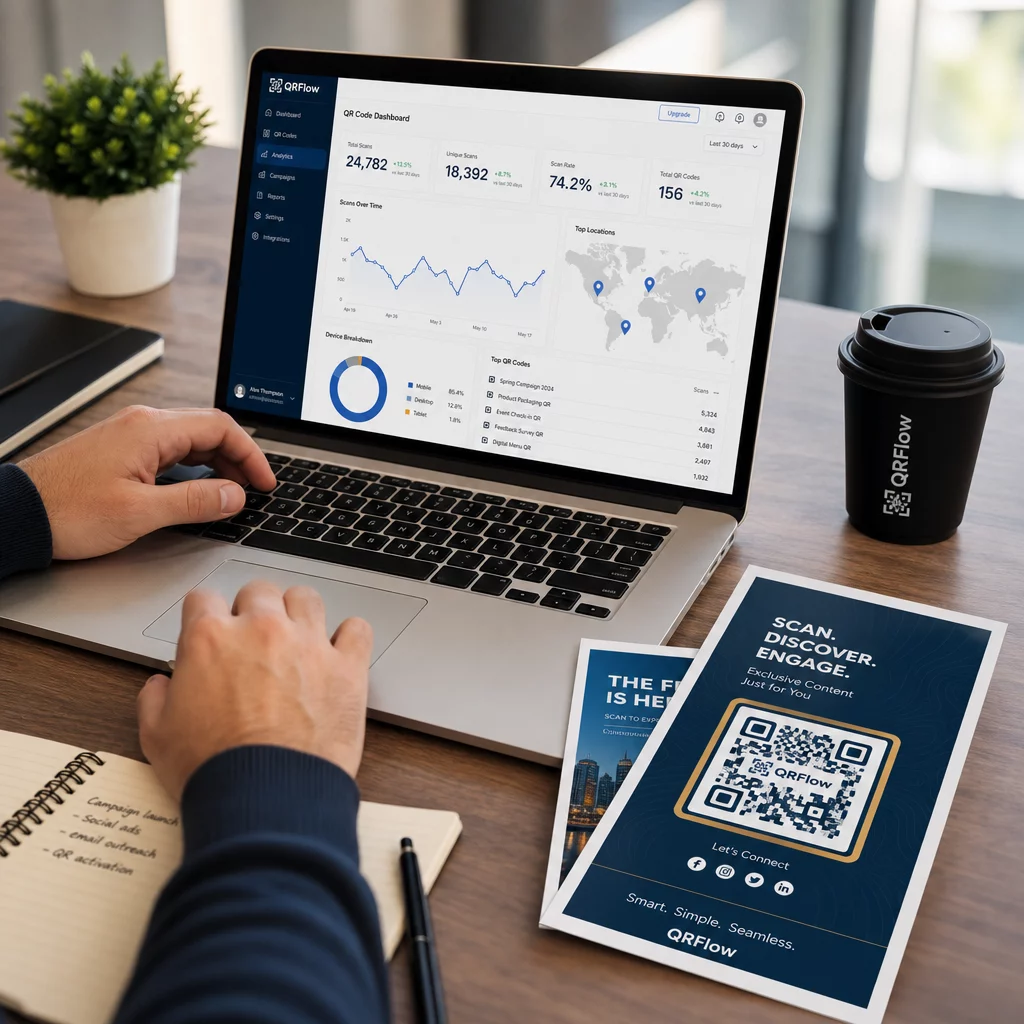
- Total scan count over time
- Geographic location of scans
- Device type and operating system
- Time and date of each scan
You can also connect your QR code to Google Analytics 4 using UTM parameters, or use a Facebooki piksel for retargeting. All three tracking methods can run simultaneously if needed.
This data helps you measure which placements drive the most engagement, compare campaigns, and make informed decisions about where to invest in printed materials. For a full breakdown of tracking options, see how to track QR code scans and analytics.
See Exactly Where and When Your Codes Are Scanned Connect your QR codes to a full analytics dashboard. Use the Pageloot QR-koodi generaator to create trackable dynamic codes and start measuring real campaign performance.
Downloading Your QR Code
Once your code is ready, download it in the format that matches your use case:
- PNG – ideal for digital use and web; also available as a transparent PNG QR code for placing on complex backgrounds
- SVG / EPS / PDF – vector formats that scale to any size without quality loss, recommended for print materials
Always test the downloaded file by scanning it before sending it to a printer or publishing it online.
QR Code Costs: What’s Free and What Requires a Plan?
Pageloot lets you create static QR codes for free with no account required. Free static codes include basic customization and PNG download.
Dynamic QR codes – with editable content, scan analytics, and advanced customization – are available on a paid plan. A free 14-day trial gives full access to all features with no credit card required. This is the practical way to test dynamic codes before committing to a plan.
Do QR Codes Expire?
QR codes themselves do not expire. The pattern is permanent. What can break is the destination – if a linked URL goes offline or a subscription lapses on a dynamic code platform, the code will stop working as expected.
To avoid broken codes in the field, use dynamic QR codes. If a destination changes, you update the redirect rather than reprinting the code. This is especially important for packaging, signage, or any printed material with a long shelf life.
Korduma Kippuvad Küsimused
Only if you created a dynamic QR code. Dynamic codes use a short redirect URL, so you can update the destination at any time without changing the code pattern itself. Static QR codes encode the content directly into the pattern and cannot be changed after creation.
For close-range materials like business cards, the minimum recommended size is 0.8 × 0.8 inches (2 × 2 cm). For materials viewed from further away, use the 10:1 ratio: a code scanned from 10 inches away should be at least 1 inch wide. Always test the printed code before large-scale distribution.
Pageloot supports 25+ QR code types including URL links, plain text, Wi-Fi network access, vCard contact information, email, PDF files, images, digital menus, Google Forms, social media, and more. You can explore all available options on the QR code solutions page.