Are your marketing campaigns losing valuable leads the moment users scan your QR code? When a post-scan page loads slowly or fails on a smartphone, interested visitors abandon the journey before taking action. Here are the core technical and design guidelines to ensure your landing pages turn physical scans into completed conversions.
Speed Optimization for Post-Scan Traffic
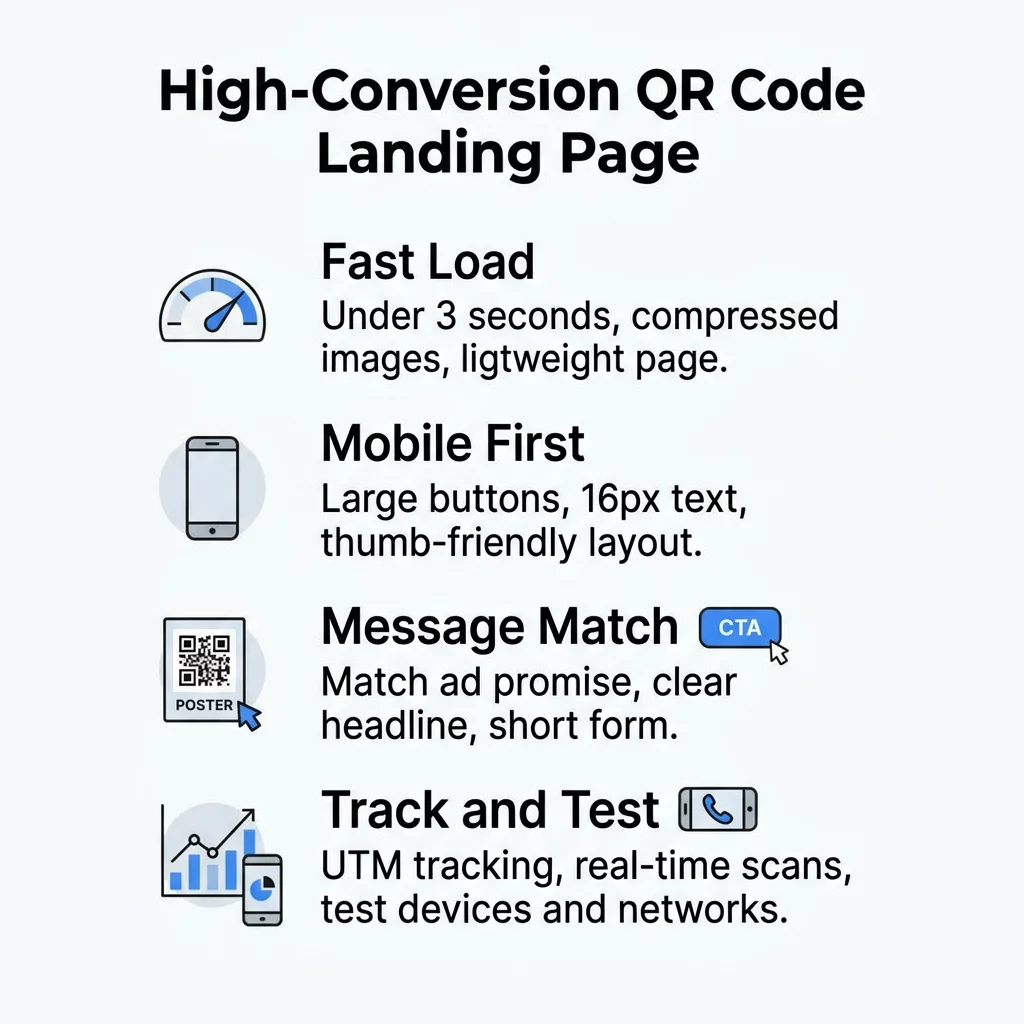
In mobile marketing, speed acts as the primary gatekeeper of user engagement. Scanners transition directly from an offline context to a digital screen, expecting immediate access to information. According to Google research, 53% of mobile visits are abandoned when a page takes longer than three seconds to load, and retail conversion rates can drop by up to 20% for each additional second of delay.
Meeting Google’s Core Web Vitals standards requires maintaining a Largest Contentful Paint (LCP) under 2.5 seconds, an Interaction to Next Paint (INP) under 200 milliseconds, and a Cumulative Layout Shift (CLS) under 0.1 at the 75th percentile of visits. Achieving these thresholds prevents bounce-offs and sets the foundation for การปรับปรุงอัตราการแปลงรหัส QR.
- Compress all images using modern WebP formats and keep overall page weight under control.
- Minify CSS stylesheets and JavaScript files to minimize server round trips and render-blocking scripts.
- Deploy a reliable content delivery network to serve assets from locations closest to your mobile visitors.
- Set explicit image width and height attributes to avoid disruptive cumulative layout shifts during loading.
Responsive Layout and Touch Accessibility
Every QR code scan originates from a mobile device, which means your destination page cannot treat mobile responsiveness as an afterthought. Google recommends responsive web design because serving the same HTML across devices provides a consistent experience across diverse screen dimensions. Visitors typically interact with their smartphones using one hand, making thumb accessibility essential.
Adhering to Web Content Accessibility Guidelines (WCAG) 2.2 Level AA ensures that your content remains legible and accessible in real-world lighting. Content must reflow cleanly without requiring horizontal two-dimensional scrolling down to a width of 320 CSS pixels. While WCAG requires pointer touch targets of at least 24 by 24 CSS pixels, mobile best practices recommend tap targets of at least 48 pixels for buttons and form fields to eliminate missed taps.
- Maintain high color contrast ratios of at least 4.5:1 for standard text and 3:1 for larger headings.
- Design buttons and clickable controls with at least 48 pixels of target height to prevent tapping errors.
- Support responsive reflow so content displays cleanly down to 320 CSS pixels without side-scrolling.
- Avoid intrusive full-screen interstitials and dialogs that block access to your primary content.
Clear Messaging and Low-Friction Conversion Paths
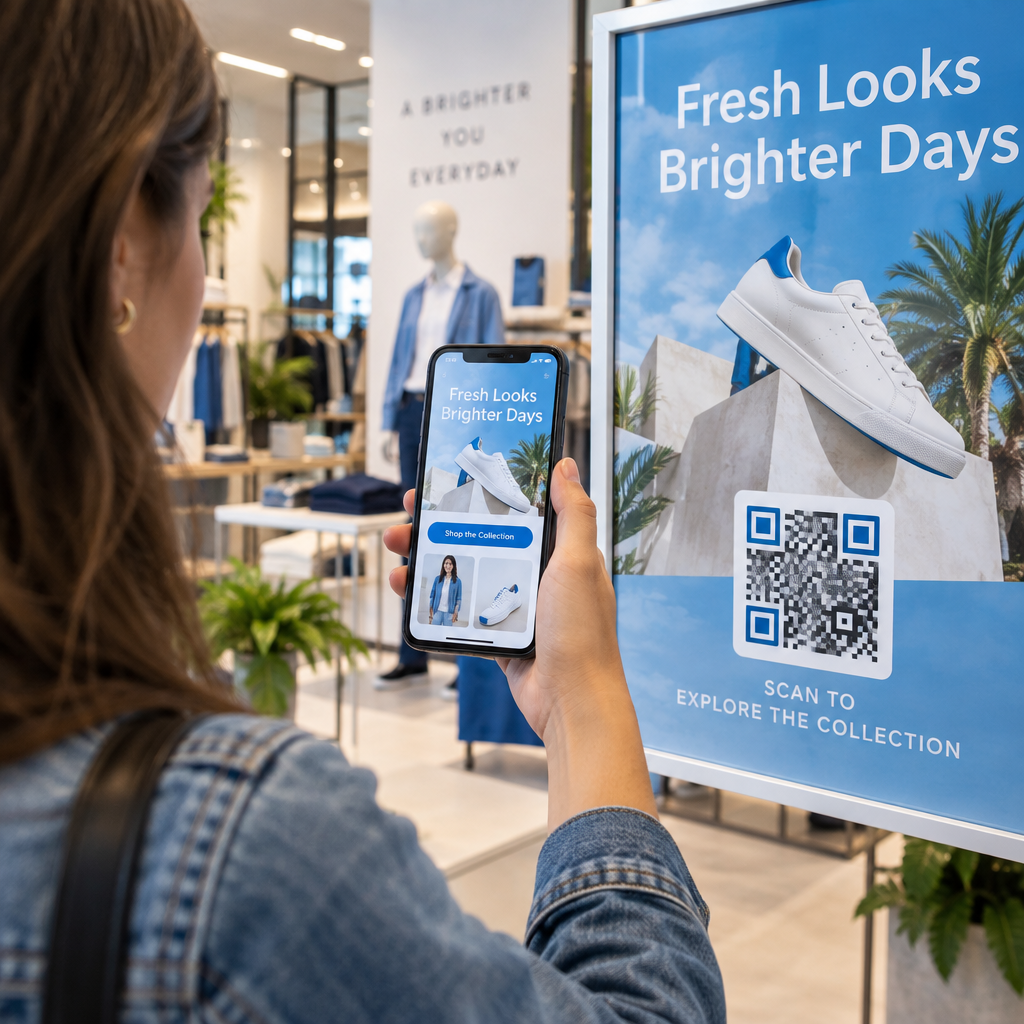
High bounce rates often stem from a disconnect between physical signage and the destination page. If your printed poster promises a seasonal promotion, the landing page must immediately feature that specific offer above the fold. Directing users to a generic homepage forces them to search for what was promised, creating immediate friction.
Form design requires similar simplicity. Long registration forms on small touchscreens cause severe drop-off rates. Web design standards recommend displaying only the fields necessary to complete the task, utilizing explicit `
- Align your landing page headline directly with the promotional text on your physical marketing asset.
- Place your primary call-to-action button prominently above the fold so the next step is unmistakable.
- Limit input fields to bare essentials and enable autocomplete tags to support native browser autofill.
- Configure form positioning to prevent mobile keyboards from obscuring submit buttons and confirmation messages.
Create Mobile Landing Pages Without Coding Looking for an effortless way to publish responsive mobile experiences for your scan campaigns? Explore Pageloot’s landing page generator to launch branded, high-performing destinations in minutes.
Tracking and Iterating with Campaign Analytics
Optimizing mobile campaign performance requires clear visibility into user behavior after the initial scan. By appending UTM parameters to your landing page URLs, Google Analytics automatically categorizes offline traffic within your acquisition reports. Using standardized values for `utmsource`, `utmmedium`, and `utm_campaign` lets you compare which physical locations deliver the highest-converting visitors.
Connecting your marketing materials to a สร้าง Dynamic QR Code gives you the power to update destination links or modify UTM tags even after materials have been printed and distributed. Dynamic codes direct scanners through a manageable redirect link, pairing seamlessly with วิเคราะห์ QR Code to track scan dates, devices, and geographic locations in real time.
- Tag every landing page link using standardized พารามิเตอร์ UTM สำหรับคิวอาร์โค้ด to monitor offline campaigns inside web analytics.
- Implement structured ติดตามรหัส QR to measure scan volumes, geographical trends, and user operating systems.
- Use dynamic QR codes to update destinations, fix broken links, or redirect traffic without reprinting assets.
- Conduct controlled split tests using A/B testing QR code campaigns to identify landing page layouts that maximize completions.
Cross-Device Testing and Validation
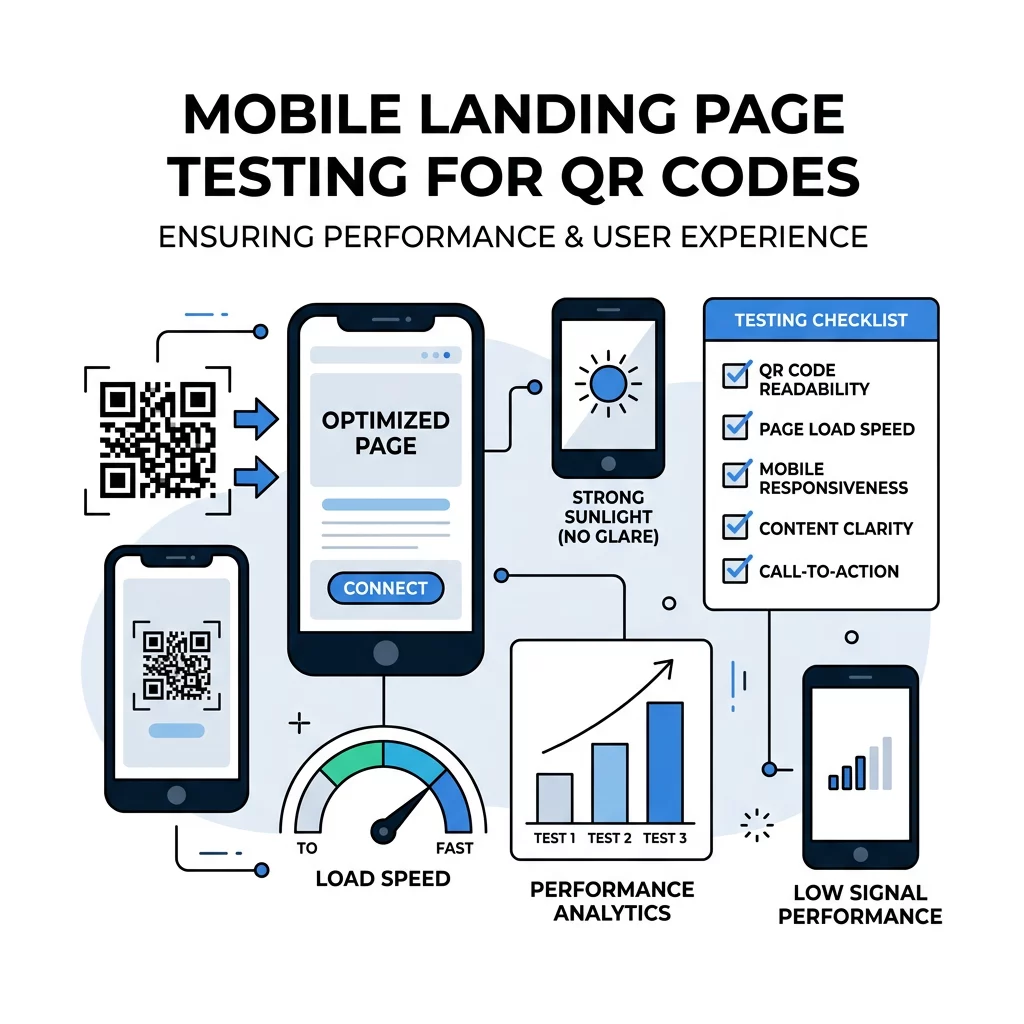
A mobile landing page that functions smoothly in an office environment on high-speed Wi-Fi can behave unpredictably in the real world. Physical marketing materials appear in subway stations, retail aisles, and outdoor spaces where cellular connections fluctuate. Rigorous testing ensures your conversion funnel remains intact under challenging environmental conditions.
Testing requires verifying both the physical code and the digital landing page. Evaluating form completion on actual touchscreens across different screen sizes, mobile operating systems, and throttled network speeds uncovers technical bottlenecks before your campaign goes live.
- Review page rendering on both Android and iOS devices across multiple viewport sizes and mobile browsers.
- Simulate throttled 3G and 4G mobile connections to verify that critical above-the-fold assets load rapidly.
- Check touchscreen input fields to ensure on-screen keyboards do not disrupt layout flow or block action buttons.
- Learn how to ทดสอบรหัส QR สำหรับการใช้งานบนมือถือ across different scan distances, viewing angles, and lighting conditions.
คำถามที่พบบ่อย
A mobile landing page should load in under three seconds. Google data shows that 53% of mobile visits are abandoned when loading exceeds three seconds, and retail conversion rates can drop by up to 20% for each additional second of delay.
Yes, provided you use dynamic QR codes. Dynamic codes route scanners through an editable redirect link, allowing you to update destination URLs, adjust campaign parameters, or change promotional content at any time without reprinting physical collateral.
Web accessibility guidelines require touch targets to be at least 24 by 24 CSS pixels, but mobile usability standards recommend buttons and tap targets of at least 48 pixels. This larger size prevents accidental clicks and accommodates one-handed thumb navigation.
Maximizing Your Post-Scan Marketing ROI
Bridging physical touchpoints with digital platforms requires an uninterrupted, mobile-optimized experience from the instant the camera focuses on your code. Prioritizing swift page load speeds, maintaining strong touch accessibility, and trimming unnecessary form fields will protect your campaign from costly scan drop-offs. Build trackable, responsive destinations with a professional เครื่องสร้างรหัส QR สำหรับลิงก์ and discover other practical marketing solutions across our full suite of QR code feature tools to turn every scan into measurable customer action.