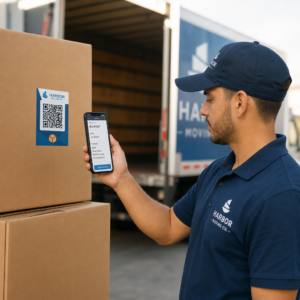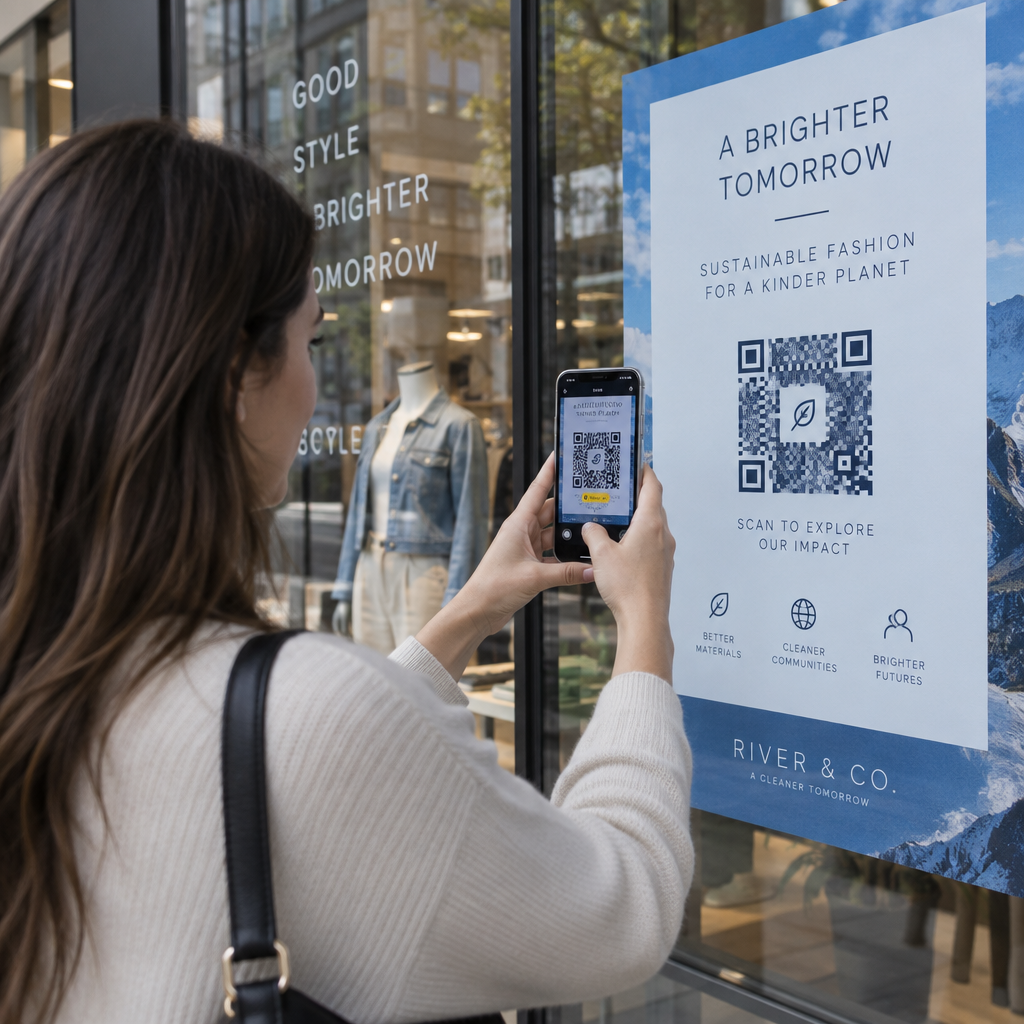
Which of your printed flyers, storefront signs, or product packages are actually bringing visitors to your digital channels? Marketing offline without location data leaves your team guessing about which physical placements generate real returns. Geolocation analytics reveal the geographic origin and timing of every scan, giving you actionable data to measure offline engagement.
How Geolocation Tracking Works
QR code location tracking operates through dynamic QR codes rather than static ones. A static code permanently embeds the destination address into the pixel pattern, sending users directly to that web page without recording scan data. A dynamic code instead encodes a short redirect link managed by a tracking server.
When a user scans the code with their smartphone camera, the device sends an HTTP request to the redirect server before loading the destination page. During that split-second exchange, the server records the server-side timestamp, user-agent string, and the device’s public IP address. By understanding the mechanics of QR-koodide jälgimine, marketers can capture location insights through two distinct technical methods:
- IP-based geolocation: The redirect server evaluates the scanner’s IP address against commercial IP-location databases. This lookup identifies the general country, region, or city without prompting the user for special permissions. Because mobile networks route data through regional cellular towers and users may connect via virtual private networks (VPNs), IP tracking provides an approximate regional estimate rather than an exact physical address.
- Browser-based geolocation: If your campaign requires pinpoint physical positioning, the landing page can call the HTML5 Geolocation API (`navigator.geolocation.getCurrentPosition()`) over a secure HTTPS connection. The mobile browser then uses available device hardware, including GPS and Wi-Fi networks, to determine the position. This method offers high precision, but it requires the visitor to explicitly tap “Allow” on a system permission prompt. Scanning the code itself never automatically grants access to device GPS coordinates.
| Geolocation Method | Geographic Precision | Permission Required | Primary Use Case |
|---|---|---|---|
| IP-Based Lookup | Country, region, or city level | None (automatic server lookup) | Regional campaign monitoring, national distribution tracking |
| Browser Geolocation API | Precise coordinates within meters | Explicit user consent prompt | Store locators, geofenced offers, hyper-local verification |
Jälgige oma kampaaniat reaalajas Kas soovite täpselt näha, kus ja millal teie kliendid teie materjale skannivad? Kasutage Dünaamilise QR-koodi generaatoriga jälgitavate koodide loomiseks ja täielikule jõudluse armatuurlauale juurdepääsuks juba täna.
Key Metrics Captured During Every Scan
Kaasaegsed QR-koodi analüüsi armatuurlaudu evaluate several data points alongside geographic location to build a complete profile of audience activity.
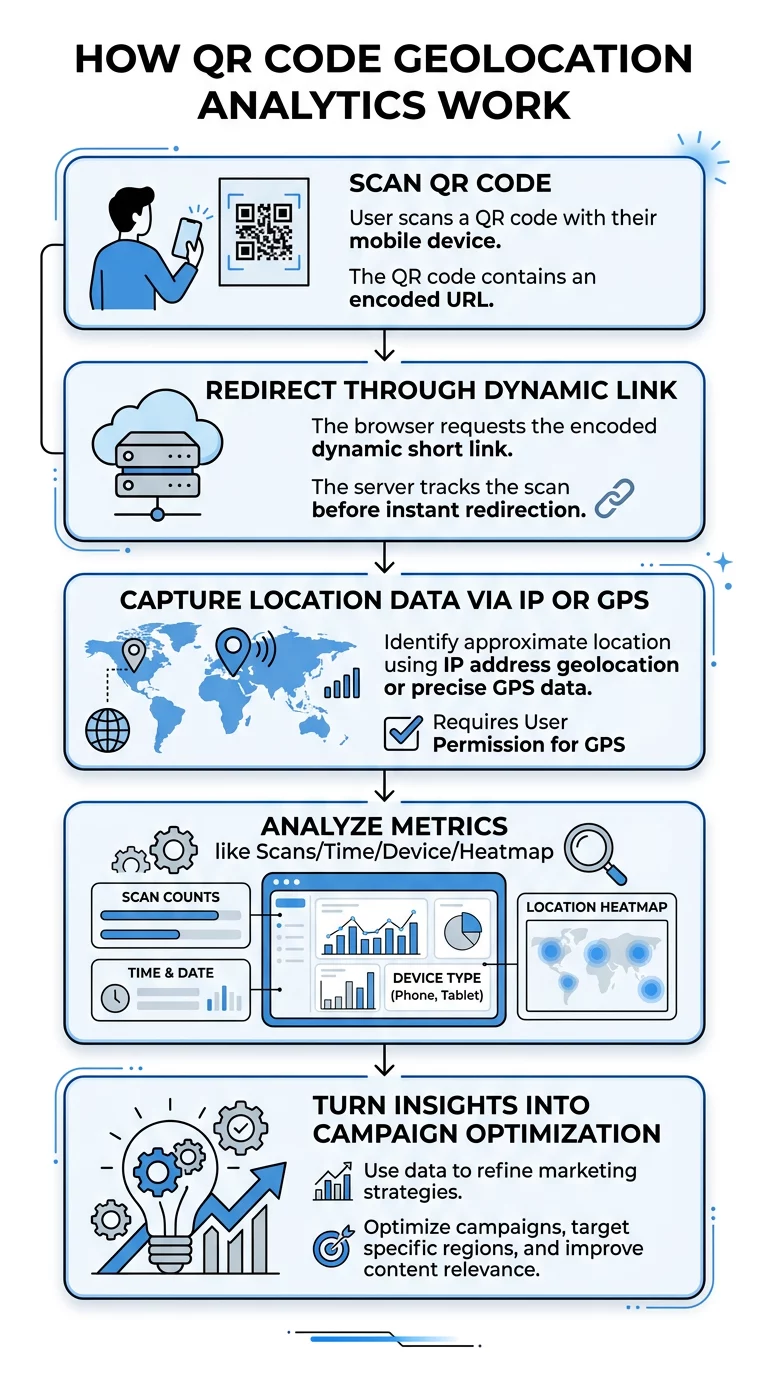
- Total scans versus unique scans: Total scans record every scan event, while unique scans calculate individual visitors based on device identifiers. A high ratio of total to unique scans indicates that existing visitors are returning to your content repeatedly.
- Scan timestamp: The server logs the exact date, hour, and minute of the request. Evaluating hourly peaks allows businesses to time digital promotions or schedule physical staffing around peak customer interest.
- Device operating system and browser: The HTTP user-agent header reveals whether the scan originated from an iOS or Android device, as well as the active browser. Teams use this information to ensure the landing page functions smoothly on the dominant mobile platforms.
- Geographic heatmaps: Analytics platforms aggregate city-level coordinates onto visual map overlays. These density maps show geographic clusters, making it simple to compare the performance of regional print runs or urban billboard placements.
Translating Scan Data into Strategic Attribution
Capturing scan events is only the first step; attributing those interactions to commercial outcomes proves campaign return on investment. By appending UTM-parameetrid QR-koodidele, you can trace visitors from offline print materials through your digital sales funnel in Google Analytics 4.
Assign specific source, medium, and campaign tags to each physical placement. For instance, set the medium to `qrcode`, while setting the source to `storefrontposter` or `directmailmarch`. When combined with tracking engagement with heatmaps, you can track both the geographic origin of the scan and how users interact with on-page buttons, forms, and product listings after arriving.
Analyze Scan Activity Across Locations Ready to identify your top-performing physical placements? Explore our QR Code Analytics tools to review geographic scans, device types, and real-time trends.
Data Privacy and Regulatory Considerations
Collecting location metrics requires adherence to digital privacy regulations such as the General Data Protection Regulation (GDPR) and the California Consumer Privacy Act (CCPA). Because IP addresses and location coordinates can constitute personal data, businesses must implement privacy-by-design principles.
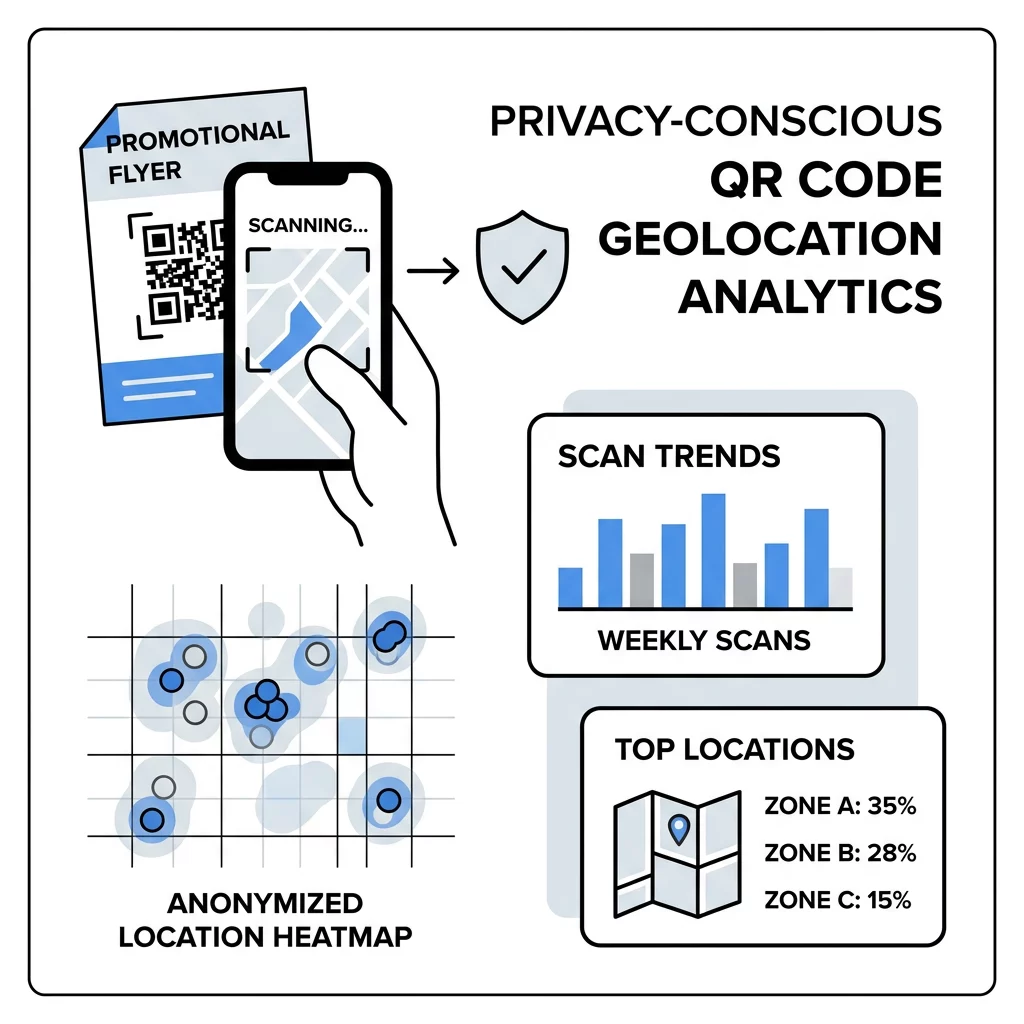
- Practice data minimization: Restrict collection to the metrics necessary for marketing evaluation. Aggregated city-level reporting delivers campaign clarity without storing personally identifiable records.
- Maintain clear disclosures: Publish accessible privacy notices that inform consumers what data is logged during a scan and how your business uses that information.
- Respect precision thresholds: Under the CCPA, precise geolocation located within a geographic area equal to or smaller than a circle with an 1,850-foot radius is treated as sensitive personal information. To learn how to structure your campaigns safely, review our guide to tagada GDPR-i vastavus QR-koodi analüütikas.
- Request explicit browser permission: Never attempt to bypass native mobile security prompts. If your campaign requires browser-level GPS coordinates, clearly communicate the consumer benefit, such as routing to the nearest store branch.
Applying Location Insights Across Marketing Channels
Geolocation analytics eliminate the divide between print media and digital reporting. Exploring advanced QR-koodi funktsioonid allows marketing teams to evaluate performance across retail packaging, conference banners, direct mail drops, and out-of-home posters.
Reviewing regional scan volumes helps marketing teams redirect advertising spend toward high-converting markets while retiring print materials in underperforming areas. Pair your physical marketing collaterals with dynamic tracking tools to transform offline print into an accountable, revenue-driving channel.
Korduma Kippuvad Küsimused
IP-based tracking typically provides country-level and city-level accuracy. It relies on global IP databases, which estimate regions based on internet service provider routing and cellular networks rather than physical street addresses.
No. Static QR codes encode a fixed destination link directly into the pattern and bypass tracking servers. To capture scan volume, timing, devices, and location metrics, you must use dynamic QR codes.
No. Scanning a code only directs the mobile browser to a destination URL. Access to precise device GPS requires the landing page to request permission via the browser API, which the user must explicitly approve.